> For the complete documentation index, see [llms.txt](https://www.opentimeclock.com/docs/llms.txt). Markdown versions of documentation pages are available by appending `.md` to page URLs; this page is available as [Markdown](https://www.opentimeclock.com/docs/blog2/december-2025/how-an-employee-schedule-generator-can-save-you-hours-every-week.md).
# How an Employee Schedule Generator Can Save You Hours Every Week
Discover how an employee schedule generator saves time, reduces errors, and simplifies staff scheduling. Learn benefits, features, and tips to streamline your workforce management.
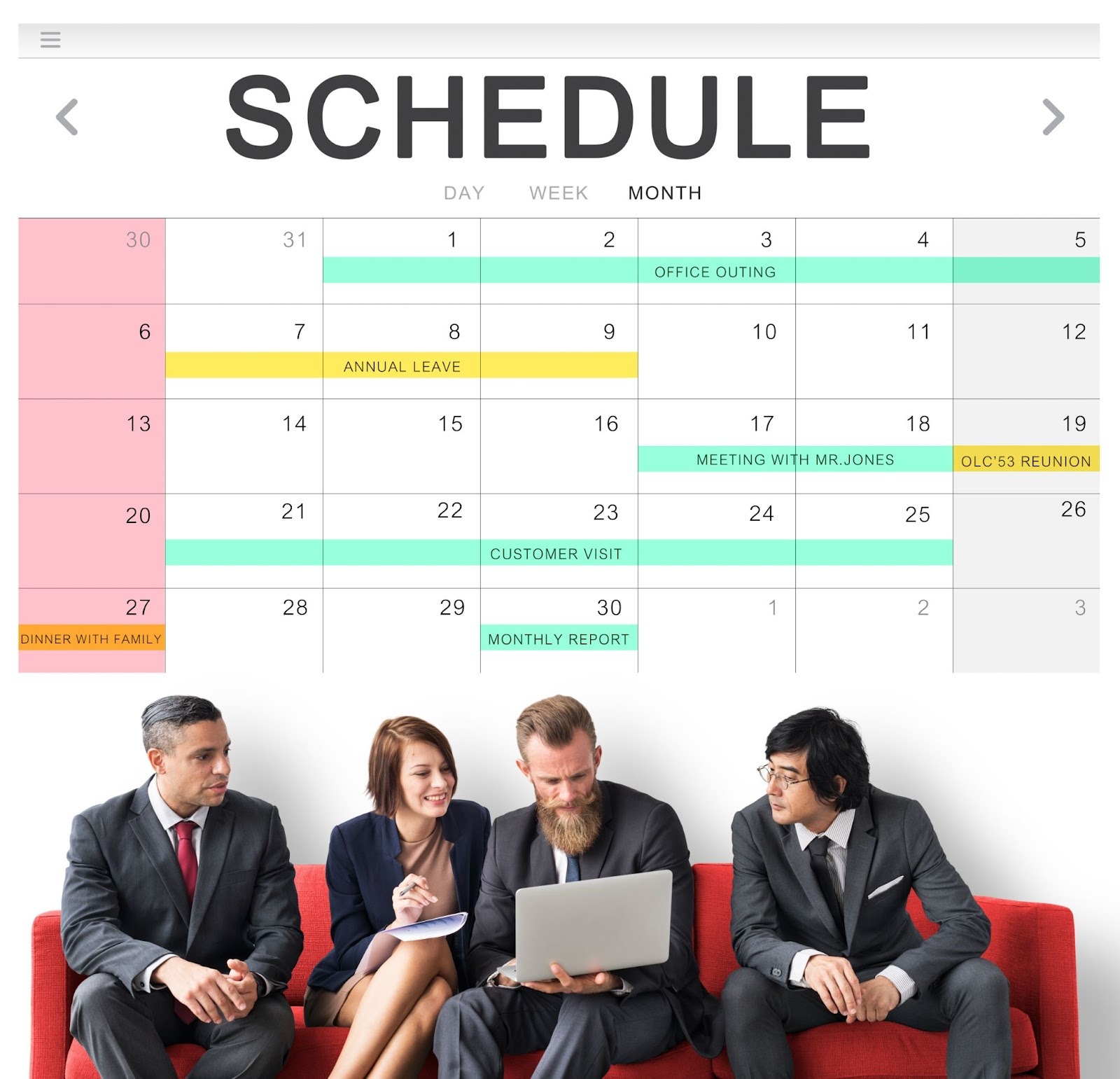
Designing of schedules of employees may be among the most time-consuming activities to the managers and the owners of the business. Scheduling can even consume hours of your week between keeping track of when the employee is available, when the employee requests to be scheduled, what shift to be placed, and who is to cover in case of last-minute changes.
This would be where an employee schedule generator will come in as a game-changer in your business. Here, we will discuss the ways that an employee schedule generator can save you a lot of time, how it is so efficient, and how it will change the way you organize your employees.
### What Is an Employee Schedule Generator?
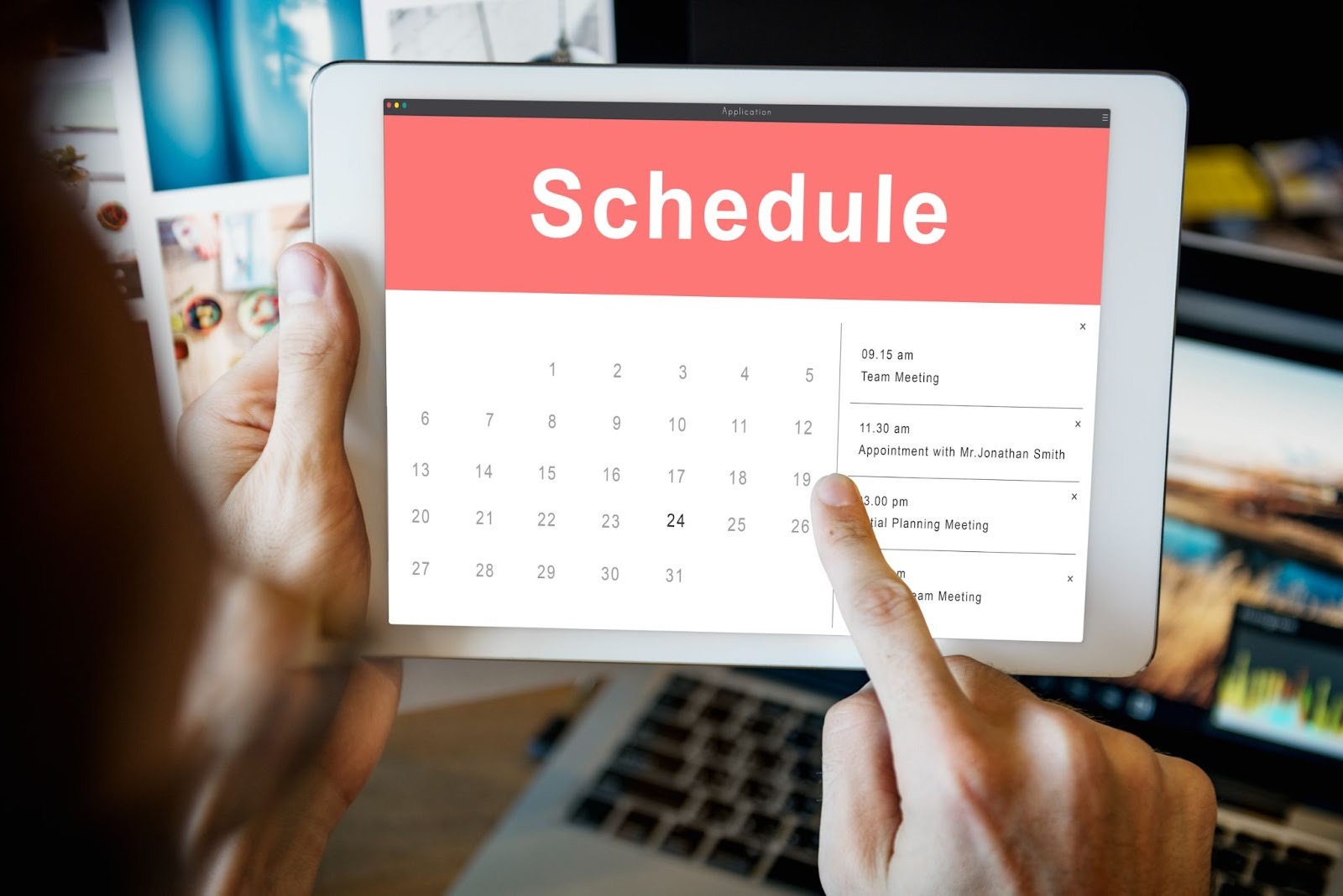
An employee schedule generator is a software tool that automatically creates work schedules for your employees. Instead of manually writing schedules on paper or spreadsheets, this tool does the work for you in minutes. It considers employee availability, shift preferences, labor laws, and your business needs to create fair and efficient schedules.
Think of it as a smart assistant that takes care of all the complex scheduling work while you focus on running your business. Modern employee schedule generators are often part of comprehensive[ time management systems](https://www.opentimeclock.com/) that help you track both schedules and actual hours worked.
### The Problem with Manual Scheduling
Before we dive into the benefits of an employee schedule generator, let's understand why manual scheduling is such a headache:
Time-Consuming Process: Creating schedules manually can take 2-5 hours per week, depending on your team size. For managers of large teams, it can take even longer.
Prone to Errors: When you're dealing with many employees, shifts, and availability requests, mistakes happen. You might accidentally schedule someone when they're unavailable or forget to cover an important shift.
Difficult to Track Changes: When employees call in sick or swap shifts, updating paper schedules or spreadsheets becomes messy and confusing. You might end up with multiple versions of the same schedule.
Hard to Ensure Fair Distribution: Manually ensuring everyone gets fair hours, preferred shifts, and time off is challenging. Some employees might feel they're getting better treatment than others.
### How an Employee Schedule Generator Saves You Time
Now let's explore the specific ways an employee schedule generator saves you hours every week:
#### 1. Automated Schedule Creation (Saves 2-4 Hours Weekly)
The biggest time-saver is automation. Instead of spending hours creating schedules, an employee schedule generator does it in minutes. You input your requirements—how many people you need per shift, which employees are available, and any special needs—and the software creates the schedule automatically.
What takes you 3-4 hours manually takes the software just 5-10 minutes. That's a massive time saving every single week.
#### 2. Instant Access to Employee Availability (Saves 1-2 Hours Weekly)
Without a schedule generator, you probably spend time calling or texting employees to check their availability. Or you collect paper forms and manually track who can work when.
An employee schedule generator lets employees enter their availability directly into the system. When you create the schedule, you can instantly see who's available. No more phone calls, no more digging through papers or emails.
#### 3. Quick Shift Swaps and Changes (Saves 30-60 Minutes Weekly)
When employees need to swap shifts or make changes, managing this manually is tedious. You need to check if the swap works, update your schedule, and notify everyone involved.
With an employee schedule generator, employees can request shift swaps through the system. You simply approve or deny the request, and the schedule updates automatically. All affected employees get notified instantly. What used to take 15-20 minutes per swap now takes 2-3 minutes.
#### 4. No More Scheduling Conflicts (Saves 1-2 Hours Weekly)
How often do you create a schedule only to discover you've double-booked someone or scheduled someone during their requested time off? Finding and fixing these conflicts manually wastes significant time.
An employee schedule generator prevents conflicts automatically. If you try to schedule someone when they're unavailable, the system alerts you immediately. You catch and fix problems during schedule creation, not after you've distributed it to everyone.
#### 5. Easy Schedule Distribution (Saves 30-45 Minutes Weekly)
Once you've created the schedule manually, you still need to distribute it. This might mean printing copies, emailing everyone, or posting it where employees can see it. When changes happen, you repeat this process.
An employee schedule generator distributes schedules automatically. As soon as you publish the schedule, all employees can see it on their phones or computers. When you make changes, everyone sees the updates in real-time. No printing, no emailing, no phone calls.
#### 6. Template Creation for Recurring Schedules (Saves 2-3 Hours Weekly)
Many businesses have similar scheduling needs week after week. Without a schedule generator, you're recreating similar schedules from scratch every time.
An employee schedule generator lets you save templates. If your Monday schedule is usually similar, save it as a template and reuse it. You can adjust as needed, but you start with 80% of the work already done. This saves enormous amounts of time for businesses with predictable scheduling patterns.
### Additional Benefits Beyond Time Savings
While saving time is the primary advantage, an employee schedule generator offers many other benefits:
#### Better Employee Satisfaction
When you use a schedule generator, employees can:
* See their schedules anytime on their phones
* Request time off through the system
* Swap shifts easily with coworkers
* Get notifications about schedule changes
* View their upcoming work weeks in advance
All of this makes employees happier and reduces the complaints and questions that managers have to handle.
#### Reduced Labor Costs
An employee schedule generator helps you optimize staffing levels. You can see exactly how many hours you're scheduling and ensure you're not overstaffing during slow periods or understaffing during busy times. This optimization can save hundreds or thousands of dollars per month in labor costs.
The software can also alert you when employees are approaching overtime, helping you avoid unnecessary overtime costs.
#### Improved Fairness
The software can track things like:
* Total hours per employee
* Weekend shifts worked
* Desirable vs. undesirable shifts
* Time-off requests granted
This data helps you ensure fair treatment across your team. Everyone can see that schedules are created fairly, reducing complaints and improving morale.
#### Better Compliance
Labor laws are complex. Employees need certain breaks, can't work too many consecutive hours, and have other protections. An employee schedule generator can build these rules into the system, alerting you if a schedule violates any regulations.
This protects your business from costly fines and legal problems. Using a comprehensive[ time tracking and scheduling system](https://www.opentimeclock.com/) ensures you stay compliant with all relevant labor laws.
### Key Features to Look for in an Employee Schedule Generator
Not all schedule generators are created equal. Here are the essential features to look for:
**Drag-and-Drop Interface:** Creating schedules should be intuitive. Look for software with a simple drag-and-drop interface that makes schedule creation easy.
**Employee Self-Service:** Employees should be able to view schedules, request time off, and manage shift swaps without calling you.
**Mobile Access:** In today's world, everyone needs mobile access. Employees should be able to check their schedules from their phones, and managers should be able to make schedule changes on the go.
**Availability Management:** The system should make it easy for employees to set their availability and for you to see this information when creating schedules.
**Automated Notifications:** When schedules are published or changed, employees should get automatic notifications via email or text message.
**Shift Templates:** Save time by creating templates for common shift patterns that you can reuse.
**Overtime Tracking:** The system should track hours and alert you when employees are approaching overtime.
**Labor Cost Calculations:** See the cost of your schedule in real-time as you create it.
**Reporting:** Good reporting features help you analyze your scheduling patterns and labor costs.
**Integration with Time Tracking:** The best systems integrate scheduling with time tracking, so you can compare scheduled hours to actual hours worked.[ Comprehensive time management software](https://www.opentimeclock.com/) offers both features in one platform.
### How to Implement an Employee Schedule Generator Successfully
Getting the most benefit from an employee schedule generator requires proper implementation:
#### Step 1: Choose the Right Software
Research different options and choose software that fits your business needs and budget. Consider factors like company size, industry requirements, and specific features you need.
#### Step 2: Set Up Your System
Input all necessary information:
* Employee details and contact information
* Job positions and roles
* Shift times and types
* Business rules and requirements
* Labor law compliance rules
#### Step 3: Train Your Team
Both managers and employees need training on the new system. Show managers how to create schedules, handle requests, and make changes. Teach employees how to view schedules, set availability, and request shift swaps.
#### Step 4: Start with a Test Period
Run the new employee schedule generator alongside your old method for 1-2 weeks. This helps you catch any issues and gives everyone time to adjust.
#### Step 5: Gather Feedback
Ask managers and employees for feedback. What's working well? What's confusing? Use this feedback to make adjustments.
#### Step 6: Go Fully Digital
Once everyone is comfortable, switch completely to the new system. Stop creating manual schedules and commit to using the schedule generator for everything.
### Real-World Time Savings: What to Expect
Let's look at realistic time savings you can expect from an employee schedule generator:
Small Business (10-20 employees):
* Manual scheduling: 2-3 hours per week
* With schedule generator: 20-30 minutes per week
* Time saved: 1.5-2.5 hours weekly = 78-130 hours annually
Medium Business (20-50 employees):
* Manual scheduling: 4-6 hours per week
* With schedule generator: 30-60 minutes per week
* Time saved: 3-5 hours weekly = 156-260 hours annually
Large Business (50+ employees):
* Manual scheduling: 6-10 hours per week
* With schedule generator: 1-2 hours per week
* Time saved: 5-8 hours weekly = 260-416 hours annually
These are just the direct time savings from creating schedules. Add the time saved from easier communication, fewer conflicts, simpler shift swaps, and reduced scheduling-related questions, and the total time savings can be even more impressive.
bulletin board. The self-service features give employees more control, which they appreciate.
### Tips for Getting the Most from Your Employee Schedule Generator
To maximize your time savings and get the most value from your employee schedule generator, follow these tips:
**Keep Employee Information Updated:** Make sure availability, contact information, and job roles are always current in the system.
**Encourage Employee Self-Service:** Train employees to handle their own availability updates and time-off requests through the system. This reduces the administrative burden on managers.
**Create and Use Templates:** Don't rebuild schedules from scratch every week. Use templates for recurring patterns.
**Set Up Automatic Reminders:** Use the system's notification features to remind employees about upcoming shifts and notify them of any changes.
**Review Reports Regularly:** Use the reporting features to identify patterns and opportunities for improvement.
### Conclusions
Hours spent creating schedules manually are hours you can't spend on more important aspects of running your business. An employee schedule generator is not just a convenience it's a necessity for modern businesses that want to operate efficiently.
The time savings alone justify the investment, but the additional benefits of better employee satisfaction, reduced labor costs, improved fairness, and easier compliance make it even more valuable.
Whether you manage a small team or a large workforce, an employee schedule generator can transform your scheduling process from a dreaded weekly chore into a quick, simple task. You'll save hours every week, reduce stress, and create better schedules for your team.
Ready to stop wasting time on manual scheduling? Explore modern[ scheduling and time tracking solutions](https://www.opentimeclock.com/) that can help you automate your scheduling process and reclaim those lost hours. Your future self will thank you for making the switch.
### FAQs:
#### 1. What is an employee schedule generator?
An employee schedule generator is software that automatically creates work schedules for your employees. It considers availability, business needs, and labor laws to generate schedules in minutes, saving hours of manual work.
#### 2. How much time does it save?
Most businesses save 2-5 hours per week. Small businesses save 1.5-2.5 hours weekly, while larger businesses save 5-8 hours per week, adding up to 100-400 hours annually.
#### 3. Is it expensive?
No, many options range from free to affordable monthly fees. The time saved and labor cost optimization typically cover the software cost within the first month.
#### 4. Can employees view schedules on phones?
Yes, modern employee schedule generators offer mobile apps. Employees can check schedules, request time off, and swap shifts directly from their smartphones.
#### 5. Does it work for my industry?
Yes, employee schedule generators work for retail, restaurants, healthcare, hospitality, manufacturing, and most industries with hourly or shift-based employees.
---
# Agent Instructions
This documentation is published with GitBook. GitBook is the documentation platform designed so that both humans and AI agents can read, navigate, and reason over technical content effectively. Learn more at gitbook.com.
## Querying This Documentation
If you need additional information that is not directly available in this page, you can query the documentation dynamically by asking a question.
Perform an HTTP GET request on the current page URL with the `ask` query parameter, and the optional `goal` query parameter:
```
GET https://www.opentimeclock.com/docs/blog2/december-2025/how-an-employee-schedule-generator-can-save-you-hours-every-week.md?ask=&goal=
```
`ask` is the immediate question: it should be specific, self-contained, and written in natural language.
`goal` is optional and describes the broader end goal you are ultimately trying to accomplish on behalf of the user. GitBook uses it to tailor the answer towards what is most useful for that goal.
The response will contain a direct answer to the question and relevant excerpts and sources from the documentation.
Use this mechanism when the answer is not explicitly present in the current page, you need clarification or additional context, or you want to retrieve related documentation sections.