Free Time Clock Software

Employees can clock in and out from any web browser or our Windows, macOS, iOS, and Android apps—no special hardware required. Simple to use and trusted since 1997.

A free plan is available to everyone. Schools, government agencies, hospitals, and other nonprofit organizations can also apply for our completely free NPO Plan with full reporting, including PDF and Excel exports.
Capterra.com Review: Simple, easy to use time clock software

Flexible Employee Clock-In and Clock-Out Options

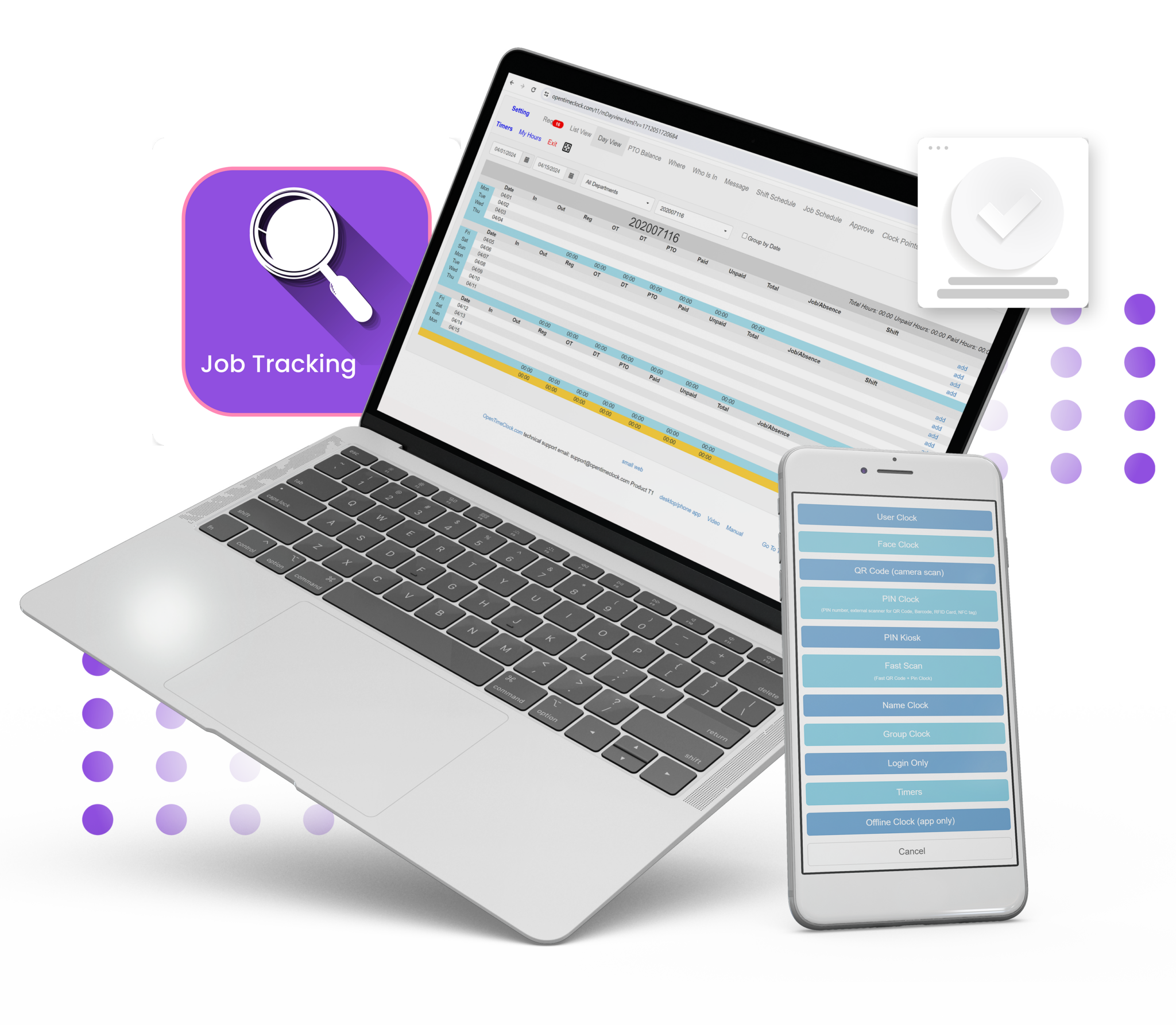
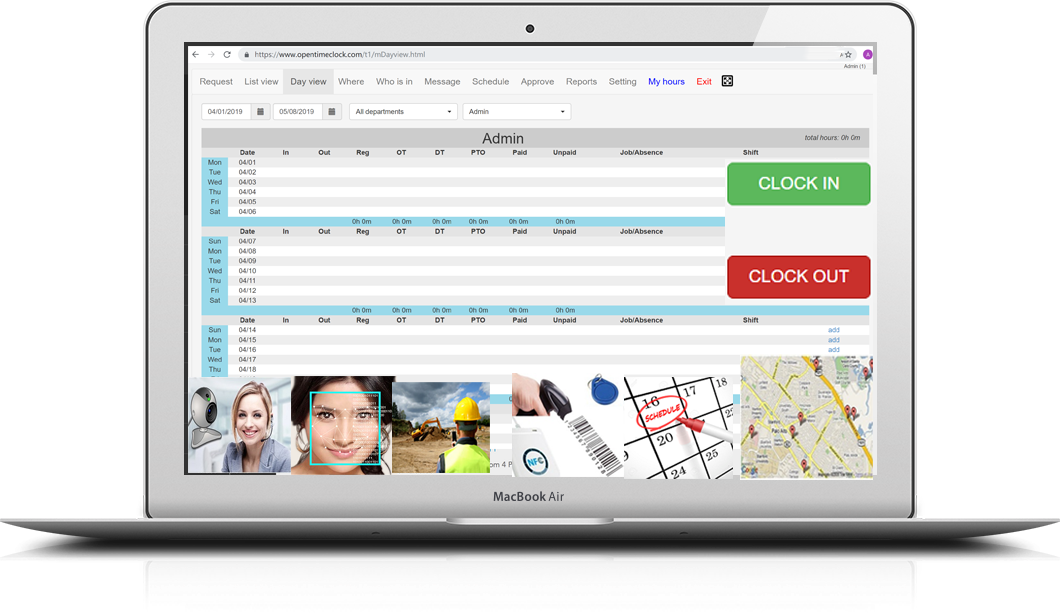
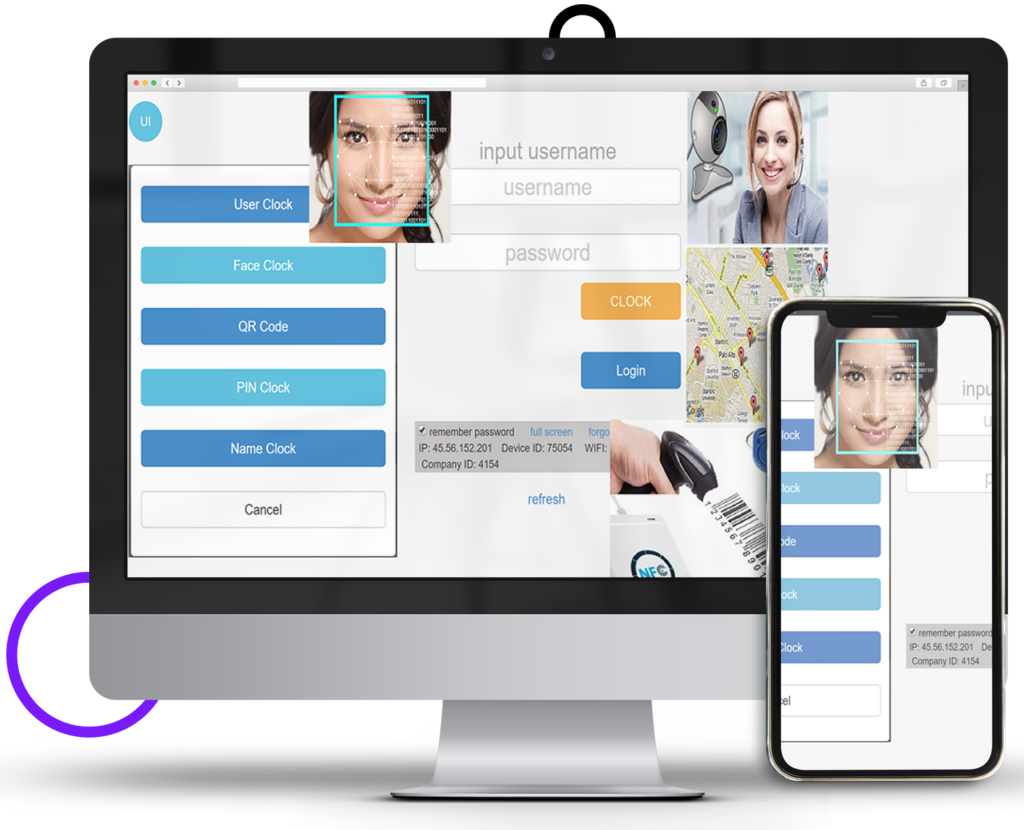
Give employees convenient ways to clock in and out using desktop software, mobile apps, or a shared tablet. Choose the clock-in method that fits your workplace, with options such as facial recognition, QR codes, and PINs.

Support different work environments with GPS location recording, offline clock-ins, group clock-ins, and website integration. Turn a compatible tablet or iPad into a shared time clock for your office or job site.

Sign Up for Free (No Credit Card Required!)

Flexible Employee Clock-In and Clock-Out Options

Comprehensive Time Clock Software for Employee Hours

Manage employee attendance, work hours, and schedules in one place. Track time by customer, project, job, task, or department to understand how work hours are distributed.

Configure overtime rules and PTO accruals to match your company’s policies, review time records before payroll, and stay informed with real-time attendance alerts. Use clock-in restrictions and photo verification to help reduce unauthorized punches and buddy punching.

Sign Up for Free (No Credit Card Required!)

Comprehensive Time Clock Software for Employee Hours

Detailed Reports for Payroll, Attendance, and AI Analysis

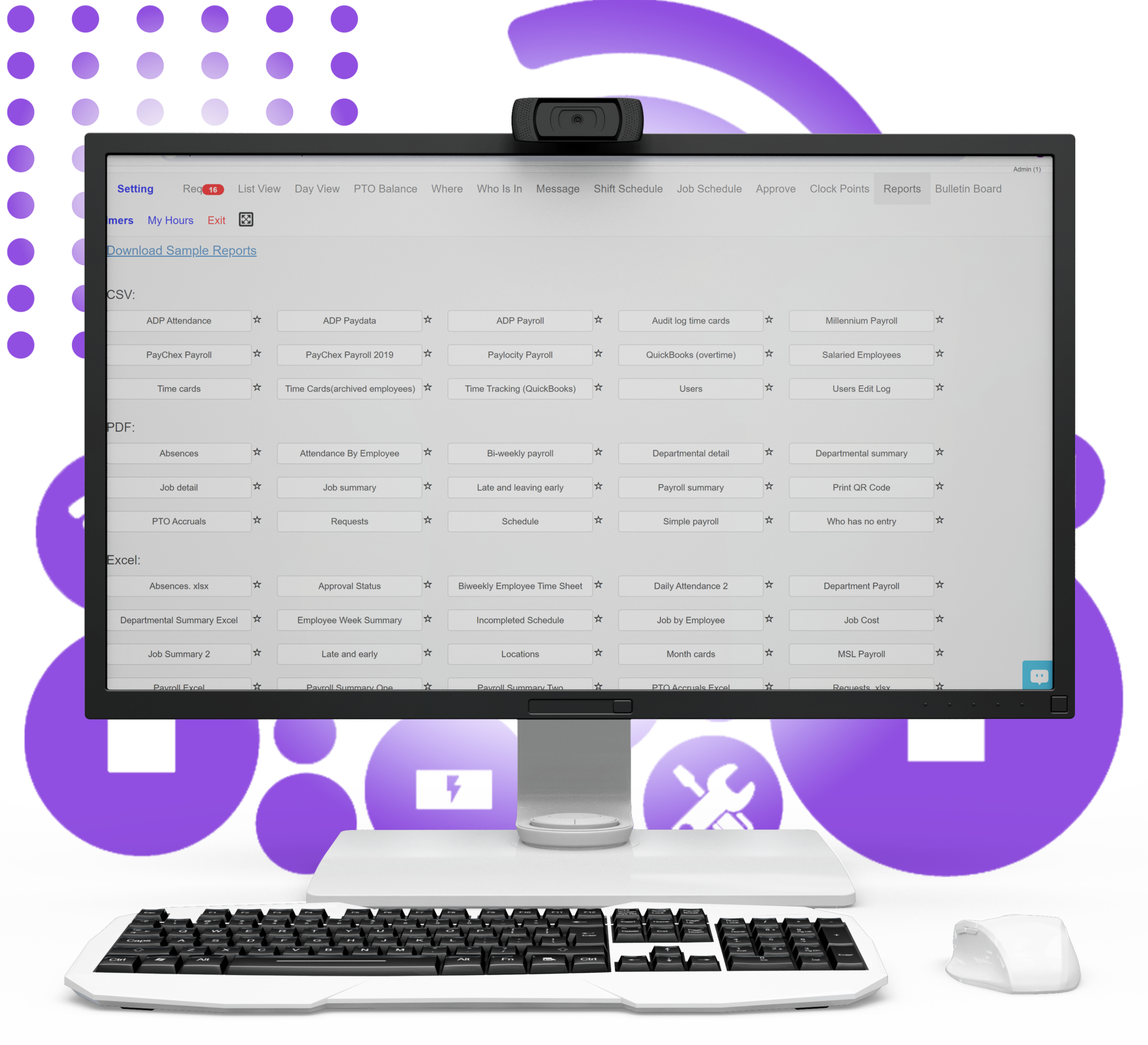
Choose from over 80 ready-made PDF and Excel reports to review employee hours, overtime, leave balances, and attendance trends. Use detailed time records to simplify payroll preparation, support accurate client billing, and make informed staffing decisions.

For deeper insights, use the new AI Prompt report in Q3. Download AiPrompt.txt and paste its contents into ChatGPT or another AI tool to explore trends, ask follow-up questions, and generate summaries of your report data.

Need a report tailored to your business? Our team can create custom reports based on your specific reporting requirements.

Sign Up for Free (No Credit Card Required!)

reports

Employee Time Clock Software—No Special Hardware Required

You don’t need to purchase special hardware to use Open Time Clock. Our system works on:

  • Windows and macOS through our desktop app
  • Phones, tablets, and desktop computers through any web browser
  • iOS and Android devices through our mobile apps

Employees can clock in using their username and password, a PIN, facial recognition, or a QR code. Facial recognition and QR code scanning can use your computer’s built-in camera.

If you prefer external hardware, you can use a compatible QR code scanner or RFID/NFC card reader that acts like a keyboard, entering the code or card number followed by the Enter key.

Capture employee photos and record GPS locations at clock-in to help deter buddy punching and verify where employees clocked in.

Currently Product Q3 · Download · Sign Up

Flexible Ways to Clock In and Out:


User Clock

Clock in securely using your username and password.

Face Clock

Clock in using facial recognition via a smartphone or computer camera for added security.

PIN/Scan Clock

Clock in by entering a PIN or using a compatible QR code scanner or RFID/NFC card reader.

QR Code

Clock in by scanning a QR code or barcode with your device’s camera.

QR Code Scanner (in PIN/Scan Clock)

If you prefer external hardware, you can use a compatible QR code scanner that acts like a keyboard, entering the scanned code followed by the Enter key.

RFID/NFC Card Reader (in PIN/Scan Clock)

If you prefer external hardware, you can use a compatible RFID/NFC card reader that acts like a keyboard, entering the card number followed by the Enter key.

Group Clock (Team Clock-In)

Managers can clock multiple employees in at the same time, making it ideal for team-based workflows.

Photo Verification

Capture employee photos at clock-in to help verify identity and deter buddy punching.

GPS Geolocation & Geofencing

Record GPS locations at clock-in and set geofencing boundaries to restrict punches to approved work areas.

Website Integration

Embed Open Time Clock into your website using an iframe, giving employees convenient access to time tracking without leaving your site.

Job Switching

Quickly switch between jobs or departments during a shift.

List Clock

Employees select their name from a list of buttons and enter their password to clock in.

Name Clock

Employees select their name from a dropdown list and enter their password to clock in.

Office-Only Clock-In

Restrict employee clock-ins to approved office locations using Clock Points configured with device IDs, IP addresses, or GPS locations. Help reduce unauthorized offsite clock-ins.

Advanced Attendance Management Software

Manage employee attendance, work hours, and schedules in one place. Track clock-ins and clock-outs, calculate overtime, manage paid time off (PTO), and generate detailed time and attendance reports for payroll preparation, client billing, and internal analysis.

Simplify shift scheduling and PTO accruals, review clock-in locations and photos to help deter buddy punching, and stay informed with real-time attendance alerts. Give managers the tools to resolve attendance issues, plan staffing, and maintain accurate time records.

Currently Product Q3 · Download · Sign Up

Time Tracking and Attendance Management Features:


Daily Attendance Records

Review each employee’s daily attendance, including clock-in and clock-out times and total hours worked. Spot late arrivals, absences, and overtime to better manage your workforce.

Customer Time Tracking

Track employee hours by customer to see how much time each client requires. Generate client-ready reports, simplify billing, and identify your most time-intensive accounts.

Project Time Tracking

Track employee hours by project to understand the time each project requires. Generate detailed reports, improve billing accuracy, and allocate resources more effectively.

Task Time Tracking

Track employee hours by task to understand where time is spent. Identify time-consuming activities, refine estimates, and improve day-to-day efficiency.

Job Time Tracking

Track employee hours by job to understand the time each job requires. Use detailed time records to balance workloads, improve estimates, and plan staffing more effectively.

Department Time Tracking

Track employee hours by department to understand how time is distributed across teams. Use department-level reports to assess workloads, guide staffing decisions, and allocate resources more effectively.

Shift Scheduling

Create, manage, and assign employee shifts with ease. Plan staff coverage, reduce scheduling conflicts, and maintain adequate staffing throughout the workday.

Job Scheduling

Schedule upcoming job assignments for employees to coordinate work and plan staffing in advance.

Overtime Management

Configure overtime rules for different employees and automatically calculate overtime hours based on your company’s policies. Simplify payroll preparation and help support compliance with applicable labor laws.

Absence Management

Manage employee absences and time-off requests in one place. Let employees request vacations, sick leave, and other time off for managers to review and approve.

PTO Tracking and Auto Accruals

Automatically calculate PTO accruals based on hours worked and your company’s policies. Keep employee leave balances up to date while reducing manual calculations and errors.

Real-Time Notifications

Send email alerts to designated recipients for missed clock-ins, overtime thresholds, and other configured attendance conditions. Stay informed and address potential issues before they affect staffing or payroll.

Messages

Keep employees and managers connected with direct in-app messaging. Share quick updates, clarify assignments, and coordinate daily work without switching between communication tools.

Live Dashboard - Who’s Working

See who is currently clocked in with a real-time attendance dashboard. Review staffing by department and spot late arrivals or absences to make timely staffing decisions.

Approval of Time Records

Let managers review, edit, and approve employee time records before payroll processing. Catch discrepancies early and check recorded hours against company policies.

Clock Points - Approved Clock-In Locations

Restrict clock-ins to approved GPS locations, IP addresses, or device IDs. Set clear clock-in requirements and reduce unauthorized punches from unapproved locations or devices.

Payroll and Attendance Reports

Choose from over 80 ready-made PDF and Excel reports for payroll preparation and attendance analysis. Our team can create custom reports to meet your organization’s specific reporting needs.

AI Prompt Report

Download AiPrompt.txt and paste its contents into ChatGPT or another AI tool to explore attendance trends, ask follow-up questions, and generate summaries. Review the file for sensitive employee information before sharing it.

Employee Bulletin Board

Display company announcements, reminders, and updates directly on the clock-in page. Make important information easy for employees to see as they start their workday.

Record List View

Review individual or team time records in a clear list view. View entries over a selected date range to find relevant records and analyze employee hours more efficiently.

Day View

View an individual employee’s daily attendance records and statistics over a selected date range. Review recorded hours and identify entries that may need attention.

Employee Clock-In Locations

Review GPS locations, IP addresses, and device IDs associated with employee clock-ins. Check where punches were recorded and identify entries that may need further review.

Clock-In Photos for Verification

Review photos captured at clock-in alongside employee names and time records. Use this visual reference to help verify identity and identify possible buddy punching.

GPS Time Clock with Maps

View GPS-recorded clock-in locations on Google Maps. See where employees clocked in and review location details alongside their time records.

Capterra.com Review:
Simple, easy to use time clock software.

https://youtu.be/Z7ZMG7SLooA


Customer Reviews on Capterra

Read all reviews on Capterra →
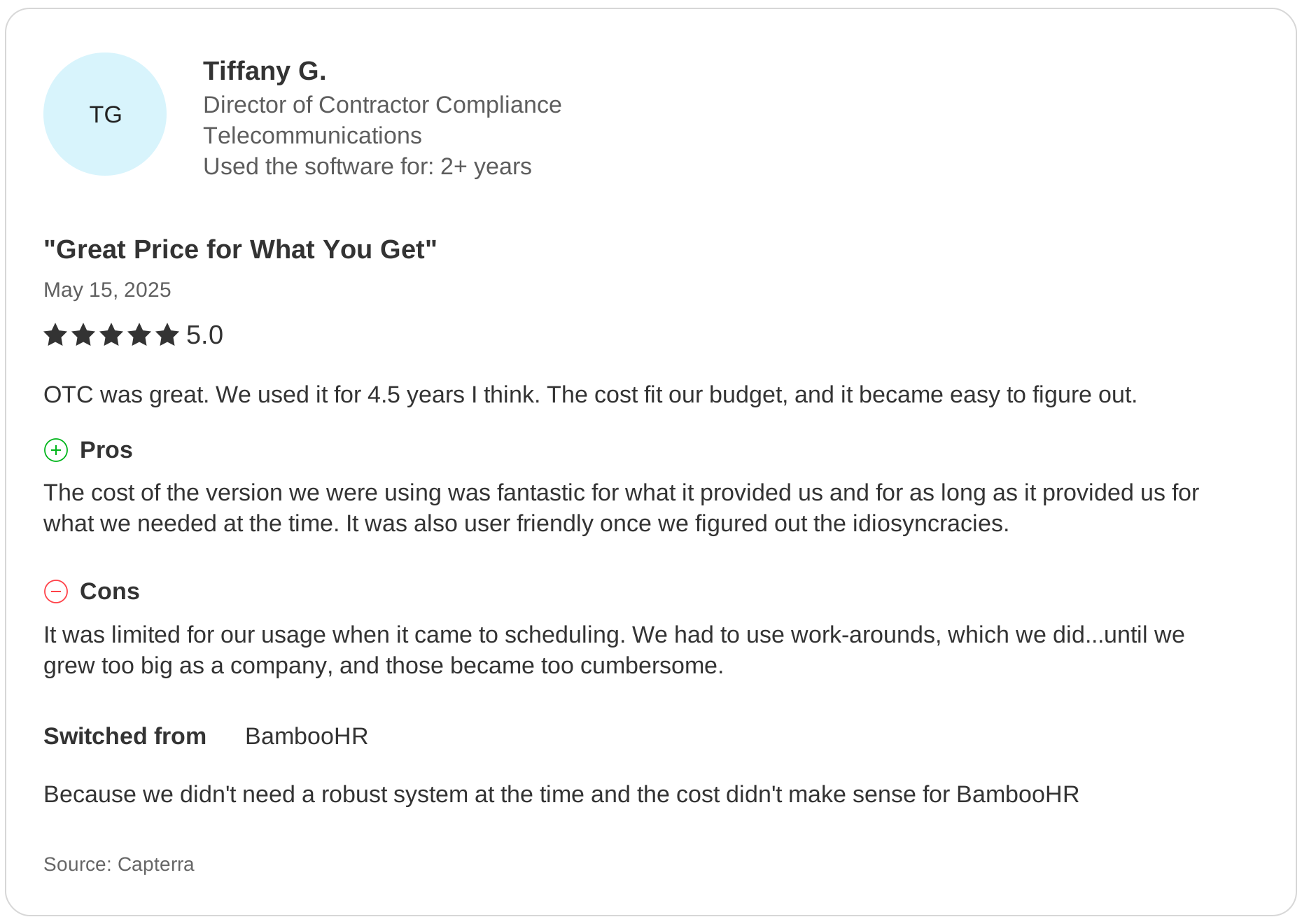
Capterra review by Tiffany G.: Great Price for What You Get. Rated 5 out of 5 on May 15, 2025.
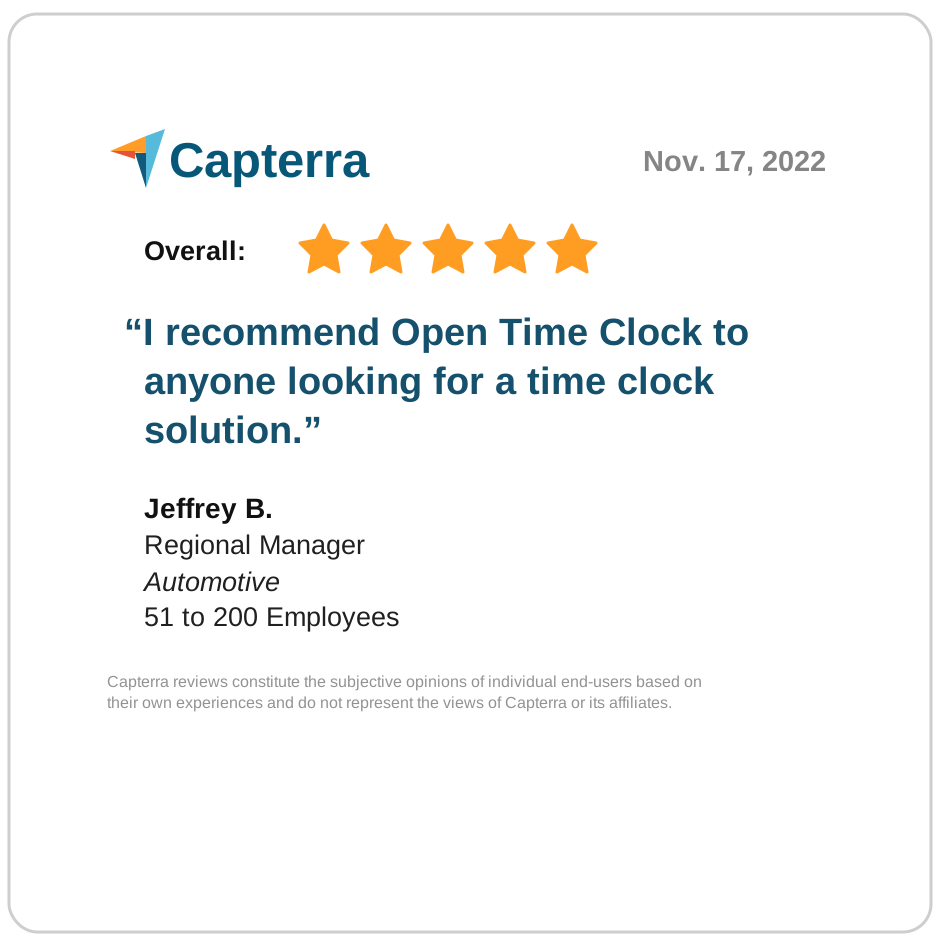
Capterra five-star review: Jeffrey B. recommends Open Time Clock
Software Advice five-star review: Jeffrey B. recommends Open Time Clock
Sign Up for Free