Workyard vs Buddy Punch: Construction Time Tracking and Workforce Management Compared
Compare Workyard vs Buddy Punch for construction time tracking. See features, pricing, and why OpenTimeClock is the best free alternative for your team today.
Construction and field service businesses have different time tracking needs than office-based companies. Workers move between job sites throughout the day. They start shifts at locations with no fixed infrastructure. They work in conditions where traditional kiosk-based clock-in is impractical. And the accuracy of their time records directly affects both project cost tracking and payroll compliance.
Workyard vs Buddy Punch is a comparison that appears frequently when construction companies, landscaping businesses, electrical contractors, and other field-based operations search for workforce management solutions. Both platforms have been positioned as suitable for mobile and field workforces. Both offer GPS tracking. And both charge per-user subscription fees that add up significantly as the team grows.
This article gives you a complete, honest comparison of Workyard vs Buddy Punch across the features that matter most for construction and field workforce management, and introduces OpenTimeClock as the free alternative that many field-based businesses should evaluate before committing to either paid platform.
What Workyard Is and What It Offers
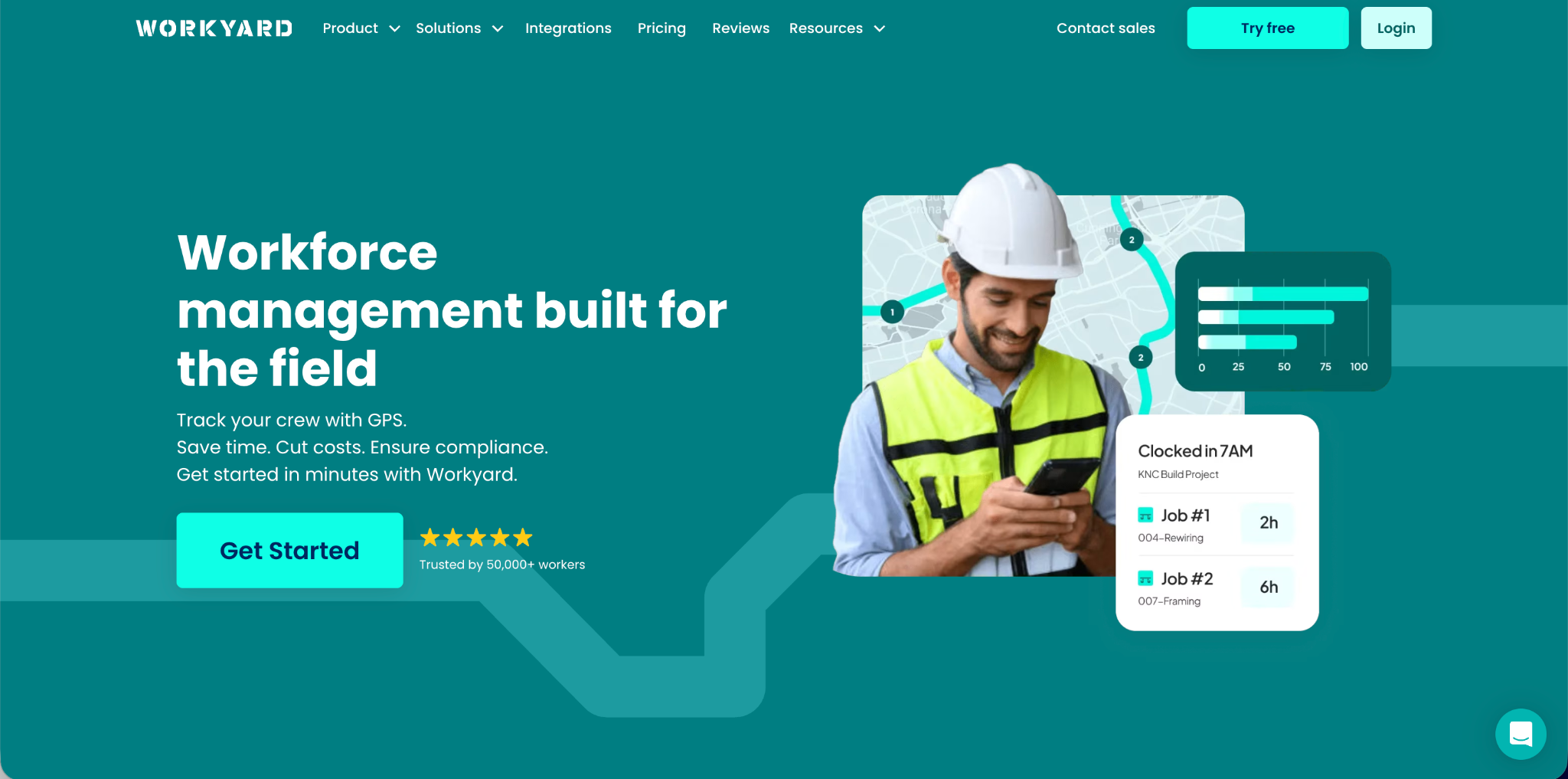
Workyard is a workforce management platform built specifically for the construction and field services industry. Its core identity is GPS tracking and job site time management for mobile workers. The platform is designed around the reality that construction workers move between different job sites and need to record their time accurately against specific projects and cost codes.
Workyard's GPS tracking is its strongest feature. The platform uses geofencing to create digital boundaries around job sites. When a worker enters the geofence area, the system can automatically log their arrival. When they leave, departure is logged. This automatic detection reduces the reliance on workers remembering to manually clock in and out.
The platform also includes job cost tracking that allows time to be allocated against specific projects, phases, and cost codes. For construction companies that need to track labor costs against project budgets, this feature directly supports project financial management.
Workyard includes scheduling, basic payroll export, and compliance features including overtime management. The mobile app is designed for workers who are not desk-based and is generally well-regarded for usability in field conditions.
Pricing. Workyard charges per user per month. Pricing starts at around eight to twelve dollars per user per month for the standard plan. For a construction crew of twenty workers, this represents one hundred and sixty to two hundred and forty dollars per month, or nearly two thousand to three thousand dollars per year.
Limitations. Workyard's strengths are specifically in GPS-based job site tracking for construction. Businesses outside construction or field services may find the platform more specialized than their needs require. The per-user pricing becomes a significant cost for growing teams. And some users report that the automatic geofencing clock-in, while convenient, can record arrivals when workers are near a job site but not yet actively working.
What Buddy Punch Is and What It Offers
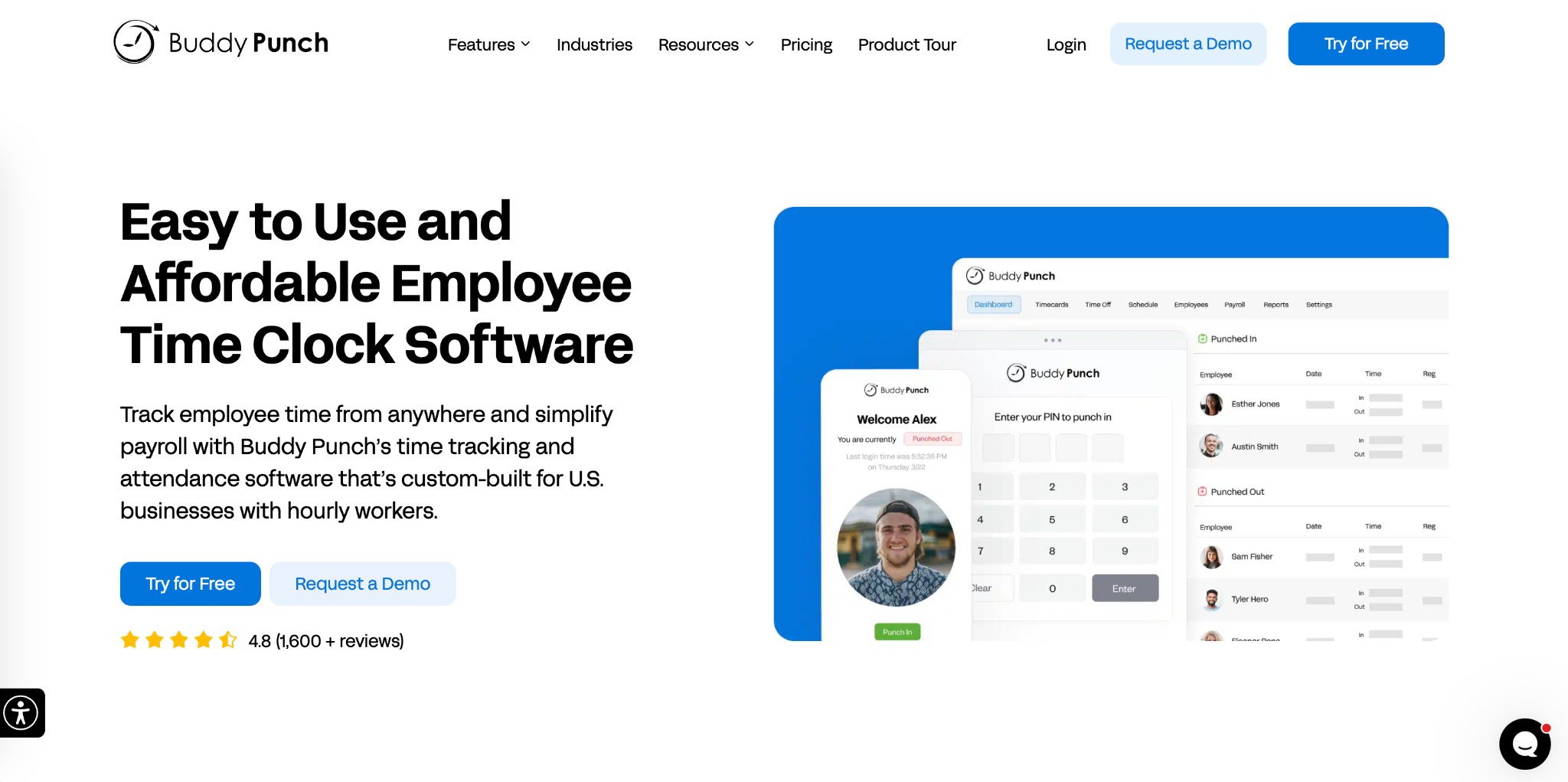
Buddy Punch is a cloud-based time tracking platform whose name directly references the problem it was designed to solve. The platform focuses on preventing employees from clocking in on behalf of absent colleagues, which is one of the most common forms of payroll fraud.
Buddy Punch's verification features are its strongest selling point. The platform supports facial recognition, GPS tracking, QR code clock-in, and device-based restrictions that limit clock-ins to authorized hardware. Photo capture at clock-in creates a visual audit trail. These verification layers make it difficult for employees to falsify their attendance records.
Beyond verification, Buddy Punch includes scheduling, PTO management, overtime tracking, and payroll integrations with major providers. The platform is used across a range of industries including retail, healthcare, restaurants, and field services.
Pricing. Buddy Punch operates on a per-user pricing model starting at around four to six dollars per user per month for the standard plan, with higher tiers adding features. For a team of twenty employees, this represents eighty to one hundred and twenty dollars per month. Over three years, that amounts to two thousand nine hundred to four thousand three hundred dollars for a twenty-person team.
Limitations. Buddy Punch is a general workforce management platform rather than a construction-specific one. Its GPS features support location verification but lack the project-specific job cost tracking and geofencing automation that construction companies typically need. For businesses that specifically need job site management with cost code allocation, Buddy Punch's GPS features may not be sufficiently specialized.
Head-to-Head: Workyard vs Buddy Punch Feature Comparison
When comparing Workyard vs Buddy Punch directly on the features that matter most for field-based businesses, here is how the two platforms measure up.
GPS tracking and geofencing. Workyard leads significantly here. Its geofencing technology is purpose-built for construction job sites and provides automatic clock-in based on location. Buddy Punch records GPS coordinates at clock-in for verification but does not offer the same level of automatic geofencing and job site management that Workyard provides. For construction companies where job site entry and exit tracking is the primary time management need, Workyard's GPS capabilities are more relevant.
Fraud prevention and verification. Buddy Punch leads in this area. Its facial recognition, photo capture, and device restrictions are purpose-built for preventing time fraud. Workyard's GPS geofencing prevents workers from claiming they were on a job site when they were not, but does not provide the same identity verification depth. For businesses where confirming specific worker identity at every clock event is important, Buddy Punch's verification features are stronger.
Job cost tracking. Workyard leads by a significant margin. The ability to allocate time against specific projects, phases, and cost codes is a core Workyard feature designed specifically for construction financial management. Buddy Punch does not provide this level of project-based cost allocation.
Scheduling. Both platforms include scheduling features. Workyard's scheduling is designed around job site assignment. Buddy Punch's scheduling is more general but includes shift management and employee availability tools. For construction companies scheduling workers across multiple job sites, Workyard's site-focused scheduling is more relevant.
Payroll integration. Both platforms integrate with major payroll providers. Neither has a decisive advantage in this area for most businesses.
Where Both Platforms Fall Short
The Workyard vs Buddy Punch comparison reveals that each platform has clear strengths in specific areas but neither is fully comprehensive at an accessible price point.
Workyard is strong for job site GPS management but less strong for identity verification and fraud prevention. Buddy Punch is strong for fraud prevention but less strong for construction-specific job cost tracking. Neither platform provides a genuinely complete solution for all the time tracking needs of a typical field-based construction business, and both charge per-user fees that accumulate significantly over time.
For smaller construction companies and field service businesses operating on tight margins, paying twelve dollars per user per month for a twenty-person crew represents a meaningful ongoing expense that may not be justified when the time tracking need is primarily accurate clock-in with GPS verification.
OpenTimeClock: The Free Alternative That Covers Core Needs
Many businesses evaluating Workyard vs Buddy Punch are primarily looking for GPS-verified time tracking, accurate clock-in verification, scheduling, overtime management, and payroll exports. For businesses whose needs fit this profile, there is a free alternative that covers all of these requirements without per-user subscription fees.
OpenTimeClock provides GPS location recording at every mobile clock-in through iOS and Android apps, facial recognition using any device camera, photo capture at every clock event, real-time attendance dashboard, shift scheduling, PTO management, overtime alerts, project and department time allocation, and payroll exports in multiple formats. All of this is completely free with no per-user fees and no subscription required.
For construction and field service businesses where workers use smartphones and need to clock in from job sites, OpenTimeClock's mobile GPS clock-in provides the location verification that Workyard is known for, combined with the identity verification features that Buddy Punch is known for, in a single free platform.
GPS Clock-In for Construction and Field Workers
OpenTimeClock supports mobile GPS clock-in through the iOS and Android apps. When a field worker clocks in at a job site, the system records their precise GPS coordinates alongside the timestamp and a photo of the worker at the moment of clock-in.
This combination of location, time, and identity verification creates an attendance record that confirms the worker was at the job site at the recorded time and that the correct worker was present. This is equivalent to the verification that both Workyard and Buddy Punch provide in their respective areas of strength, combined into a single free system.
OpenTimeClock also supports geofencing restrictions that can be configured to limit clock-ins to within a defined radius of specified job site locations. This prevents workers from recording job site hours when they are not physically at the site, addressing the same concern that Workyard's geofencing was designed to solve.
Project and Job Cost Allocation
One of Workyard's strongest capabilities is project-specific time allocation with cost codes. For construction companies that need to track labor costs against specific projects, phases, or cost codes for project financial management, this feature is important.
OpenTimeClock supports project and department-level time allocation. Workers select their current project when they clock in, and hours accumulate against each project separately. Reports show hours by project for any date range, giving construction managers and finance teams the project-level labor data they need for cost tracking.
While OpenTimeClock's project tracking does not include the construction-specific cost code hierarchy that Workyard provides for very large or complex projects, it covers the project-level allocation needs of most small to mid-size construction companies.
Scheduling for Field-Based Teams
Both Workyard and Buddy Punch include scheduling features, and scheduling is an important part of construction workforce management when workers need to know which job site they are assigned to on which day.
OpenTimeClock's shift scheduling feature allows managers to create schedules that specify which workers are assigned to which shifts, times, and projects. Employees can view their schedule from their personal portal on any device. Automated alerts notify managers when scheduled employees do not clock in on time from the expected location.
For construction companies managing multiple crews across different job sites, this scheduling visibility combined with GPS-verified clock-in provides the daily coordination tool that field management requires.
Which Platform Should You Choose
The Workyard vs Buddy Punch decision and the broader choice between these platforms and OpenTimeClock depends on the specific needs of your business.
Choose Workyard if your primary need is automatic geofencing clock-in with detailed construction-specific cost code tracking for large complex projects, and the per-user cost is justified by the project financial management value.
Choose Buddy Punch if your primary need is strong identity verification with facial recognition and device restrictions, your team is relatively small, and you need basic GPS verification without construction-specific project management features.
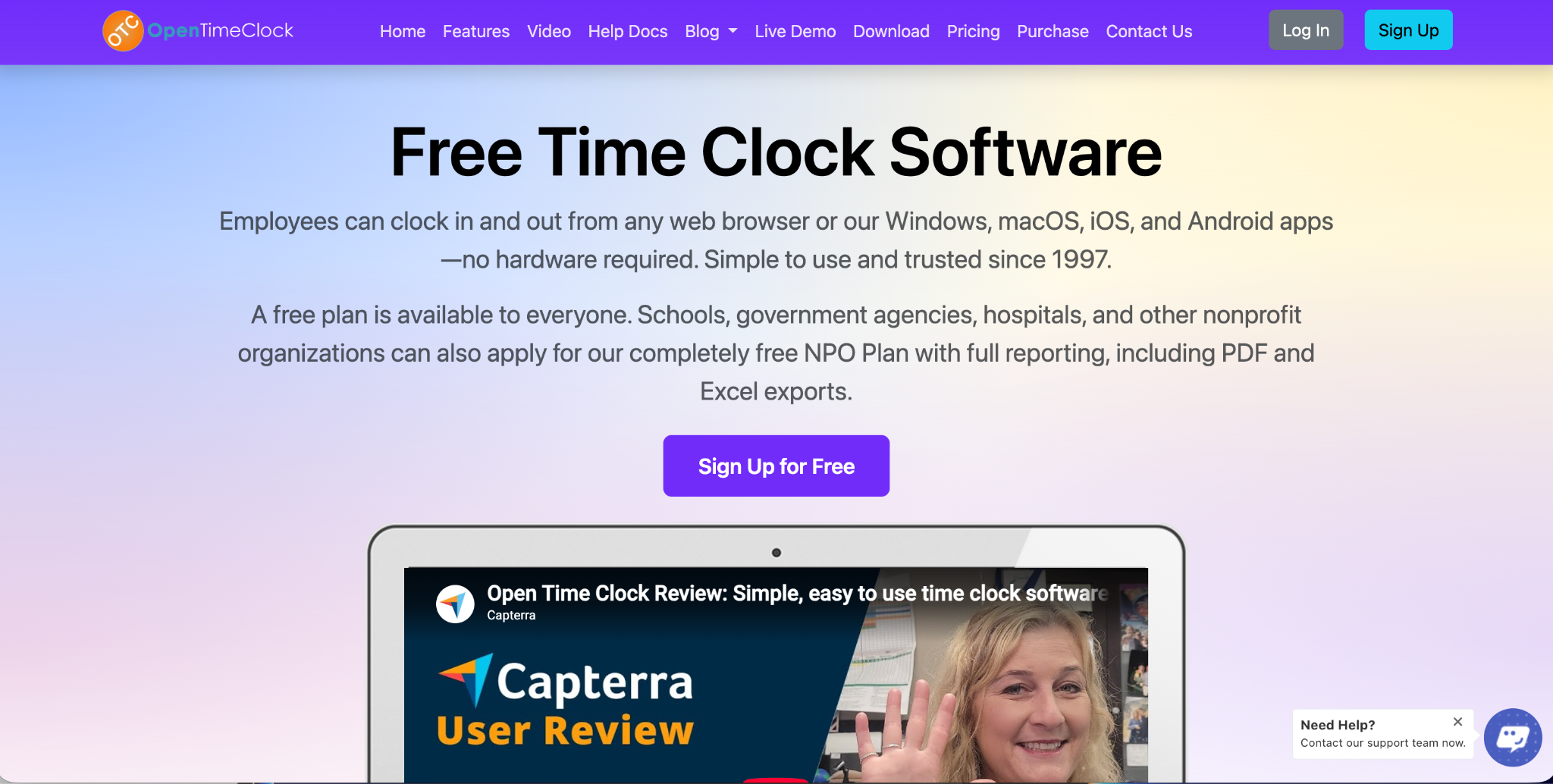
Choose OpenTimeClock if you need GPS-verified mobile clock-in with facial recognition and photo capture, project-level time allocation, scheduling, overtime management, and payroll exports, and you want to achieve this without any ongoing subscription cost. For most small to mid-size construction companies and field service businesses, OpenTimeClock covers the core needs at zero cost.
Conclusion
Workyard vs Buddy Punch is a useful comparison that highlights two legitimate but paid platforms serving different aspects of field workforce management. Workyard excels at construction-specific GPS job site management. Buddy Punch excels at identity verification and fraud prevention. Neither platform is free.
OpenTimeClock covers the core GPS verification, identity confirmation, scheduling, and payroll export needs that most field-based businesses in the Workyard vs Buddy Punch comparison are actually looking for, at zero cost, making it the most practical starting point for any business where budget is a real consideration.
Sign up for free at OpenTimeClock and have your field team clocked in with GPS verification from their very next shift.
FAQ’s
Q1. What is the main difference between Workyard vs Buddy Punch?
In the Workyard vs Buddy Punch comparison, Workyard focuses on GPS geofencing and construction-specific job cost tracking for field workers, while Buddy Punch focuses on identity verification and fraud prevention through facial recognition and device restrictions. Workyard is more relevant for construction project management.
Q2. Does OpenTimeClock support GPS clock-in for construction and field workers?
Yes. OpenTimeClock supports GPS mobile clock-in through iOS and Android apps. When a field worker clocks in, the system records their precise GPS coordinates, a timestamp, and a photo. Geofencing restrictions can limit clock-ins to within a defined radius of specified job site locations. This covers the core GPS verification need that makes Workyard popular in the Workyard vs Buddy Punch comparison, at no cost.
Q3. Can OpenTimeClock track hours by project for construction cost management?
Yes. OpenTimeClock supports project-level time allocation. Workers select their current project when they clock in, and hours are tracked against each project separately. Reports show project-level labor hours for any date range. For small to mid-size construction companies, this covers core project cost tracking needs without the construction-specific cost code hierarchy that Workyard provides for larger complex projects.
Q4. How does the cost of OpenTimeClock compare to Workyard vs Buddy Punch?
The Workyard vs Buddy Punch pricing puts Workyard at approximately eight to twelve dollars per user per month and Buddy Punch at four to six dollars per user per month. For a twenty-person crew over three years, these represent costs of several thousand dollars each.
Q5. Is OpenTimeClock free for construction and field service businesses?
Yes. OpenTimeClock is completely free with no credit card required. The free plan includes GPS mobile clock-in with photo capture, facial recognition, geofencing support, project-level time allocation, real-time attendance dashboard, automated alerts, shift scheduling, PTO management, overtime calculation, and payroll exports in multiple formats.