Why Construction, Healthcare, and Retail Teams Benefit from Facial Recognition Time Clocks
Discover how facial recognition time clocks help construction, healthcare, and retail teams save time, stop fraud, and improve accuracy with OpenTimeClock.
Tracking employee time accurately is a challenge for every business. But for industries like construction, healthcare, and retail, the challenge is even greater.
Construction teams work across multiple job sites. Healthcare staff manage critical patient care around the clock. Retail businesses run multiple overlapping shifts with large teams of part-time workers. In all three environments, getting attendance data wrong has real and immediate consequences.
Traditional time tracking methods fall short in these settings. Paper timesheets are easy to fake. PIN-based clocks allow buddy punching. Swipe cards can be shared or lost. Manual data entry leads to payroll errors.
In this article, we will explore why facial recognition time clocks are particularly valuable for construction, healthcare, and retail businesses. We will look at the specific problems they solve in each industry and show how OpenTimeClock provides this technology completely free for businesses of any size.
What Are Facial Recognition Time Clocks?
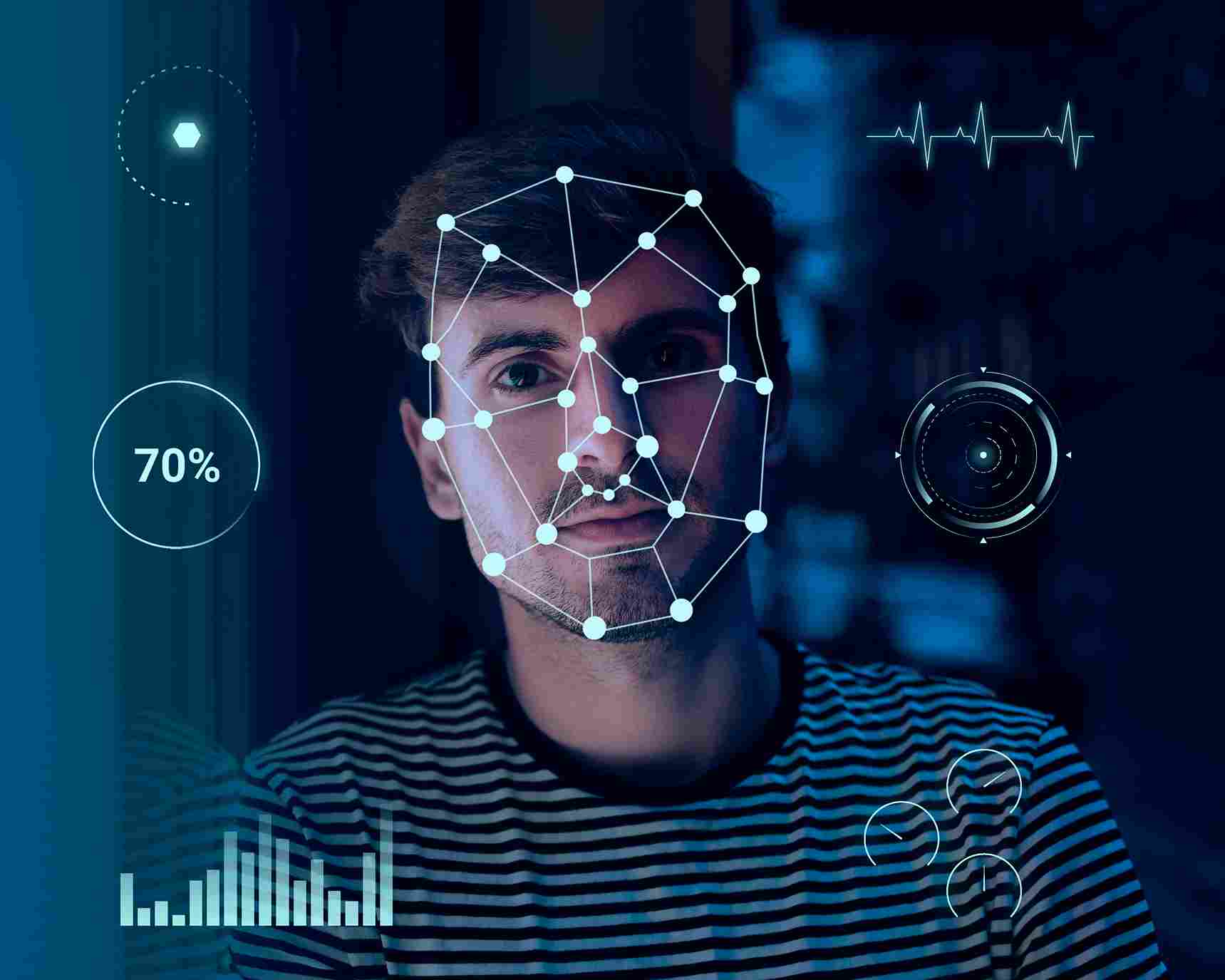
Facial recognition time clocks are digital attendance systems that use a camera and biometric software to identify employees when they clock in and out of work.
When an employee is added to the system, they register their face by looking at the camera. The software maps the unique features of their face and stores that data securely. Every time they clock in, the system captures a live image, compares it to the stored profile, and either confirms or rejects the match.
The entire process takes less than two seconds. The employee does not need to touch anything. There is no card to carry. There is no PIN to remember. They simply look at the camera and walk into work.
The clock-in record is stored automatically with a timestamp. Managers can see it in real time from any device. And the data feeds directly into attendance reports and payroll calculations.
Why Facial Recognition Solves Problems That Other Methods Cannot
Before we look at each industry specifically, it is worth understanding why facial recognition time clocks outperform other verification methods.
It Confirms the Right Person Is Clocking In
A swipe card proves that someone has the card. A PIN proves that someone knows the number. Neither proves that the right person is using them. An employee can hand their card to a colleague. They can share their PIN over text.
Facial recognition confirms the actual person. Not their credentials. Not their card. The real employee, physically present in front of the camera.
This one feature eliminates buddy punching completely. No other method does this as reliably.
It Is Fast and Contactless
In busy work environments, speed matters. Facial recognition completes the clock-in in under two seconds with no physical contact required. This is important for hygiene, particularly in healthcare settings, and for efficiency during busy shift changeovers in retail and construction.
It Creates an Auditable Record
Every facial recognition clock-in creates a timestamped, identity-verified record. This record is objective and tamper-resistant. It can be used to resolve payroll disputes, demonstrate labor law compliance, and support audit requests.
Benefits for Construction Teams
Construction is one of the industries that benefits most from facial recognition time clocks. Here is why.
Multiple Job Sites Create Tracking Challenges
Construction workers rarely work in one fixed location. They move between job sites depending on where they are needed. Each site is different. Some have temporary facilities. Others are remote. Few have the fixed infrastructure needed for a traditional wall-mounted time clock.
Facial recognition time clocks solve this by running on any tablet or device with a camera. A site supervisor can set up a tablet kiosk at the entrance to each job site within minutes. Workers clock in using their face when they arrive. The data is sent to the cloud immediately. Management can see who is on which site in real time.
There is no need for permanent hardware installation. No need for a wired network. Any tablet with a camera and an internet connection becomes a fully functional attendance station.
Buddy Punching Costs Construction Businesses Millions
Buddy punching is particularly common on construction sites. Large crews working in physically demanding conditions, often with a peer-group culture where covering for a colleague feels like loyalty rather than dishonesty.
The financial impact is significant. When workers clock in for absent colleagues, those hours go into the payroll without any corresponding work being done. On a large construction project with dozens of workers, the accumulated cost over weeks and months can be substantial.
Facial recognition makes buddy punching structurally impossible. The system rejects any clock-in attempt that does not match the registered employee's face. There is nothing a coworker can do to clock in on someone else's behalf.
OpenTimeClock includes facial recognition as a standard free feature. Construction companies can deploy it across all their job sites on existing tablets or devices. No hardware purchase required.
Project Labor Hour Tracking Becomes Accurate
Construction projects are often billed or budgeted by labor hours. When hours are tracked accurately through facial recognition clock-ins, project managers have reliable data on how many hours have been spent at each site.
This helps with project cost management, client billing, and planning for future projects. It also helps identify when a project is running over its labor budget early enough to take corrective action.
GPS Combined With Facial Recognition Confirms Site Attendance
OpenTimeClock supports both facial recognition and GPS tracking simultaneously. For construction teams, this means every clock-in confirms both who arrived and where they were when they arrived.
Geofencing can be set up for each job site. Workers can only clock in when they are physically within the site boundary. If someone tries to clock in from outside the approved area, the system blocks the attempt. This is a powerful tool for managing large projects across multiple locations.
Benefits for Healthcare Teams
Healthcare environments have some of the most demanding time tracking requirements of any industry. Staff must be present at the right place at the right time. Minimum staffing levels must be maintained for patient safety. And records must be accurate enough to satisfy regulatory scrutiny.
Patient Safety Depends on Accurate Staffing
In a hospital, clinic, or care home, knowing exactly who is on duty at any moment is not just an administrative convenience. It is a patient safety requirement. If records show the correct nurse is on shift but they have been replaced by a less qualified colleague through buddy punching, the patient is at risk.
Facial recognition ensures that the person who clocked in is the person who is actually caring for the patient. The identity of every staff member present is verified and documented.
Hygiene Requirements Make Touchless Clock-Ins Essential
Healthcare environments have strict hygiene protocols. Shared touchscreens, buttons, and PIN keypads are potential vectors for the transmission of infections and pathogens.
Facial recognition time clocks require no physical contact at all. The employee stands in front of the camera and is identified automatically. Nothing is touched. This aligns perfectly with the hygiene standards that healthcare facilities must maintain.
OpenTimeClock supports fully contactless facial recognition clock-ins on any tablet or device with a front-facing camera. Healthcare facilities can deploy it at ward entrances, nursing stations, and care home reception areas without any specialist installation.
Shift Compliance Documentation Is Automated
Healthcare regulators often require evidence that minimum staffing levels were maintained throughout each shift. Producing this documentation manually from paper records is time-consuming and unreliable.
When attendance is tracked through facial recognition, every shift is automatically documented with verified, timestamped records. Compliance reports can be generated for any period at the click of a button. If a regulator requests evidence of staffing levels on a specific date, the information is available instantly.
Overtime Management Is Critical in Healthcare
Healthcare workers are subject to strict regulations about maximum working hours. Fatigue in clinical settings is a known patient safety risk. When staff members work excessive overtime, the risk of clinical errors increases.
Real-time overtime monitoring with automatic alerts allows healthcare managers to identify when a staff member is approaching their hour limit and arrange handover before the limit is breached. This protects both the worker's health and the patient's safety.
OpenTimeClock tracks overtime automatically and sends alerts to managers before thresholds are crossed. This is a critical feature for healthcare scheduling.
Benefits for Retail Teams
Retail businesses deal with large teams of part-time and casual workers running multiple overlapping shifts throughout the day. Managing attendance in this environment without accurate digital tracking is a constant source of problems.
Shift Changeovers Are Fast and Frequent
Retail businesses often have three or more shift changeovers in a single trading day. Morning staff leave as afternoon staff arrive. Afternoon staff leave as evening staff clock in. During busy periods, multiple staff members are clocking in and out at the same time.
Facial recognition handles high-volume clock-in events efficiently. Each recognition takes under two seconds. A queue of ten employees can be processed in under two minutes. This speed prevents bottlenecks at the start of busy shifts.
Part-Time Staff Present Scheduling Complexity
Retail businesses often employ large numbers of part-time workers with variable hours and different shift patterns. Tracking attendance accurately across a large, variable workforce is difficult without a reliable digital system.
Facial recognition time clocks handle this complexity easily. Every employee registers once. Every clock-in is verified automatically. The system does not care whether someone works 10 hours a week or 40. Every shift is tracked with the same accuracy.
Buddy Punching Is Common in Retail
Buddy punching is a well-documented problem in retail environments. A colleague arrives before their shift starts and clocks in a friend who is running late. Or someone asks a coworker to clock out for them after they have already left.
These small acts of fraud accumulate quickly across a large retail workforce. Facial recognition eliminates the possibility entirely.
OpenTimeClock can be deployed on a tablet kiosk at the entrance to a retail storeroom or break area. Staff scan their face as they start their shift. The system records the exact time and confirms their identity. Managers see the data in real time.
Payroll Accuracy Improves Immediately
Retail payroll is complex. Different rates for different shifts. Weekend premiums. Holiday pay. Public holiday multipliers. All of this needs to be calculated correctly based on accurate attendance data.
When hours are recorded through facial recognition rather than manual entry, the base data is accurate from the start. Payroll calculations built on accurate data are reliable. Disputes over hours worked become less common. And the time HR spends correcting payroll errors drops significantly.
How OpenTimeClock Delivers Facial Recognition for Free
Many businesses assume that facial recognition time tracking requires expensive specialist hardware and a costly software subscription. This is no longer true.
OpenTimeClock delivers full facial recognition time tracking on any device with a front-facing camera. An iPad, an Android tablet, or even a laptop with a webcam can serve as a complete facial recognition time clock. No hardware purchase is required beyond a device the business likely already owns.
The software is completely free for unlimited users. There are no subscription fees and no per-user charges. A construction company with 50 workers on multiple sites pays the same as a retail store with 15 part-time staff. Zero.
Setup takes less than an hour. Employees register their faces during a brief setup session. After that, every clock-in is automatic and verified. Managers access their real-time dashboard from any device. Reports are available whenever needed.
For construction, healthcare, and retail businesses that want accurate, verified, contactless time tracking without investing in expensive hardware or software subscriptions, OpenTimeClock is the obvious choice.

Conclusion
Construction, healthcare, and retail are three of the most demanding environments for employee time tracking. Each faces unique challenges. But all three share the same core problem. Traditional time tracking methods are too slow, too inaccurate, and too easy to abuse.
Facial recognition time clocks address every one of these problems. They verify identity automatically. They record attendance in under two seconds with no physical contact. They prevent buddy punching completely. And they create an auditable, tamper-resistant record of every attendance event.
OpenTimeClock makes this technology accessible to every business, in every industry, at no cost. Free for unlimited users. Works on any device with a camera. Setup in under an hour.
FAQ’s
Q1: How do facial recognition time clocks prevent buddy punching?
Facial recognition time clocks require the actual registered employee to be physically present in front of the camera to complete a clock-in. The system compares the live image to the stored biometric profile and only accepts the clock-in if they match. No one can hand their face to a colleague.
Q2: Are facial recognition time clocks suitable for construction job sites?
Yes. Facial recognition time clocks run on any tablet or device with a camera. A tablet can be set up at the entrance to a job site in minutes, without any wired infrastructure or specialist installation.
Q3: Is facial recognition appropriate for healthcare settings where hygiene is critical?
Facial recognition is one of the best options for healthcare settings precisely because it is completely contactless. No buttons, no touchscreens, no shared surfaces are involved in the clock-in process. The employee stands in front of the camera and is identified automatically.
Q4: How does OpenTimeClock provide facial recognition for free?
OpenTimeClock runs its facial recognition software on any device with a front-facing camera, including standard tablets and smartphones that businesses typically already own. The software is completely free for unlimited users. There are no subscription fees, no per-user charges, and no specialist hardware required.
Q5: Can a retail business with many part-time staff use facial recognition time clocks effectively?
Yes. Facial recognition works just as effectively for part-time and casual staff as it does for full-time employees. Each employee registers their face once when they join the system. After that, every clock-in is verified automatically regardless of how many hours they work or how variable their schedule is.