Why Businesses Are Switching to Facial Recognition Time Clocks
Discover why businesses are choosing facial recognition time clocks to stop time fraud, improve accuracy, and manage staff better with OpenTimeClock.
The way businesses track employee time is changing fast. Paper timesheets are disappearing. PIN-based punch clocks are being replaced. And businesses of all sizes are moving toward smarter, more secure solutions.
One of the fastest-growing technologies in workforce management is facial recognition time clocks. Instead of swiping a card, entering a PIN, or signing a paper sheet, employees simply look at a camera. The system identifies them in seconds and records their clock-in automatically. It sounds simple. And it is. But the impact on accuracy, security, and efficiency is enormous.
In this article, we will explain exactly why businesses are making the switch to facial recognition time clocks, what problems they solve, what benefits they deliver, and how OpenTimeClock gives businesses a free platform that includes facial recognition as a built-in feature.

The Problem With Traditional Time Tracking Methods
Before we look at why facial recognition is taking over, it is worth understanding why traditional methods are failing.
Paper Timesheets Are Easy to Fake
Paper timesheets rely entirely on honesty. Employees write down their own hours. There is no way to verify whether the time written matches the time actually worked. Numbers can be changed. Entries can be added after the fact. Managers have no objective way to challenge what is written.
This creates ongoing payroll inaccuracy. Even small daily discrepancies multiply quickly across a large team over a full year.
PIN and Card Systems Enable Buddy Punching
PIN-based and swipe card time clocks are more reliable than paper. But they have one critical weakness. The system identifies the card or the PIN, not the person.
Buddy punching is when one employee clocks in or out on behalf of a coworker who is not actually present. It is estimated that buddy punching costs employers billions of dollars globally every year. A card can be passed to a friend. A PIN can be shared. The system cannot tell the difference.
Manual Data Entry Creates Errors
Even when employees record their hours honestly, manual data entry introduces errors. Hours get transferred incorrectly into payroll systems. Totals are miscalculated. Overtime is missed or overstated. These errors cost businesses money and consume management time to fix.
What Are Facial Recognition Time Clocks?
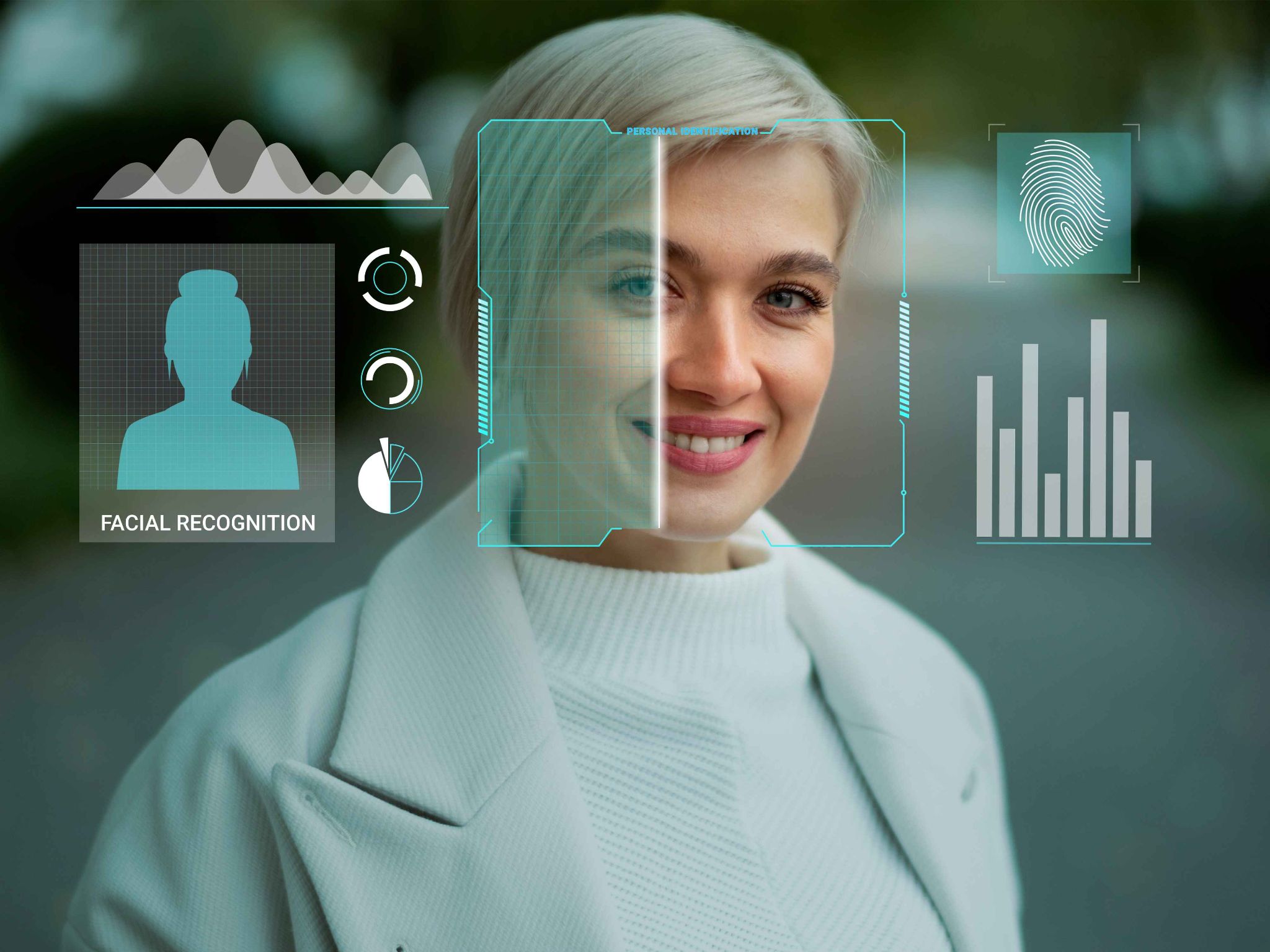
Facial recognition time clocks are digital time tracking systems that use a camera and facial recognition software to identify employees at the point of clock-in or clock-out.
When an employee registers with the system, their face is scanned and a unique biometric profile is created. Every time they clock in, the camera captures a live image and compares it to the stored profile. If the faces match, the clock-in is recorded. If they do not match, the system rejects the attempt.
The entire process takes less than a second. There is nothing for the employee to carry, remember, or touch. They simply stand in front of the camera and the system does the rest.
Reason 1: Facial Recognition Eliminates Buddy Punching Completely
Buddy punching is the single biggest driver of adoption for facial recognition time clocks. It is the problem that no other clock-in method fully solves.
A card can be handed to a colleague. A PIN can be shared over text. Even a fingerprint can theoretically be spoofed with effort. But a face cannot be passed along. The person clocking in must be physically present, standing in front of the camera, for the clock-in to succeed.
This simple fact eliminates buddy punching entirely. Not reduces it. Eliminates it.
For businesses with large shift-based teams, the financial impact of removing buddy punching is immediate and significant. Every fraudulent clock-in that previously went undetected is now blocked automatically before it enters the payroll system.
OpenTimeClock includes facial recognition as a built-in clock-in method. Employees register their face once. After that, every clock-in is verified against their stored profile automatically. No hardware purchase required beyond a device with a camera.
Reason 2: Speed and Convenience Improve Compliance
One reason time fraud flourishes in many workplaces is that the legitimate process is too slow or too inconvenient. Employees arrive together, one swipe card machine creates a queue, people get impatient and try to find shortcuts.
Facial recognition is fast. Typically under two seconds per employee. There is no card to find, no PIN to type, no queue to wait in. Employees look at the camera and move on.
When the legitimate process is this fast and easy, employees have no reason to look for shortcuts. Compliance with the clock-in process increases simply because using it is the easiest option available.
This is particularly important in environments like restaurants, factories, and warehouses where multiple employees arrive at the start of a shift at the same time.
Reason 3: Contactless Operation Improves Hygiene
Shared surfaces are a genuine health concern in workplaces. A fingerprint scanner or shared PIN keypad is touched by every employee multiple times every day.
Facial recognition time clocks require no physical contact at all. Employees never need to touch the device. This makes the clock-in process significantly more hygienic and reduces the spread of germs in communal work environments.
For businesses in food preparation, healthcare, childcare, or any environment where hygiene standards are important, contactless clock-ins are not just convenient. They are a genuine operational benefit.
OpenTimeClock supports fully contactless facial recognition clock-ins. Employees stand in front of the camera on a tablet or device. Nothing is touched. The clock-in is recorded in seconds.
Reason 4: Accuracy of Payroll Data Improves Immediately
Every clock-in recorded through a facial recognition system is precise. The timestamp is captured at the exact moment of recognition. There is no rounding, no estimation, and no possibility of retroactive change.
This precision feeds directly into payroll accuracy. Businesses know exactly when each employee started and finished each shift. Total hours are calculated automatically. Overtime is flagged in real time. The payroll data produced is reliable and ready to use without manual reconciliation.
Many businesses that switch to facial recognition time clocks see an immediate improvement in payroll accuracy. Disputes over hours become less frequent because the data is objective and verifiable. Both managers and employees can trust the numbers.
OpenTimeClock calculates hours automatically from facial recognition clock-in data. Managers can generate detailed payroll reports for any time period with a single click. The data is always accurate and always ready when it is needed.
Reason 5: No Hardware Costs for Most Businesses
Traditional biometric time clocks, including fingerprint scanners and dedicated facial recognition terminals, often cost hundreds or thousands of dollars per unit. For businesses with multiple locations, the hardware investment can be substantial.
Modern facial recognition time tracking software works on devices that most businesses already own. A tablet mounted at the entrance of a workplace, an iPad or Android device on a stand, or even a laptop with a webcam can serve as a fully functional facial recognition time clock.
This dramatically lowers the barrier to adoption. Businesses do not need to purchase specialized equipment. They install the software on existing devices and they are ready to go.
OpenTimeClock works on any device with a camera. A standard tablet or smartphone is all that is needed to run a complete facial recognition time clock system. The software is free for unlimited users. The total cost of setup is essentially zero for most businesses.
Reason 6: Dual Verification Adds Extra Security
Many businesses combine facial recognition with GPS location tracking for a double layer of verification.
Facial recognition confirms who is clocking in. GPS confirms where they are clocking in from. Together, these two checks create a record that is both identity-verified and location-verified.
This combination is particularly valuable for businesses with remote workers, field teams, or employees who work across multiple sites. It ensures that not only is the right person clocking in, but they are doing so from the correct location.
OpenTimeClock supports both facial recognition and GPS clock-ins within the same platform. Businesses can enable both verification methods simultaneously, creating a comprehensive record for every attendance event.
How OpenTimeClock Delivers Facial Recognition Time Tracking for Free
OpenTimeClock is one of the only platforms in the market that includes full facial recognition time tracking completely free for unlimited users.
Setting it up takes minutes. Mount a tablet or position a device with a camera at your entrance. Employees register their face during setup. After that, every clock-in is automatic, contactless, and verified.
The platform combines facial recognition with GPS tracking, geofencing, QR code clock-ins, and browser-based logins in a single system. Managers get a real-time attendance dashboard. Automated overtime alerts fire when thresholds are approached. Over 80 types of reports are available at the click of a button.
There are no per-user fees. No monthly subscription for the basic feature set. No hardware to purchase beyond a device you likely already own. For businesses looking to upgrade to facial recognition time clocks without a significant investment, OpenTimeClock is the obvious starting point.

Conclusion
The shift to facial recognition time clocks is not a trend driven by novelty. It is driven by real, measurable business benefits. Buddy punching is eliminated. Payroll accuracy improves. Administrative time goes down. Hygiene improves. And managers gain real-time visibility into their workforce that was never possible with traditional methods.
Businesses across every industry are making this switch because the benefits are immediate and the barriers to entry have never been lower. You do not need expensive hardware. You do not need a technical team to set it up. You just need a device with a camera and the right software.
OpenTimeClock gives you that software for free. Unlimited users, full facial recognition, GPS verification, real-time dashboards, and comprehensive reporting at no cost.
If your business is still relying on paper timesheets, swipe cards, or PIN machines, now is the time to make the switch. Facial recognition time clocks are the future of workforce management. And with OpenTimeClock, that future is available to you today.
FAQ’s
Q1: What are facial recognition time clocks and how do they work?
Facial recognition time clocks are time tracking systems that use a camera and biometric software to identify employees by their face at the point of clock-in. Employees register their face once when setting up their account. Each subsequent clock-in involves the camera capturing a live image and comparing it to the stored profile. If the images match, the clock-in is recorded instantly.
Q2: How do facial recognition time clocks prevent buddy punching?
Buddy punching occurs when one employee clocks in on behalf of a coworker who is not present. Facial recognition eliminates this because the system only accepts a clock-in from the registered employee whose face matches the stored profile. A card or PIN can be shared. A face cannot. No one can clock in on behalf of another person when facial recognition is required for every attendance event.
Q3: Is facial recognition time tracking expensive to implement?
Not necessarily. Traditional dedicated facial recognition hardware can be expensive, but modern software-based solutions like OpenTimeClock work on any device with a camera, such as a tablet or smartphone. OpenTimeClock is completely free for unlimited users.
Q4: Is it safe to store employee facial recognition data?
Responsible platforms store biometric data using encryption and strict access controls. It is important to choose a platform that is transparent about how it stores and protects biometric data. Businesses should also be aware of data protection laws in their region that govern the use of biometric data.
Q5: Can facial recognition time clocks work for remote or field-based employees?
Yes. Modern facial recognition time tracking is available through mobile apps that field workers and remote employees can use on their smartphones. Combined with GPS tracking, this creates a complete attendance record that confirms both who clocked in and where they were at the time.