Toggl vs Hubstaff for Freelancers: Simple Time Tracking vs Advanced Work Management
Compare Toggl vs Hubstaff for freelancers and discover which tool fits your workflow better, plus a free alternative that covers all your time tracking needs.
Freelancers live and die by accurate time tracking. Every hour you work needs to be logged, every project needs to be tracked, and every invoice needs to reflect the actual time spent on client work. Without a reliable system, you either undercharge clients by forgetting billable hours or spend too much time manually reconstructing what you worked on and when.
Two of the most popular tools freelancers turn to are Toggl and Hubstaff. Both are well known in the freelance community, both have strong feature sets, and both have free plans that attract people who want to try before they buy. But they are built around very different approaches to time tracking, and choosing the wrong one for your freelance work style can create more friction than it solves.
In this article we will break down the Toggl vs Hubstaff comparison in a way that is easy to understand, explain what each tool does best, identify where each one falls short, and introduce Open Time Clock as a free alternative that handles time tracking for freelancers and small teams without the limitations or costs that come with both Toggl and Hubstaff.
What Is Toggl and Who Is It For?
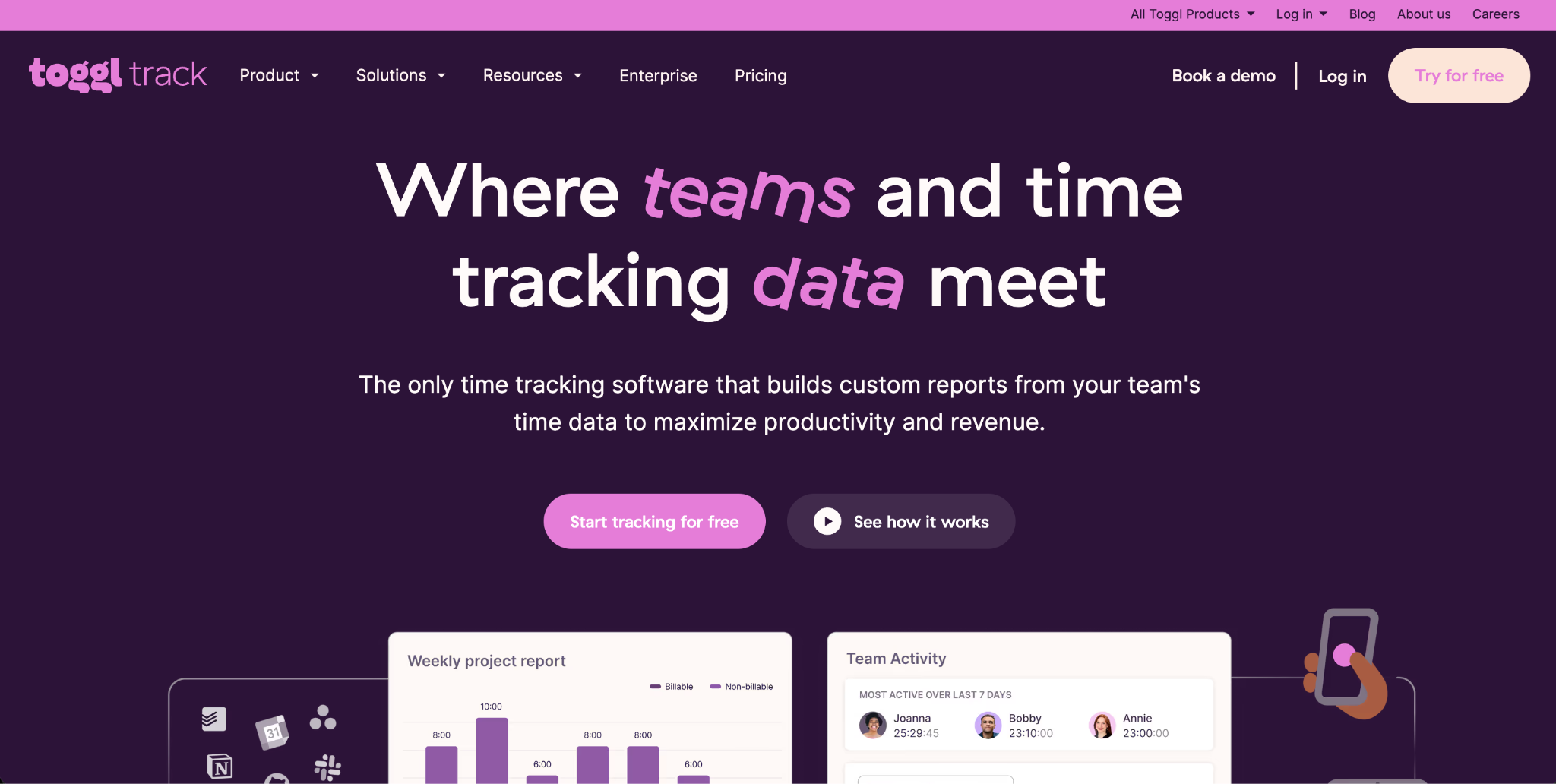
Toggl is a time tracking tool built around simplicity. Its core feature is a one click timer that starts tracking time to a project or task the moment you press it. You assign the time entry to a client or project, add any notes you want, and stop the timer when you are done. Toggl then organizes all of your tracked time into reports that you can use for client billing or personal productivity analysis.
Toggl is designed for freelancers and small teams who want to track billable hours without a lot of setup or complexity. The interface is clean, the learning curve is minimal, and the core timer functionality works reliably across desktop, mobile, and browser. If your primary need is knowing how many hours you spent on each project so you can create accurate invoices, Toggl does that job well.
The free plan allows unlimited time tracking and basic reporting. Paid plans add features like billable rate tracking, client dashboards, and more detailed reporting options. Toggl does not include employee monitoring, attendance verification, or payroll features, which reflects its focus on individual productivity tracking rather than workforce management.
What Is Hubstaff and Who Is It For?
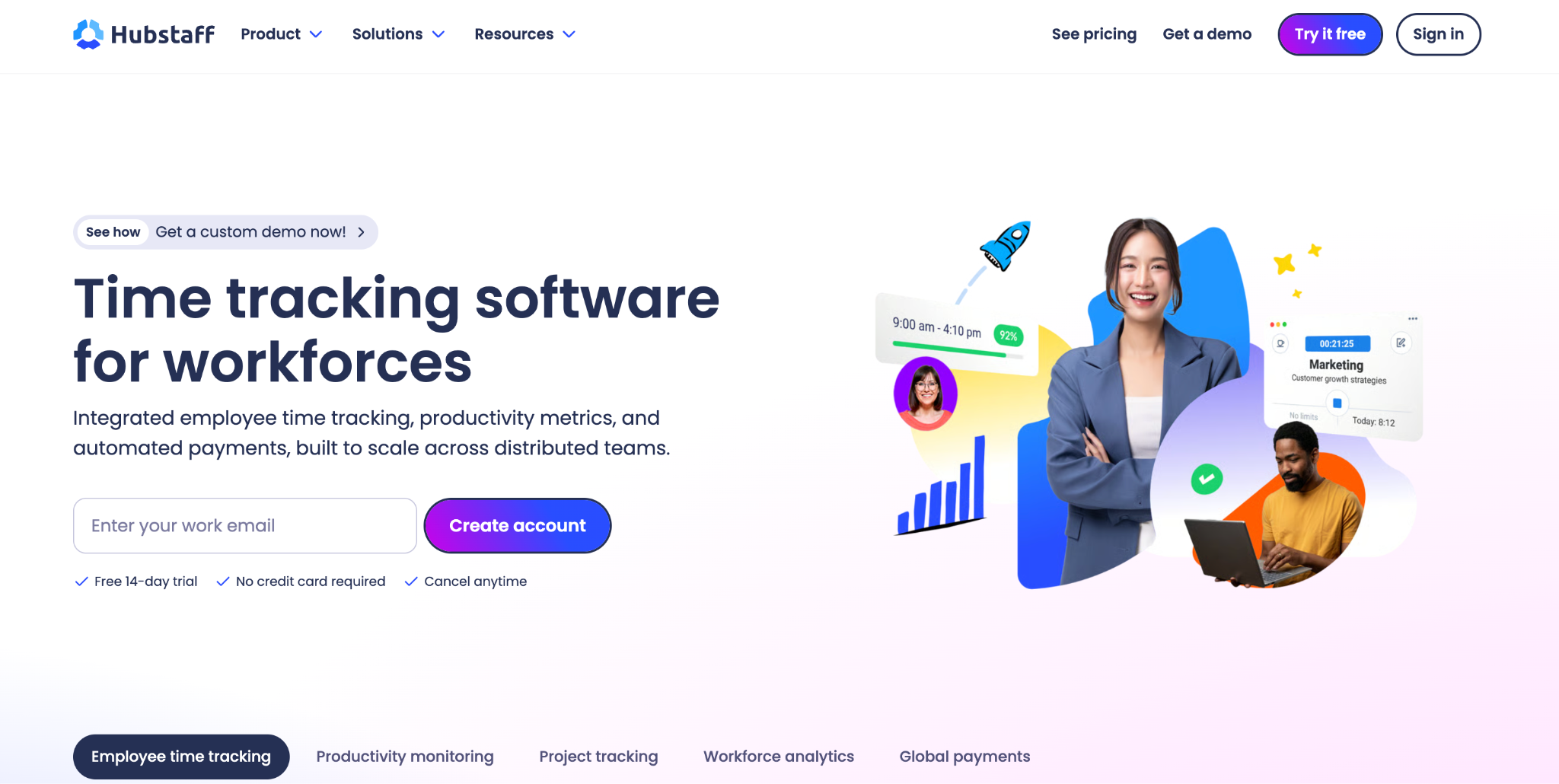
Hubstaff takes a very different approach. While it includes time tracking at its core, it is built more like a work monitoring and team management platform. In addition to logging time, Hubstaff captures screenshots of employee screens at regular intervals, tracks keyboard and mouse activity, monitors app and website usage, records GPS locations for mobile workers, and generates productivity scores based on activity levels.
For freelancers who work with agencies or clients that require proof of work, Hubstaff provides the kind of detailed activity documentation that satisfies those requirements. Some clients, particularly in the outsourcing and remote work space, require contractors to use Hubstaff specifically so they can verify that hours billed correspond to actual work activity.
The free plan is limited in features, and the paid plans can become expensive quickly for solo freelancers who only need basic functionality. Hubstaff is more naturally suited to small teams and agencies managing multiple contractors than to individual freelancers managing their own projects independently.
Toggl vs Hubstaff: A Direct Comparison
The Toggl vs Hubstaff comparison comes down to a fundamental question about what kind of time tracking you actually need as a freelancer.
Ease of Use
Toggl wins on simplicity. The one click timer is about as frictionless as time tracking gets. Hubstaff requires more setup because of its additional monitoring features, and the interface is more complex to navigate. For freelancers who want to focus on work and spend as little time as possible managing their time tracking tool, Toggl is the more comfortable daily experience.
Features for Individual Freelancers
For straightforward billable hour tracking, Toggl provides everything most freelancers need. Project organization, client tagging, detailed time reports, and invoice ready summaries are all available. Hubstaff adds monitoring features that individual freelancers managing their own schedules generally do not need. If you are accountable only to yourself and your clients for deliverables rather than for hourly activity proof, most of Hubstaff's monitoring features add complexity without value.
Features for Freelancers Working With Agencies
When a freelance arrangement requires proof of work rather than just proof of hours, the Toggl vs Hubstaff balance shifts in Hubstaff's favor. Screenshot capture and activity monitoring are features that certain agency clients specifically require. In these situations, Toggl simply does not provide the monitoring documentation that the client relationship demands.
Pricing
Both tools have free plans, but both have meaningful limitations on those plans. Toggl's free plan covers the core timer and basic reports but limits team features and some reporting depth. Hubstaff's free plan is quite restricted and pushes users toward paid tiers relatively quickly as their needs grow.
For solo freelancers on tight budgets, the cost of upgrading either tool adds up over time, particularly when the features driving the cost are not actually needed for solo work.
Attendance and Payroll Features
Neither Toggl nor Hubstaff is designed for traditional attendance tracking or payroll management. They are project time tracking tools, not workforce management platforms. If a freelancer grows their operation and starts hiring employees or contractors of their own, both tools have significant gaps in attendance verification, leave management, overtime calculation, and payroll reporting.
Where Both Tools Fall Short for Growing Freelance Operations
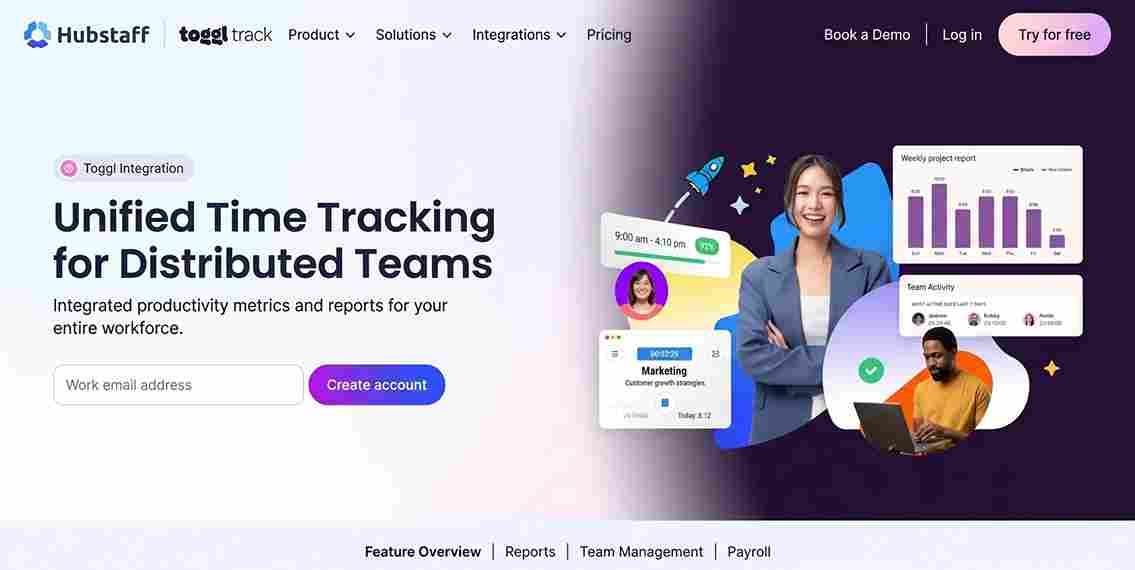
The Toggl vs Hubstaff debate focuses on the needs of individual freelancers or very small remote teams. But many freelancers eventually grow beyond solo work. They bring on part time helpers, hire subcontractors, or build small teams to handle client work at scale.
When this happens, the limitations of project time tracking tools become clear. Neither Toggl nor Hubstaff was built to handle employee attendance verification with GPS, group clock in for field or on-site teams, paid time off management, overtime calculation under labor law requirements, or payroll ready attendance reports.
These are the capabilities that a growing operation needs, and they are exactly where a dedicated time and attendance platform fills the gap that project time trackers leave open.
Open Time Clock: A Free Alternative That Covers More Ground
Open Time Clock is a free time tracking and attendance management platform that serves both the individual tracking needs of freelancers and the workforce management needs of growing teams and businesses.
For freelancers, it provides precise time recording with automatic timestamps, project and department tracking, and comprehensive reports that show exactly how time was allocated across clients and projects during any period. These reports export in Excel and PDF formats, making invoice preparation and client reporting straightforward.
For freelancers who have started building a team, Open Time Clock handles everything that Toggl and Hubstaff cannot. GPS verified clock in through the mobile app confirms that team members or contractors are at the right location when they start work. Geofencing automatically restricts clock ins to approved work areas. Facial recognition verifies the identity of every person clocking in, preventing any form of attendance fraud.
GPS Tracking and Geofencing for Distributed Teams
When you manage contractors or employees who work at different locations, knowing where they are when they clock in matters. Open Time Clock's GPS tracking and geofencing features record the exact location of every clock in event and can restrict clock ins to approved boundaries. This is a level of location accountability that neither Toggl nor Hubstaff provides in their standard time tracking workflows.
Facial Recognition for Identity Verification
Open Time Clock's facial recognition feature adds biometric identity confirmation at every clock in. For a freelancer managing a small team of contractors, this ensures that the person logging time is actually the person assigned to the work, eliminating the credential sharing that basic time tracking tools cannot prevent.
QR Code Clock In for Simple Team Management
For freelancers who manage small on-site teams or need a simple shared clock in solution, Open Time Clock's QR code time tracking provides a fast and cost free option. Each team member gets a unique QR code badge. They scan it to clock in and out, and the system records everything automatically without any hardware investment.
Payroll Ready Reports
While Toggl and Hubstaff produce time reports useful for billing, they do not generate payroll ready attendance reports that include overtime calculations, leave deductions, and department breakdowns in formats ready for payroll processing. Open Time Clock produces over 80 report formats covering every aspect of attendance and payroll data, all exportable in Excel and PDF for direct use in payroll software.
Which Tool Should a Freelancer Choose?
The right answer depends on what you are actually trying to solve.
If you are a solo freelancer who only needs to track billable hours by project and create invoices, Toggl is the simpler and more comfortable daily tool. Its one click timer and clean interface make it easy to stay on top of project time without thinking too much about the tracking itself.
If your clients require proof of work documentation including screenshots and activity monitoring, Hubstaff serves that specific need better than Toggl can.
If you have grown beyond solo work and need to manage a team with real attendance accountability, GPS verification, identity confirmation, leave management, and payroll reporting, neither Toggl nor Hubstaff is the right tool. Open Time Clock fills that role completely and for free.
Many growing freelance operations end up using a combination: a project time tracker for personal billing workflow and Open Time Clock for managing the team side of the operation.
Conclusion
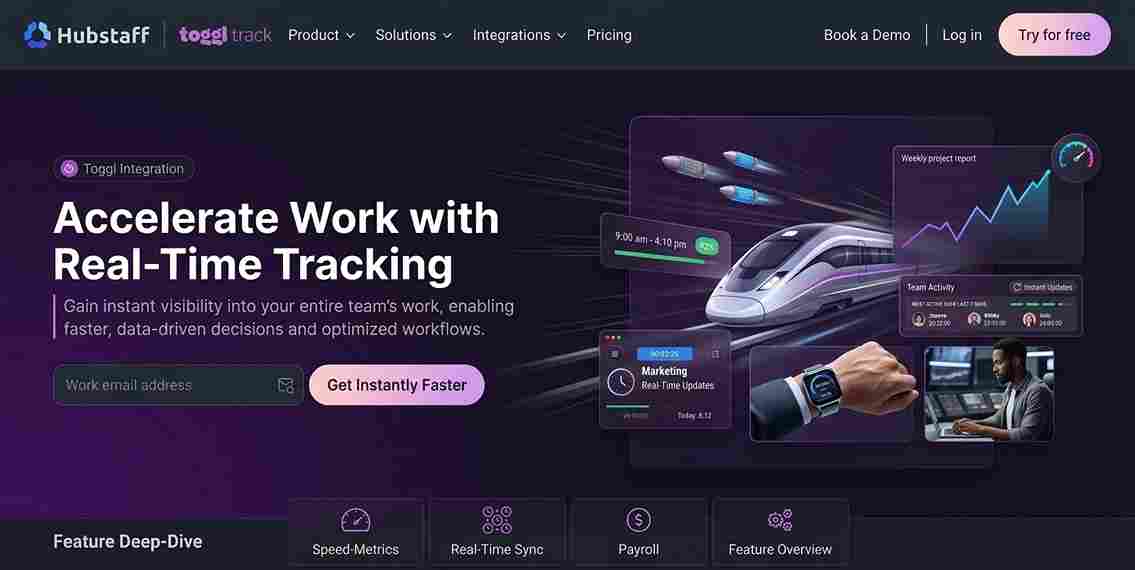
The Toggl vs Hubstaff debate is a useful starting point for freelancers thinking about time tracking, but it only covers part of the picture. Toggl is excellent for simple billable hour tracking. Hubstaff is useful when clients require activity monitoring. But when a freelance operation grows and real team management becomes necessary, both tools show their limitations.
Open Time Clock is the free platform that bridges the gap, handling everything from individual time recording to GPS verified team attendance, facial recognition, payroll reporting, and leave management in one place.
Start for free today at opentimeclock.com and build the time tracking foundation your freelance operation needs to grow with confidence.
FAQ’s
Q1. What is the main difference between Toggl and Hubstaff for freelancers?
The core difference in the Toggl vs Hubstaff comparison is that Toggl focuses on simple project time tracking with a one click timer and clean reporting, while Hubstaff adds employee monitoring features like screenshot capture, activity tracking, and GPS location.
Q2. Is Toggl or Hubstaff free for freelancers?
Both offer free plans with limitations. Toggl's free plan covers basic time tracking and reports for individuals. Hubstaff's free plan is quite restricted and pushes users toward paid tiers quickly. For freelancers who want a completely free platform with no feature restrictions and no per user fees, Open Time Clock provides comprehensive time tracking and attendance management at no cost.
Q3. Which tool handles team management better, Toggl or Hubstaff?
Hubstaff handles remote team monitoring better through its screenshot and activity tracking features. However, for proper attendance management including GPS verified clock in, facial recognition, leave management, and payroll reporting, neither Toggl vs Hubstaff competes with a dedicated attendance platform.
Q4. Can Open Time Clock replace both Toggl and Hubstaff for a growing freelance operation?
For many growing freelance businesses, yes. Open Time Clock provides automatic time recording, project and department tracking, GPS verified attendance, facial recognition, QR code clock in, leave management, overtime calculation, and comprehensive payroll reporting all in one free platform.
Q5. Is Open Time Clock suitable for freelancers with only a few team members?
Absolutely. Open Time Clock is completely free regardless of team size, with no per user fees and no feature restrictions based on the number of employees. A freelancer managing two contractors gets access to the same full feature set as a business with fifty employees.