Time Tracking Tools Ranked: We Tested 10 So You Don't Have To
We ranked 10 time tracking tools on price, GPS, payroll export, and ease of use so you can pick the right one faster in 2026.
Picking a time tracking tool is harder than it should be. Most of them look similar on the surface. They all claim to save you time and reduce payroll errors. But the differences in pricing, GPS accuracy, identity verification, and payroll export quality are significant once you actually use them.
We evaluated 10 of the most popular time tracking tools available in 2026 based on five criteria: cost, clock-in flexibility, GPS and identity verification, overtime accuracy, and payroll export capability. Here is what we found.
How We Evaluated These Tools
Each tool was assessed across five areas. Cost includes both the base fee and per-user charges, since the two together determine the real monthly bill. Clock-in flexibility covers how many methods are supported and how easy they are for employees to use. GPS and identity verification looks at whether the tool prevents buddy punching and confirms on-site presence. Overtime accuracy checks whether the tool applies the right rules by state. And payroll export quality covers how cleanly the output connects to payroll software.
1. Open Time Clock — Best Overall
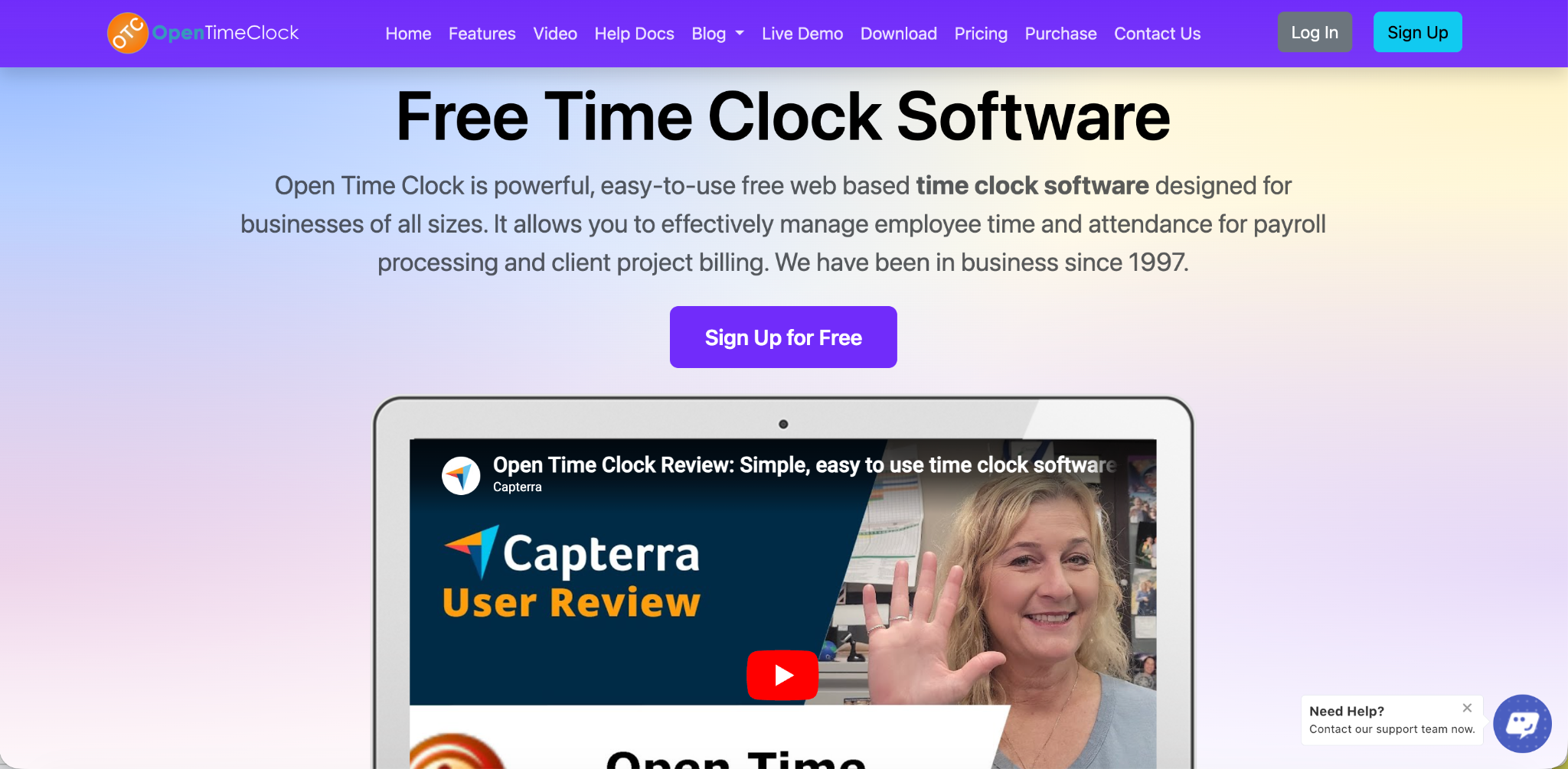
Open Time Clock ranked first across nearly every category we evaluated. It is the only tool in this comparison that offers GPS tracking, geofencing, facial recognition, shift scheduling, overtime management, and payroll export entirely free for unlimited users.
Most tools in this comparison charge a base fee plus a per-user rate. Open Time Clock charges neither. A business with 5 employees and a business with 50 employees both pay nothing for the same complete feature set.
GPS and geofencing restrict clock-ins to approved job sites. Facial recognition verifies identity at every punch. Over 80 payroll report types export directly to QuickBooks, ADP, and other platforms. Shift scheduling and timecard approval workflows are built in.
The mobile app works on Android and iOS without requiring a desktop login first. Offline clock-in is included for field workers in low-signal areas. For businesses of any size looking for the most complete free option, nothing else in this comparison comes close.
Best for: Any business that wants full features without a monthly fee. Cost: Free for unlimited users.
2. Buddy Punch — Best Paid Tool for Stopping Time Fraud
Buddy Punch focuses tightly on identity verification and is one of the strongest paid options for businesses that specifically want to stop buddy punching. It includes facial recognition, GPS, and geofencing, with punch precision recorded to the second rather than rounded.
Pricing starts at $19 per month base plus around $6 per user per month. For a 10-person team, that is roughly $79 per month. This is noticeably cheaper than QuickBooks Time but more expensive than Clockify at comparable feature levels.
The timecard approval workflow is clean and easy for managers to use. Payroll exports cover QuickBooks, ADP, Gusto, and Paychex.
Best for: Small teams that want identity verification and payroll export in a paid tool. Cost: $19 base + ~$6 per user per month.
3. Clockify — Best Free Option for Project Teams
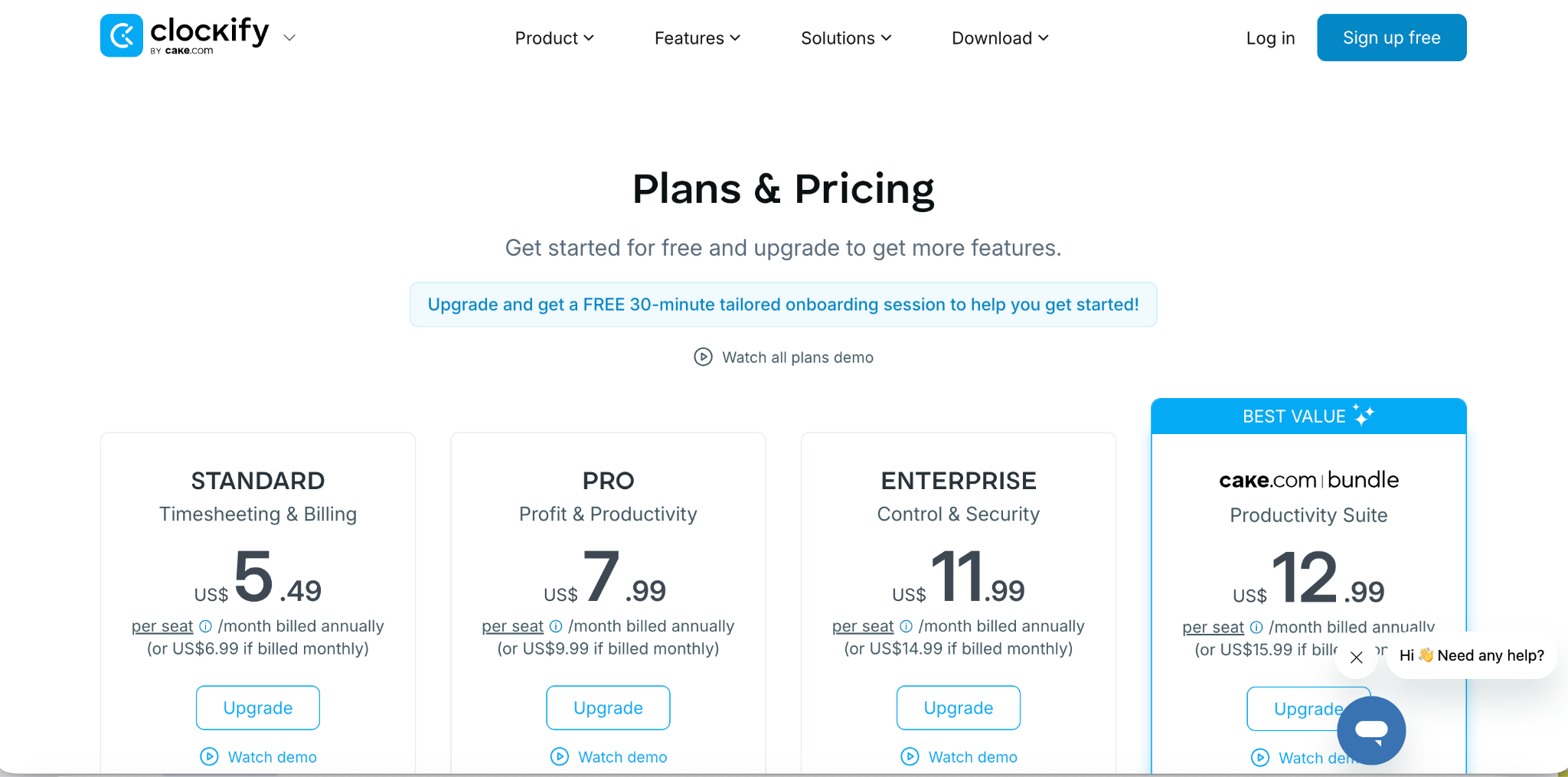
Clockify has one of the broadest free feature sets among time tracking tools for project-based work. It includes timers, project budgets, kiosk mode, and basic reports. As of April 2026, the free plan is capped at 5 users. Paid plans start around $4 per user per month.
One notable gap is geofencing. Clockify logs GPS location at clock-in but does not use it to block punches from unauthorized locations. This limits its usefulness for businesses that need strict location enforcement.
Clockify also does not include shift scheduling or absence management in the free tier, which means growing teams often need to pay for add-ons or find a second tool.
Best for: Small project-based teams tracking billable hours. Cost: Free up to 5 users, paid from ~$4/user/month.
4. QuickBooks Time — Best for QuickBooks Payroll Users
QuickBooks Time, the platform formerly known as TSheets, earns its place on this list for one specific use case: businesses already running payroll through QuickBooks Online. The integration between the two is tight and reliable.
GPS tracking and geofencing are included. The mileage tracker is a useful bonus for businesses that reimburse job-to-job travel. The real-time crew view shows field managers where each team member is during the shift.
The significant downside is cost and dependency. QuickBooks Time now requires an active QuickBooks Online subscription on top of its own fees. The Premium plan runs $20 per month base plus $10 per user per month. For a 10-person team, that is $120 per month before the QuickBooks Online cost is added.
Best for: Businesses already committed to the QuickBooks ecosystem. Cost: $20 base + $10 per user per month, plus requires QuickBooks Online.
5. Connecteam — Best All-in-One for Deskless Teams
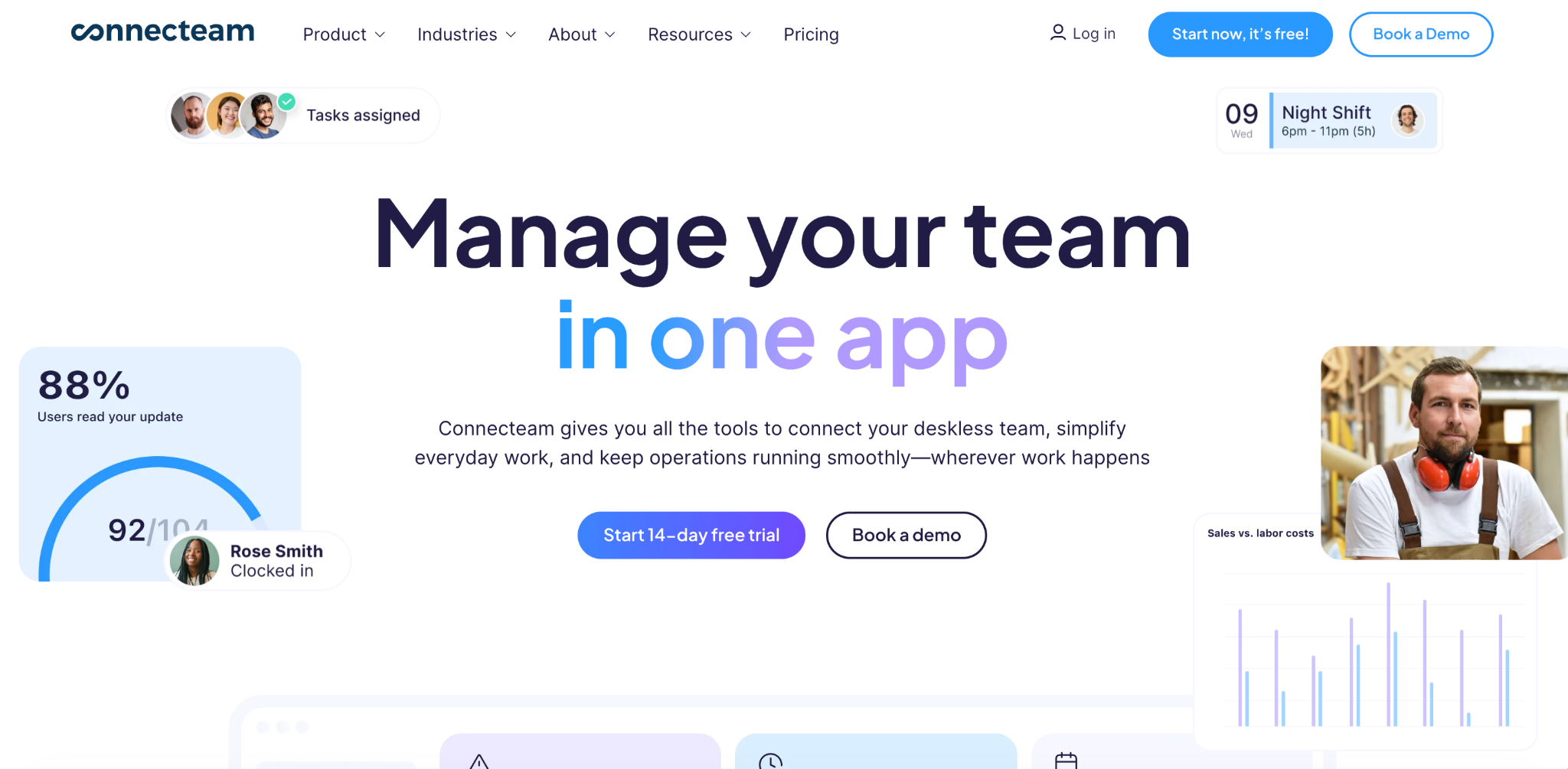
Connecteam combines GPS time tracking with scheduling, task management, and internal team communication. It is purpose-built for deskless and field-based workforces, which makes GPS and geofencing core features rather than add-ons.
The free plan covers a limited number of users. Paid plans start at $29 per month for up to 30 users, which is competitive for small to mid-sized field teams. The breadcrumb trail feature shows an employee's movement during the shift, which goes beyond a simple clock-in location point.
Facial recognition is not included. Photo verification requires manual review rather than automated matching, which reduces its effectiveness for stopping buddy punching compared to tools with true facial recognition.
Best for: Deskless teams that want scheduling and communication alongside GPS tracking. Cost: Free (limited), paid from $29/month for up to 30 users.
6. Homebase — Best for Single-Location Retail and Restaurant Teams
Homebase is popular with hourly retail and food service businesses thanks to its combined scheduling, time clock, and payroll tools. Its free plan covers one location with up to 20 employees and includes basic scheduling and time tracking.
Photo verification is included, but geofencing is limited to preset radius options and facial recognition is not available. Per-location pricing rises meaningfully as businesses add sites.
Homebase integrates with Square POS and several payroll platforms, which makes it a natural fit for retail businesses already using Square.
Best for: Single-location hourly businesses in retail or food service. Cost: Free for 1 location and up to 20 employees, paid tiers available.
7. Toggl Track — Best for Freelancers Who Need Speed
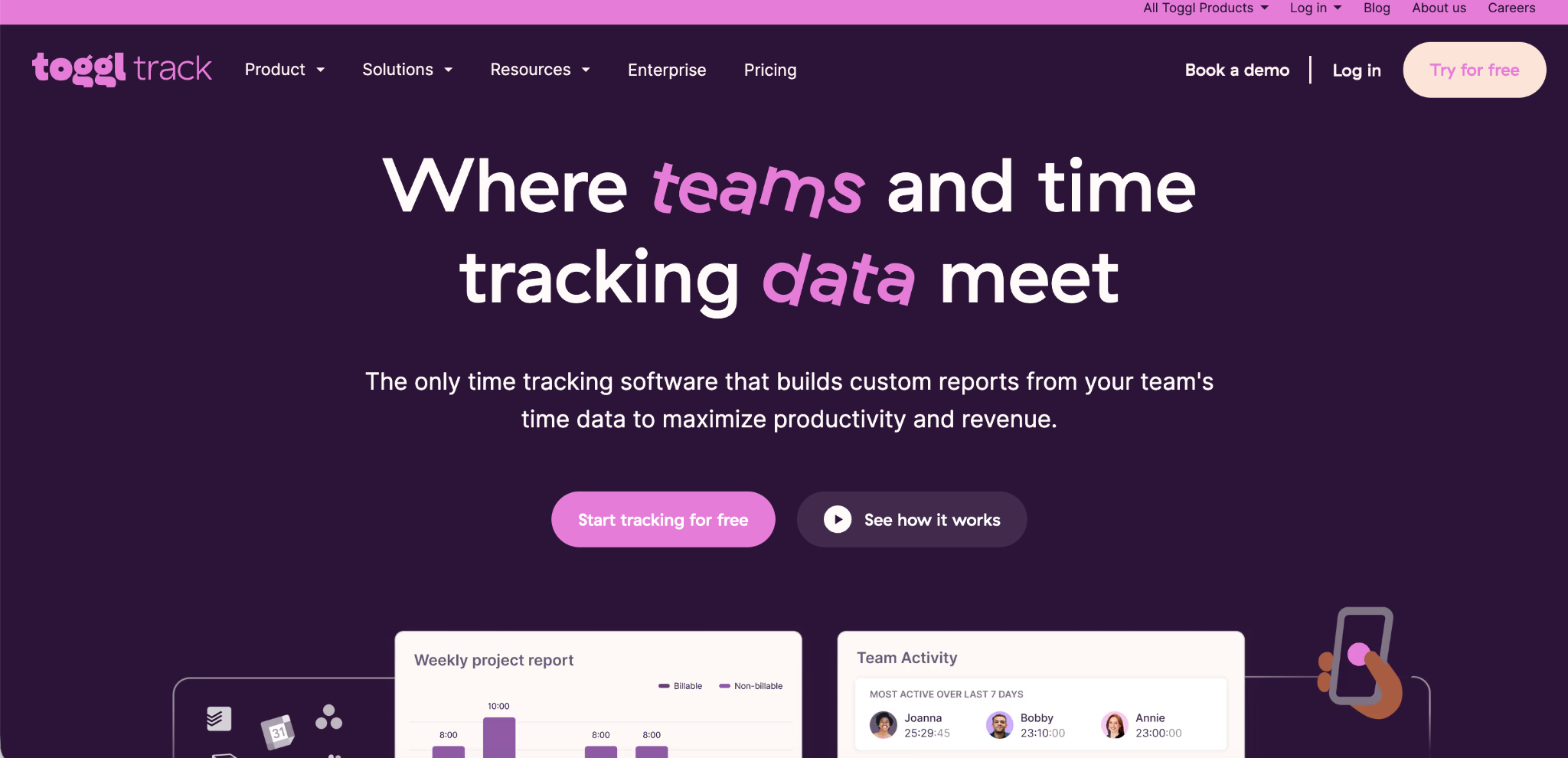
Among time tracking tools built for solo users and small freelance teams, Toggl Track is consistently the most praised for its interface speed. Starting a timer takes one click. The free plan supports up to five users with no time limit.
The trade-off is feature depth. Toggl Track has no GPS tracking, geofencing, shift scheduling, or identity verification of any kind. It is a clean timer and reporting tool, not a workforce attendance platform.
Toggl's Starter plan at $9 per user per month adds billing rates and custom reports. Its Premium plan at $18 per user per month unlocks profitability analysis and Insights dashboards.
Best for: Solo freelancers and small project teams tracking billable hours quickly. Cost: Free for up to 5 users, paid from $9/user/month.
8. Harvest — Best for Freelancers Who Invoice Clients Directly
Harvest earned its reputation by combining time tracking with client invoicing and payment collection through Stripe and PayPal. This makes it genuinely useful for freelancers and agencies that want one tool for both tracking and billing.
However, the free plan is limited to one seat and two projects. Paid plans run $11 per seat per month billed annually, which has become one of the pricier per-seat rates in this category since Harvest's 2025 acquisition by Bending Spoons.
There is no GPS, no shift scheduling, and no identity verification. Harvest is a billing tool with time tracking built in, not a workforce attendance platform.
Best for: Freelancers and small agencies that bill clients by the hour. Cost: Free (1 seat, 2 projects), paid at $11/seat/month annually.
9. Deputy — Best for Compliance-Heavy Industries
Deputy offers time tracking and scheduling in a single plan at around $3.50 per user per month. It integrates with a wide range of payroll, POS, and project management tools. Its compliance features, including meal break tracking and predictive scheduling alerts, make it a strong fit for industries like healthcare and hospitality where break compliance is regulated.
Deputy does not include a built-in payroll tool, so a separate platform is always needed to actually process pay. Its reporting is functional but less deep than some dedicated time clock platforms.
Best for: Healthcare, hospitality, and compliance-sensitive shift-based businesses. Cost: Around $3.50 per user per month.
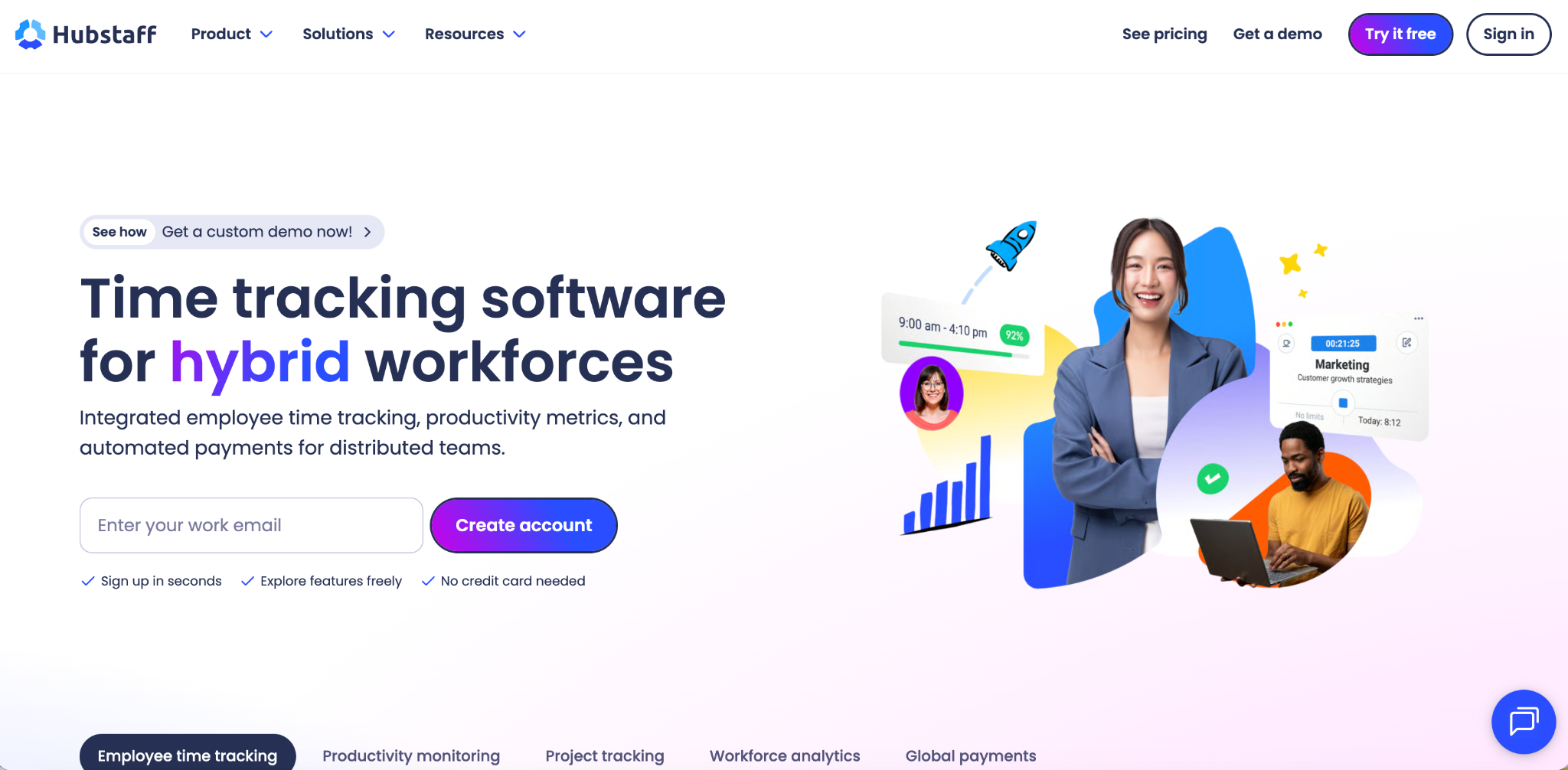
10. Hubstaff — Best for Remote Teams That Need Activity Monitoring
Hubstaff combines GPS tracking with desktop activity monitoring, including screenshots and productivity scores. This makes it the strongest option for businesses that want location data and computer activity data in the same tool.
GPS is not included by default and must be added as a paid feature on top of the base subscription, starting around $5 to $7 per user per month. For teams that specifically need both field GPS and remote desktop monitoring, Hubstaff bundles both in a way that no other tool in this comparison does.
Some reviewers describe the level of monitoring as intrusive for employees who are not comfortable being tracked by screenshot. For businesses that need that level of oversight, the trade-off may be acceptable.
Best for: Remote and hybrid businesses that want desktop monitoring alongside GPS. Cost: ~$5 to $7 per user per month, with GPS as an add-on.
Which Time Tracking Tool Should You Choose
The right choice depends entirely on what your business actually needs from its time tracking tools. If cost is the deciding factor, Open Time Clock is the only tool in this comparison with full GPS, geofencing, facial recognition, and payroll export at no cost for unlimited users.
If you are already in the QuickBooks ecosystem and want everything tightly connected, QuickBooks Time justifies its cost for that specific use case.
If you run a freelance or agency business that needs client invoicing, Harvest and Toggl Track serve that workflow well, with Harvest stronger on billing and Toggl stronger on simplicity. If you manage a deskless field team and want scheduling and communication alongside GPS, Connecteam or Deputy are worth considering depending on whether compliance features or team communication is the higher priority.
Conclusion
Choosing among the top time tracking tools comes down to three things: what you actually need, how many employees you are managing, and how much you want to pay per month as the team grows.
Most tools on this list deliver their core promise. The differences show up in the details: whether GPS is included or an add-on, whether facial recognition is available at all, whether payroll export covers your specific platform, and whether the per-user pricing model becomes expensive as you hire more people.
Open Time Clock is the only tool in this comparison that keeps all of those concerns off the table. Its cost is zero at every team size, and its feature set matches or exceeds every paid competitor we evaluated on the criteria that matter most for workforce attendance management. Open Time Clock's payroll and attendance reports export directly to QuickBooks, ADP, and other platforms, and the full features list covers every tool included in the free plan.
FAQ’s
Q1. What are the best free time tracking tools in 2026?
Open Time Clock is the most complete free option for teams of any size, including GPS, geofencing, and facial recognition with no user limit. Clockify and Toggl Track offer free plans capped at 5 users, suited more for freelancers than hourly workforce management.
Q2. Which time tracking tool has the best GPS and geofencing?
Open Time Clock and Connecteam both offer strong GPS and geofencing. Open Time Clock includes both for free with no user limit. QuickBooks Time and Buddy Punch also include GPS and geofencing but charge a monthly fee.
Q3. Which tool stops buddy punching most effectively?
Open Time Clock and Buddy Punch both include facial recognition, which is the most reliable method for stopping buddy punching. Combining facial recognition with GPS geofencing gives the strongest combined protection.
Q4. Which time tracking tool works best with QuickBooks?
QuickBooks Time has the tightest integration with QuickBooks Online. Open Time Clock generates QuickBooks-compatible IIF files that import directly into QuickBooks Desktop. Both work with QuickBooks for payroll; the difference is that Open Time Clock does not require a QuickBooks Online subscription to use.
Q5. How do I choose the right time tracking tool for a small business?
Start by identifying your three most important needs, such as GPS verification, payroll export, or shift scheduling. Then filter the tools in this comparison by which ones cover those needs at a price that makes sense for your team size. For most small businesses that need complete workforce attendance features without a per-user fee, Open Time Clock is the strongest starting point.