The Role of Embedded Time Clocks in Modern Workforce Management
Learn how embedded time clocks are transforming workforce management in 2026. Track attendance, prevent fraud, and save time free with OpenTimeClock today.
The way businesses track employee time has changed fundamentally over the past decade. Where attendance management once required dedicated hardware devices sitting in corporate IT rooms, modern workforce management has moved toward something far more flexible and integrated. Embedded time clocks are at the center of this shift.
An embedded time clock is a time and attendance function that is built directly into a broader workforce management platform rather than existing as a standalone piece of hardware or isolated software. Instead of a separate punch card machine, a separate fingerprint scanner, and a separate payroll system that all need to communicate with each other through manual exports and data transfers, the embedded time clock is one seamlessly integrated component of a complete system that also handles scheduling, leave management, payroll, and communications.
In this article we will explain what embedded time clocks are, why they represent a significant improvement over standalone attendance systems, what capabilities they will deliver in 2026, how different types of businesses are using them, and how OpenTimeClock delivers a complete embedded time clock platform for free.
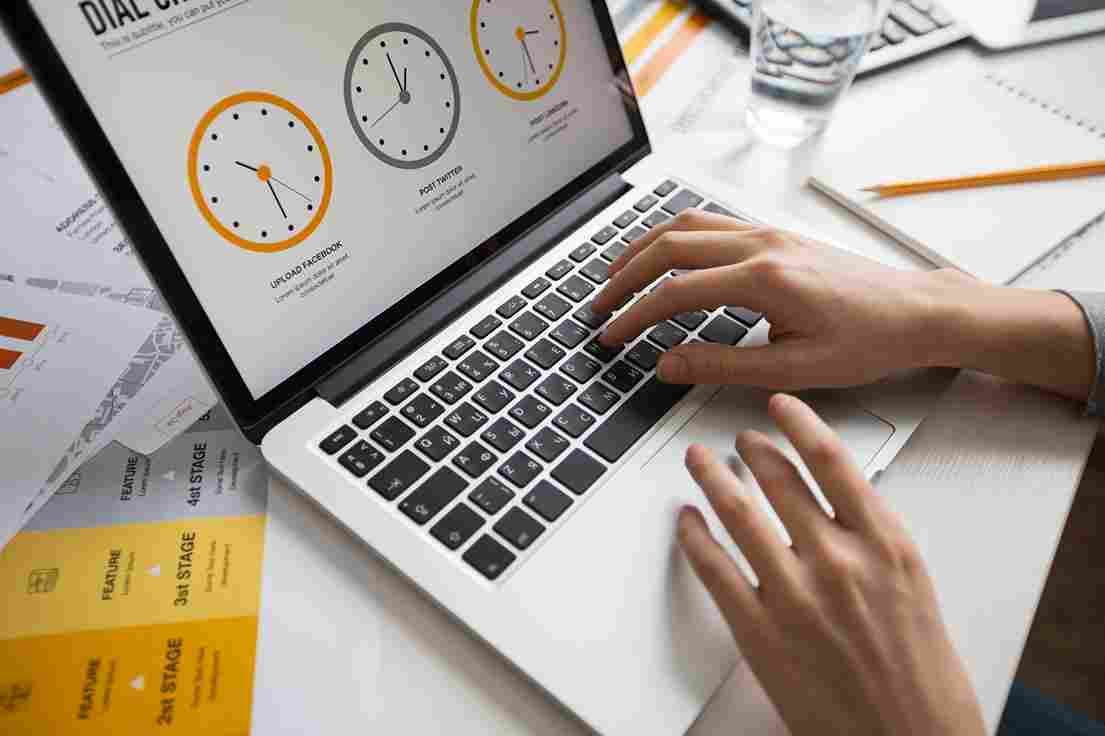
What Makes a Time Clock Embedded
The word embedded is important. It distinguishes systems where the time clock is a core, native component of the platform from systems where time tracking is an afterthought, a basic feature bolted onto software that was built for something else.
A truly embedded time clock shares data natively with every other function in the platform. When an employee clocks in, that event immediately and automatically updates the attendance record, contributes to the payroll calculation, compares against the scheduled shift, checks for overtime implications, updates the manager's real-time dashboard, and is available for any report or export the business needs. None of these downstream updates require a manual action, an export, or a system integration. They happen because the time clock and every other function are parts of the same system.
Compare this with a business that uses a standalone fingerprint scanner that outputs data to a CSV file once a day, which someone then manually imports into a payroll spreadsheet, which is then compared against a separately maintained schedule document, and you begin to see why the distinction matters so much. Every gap between systems is an opportunity for an error, a delay, or a piece of information being lost.
The Core Capabilities of Embedded Time Clocks in 2026
Modern embedded time clocks in 2026 go far beyond recording when someone arrived and left. Here are the capabilities that define a current-generation embedded time clock platform.
Multiple verification methods. Employees can clock in using facial recognition, PIN, QR code, RFID card, barcode, or GPS mobile check-in. Different methods suit different environments and employee types. A warehouse worker wearing gloves benefits from facial recognition. A remote field employee benefits from GPS mobile clock-in. A retail worker benefits from PIN or QR code. A properly embedded system supports all of these from the same platform without treating them as separate products.
OpenTimeClock supports all of these verification methods natively. Every method produces the same quality of verified, timestamped attendance record that feeds into the same payroll and scheduling systems.
Photo capture at every clock-in. Every clock-in event captures a photo of the employee using the device camera. This photo is stored with the attendance record and can be reviewed by managers at any time. It serves as a visual audit trail and a fraud deterrent. Employees who know their photo is taken at every clock-in are significantly less likely to attempt buddy punching.
GPS location recording. For mobile or field-based employees, GPS coordinates are recorded at every clock-in. The manager's dashboard shows where each employee was when they checked in, providing location-verified attendance data that is essential for field workforce management.
Real-time attendance dashboard. Managers can see at any moment who is currently clocked in, who has not yet arrived for their scheduled shift, and whether there are any attendance exceptions requiring immediate attention. This live visibility is only possible when the time clock is embedded in a real-time platform rather than operating as an isolated device.
How Embedded Time Clocks Connect to Scheduling
The connection between embedded time clocks and scheduling is one of the most valuable aspects of an integrated architecture. When the time clock knows what shifts are scheduled and the scheduling system knows what the time clock has recorded, both functions become far more powerful.
When a manager builds a schedule in OpenTimeClock, that schedule defines when each employee is expected to clock in and out. When the employee actually clocks in, the system automatically compares the actual time against the scheduled time. If the employee clocks in late, the system flags it. If an employee is scheduled for a shift and has not clocked in within a defined window after the shift start, an automated alert goes to the manager.
This real-time comparison between scheduled and actual attendance is only possible when scheduling and time tracking are embedded in the same system. In a business that manages its schedule in a spreadsheet and its attendance in a separate time clock, this comparison requires manual effort and always happens after the fact.
The scheduling-attendance connection also works the other way. Managers building schedules can see, within the same system, which employees have already accumulated the most hours, which are approaching overtime, and which have approved leave during the upcoming schedule period.
How Embedded Time Clocks Connect to Payroll
The payroll connection is where the financial value of an embedded time clock is most directly realized. When attendance data lives in the same system as payroll configuration, the process from hours worked to payroll export is almost entirely automated.
Here is how it works in OpenTimeClock. An employee clocks in through the embedded time clock using facial recognition. The system records the exact timestamp. Throughout the day, the employee's total hours accumulate automatically. The configured overtime rules are applied in real time. If the employee also takes approved leave time, that is incorporated into the same record. At the end of the pay period, the payroll export includes everything: regular hours, overtime hours, leave time, and project time if applicable, all in a single file ready for the payroll software or accountant.
No manual hour calculation. No data transfer between systems. No reconciliation of attendance records against a separate leave management spreadsheet. The embedded architecture eliminates every manual step in the payroll pipeline between clock-in and payroll export.
OpenTimeClock exports payroll data in formats including CSV, XLSX, PDF, and IIF, compatible with most payroll software. The export takes seconds to generate and contains everything the payroll team needs.
Embedded Time Clocks in Different Workplace Environments
Embedded time clocks work equally well across the full range of workplace environments, with different hardware configurations suited to different settings.
Office environments. In a typical office, the embedded time clock runs on a wall-mounted or desktop tablet near the main entrance. Employees clock in using facial recognition or PIN as they arrive. The tablet is connected to the office WiFi and syncs attendance data to the cloud instantly. Remote or hybrid employees use the same platform through the mobile app, with GPS verification confirming their location at clock-in.
Warehouse and manufacturing. In warehouse and manufacturing settings, the embedded time clock often runs on a more robust tablet setup with a lockable enclosure to protect it from the harsher environment. Group clock-in functionality, where a supervisor clocks in multiple workers simultaneously, reduces queuing time during large shift starts. RFID card readers connected to the tablet allow workers to clock in while wearing gloves.
Retail. In retail stores, the clock is typically mounted in the staff area near the locker room or break room. High staff turnover and multiple part-time employees make the photo capture feature particularly valuable for verifying that the right person is clocking in. The real-time attendance dashboard is especially useful for retail managers who need to see immediately if a shift is properly covered.
Field and mobile workforces. For businesses whose employees work at different locations every day, the embedded time clock runs entirely on smartphones. GPS verification at each clock-in provides location-verified attendance records without any fixed hardware. The same attendance data appears in the manager's dashboard alongside records from office-based employees, giving a unified view of the entire workforce.
OpenTimeClock supports all of these deployment configurations within the same platform and the same account. Businesses with both office and field employees manage everything through one unified system.
Security and Data Protection in Embedded Time Clock Systems
Because embedded time clocks handle employee identity data including biometric information, GPS coordinates, and photographic records, security is a critical consideration in any evaluation.
The key security requirements are encrypted data storage, role-based access controls that limit who can see which records, secure transmission between devices and the cloud, and audit trail functionality that records who accessed what data and when.
OpenTimeClock stores all data in encrypted cloud servers. Role-based permissions ensure that each user, whether employee, department manager, or HR administrator, can only access the information relevant to their role. All data transmission uses secure encrypted connections. And the system maintains a complete audit log of all administrative actions.
Biometric data is handled with particular care. Facial recognition in OpenTimeClock converts facial images into mathematical models that cannot be reversed into recognizable photographs. The stored model is used only for the matching function at clock-in and is not usable for any other purpose.
Why OpenTimeClock Is the Right Embedded Time Clock Platform
OpenTimeClock is a comprehensive, free workforce management platform built around an embedded time clock architecture. Every feature of the platform, attendance tracking, shift scheduling, PTO management, overtime calculation, project time tracking, payroll exports, and manager communications, is natively integrated so that data flows automatically between functions without manual steps.
The embedded time clock supports facial recognition, PIN, QR code, RFID, barcode, and GPS mobile clock-in. It captures photos at every event, records GPS coordinates for mobile workers, monitors overtime in real time, and provides managers with a live attendance dashboard accessible from any device.
It is completely free to start with no credit card required. For businesses that want the operational efficiency, accuracy, and insight that a fully integrated embedded time clocks platform delivers, OpenTimeClock provides everything they need at zero cost.
Sign up for free at OpenTimeClock and experience the difference that a truly embedded workforce management platform makes from your very first day.
Conclusion
Embedded time clocks represent the current standard in modern workforce management. The integration of attendance tracking with scheduling, leave management, overtime monitoring, and payroll within a single platform eliminates the gaps, delays, and errors that come from managing these functions separately.
The result is more accurate attendance records, faster payroll processing, better manager visibility, and lower administrative burden across the organization. OpenTimeClock delivers this integrated approach for free, making the most effective form of workforce time management accessible to businesses of every size and budget.
FAQ’s
Q1. What is an embedded time clock and how is it different from a standalone device?
An embedded time clock is a time and attendance function built natively into a broader workforce management platform rather than operating as an isolated device. Unlike standalone time clocks that require manual data exports and integrations, an embedded system shares data automatically with scheduling, payroll, leave management, and overtime monitoring in real time.
Q2. What clock-in methods do embedded time clocks support?
Modern embedded time clocks support multiple verification methods in the same platform. OpenTimeClock supports facial recognition, PIN entry, QR code scanning, RFID card, barcode scanning, and GPS mobile clock-in. Different methods can be configured for different employee groups or locations, all feeding into the same central attendance system.
Q3. How do embedded time clocks improve payroll accuracy?
Because the embedded time clock shares data natively with payroll configuration, hours are calculated automatically from clock-in records, overtime rules are applied in real time, and the payroll export includes all worked hours, overtime, and leave time in a single consistent file. OpenTimeClock generates complete payroll exports in multiple formats, eliminating manual data combination and reducing payroll errors.
Q4. Are embedded time clocks suitable for businesses with both office and field employees?
Yes. OpenTimeClock supports office employees clocking in through a wall-mounted tablet kiosk and field employees clocking in through the mobile app with GPS verification, all within the same platform and account. Managers see attendance data for all employees on the same dashboard, with location data for field workers, giving a complete view of the entire workforce.
Q5. Is OpenTimeClock free for businesses that want embedded time clock functionality?
Yes. OpenTimeClock is completely free with no credit card required. The free plan includes the full embedded time clocks functionality with all verification methods, photo capture, GPS recording, real-time dashboard, automated overtime alerts, shift scheduling, PTO management, project time tracking, and payroll exports. It delivers complete integrated workforce management at zero cost.