Managing employee attendance manually is one of the most time-consuming tasks in any business. Paper timesheets get lost. Spreadsheets have errors. Managers spend hours fixing payroll mistakes that should never have happened in the first place.
A cloud-based attendance system solves all of these problems. It tracks employee hours automatically, stores data securely online, and gives managers real-time visibility into who is working and who is not. The best part is that it works from any device, anywhere, without expensive hardware or complicated setup.
If you have been thinking about switching to a digital attendance system but are not sure where to start, this guide is for you. We will walk you through every step of the process, from understanding what a cloud-based attendance system is to getting your whole team up and running with OpenTimeClock.
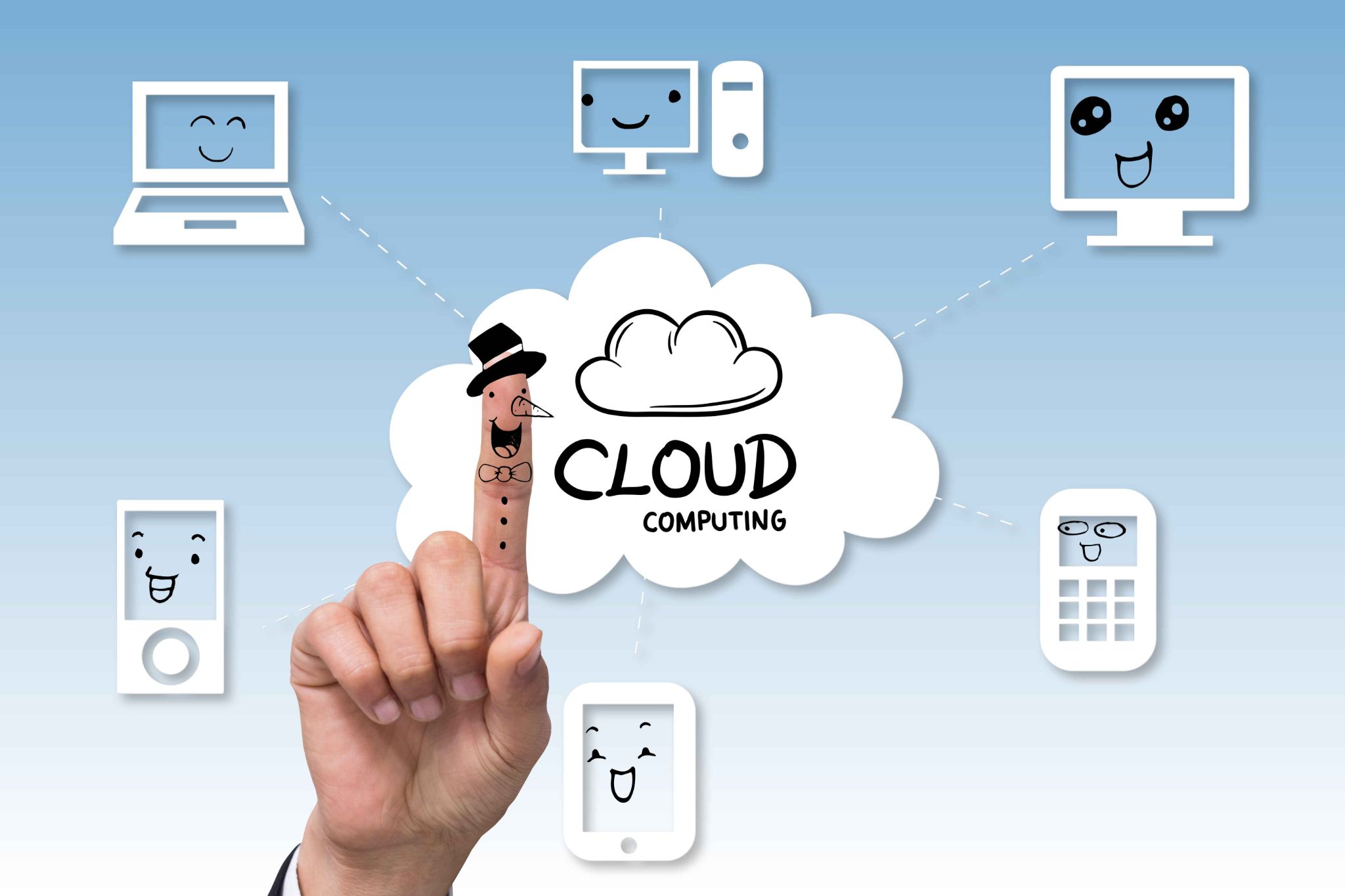
A cloud-based attendance system is a digital solution that allows businesses to track employee working hours, check-ins, and absences through an online platform rather than relying on manual registers or on-site machines. Employees can mark their attendance using mobile apps, web portals, or integrated devices, while managers can access real-time data from anywhere.
This flexibility is especially useful for companies with remote or hybrid teams, as it ensures accurate tracking regardless of location. Beyond convenience, cloud-based systems help reduce errors in payroll processing by automating time calculations and minimizing the risk of buddy punching or data manipulation. They also provide valuable insights through reports and analytics, helping businesses monitor productivity and workforce trends. By improving accuracy, transparency, and efficiency, a cloud-based attendance system not only saves time and administrative effort but also supports better decision-making, making it an essential tool for modern organizations aiming to stay competitive.
Step 1: Assess Your Current Attendance Process
Before you implement anything new, take a clear look at how you are currently managing attendance. This step is often skipped, but it is important. Understanding your current problems helps you set up the new system in a way that actually solves them.
Ask yourself these questions. How do employees currently record their hours? Do you use paper timesheets, spreadsheets, or an older time clock? How much time does your manager or HR team spend each week processing attendance data? Are there regular payroll errors caused by attendance mistakes? Do you have remote or mobile employees who are hard to track? Are you currently able to enforce overtime rules and leave policies consistently?
Step 2: Choose the Right Cloud-Based Attendance System
Not all attendance systems are the same. Some are built for large enterprises. Others are too basic for anything beyond a single location. The right choice depends on your team size, industry, and specific needs.
Here is what to look for when choosing a system.
Ease of use. The system should be simple enough for every employee to use without training. If it is complicated, people will avoid it or make mistakes.
Device compatibility. Your team should be able to clock in from desktop computers, smartphones, tablets, or even a wall-mounted kiosk. Look for a system that supports all major platforms including iOS, Android, Windows, and browser-based access.
Multiple clock-in methods. Different businesses have different needs. Some employees work at a fixed desk. Others are in the field. A good system supports PIN entry, facial recognition, QR codes, RFID cards, and GPS-based mobile clock-in.
Shift scheduling. Attendance tracking works best when it is connected to scheduling. Look for a system that lets you build and manage employee schedules in the same platform where you track attendance.
Payroll integration. The system should be able to export timesheet data directly to your payroll software, eliminating double entry and reducing errors.
Step 3: Set Up Your Company Account
Once you have chosen your system, the next step is to set up your company account. With OpenTimeClock, this process is fast and straightforward.
Go to the OpenTimeClock website and click the sign-up button. You do not need a credit card to create a free account. Enter your company name, your email address, and a password. Once your account is created, you will land on the admin dashboard.
From the dashboard, go to the Company Settings page. This is where you configure the core rules for your attendance system. You will set up things like your company's time zone, working hours, overtime rules, and leave policies.
Take your time with this step. The settings you configure here will affect how the system calculates hours and overtime for every employee. If you have different rules for different departments or employee groups, you can set those up individually as well.
Step 4: Add Your Employees to the System
With your account configured, the next step is to add your employees. In the OpenTimeClock admin dashboard, navigate to the employee management section and add each team member one by one, or import them in bulk if you have a large team.
For each employee, you will enter their name, job title, department, and contact information. You will also assign them a clock-in method. OpenTimeClock supports multiple verification options including username and password, facial recognition, PIN number, QR code, barcode, and RFID card scanning.
If you want to prevent employees from clocking in from unauthorized locations, you can restrict clock-ins to specific devices, IP addresses, or WiFi networks. This is particularly useful for businesses where employees need to be physically present at the workplace to be considered on the clock.
Step 5: Configure Shift Schedules
A cloud-based attendance system works best when it is connected to your scheduling process. When the system knows what shifts employees are supposed to work, it can automatically flag late arrivals, early departures, and missed shifts.
In OpenTimeClock's shift scheduling section, you can create shifts and assign them to individual employees or entire departments. For each shift, you can set a start time, end time, and clock-in restrictions to ensure employees can only punch in within an appropriate window.
You can also create reusable weekly schedule templates. If your business runs the same schedule every week, you only need to set it up once and apply it going forward. This saves significant time compared to rebuilding the schedule from scratch each week.
Employees can view their assigned shifts from any device through their employee portal. They can also submit availability and time-off requests directly through the system, which managers receive as notifications and can approve or decline instantly.

Technology is only effective if people actually use it correctly. Training your team is a critical step that many businesses rush through or skip entirely. When employees do not understand how to use the system, they make mistakes, feel frustrated, and sometimes go back to old habits.
Keep the training simple and practical. Show employees how to clock in and out using their assigned method. Explain how to view their own timesheets and check their hours. Show them how to submit a time-off request or report an attendance issue.
For managers, provide a more detailed walkthrough. They need to know how to view real-time attendance data, review and approve timesheets, handle exception reports, and run payroll exports. OpenTimeClock has a user-friendly interface, so most managers pick it up quickly with minimal guidance.
Step 7: Go Live and Monitor the First Few Weeks
Once everything is set up and your team is trained, it is time to go live. On the first day, make sure you or a manager are available to help employees who have questions or run into problems during clock-in.
Watch the data closely during the first two weeks. Look for employees who are not clocking in correctly, missing punches, or having trouble with a particular clock-in method. Address these issues quickly so they do not become habits.
Use the real-time dashboard in OpenTimeClock to monitor attendance live. The system shows you at a glance which employees are currently clocked in, which are absent, and how many people are working in each department. If something looks wrong, you can act on it immediately rather than discovering the problem days later during payroll processing.
Step 8: Use Reports to Review and Improve
After the system has been running for a few weeks, start using the reporting features to review your attendance data. This is where a cloud-based attendance system really starts to pay off.
OpenTimeClock offers more than 30 pre-built report formats that cover employee hours, overtime, PTO balances, project time, department attendance, and more. You can generate reports in CSV, XLSX, PDF, and IIF formats to match whatever payroll or HR software you use.
Look for patterns. Are certain employees consistently late? Is one department regularly understaffed on certain days? Are overtime costs higher than expected? The data will show you exactly where problems are coming from so you can address them with facts, not assumptions.
Review your reports at least once a month and share relevant data with department managers. When managers have access to attendance data for their own teams, they are better equipped to handle issues at the ground level without waiting for HR to flag them.
Step 9: Integrate With Payroll and HR Systems
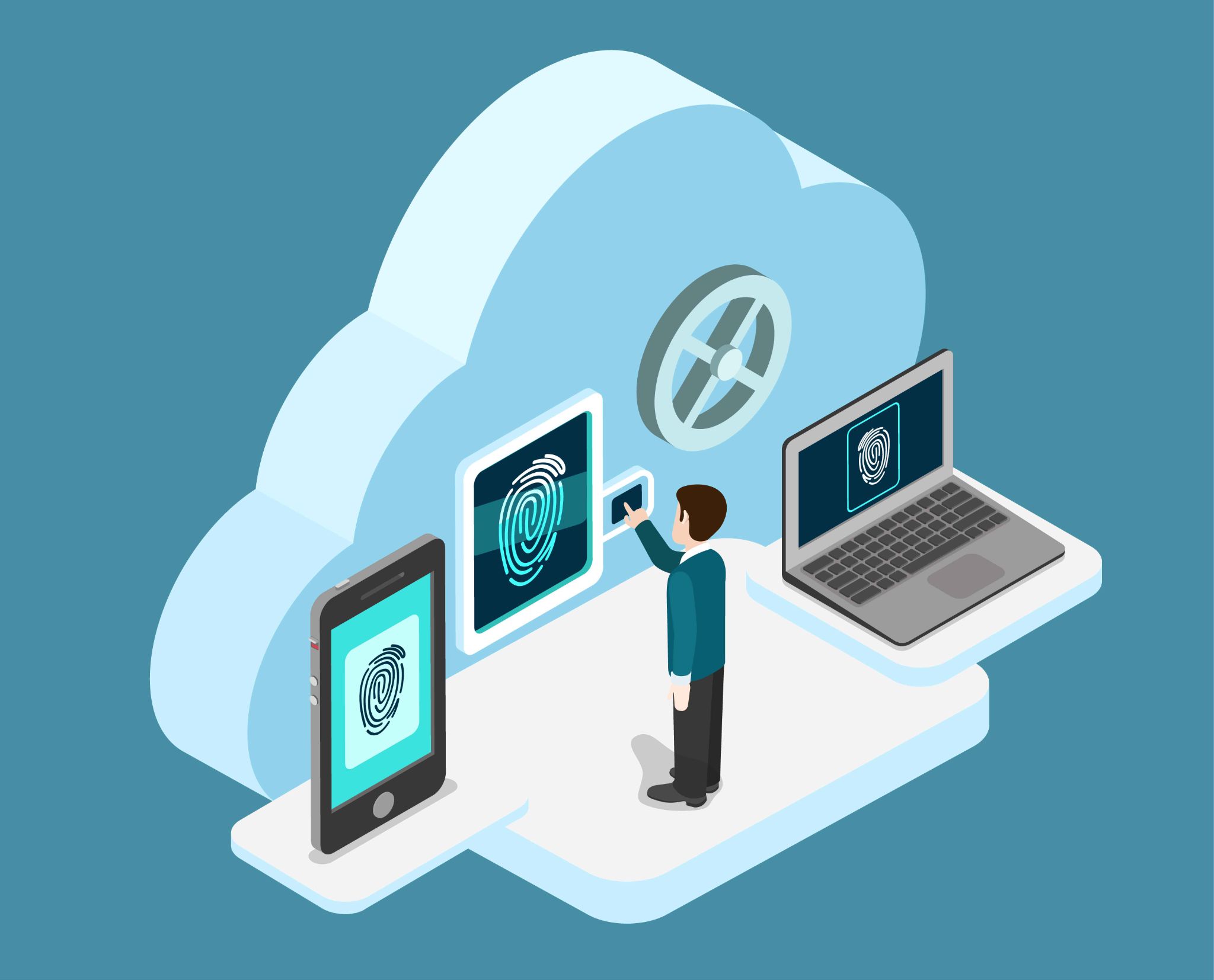
One of the biggest benefits of moving to a cloud-based attendance system is the ability to connect it directly to your payroll process. Manual payroll entry is one of the most error-prone tasks in any business. When timesheet data flows automatically into payroll, those errors disappear.
OpenTimeClock supports integration with a wide range of payroll and HR software, including tools like Asana, Trello, and Xero. You can export timesheet data in multiple formats and schedule those exports to run automatically at the end of each pay period.
This means your payroll team no longer needs to manually collect timesheets, add up hours, or enter data twice. The system does it all. Payroll processing becomes faster, more accurate, and far less stressful.
Conclusion
Implementing a cloud-based attendance system does not have to be complicated. With the right tool and a clear plan, you can have your entire team set up and running within a day or two.
OpenTimeClock makes the process as simple as possible. It is free, works on any device, and includes all the features a business needs to manage attendance, scheduling, overtime, payroll, and communication in one place.
Follow the steps in this guide, take your time with the setup, train your team properly, and use the data to keep improving. The result will be a more organized, more accountable, and more efficient workplace.
Sign up for free at OpenTimeClock today and take the first step toward better workforce management.
FAQ’s
Q1. What is a cloud-based attendance system and how is it different from a traditional time clock?
A cloud-based attendance system stores all attendance data securely on the internet rather than on a local computer or paper files. Unlike traditional time clocks, it can be accessed from any device, anywhere, and updates in real time.
Q2. How long does it take to implement OpenTimeClock in a business?
For most small to medium businesses, the basic setup can be completed in a few hours. Creating your account, configuring company settings, adding employees, and setting up shifts is straightforward. Full training and going live can usually happen within one to two days.
Q3. Is OpenTimeClock really free to use?
Yes. OpenTimeClock offers a free plan with no credit card required. The free version includes core features like employee time tracking, shift scheduling, attendance reports, overtime rules, and PTO management.
Q4. Can employees clock in from their phones when working remotely or in the field?
Yes. OpenTimeClock supports mobile clock-in through iOS and Android apps. Employees can punch in and out from anywhere using their smartphone. The system records GPS location and a photo at the time of clock-in, so managers always know where employees are when they start and end their shifts.
Q5. How does a cloud-based attendance system help with payroll accuracy?
Because the system automatically records every clock-in and clock-out, calculates hours worked, and applies your custom overtime rules, the timesheet data is always accurate.