Sling vs Homebase for Restaurants: Which Handles Shift Scheduling More Efficiently?
Compare Sling vs Homebase for restaurants on shift scheduling, time tracking, and pricing. See why OpenTimeClock is the smarter choice for accuracy.
Running a restaurant means managing a team that changes shifts constantly. Staff call in sick. Schedules change at the last minute. New employees come and go every few weeks. If your scheduling system cannot keep up with that pace, your operations will suffer.
Two tools come up repeatedly when restaurant owners start looking for scheduling solutions. Sling and Homebase are both popular, both affordable, and both designed for shift-based teams. But when you put Sling vs Homebase for restaurants side by side, they are quite different in what they prioritize and what they do best.
This article gives you a clear and honest breakdown of both tools. It also introduces a third option that many restaurant owners find delivers better value when attendance accuracy and payroll integration matter most.
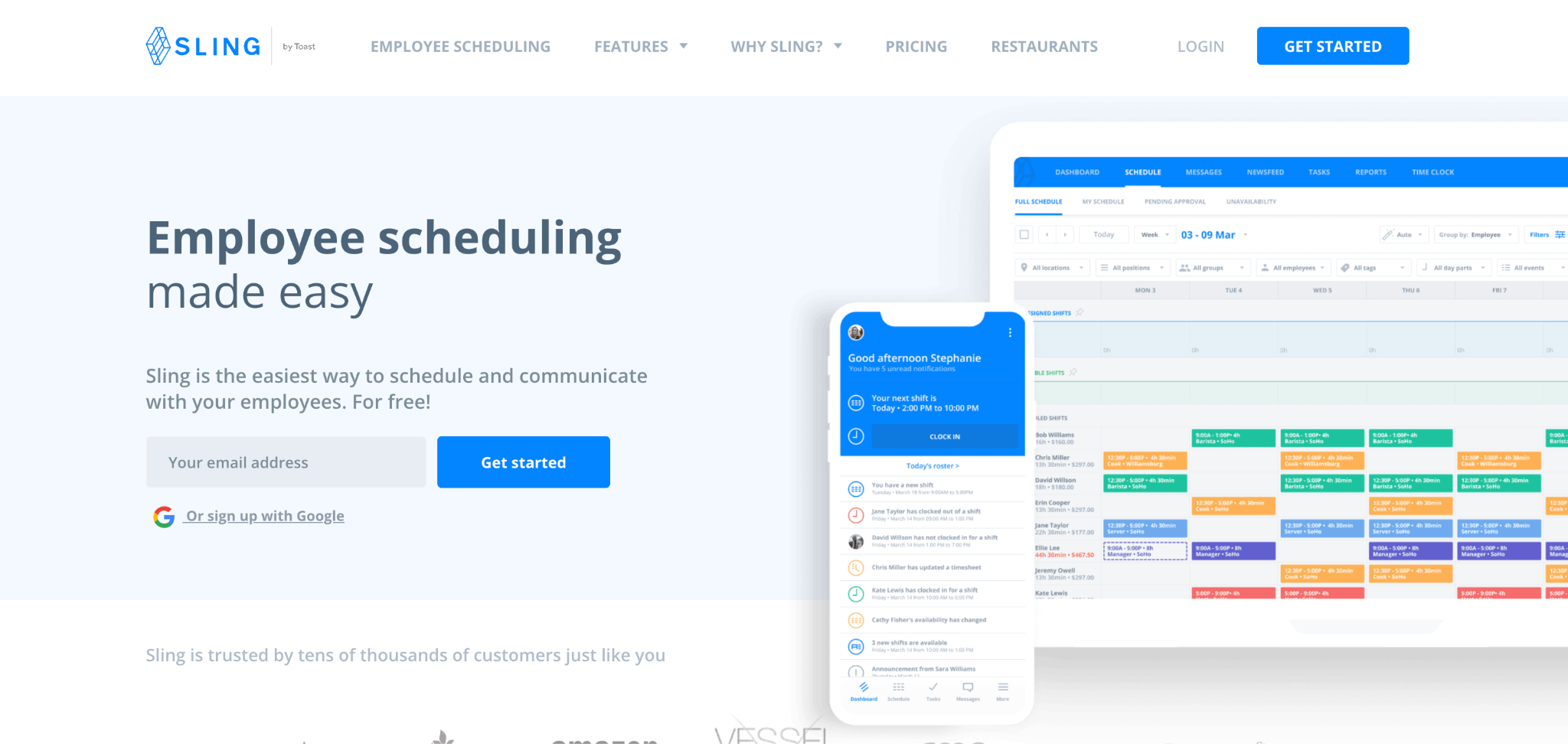
What Is Sling?
Sling is an employee scheduling and communication platform that was built with shift-based teams in mind. It is now owned by Toast, one of the most widely used POS systems in the restaurant industry. This ownership connection makes Sling a natural consideration for restaurants already running on Toast.
Sling's core strength is clean, simple scheduling. Managers can create shifts, post open slots, handle shift swap requests, and communicate with the whole team through built-in messaging. The interface is intuitive and quick to learn. Most managers can set up a full week's schedule in a few minutes.
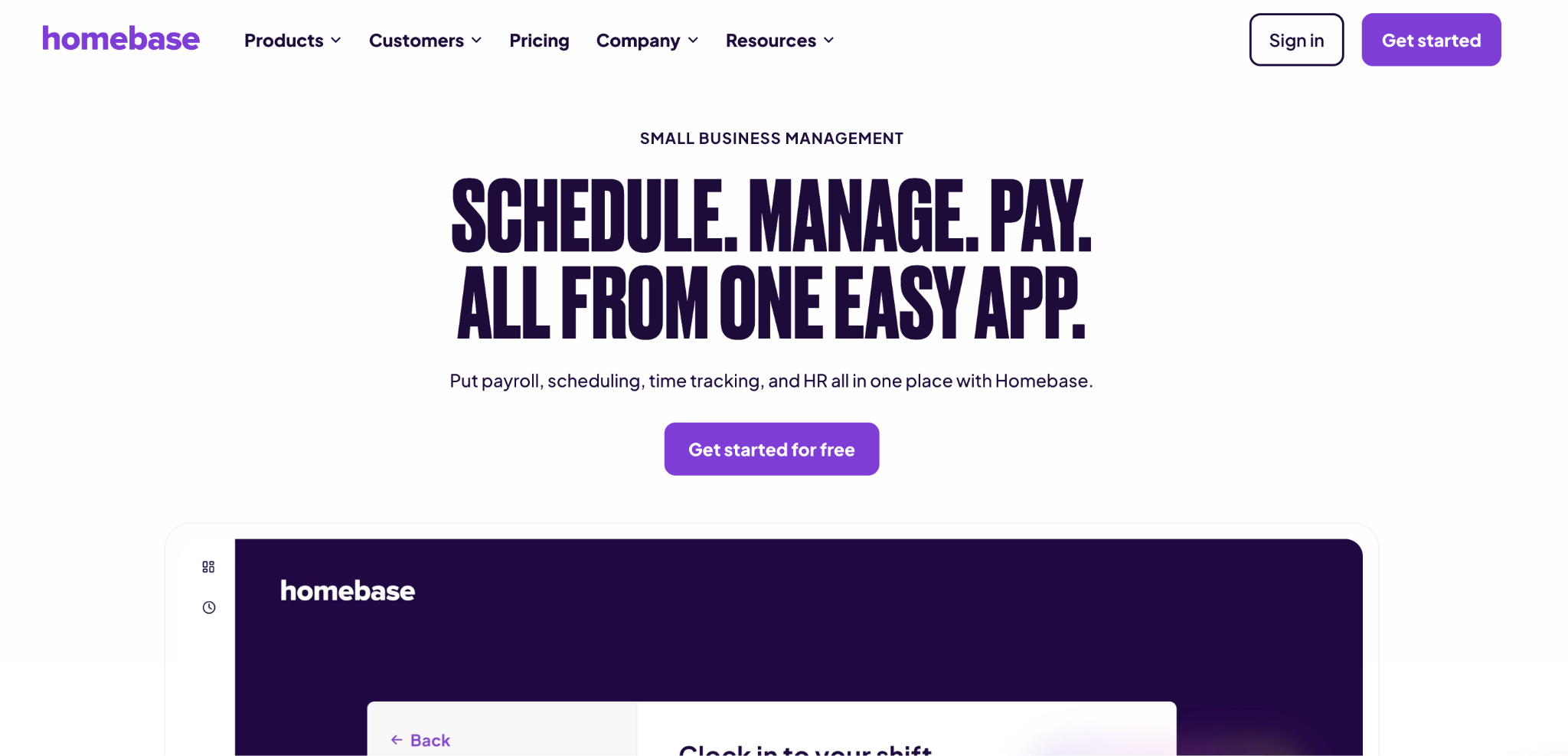
What Is Homebase?
Homebase is a broader workforce management platform designed for hourly teams across restaurants, retail, salons, and other shift-based businesses. It goes beyond scheduling to include time tracking, team communication, hiring tools, and optional payroll processing all in one place.
Homebase runs your entire operation from one app. You build the schedule, your team clocks in, those hours flow straight into payroll software. This all-in-one approach is the main reason restaurant owners choose Homebase over more narrowly focused scheduling tools.
Homebase is a comprehensive HR and workforce management platform for small and medium-sized businesses. It offers employee scheduling, time tracking, communication, hiring, and payroll processing all within a single platform.
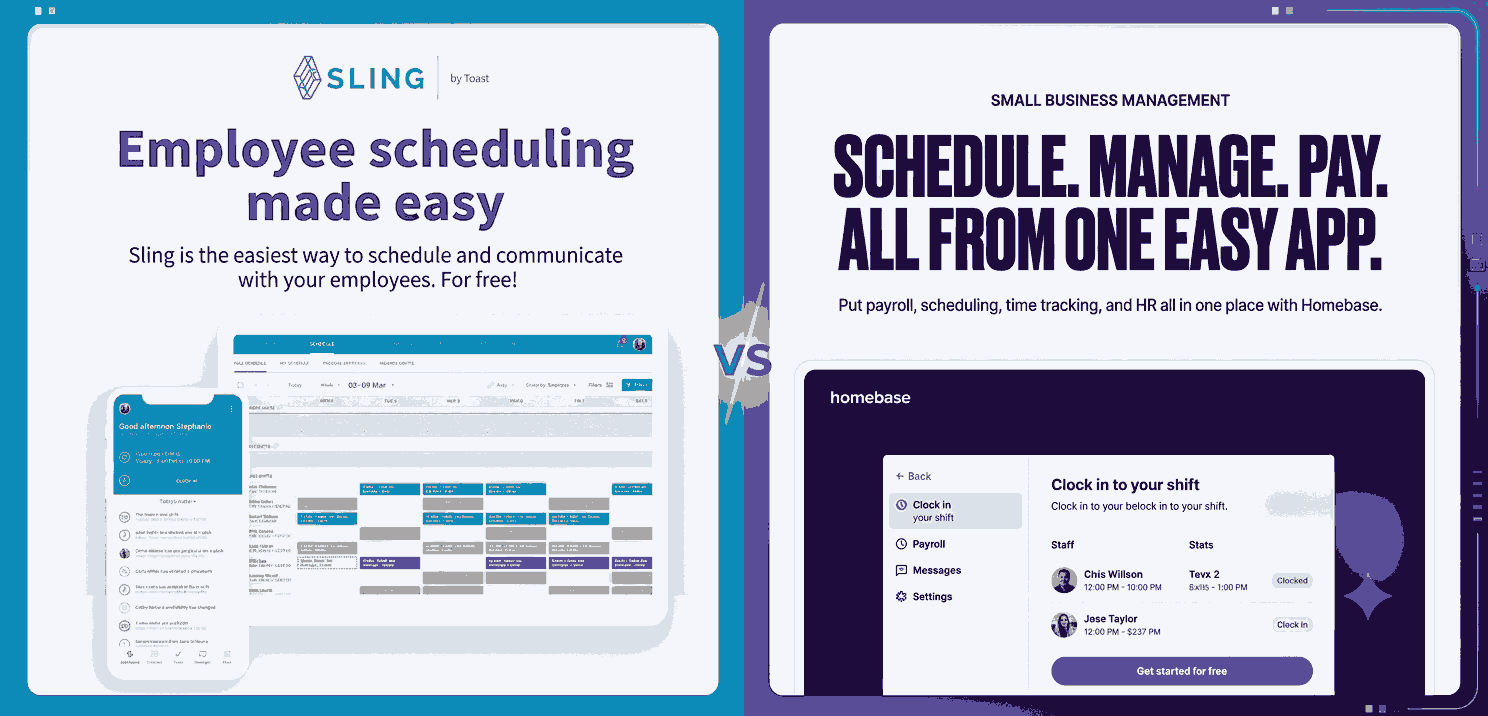
Sling vs Homebase for Restaurants: A Direct Comparison
When evaluating Sling vs Homebase for restaurants on the features that matter most to food service businesses, the differences are meaningful. Here is how they compare across each key area.
Shift Scheduling
Both tools offer solid shift scheduling. Homebase offers drag-and-drop scheduling, shift templates, time off and availability tracking, and labor cost forecasting built right into the calendar. The labor cost forecasting feature is particularly useful for restaurants that need to control their payroll spend in real time. Managers can see the cost impact of each schedule decision as they make it.
Sling offers excellent scheduling tools for smaller teams, including support for open shifts, conflict alerts, and availability tracking. Sling is fast to set up and easy to use, making it a good fit for restaurants that want to get off spreadsheets quickly without a long learning curve.
For larger or more complex restaurant operations, Homebase has a slight scheduling edge because of the labor cost visibility built into the scheduling interface. For small cafes or single-location restaurants with stable schedules, Sling's simplicity is a genuine advantage.
Time Tracking
This is one of the clearest differences between the two platforms. Homebase includes time tracking in its free plan for up to 10 employees. Sling requires a paid upgrade to access time clock features. For restaurants that need both scheduling and clock-in functionality, this difference has a direct impact on cost.
Homebase offers GPS-based time tracking and break tools as part of its time and attendance features. This gives restaurant managers the ability to verify that employees are on-site when they clock in, which reduces time fraud and buddy punching.
Sling's time tracking, when unlocked through a paid plan, is functional but basic. It does not include advanced verification features like photo capture or biometric clock-ins. For restaurants dealing with buddy punching or attendance fraud, this is a notable limitation.
Team Communication
Both platforms include messaging features, and both allow managers to notify employees of schedule changes through the app. Both platforms allow teams to easily swap shifts, request time off, and communicate scheduling needs directly, promoting flexibility and shared responsibility.
Sling places heavier emphasis on communication as a core feature. It includes a team newsfeed in addition to direct and group messaging. For restaurants with a strong team culture that relies on digital communication, Sling's messaging tools feel more developed.
Homebase's messaging is solid but positioned more as a supporting feature rather than a primary one. The focus in Homebase is on the overall workflow from scheduling to payroll rather than on communication depth.
Labor Cost Management
Homebase shows you how each schedule impacts your budget as you build it. That helps you catch overspending before it becomes a problem. For restaurant owners who manage tight margins, this real-time labor cost visibility is a significant advantage. You can see immediately when a schedule is pushing overtime or exceeding your weekly labor budget.
Sling provides basic labor reporting on paid plans but does not offer the same real-time labor cost integration during the scheduling process. Restaurant owners who need this level of financial oversight during scheduling will find Homebase more useful.
Ease of Use
During testing, Sling was found to be super quick to set up. It is ideal if all you need is a clean way to manage shifts and message your team.
For managers who are not particularly tech-savvy, Sling's simplicity is a genuine advantage. For managers who want a broader platform and are willing to spend a few extra minutes learning the interface, Homebase delivers more tools for the effort.
Pricing
Homebase's free plan is built around one physical location. You get basic scheduling, time tracking, employee management, and simple team communication. Once you pass 10 employees or need more advanced scheduling controls, labor cost management, or another location, you move into paid per-location plans.
Sling charges per user once you leave the free plan. Three small locations can cost more than one larger location, even if the total headcount is similar.
For a single-location restaurant with more than 10 employees, comparing the actual per-location cost of Homebase against the per-user cost of Sling is essential before making a decision. The right choice depends heavily on your team size and number of locations.
Payroll Integration
Sling handles employee scheduling and time tracking and then hands off timesheets to whatever payroll software you already use. This means Sling does not process payroll itself. You need a separate payroll tool and must transfer data between systems.
Homebase offers payroll processing as an add-on, which creates a tighter connection between scheduling, time tracking, and payment. However, Homebase payroll is offered as a paid add-on and is not included in the free or standard scheduling plans.
Both platforms require extra cost or integration work to connect time tracking data with payroll. Neither delivers a fully free, end-to-end payroll solution out of the box.
The Gap Both Platforms Share
When evaluating Sling vs Homebase for restaurants, a recurring limitation appears across both platforms. Neither tool offers strong biometric verification at clock-in. Both platforms track location through GPS, but neither includes facial recognition or RFID card scanning as a native feature.
For restaurant environments where employees share devices, buddy punching remains a real risk. An employee can hand their phone to a coworker who clocks in for them. GPS confirms the phone's location but not who is holding it.
Buddy punching drains two to five percent of payroll in many hourly businesses. Homebase and Sling tell you where the phone is, but they do not tell you who is holding it.
Why OpenTimeClock Is the Better Choice for Attendance Accuracy
If your restaurant's priority is accurate attendance tracking with verified clock-ins and seamless payroll integration, OpenTimeClock fills the gap that both Sling and Homebase leave open.
OpenTimeClock is a cloud-based time and attendance platform built specifically for workforce attendance management. It does not replace scheduling apps entirely, but it delivers a level of clock-in accuracy and payroll readiness that neither Sling nor Homebase can match.
Facial Recognition Clock-In
OpenTimeClock uses facial recognition to verify each employee's identity at clock-in. The system captures a timestamped photo of the person clocking in. This completely eliminates buddy punching because no one else can clock in using another employee's face.
This feature works on any device with a front-facing camera, including smartphones, tablets, and desktop computers. Restaurant operators do not need to buy any specialized hardware. A tablet mounted near the kitchen entrance or break room becomes a fully verified time clock immediately.
GPS Geofencing
OpenTimeClock's geofencing feature allows restaurant managers to define a virtual boundary around the restaurant location. Employees can only clock in when they are physically within that boundary. This prevents remote clock-ins and ensures that every attendance record reflects a genuine on-site presence.
Every clock-in is recorded with the employee's GPS address, a timestamp, and a photo. Managers can review this data from the dashboard at any time.
Payroll Integration and Automated Reports
OpenTimeClock integrates with QuickBooks, payroll platforms, and HR software. It exports attendance data in PDF, Excel, and CSV formats. At the end of each pay period, the payroll administrator exports a clean, complete report that is ready to process without any manual data manipulation.
The platform generates over 80 predefined attendance and payroll reports. These include hours worked, overtime, tardiness, absenteeism, PTO usage, and department-level breakdowns. For restaurant operators who need to track server hours separately from kitchen staff or separate front-of-house from back-of-house labor costs, department-level reporting is a valuable feature.
Free Plan With Unlimited Employees
This is where OpenTimeClock stands clearly apart from both Sling and Homebase. OpenTimeClock offers a completely free plan with unlimited managers and unlimited employees. Facial recognition, GPS tracking, geofencing, RFID card clock-ins, overtime tracking, and payroll reporting are all available at no cost.
Sling charges per user once you leave the free scheduling plan. Homebase limits the free plan to 10 employees at one location. OpenTimeClock imposes no such limits. A restaurant with 50 staff members can use all core features without paying a cent.
Which Tool Should You Choose?
The right answer depends on what your restaurant actually needs most. If your primary need is simple, clean shift scheduling with strong team communication and you already have payroll handled separately, Sling is a solid choice. The free plan covers up to 30 users for scheduling only, and the interface is fast and easy to learn. It works especially well for small restaurants and cafes with stable, predictable schedules.
If you want an all-in-one platform that combines scheduling, time tracking, HR tools, and optional payroll processing under one roof, Homebase is the stronger choice. It is especially useful for single-location restaurants that want to manage their entire hourly workforce from one app.
If your primary concern is accurate, fraud-proof attendance tracking with verified clock-ins and clean payroll integration, OpenTimeClock is the best fit. It eliminates buddy punching through facial recognition, verifies location through GPS geofencing, and delivers payroll-ready reports at no cost for unlimited employees.
Many restaurants find that combining a scheduling tool like Sling with a dedicated attendance platform like OpenTimeClock gives them the best of both worlds. The scheduling app handles shift planning and communication. OpenTimeClock handles the actual clock-in verification and payroll reporting. Both tools complement each other without overlap.
Conclusion
The Sling vs Homebase for restaurants comparison shows two solid but different tools. Sling wins on simplicity and free scheduling for larger teams. Homebase wins on all-in-one functionality for single-location operations. But neither platform fully solves the buddy punching problem or delivers the level of biometric clock-in verification that high-turnover restaurant environments need.
OpenTimeClock fills that gap with facial recognition, GPS geofencing, and unlimited free access for every employee on your team. Whether you use it alongside Sling or Homebase or as a standalone solution, it adds a level of attendance accuracy that neither scheduling-focused platform can match on its own.
FAQ’s
1. What is the main difference between Sling and Homebase for restaurants?
Sling is primarily a scheduling and communication tool. Its free plan covers up to 30 users for scheduling but does not include a time clock. Homebase is a broader workforce management platform that includes scheduling, time tracking, HR tools, and optional payroll processing.
2. Does Sling include time tracking for free?
No. Sling's free plan includes shift scheduling, team messaging, shift templates, and time-off requests for up to 30 users. Time clock and time tracking features are only available on Sling's paid plans.
3. Does Homebase prevent buddy punching in restaurants?
Homebase offers GPS-based time tracking that records the location of each clock-in. However, it does not include facial recognition or photo verification as a native feature. This means an employee could potentially clock in from an approved location on someone else's behalf.
4. How does OpenTimeClock compare to Sling and Homebase for restaurant attendance tracking?
OpenTimeClock offers facial recognition, GPS geofencing, RFID card scanning, photo verification, real-time attendance alerts, and over 80 payroll reports. It integrates with QuickBooks and other payroll platforms and exports clean, formatted data at the end of each pay period.
5. Can a restaurant use both Sling and OpenTimeClock together?
Yes. Many restaurants use a scheduling tool like Sling to manage shift planning and team communication, while using OpenTimeClock to handle the actual clock-in verification and payroll reporting.