Sling vs 7shifts: A Complete Guide for Restaurant and Hospitality Businesses
Compare Sling vs 7shifts for restaurants and hospitality. See features, pricing, and why OpenTimeClock is the best free alternative for your business today.
When restaurant owners and hospitality managers start shopping for workforce management software, two names come up regularly in the comparison process. Sling vs 7shifts is a comparison that appears across dozens of review sites, blog posts, and community forums dedicated to the food service industry. Both platforms have built loyal followings in the restaurant space and both position themselves as purpose-built solutions for shift-based hospitality businesses.
But knowing which platform wins the Sling vs 7shifts comparison for your specific business requires looking past the marketing claims and examining what each platform actually delivers, what it costs, and where each one falls short. It also requires asking a question that most comparison guides skip entirely: is there a third option that outperforms both platforms in the areas that matter most to your business?
This article gives you a complete, honest comparison of Sling vs 7shifts, explains their strengths and limitations, and introduces OpenTimeClock as the free alternative that many restaurant and hospitality businesses should evaluate before committing to either paid platform.
What Is Sling
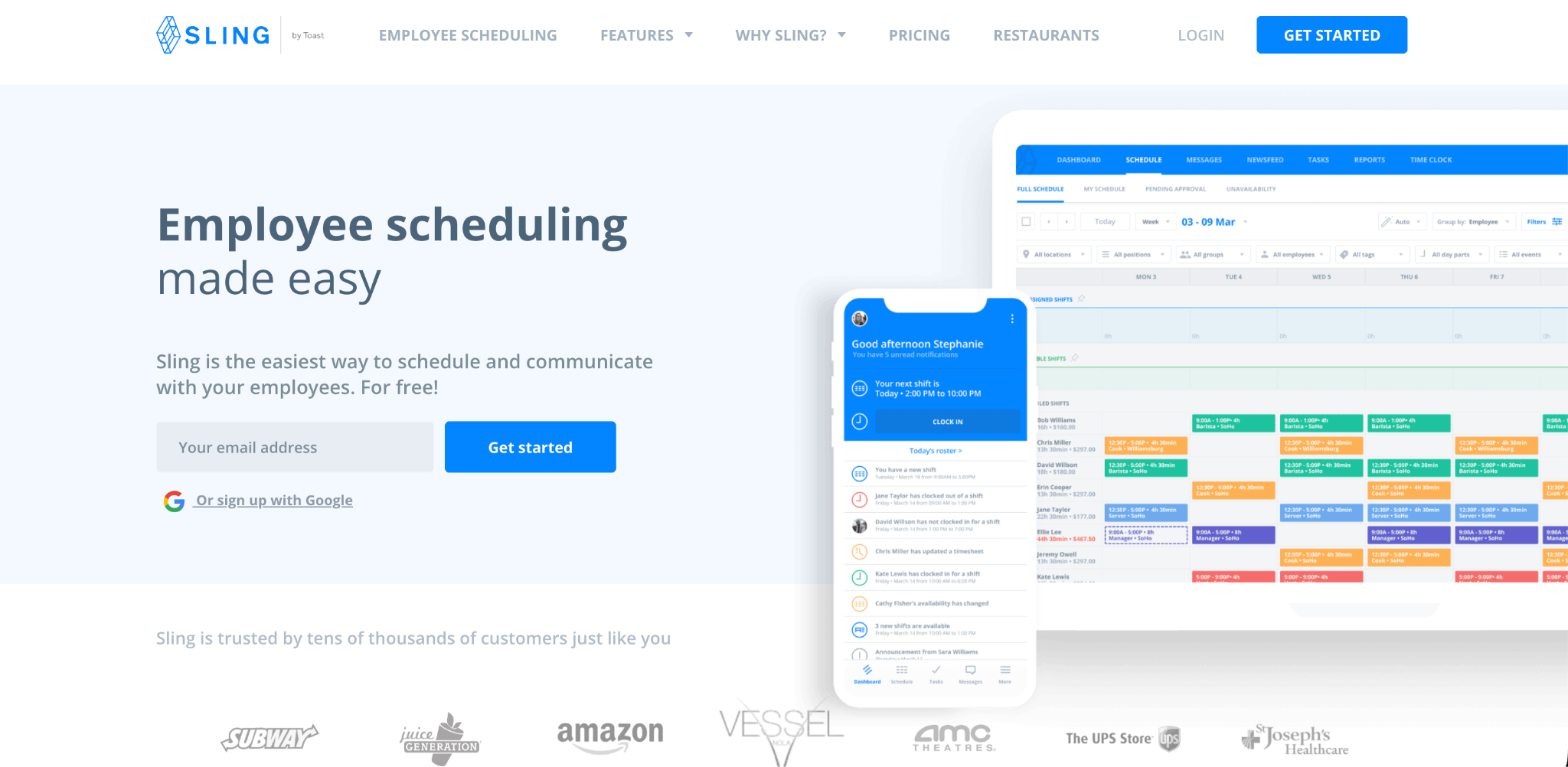
Sling is a workforce management platform that started as a scheduling tool and has expanded to include time tracking, team messaging, and task management. It is designed for businesses with shift-based workforces and is used across a range of industries including restaurants, retail, healthcare, and hospitality.
Sling's scheduling interface is its strongest feature. The drag-and-drop schedule builder is intuitive and well-regarded by managers who build weekly schedules as a core part of their job. It supports recurring shifts, shift templates, color coding by role, and employee availability tracking. Employees can view their schedules, request shift swaps, and communicate with their team through the Sling mobile app.
The time tracking features in Sling are functional but secondary to the scheduling focus. Clock-in can be done through a kiosk setup on a shared device or through the employee's personal smartphone. GPS restrictions can be set to limit clock-ins to specific locations.
Pricing. Sling has a free plan that provides basic scheduling for unlimited employees but excludes time tracking, which is available only on paid plans. The paid plans start at around two dollars per user per month for the Rocket plan and go up to four dollars per user per month for the Business plan. For a team of twenty-five employees, this represents fifty to one hundred dollars per month depending on the plan.
Limitations. Sling's free plan is genuinely limited because it excludes time tracking, which most businesses need alongside scheduling. The paid plans add time tracking but at a per-user cost that grows with the team. And the time tracking features, while functional, are not as verification-focused as dedicated time clock platforms.
What Is 7shifts
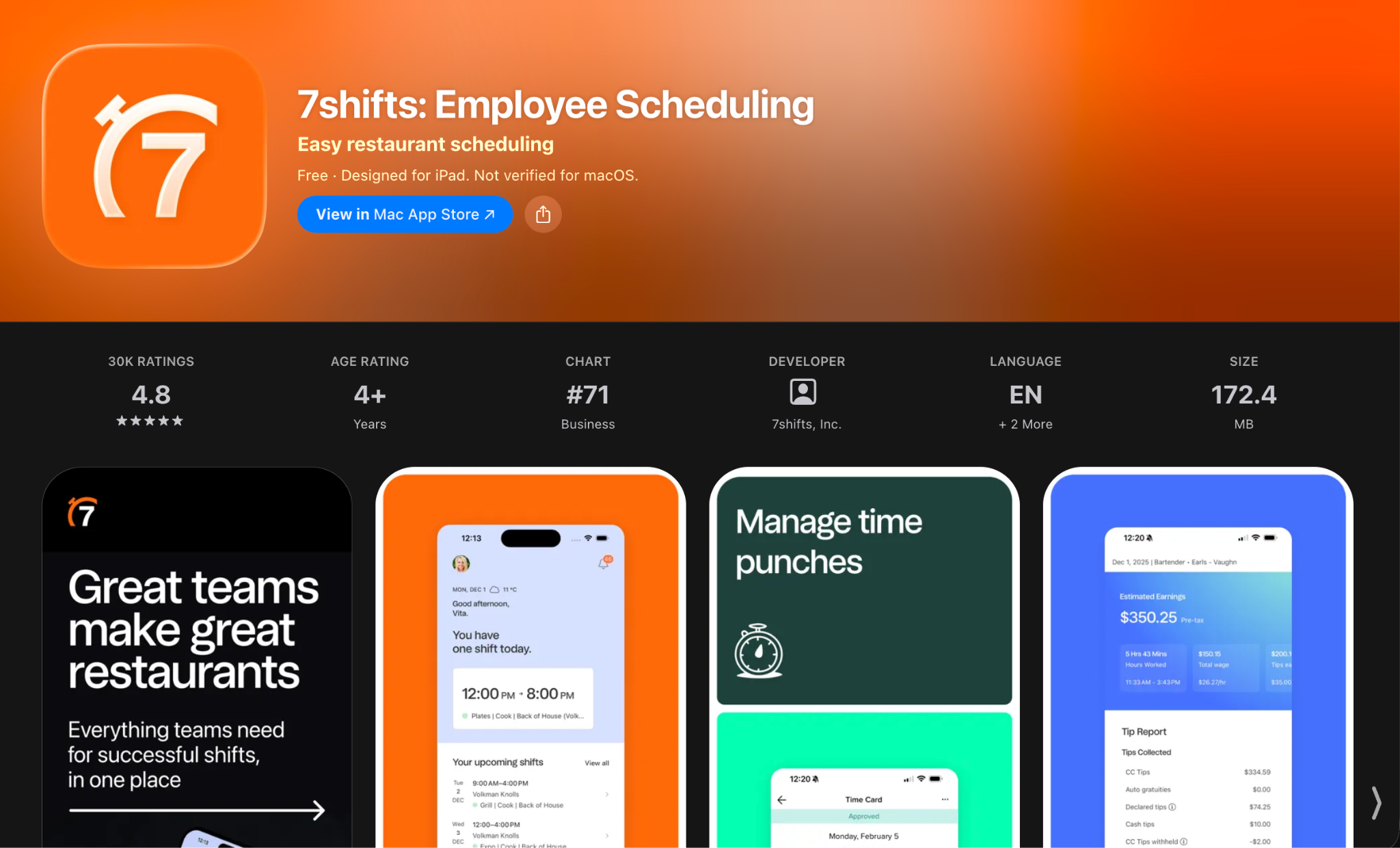
7shifts is a workforce management platform built specifically for the restaurant industry. It includes scheduling, time tracking, team communication, tip pooling tools, labor cost reporting, and integrations with popular restaurant POS systems and payroll providers.
The platform's restaurant-specific focus is evident in its features. Tip pooling management, integration with POS systems like Toast and Square, and labor cost percentage tracking tied to sales data are features that make sense specifically in a restaurant context and that general workforce management platforms typically do not provide.
7shifts has a well-designed scheduling interface and an employee app that restaurant staff generally find easy to use for viewing schedules, swapping shifts, and communicating with managers. The labor cost reporting features help managers understand how their scheduling decisions affect their labor cost percentage relative to revenue.
Pricing. 7shifts offers a free plan for a single location with up to thirty employees that covers basic scheduling and some time tracking features. Paid plans start at around thirty dollars per location per month for the Entree tier, going up to seventy dollars per location per month for the Pro tier and higher for enterprise plans. The paid plans add more advanced features including more detailed labor cost reporting and additional integrations.
Limitations. The free plan is limited to one location and thirty employees and excludes several features that growing restaurants need. The paid tiers, particularly for multi-location restaurant groups, can become expensive. The restaurant-specific focus is a strength for food service businesses but means the platform is less relevant for hospitality businesses outside the direct food service context.
Head-to-Head: Sling vs 7shifts Feature Comparison
When comparing Sling vs 7shifts directly on the features that matter most for restaurant and hospitality businesses, here is how they measure up.
Scheduling. Both platforms have strong scheduling interfaces. Sling's drag-and-drop scheduler is clean and flexible. 7shifts' scheduling is similarly well-designed with the addition of restaurant-specific features like role-based color coding tied to front-of-house and back-of-house roles. For pure scheduling functionality, both platforms are competitive. 7shifts edges ahead for restaurant-specific scheduling needs.
Time tracking accuracy. Neither platform is primarily a time tracking platform, and neither offers the level of biometric verification that dedicated time clock solutions provide. Sling's time tracking through the paid plan includes GPS clock-in and photo capture. 7shifts includes time clock functionality with some verification features. Both are functional but neither provides the depth of verification that facial recognition with photo capture at every clock event offers.
Labor cost reporting. This is where 7shifts has a clear advantage, particularly for restaurants. The ability to track labor cost as a percentage of sales and to see how scheduling decisions affect that percentage in real time is a valuable feature for restaurant operators managing tight margins. Sling offers some cost reporting but it is less developed for restaurant-specific labor cost analysis.
Team communication. Both platforms include in-app messaging between managers and employees. Sling's communication features are slightly more developed as a standalone capability, while 7shifts' messaging is integrated tightly with the scheduling and shift management workflow.
POS integration. 7shifts integrates with significantly more restaurant POS systems than Sling, which is important for restaurants that want their scheduling and labor cost data connected to their sales data.
Cost. For small single-location restaurants, both platforms have free or low-cost entry points. For businesses that need full functionality or that have multiple locations, the costs increase substantially. Sling's per-user model becomes expensive for larger teams. 7shifts' per-location model is more predictable but still represents a meaningful ongoing cost.
Where Both Platforms Fall Short
The Sling vs 7shifts comparison reveals a gap that neither platform fully addresses: robust, biometric time tracking with the verification depth that prevents time theft and creates defensible attendance records.
Both platforms include time tracking as a feature, but in both cases it is secondary to scheduling as the core offering. Neither platform was built around the challenge of verifying worker identity at clock-in, preventing buddy punching, and creating the kind of GPS-verified, photo-documented attendance record that protects employers in wage and hour disputes or audits.
For restaurants and hospitality businesses where staff turnover is high, trust levels vary, and buddy punching is a known risk, this gap in verification depth is a meaningful limitation.
The Free Alternative That Outperforms Both on Time Tracking
Many businesses comparing Sling vs 7shifts are not aware of OpenTimeClock as an option, simply because it is less aggressively marketed than either platform. But for businesses where time tracking accuracy and verification are the primary need, it deserves serious evaluation.
OpenTimeClock provides facial recognition clock-in using any device camera, photo capture at every clock event creating a permanent visual audit trail, GPS location recording at every mobile clock-in, PIN and QR code as alternative verification methods, and real-time attendance dashboard accessible from any device. All of this is available completely free with no per-user fees, no location limits, and no feature tiers requiring upgrades.
The time tracking depth that OpenTimeClock provides as a free platform exceeds what either Sling or 7shifts provides on their paid tiers for time clock verification specifically.
Scheduling in OpenTimeClock
OpenTimeClock's scheduling feature allows managers to build shift-based schedules, assign employees to specific shifts, set clock-in window restrictions, and publish schedules that employees can view from their personal portal. Reusable weekly templates save time for operations with consistent scheduling patterns.
The scheduling functionality covers the core needs of most restaurant and hospitality businesses. It is not as feature-rich as 7shifts' restaurant-specific scheduling or as visually refined as Sling's drag-and-drop builder, but it provides the shift management foundation that connects directly to the attendance tracking data in the same system.
For businesses where the primary pain point is time tracking accuracy rather than scheduling complexity, OpenTimeClock provides adequate scheduling at zero cost alongside superior time tracking verification.
PTO, Overtime, and Payroll in OpenTimeClock
Beyond scheduling and time tracking, OpenTimeClock includes comprehensive PTO management with configurable accrual rules, multiple leave types, employee self-service balance checking, and manager approval workflows. Overtime is calculated automatically based on configured rules with real-time alerts when thresholds approach. And payroll exports in CSV, XLSX, PDF, and IIF formats are generated automatically at the end of each pay period.
These features are available on both Sling and 7shifts' paid tiers. In OpenTimeClock they are included in the free platform, covering the full workforce management workflow from scheduling through payroll export without any subscription cost.
Which Platform Should You Choose
The Sling vs 7shifts choice ultimately depends on what your business prioritizes.
Choose 7shifts if you are a restaurant operator who needs POS integration for sales-connected labor cost reporting, who manages multiple locations within the restaurant industry specifically, and who is willing to pay for a platform built around restaurant-specific workflows.
Choose Sling if scheduling and team communication are your primary needs, your team is small enough that the per-user cost is manageable, and the free tier's scheduling-only limitation is not a problem for your current stage.
Choose OpenTimeClock if time tracking accuracy and verification are your primary need, if you want to eliminate buddy punching through biometric verification, if you need GPS-verified attendance records for remote or field staff, or if you want professional-grade workforce management without any ongoing software subscription cost.
For many restaurant and hospitality businesses, the honest answer is that OpenTimeClock's free, verification-focused time tracking outperforms what either Sling or shifts provided in that specific area, while covering scheduling, PTO, overtime, and payroll export needs adequately for most operations.
Why OpenTimeClock Wins on Value
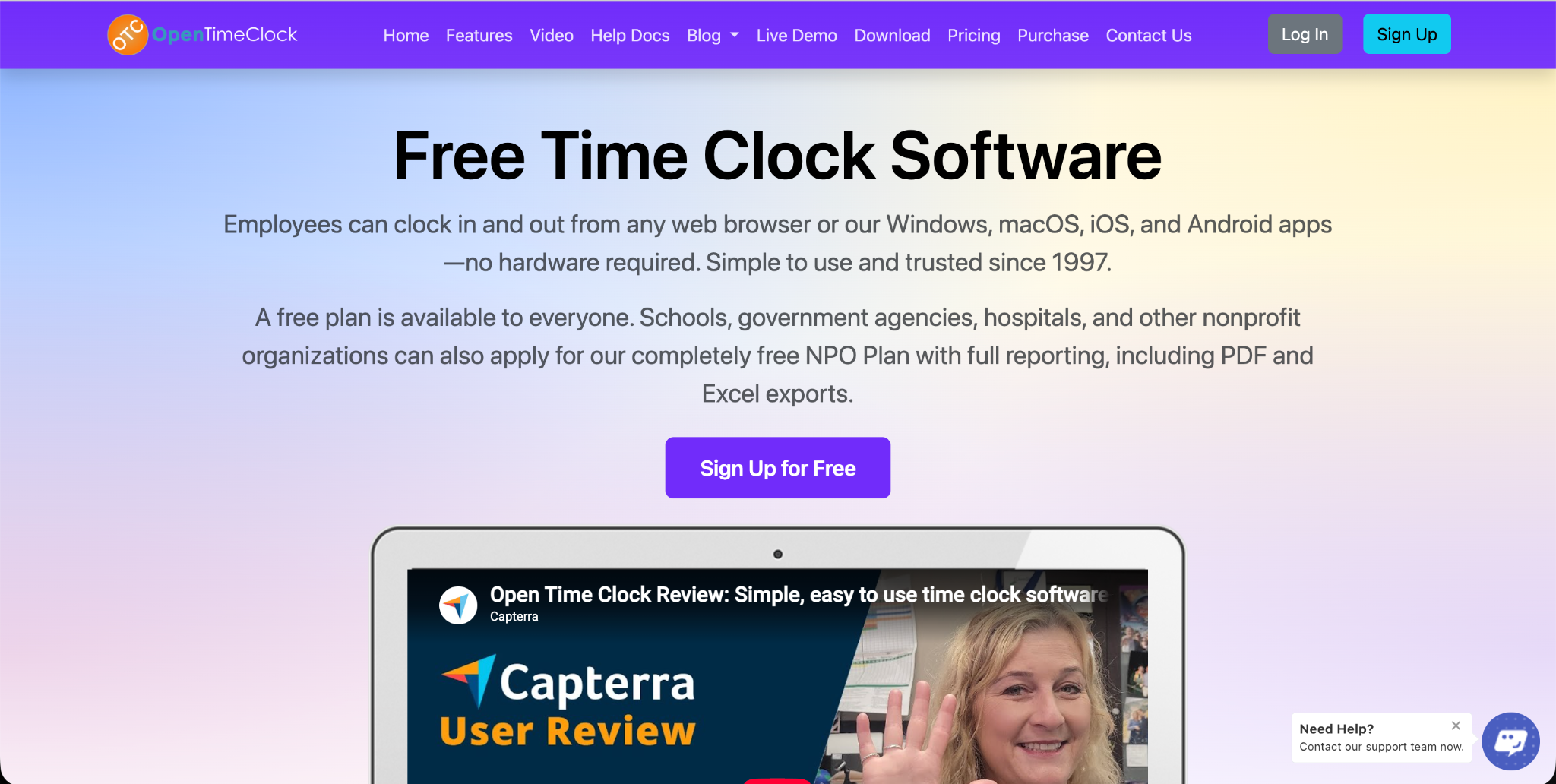
The Sling vs 7shifts comparison is ultimately a comparison between two paid platforms. OpenTimeClock changes the conversation by delivering professional-grade time and attendance management at zero cost. The three-year total cost of ownership for a twenty-five person team is zero dollars with OpenTimeClock, versus hundreds to thousands of dollars with either paid platform.
Sign up for free at OpenTimeClock and see for yourself why so many businesses choose it over paid alternatives.
Conclusion
The Sling vs 7shifts comparison is a useful exercise for restaurant and hospitality businesses evaluating workforce management platforms. Both are legitimate products with genuine strengths. But neither wins on every dimension, and neither can compete on the cost dimension with a platform that delivers comparable or superior time tracking at zero cost.
Before committing to a subscription for either platform, evaluating OpenTimeClock costs nothing and takes less than an afternoon. For most businesses, it will cover their needs completely at no ongoing cost.
FAQ’s
Q1. What is the main difference between Sling vs 7shifts?
In the Sling vs 7shifts comparison, Sling is a more general workforce management platform with strong scheduling and communication features used across multiple industries, while 7shifts is specifically designed for restaurants with POS integrations, tip pooling tools, and sales-connected labor cost reporting. 7shifts is the stronger choice for restaurant-specific workflows. Sling is more flexible for mixed-industry use. OpenTimeClock outperforms both on time tracking verification and costs nothing.
Q2. Does Sling or 7shifts offer better free plans for restaurants?
7shifts' free plan covers one location with up to thirty employees and includes some time tracking. Sling's free plan covers unlimited employees but excludes time tracking entirely. Neither free plan is fully featured for a growing restaurant.
Q3. Which platform has better time clock verification than Sling vs 7shifts?
For time clock verification specifically, OpenTimeClock outperforms both platforms in the Sling vs 7shifts comparison. OpenTimeClock includes built-in facial recognition using any device camera, photo capture at every clock event, GPS location recording, and real-time attendance dashboard as part of its free platform.
Q4. How does OpenTimeClock's scheduling compare to Sling and 7shifts?
OpenTimeClock's scheduling feature provides shift creation, employee assignment, clock-in window restrictions, schedule publishing, employee self-service schedule viewing, and reusable weekly templates. It covers the core scheduling needs of most restaurant and hospitality businesses.
Q5. Is OpenTimeClock a genuinely free alternative to Sling vs 7shifts?
Yes. OpenTimeClock is completely free with no credit card required. The free plan includes everything described in this article: facial recognition and GPS clock-in, photo capture, real-time attendance dashboard, shift scheduling, PTO management, overtime alerts, and payroll exports.