Rippling vs Gusto Time Tracking: Everything You Need to Choose the Right Platform
Compare Rippling vs Gusto time tracking on features, pricing, and payroll integration. See why OpenTimeClock is a better fit for most businesses.
Choosing a time tracking and payroll platform is one of the most important operational decisions a business makes. Get it right and payroll becomes faster, cleaner, and more accurate. Get it wrong and you end up with disconnected systems, payroll errors, and compliance headaches that take up far too much of your team's time.
Two of the most frequently compared platforms in this space are Rippling and Gusto. Both are well-known, well-reviewed, and used by thousands of businesses across the United States. But when it comes to Rippling vs Gusto time tracking specifically, the differences between the two platforms are significant and worth understanding before you commit.
This article breaks down both platforms honestly and clearly. It also introduces a third option that many businesses find delivers better value, better attendance accuracy, and a lower total cost for time tracking specifically.
What Is Rippling?
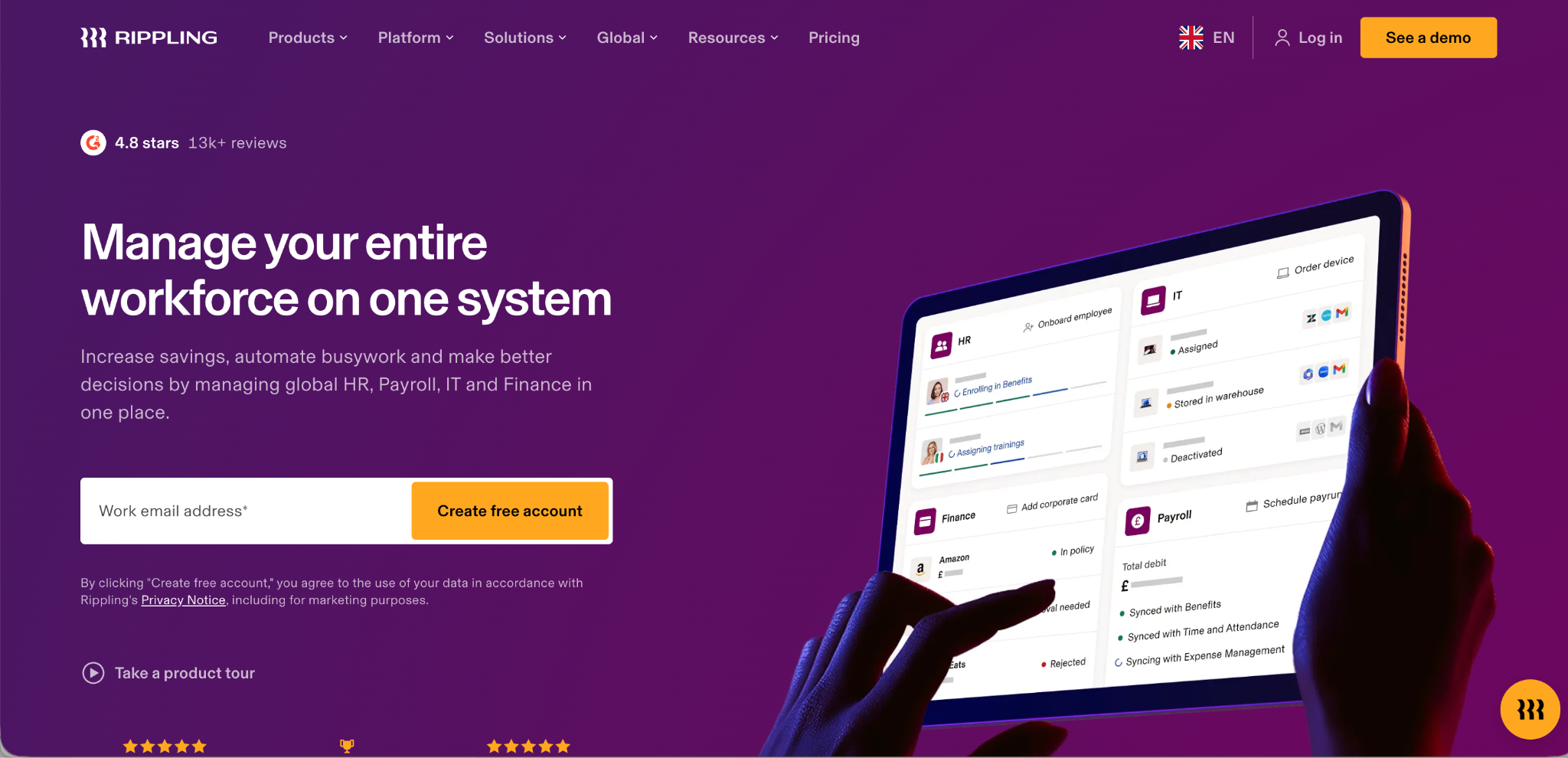
Rippling is a workforce management platform that brings together HR, IT, payroll, and finance into one unified system. It is built for businesses that want deep integration across multiple operational functions. A company using Rippling can manage employee devices, software access, payroll, benefits, and time tracking all from a single dashboard.
Rippling is best for larger businesses needing IT management and global payroll. It is more complex and expensive, with custom pricing that requires a sales call.
Rippling's time tracking module is part of its broader HR and payroll suite. It allows employees to record hours, request time off, and sync data directly with payroll. The system supports automated overtime calculations and integrates time data with Rippling's payroll engine so there is no manual transfer required between systems.
Rippling wins for global teams and companies needing IT and device management alongside HR and payroll. It starts at around $8 per employee per month but typically costs $20 to $35 per employee once all modules are added.
The modular pricing model is one of the most important things to understand about Rippling. Time tracking is not included as a standalone feature in all plans. You pay for the modules you use, and the total cost can rise significantly once you add time tracking, benefits, IT management, and advanced reporting on top of the base HR and payroll plan.
What Is Gusto?
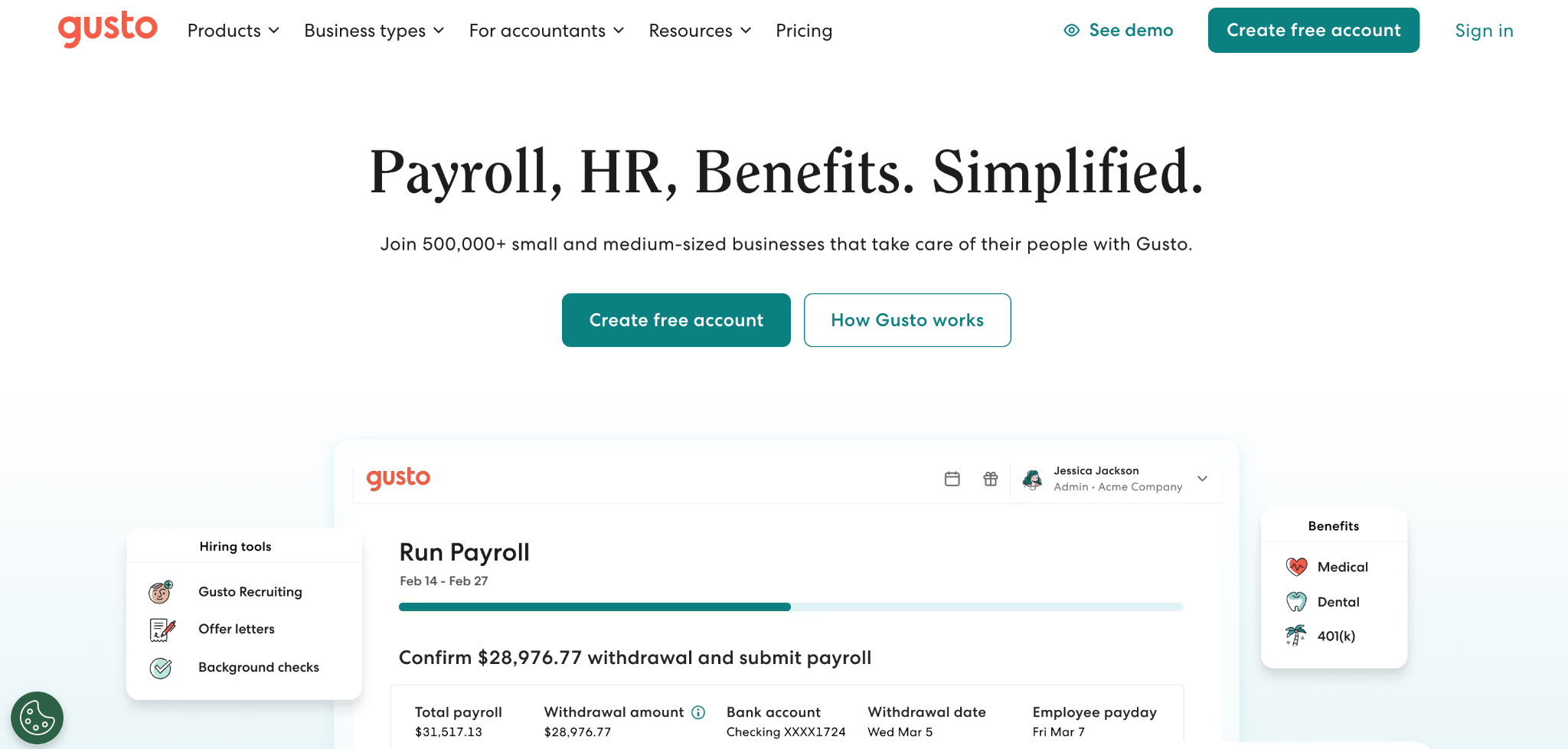
Gusto is a cloud-based payroll and HR platform designed specifically for small and medium-sized businesses in the United States. It focuses on making payroll simple, compliance manageable, and HR accessible for teams without dedicated HR professionals.
Gusto is best for businesses wanting simple payroll and HR with transparent pricing. It is easy to learn, handles taxes automatically, and starts around $49 per month plus $6 per employee.
One of Gusto's strongest selling points is pricing transparency. Gusto offers simple, transparent plans with no surprise fees. Unlimited payroll runs and automatic tax filings are always included. For small business owners who have been burned by surprise charges on other platforms, this predictability is a meaningful advantage.
Rippling vs Gusto Time Tracking: A Direct Comparison
When comparing Rippling vs Gusto time tracking features side by side, the differences reflect the broader positioning of each platform. Here is how they compare across every area that matters for workforce attendance management.
Time Tracking Features
Rippling offers a more complete time tracking feature set than Gusto. It handles complex overtime rules, department-level tracking, project-based time entries, and integration with third-party time clock hardware. The system is designed to handle sophisticated time tracking scenarios across large teams.
Gusto's time tracking is simpler and more suited to basic use cases. Employees log in, record their hours, and the data flows into payroll. It works reliably for straightforward schedules but struggles with complex timesheet configurations. Complex timesheet rules or shift splits are not always handled well by Gusto's automation.
For businesses with simple schedules and predictable hours, Gusto's time tracking is sufficient. For businesses with rotating shifts, department switching, or multiple pay rates within the same team, Rippling handles these scenarios more reliably.
Payroll Integration
Both platforms integrate time tracking data directly with payroll, which is a core strength of both tools. Employees clock in, hours are recorded, and payroll is calculated without manual data transfer. This reduces errors and saves administrative time at the end of each pay period.
Gusto's payroll integration is particularly tight and transparent. Gusto offers a simpler setup in one to two weeks with phone support, which means most small businesses can get from zero to a running payroll with time tracking integration in a short amount of time.
Rippling's payroll integration is more powerful but requires more setup time. Rippling takes longer to set up at two to four weeks but provides deeper automation across more than 500 integrations. For businesses that need to connect payroll with accounting software, HR systems, IT management, and finance tools all at once, Rippling's deeper integration capabilities justify the longer setup process.
Compliance Tools
Rippling's compliance-first platform provides granular, actionable alerts and is supported by a single, integrated data source, ensuring you stay compliant with complex and nuanced labor laws. This makes Rippling a stronger choice for businesses operating across multiple states or countries where labor regulations vary significantly.
Gusto's compliance features are useful for basic needs and general awareness but may lack the real-time, automated employee-level tracking that Rippling provides for both domestic and global workforces. For US-only businesses with straightforward compliance needs, Gusto's tools are usually sufficient.
Ease of Use
Gusto consistently wins on ease of use. The interface is clean and intuitive. New users can navigate the system without extensive training. Ease of use is one of Gusto's most frequently cited advantages. It is simple to learn and designed for teams without dedicated HR professionals.
Rippling is more powerful but harder to learn. The depth of the platform means there are many settings to configure and many modules to understand. Rippling has a steep learning curve and may overwhelm small teams. Businesses that invest in proper onboarding and have HR professionals to manage the system will get the most out of it. Smaller teams may find the complexity more frustrating than helpful.
Pricing and Transparency
This is where the two platforms diverge most sharply. Gusto publishes its pricing clearly and openly. Gusto is best for US-only businesses with basic payroll needs and keeps costs predictable with no hidden fees. It starts at $49 per month base price.
Rippling does not publish comprehensive pricing online. Rippling requires custom quotes that can get expensive quickly. The modular pricing model means the final monthly cost is difficult to estimate without going through a sales conversation. Rippling's modular pricing can get expensive fast, particularly once you start adding time tracking, benefits, IT management, and compliance tools on top of the base plan.
For businesses that value predictability in their software costs, Gusto is the clearer choice. For businesses that need advanced capabilities and are willing to invest in a more expensive system, Rippling can deliver strong ROI at scale.
Global Payroll
Rippling has a clear advantage for businesses with international employees. Rippling wins for global teams and companies needing IT and device management alongside HR and payroll. It supports payroll in multiple countries and handles the compliance complexity that comes with employing people across different jurisdictions.
Gusto is US-only. Gusto is best for US-only businesses with basic payroll needs. If your business employs people in other countries or plans to expand internationally, Gusto will not be able to support that growth. Rippling is the only option between the two for global operations.
Customer Ratings
On Capterra, Gusto holds a rating of 4.6 out of 5 based on over 4,000 reviews. Rippling holds a rating of 4.9 out of 5 based on over 4,600 reviews. Both platforms are highly rated, but Rippling edges ahead on overall satisfaction, which reflects the depth of value it delivers for the businesses that are the right fit for it.
The Core Problem With Both Platforms for Time Tracking
When you examine Rippling vs Gusto time tracking, a shared limitation becomes clear. Both platforms treat time tracking as one feature within a much larger HR and payroll suite. You cannot buy the time tracking module alone in either platform without paying for the broader HR and payroll infrastructure that surrounds it.
This creates a cost problem for businesses that primarily need accurate attendance tracking. You end up paying for a full HR platform when all you really need is a reliable, verified time clock that syncs with your payroll software.
Neither Rippling nor Gusto includes biometric clock-in options like facial recognition or RFID card scanning as a native feature. Both rely on web-based or app-based time entries without verifying who is actually making the clock-in. This creates a gap in fraud prevention that is especially significant for shift-based businesses where buddy punching is common.
Why OpenTimeClock Is a Better Option for Attendance-Focused Businesses
If your primary need is accurate, verified time tracking with clean payroll integration rather than a full HR and IT management suite, OpenTimeClock delivers more value at a fraction of the cost.
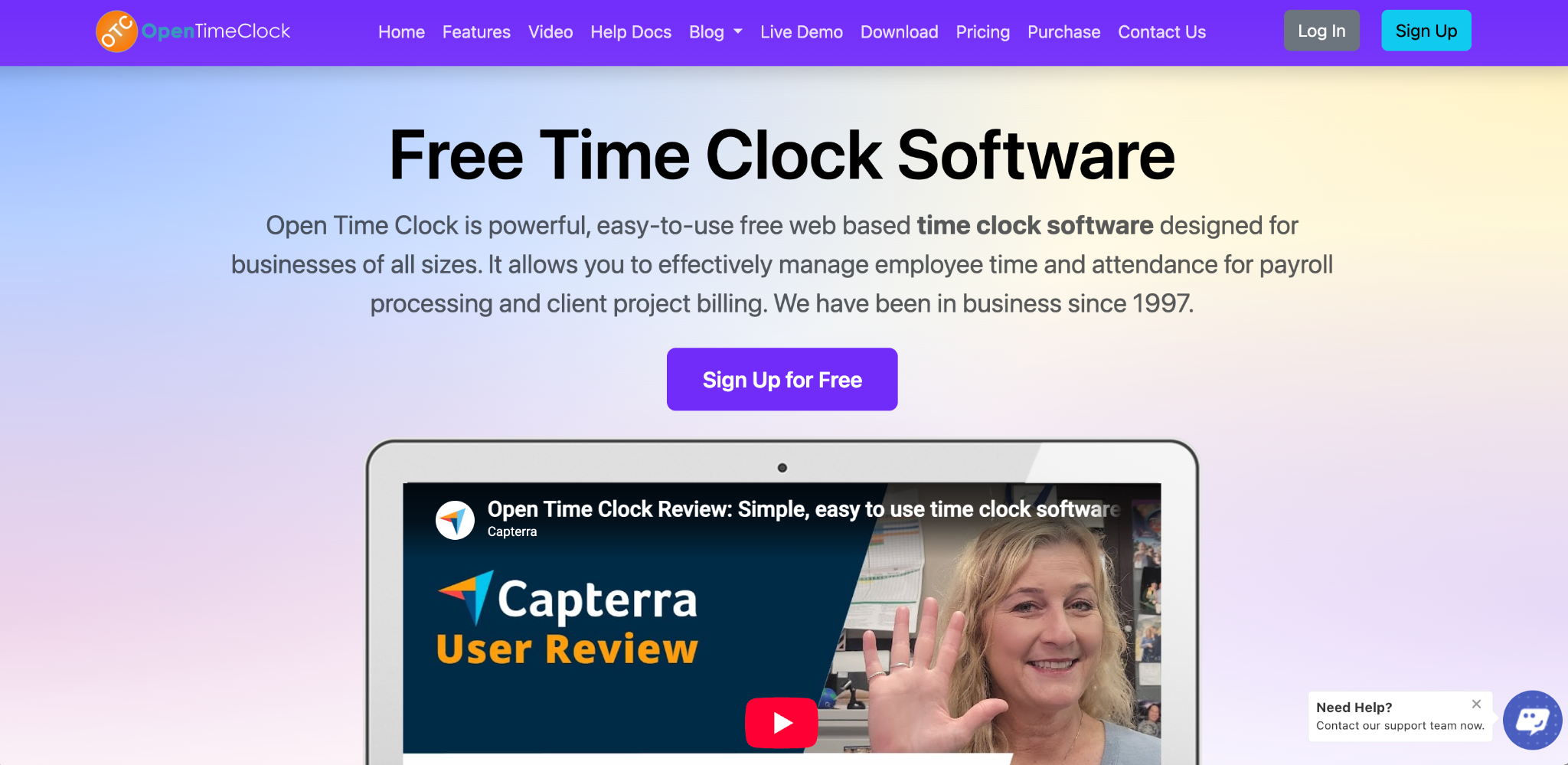
OpenTimeClock is a cloud-based time and attendance platform built specifically for workforce attendance management. It does not try to be an all-in-one HR system. It focuses on doing one thing extremely well: recording employee attendance accurately, verifying identity at every clock-in, and delivering payroll-ready data to whichever payroll platform you use.
Biometric Clock-In That Neither Rippling Nor Gusto Offers
OpenTimeClock uses facial recognition as a built-in feature. Employees look at any camera-equipped device and the system verifies their identity in under a second. A timestamped photo is captured at every clock-in event. This completely eliminates buddy punching and creates a visual attendance record that managers can review at any time.
The platform also supports RFID and NFC card scanning, QR code scanning, PIN entry, and barcode clock-ins. All of these methods are available on the same platform so businesses can choose the right verification method for their environment.
GPS Geofencing for Location Verification
OpenTimeClock's GPS geofencing feature creates virtual boundaries around approved work locations. Employees can only clock in when they are physically within the designated area. Every clock-in is recorded with GPS coordinates and an optional photo. This is especially valuable for businesses with field workers, remote teams, or employees who work across multiple sites.
Payroll Integration With Any Platform
OpenTimeClock exports attendance data in PDF, Excel, and CSV formats that are compatible with Gusto, Rippling, QuickBooks, and virtually any other payroll platform. If you are already using Gusto or Rippling for payroll, you can use OpenTimeClock for time tracking and export clean, verified data directly into your existing payroll workflow.
This combination gives you the best of both worlds. You keep your existing payroll platform and add a more accurate, more verifiable time tracking layer on top of it.
Over 80 Reports and Real-Time Alerts
OpenTimeClock generates over 80 predefined reports covering hours worked, overtime, tardiness, absenteeism, PTO balances, and department-level summaries. Managers receive real-time alerts for missed punches, late arrivals, and overtime thresholds. All of this data is available instantly from any device without needing to navigate a complex HR platform.
Free Plan With Unlimited Employees
This is where OpenTimeClock stands most clearly apart from both Rippling and Gusto. Rippling starts at $8 per employee per month and escalates quickly with add-ons. Gusto starts at $49 per month base plus $6 per employee for the simple plan and $80 base plus $12 per employee for the plan that includes time tracking.
OpenTimeClock offers a completely free plan with unlimited managers and unlimited employees. All core time tracking features including facial recognition, GPS tracking, geofencing, RFID clock-ins, overtime calculation, and payroll reporting are available at no cost.
Conclusion
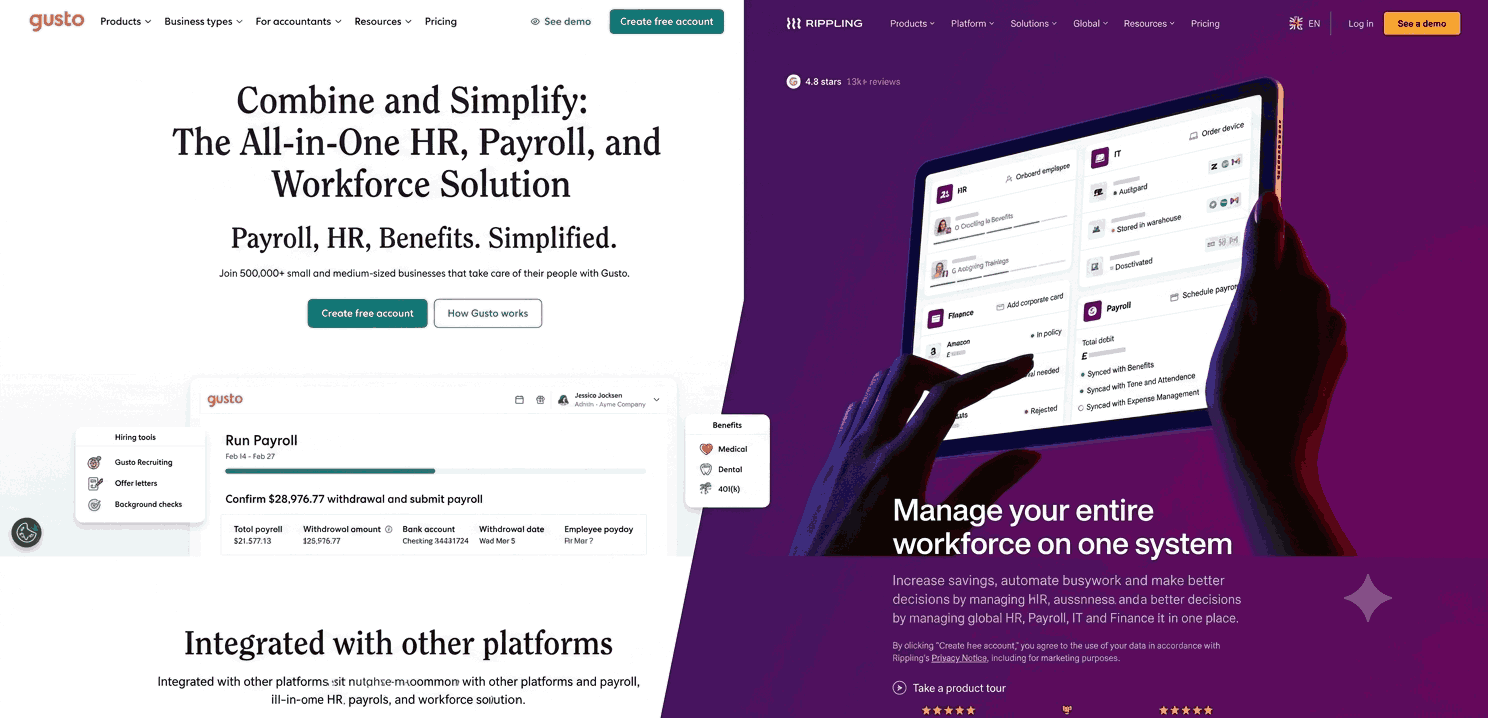
The Rippling vs Gusto time tracking comparison shows two platforms that approach the problem from very different angles. Rippling is built for complexity and scale. Gusto is built for simplicity and transparency. Both treat time tracking as one feature among many, which means businesses primarily focused on attendance accuracy end up paying for much more than they need.
OpenTimeClock fills this gap by delivering dedicated, biometric attendance tracking with payroll-ready reporting at no cost. Whether you use it as a standalone solution or alongside an existing payroll platform like Gusto or Rippling, it adds a level of clock-in verification and attendance accuracy that neither platform offers natively.
FAQ’s
1. What is the main difference between Rippling and Gusto for time tracking?
Rippling offers more advanced time tracking capabilities including complex overtime rules, department-level tracking, and deep integration with HR and IT systems. However, it is significantly more expensive and has a steep learning curve.
2. Does Gusto include time tracking in its base plan?
No. Gusto's time tracking feature is only available on the Plus plan, which starts at $80 per month base plus $12 per employee. The entry-level Simple plan at $49 per month plus $6 per employee does not include time tracking.
3. Is Rippling good for small businesses that only need time tracking?
Rippling is not the ideal choice for small businesses that primarily need time tracking. It is a complex, modular platform designed for larger businesses that need to integrate HR, IT, payroll, and finance together. The learning curve is steep and the cost can be high once time tracking and other modules are added.
4. Can OpenTimeClock integrate with Gusto or Rippling for payroll?
Yes. OpenTimeClock exports attendance data in PDF, Excel, and CSV formats that are compatible with Gusto, Rippling, QuickBooks, and most other payroll platforms.
5. Is OpenTimeClock really free compared to Rippling and Gusto?
Yes. OpenTimeClock offers a completely free plan with unlimited managers and unlimited employees. All core time tracking features including facial recognition, RFID card scanning, GPS geofencing, overtime calculation, department-level tracking, and over 80 payroll reports are included at no cost.