QR Code and RFID Time Clock Software for Remote and Mobile Workforces
Learn how QR Code and RFID Time Clock Software helps remote and mobile teams clock in fast, safe, and accurately.
Managing attendance for remote and mobile teams is not easy. Workers move between job sites, warehouses, and client locations, often without a fixed desk or computer nearby. This is why more businesses are turning to QR Code and RFID Time Clock Software to make clocking fast, simple, and accurate, no matter where employees are working. This guide will explain, in simple words, how this technology works, why it matters, and how it helps employers manage remote and mobile teams with less stress.
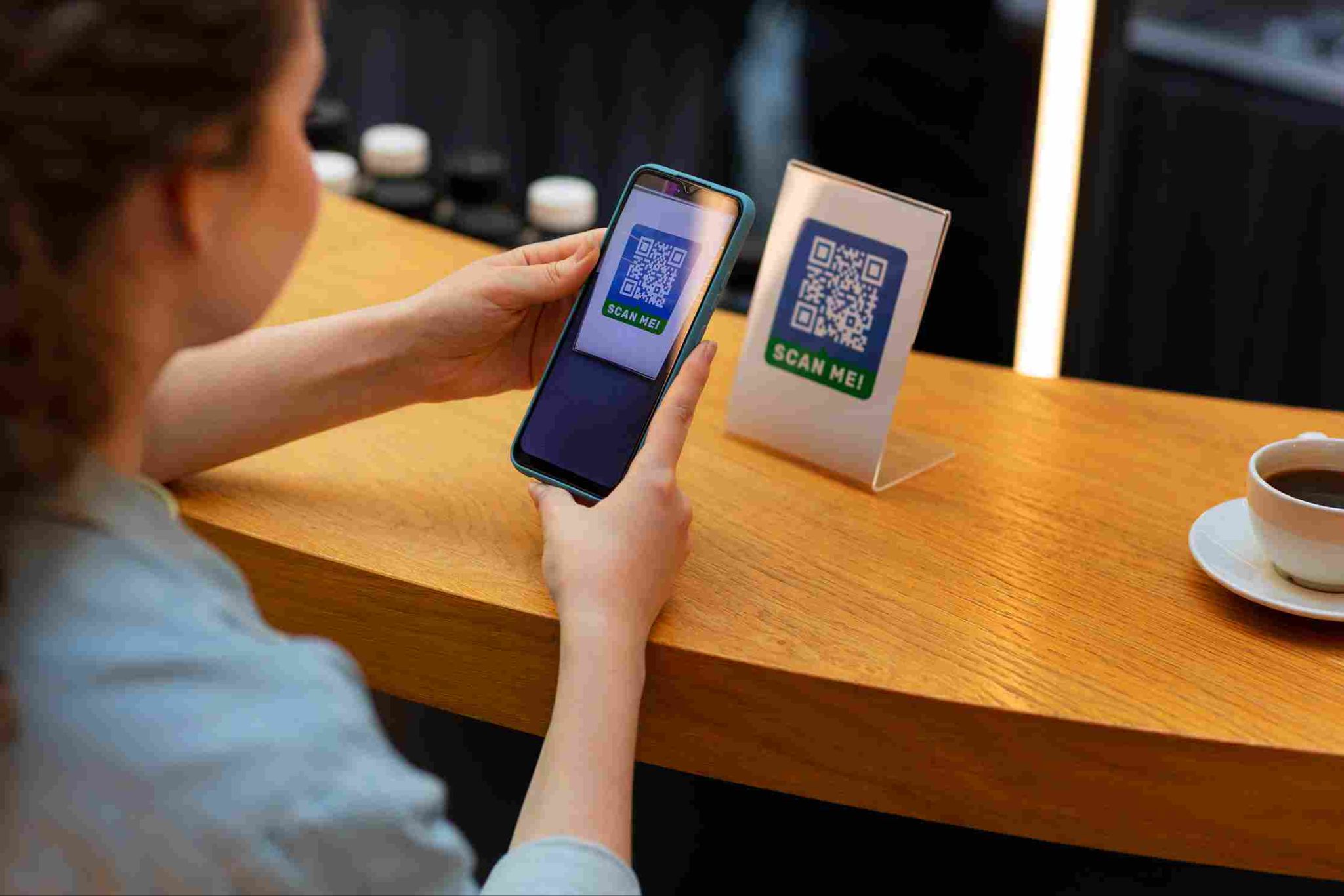
What Is QR Code and RFID Time Clock Software?
QR code and RFID time clock software allows employees to clock in and out using a quick scan instead of typing a username and password. QR codes are square, scannable images that can be printed on a badge, sticker, or ID card. RFID, which stands for radio-frequency identification, uses a small chip inside a card or tag that can be read by a scanner without any physical contact.
Both methods work in a similar way. An employee holds their badge near a scanner or camera, the system reads the code or chip, and the clock-in or clock-out is recorded instantly. This makes QR Code and RFID Time Clock Software especially useful for teams that move around often and do not always have easy access to a computer or login screen.
Why Remote and Mobile Workforces Need Better Time Tracking
Traditional time tracking methods, like paper timesheets or simple login screens, were built for employees sitting at a fixed desk. Remote and mobile workers face very different challenges.
Workers Are Often Away From a Computer
Field employees, delivery drivers, and construction crews rarely have a desktop computer nearby. Expecting them to log into a website every time they start or end a shift is not practical.
Multiple Job Sites Create Confusion
Mobile teams often move between several locations in a single day. Without a fast and reliable clock-in method, tracking exactly when and where each shift started becomes difficult.
Manual Tracking Increases Errors
Paper timesheets or verbal check-ins are easy to forget or record incorrectly. Over time, small mistakes add up and create payroll headaches for HR teams.
Security and Identity Concerns
Simple login systems can be misused if passwords are shared between coworkers. Businesses need a stronger, more reliable way to confirm that the right person is actually clocking in.
How QR Code Time Clocks Work
QR code scanning is one of the simplest and most flexible options available for mobile and remote teams.
Generating Employee QR Codes
Each employee is assigned a unique QR code, which can be printed on a badge, sticker, or digital display. Systems like Open Time Clock's QR code time tracking app allow managers to generate and print these codes directly from the employee list in just a few clicks.
Scanning to Clock In
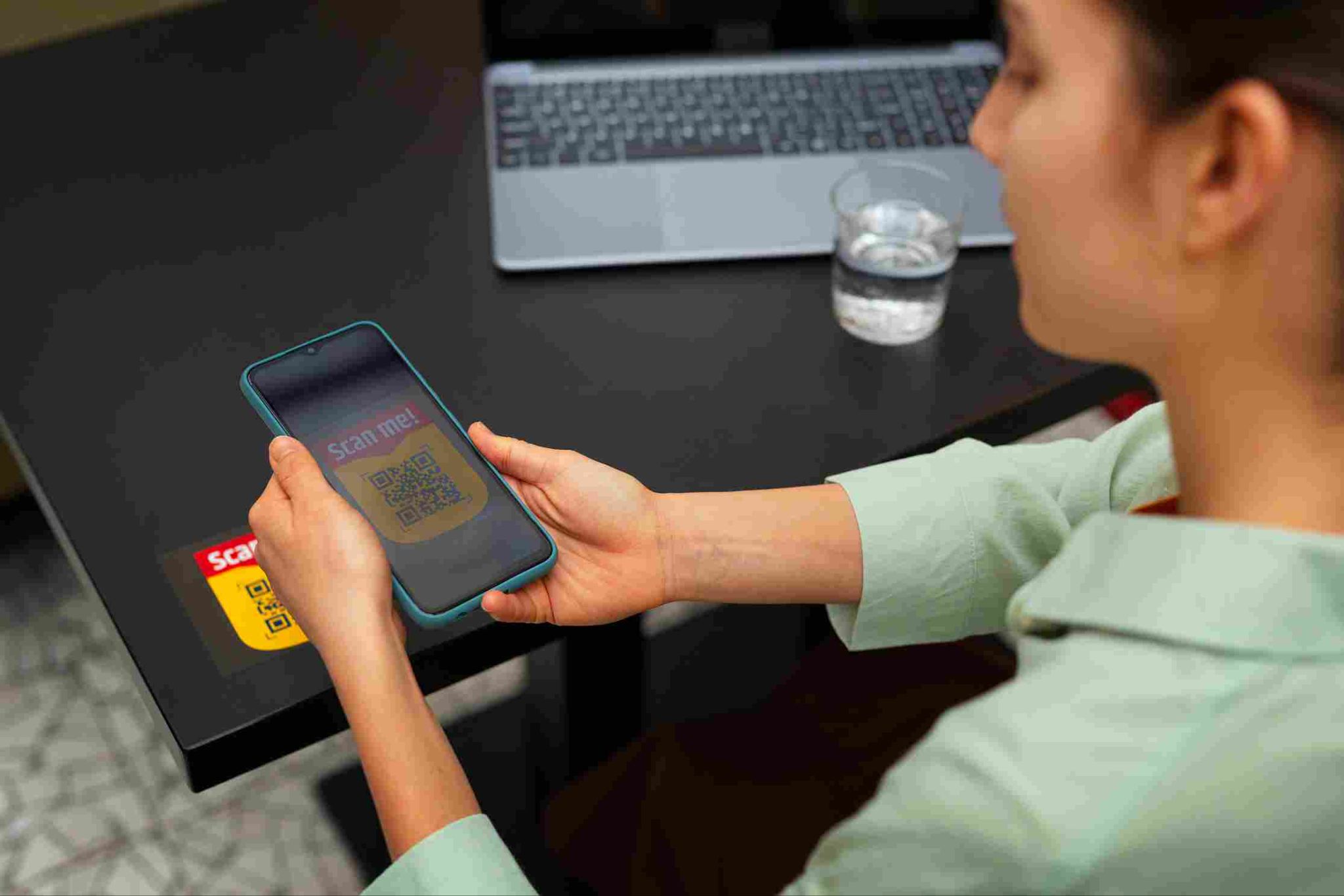
To clock in, an employee simply holds their QR code up to a camera, either on a smartphone, tablet, or dedicated scanner. The system reads the code instantly and records the time, without requiring the employee to type anything.
Working Across Multiple Devices
QR code scanning works on mobile apps, desktop apps, and web browsers, giving businesses flexibility depending on what devices are available at each work location.
No Passwords to Remember
Since employees do not need to type a username or password, QR code clock-ins reduce login frustration and remove one more area where mistakes or shared credentials could cause problems.
How RFID Time Clocks Work
RFID technology offers a slightly different but equally effective approach, especially useful for high-traffic or contactless environments.
Using RFID Cards or Tags
Each employee is given an RFID card, tag, or badge containing a small chip. This chip stores identifying information that a scanner can read from a short distance, without needing direct contact.
Contactless Clock-Ins
Because RFID cards do not need to touch the scanner directly, they support fully contactless clock-ins. This is especially helpful in workplaces that want to reduce shared touchpoints, such as manufacturing floors or healthcare facilities.
Fast Processing for Busy Shifts
RFID scanning is extremely quick, which makes it a strong choice for busy workplaces where many employees need to clock in around the same time, such as warehouses or factory shift changes.
Compatible With External Readers
Many time clock systems support external RFID and NFC card readers connected to smartphones, tablets, or desktop devices, giving businesses flexibility in how they set up their clock-in stations.
Key Benefits of QR Code and RFID Time Clock Software
Combining both technologies gives businesses a strong set of tools for managing attendance across different types of teams.
Faster Clock-Ins
Both QR code and RFID methods are much faster than typing a username and password. This is especially valuable during busy shift changes when many employees need to clock in within a short window of time.
Reduced Buddy Punching
Since QR codes and RFID cards are tied to a specific employee, it becomes harder for one worker to clock in on behalf of another. When combined with photo verification, QR Code and RFID Time Clock Software creates an even stronger layer of protection against time fraud.
Flexibility for Remote and Field Teams
Mobile apps supporting QR code and RFID scanning allow employees to clock in from job sites, client locations, or delivery routes, without needing a fixed workstation.
Works Without Constant Internet Access
Some systems allow clock-ins to be recorded even without an active internet connection, syncing the data once the device reconnects. This is especially useful for field teams working in areas with poor signal coverage.
Simple Setup for Managers
Generating QR codes or assigning RFID cards is usually a quick process. Businesses can get their entire team set up without complicated technical steps or expensive equipment.
Industries That Benefit Most From This Technology
While many businesses can use QR code and RFID time tracking, some industries see especially strong results.
Construction and Field Services
Workers moving between multiple job sites benefit from fast, reliable clock-ins that do not require carrying a laptop or remembering login details.
Warehousing and Manufacturing
High-traffic environments with many employees clocking in at once benefit from the speed of RFID scanning, which keeps lines moving during shift changes.
Healthcare Facilities
Contactless RFID clock-ins support hygiene standards in healthcare settings, reducing shared touchpoints between staff.
Retail and Multi-Location Businesses
Retail chains with multiple stores can issue QR code badges that work consistently across every location, simplifying attendance management company-wide. Businesses using flexible platforms, such as Open Time Clock's time tracking software, can manage this across dozens of locations from one central dashboard.
Delivery and Logistics Teams
Drivers and delivery staff can quickly scan a QR code from their mobile device at the start and end of each shift, even while working from different locations throughout the day.
Setting Up QR Code and RFID Time Clock Software the Right Way
Employers who want to introduce this technology should follow a few simple steps for a smooth rollout.
Choose the Right Method for Your Team
Some businesses use QR codes, others use RFID cards, and many use both together depending on the situation. Reviewing setup guides such as Open Time Clock's guide to setting up a QR code time clock can help businesses choose the right combination for their specific workplace.
Test the System Before Full Rollout
Before rolling out the system to the entire team, test it with a small group of employees. This helps catch any issues with scanning distance, lighting, or device compatibility early.
Combine With Other Security Features
For stronger protection against time fraud, businesses can combine QR code and RFID clock-ins with photo verification or GPS location tracking, creating multiple layers of proof for every shift.
Train Employees on the New Process
Even though scanning a badge is simple, employees should still receive a short walkthrough on how to use the new system, especially if they are used to typing in a password or filling out paper timesheets.
Keep Backup Options Available
It is smart to keep a backup clock-in method available, such as a PIN number, in case a badge is lost, damaged, or a scanner temporarily malfunctions. Systems that support multiple clock-in methods, such as those offered through Open Time Clock, give businesses flexibility without disrupting daily operations.
Comparing QR Code and RFID to Other Clock-In Methods
Businesses have several options for tracking attendance, and comparing them helps explain why QR code and RFID stand out for remote and mobile teams.
Username and Password Logins
This is the most basic method, but it is not practical for field workers who may not always have easy typing access on a small mobile screen. Passwords can also be shared, which creates a security gap.
PIN Codes
PIN codes are quick to enter and do not require a physical badge, but like passwords, a PIN can be shared between coworkers, making it easier for buddy punching to happen without anyone noticing.
Facial Recognition
Facial recognition offers strong identity confirmation but usually requires good lighting and a properly working camera. It works well at fixed locations but can be less practical for workers constantly moving between outdoor job sites.
QR Code and RFID Time Clock Software
Compared to these other methods, QR Code and RFID Time Clock Software offers a strong balance of speed, flexibility, and security. Employees do not need to remember anything, badges are quick to scan, and the system works well across many different work environments, from busy warehouses to scattered job sites. Businesses can also combine QR code or RFID scanning with additional layers, such as Open Time Clock's RFID and NFC card reader support, which allows external scanners to connect directly to mobile devices for added flexibility.
Common Mistakes Businesses Make When Switching to QR Code or RFID
Even with a strong system in place, certain mistakes can slow down adoption or reduce its effectiveness.
Skipping the Testing Phase
Rolling out a new clock-in method to the entire team without testing it first can lead to confusion if scanners are not positioned correctly or lighting conditions are poor for QR code scanning.
Not Providing a Backup Option
If a badge is lost, damaged, or a scanner temporarily stops working, employees need another way to clock in. Businesses that skip this step risk delays and frustration during busy shifts.
Failing to Explain the Change to Employees
Employees who are used to typing a password may feel unsure about a new scanning process. A short explanation of why the change is happening, and how it benefits them, goes a long way toward smooth adoption.
Choosing the Wrong Method for the Work Environment
RFID may work better in a busy warehouse with many quick clock-ins, while QR codes may be more practical for spread-out field teams using mobile phones. Businesses that do not consider their specific work environment may end up with a system that does not fit their actual needs.
Not Combining With Other Verification Tools
Relying only on a badge scan without any additional verification, such as photo capture or GPS location, leaves a gap that dishonest employees could still exploit. Pairing scanning methods with other security features closes this gap effectively.
Conclusion
Remote and mobile teams need attendance tools that match how they actually work, not outdated systems built for a fixed office desk. QR Code and RFID Time Clock Software gives businesses a fast, flexible, and secure way to track attendance across job sites, warehouses, and delivery routes. By choosing the right combination of tools, testing the system carefully, and training employees clearly, businesses can build a reliable attendance process that fits their entire workforce, wherever they happen to be working that day.
FAQ’s
1. Do employees need special devices to use QR code clock-ins?
No. Most QR code systems work with a standard smartphone or tablet camera, so employees do not need any special equipment beyond their assigned badge.
2. Is RFID scanning safe for high-traffic workplaces?
Yes. RFID scanning is fast and works from a short distance, making it a good fit for busy environments where many employees clock in around the same time.
3. Can QR code and RFID clock-ins work without internet access?
Some systems support offline clock-ins, storing the data locally and syncing it automatically once the device reconnects to the internet.
4. What happens if an employee loses their QR code or RFID badge?
Most systems allow a backup clock-in method, such as a PIN number or manual login, so employees are not blocked from clocking in while a new badge is issued.
5. Can this technology help prevent buddy punching?
Yes. Since each QR code or RFID card is tied to a specific employee, it becomes much harder for coworkers to clock in for one another, especially when combined with photo verification.