OpenTimeClock vs. Replicon: Time Tracking, Attendance, and Payroll Reporting
Compare OpenTimeClock and Replicon on pricing, attendance tools, compliance, project tracking, and payroll reports to pick the right fit.
Choosing time tracking software is an important decision. The right system helps you record hours accurately, manage attendance, and send clean data to payroll. The wrong one can mean wasted money, complicated setup, or features that do not match how your team works.
OpenTimeClock and Replicon are two well-known names in time tracking, but they serve different types of organizations. OpenTimeClock is a simple, affordable time clock with a free plan and flat company pricing, popular with small businesses, schools, and nonprofits. Replicon, now part of Deltek, is an enterprise-focused platform for time, attendance, project time, and global compliance, aimed at mid-sized and large organizations.
In this guide, we will compare OpenTimeClock vs. Replicon in simple terms. We will look at pricing, clock-in options, attendance tools, compliance, project tracking, payroll reporting, and which type of organization each tool fits best.
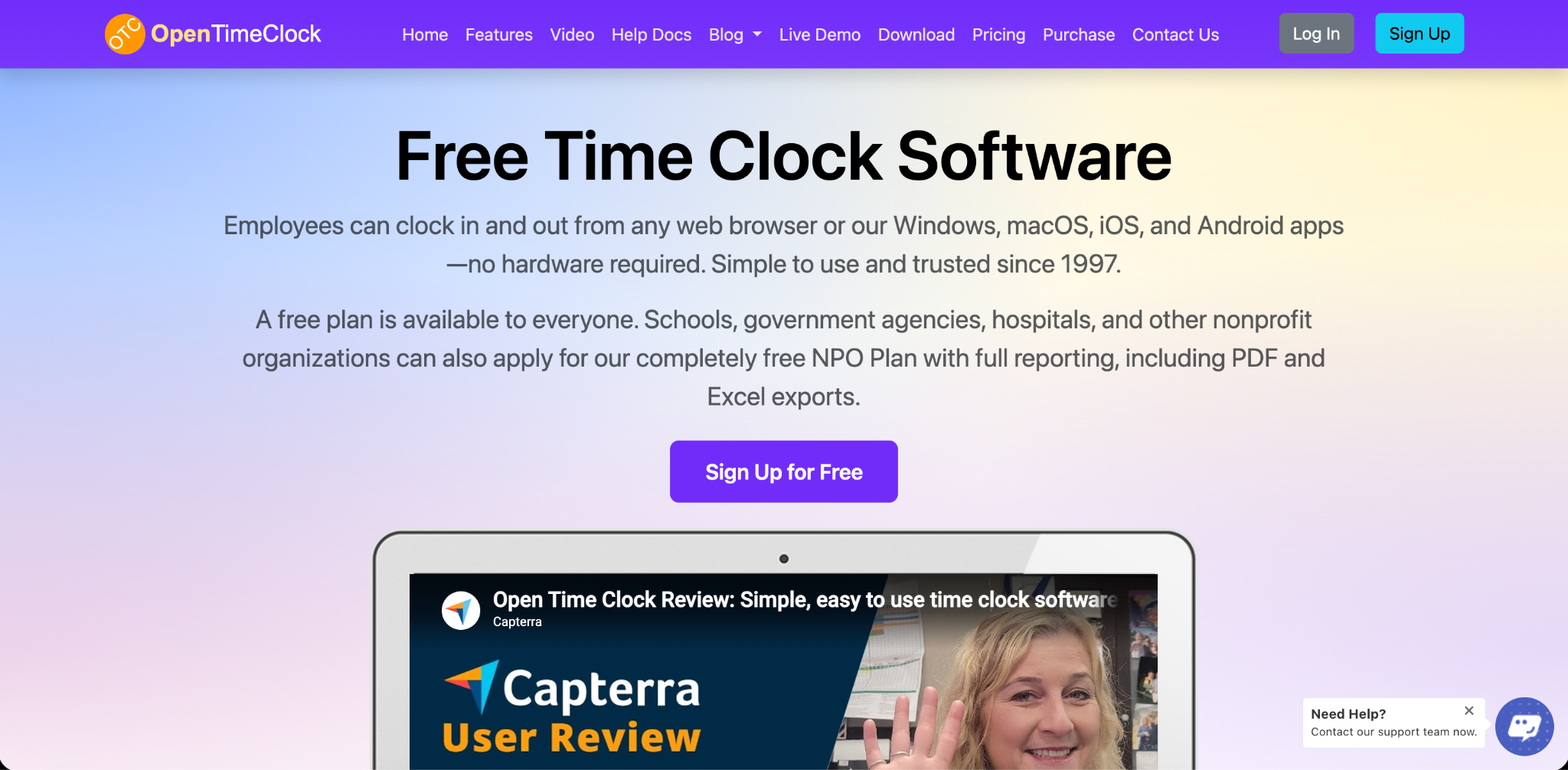
Quick Overview of OpenTimeClock
OpenTimeClock is a cloud-based time clock and attendance system that has been in business since 1997. Employees can clock in and out from web browsers and from apps for Windows, macOS, iOS, and Android. Any tablet can be turned into a wall-mounted or desktop time clock.
It offers many clock-in methods, location controls, scheduling, overtime rules, paid time off tracking, manager approvals, and more than 80 ready-made reports. It also includes job, project, and department tracking.
OpenTimeClock offers a free plan with unlimited users, a paid plan priced per company, and free plans for nonprofits and other eligible organizations.
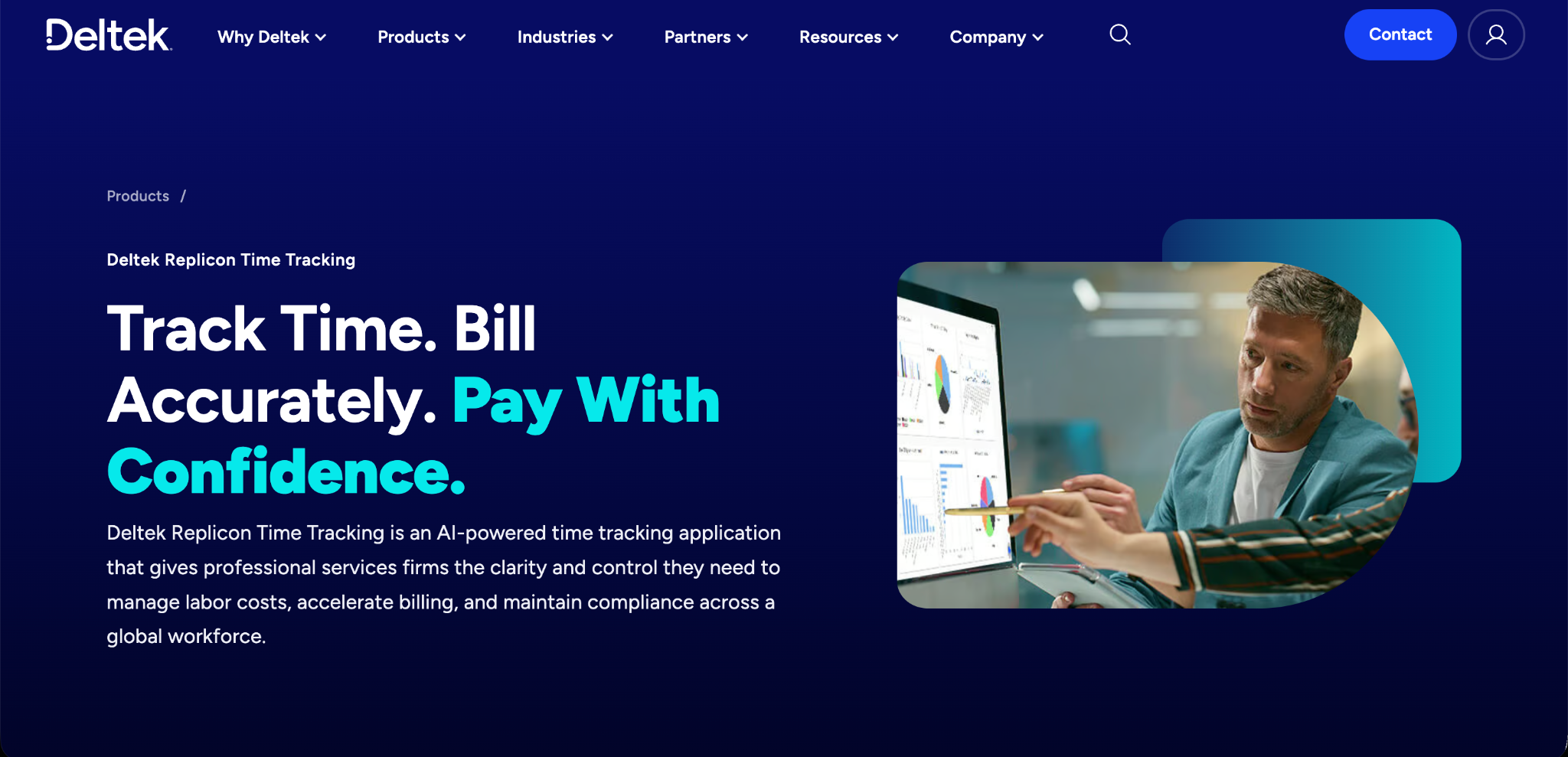
Quick Overview of Replicon
Replicon is a time tracking platform now owned by Deltek. It offers several modules, including time and attendance, time off management, project time tracking, billing, expense tracking, and professional services automation.
Replicon is known for its global compliance features, which help organizations follow labor rules in many countries, and for its ability to connect with large payroll, HR, and ERP systems. It also offers a kiosk clock-in option and mobile apps.
Replicon is generally aimed at mid-sized and enterprise organizations with complex needs, multiple locations, or international teams. Its reporting tools help managers monitor employee hours, project costs, and workforce productivity. Businesses can use these insights to identify labor cost issues, improve resource planning, and make informed decisions. However, smaller companies with basic time tracking needs may find its extensive features more complex than necessary.
The Key Difference
The simplest way to understand OpenTimeClock vs. Replicon is to look at the size and complexity of the organizations each tool serves.
OpenTimeClock is built for simplicity and value. It gives small and mid-sized organizations strong time clock and attendance features without per-user pricing or a long setup process.
Replicon is built for scale and complexity. It gives larger organizations deep compliance tools, project and billing modules, and enterprise integrations, with pricing and setup that usually involve a sales process.
Pricing Comparison
OpenTimeClock Pricing
The Free Plan costs nothing and includes unlimited users and free support. It includes full features except downloading reports in PDF and Excel formats, which is available free for the first 30 days.
The Paid Plan costs $39 per month or $399 per year per company, with unlimited users. The price stays the same whether you have 10 employees or 1,000.
The NPO Plan offers free access to paid features for schools, government agencies, hospitals, and other nonprofits that apply. There is also a Sponsor Link Plan that gives free access to paid features in exchange for a text link on your website.
You can see full details on the OpenTimeClock pricing page.
Replicon Pricing
Replicon does not currently publish list prices on its website. Pricing is provided through a sales consultation and depends on the modules you choose, such as time and attendance, time off, project time, or expenses, and on the number of users. In general, Replicon uses per-user pricing, so costs grow as your team grows.
What This Means for Your Budget
For small and mid-sized teams, OpenTimeClock's flat company pricing is usually much easier to budget for, and its free plan can cost nothing at all. Larger organizations with complex compliance or project needs may find that Replicon's broader features justify a higher, quote-based price.
Clock-In Options
OpenTimeClock Clock-In Options
OpenTimeClock offers many ways to clock in, including username and password, PIN code, QR code or barcode, RFID or NFC cards, name selection, group clock-in by managers, and facial recognition. It also supports offline clock-in through the mobile app and quick switching between jobs and departments.
These options work on everyday devices, so businesses can turn tablets, phones, and computers into time clocks.
Replicon Clock-In Options
Replicon offers mobile apps, web timesheets, and a kiosk clock-in option for shared devices. It is designed to handle both hourly employees who clock in and salaried or project staff who fill out timesheets.
Which Is Better?
Both tools offer flexible clock-in options. OpenTimeClock offers a wide range of low-cost hardware choices, such as badges, QR codes, and RFID cards. Replicon offers a strong mix of clock-in and timesheet entry for organizations with many types of workers.
Attendance and Location Controls
OpenTimeClock includes strong tools to confirm attendance. Photo capture and facial recognition help prevent buddy punching, and clock-ins can be limited to approved GPS locations, WiFi networks, IP addresses, or devices. Managers can see who is working in real time and receive notifications for late arrivals, early departures, and overtime limits.
Replicon also offers attendance tracking, geolocation, and photo capture features, along with alerts and rules designed for large workforces.
For most attendance needs, both tools offer solid controls. OpenTimeClock delivers them at a much lower cost for smaller teams.
Compliance Features
Compliance is one of Replicon's biggest strengths. It is designed to help organizations follow labor rules in many countries and regions, which is valuable for companies with international teams.
OpenTimeClock includes overtime management with daily and weekly overtime rules, break tracking, paid time off accruals, and edit locks that prevent changes to old time records. These tools cover the compliance needs of most small and mid-sized organizations in a single country.
If your organization operates in many countries with different labor laws, Replicon's global compliance tools may be a major advantage.
Approvals and Timesheet Management
Both tools support manager review before payroll.
OpenTimeClock offers approval of time records, which lets managers review, edit, and approve hours with a clear history of every change. Employees can request missed entries, request time off, and verify their own hours. Old pay periods can be locked to protect records.
Replicon offers multi-level approval workflows designed for large organizations, where timesheets may need to pass through several managers or departments.
Project and Billing Features
OpenTimeClock Project Tracking
OpenTimeClock includes project, job, and department time tracking. Employees can record time against projects and switch between them during a shift. Reports show time by project, which helps with job costing and client billing.
Replicon Project and Billing Features
Replicon offers more advanced project features through its project time, billing, and professional services modules. These include project budgets, billing rates, expense tracking, and resource management, which are useful for consulting firms and professional services organizations.
Which Is Better?
For organizations that only need to know how many hours went into each job or project, OpenTimeClock is often enough. For professional services firms that need billing, budgets, and resource planning in the same platform, Replicon offers more depth.
Payroll Reporting
Both tools help prepare accurate hours for payroll.
OpenTimeClock offers more than 80 ready-made reports. Payroll and attendance reports show regular hours, overtime, and paid time off, and can be exported in PDF, Excel, CSV, and other formats on eligible plans. Paid plans also include a developer API.
Replicon offers detailed reporting and integrations with many payroll, HR, and ERP systems, which is helpful for organizations that want time data to flow automatically into large business systems.
For businesses that use simple payroll providers or export files, OpenTimeClock's reports are usually all that is needed. For enterprises with complex system connections, Replicon's integrations may save time.
Ease of Setup
OpenTimeClock can usually be set up quickly. Businesses can sign up for free, add employees, and start clocking in the same day.
Replicon's setup is typically more involved, especially for organizations using several modules, complex compliance rules, or enterprise integrations. Larger rollouts may involve implementation planning with the vendor.
Support
OpenTimeClock offers free technical support to all customers, including those on the Free Plan, through toll-free phone, live chat, tickets, email, and remote desktop sharing during business hours.
Replicon offers support through its vendor, with service levels that may depend on the plan and contract.
Pros and Cons Summary
OpenTimeClock Strengths
A free plan with unlimited users. Flat company pricing that does not grow with team size. Many clock-in methods using everyday devices. Strong attendance, location, and buddy punching controls. Overtime rules, paid time off accruals, approvals, and edit locks. Fast setup and free support. Free plans for nonprofits and other eligible organizations.
OpenTimeClock Limitations
Fewer global compliance tools for multi-country organizations. Simpler project and billing features than enterprise platforms. Fewer built-in enterprise integrations.
Replicon Strengths
Global compliance features for many countries. Project time, billing, expenses, and professional services modules. Multi-level approvals for large organizations. Integrations with payroll, HR, and ERP systems.
Replicon Limitations
No published list pricing, so a sales quote is needed. Per-user pricing that grows with team size. Setup can be more complex. May include more features than small organizations need.
Which Should You Choose?
The right choice in OpenTimeClock vs. Replicon depends on your organization's size, complexity, and budget.
Choose OpenTimeClock If
You are a small or mid-sized business, school, nonprofit, or government agency. You want a free or low-cost solution with unlimited users. You need strong attendance tracking, kiosks, and flexible clock-in methods. You want quick setup without a long sales process. Your team mainly works in one country.
Choose Replicon If
You are a mid-sized or large organization with complex needs. You have employees in many countries with different labor laws. You need project billing, expenses, and resource planning in one platform. You want deep integrations with enterprise payroll, HR, or ERP systems. You have the budget and resources for a larger implementation.

Conclusion
OpenTimeClock and Replicon both help organizations track time and attendance, but they are built for different needs. OpenTimeClock is a simple, affordable time clock with many clock-in methods, strong attendance controls, approvals, detailed payroll reports, a free plan, and flat company pricing. Replicon is an enterprise platform with global compliance, project and billing modules, and broad integrations, priced through sales quotes.
When comparing OpenTimeClock vs. Replicon, start by asking how complex your needs really are. If you want accurate attendance and payroll-ready reports without high costs, OpenTimeClock offers strong value. If you manage a large, international, or project-based workforce, Replicon's advanced tools may be worth the investment. Understanding OpenTimeClock vs. Replicon this way helps you choose the system that fits your team, your budget, and your goals.
FAQ’s
What is the main difference between OpenTimeClock and Replicon?
OpenTimeClock is a simple, low-cost time clock for small and mid-sized organizations. Replicon is an enterprise platform with global compliance, project billing, and deep integrations.
Is OpenTimeClock free?
Yes. OpenTimeClock offers a Free Plan with unlimited users and full features except PDF and Excel report downloads, which are free for the first 30 days.
How much does Replicon cost?
As of October 2026, Replicon does not publish list prices. Pricing is quoted by sales and depends on the modules selected and the number of users.
Which is better for global teams?
Replicon is usually the stronger choice for organizations with employees in many countries because of its global compliance features.
Which is better for nonprofits and schools?
OpenTimeClock offers a free NPO Plan for eligible schools, nonprofits, hospitals, and government agencies, making it a strong low-cost option.