OpenTimeClock vs HotSchedules: Which Offers Better Time and Attendance Features?
Compare OpenTimeClock vs HotSchedules on time tracking, attendance, pricing, and features to find out which platform is the better fit for your business needs.
When a restaurant, hotel, retail store, or service business starts looking for a time and attendance solution, two names come up frequently in the comparison process: OpenTimeClock and HotSchedules. Both platforms serve businesses with hourly workforces. Both include scheduling and attendance functionality. And both have loyal user bases across a wide range of hospitality and service industry operations.
But the two platforms are built around fundamentally different priorities, and understanding those differences is essential before committing to either one. HotSchedules is primarily a labor scheduling and team communication platform that includes time tracking as one feature within a broader operational suite. OpenTimeClock is a dedicated time and attendance platform that prioritizes verification accuracy, fraud prevention, and payroll-ready reporting above everything else.
In this article we will compare OpenTimeClock and HotSchedules across the dimensions that matter most for time and attendance management, explain where each platform excels and where it falls short, and give you the information you need to make the right choice.
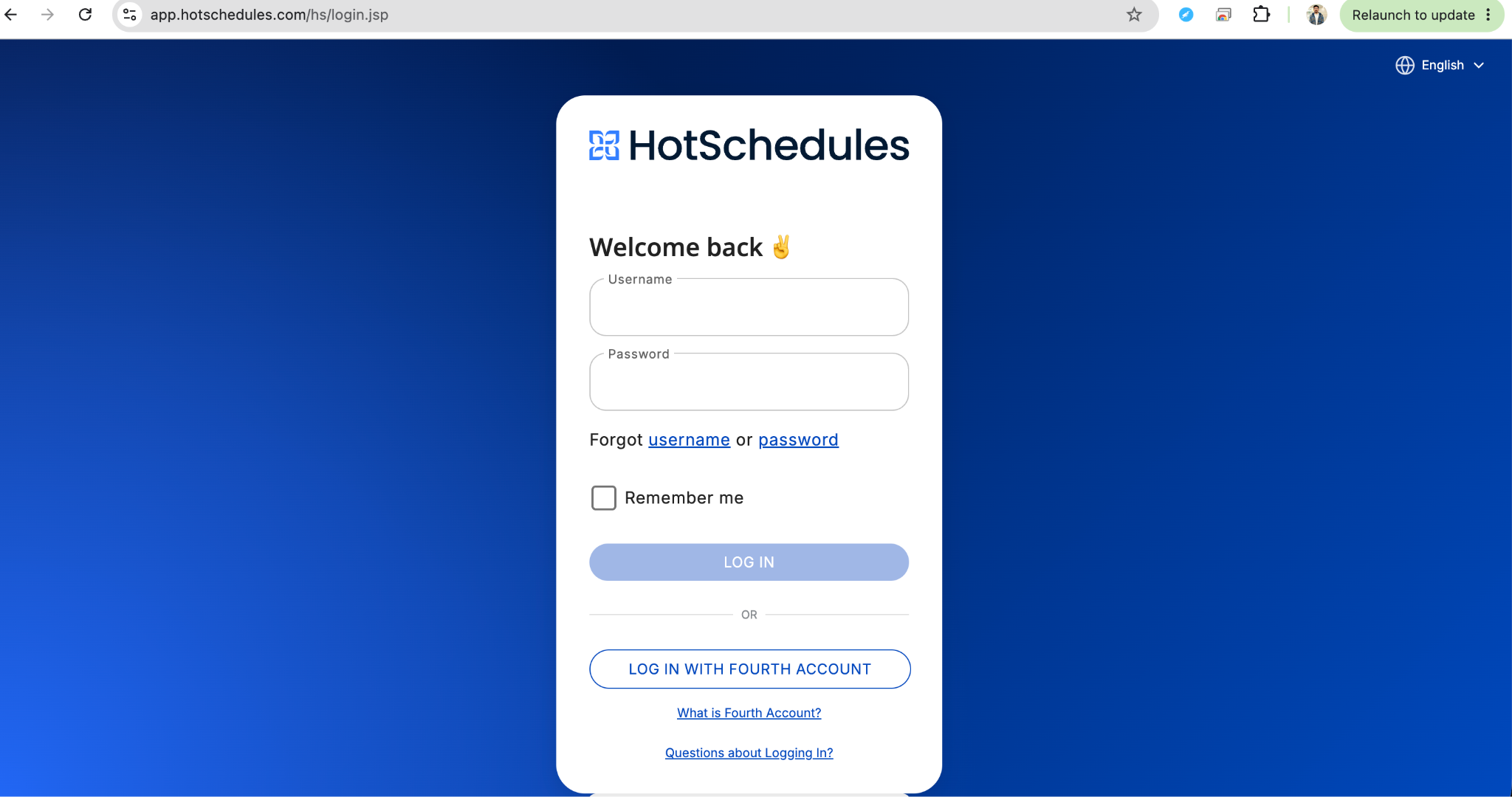
What Are HotSchedules?
HotSchedules, now part of the Fourth enterprise platform, is a workforce management solution that was built primarily around the needs of the hospitality and restaurant industry. Its core strengths are employee scheduling, shift swapping, team messaging, and labor forecasting. It helps managers build schedules, communicate with staff, and monitor labor costs against sales forecasts.
Time and attendance tracking is included in HotSchedules, but it functions as a supporting feature within the broader scheduling and operations platform rather than as the primary focus. Employees can clock in and out through the HotSchedules app, and managers can view attendance data alongside scheduling information.
HotSchedules is a subscription-based platform with pricing that varies based on the number of employees and the specific modules included. Pricing is not publicly listed and requires a custom quote, but industry reports indicate that costs typically run from several dollars to over ten dollars per employee per month depending on the configuration. For a restaurant with 50 employees, monthly costs can range from a few hundred to over five hundred dollars.
What Is OpenTimeClock?
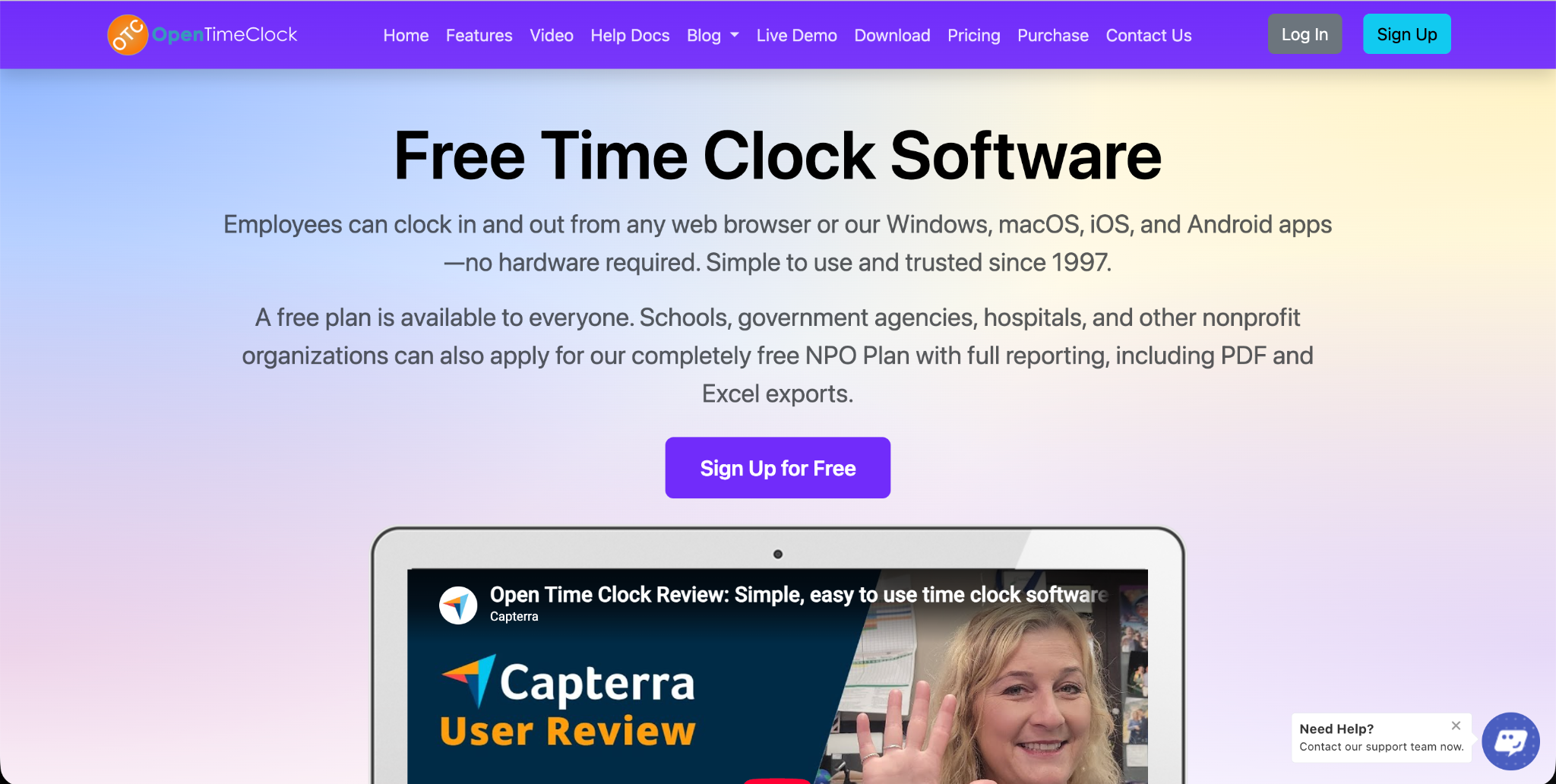
OpenTimeClock is a dedicated time and attendance platform that has been in continuous operation since 1997. It is built specifically to capture, verify, and report employee time with a level of accuracy and depth that general workforce management platforms typically do not match in this specific area.
OpenTimeClock supports browser-based clock in, mobile app clock in, QR code scanning, RFID card reading, and facial recognition. It includes GPS tracking with geofencing, photo capture at every clock in, integrated leave management, shift scheduling, automated overtime calculation, and over 80 payroll report formats. It is completely free with no per user fees and no feature restrictions.
OpenTimeClock vs HotSchedules: Scheduling Features
Scheduling is HotSchedules' home territory. Its scheduling interface is one of the most mature and feature-rich in the hospitality space. Managers can build schedules visually, account for employee availability and time-off requests, forecast labor needs based on projected sales, and publish schedules to employees through the app. Employees can swap shifts, pick up open shifts, and communicate with managers through the same platform.
For restaurant and hotel operators who need sophisticated scheduling with built-in labor cost forecasting and team communication, HotSchedules provides a genuinely strong toolset that reflects years of development specifically for these environments.
OpenTimeClock includes shift scheduling functionality that allows managers to create and publish schedules, assign employees to shifts, and compare scheduled versus actual hours in attendance reports. For most small and medium-sized operations, this scheduling capability is sufficient for day-to-day management. For large hospitality operations with complex multi-position scheduling, daily forecast integration, and team messaging needs, HotSchedules has a deeper scheduling feature set.
OpenTimeClock vs HotSchedules: Time and Attendance Accuracy
This is where the comparison shifts decisively in OpenTimeClock's favor.
HotSchedules' time clock relies primarily on employee self-service through the mobile app. Employees open the app and tap to clock in. This is functional and convenient, but it offers no independent verification that the right employee performed the clock in or that they were at the correct location when they did so. The system trusts that the employee using the app is who they say they are based on their login credentials.
OpenTimeClock treats attendance verification as the core priority and provides multiple layers of confirmation at every single clock in the event.
Facial Recognition Identity Verification
OpenTimeClock's facial recognition feature uses AI-powered biometric matching to verify that the person clocking in matches the registered employee profile. If they do not match, the clock is automatically rejected. This eliminates buddy punching completely, which is one of the most costly forms of time theft in hourly workforces and is particularly prevalent in busy restaurant and hospitality environments where managers cannot watch every employee at every shift transition.
HotSchedules does not offer facial recognition or biometric verification. Its mobile app clock in is credential-based, which means a colleague who knows another employee's login can clock in on their behalf without detection.
GPS Location Verification and Geofencing
OpenTimeClock's GPS tracking and geofencing features record the precise location of every clock in event and can restrict clock ins to approved boundaries around each work location. An employee who is not physically at the restaurant or hotel when they attempt to clock in is automatically blocked or flagged.
HotSchedules includes basic GPS capture with mobile clock ins in some configurations, but the geofencing enforcement and the GPS-verified attendance reporting depth available in OpenTimeClock are more comprehensive for businesses that need to actively manage location compliance.
Photo Capture at Every Clock In
OpenTimeClock captures a timestamped photo of every employee at the exact moment of every clock in the event. These photos are linked to the attendance record and immediately available for manager review. Even without automated facial recognition, this visual record provides a clear audit trail that allows managers to identify any suspicious clock in entries.
HotSchedules does not include photo capture as a standard feature of its time clock functionality.
OpenTimeClock vs HotSchedules: Clock In Method Flexibility
HotSchedules primarily relies on mobile app clock in for employee attendance. This works well for smartphone-comfortable workforces but creates friction in environments where personal device use during work is impractical or restricted.
OpenTimeClock supports a broader range of clocks in methods simultaneously. In addition to mobile app clock in, employees can clock in through any web browser on any device, through QR code badge scanning with any smartphone camera, through RFID card readers, or through facial recognition on a shared device. This flexibility makes OpenTimeClock more adaptable to diverse work environments including kitchens, manufacturing floors, warehouses, and other settings where different clock in needs apply to different employee groups.
OpenTimeClock's QR code time tracking feature is particularly valuable for businesses that want a fast, touchless clock option without requiring employees to navigate a mobile app. A printed QR badge scanned at the entrance takes less than a second and requires no app download or login.
OpenTimeClock vs HotSchedules: Reporting and Payroll Integration
HotSchedules generates labor reports that are useful for managing operations and comparing actual versus scheduled hours. For businesses that use HotSchedules as part of the broader Fourth ecosystem, data can flow into connected payroll and HR modules. For businesses using third-party payroll systems, data export options exist but the level of payroll-specific formatting and flexibility varies.
OpenTimeClock generates over 80 report formats specifically designed to support payroll processing. These include total hours by employee, regular and overtime breakdowns, department labor cost reports, individual attendance histories, leave balance summaries, and much more. All reports export in Excel and PDF formats that integrate with any payroll system without requiring the business to use a specific third-party connection.
For businesses that process payroll through ADP, Gusto, QuickBooks Payroll, a PEO, or any other payroll platform, OpenTimeClock's flexible Excel exports provide clean, organized data that can be imported or referenced without manual reformatting.
OpenTimeClock vs HotSchedules: Leave Management
HotSchedules includes time-off request management that allows employees to submit availability changes and time-off requests through the app. Managers can approve or deny requests and the approved time off is reflected in the scheduling system.
OpenTimeClock's integrated leave management module goes further by connecting leave tracking directly to attendance records and payroll reports. Unlimited configurable leave types, automatic accrual calculation based on hours worked, employee self-service balance access, manager approval workflows, and direct integration with payroll exports are all included. When an employee uses sick leave or vacation time, that information flows automatically into the payroll report for the pay period without any manual data entry.
Which Platform Is Right for Your Business?
HotSchedules is the stronger choice for large restaurant groups, hotel chains, and multi-unit hospitality operators that need sophisticated scheduling with built-in labor forecasting, integrated team messaging, and the deep scheduling workflow tools that come from a platform built specifically for the hospitality operations context. If your primary need is advanced scheduling and team communication with time tracking as a supporting function, HotSchedules addresses that use case well for businesses with the budget to support it.
OpenTimeClock is the stronger choice for businesses that prioritize time and attendance accuracy above all else, that need biometric identity verification to prevent buddy punching, that want GPS location confirmation for field or multi-location workforces, and that need comprehensive payroll-ready reporting without ongoing subscription costs. For small and medium-sized businesses in any industry, the combination of depth of time tracking features and zero cost makes OpenTimeClock the more practical and more financially accessible choice.

Conclusion
The OpenTimeClock vs HotSchedules comparison comes down to what your business needs most and what it makes financial sense to pay for. HotSchedules is a capable scheduling-first platform for hospitality operations with complex multi-position scheduling needs.
OpenTimeClock is the better choice for businesses that need accurate, verified, fraud-resistant time and attendance tracking with comprehensive payroll reporting at no ongoing cost.
For the majority of small and medium-sized businesses, the combination of superior time tracking verification through facial recognition and GPS geofencing, flexible clock in methods including QR codes and RFID, comprehensive payroll reporting, and zero pricing makes OpenTimeClock the more practical and more financially responsible choice.
FAQ’s
Q1. What is the main difference between OpenTimeClock and HotSchedules?
HotSchedules is primarily a labor scheduling and team communication platform built for the hospitality industry, with time tracking as a supporting feature. OpenTimeClock is a dedicated time and attendance platform that prioritizes verification accuracy, fraud prevention, and payroll reporting.
Q2. Does OpenTimeClock have facial recognition that HotSchedules lacks?
Yes. OpenTimeClock's facial recognition feature uses AI-powered biometric matching to verify employee identity at every single clock in the event. HotSchedules does not offer facial recognition or biometric verification. Its clock relies on credential-based mobile app authentication, which does not prevent buddy punching.
Q3. How does GPS geofencing in OpenTimeClock compare to HotSchedules?
OpenTimeClock's GPS geofencing features allow administrators to define approved clocks in boundaries for each work location and automatically block or flag clock-ins from outside those boundaries. GPS coordinates are recorded permanently with every attendance entry.
Q4. Which platform generates better payroll reports?
OpenTimeClock generates over 80 payroll-specific report formats that export in Excel and PDF for use with any payroll system. HotSchedules generates labor and scheduling reports with payroll export options, but its reporting depth for payroll processing purposes is less comprehensive than OpenTimeClock's dedicated payroll report suite.
Q5. Is OpenTimeClock really free compared to HotSchedules?
Yes. OpenTimeClock is completely free with no credit card required, no per user fees, no trial period that expires, and no features locked behind a paid plan. Facial recognition, GPS geofencing, QR code clock in, RFID support, leave management, overtime calculation, and over 80 payroll report formats are all available at no cost. HotSchedules requires a paid subscription that varies by employee count and feature set, representing a meaningful ongoing cost compared to OpenTimeClock's zero-cost model.