OpenTimeClock vs Gusto: Time Tracking and Payroll Compared
Compare OpenTimeClock and Gusto on time tracking, payroll, pricing, and features to see which fits your business or how to use both.
When small business owners look for software to manage employee hours and pay, two names often come up: OpenTimeClock and Gusto. At first glance, they may seem like competitors. Both deal with employee time and pay in some way. But they are actually built for different jobs.
OpenTimeClock is a time clock and attendance system. It focuses on recording when employees work, managing schedules, and creating accurate time reports. Gusto is a payroll and HR platform. It focuses on paying employees, filing payroll taxes, and managing benefits, with time tracking available on some plans.
In this guide, we will compare OpenTimeClock vs Gusto in simple terms. We will look at what each tool does, pricing, time tracking features, payroll features, and which option makes the most sense for different types of businesses. We will also explain why many businesses choose to use both together.
Quick Overview of OpenTimeClock
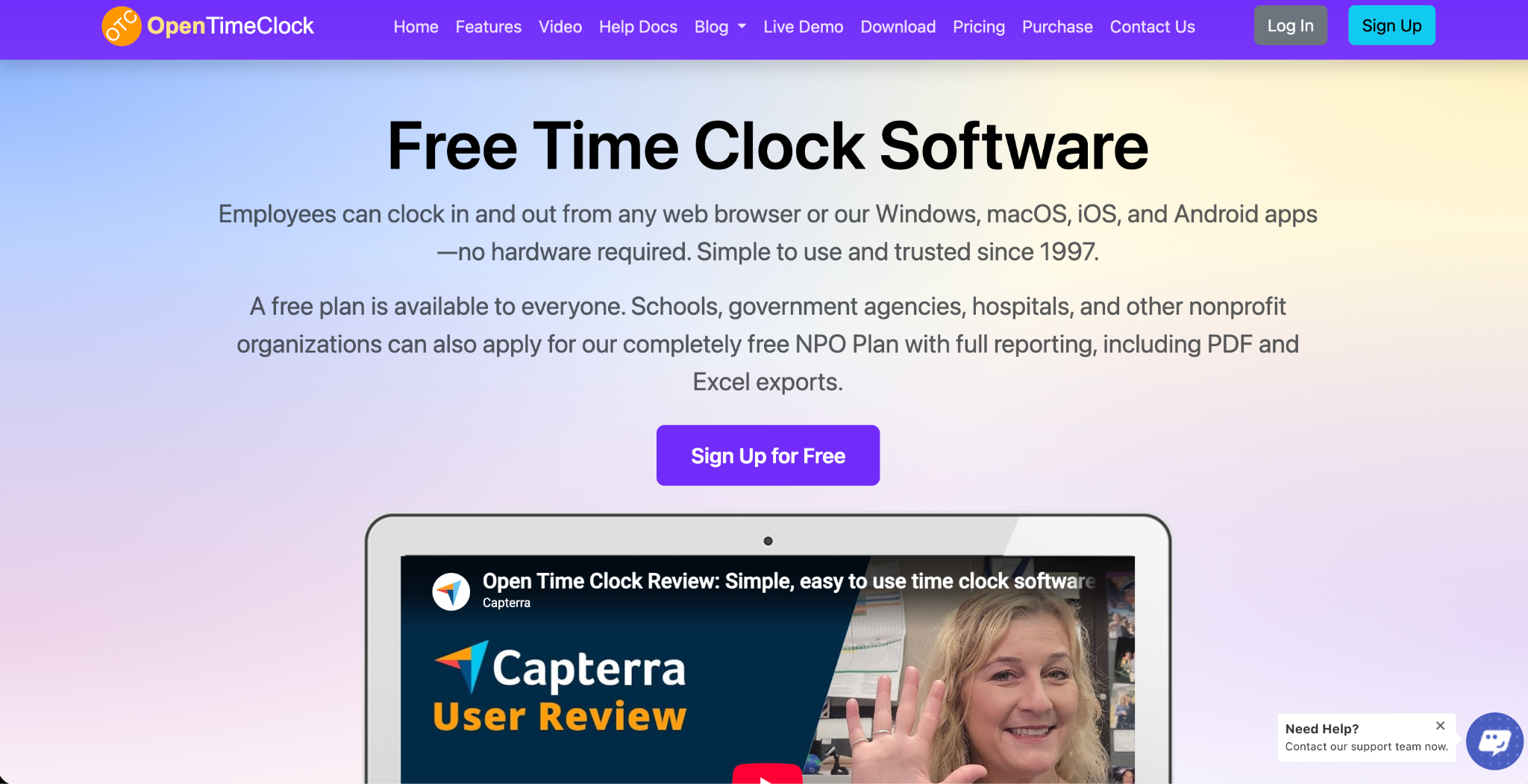
OpenTimeClock is a cloud-based time clock and attendance system that has been in business since 1997. Employees can clock in and out from web browsers and from apps for Windows, macOS, iOS, and Android, so no special hardware is required.
Its main focus is time tracking and attendance management. It offers many clock-in methods, scheduling, paid time off tracking, overtime rules, approvals, and more than 80 ready-made reports. It does not run payroll or file taxes. Instead, it creates accurate hour reports that businesses can use with their payroll provider.
OpenTimeClock offers a free plan with unlimited users, a paid plan priced per company, and free plans for nonprofits and other eligible organizations.
Quick Overview of Gusto
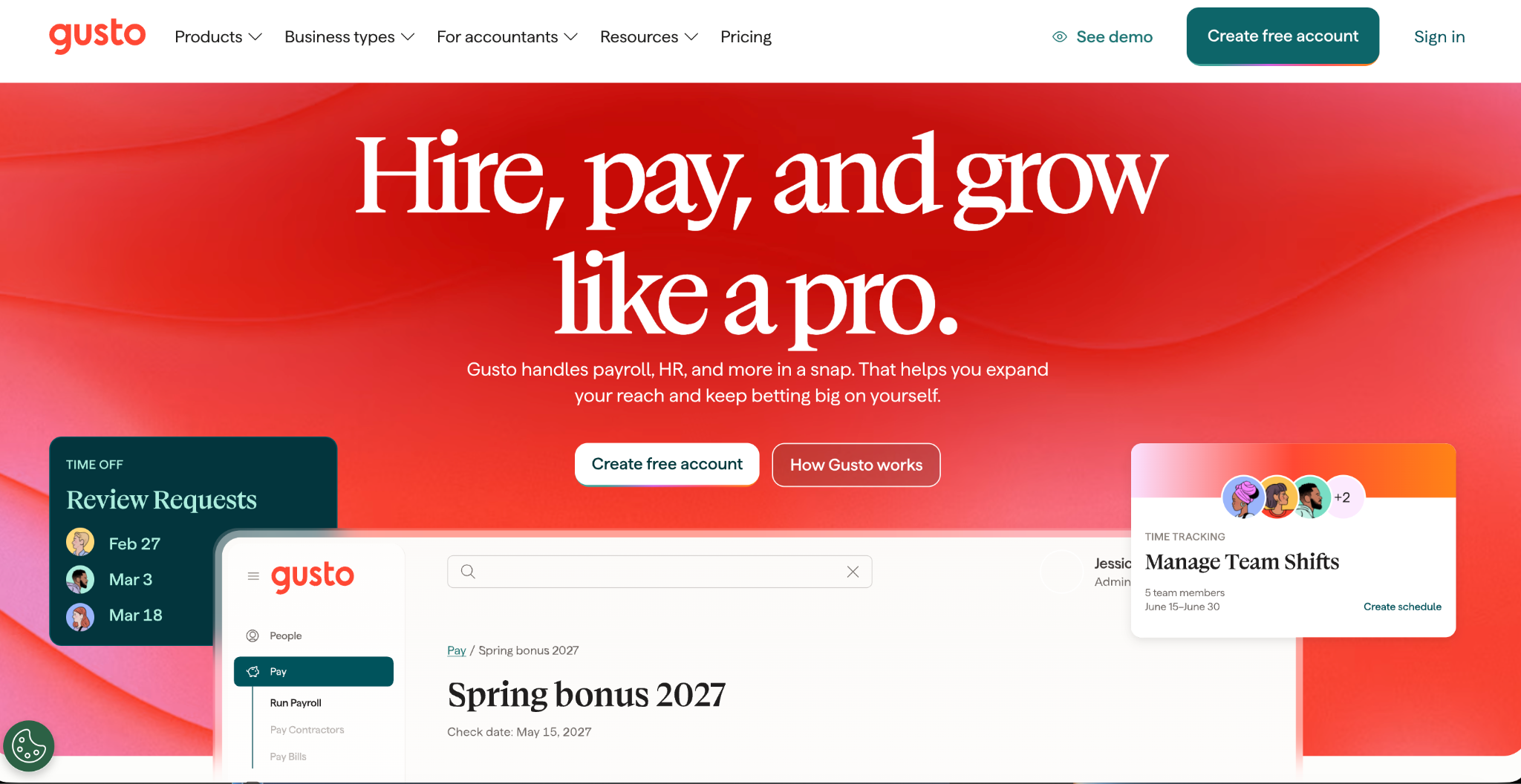
Gusto is a full-service payroll, benefits, and HR platform for small and medium businesses. It runs payroll, calculates and files federal, state, and local payroll taxes, and handles year-end forms such as W-2s and 1099s. It also offers health benefits, retirement plans, hiring and onboarding tools, and HR support.
Time tracking and scheduling are included in some Gusto plans and available as an add-on in others. Because time tracking is part of a larger payroll system, hours can flow directly into payroll.
The Key Difference
The simplest way to understand OpenTimeClock vs Gusto is to look at what each tool is built to do.
OpenTimeClock is built to answer the question, "When and where did my employees work?" It is a specialist in time tracking, attendance, and preventing time theft.
Gusto is built to answer the question, "How do I pay my employees correctly and stay compliant with payroll taxes?" It is a specialist in payroll, taxes, benefits, and HR.
Because of this, the right choice often depends less on which tool is better and more on what your business needs most.
Pricing Comparison
Pricing is one of the biggest differences between the two tools.
OpenTimeClock Pricing
The Free Plan costs nothing and includes unlimited users and free support. It includes full features except downloading reports in PDF and Excel formats, which is available free for the first 30 days.
The Paid Plan costs $39 per month or $399 per year per company, with unlimited users. The price stays the same no matter how many employees you have.
The NPO Plan offers free access to paid features for schools, government agencies, hospitals, and other nonprofits that apply. There is also a Sponsor Link Plan that gives free access to paid features in exchange for a text link on your website.
You can see full details on the OpenTimeClock pricing page.
Gusto Pricing
Gusto uses a base fee plus a per-person fee.
The Simple plan costs $49 per month plus $6 per person per month. It includes full-service payroll in one state, tax filings, and basic PTO policies. Time tracking is available as an add-on called Time and Attendance Plus, which costs $6 per person per month after a free trial.
The Plus plan costs $80 per month plus $12 per person per month. It includes time tracking and scheduling, multi-state payroll, and next-day pay.
The Premium plan costs $180 per month plus $22 per person per month. It adds premium support, HR tools, compliance tools, and more.
Gusto is month-to-month with no long-term contract.
Cost Example
Let us look at a business with 20 employees.
On Gusto's Plus plan, the cost would be $80 plus $240, or about $320 per month. On Gusto's Simple plan with the time tracking add-on, the cost would be $49 plus $120 plus $120, or about $289 per month.
On OpenTimeClock's Paid Plan, the cost would be about $33 per month when billed yearly, no matter how many employees there are. However, this does not include payroll processing, so the business would still need a payroll provider.
If the business used OpenTimeClock for time tracking and Gusto's Simple plan for payroll without the time add-on, the total would be about $49 plus $120 plus $33, or roughly $202 per month.
Time Tracking Comparison
OpenTimeClock Time Tracking
Time tracking is OpenTimeClock's core strength. It offers many ways for employees to clock in, including username and password, PIN code, QR code or barcode, RFID or NFC cards, name selection, facial recognition, and group clock-in by managers. Any tablet can be turned into a wall-mounted or desktop time clock kiosk.
It also includes strong tools to prevent time theft. Photo capture and facial recognition help stop buddy punching, and clock points let employers limit clock-ins to approved GPS locations, WiFi networks, IP addresses, or devices.
Other features include job and department tracking, offline clock-in through the mobile app, real-time views of who is working, and email notifications for late arrivals, early departures, and overtime limits.
Gusto Time Tracking
Gusto's time tracking tools let employees clock in and out, track time on projects, and manage schedules and time off. The biggest advantage is that hours sync directly with Gusto payroll, which reduces manual work when running payroll.
Which Is Better for Time Tracking?
If time tracking is your main concern, especially if you need kiosks, card readers, facial recognition, or strong location controls, OpenTimeClock offers more specialized options. If you want simple time tracking that flows straight into payroll and you are already using Gusto, its built-in tools are convenient.
Payroll Comparison
OpenTimeClock Payroll
OpenTimeClock does not process payroll, pay employees, or file payroll taxes. Instead, it prepares accurate time data for payroll. Its payroll and attendance reports show regular hours, overtime, and paid time off, and can be exported in PDF, Excel, CSV, and other formats on paid and eligible free plans. Paid plans also include a developer API for businesses that want to connect data to other systems.
Gusto Payroll
Payroll is Gusto's main strength. It offers unlimited payroll runs, direct deposit, automatic tax calculations, and filing of federal, state, and local payroll taxes. It also files year-end forms such as W-2s and 1099s, and offers options like next-day, same-day, and instant pay depending on the plan.
Which Is Better for Payroll?
Gusto is the clear choice for payroll. OpenTimeClock is not a payroll provider, so businesses that use it still need a separate payroll service or accountant.
Overtime and Attendance Rules
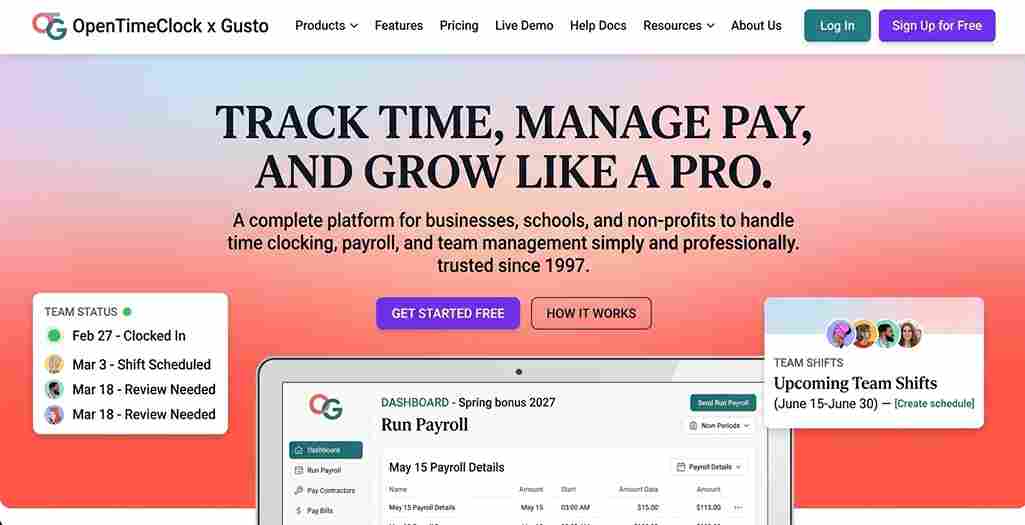
Accurate overtime starts with accurate hours. OpenTimeClock includes overtime management that applies daily and weekly overtime rules to each timesheet, along with paid time off accruals, absence management, and manager approval of time records.
Gusto calculates overtime pay as part of payroll and includes PTO policies on its plans. Its time tracking plans also support scheduling and time off management.
For businesses with complex attendance needs, such as many shifts, multiple departments, or strict attendance policies, OpenTimeClock offers more attendance-focused tools.
HR and Benefits
This is an area where Gusto clearly leads. Gusto offers health insurance, 401(k) plans, workers' compensation, hiring and onboarding tools, employee self-service, and HR support on higher plans.
OpenTimeClock does not offer benefits administration or HR services. It focuses on time, attendance, scheduling, and related reports.
Ease of Use
Both tools are designed for small businesses and are generally easy to use.
OpenTimeClock is simple for employees, especially those without smartphones, because they can clock in on shared kiosks with PIN codes, cards, or facial recognition. Managers can review and approve time from any web browser.
Gusto is known for a friendly interface that guides business owners through payroll step by step. Employees can see pay stubs, tax forms, and benefits in one place.
Support
OpenTimeClock offers free technical support to all customers, including those on the Free Plan, through toll-free phone, live chat, tickets, email, and remote desktop sharing during business hours.
Gusto offers basic support on all plans, priority support as a paid add-on, and dedicated account support on its Premium plan.
Using OpenTimeClock and Gusto Together
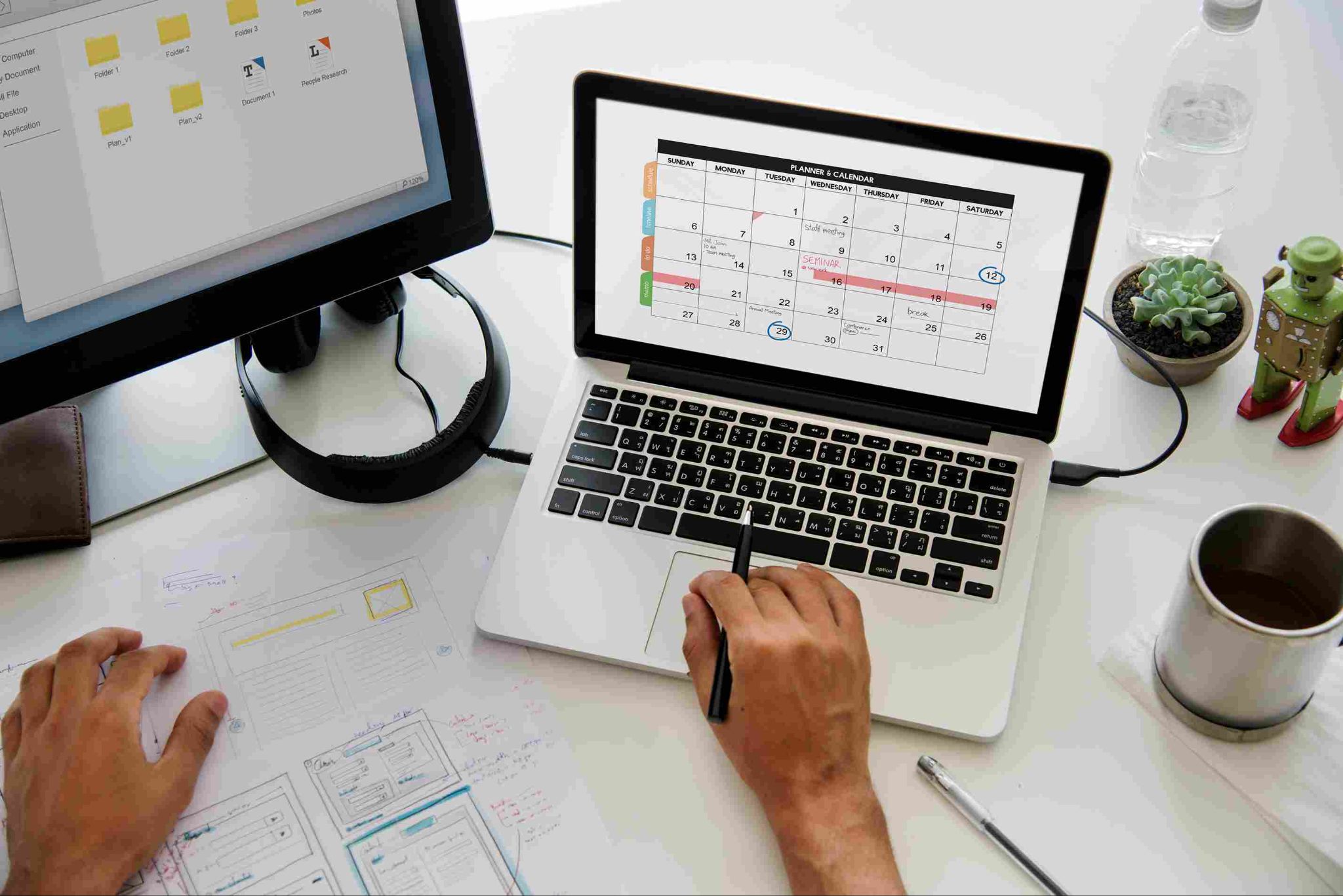
For many businesses, the best answer is not choosing one over the other. Instead, they use OpenTimeClock for time tracking and Gusto for payroll.
Here is how this usually works. Employees clock in and out with OpenTimeClock. Managers review and approve hours. At the end of the pay period, the business exports hour reports and enters or imports the totals into Gusto. Gusto then calculates pay, withholds taxes, and pays employees.
This approach gives businesses OpenTimeClock's strong clock-in options and attendance controls, along with Gusto's full payroll and tax services. It can also cost less than paying Gusto's per-person fee for time tracking, especially for larger teams. Businesses should confirm the best way to move hour data between the two systems before getting started.
Pros and Cons Summary
OpenTimeClock Strengths
A free plan with unlimited users. Flat company pricing that does not grow with team size. Free plans for nonprofits and other eligible organizations. Many clock-in methods, including kiosks, PIN codes, QR codes, RFID cards, and facial recognition. Strong location controls and buddy punching prevention. Detailed attendance and payroll reports.
OpenTimeClock Limitations
Does not run payroll or file taxes. Does not offer benefits or HR services. PDF and Excel report downloads require a paid or approved free plan after the first 30 days.
Gusto Strengths
Full-service payroll with tax filings. Benefits, HR, and onboarding tools. Time tracking that syncs directly with payroll on eligible plans. Month-to-month plans with no long-term contract.
Gusto Limitations
Per-person pricing that grows with team size. Time tracking requires the Plus plan or a paid add-on. Fewer specialized clock-in options, such as card readers and shared kiosks.
Which Should You Choose?
The right choice in OpenTimeClock vs Gusto depends on what your business needs.
Choose OpenTimeClock If
You mainly need accurate time tracking and attendance management. You already have a payroll provider or accountant. You want a free option or flat pricing for a growing team. You need kiosk, PIN, card, or facial recognition clock-ins. You are a nonprofit, school, hospital, or government agency.
Choose Gusto If
You need a full payroll service that pays employees and files taxes. You want benefits and HR tools in the same place. You prefer one system for time tracking and payroll, even if it costs more per person.
Choose Both If
You want specialized time tracking and attendance controls along with full-service payroll. You have a larger team and want to keep per-person time tracking costs low.
Conclusion
OpenTimeClock and Gusto are both helpful tools, but they solve different problems. OpenTimeClock is a specialist in time tracking and attendance, with many clock-in methods, strong anti-time-theft features, a free plan, and flat company pricing. Gusto is a specialist in payroll, taxes, benefits, and HR, with time tracking available on some plans.
When comparing OpenTimeClock vs Gusto, start by asking what you need most. If you need accurate hours and attendance control, OpenTimeClock is a strong, affordable choice. If you need someone to run payroll and file taxes, Gusto is built for that job. And for many small businesses, the smartest approach to OpenTimeClock vs Gusto is using both together, getting accurate time data from one and reliable payroll from the other.
FAQ’s
Does OpenTimeClock run payroll?
No. OpenTimeClock tracks time and attendance and creates payroll reports, but it does not pay employees or file payroll taxes. Businesses use it alongside a payroll provider.
Does Gusto include time tracking?
Yes, on some plans. Time tracking and scheduling are included in Gusto's Plus and Premium plans and available as a paid add-on with the Simple plan.
Which is cheaper, OpenTimeClock or Gusto?
For time tracking alone, OpenTimeClock is usually cheaper because it offers a free plan and flat company pricing. Gusto costs more but includes full-service payroll.
Can I use OpenTimeClock and Gusto together?
Yes. Many businesses track hours in OpenTimeClock, export the hour reports, and use them to run payroll in Gusto. Confirm the best data transfer method before you start.
Which is better for nonprofits?
OpenTimeClock offers a free NPO Plan for eligible nonprofits, schools, hospitals, and government agencies. Gusto may still be needed for payroll and tax filing.