OpenTimeClock vs ExakTime: Free Time Clock vs Construction-Focused Tracking
Compare OpenTimeClock and ExakTime on pricing, clock-in options, GPS, job costing, and hardware to find the best fit for your crew.
Tracking employee time is important in every industry, but construction and field service businesses face special challenges. Crews work at different job sites, often outdoors, sometimes with poor internet, and labor costs must be tracked by job to protect profit margins. Many contractors also need to follow strict meal break rules and connect hours to construction accounting software.
Two tools that often come up when businesses compare options are OpenTimeClock and ExakTime. OpenTimeClock is a general-purpose time clock with a free plan and flat company pricing. ExakTime is a time tracking system built mainly for construction and field service companies, with rugged on-site time clocks and construction-focused integrations.
In this guide, we will compare OpenTimeClock vs ExakTime in simple terms. We will look at pricing, clock-in options, GPS and job site features, job costing, hardware, integrations, and which type of business each tool fits best.
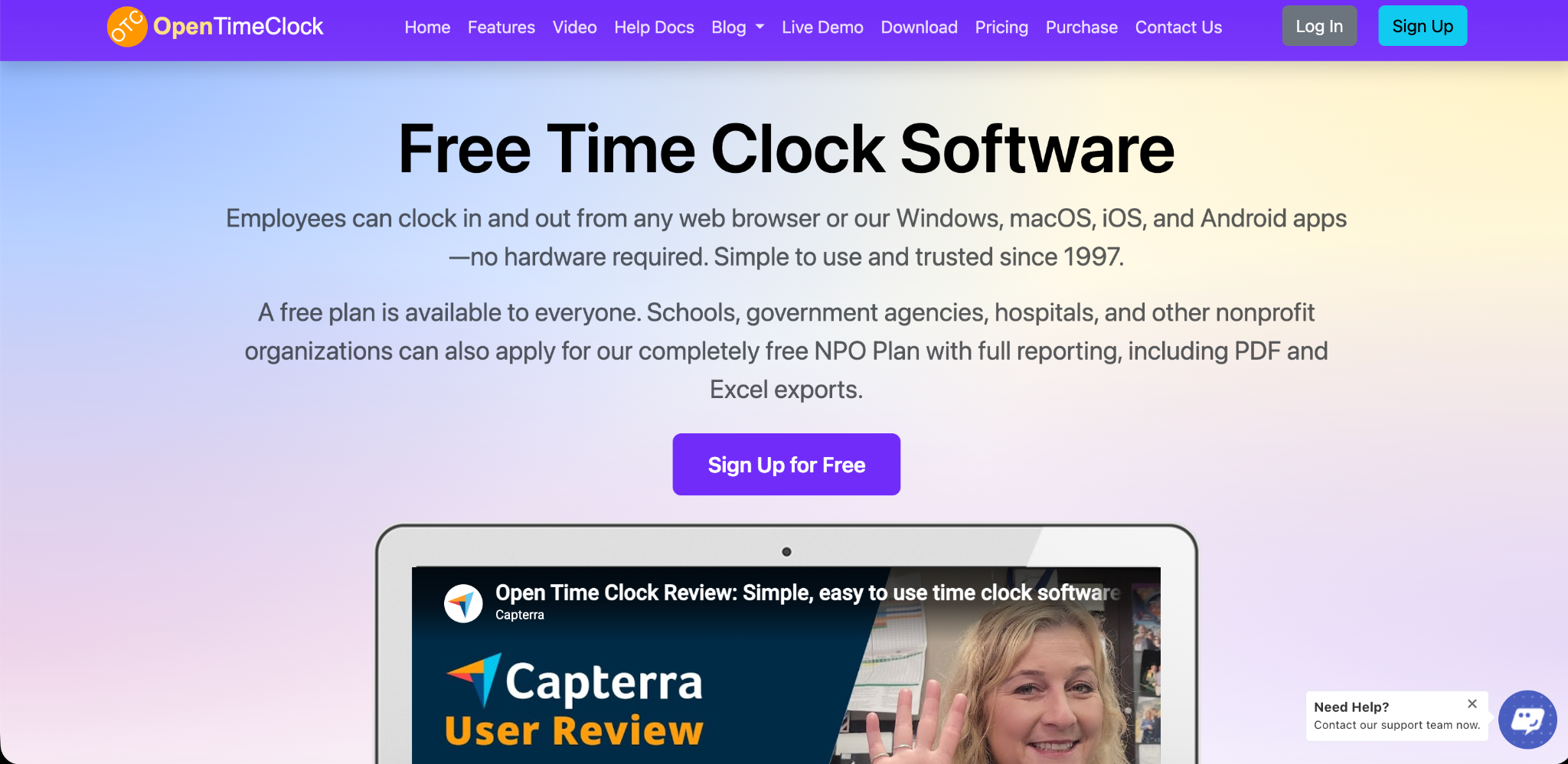
Quick Overview of OpenTimeClock
OpenTimeClock is a cloud-based time clock and attendance system that has been in business since 1997. Employees can clock in and out from web browsers and from apps for Windows, macOS, iOS, and Android. Any tablet can be turned into a wall-mounted or desktop time clock.
It offers many clock-in methods, GPS and geofencing, job and project tracking, scheduling, overtime rules, paid time off tracking, manager approvals, and more than 80 reports. It is used across many industries, including schools, nonprofits, retail, healthcare, offices, and field teams.
OpenTimeClock offers a free plan with unlimited users, a paid plan priced per company, and free plans for nonprofits and other eligible organizations.
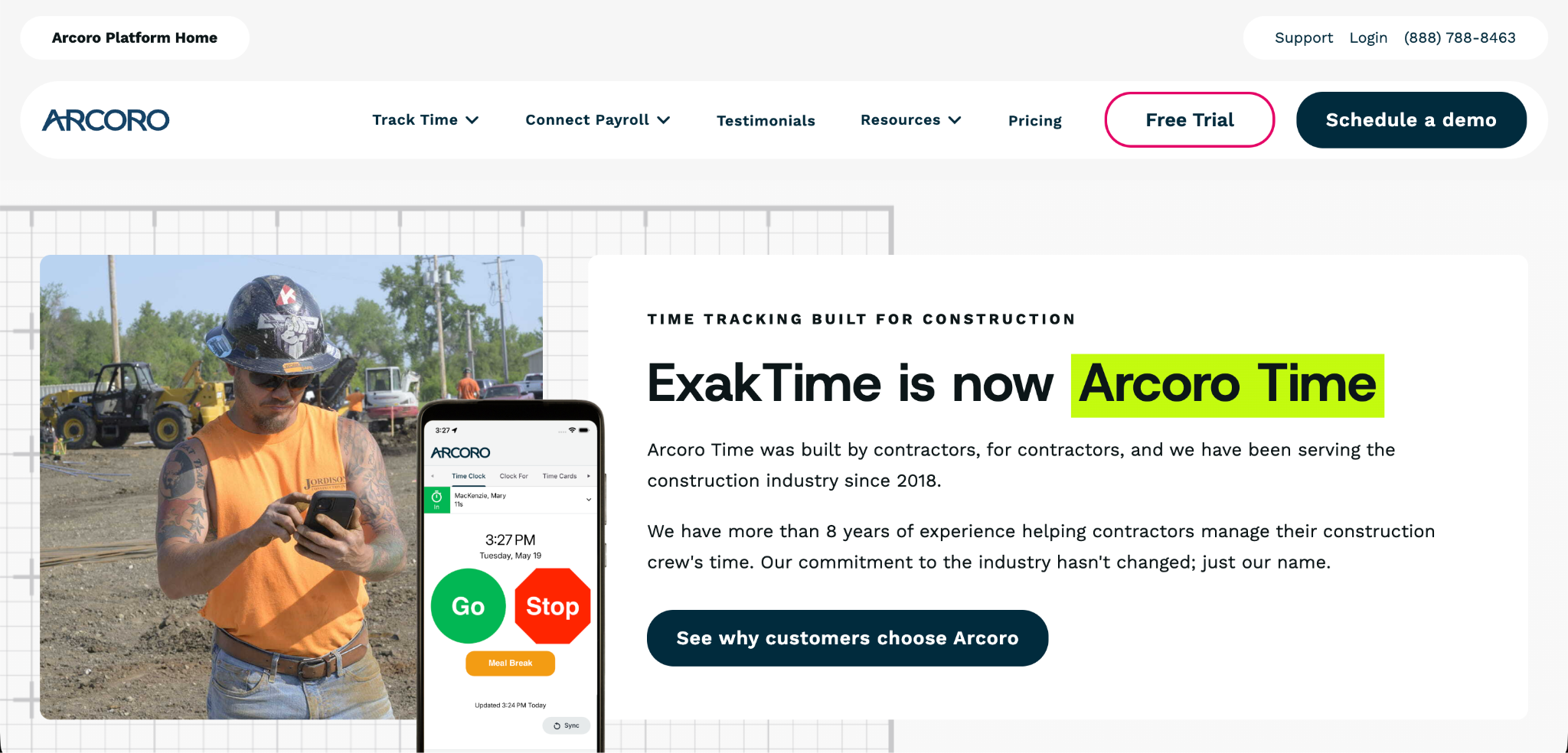
Quick Overview of ExakTime
ExakTime, by Arcoro, is a time tracking and workforce management solution designed mainly for construction and field service teams. It offers a mobile app with GPS tracking, perimeter controls for clock-ins, meal break tracking, custom forms, scheduling, and paid time off management on higher plans.
One of ExakTime's best-known features is its rugged on-site time clocks, called JobClock, which are built to handle tough job site conditions. ExakTime also connects with several construction accounting and payroll systems. For a deeper look at its features, you can read OpenTimeClock's ExakTime review.
The Key Difference
The simplest way to understand OpenTimeClock vs ExakTime is to look at who each tool is built for.
OpenTimeClock is a flexible, low-cost time clock for many types of businesses. It focuses on easy clock-ins, attendance controls, and accurate payroll reports, with pricing that does not grow with team size.
ExakTime is a specialized tool for construction and field service companies. It focuses on job site time tracking, rugged hardware, compliance features, and integrations with construction software, with per-employee pricing.
Pricing Comparison
OpenTimeClock Pricing
The Free Plan costs nothing and includes unlimited users and free support. It includes full features except downloading reports in PDF and Excel formats, which is available free for the first 30 days.
The Paid Plan costs $39 per month or $399 per year per company, with unlimited users. The price stays the same whether you have 5 employees or 500.
The NPO Plan offers free access to paid features for schools, government agencies, hospitals, and other nonprofits that apply. There is also a Sponsor Link Plan that gives free access to paid features in exchange for a text link on your website.
You can see full details on the OpenTimeClock pricing page.
ExakTime Pricing
ExakTime's Essential plan starts at $9 per employee per month when billed annually, plus a monthly base fee. This plan includes mobile time tracking, GPS and location awareness, perimeter control for clock-ins, meal break tracking, and custom forms.
The Professional plan adds features such as alerts and notifications, scheduling, paid time off administration, and integrations with construction partners. The Elite plan adds payroll through Arcoro Payroll. Pricing for Professional and Elite plans requires talking to a sales representative.
Rugged JobClock hardware is sold separately.
Cost Example
Let us look at a contractor with 25 field employees.
On ExakTime's Essential plan billed annually, the per-employee cost alone would be about $225 per month, plus the monthly base fee and any hardware costs.
On OpenTimeClock's Paid Plan billed yearly, the cost would be about $33 per month, no matter how many employees there are.
OpenTimeClock is usually much cheaper. However, contractors who need rugged job site hardware, construction accounting integrations, and construction-specific compliance tools may find ExakTime's extra cost worthwhile.
Clock-In Options
OpenTimeClock Clock-In Options
OpenTimeClock offers many clock-in methods, including username and password, PIN code, QR code or barcode, RFID or NFC cards, name selection, facial recognition, and group clock-in where a manager clocks in a whole crew at once. Employees can also switch between jobs and departments during a shift.
These options work on phones, tablets, and computers, so businesses can use devices they already own.
ExakTime Clock-In Options
ExakTime offers a mobile app for employees to clock in from their phones, along with rugged JobClock devices that stay at job sites. Workers can use a key fob to clock in at a JobClock, which is helpful for crews that do not use smartphones or work in harsh conditions.
Which Is Better?
If you want flexible clock-in options using everyday devices, OpenTimeClock offers more choices at a lower cost. If you need weatherproof, rugged hardware that stays on construction sites, ExakTime's JobClock is a strong option.
GPS and Job Site Controls
Both tools help confirm that workers are at the right place when they clock in.
OpenTimeClock offers GPS geolocation and geofencing, which records where each clock-in happens and lets managers limit clock-ins to approved areas around each job site. It also supports clock-in limits based on WiFi networks, IP addresses, and devices, and photo capture to help prevent buddy punching.
ExakTime offers GPS tracking and perimeter controls for clock-ins and outs, along with location awareness throughout the workday on its mobile app.
For most job site needs, both tools can confirm location at clock-in. ExakTime places more focus on construction-specific location features.

Job Costing and Project Tracking
Tracking labor by job is essential for contractors.
OpenTimeClock includes job time tracking, project time tracking, and department tracking. Workers can clock in to a job and switch between jobs during the day. Reports show hours by job, which helps with job costing and client billing.
ExakTime also tracks time by job and supports cost codes, which are commonly used in construction accounting. Its integrations with construction software help move job cost data into accounting systems.
For general job tracking, OpenTimeClock works well. For contractors who rely heavily on cost codes and construction accounting systems, ExakTime may offer a smoother fit.
Working Without Internet
Many job sites have weak or no internet. OpenTimeClock offers offline mode, which lets workers clock in through the mobile app without internet and sends the data once a connection returns.
ExakTime's JobClock hardware is designed to work on job sites without needing constant internet, and its mobile app is built for field use.
Both tools offer ways to handle poor connectivity, so this is less of a deciding factor.
Compliance Features
Construction and field businesses often need to follow meal and rest break rules, especially in states with strict laws.
ExakTime includes meal break tracking and notifications in its Essential plan and custom forms that can be used for things like safety questions or injury reporting at clock-out.
OpenTimeClock includes break tracking, overtime rules, manager approvals, edit locks for past time records, and real-time notifications for events such as late arrivals and overtime limits.
Businesses in states with strict break laws should check that their chosen tool handles their specific requirements.
Scheduling and Paid Time Off
OpenTimeClock includes shift scheduling, job schedules, paid time off tracking with automatic accruals, absence management, and manager approval of time off requests, all included in its plans.
ExakTime includes scheduling and paid time off administration on its Professional plan and above.
Integrations
ExakTime is known for integrations with construction and payroll software. Commonly listed integrations include QuickBooks, Sage, Viewpoint, Foundation, ADP, Acumatica, and Procore. Its Elite plan also includes payroll through Arcoro.
OpenTimeClock offers exportable payroll and attendance reports in PDF, Excel, CSV, and other formats on eligible plans, along with a developer API on paid plans. It also offers custom development for special needs.
For contractors who want direct connections to construction accounting systems, ExakTime has the advantage.
Support
OpenTimeClock offers free technical support to all customers, including those on the Free Plan, through toll-free phone, live chat, tickets, email, and remote desktop sharing during business hours.
ExakTime offers US-based support by email, phone, and chat on its plans.
Pros and Cons Summary
OpenTimeClock Strengths
A free plan with unlimited users. Flat company pricing that does not grow with team size. Many clock-in methods using everyday devices. GPS, geofencing, WiFi, IP, and device controls. Job, project, and department tracking. Offline clock-in, scheduling, overtime rules, and paid time off accruals. Free plans for nonprofits and other eligible organizations.
OpenTimeClock Limitations
No rugged, construction-specific hardware. Fewer direct integrations with construction accounting software. Not built specifically around construction workflows like cost codes.
ExakTime Strengths
Built for construction and field service teams. Rugged JobClock hardware for tough job sites. Meal break tracking, perimeter controls, and custom forms. Integrations with construction accounting and payroll systems. Payroll option through Arcoro on the Elite plan.
ExakTime Limitations
Per-employee pricing plus a monthly base fee. Higher-tier pricing requires a sales quote. Hardware is an extra cost. May be more than smaller or non-construction businesses need.
Which Should You Choose?
The right choice in OpenTimeClock vs ExakTime depends on your industry, team size, and budget.
Choose OpenTimeClock If
You want a free or low-cost time clock with unlimited users. Your team works in offices, retail, schools, healthcare, or light field work. You want flexible clock-in options using phones, tablets, and computers. You need GPS and geofencing without special hardware. You are a nonprofit, school, hospital, or government agency.
Choose ExakTime If
You run a construction or field service company. You need rugged on-site time clocks for harsh conditions. You rely on cost codes and construction accounting software. You need built-in meal break compliance tools and custom job site forms. You want time tracking and payroll from the same company.

Conclusion
OpenTimeClock and ExakTime both help businesses track employee time, but they are built for different needs. OpenTimeClock is a flexible, affordable time clock with many clock-in methods, strong attendance controls, GPS and geofencing, job tracking, a free plan, and flat company pricing. ExakTime is a construction-focused system with rugged job site hardware, compliance features, and integrations with construction accounting software, priced per employee.
When comparing OpenTimeClock vs ExakTime, think about where your employees work, what devices they use, how you track job costs, and how your costs will grow as your crew grows. For many small and mid-sized businesses, OpenTimeClock offers strong value. For construction companies that need rugged hardware and construction-specific integrations, ExakTime may be worth the higher price.
Understanding OpenTimeClock vs ExakTime this way helps you choose the tool that fits your crew, your job sites, and your budget.
FAQ’s
What is the main difference between OpenTimeClock and ExakTime?
OpenTimeClock is a flexible, low-cost time clock for many industries. ExakTime is built mainly for construction and field service companies, with rugged hardware and construction integrations.
Is OpenTimeClock free?
Yes. OpenTimeClock offers a Free Plan with unlimited users and full features except PDF and Excel report downloads, which are free for the first 30 days.
How much does ExakTime cost?
As of October 2026, ExakTime's Essential plan starts at $9 per employee per month billed annually, plus a monthly base fee. Higher plans require a sales quote.
Does OpenTimeClock work on construction job sites?
Yes. It offers mobile clock-in with GPS and geofencing, offline mode, group clock-in, and job tracking, though it does not offer rugged construction-specific hardware.
Which is better for crews without smartphones?
Both can work. OpenTimeClock offers tablet kiosks, PIN codes, cards, and group clock-in by managers, while ExakTime offers rugged JobClock devices with key fobs.