OpenTimeClock vs Everhour: Employee Time Clock vs Project Time Tracker
Compare OpenTimeClock and Everhour on pricing, clock-in methods, project tracking, and integrations to find the right tool for your team.
Not all time tracking tools are built for the same job. Some are designed to record when hourly employees start and end their shifts. Others are designed to measure how much time a team spends on projects and tasks so they can bill clients and stay on budget.
OpenTimeClock and Everhour are good examples of these two approaches. OpenTimeClock is an employee time clock and attendance system. Everhour is a project time tracker built for agencies, consultants, and software teams that work inside tools like Asana, Jira, and Trello.
In this guide, we will compare OpenTimeClock vs Everhour in simple terms. We will look at what each tool does best, pricing, clock-in methods, project tracking, attendance features, integrations, and which type of team each one fits.
Quick Overview of OpenTimeClock
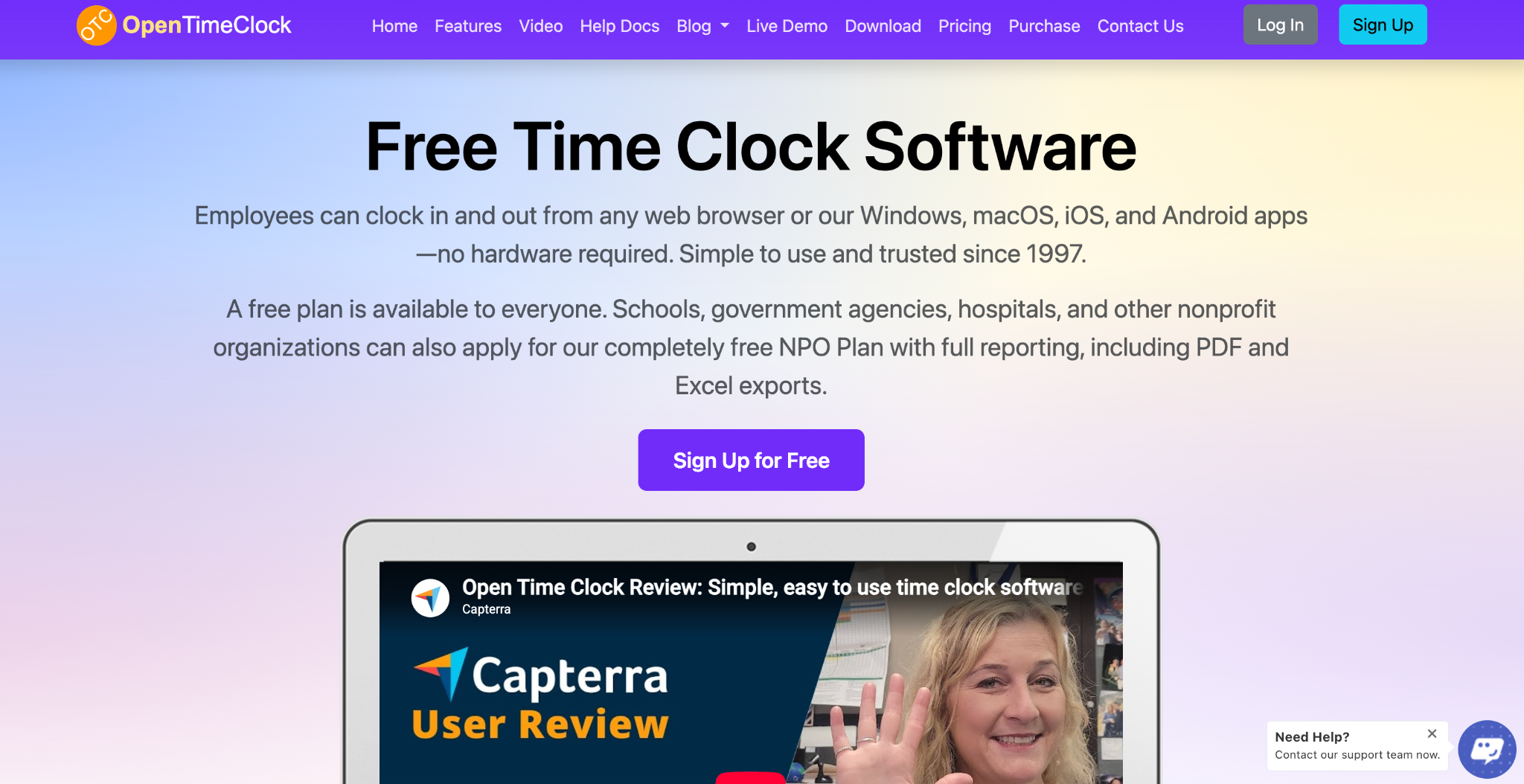
OpenTimeClock is a cloud-based time clock and attendance system that has been in business since 1997. Employees can clock in and out from web browsers and from apps for Windows, macOS, iOS, and Android. Any tablet can be turned into a wall-mounted or desktop time clock.
Its main focus is attendance and hours for payroll. It offers many clock-in methods, location controls, scheduling, overtime rules, paid time off tracking, manager approvals, and more than 80 ready-made reports. It also includes project, job, and department time tracking.
OpenTimeClock offers a free plan with unlimited users, a paid plan priced per company, and free plans for nonprofits and other eligible organizations.
Quick Overview of Everhour
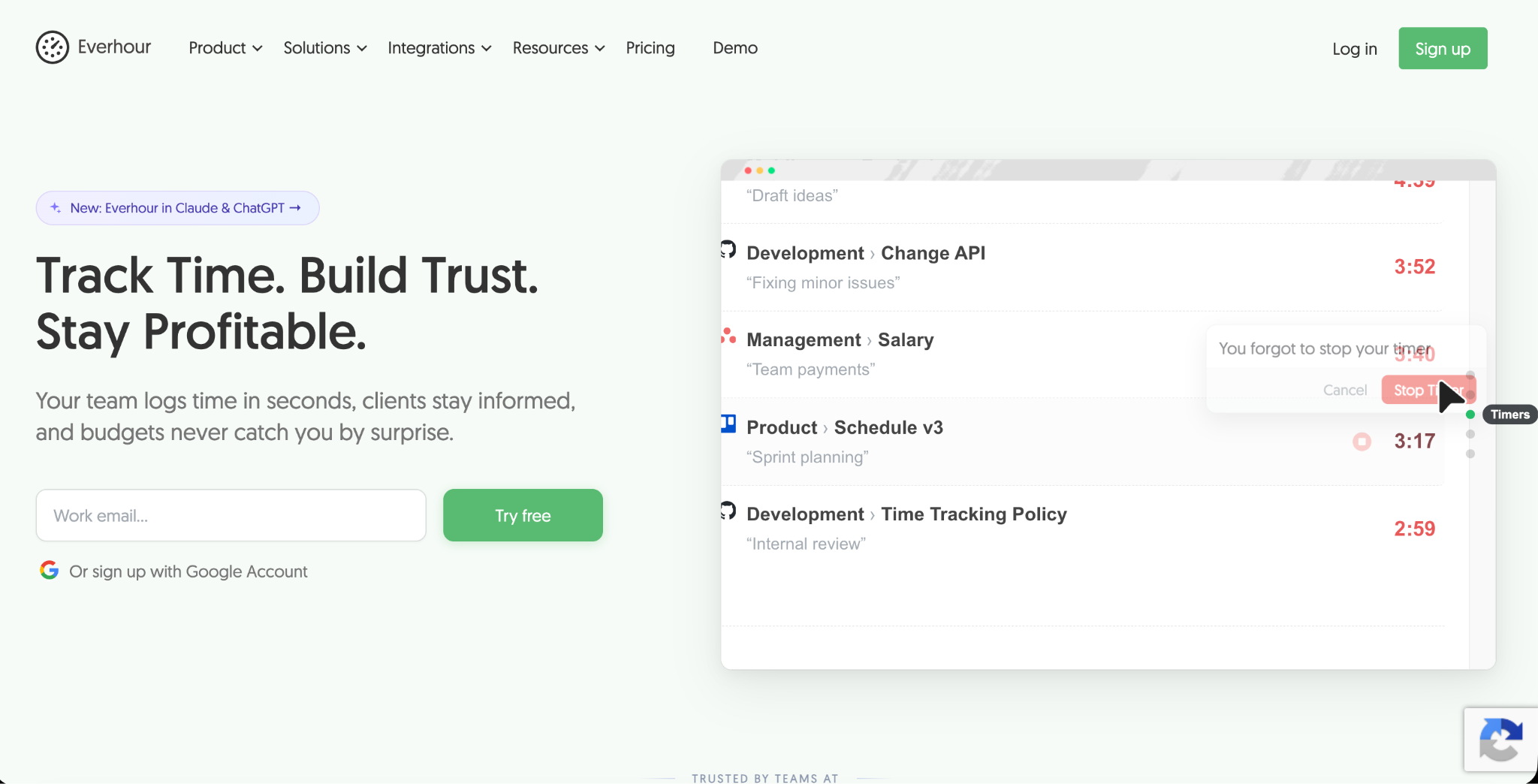
Everhour is a project time tracking tool for teams that bill clients or manage project budgets. Its biggest strength is that it works inside popular project management tools such as Asana, ClickUp, Jira, Trello, Basecamp, Monday, Notion, Linear, and GitHub. Team members can start a timer right from their tasks.
Everhour also offers project budgets with alerts, detailed reports, invoicing from tracked time, expense tracking, time off tracking, resource planning, and built-in task management. It has a desktop app, mobile app, and browser extension.
The Key Difference
The simplest way to understand OpenTimeClock vs Everhour is to ask what question each tool answers.
OpenTimeClock answers, "When did my employees start and stop work, and where were they?" It is built for hourly and shift-based teams that need accurate attendance for payroll.
Everhour answers, "How much time did my team spend on each project and task, and is the project on budget?" It is built for project-based teams that bill clients or measure profitability.
Both tools track time, but they are designed for different types of work.
Pricing Comparison
OpenTimeClock Pricing
The Free Plan costs nothing and includes unlimited users and free support. It includes full features except downloading reports in PDF and Excel formats, which is available free for the first 30 days.
The Paid Plan costs $39 per month or $399 per year per company, with unlimited users. The price stays the same no matter how many employees you have.
The NPO Plan offers free access to paid features for schools, government agencies, hospitals, and other nonprofits that apply. There is also a Sponsor Link Plan that gives free access to paid features in exchange for a text link on your website.
You can see full details on the OpenTimeClock pricing page.
Everhour Pricing
Everhour offers a Free plan for up to 5 seats with limited features, including basic time tracking, projects and tasks, reports, and data export. Integrations with project management tools are not included in the free plan.
The Team plan costs $8.50 per seat per month when billed yearly, with a minimum of 5 seats. Monthly billing costs more. This plan includes all features, such as native integrations, budgeting, invoicing, and advanced permissions.
A Custom plan is available for larger organizations with at least 50 seats. Everhour offers a 14-day free trial with no credit card required.
Cost Example
Let us look at a team of 25 people.
On Everhour's Team plan billed yearly, the cost would be about $212.50 per month.
On OpenTimeClock's Paid Plan billed yearly, the cost would be about $33 per month, no matter how many users there are. The Free Plan could also work if the team does not need PDF or Excel report downloads after the first 30 days.
For large hourly teams, OpenTimeClock is usually much cheaper. However, if your team needs deep project management integrations, invoicing, and budget tracking, Everhour's features may justify the higher cost.
Clock-In Methods
How employees record their time is one of the biggest differences between the two tools.
OpenTimeClock Clock-In Options
OpenTimeClock offers many ways to clock in, including username and password, PIN code, QR code or barcode, RFID or NFC cards, name selection, group clock-in by managers, and facial recognition. It also supports offline clock-in through the mobile app and quick switching between jobs and departments.
These options make it a strong fit for shared kiosks, factory floors, retail stores, schools, and other places where employees may not sit at a computer.
Everhour Time Tracking Options
Everhour focuses on timers and timesheets for knowledge workers. Team members can start a timer inside their project management tool, use the browser extension, use the desktop or mobile app, or enter time manually in a timesheet.
This works very well for people who spend their day at a computer working on tasks and projects.
Which Is Better?
If your employees work in shifts, share a kiosk, or do not use computers all day, OpenTimeClock is the better fit. If your team works on tasks inside tools like Asana or Jira, Everhour fits more naturally into their day.
Attendance and Location Controls
OpenTimeClock includes strong tools to confirm attendance. Photo capture and facial recognition help prevent buddy punching, and clock points let employers limit clock-ins to approved GPS locations, WiFi networks, IP addresses, or devices. Managers can also see who is working in real time and get notifications for late arrivals, early departures, and overtime.
Everhour is not mainly an attendance tool. It focuses on how time is spent on work rather than confirming where and when employees started their shifts. It does offer optional screenshots for teams that want extra insight into computer-based work.
For businesses that need to prove employees were on site, OpenTimeClock offers more attendance controls.
Project and Task Tracking
OpenTimeClock Project Tracking
OpenTimeClock includes project time tracking, job tracking, and department tracking. Employees can record time against projects or jobs and switch between them during a shift. Reports show time by project, which helps with job costing and client billing.
Everhour Project Tracking
Project tracking is Everhour's core strength. It connects deeply with project management tools, tracks time by task, shows estimates against actual time, and sends alerts when projects approach their budgets. It also includes resource planning to balance workloads across the team.
Which Is Better?
For agencies, consultancies, and software teams that manage many client projects and tasks, Everhour offers more advanced project features. For businesses that simply need to know how many hours went into each job or department, OpenTimeClock's project tracking is often enough.
Scheduling and Paid Time Off
OpenTimeClock includes shift scheduling, job schedules, paid time off tracking with automatic accruals, absence management, and manager approval of time off requests. These features are designed for shift-based teams.
Everhour includes time off tracking and resource planning, which help project teams plan workloads around vacations and capacity. Everhour also offers a separate product for shift scheduling.
Invoicing and Budgets
Everhour includes invoicing from tracked time, project budgets, and expense tracking on its paid plan. This makes it easy for agencies and consultants to bill clients directly from recorded hours.
OpenTimeClock does not include built-in invoicing. Instead, it offers detailed reports that can be exported and used to create invoices or run payroll in other tools.
For client billing, Everhour has the advantage.
Payroll Reporting
OpenTimeClock is built with payroll in mind. Its reports show regular hours, overtime, and paid time off, and overtime management applies daily and weekly overtime rules automatically. Reports can be exported in PDF, Excel, CSV, and other formats on eligible plans.
Everhour offers detailed time reports by project, task, and person, which can be exported. However, it is not mainly designed around hourly payroll rules like overtime and attendance.
For hourly payroll, OpenTimeClock is the stronger choice.
Integrations
Everhour's biggest advantage is its integrations with project management and development tools such as Asana, ClickUp, Jira, Trello, Basecamp, Monday, Notion, Linear, and GitHub. These integrations are available on its paid plan.
OpenTimeClock focuses on time clock and attendance features. It offers exportable reports, website embedding, and a developer API on paid plans for businesses that want to connect data to other systems.
Pros and Cons Summary
OpenTimeClock Strengths
A free plan with unlimited users. Flat company pricing that does not grow with team size. Many clock-in methods, including kiosks, PIN codes, QR codes, RFID cards, and facial recognition. Strong attendance, location, and buddy punching controls. Shift scheduling, overtime rules, and paid time off accruals. Free plans for nonprofits and other eligible organizations.
OpenTimeClock Limitations
No built-in invoicing. Fewer integrations with project management tools. Project features are simpler than dedicated project trackers.
Everhour Strengths
Deep integrations with popular project management tools. Project budgets, estimates, and alerts. Invoicing and expense tracking from tracked time. Resource planning and time off tracking. Simple timers for knowledge workers.
Everhour Limitations
Per-seat pricing with a minimum of 5 seats on the paid plan. Free plan limited to 5 seats and excludes integrations. Fewer attendance and on-site clock-in controls for shift-based teams.
Which Should You Choose?
The right choice in OpenTimeClock vs Everhour depends on how your team works.
Choose OpenTimeClock If
Your team is mostly hourly or shift-based. Employees clock in at shared stations, job sites, or kiosks. You need attendance controls, location checks, and buddy punching prevention. You want accurate hours for payroll with overtime and paid time off. You want a free option or flat pricing for a large team. You are a school, nonprofit, hospital, or government agency.
Choose Everhour If
Your team works on projects and tasks at a computer. You use tools like Asana, Jira, Trello, or ClickUp every day. You need project budgets, estimates, and alerts. You want to create client invoices directly from tracked time. You run an agency, consultancy, or software team.
Can You Use Both?
Some businesses have both types of teams. For example, a company might use OpenTimeClock for hourly field or office staff and Everhour for a project-based creative or development team. This gives each group the tool that fits its work best.

Conclusion
OpenTimeClock and Everhour both track time, but they are built for very different teams. OpenTimeClock is an employee time clock focused on attendance, shifts, overtime, and payroll, with many clock-in methods, strong location controls, a free plan, and flat company pricing. Everhour is a project time tracker focused on tasks, budgets, and client billing, with deep integrations into project management tools.
When comparing OpenTimeClock vs Everhour, start by asking whether you need to track attendance or projects. If you need accurate hours for hourly payroll, OpenTimeClock is a strong and affordable choice. If you need to measure project time and bill clients from inside your project tools, Everhour is built for that job.
Understanding OpenTimeClock vs Everhour this way helps you choose the tool that truly fits your team and your budget.
FAQ’s
What is the main difference between OpenTimeClock and Everhour?
OpenTimeClock is an employee time clock for attendance and payroll. Everhour is a project time tracker for measuring time on tasks, budgets, and client billing.
Is OpenTimeClock free?
Yes. OpenTimeClock offers a Free Plan with unlimited users and full features except PDF and Excel report downloads, which are free for the first 30 days.
How much does Everhour cost?
As of October 2026, Everhour has a free plan for up to 5 seats and a Team plan at $8.50 per seat per month billed yearly, with a minimum of 5 seats.
Which is better for hourly employees?
OpenTimeClock is usually better for hourly and shift-based employees because it offers kiosks, PIN codes, card readers, facial recognition, overtime rules, and attendance controls.
Which is better for agencies?
Everhour is often a better fit for agencies because it integrates with project management tools and includes budgets, estimates, and invoicing from tracked time.