OpenTimeClock vs Connecteam: Comparing Payroll Ready Time and Attendance Features
Compare OpenTimeClock vs Connecteam on payroll, attendance, and time tracking features to find the best free solution for your business needs.
Choosing the right time and attendance platform is one of the most important operational decisions a business makes. The wrong choice leads to payroll errors, compliance gaps, frustrated employees, and wasted administrative time. The right choice creates accurate records, simplified payroll processing, and a system that works reliably every single day without requiring constant management.
Two platforms that frequently come up in this conversation are OpenTimeClock and Connecteam. Both serve businesses looking to track employee time and manage attendance digitally. Both offer free plans. And both have loyal user bases across a wide range of industries. But they are built around different philosophies and serve different primary needs, and understanding those differences is essential before committing to either one.
In this OpenTimeClock vs Connecteam comparison, we will look at both platforms honestly, examine their core time and attendance features, compare their payroll readiness, and explain which type of business is best served by each. By the end, you will have a clear picture of which platform fits your operation and why.
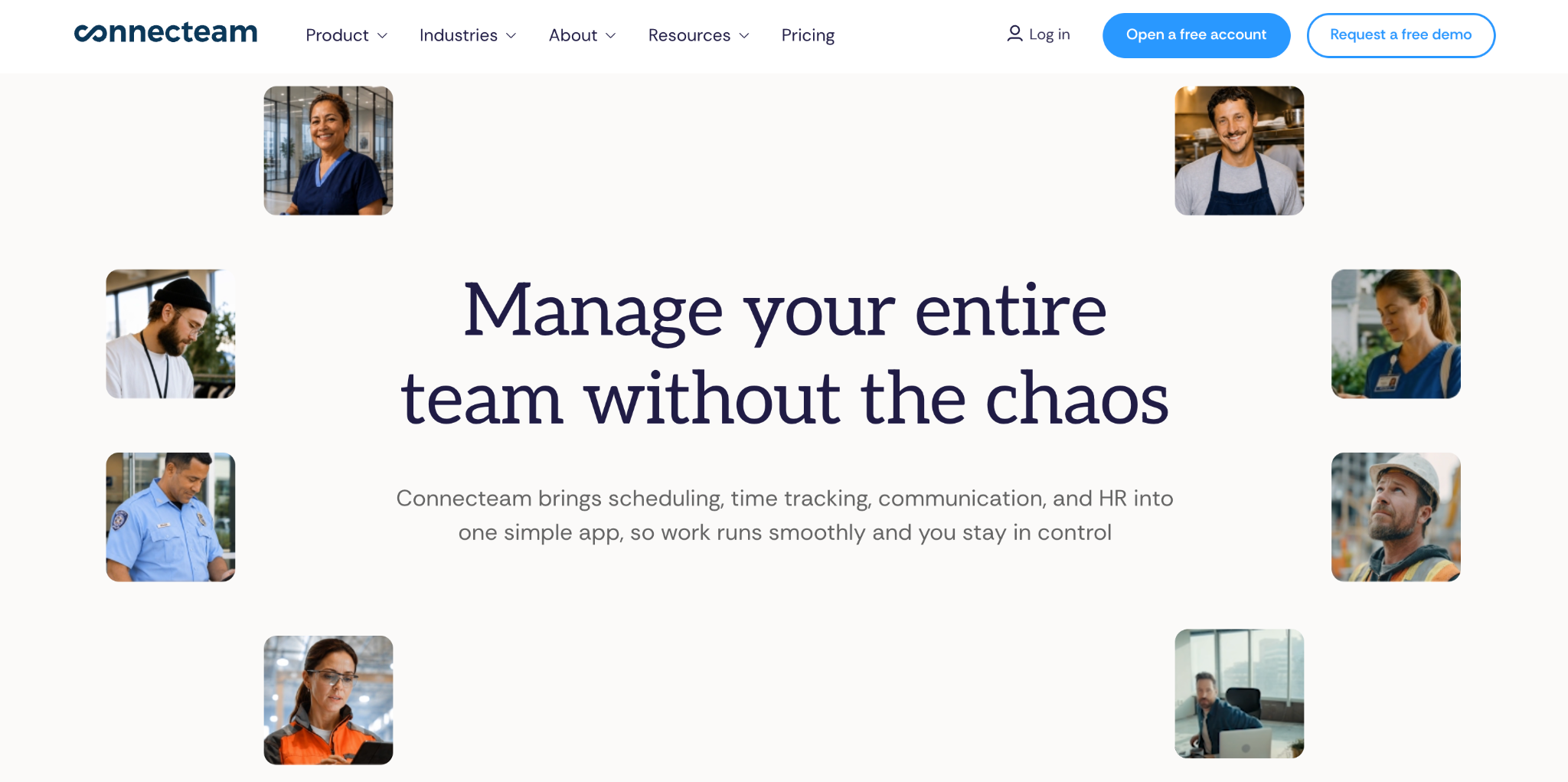
What Is Connecteam?
Connecteam is a mobile first workforce management platform designed primarily for deskless workers. It covers a broad range of business operations including time tracking, employee scheduling, task management, team communication, training, and HR documentation. The platform is built to be a single app that handles multiple workforce management functions beyond just time and attendance.
Connecteam's time clock feature allows employees to clock in through the mobile app with GPS location recording. Managers can set geofences, approve timesheets, and export hours for payroll. The platform also includes shift scheduling, which allows managers to create and publish schedules that employees see directly in the app.
The free plan covers up to ten users, which is genuinely useful for very small businesses. Paid plans cover larger teams and unlock more advanced features across all the platform's modules. The pricing scales by user count, which means costs grow as the team grows.
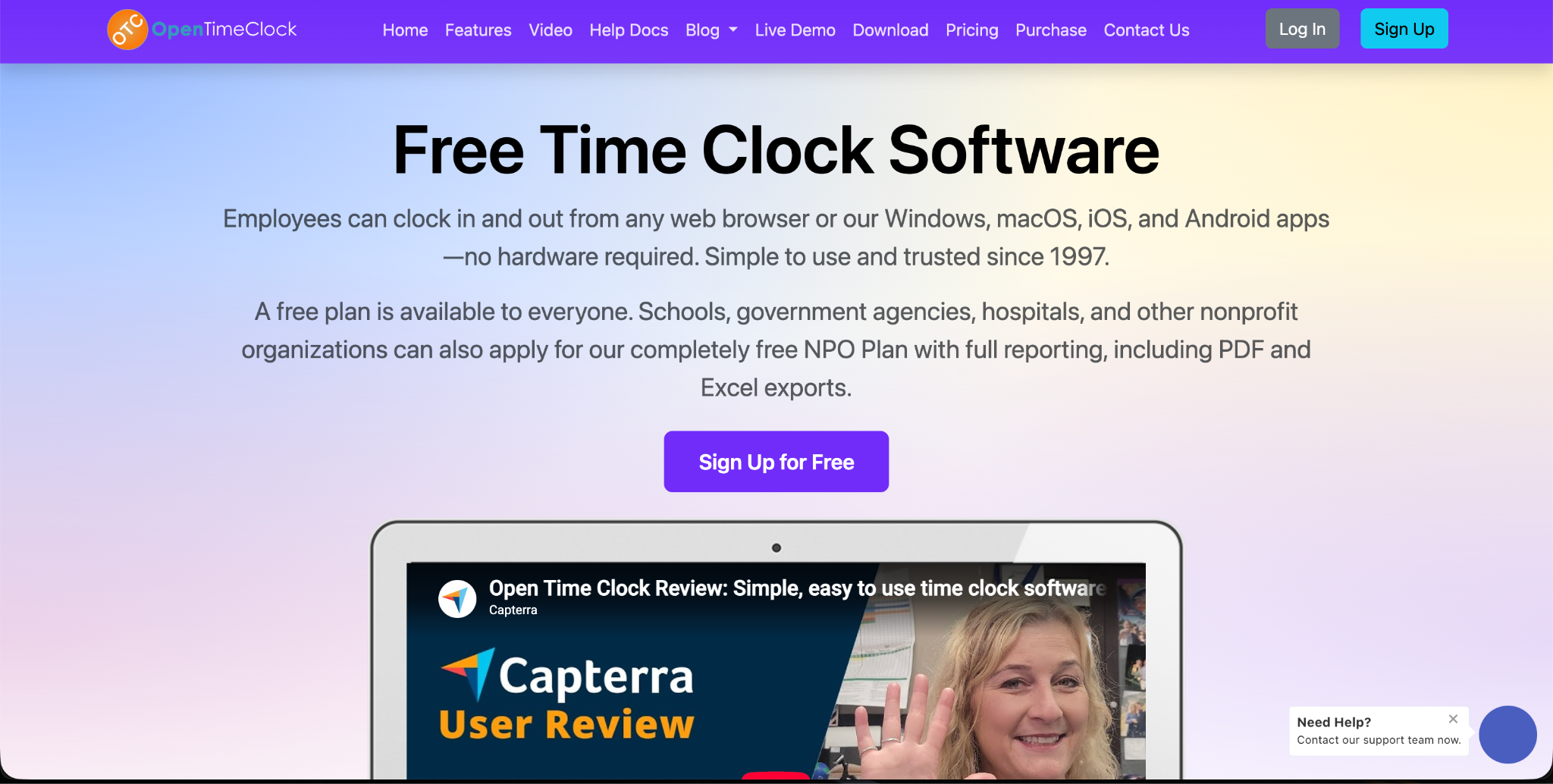
What Is OpenTimeClock?
Open Time Clock is a dedicated time tracking and attendance management platform that has been in continuous operation since 1997. Unlike Connecteam's multi function approach, Open Time Clock focuses specifically on doing time and attendance exceptionally well. It is completely free with no user limits, no per user fees, and no feature restrictions on the core platform.
Open Time Clock supports browser based clock in, mobile app clock in, QR code scanning, RFID card reading, and facial recognition. It includes GPS tracking, geofencing, photo capture at clock in, leave management, shift scheduling, overtime calculation, and over 80 payroll report formats. All of these features are available at no cost from the moment an account is created.
The platform is web based and works on any device without requiring dedicated hardware, making it practical for businesses of any size to deploy immediately without IT resources or upfront investment.
OpenTimeClock vs Connecteam: Core Time Tracking Features
In the OpenTimeClock vs Connecteam comparison, both platforms cover the fundamental time tracking requirements. Employees can clock in and out through a mobile app, GPS location is recorded, and managers can review and approve attendance records before payroll processing. But the depth of features in each area differs in ways that matter for specific business types.
Clock In Methods
Connecteam's primary clock in method is the mobile app. Employees open the app and tap to start their shift. This works well for mobile and deskless workers who carry smartphones throughout their workday.
Open Time Clock offers significantly more clock in flexibility. In addition to the mobile app, employees can clock in through any web browser on any device, through QR code scanning without any app download, through RFID card readers, or through facial recognition. This range of methods makes Open Time Clock more adaptable to different work environments including offices, warehouses, construction sites, and facilities where phone use is restricted.
For businesses with diverse employee types and environments, the broader clock in options in Open Time Clock give managers more control over how attendance is captured across the organization.
Identity Verification
Connecteam does not include biometric identity verification. Employees authenticate through the app using their account credentials. This means the platform relies on login security rather than physical presence verification to confirm identity at clock in.
Open Time Clock's facial recognition feature provides AI powered biometric verification at every clock in. The system confirms that the person clocking in matches the registered employee profile before accepting the entry. Photo capture adds a visual record that managers can review for any entry. These verification layers directly prevent buddy punching and other forms of attendance fraud that login based systems cannot address.
GPS and Geofencing
Both platforms include GPS location recording and geofencing. Employees can only clock in when their device is within an approved boundary, and the GPS coordinates of every clock in are recorded and visible to managers.
Open Time Clock's GPS tracking and geofencing features support unlimited location boundaries, which is important for businesses operating across many job sites or client locations. The geofence radius is fully adjustable for each location, allowing precise control that matches the physical size and layout of each work area.
OpenTimeClock vs Connecteam: Payroll Readiness
Payroll readiness is where the OpenTimeClock vs Connecteam comparison becomes most significant for businesses that need to move from attendance data to accurate paychecks efficiently.
Report Depth and Export Options
Connecteam generates timesheet reports that show total hours for each employee during the selected period. These reports can be exported for use in payroll processing. The reporting is functional but covers the core attendance summary without extensive customization options.
Open Time Clock generates over 80 different report formats. This includes daily attendance summaries, total hours reports, overtime reports, department labor cost reports, tardiness and early departure reports, project time allocation reports, break time records, and individual employee histories. Every report can be filtered by employee, department, date range, and pay period, and all reports export in both Excel and PDF formats.
For businesses with complex payroll needs, multiple departments, or compliance reporting requirements, the depth and flexibility of Open Time Clock's reporting is significantly more comprehensive than what Connecteam provides.
Overtime Calculation
Connecteam tracks total hours and flags overtime based on thresholds set by the manager, but the automatic calculation and separation of regular and overtime hours in payroll exports requires manual review.
Open Time Clock calculates overtime automatically based on configured rules for each employee or department. Daily overtime, weekly overtime, and different overtime rate thresholds are all handled by the system without manual intervention. By the time the pay period ends, overtime hours are already accurately calculated and clearly separated in payroll reports.
Leave Management Integration
Connecteam includes time off management as part of its platform. Employees can submit leave requests through the app, and managers can approve or deny them. Leave records are tracked in the system alongside attendance data.
Open Time Clock includes a fully configurable leave management module with unlimited leave types, automatic accrual calculation, employee self service requests, manager approval workflows, and full integration with attendance and payroll reports. Approved leave appears automatically in payroll reports without any manual reconciliation between separate systems.
OpenTimeClock vs Connecteam: Pricing and Accessibility
Pricing is one of the most significant differences in the OpenTimeClock vs Connecteam comparison, particularly for businesses with larger teams.
Connecteam Pricing
Connecteam's free plan covers up to ten users. Beyond that, paid plans are required. The pricing structure scales with team size, meaning that as a business grows, the monthly cost of Connecteam grows with it. For small businesses under ten users the free plan is genuinely useful, but for any team larger than that, Connecteam becomes a paid product with ongoing subscription costs.
Open Time Clock Pricing
Open Time Clock is completely free with no user limit and no per user fees. A business with five employees and a business with five hundred employees both use the same full feature platform at no cost. There is no credit card required to sign up, no trial period that expires, and no features locked behind a paid tier. The free plan is the complete product.
This pricing difference is substantial for businesses planning to grow. With Connecteam, growth means higher monthly costs. With Open Time Clock, growth means the same zero cost regardless of how many employees are added.
Hardware Requirements
Connecteam is primarily a mobile app that works on employee smartphones. Some businesses provide devices, but many expect employees to use personal phones, which can create adoption challenges and privacy concerns.
Open Time Clock works on any device with a web browser or the mobile app. QR code clock in requires only a smartphone camera to scan a printed or displayed code, with no app download needed. RFID clock in works through physical card readers. This flexibility allows businesses to deploy the most practical clock in method for each environment without requiring every employee to install an app on a personal device.
Which Platform Is Right for Your Business?
The right choice between OpenTimeClock and Connecteam depends on what your business primarily needs from the platform.
Connecteam is a strong choice for very small teams of ten or fewer who need a single mobile app that handles not just time tracking but also scheduling, communication, and task management. If keeping everything in one mobile app for a small deskless workforce is the priority, Connecteam's broader feature set across those functions is genuinely useful.
Open Time Clock is the stronger choice for businesses of any size that prioritize time tracking accuracy, payroll readiness, and identity verification. It is the better choice for businesses with more than ten employees where Connecteam's free plan no longer applies. It is the better choice for businesses that need biometric verification, comprehensive payroll reporting, or diverse clocks in methods beyond a single mobile app. And it is the better choice for any business that cannot justify ongoing monthly subscription costs for time tracking software.
Conclusion
The OpenTimeClock vs Connecteam comparison highlights two platforms with different strengths serving different primary needs. Connecteam is a versatile mobile app for small deskless teams who want communication, scheduling, and time tracking in one place. Open Time Clock is a dedicated time and attendance platform with deeper payroll readiness, stronger identity verification, more clock in flexibility, and completely free pricing for teams of any size.
For businesses whose primary goal is accurate attendance tracking, payroll ready reporting, and fraud prevention through biometric verification, Open Time Clock delivers more of what matters most, at no cost, with no user limits, and no complexity beyond what time tracking actually requires.
FAQ’s
Q1. What is the biggest difference between OpenTimeClock and Connecteam?
The most significant difference in the OpenTimeClock vs Connecteam comparison is scope and pricing. Connecteam is a multi-function workforce management app covering communication, tasks, training, and time tracking with a free plan limited to ten users.
Q2. Does Open Time Clock offer facial recognition that Connecteam does not?
Yes. Open Time Clock's facial recognition feature provides AI powered biometric identity verification at every clock in, confirming that the registered employee is physically present. Connecteam does not include biometric verification.
Q3. How does Open Time Clock's payroll reporting compare to Connecteam?
Open Time Clock generates over 80 report formats covering every aspect of attendance and payroll data, all exportable in Excel and PDF. Connecteam generates functional timesheet summaries but with less depth and fewer customization options. For businesses with complex payroll needs, multiple departments, or compliance documentation requirements, Open Time Clock's reporting tools provide significantly more comprehensive and flexible payroll ready data.
Q4. Which platform is better for businesses with more than ten employees?
Open Time Clock is clearly the better choice for teams larger than ten because it is completely free regardless of team size. Connecteam's free plan covers a maximum of ten users, meaning any business beyond that size must pay a monthly subscription.
Q5. Is the Open Time Clock really free with no hidden costs?
Yes. Open Time Clock is completely free with no credit card required, no per user fees, no trial period that expires, and no features locked behind a paid plan. The full platform including facial recognition, GPS tracking, geofencing, QR code and RFID clock in, leave management, automated overtime calculation, and over 80 payroll report formats is available at no cost to any business of any size.