OpenTimeClock vs busybusy: How to Choose the Right Time Clock for Your Crew
Compare OpenTimeClock and busybusy on free plans, pricing, GPS, kiosks, job costing, and equipment tracking to pick the right crew time clock.
Crews that work in the field need a simple and reliable way to track time. Foremen need to know who showed up, which job each worker is on, and how many hours went into each project. Owners need accurate hours for payroll and job costing. And everyone needs a tool that works on real job sites, not just in an office.
OpenTimeClock and busybusy are two time tracking tools that often come up when businesses compare options. Both offer free plans with unlimited users, which makes them attractive to small and growing crews. But they are built with different priorities. OpenTimeClock is a flexible time clock used across many industries, with many clock-in methods and flat company pricing on its paid plan. busybusy is built mainly for construction and field crews, with GPS tracking, job costing, and equipment tracking.
In this guide, we will compare OpenTimeClock vs busybusy in simple terms. We will look at free plans, pricing, clock-in options, GPS and job site features, job costing, equipment tracking, reports, and which type of crew each tool fits best.
Note: Pricing and features in this article were checked in October 2026. Software plans can change, so always confirm current details on each company's website.
Quick Overview of OpenTimeClock
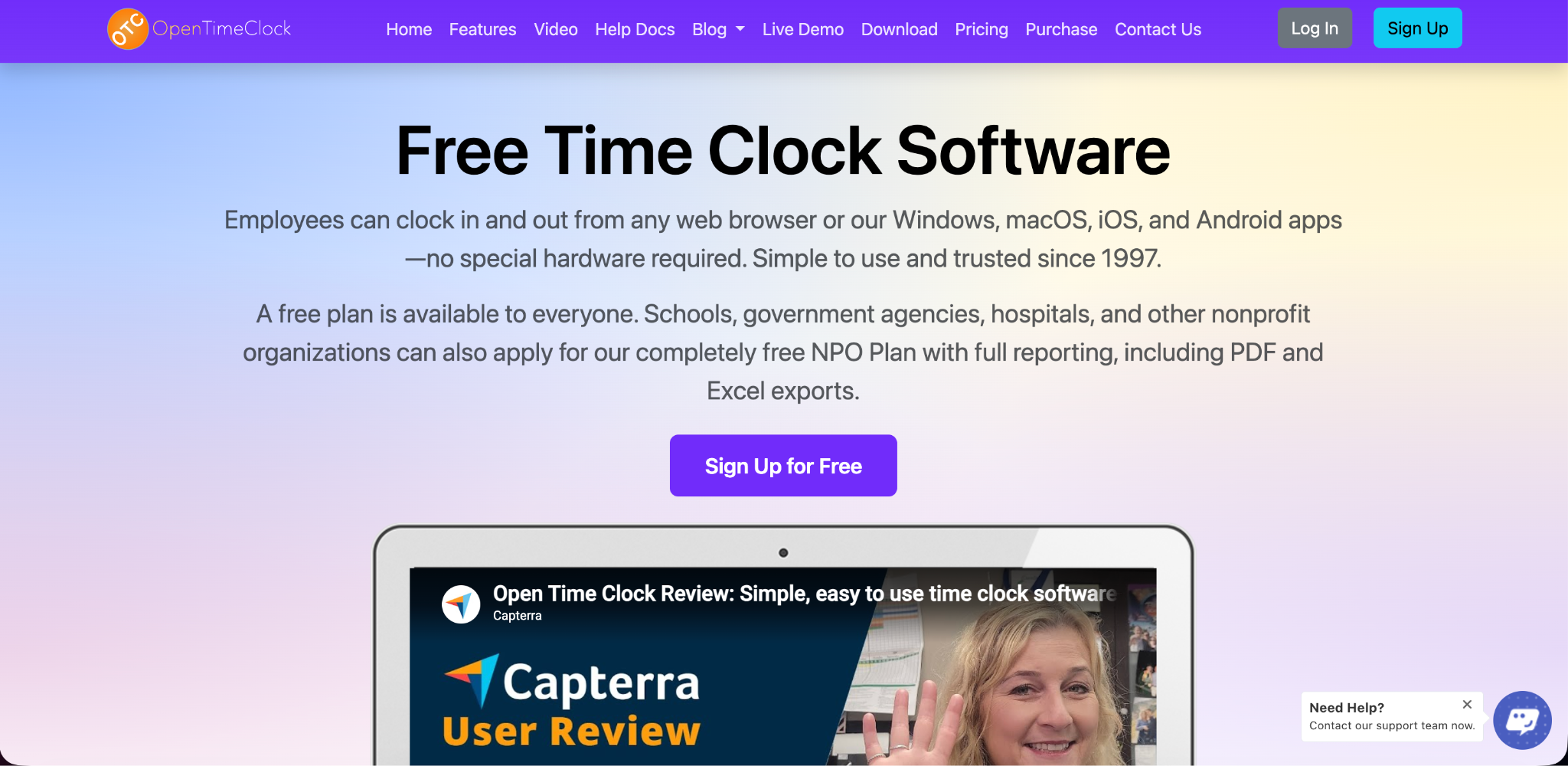
OpenTimeClock is a cloud-based time clock and attendance system that has been in business since 1997. Employees can clock in and out from web browsers and from apps for Windows, macOS, iOS, and Android. Any tablet can be turned into a wall-mounted or desktop time clock.
It offers many clock-in methods, GPS and geofencing, job and project tracking, scheduling, overtime rules, paid time off tracking, manager approvals, and more than 80 reports. It is used by schools, nonprofits, retail stores, offices, healthcare teams, and field crews.
Quick Overview of busybusy
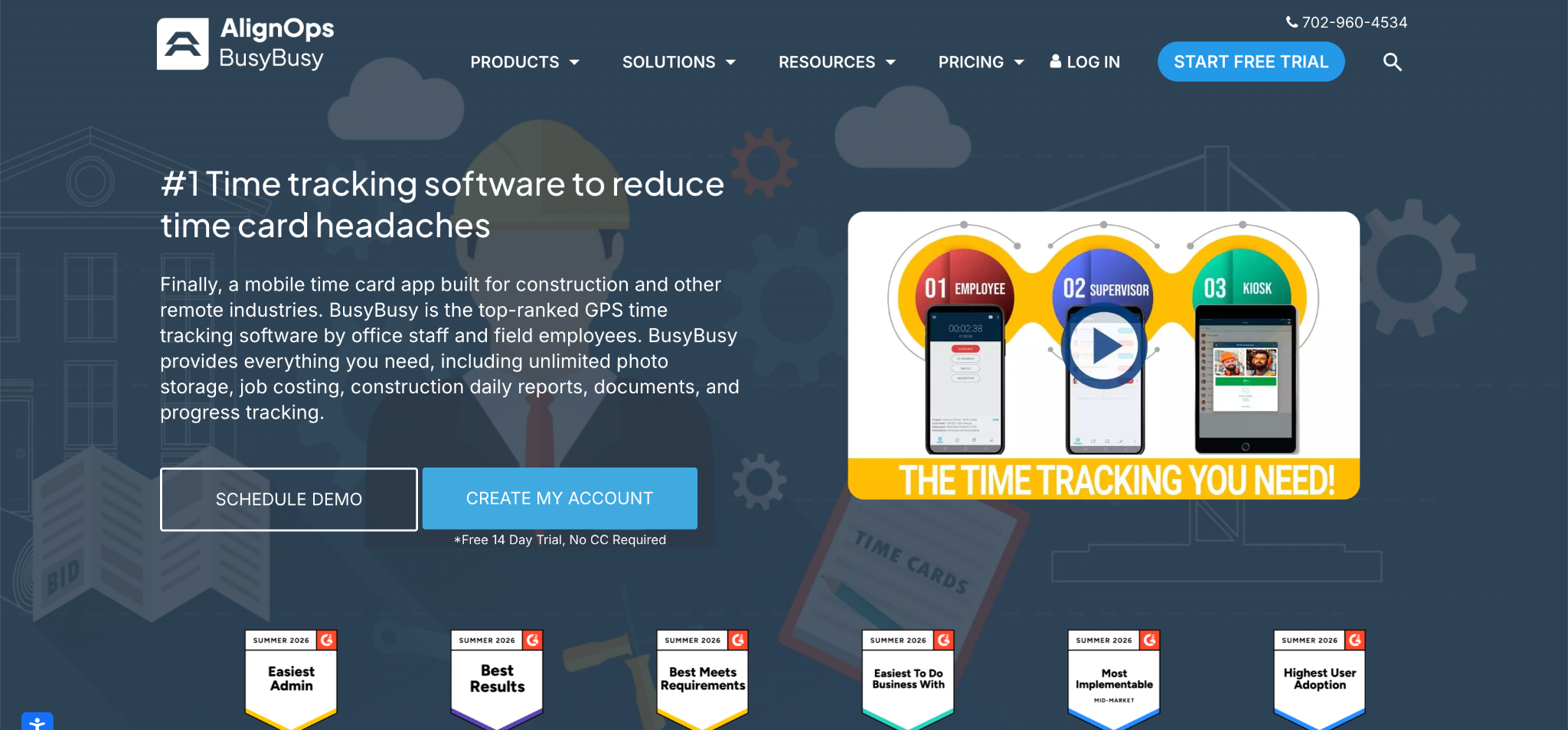
busybusy is a mobile-first time tracking and job costing app built mainly for construction and field service companies. Workers clock in from their phones, and the app records GPS location. Supervisors can clock in crews, and higher plans add kiosk clock-in, photo verification, and on-site restrictions.
busybusy is known for features that construction companies value, such as job costing, equipment tracking, labor budgets, daily project reports, and progress tracking.
The Key Difference
The simplest way to understand OpenTimeClock vs busybusy is to look at what each tool focuses on.
OpenTimeClock focuses on flexible clock-in and attendance management for many types of businesses. Its free plan includes most features, and its paid plan uses flat pricing for the whole company.
busybusy focuses on construction crews and job sites. It offers construction-specific tools like equipment tracking and daily project reports, with per-user pricing on its paid plans.
Free Plan Comparison
Both tools offer free plans with unlimited users, which is unusual in time tracking software.
OpenTimeClock Free Plan
OpenTimeClock's Free Plan includes unlimited users, free support, and full features except downloading reports in PDF and Excel formats, which is available free for the first 30 days. This means features like kiosk clock-in, PIN codes, QR codes, facial recognition, photo capture, GPS, geofencing, scheduling, and overtime rules are available on the free plan.
busybusy Free Plan
busybusy's free plan includes unlimited users with basic features such as clock in and out, GPS, employee breaks, digital timecard signatures, overtime calculations, offline mode, job costing, equipment tracking, and activity reports, with some reporting limits. Features such as kiosk clock-in, photo verification at clock-in, supervisor tools, scheduling, and on-site restrictions are part of its paid Pro plan.
Which Free Plan Is Better?
If you want kiosks, photo verification, facial recognition, and location restrictions without paying, OpenTimeClock's free plan includes more. If you mainly need mobile GPS clock-in with job costing and equipment tracking, busybusy's free plan covers those basics well.
Paid Plan Pricing
OpenTimeClock Paid Plan
The Paid Plan costs $39 per month or $399 per year per company, with unlimited users. The price stays the same whether you have 5 workers or 500. OpenTimeClock also offers a free NPO Plan for schools, government agencies, hospitals, and other nonprofits that apply. You can see full details on the OpenTimeClock pricing page.
busybusy Paid Plans
busybusy's Pro plan costs about $9.99 per user per month when billed annually, or about $11.99 monthly. The Premium plan costs about $14.99 per user per month annually, or about $17.99 monthly. Some listings also mention an admin license fee. An Enterprise plan with custom pricing is available, and paid plans come with a free trial.
Cost Example
Let us look at a crew of 25 workers.
On busybusy's Pro plan billed annually, the cost would be about $250 per month. On the Premium plan, it would be about $375 per month.
On OpenTimeClock's Paid Plan billed yearly, the cost would be about $33 per month, no matter how many workers there are.
For growing crews that need paid features, OpenTimeClock is usually much cheaper. Construction companies that need busybusy's equipment tracking and daily project reports may find its higher price worthwhile.
Clock-In Options
OpenTimeClock Clock-In Options
OpenTimeClock offers many ways to clock in, including username and password, PIN code, QR code or barcode, RFID or NFC cards, name selection, facial recognition, and group clock-in. With team clock-in, a foreman or supervisor can clock in the whole crew at once from a phone or tablet, which is helpful for workers without smartphones.
busybusy Clock-In Options
busybusy offers mobile clock-in from workers' phones on all plans. Its Pro plan adds supervisor clock-in for crews, kiosk or punch clock mode, and photo verification at clock-in.
Which Is Better?
Both tools support crew clock-in. OpenTimeClock offers more clock-in methods on its free plan, such as badges, QR codes, and facial recognition. busybusy offers a smooth mobile experience designed for construction workers.
GPS and Job Site Controls
Both tools help confirm that workers are on the job site.
OpenTimeClock offers GPS geolocation and geofencing, which records the location of each clock-in and lets managers limit clock-ins to approved areas around each job site. It also supports clock-in limits by WiFi network, IP address, or device, and photo capture to help prevent buddy punching.
busybusy records GPS at clock-in on all plans. Its Pro plan adds enhanced GPS features, such as location tracking during the shift, often called breadcrumbing, on-site restrictions, and universal maps.
If you need location tracking throughout the day, busybusy's Pro plan offers more. If you mainly need to confirm location at clock-in, OpenTimeClock's free and paid plans cover this.
Working Without Internet
Job sites often have weak or no signal. Both tools offer offline options.
OpenTimeClock's offline mode lets workers clock in through the mobile app without internet, and the data is sent once a connection returns.
busybusy also includes offline mode, so crews can keep tracking time in remote areas.
Job Costing and Project Tracking
Job costing is important for contractors who need to know whether projects are profitable.
OpenTimeClock includes job time tracking, project tracking, and department tracking. Workers can clock in to a job and switch between jobs during the day, and reports show hours by job.
busybusy is built around job costing for construction. It tracks labor by project and cost code, offers labor budgets on paid plans, and provides daily project reports and progress tracking on its Premium plan.
For general job tracking, OpenTimeClock works well. For contractors who want detailed construction job costing and project reporting in one app, busybusy offers more depth.
Equipment Tracking
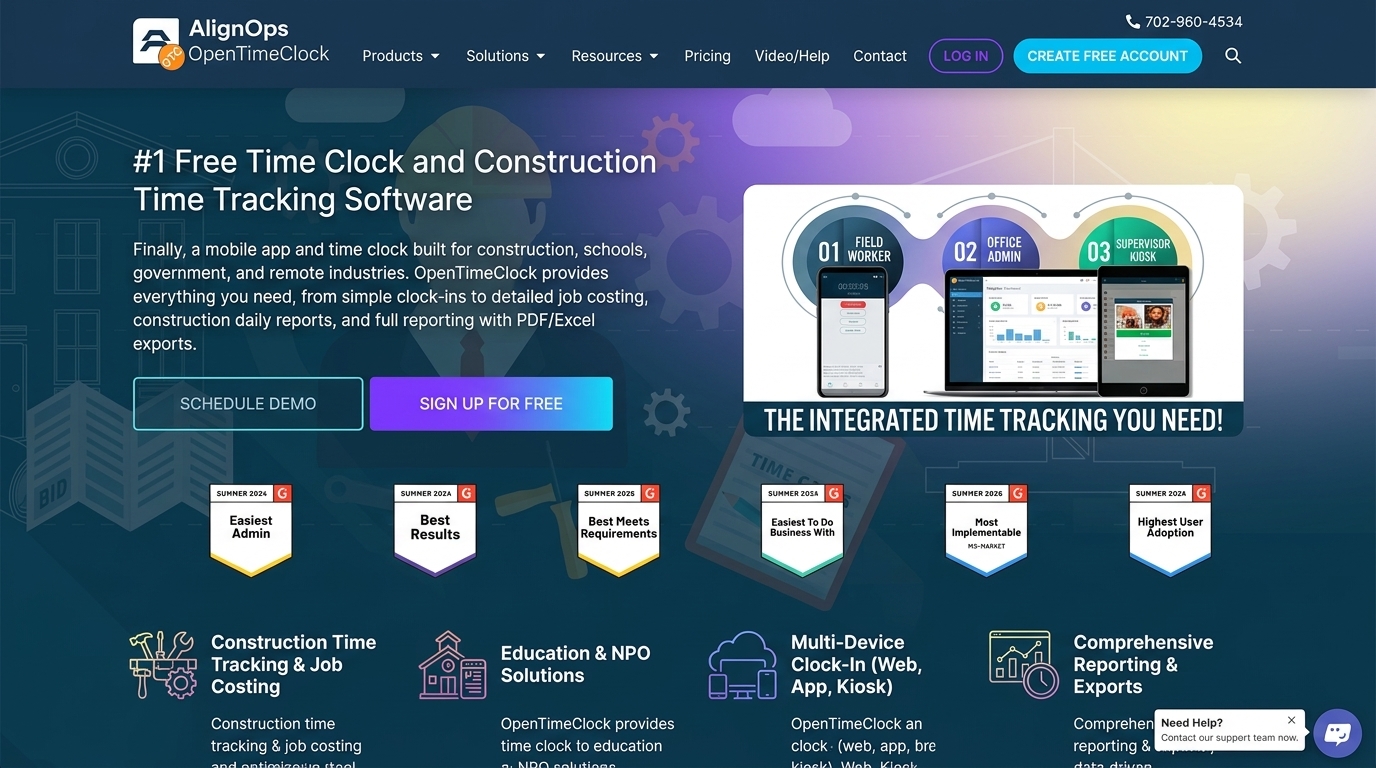
This is a clear advantage for busybusy. It offers equipment tracking, including equipment locations, usage hours, and equipment assigned to active projects. This is valuable for construction and earthmoving companies that need to track machines alongside labor.
OpenTimeClock focuses on employee time and attendance and does not offer equipment tracking.
Scheduling, Time Off, and Approvals
OpenTimeClock includes shift scheduling, job schedules, paid time off tracking with automatic accruals, absence management, manager approval of time records, and edit locks for past records, all available without per-user fees.
busybusy includes time off requests on its free plan, and scheduling, time off approvals, and supervisor sign-offs on its Pro plan.
Reports and Payroll
OpenTimeClock offers more than 80 reports for payroll, attendance, and projects. Reports can be exported in PDF, Excel, CSV, and other formats on paid and eligible free plans. It also includes overtime rules and a developer API on paid plans.
busybusy offers activity and job costing reports on all plans, with advanced reports and payroll automation on higher plans. It also integrates with accounting and payroll software on paid plans.
Pros and Cons Summary
OpenTimeClock Strengths
A free plan with unlimited users and most features included. Flat company pricing on the paid plan. Many clock-in methods, including kiosks, PIN codes, QR codes, RFID cards, and facial recognition. Group clock-in, GPS, geofencing, WiFi, IP, and device controls. Scheduling, overtime rules, paid time off, and approvals. Free NPO plan for eligible organizations.
OpenTimeClock Limitations
No equipment tracking. Simpler construction job costing than specialized tools. No continuous GPS tracking during shifts. PDF and Excel report downloads require a paid or approved free plan after 30 days.
busybusy Strengths
Free plan with unlimited users. Built for construction and field crews. Job costing, labor budgets, and daily project reports. Equipment tracking. Enhanced GPS tracking on paid plans.
busybusy Limitations
Per-user pricing on paid plans that grows with crew size. Kiosk mode, photo verification, and supervisor tools require the Pro plan. Fewer clock-in methods than some general time clocks.
Which Should You Choose?
The right choice in OpenTimeClock vs busybusy depends on your industry, crew size, and budget.
Choose OpenTimeClock If
You want a free plan that includes kiosks, photo capture, facial recognition, and location controls. Your crew is growing and you want flat pricing. Your workers clock in at shared stations, job sites, or offices. You work in many types of jobs, not only construction. You are a nonprofit, school, hospital, or government agency.
Choose busybusy If
You run a construction or earthwork company. You need equipment tracking alongside labor. You want detailed construction job costing and daily project reports. You need GPS tracking throughout the day.

Conclusion
OpenTimeClock and busybusy both help crews track time, and both offer free plans with unlimited users. OpenTimeClock is a flexible time clock with many clock-in methods, strong attendance controls, GPS and geofencing, job tracking, and flat company pricing on its paid plan. busybusy is a construction-focused app with mobile GPS tracking, job costing, equipment tracking, and project reporting, priced per user on its paid plans.
When comparing OpenTimeClock vs busybusy, think about what your crew really needs. If you want affordable, flexible clock-in and attendance tools that grow without per-user fees, OpenTimeClock offers strong value. If you run a construction company that needs equipment tracking and detailed project reports, busybusy may be worth the cost. Understanding OpenTimeClock vs busybusy this way helps you choose the time clock that fits your crew, your job sites, and your budget.
FAQ’s
Do both OpenTimeClock and busybusy have free plans?
Yes. Both offer free plans with unlimited users. OpenTimeClock's free plan includes most features, while busybusy's free plan covers basic GPS time tracking and job costing.
How much does busybusy cost?
As of October 2026, busybusy's Pro plan costs about $9.99 per user per month billed annually, and Premium costs about $14.99 per user per month billed annually.
Which is better for construction companies?
busybusy offers construction-specific features like equipment tracking and daily project reports. OpenTimeClock works well for crews that mainly need flexible, low-cost clock-in and attendance tools.
Can supervisors clock in a whole crew?
Yes. OpenTimeClock offers group clock-in on its plans, and busybusy offers supervisor clock-in on its Pro plan and above.
Does OpenTimeClock track equipment?
No. OpenTimeClock focuses on employee time and attendance. Businesses that need equipment tracking may prefer a construction-focused tool like busybusy.