Field teams have different needs than office teams. Workers move between job sites. Internet connections are not always reliable. Managers need to know where a crew is working at any given moment, not just whether they clocked in.
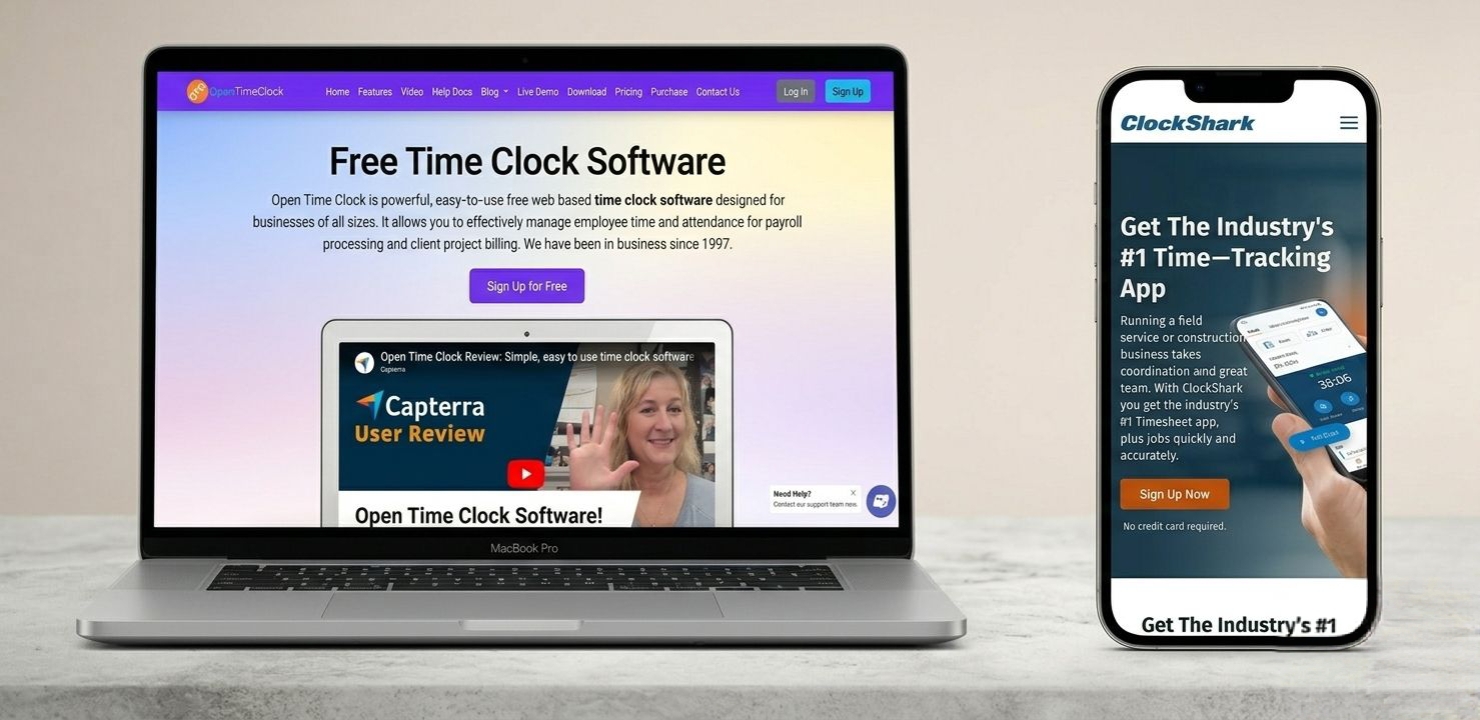
Two popular tools built to handle this kind of work are Open Time Clock and ClockShark. Both offer GPS tracking, mobile clock-in, and job-based time tracking. But they are not the same in price, features, or value for money.
Choosing the right time tracking software can improve payroll accuracy, reduce time theft, and help managers stay informed about employee activity throughout the workday. A good system also makes it easier to track hours, monitor attendance, manage multiple job sites, and create reports for payroll processing.
For businesses with field workers, even small differences in features can have a big impact on daily operations and costs. Understanding what each platform offers helps you avoid paying for features you do not need while ensuring your team has the tools required to stay productive. This Open Time Clock vs ClockShark comparison breaks down both platforms feature by feature so you can see exactly which one makes more sense for your field team.
Quick Overview of Both Platforms
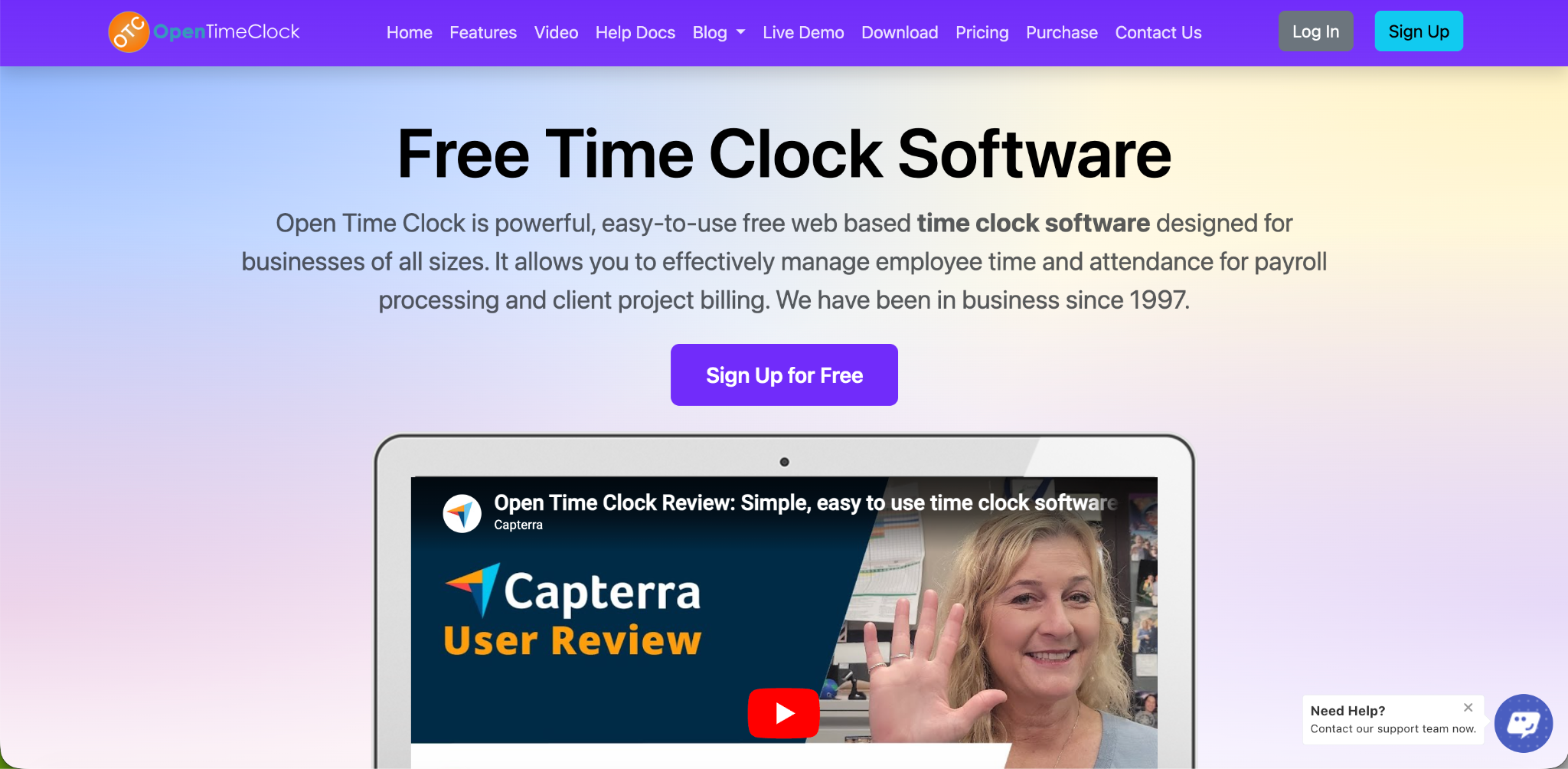
What Is Open Time Clock
Open Time Clock is a cloud-based time tracking platform built for businesses of every size and industry. It supports GPS tracking, geofencing, facial recognition, job costing, shift scheduling, and payroll export. The biggest difference is that Open Time Clock offers a complete free plan with unlimited employees and managers.
What Is ClockShark
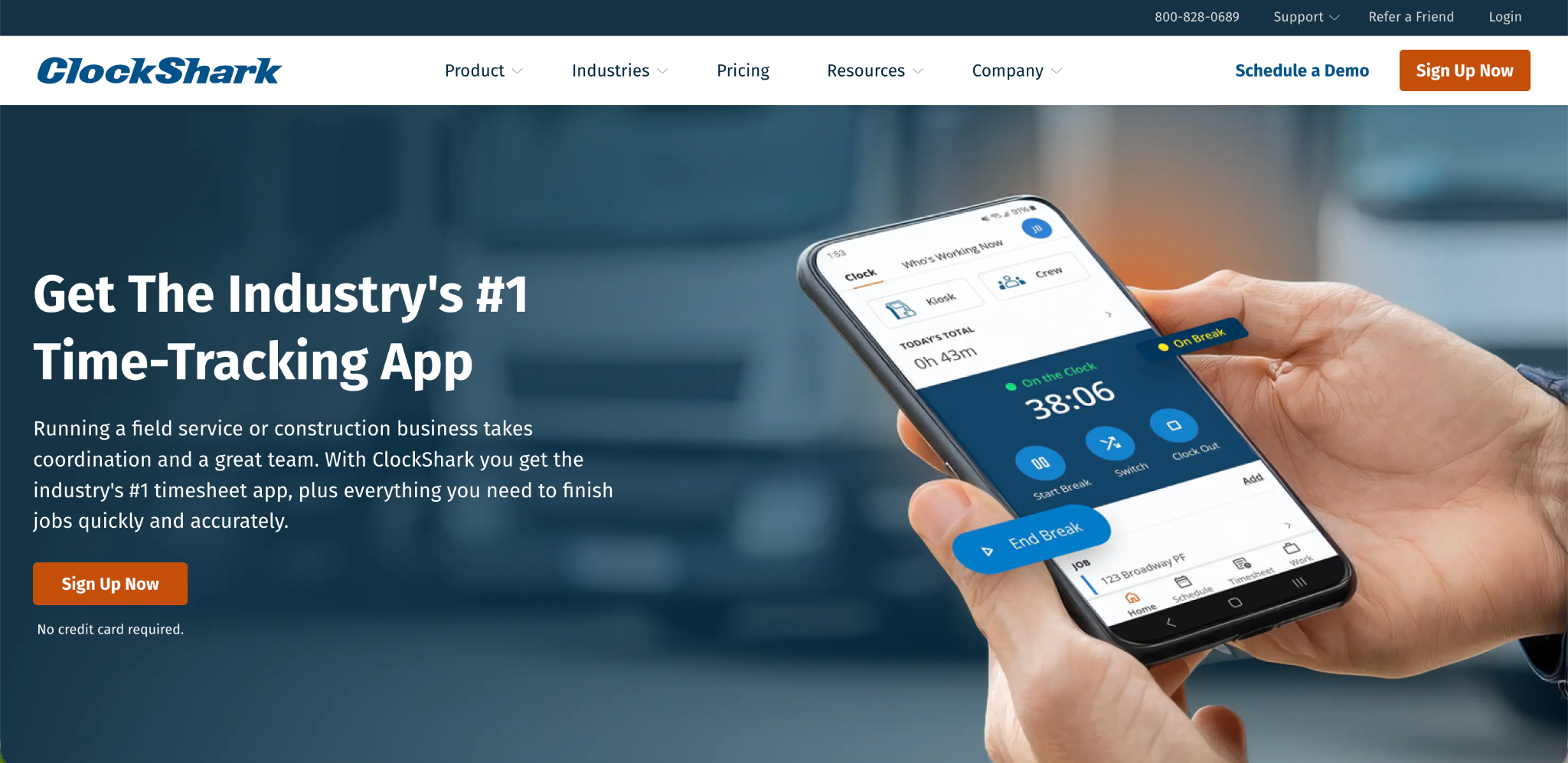
ClockShark is a time tracking and scheduling tool built specifically for construction and field service companies. It offers GPS tracking, geofencing, job costing, and a drag-and-drop schedule builder. ClockShark does not offer a free plan. Pricing starts at a monthly base fee plus a per-user charge.
Open Time Clock vs ClockShark: Pricing
This is where the comparison becomes clear right away. ClockShark's Standard plan starts at around $40 per month plus $9 per active user. The Pro plan costs around $60 per month plus per-user fees. For a crew of 15 field workers, that adds up to several hundred dollars every month.
Open Time Clock offers a free plan for unlimited managers and employees. There is no per-seat charge. A construction company with 5 workers and a company with 50 workers both pay nothing for the core features.
For any field team watching their budget, especially smaller contractors and growing crews, this is one of the biggest factors in the Open Time Clock vs ClockShark decision. Lower software costs allow businesses to invest more money in equipment, hiring, training, and other areas that directly support growth and daily operations.
Open Time Clock vs ClockShark: GPS Tracking and Geofencing
Both platforms offer GPS tracking and geofencing. This is a core requirement for any field team tool, and both companies built their systems around it.
ClockShark uses geofencing technology that sends real-time updates to managers when employees enter or leave a job site. This works well for construction crews moving between sites during the day.
Open Time Clock GPS and geofencing offers the same core function. Managers set a location boundary using Google Maps for each job site. Employees can only clock in when they are inside that boundary. The system also stores the GPS coordinates and a converted street address with every clock-in, giving managers a clear visual record.
The functional difference between the two platforms here is small. Both do the job well. The real difference shows up again in cost, since ClockShark bundles this feature into its paid tiers while Open Time Clock includes it for free.
Open Time Clock vs ClockShark: Identity Verification
Field teams face a higher risk of buddy punching because managers are often not on-site to see who is actually clocking in.
ClockShark relies mainly on GPS-based clock-in verification. It confirms location but does not include built-in facial recognition for identity confirmation.
Open Time Clock goes a step further with facial recognition clock-in. The camera on an employee's phone scans their face and matches it against their stored profile before allowing the clock-in. Combined with GPS and photo capture, this creates three layers of verification: the right face, the right location, and a stored photo for every event.
For field teams where managers cannot physically watch every clock-in, this extra layer matters. It is one of the clearest wins for Open Time Clock in this Open Time Clock vs ClockShark comparison.
Open Time Clock vs ClockShark: Mobile App Experience
ClockShark's mobile app is generally well-reviewed and works reliably once a user is logged in. However, new users cannot complete their first login through the mobile app. They must log in for the first time using a desktop or laptop browser, which adds a small amount of friction during onboarding for field workers who may not have easy desktop access.
Open Time Clock supports clock-in directly from a mobile app on both Android and iOS without requiring a desktop login first. Employees can also clock in from a web browser, a tablet kiosk, or desktop software, giving field teams more flexibility depending on what devices are available on-site.
For field teams hiring workers quickly or managing high turnover, a smoother first-time mobile setup process is a real practical advantage.
Open Time Clock vs ClockShark: Offline Functionality
Construction and field sites often have weak or no internet signal. A time tracking tool that requires a constant connection is a serious limitation in this kind of work.
ClockShark's mobile app generally performs well even with spotty cell signal, according to user reviews, though it still depends on GPS and data access to function properly.
Open Time Clock's mobile app supports full offline clock-in. Employees can punch in and out with no internet connection at all. The data is stored on the device and syncs automatically to the cloud once a connection becomes available again. This is especially useful for crews working in remote areas, basements, or rural job sites with no signal at all.
Open Time Clock vs ClockShark: Scheduling
ClockShark includes a drag-and-drop schedule builder that is well-suited for shift-based field work. Managers can build schedules visually and make last-minute changes quickly. One noted limitation is that it does not offer automatic scheduling based on employee availability, so managers still need to build the schedule manually each time.
Open Time Clock shift scheduling lets managers create named shifts with defined start and end times and assign them to individual employees or full departments. The system can restrict clock-ins to shift windows, which helps prevent early punching. Employees can view their schedule directly from their own portal at any time.
Both tools are functional for scheduling field crews. ClockShark's drag-and-drop interface is a nice visual touch, but Open Time Clock covers the same core scheduling needs at no extra cost.
Open Time Clock vs ClockShark: Reporting and Payroll Export
Reporting depth is one area where reviewers have pointed out limitations with ClockShark. Some reviews note that its reporting options are limited for deeper labor analysis, and that its overtime and compliance tools do not cover every region equally.
Open Time Clock payroll and attendance reports include over 80 predefined report types covering hours, overtime, breaks, PTO, and job costing. Reports export in PDF, Excel, CSV, and QuickBooks IIF formats. Overtime rules can be configured for federal and state-specific requirements, including daily overtime rules used in states like California.
For field businesses that need detailed labor cost breakdowns by job, or businesses operating across multiple states with different overtime laws, this level of reporting and overtime flexibility is a meaningful advantage.
Open Time Clock vs ClockShark: Job Costing
Job costing is a core feature for both platforms since both serve businesses that bill clients by project.
ClockShark allows businesses to track labor hours and costs per job, which helps with invoicing and tracking profitability per project. This is one of its strongest selling points for construction-focused companies.
Open Time Clock also supports project and job-based time tracking. Employees can switch between jobs during a shift, and managers can generate reports that break down hours and labor cost by project, department, or client. This gives field businesses the same visibility into job profitability without the added per-user cost.
Who Should Choose ClockShark
ClockShark may be a reasonable fit for construction or field service companies that specifically want its drag-and-drop scheduling interface and do not mind paying a per-user fee. Businesses that are comfortable with a higher monthly cost in exchange for a tool built narrowly around construction workflows may find it suits their team.
Who Should Choose Open Time Clock
Open Time Clock is the stronger choice for almost every other field team scenario. It is the better fit for small and growing businesses that want to avoid per-user fees as their headcount increases. It is the better choice for teams that need facial recognition and stronger identity verification to prevent buddy punching. It is the better option for crews working in low-connectivity areas thanks to full offline clock-in support. And it is the more cost-effective option for businesses that need detailed reporting, multi-state overtime rules, and payroll export without paying extra for those features.
When you weigh price, security, offline reliability, and reporting depth together, Open Time Clock comes out ahead in this Open Time Clock vs ClockShark matchup for the vast majority of field teams.
Conclusion
Both Open Time Clock and ClockShark are built with field teams in mind. Both offer GPS tracking, geofencing, scheduling, and job costing. But the differences that matter most to a business owner, cost, identity verification, offline support, and reporting depth, consistently favor Open Time Clock.
ClockShark's per-user pricing model means costs grow every time you add a worker. Open Time Clock removes that concern entirely with a free plan for unlimited users. Combined with facial recognition, full offline mode, and over 80 report types, Open Time Clock gives field teams more capability without the recurring cost.
If you are comparing tools for your crew, Open Time Clock vs ClockShark is not a close call for most businesses. Open Time Clock delivers the same core field-team features, plus extra security and flexibility, at no cost. It is a practical choice for companies that want reliable time tracking, accurate payroll data, and room to grow without increasing software expenses every month.
FAQ’s
Q1. Is Open Time Clock really free compared to ClockShark?
Yes. Open Time Clock offers a completely free plan with unlimited managers and employees. ClockShark requires a paid subscription starting around $40 per month plus a per-user fee, which means costs increase as your team grows.
Q2. Does ClockShark or Open Time Clock have better GPS tracking?
Both platforms offer solid GPS tracking and geofencing for field teams. Open Time Clock adds facial recognition and photo capture on top of GPS, giving it an extra layer of identity verification that ClockShark does not include by default.
Q3. Which platform works better without internet access?
Open Time Clock supports full offline clock-in, meaning employees can punch in and out with no internet connection and the data syncs once a connection returns. This makes it a stronger option for crews working in remote or low-signal areas.
Q4. Does Open Time Clock support job costing like ClockShark?
Yes. Open Time Clock supports project and job-based time tracking, allowing employees to switch between jobs during a shift. Managers can generate reports showing labor hours and cost by project, department, or client, similar to ClockShark's job costing feature.
Q5. Which tool is better for a small field service business on a budget?
Open Time Clock is the better choice for budget-conscious field teams. Since it has no per-user fee, a small business with 5 to 10 field workers can use all core features at no cost, while ClockShark's monthly fees would continue to add up.