Mobile vs Desktop Time Tracking: How Integration With Payroll and HR Software Compares
Compare mobile vs desktop time tracking on payroll and HR integration, accuracy, and ease of use. See how OpenTimeClock supports both seamlessly.
The way employees work has changed significantly over the past few years. Some teams work entirely from office desks. Others work from job sites, vehicles, client locations, or home offices. This shift has made the question of how to track time more important than ever.
Two main approaches dominate the market today. Desktop time tracking relies on fixed computers or kiosk devices at a central location. Mobile time tracking uses smartphones or tablets to record attendance from anywhere. Each approach works well in the right situation, but they differ in important ways when it comes to payroll accuracy, HR integration, and overall ease of management.
This article breaks down mobile vs desktop time tracking clearly and honestly. It explains how each method connects to payroll and HR software, where each one performs best, and how to choose the right setup for your workforce.
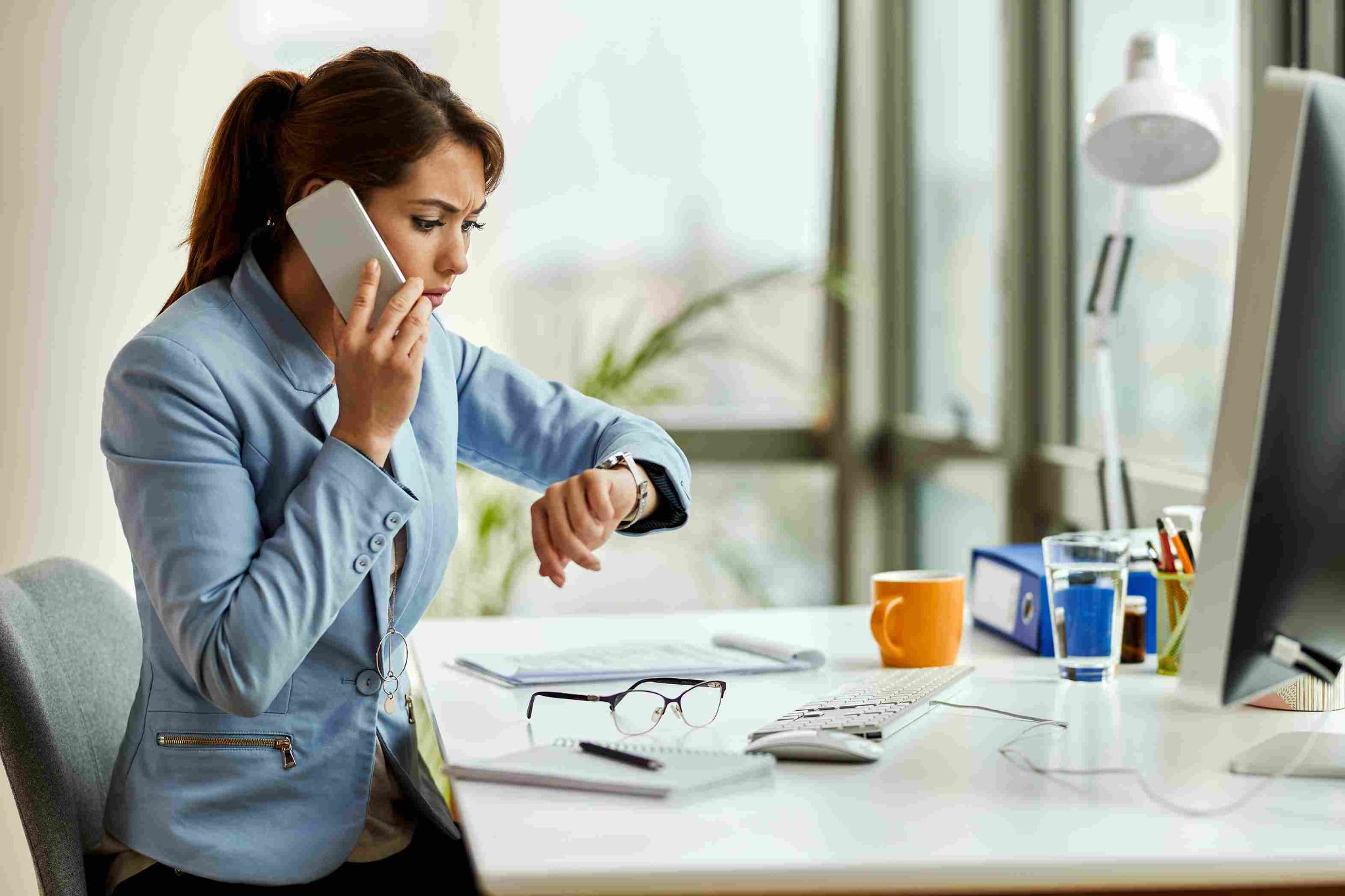
What Is Desktop Time Tracking?
Desktop time tracking is the traditional approach. Employees use a fixed computer, a dedicated kiosk device, or a wall-mounted tablet to clock in and out. The device is placed at a central location such as a lobby, break room, or entrance point. All employees use the same device to record their attendance.
Desktop time tracking systems are stable and reliable. Because the device is fixed in one location, administrators know exactly where every clock-in is happening. There is no ambiguity about whether an employee was physically at the workplace when they punched in.
Modern desktop time tracking platforms go far beyond simple punch-in systems. They support facial recognition, RFID card scanning, PIN entry, and photo capture at the point of clock-in. They also connect to payroll and HR software so that the data captured on the desktop flows automatically into the systems that process payments and manage employee records.
OpenTimeClock supports full-featured desktop time tracking through any Windows or Mac computer and through web browsers on any device. It includes facial recognition, RFID and NFC card scanning, PIN entry, and barcode clock-ins all accessible from the same desktop interface.
What Is Mobile Time Tracking?
Mobile time tracking allows employees to record attendance using their own smartphones or company-issued tablets. The employee opens an app, verifies their identity, and clocks in from wherever they are working. The system records the time along with optional GPS location data and a photo.
Mobile time tracking became essential as remote work, field teams, and distributed workforces became more common. A construction crew working at five different job sites cannot all share one central kiosk. A home care nurse visiting multiple patients in a day needs a way to clock in at each location. A remote software developer working from a different city still needs their hours recorded accurately.
Mobile vs Desktop Time Tracking: A Direct Comparison
When evaluating mobile vs desktop time tracking, it helps to look at the key dimensions that matter most for business operations. Here is how the two approaches compare across the factors that affect payroll accuracy and HR integration.
Flexibility and Accessibility
Desktop time tracking is tied to one location. This is a strength in environments where all employees report to the same place. It is a significant limitation for businesses with field workers, remote teams, or employees who move between multiple sites.
Mobile time tracking is location-independent. Employees can clock in from a job site, a client's office, a hotel room, or a home office. This flexibility makes mobile tracking essential for modern workforces that are not confined to a single building.
Identity Verification and Fraud Prevention
Desktop systems have an advantage in controlled environments because the device is fixed. When combined with facial recognition or RFID scanning, the system knows not only when an employee clocked in but also that they were physically present at the designated location.
Mobile systems introduce more flexibility, which can create more opportunity for fraud if the platform does not include strong verification features. However, a mobile time tracking app with facial recognition and GPS geofencing closes this gap almost entirely. If the system requires the employee to take a selfie from within an approved GPS boundary, the level of verification is comparable to or stronger than most desktop setups.
OpenTimeClock applies the same facial recognition and photo capture standards to both its mobile and desktop clock-in interfaces. Whether an employee clocks in on a shared office kiosk or on their personal smartphone, the verification process is the same and the resulting attendance record is equally reliable.
Payroll Integration
This is where the mobile vs desktop time tracking comparison becomes especially important for HR and payroll teams. The method used to collect time data matters less than what happens to that data afterward. The key question is whether the time tracking platform integrates cleanly and automatically with the payroll and HR software your business already uses.
Both mobile and desktop time tracking produce the same type of output: a timestamped attendance record for each employee. If both are managed through a single cloud-based platform, the payroll integration works identically regardless of how the employee clocked in.
OpenTimeClock integrates with payroll, accounting, ERP, and HR systems. It exports data in PDF, Excel, CSV, and other formats. Whether your employees clock in via desktop kiosk, web browser, iOS app, or Android app, all of their data flows into the same attendance dashboard and the same payroll export. The integration with QuickBooks and other payroll platforms works the same way for all clock-in methods.
HR Software Integration
HR platforms need accurate attendance data to manage schedules, calculate leave balances, track tardiness, and generate compliance reports. A time tracking system that integrates with HR software automatically eliminates the need to transfer attendance data manually into the HR platform.
Both mobile and desktop time tracking systems can integrate with HR software, provided they run on a unified cloud platform. The method of clock-in does not affect the integration. What matters is whether the time tracking system exports data in a format that your HR platform accepts and whether the employee records are mapped correctly between the two systems.
Real-Time Visibility for Managers
Desktop systems give managers certainty about location. When the clock is fixed, every punch is at the same address. This is simple to monitor.
Mobile systems give managers real-time visibility into location as well, thanks to GPS tracking. When an employee clocks in through a mobile app, the system records their GPS coordinates. Managers can see a map view of where each employee is and confirm that they are at the right site at the right time.
OpenTimeClock shows managers a live map of employee clock-in locations. Each pin on the map represents a clock-in event and includes the employee's name, the exact address, the timestamp, and an optional photo. This level of visibility was previously only possible with desktop systems at fixed locations. Mobile GPS tracking now delivers the same accountability from any location.
Offline Capability
Desktop systems depend on a stable internet connection. If the network goes down, some systems stop recording clock-ins entirely. This can create gaps in attendance records that are difficult to reconstruct after the fact.
Mobile apps with offline capability solve this problem. Employees can clock in even when there is no internet connection. The data is stored locally on the device and uploaded automatically once the connection is restored. This makes mobile tracking more reliable in environments with inconsistent connectivity such as construction sites, warehouses, or rural locations.
Cost and Hardware Requirements
Desktop time tracking requires at least one dedicated device per location. A business with three office locations needs at least three kiosk setups. Hardware costs include the device, a mount or stand, and potentially a dedicated RFID reader or camera.
Mobile time tracking uses devices that employees already own or that the company issues for other purposes. There is no additional hardware required beyond the smartphones or tablets the team is already using. This makes mobile tracking significantly more cost-effective for businesses with distributed workforces.
OpenTimeClock is designed to work on any existing device. Businesses do not need to buy dedicated hardware for either desktop or mobile clock-ins. A computer already in the office becomes a desktop time clock. An employee's existing smartphone becomes a mobile time clock. The same platform and the same subscription cover both setups.
Which Approach Is Right for Your Business?
The mobile vs desktop time tracking decision does not have to be either one or the other. Many businesses benefit from running both simultaneously through a single platform.
When Desktop Time Tracking Is the Best Fit
Desktop tracking works best when all employees report to a single physical location, when you need a shared kiosk that everyone uses, when security and physical presence verification are top priorities, and when your workforce does not need to clock in from multiple locations.
Retail shops, medical clinics, manufacturing floors, and school campuses are all environments where a desktop kiosk is the most practical choice. Employees arrive at one place, clock in at one device, and leave from the same location at the end of their shift.
When Mobile Time Tracking Is the Best Fit
Mobile tracking works best when employees work remotely or from home, when your team visits multiple client or job site locations throughout the day, when field workers need to clock in from sites without fixed devices, and when your workforce is distributed across different cities or regions.
Construction companies, home care agencies, logistics businesses, and consulting firms all benefit greatly from mobile time tracking. The GPS and geofencing features ensure that remote employees are accountable without requiring them to be physically present at a central office.
When You Need Both
The most flexible businesses run both desktop and mobile time tracking through the same platform. Office staff use a desktop kiosk. Field staff use the mobile app. All data flows into the same attendance dashboard, generates the same payroll reports, and syncs to the same HR and payroll software.
This unified approach eliminates the need to manage two separate systems and ensures that payroll and HR integration works consistently across your entire workforce regardless of how each employee clocks in.
Why OpenTimeClock Is the Right Platform for Both
If you need a platform that handles mobile vs desktop time tracking equally well and integrates cleanly with payroll and HR software, OpenTimeClock is built for exactly that purpose.
It runs on Windows, Mac, iOS, Android, and any web browser. Employees can clock in using facial recognition, RFID cards, QR codes, GPS-verified mobile clock-ins, or PIN entry. All of these methods work within the same system and generate the same quality of attendance data.
The platform offers real-time attendance monitoring, custom overtime rules, PTO management, department-level tracking, geofencing, and over 80 payroll and HR reports. It integrates with QuickBooks, payroll platforms, HR systems, and accounting software through clean data exports that require no manual formatting.
Best of all, OpenTimeClock offers a free plan with unlimited managers and unlimited employees. Both desktop and mobile clock-in features are included in the free plan. Businesses can deploy a hybrid attendance system across their entire workforce at no cost.

Conclusion
The debate between mobile vs desktop time tracking is not really about which one is better. It is about which one fits your specific workforce and how well both can be integrated with your payroll and HR systems.
Desktop tracking is reliable, secure, and ideal for single-location businesses. Mobile tracking is flexible, scalable, and essential for remote and field-based teams. When both are managed through a single unified platform, the integration with payroll and HR software works seamlessly for every employee regardless of how they clock in.
OpenTimeClock gives you both options in one free platform. It eliminates the need to choose between mobile and desktop by supporting every clock-in method through the same dashboard, the same payroll reports, and the same HR integrations.
FAQ’s
1. What is the main difference between mobile and desktop time tracking?
Desktop time tracking uses a fixed computer or kiosk device at one location where all employees clock in. Mobile time tracking uses smartphones or tablets that allow employees to clock in from any location. Desktop is best for single-site businesses where all staff report to one place.
2. How does mobile time tracking integrate with payroll software?
Mobile time tracking apps record attendance data in the cloud in real time. At the end of each pay period, administrators export the data in a format compatible with their payroll software. Platforms like OpenTimeClock export data in CSV, Excel, and PDF formats that integrate directly with QuickBooks and other payroll platforms.
3. Is mobile time tracking as accurate as desktop time tracking?
Yes, when the right features are in place. Mobile time tracking platforms that include facial recognition and GPS geofencing are just as accurate as desktop systems. The facial recognition confirms the employee's identity and the GPS geofencing confirms their location.
4. Can a business use both mobile and desktop time tracking at the same time?
Yes, and many businesses benefit from running both simultaneously. Office staff can use a desktop kiosk while field workers use the mobile app. When both methods are managed through a single platform like OpenTimeClock, all attendance data flows into the same dashboard and the same payroll export.
5. Is OpenTimeClock free for both mobile and desktop time tracking?
Yes. OpenTimeClock offers a free plan that includes both mobile and desktop clock-in features for unlimited managers and unlimited employees. Facial recognition, GPS tracking, geofencing, RFID card scanning, and over 80 payroll reports are all available on the free plan.