The hybrid workplace is now the reality for millions of businesses around the world. Some employees come into the office every day. Others work from home full time. Many switch between the two depending on the day, the task, or the week. And managers are expected to hold all of this together, keeping everyone aligned, productive, and connected regardless of where they are physically working.
Hybrid Team Synchronization is the set of strategies, tools, and processes that organizations use to keep remote and in-office employees working together effectively. It is not just about scheduling meetings that work for everyone. It is about creating a shared operational reality where every team member, regardless of location, has the same visibility into the schedule, the same access to the information they need, and the same accountability standards.
This article covers the most effective strategies for Hybrid Team Synchronization, explains why each one matters, and shows how OpenTimeClock provides the attendance tracking, scheduling, and communication tools that make genuine synchronization possible.
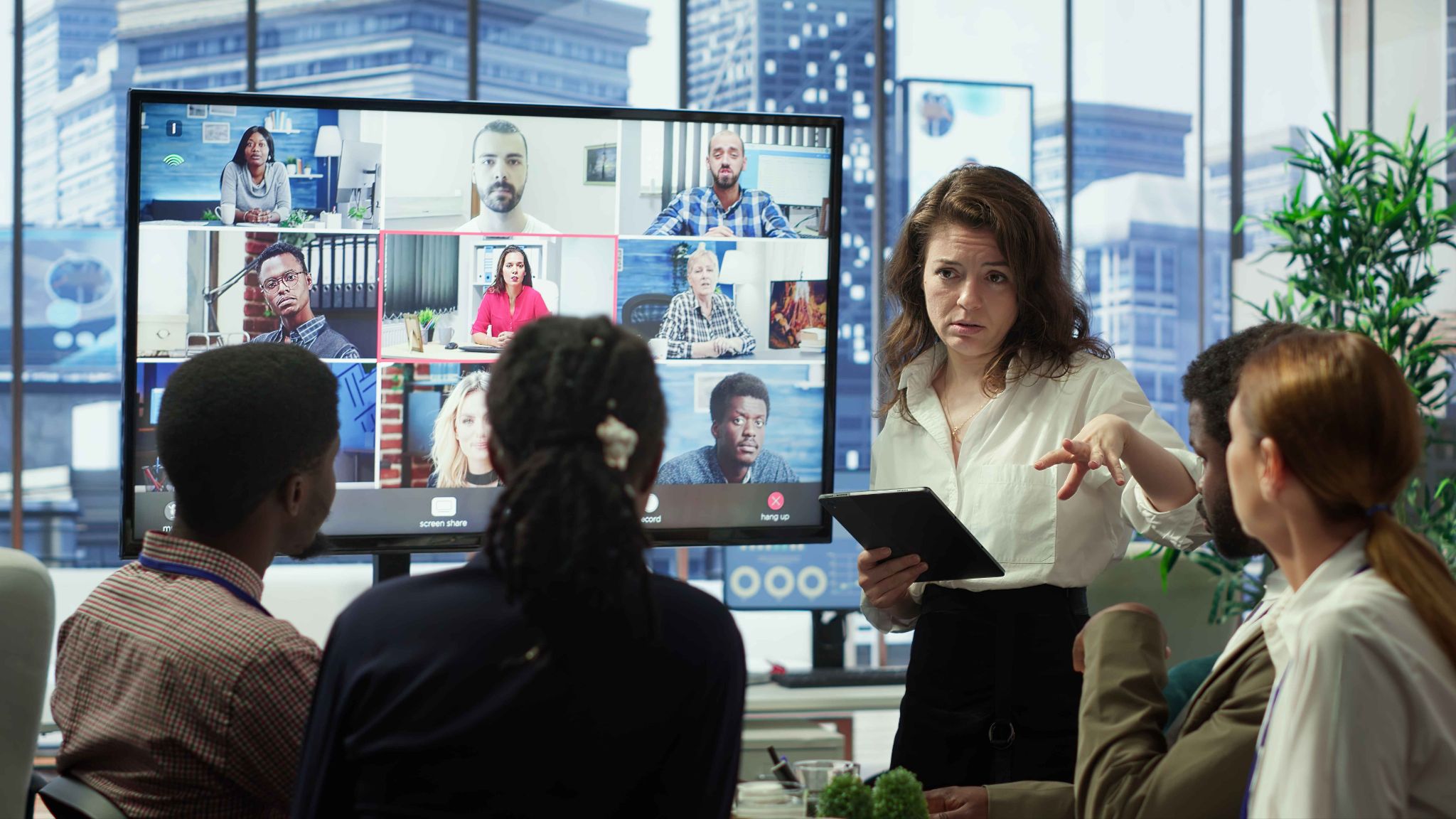
Why Hybrid Team Synchronization Is Harder Than It Looks
Before diving into strategies, it helps to understand why hybrid teams are uniquely difficult to manage. Most of the challenges come from a single root cause: proximity creates invisible advantages that remote team members do not share.
When part of your team is in the office together, they naturally form closer working relationships. They overhear conversations that give them context remote colleagues miss. They can ask a quick question in the hallway without scheduling a call. They are more visible to managers, which often translates into more recognition, more opportunities, and more trust. Over time, this proximity advantage creates a two-tier workforce where in-office employees feel more connected and invested and remote employees feel increasingly peripheral.
Hybrid Team Synchronization addresses this by deliberately creating structures and processes that level the playing field. Information that in-office employees get informally is made available formally. Attendance and schedules are tracked consistently for everyone. Communication channels are designed so that remote employees can participate equally rather than being an afterthought in a conversation that is primarily happening in a room they cannot see.
Getting this right takes intentional effort. It does not happen automatically just because you have good intentions or because you have the right technology. It requires specific strategies applied consistently over time.
Strategy 1: Create a Single Source of Truth for Schedules
One of the most common synchronization failures in hybrid teams is schedule confusion. In-office employees know the schedule because they are physically present when discussions happen. Remote employees miss the informal schedule updates and end up working from outdated information.
The solution is a single, centralized, always-current schedule that every team member can access from any device at any time. Not a shared spreadsheet that someone updates occasionally. Not a calendar that some people check and others ignore. A dedicated scheduling system that is the authoritative source for when everyone is supposed to be working, what they are working on, and when they are available for collaboration.
OpenTimeClock's shift scheduling feature provides exactly this. Managers create and update schedules in one place, and those updates are immediately visible to every team member through their personal portal, accessible from any device. When a schedule changes, every affected employee is notified automatically. There is no room for a remote employee to be working from last week's schedule because they missed an office conversation.
Strategy 2: Standardize Attendance Tracking Across All Work Locations
One of the most significant equity issues in hybrid teams is inconsistent attendance tracking. In many organizations, in-office employees clock in through a physical time clock at the office entrance while remote employees track their hours informally, through self-reported timesheets, or not at all. This inconsistency creates problems in multiple directions.
For payroll, inconsistent tracking means inconsistent data. Some employees have precise, verified attendance records while others have approximate, self-reported records. This makes payroll accuracy difficult and creates the potential for disputes.
For culture, inconsistent standards send a message that different rules apply to different people based on where they work. This is corrosive to the sense of fairness that Hybrid Team Synchronization requires.
OpenTimeClock solves this by providing the same clock-in functionality for every type of employee. In-office employees can clock in through a tablet kiosk using facial recognition, PIN, or QR code. Remote employees can clock in through the mobile app with GPS location recording and photo verification. Both methods capture the same quality of verified, timestamped attendance data. The standard is equal regardless of location.
Strategy 3: Align Core Collaboration Hours Across the Whole Team
Hybrid Team Synchronization requires that everyone is available and reachable at the same time at least part of the day. Without defined core hours, the flexibility that makes hybrid work attractive can become a coordination nightmare. Remote employees work in the morning. In-office employees are most available in the afternoon. Meetings require days of scheduling to find a time when everyone is both present and available.
Core hours are the designated periods during which all team members, regardless of their location or the rest of their schedule, commit to being available for real-time collaboration. They do not have to cover the whole day. Even two or three hours of guaranteed overlap is enough to handle most synchronous work needs while still leaving flexibility for the rest of the day.
The key is that core hours apply equally to in-office and remote employees. An in-office employee who is free to schedule meetings any time is not operating by the same rules as a remote employee who is only reachable during defined windows. Equal standards create genuine synchronization.
Once core hours are defined, they should be reflected in the scheduling system so that every team member can see them and managers can avoid scheduling solo work commitments during those windows. OpenTimeClock supports the creation of schedule templates that include core hour designations, making it easy to build consistency around collaborative windows across the whole team.
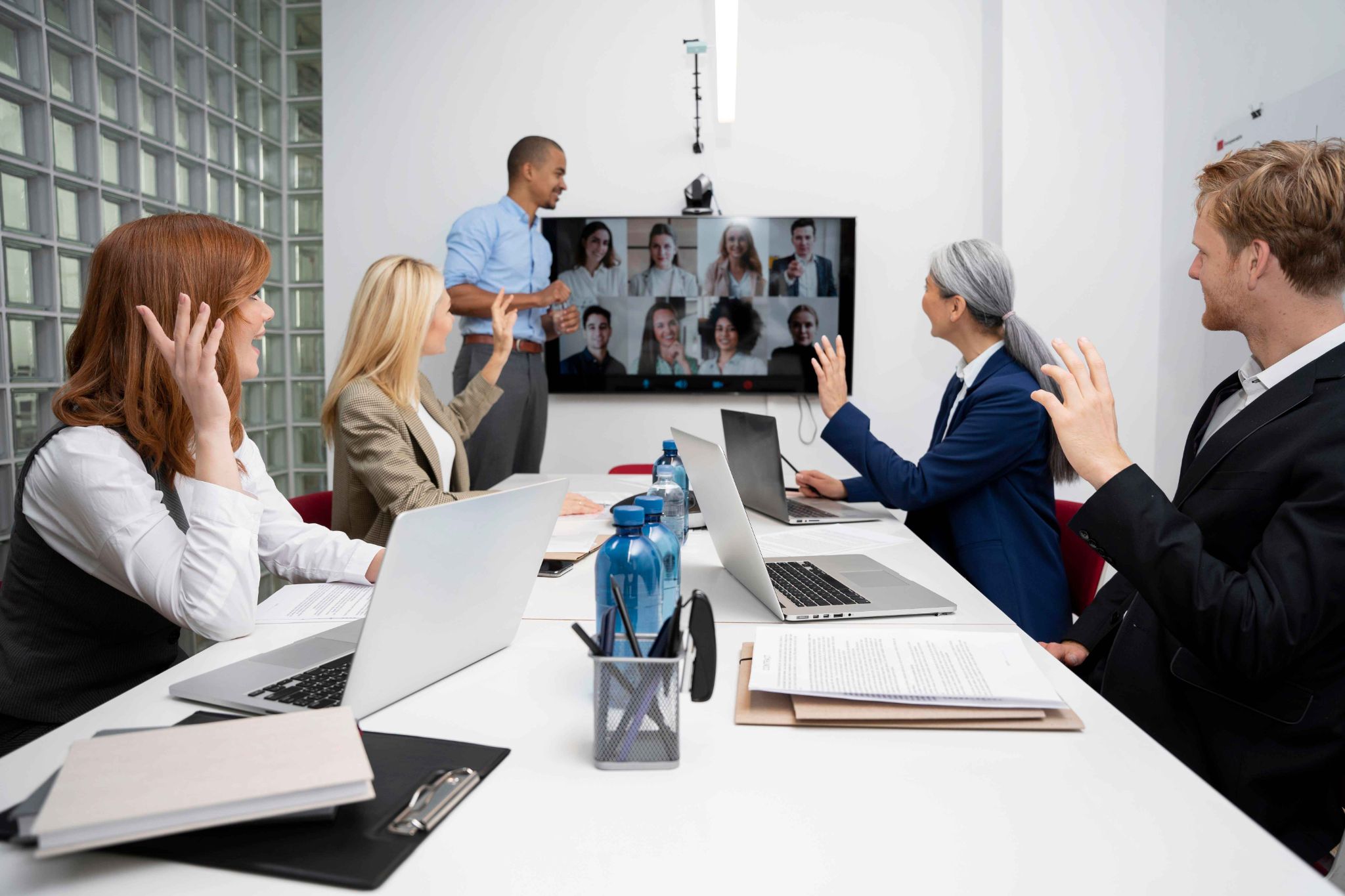
Strategy 4: Use Real-Time Attendance Visibility to Manage Collaboration
A persistent challenge in hybrid teams is knowing whether a colleague is currently available. In an office, you can see whether someone is at their desk. In a remote setting, you have to send a message and wait for a response. In a hybrid setting, you might not even know whether someone is in the office or working from home on a given day.
Real-time attendance visibility gives managers and team members a live view of who is currently clocked in and working. This makes it much easier to coordinate spontaneous collaboration and to know when a colleague is likely to be responsive.
OpenTimeClock provides a real-time attendance dashboard that shows which employees are currently clocked in, which are on a break, and which have not yet started their day. This live view is accessible to managers from any device and can help coordinate work in real time rather than waiting for a scheduled meeting to discuss something that could be resolved in a five-minute conversation.
For team members who need to collaborate across locations, knowing that a remote colleague is currently clocked in and working is much more useful than sending a message and not knowing whether it will be seen for hours. Real-time attendance data provides that confidence and enables faster, more natural collaboration across the hybrid divide.
Strategy 5: Build Consistent Communication Channels Into the Workflow
In hybrid teams, communication gaps are one of the most common sources of misalignment. Remote employees miss the informal updates that happen in the office. In-office employees forget to communicate decisions made in hallway conversations to their remote colleagues. Important information lives in different systems that not everyone checks regularly.
Consistent, centralized communication channels that are used equally by in-office and remote employees reduce these gaps. When all work-related communication happens in the same platform, regardless of whether the sender and recipient are in the same building, every team member has access to the same information at the same time.
OpenTimeClock includes a built-in messaging feature that allows direct communication between managers and employees within the platform. Shift updates, attendance notifications, leave approvals, and operational messages all happen in the same system where time and attendance are tracked. This centralization means that important work information is less likely to be missed by remote employees who are not physically present for office conversations.
Why OpenTimeClock Is the Right Tool for Hybrid Team Synchronization
OpenTimeClock is a free, cloud-based workforce management platform that delivers the core technical infrastructure for effective Hybrid Team Synchronization. It provides identical attendance tracking standards for in-office and remote employees through a combination of tablet kiosk clock-in with facial recognition and mobile GPS clock-in. It centralizes scheduling in one platform that is accessible to every team member from any device.
It provides real-time attendance visibility so managers always know who is working and where. It manages leave requests and PTO balances consistently for all employees regardless of location. And it generates detailed reports that support evidence-based management of hybrid working arrangements.
The built-in messaging feature keeps work communication centralized in the same platform where time and attendance are managed. Automated notifications keep everyone informed of schedule changes, overtime thresholds, and attendance exceptions without requiring manual follow-up. And payroll exports ensure that the consistent attendance data captured for the hybrid team flows smoothly into payroll processing.
Sign up for free at OpenTimeClock and start building the synchronization systems your hybrid team needs to thrive.
Conclusion
Hybrid Team Synchronization is one of the defining management challenges of the current era. Getting it right requires more than good intentions and a flexible attitude. It requires deliberate structures, consistent processes, equal standards, and the right tools to make all of that work in practice.
The strategies covered in this article, from centralized scheduling to standardized attendance tracking to consistent leave management to real-time visibility, all share a common thread. They replace informal, location-dependent processes with formal, digital processes that work equally well for every team member regardless of where they are working.
OpenTimeClock provides the technical foundation for most of these strategies, for free, and in a single platform that any business can set up and start using today.
FAQ’s
Q1. What is hybrid team synchronization and why is it important in 2026?
Hybrid Team Synchronization is the set of strategies and tools that organizations use to keep remote and in-office employees aligned, accountable, and connected. It matters in 2026 because hybrid work is now the default arrangement for many businesses, and without deliberate synchronization practices, hybrid teams develop inequalities in visibility, accountability, and connection that undermine both performance and employee satisfaction.
Q2. How does OpenTimeClock support hybrid team synchronization?
OpenTimeClock provides consistent attendance tracking for both in-office employees through tablet kiosk clock-in and remote employees through GPS mobile clock-in. It centralizes scheduling in one platform accessible to all team members. It provides real-time attendance visibility for managers.
Q3. How can equal attendance tracking standards improve hybrid team culture?
When the same attendance standards and processes apply to all employees regardless of whether they work in the office or remotely, it removes a significant source of perceived unfairness in hybrid teams. Remote employees feel held to the same standard as their in-office colleagues rather than being less accountable.
Q4. Can OpenTimeClock handle attendance tracking for employees in multiple time zones?
Yes. OpenTimeClock supports time zone configuration at the company level, ensuring that attendance records and schedules are displayed accurately for employees in different locations. All clock-in data is stored with precise timestamps that account for time zone differences, making it straightforward to manage a geographically distributed hybrid team from a single centralized platform.
Q5. Is OpenTimeClock free for businesses managing hybrid teams?
Yes. OpenTimeClock is completely free to use with no credit card required. The free plan includes tablet kiosk and mobile GPS clock-in, facial recognition and photo verification, real-time attendance dashboard, shift scheduling with shared visibility, PTO management, overtime alerts, detailed reporting, built-in messaging, and payroll exports.