Hubstaff vs Time Doctor: Which Time Tracking App Wins for Accuracy and Automation?
Compare Hubstaff vs Time Doctor on accuracy, automation, and pricing. See why OpenTimeClock is a smarter choice for attendance-focused businesses.
Choosing a time tracking tool is not as simple as it sounds. The market is full of options, each promising to save time, improve accuracy, and automate payroll. Two of the most widely compared tools are Hubstaff and Time Doctor. Both are popular, well-reviewed, and packed with features. But they serve different needs and come with different trade-offs.
When business owners search for Hubstaff vs Time Doctor, they are usually trying to answer one core question: which tool will actually make workforce management easier? This article breaks down both platforms honestly and clearly. It also introduces a third option that many businesses find delivers better value for attendance management specifically.
What Is Hubstaff?
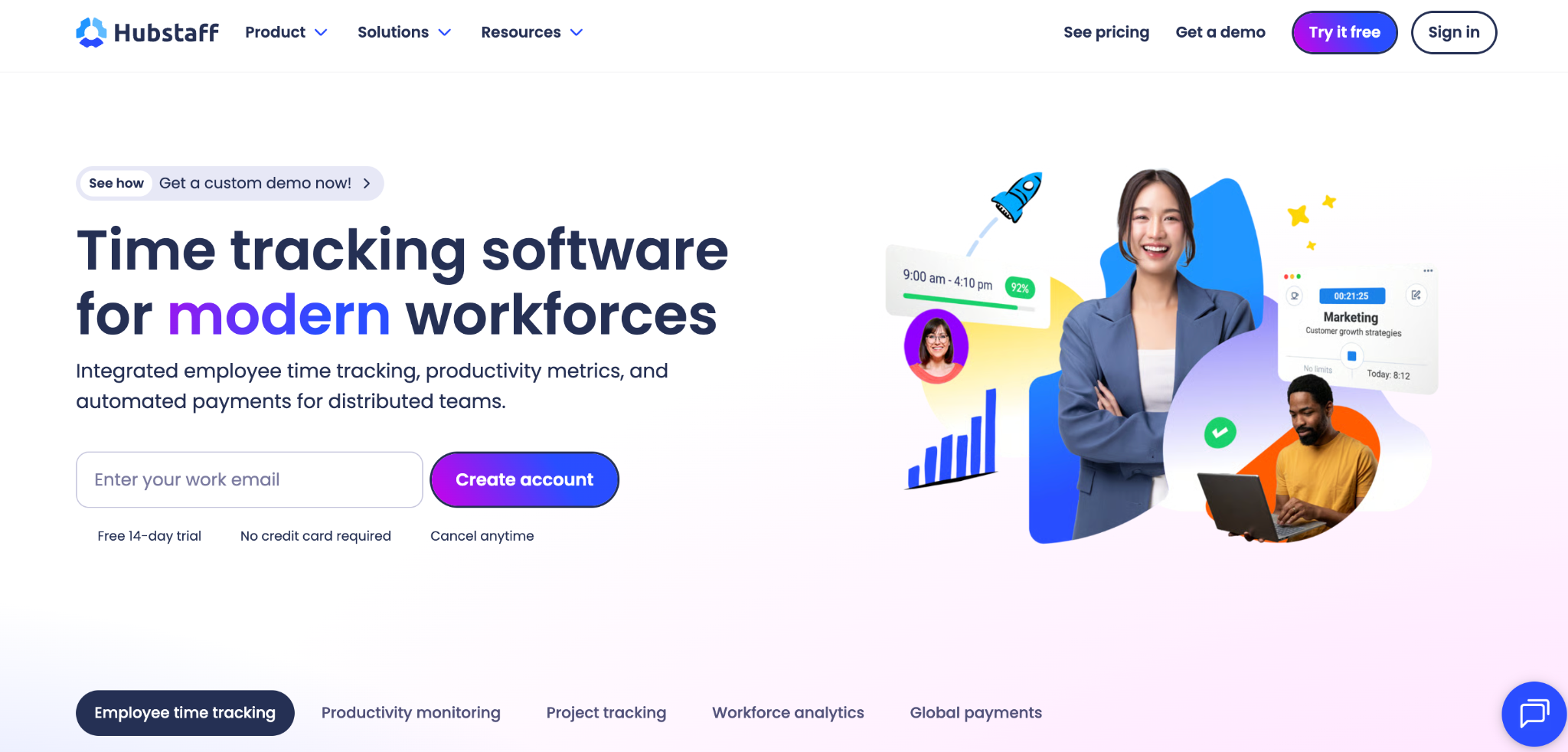
Hubstaff is a time tracking and workforce management platform designed for remote teams, hybrid teams, and field-based employees. It was built around the idea that managers need visibility into where their team is working and how their time is being spent.
Hubstaff includes time tracking through desktop, web, and mobile apps. It also offers GPS location tracking, geofencing, employee scheduling, project budgeting, timesheet approvals, automated payroll, and client invoicing. The platform is well-suited for businesses that need to track both time and operational costs in one place.
Hubstaff's core strengths include GPS location tracking for remote and field workers, project management and team scheduling, and payroll and invoicing integration with third-party platforms.
Hubstaff offers four pricing tiers. The Starter plan begins at $7 per seat per month. The Grow plan is $9 per seat per month and adds tasks and project budgeting. The Team plan at $12 per seat per month adds extensive monitoring with unlimited screenshots and timesheet approvals. The Enterprise plan starts at $25 per seat per month and adds advanced security features and full customization.
What Is a Time Doctor?
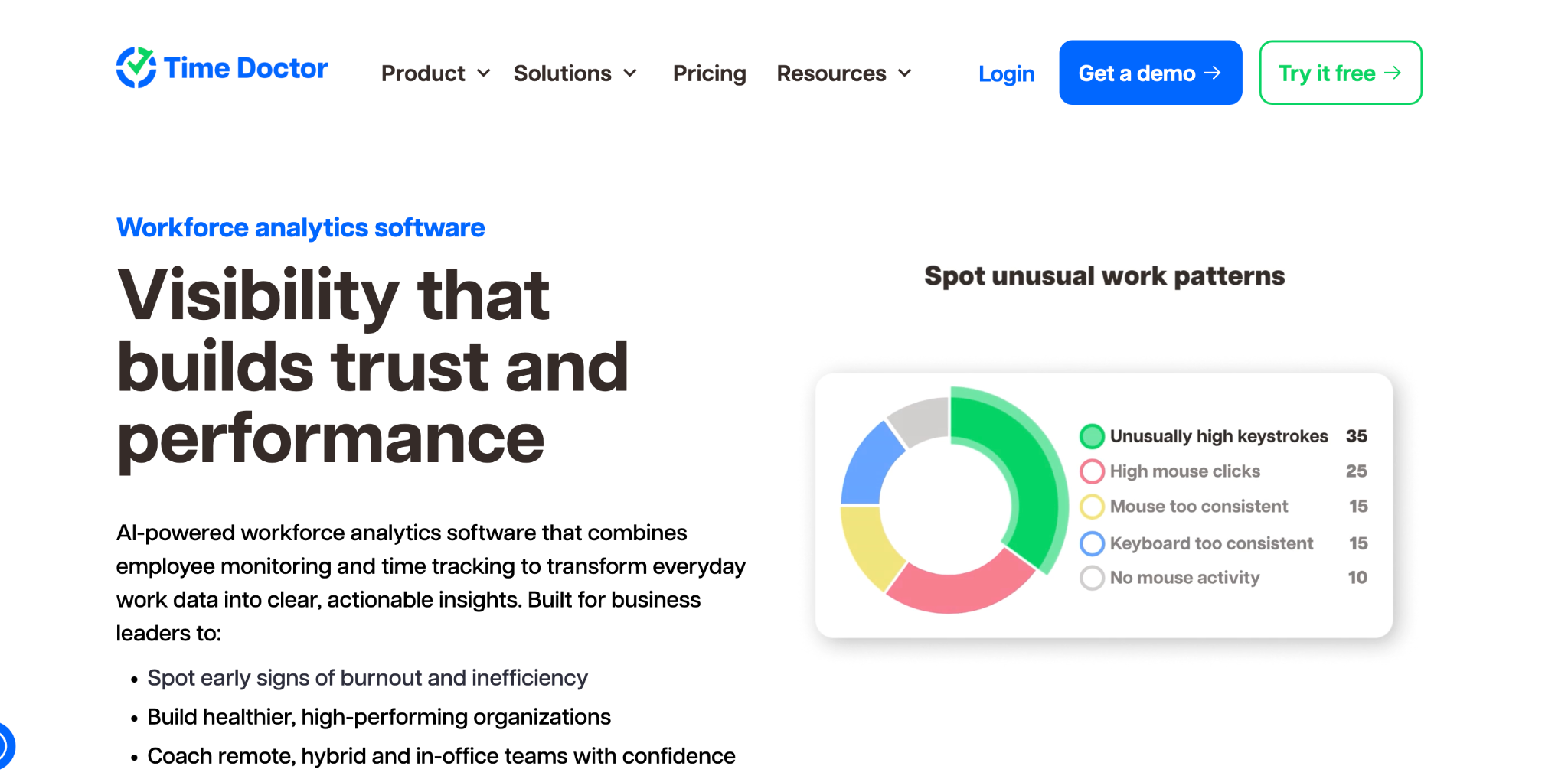
Time Doctor is a time tracking and employee monitoring platform focused on productivity analysis. It is built for distributed teams, remote workers, and businesses that want detailed insight into how their employees spend their working hours.
Time Doctor turns work signals into clear, actionable visibility so managers can lead with trust and coach with data across remote, hybrid, and in-office teams. It tracks time spent on tasks and projects, generates reports that highlight trends and bottlenecks, reviews website and app usage data, and automates payroll and client billing based on verified hours worked.
Time Doctor goes further than Hubstaff in employee monitoring. Time Doctor provides more advanced monitoring and detailed reporting, including automated time tracking, screenshot capture, keystroke tracking, and website and app usage monitoring. Its productivity ratings and comprehensive reports factor in metrics such as activity levels, project and task completion, and idle time.
Hubstaff vs Time Doctor: Core Feature Comparison
When comparing Hubstaff vs Time Doctor directly, the differences become clear across several key areas. Understanding these differences will help you determine which tool is the better fit for your team.
Time Tracking Accuracy
Both platforms offer accurate time tracking through desktop apps, web browsers, and mobile devices. Both Time Doctor and Hubstaff support automatic time tracking, manual time entry, and timer-based tracking through mobile and desktop apps.
Hubstaff adds a Chrome extension and supports timesheet approvals, which gives managers more control over recorded hours before they are sent to payroll. Time Doctor uses continuous background tracking and focuses on capturing exactly what employees are working on at every moment.
Both tools handle core time tracking well, but they feel different. Time Doctor is built around the idea that tracked time should lead directly into productivity analysis. Hubstaff's time tracking feels more connected to operations because the same data can feed project budgets, payroll, client billing, and field team workflows.
Automation Features
Hubstaff automates timesheet generation, overtime calculations, payroll processing, and client invoicing. It integrates with popular payroll platforms including Gusto, PayPal, Wise, and Payoneer. These automation tools make it a strong choice for businesses that need to streamline the entire billing and payment workflow.
Time Doctor also automates payroll through integrations, but its native billing support is more limited. Time Doctor supports payroll via integrations but has limited billing support and lacks native invoicing or cost control features, while Hubstaff provides a more streamlined, all-in-one payment workflow.
Employee Monitoring
This is where the two platforms differ most significantly. Time Doctor is the heavier monitoring tool. Time Doctor includes screen recording on premium plans, distraction alerts, idle-time detection, and URL tracking. These features are clearly built for teams that want close visibility into what happens during the workday.
Hubstaff also offers monitoring features, but it frames them differently. Hubstaff offers optional screenshots up to three per ten minutes, app and URL usage, idle time tracking, activity levels, and employee monitoring, but it frames these features more around transparency and accountability than constant surveillance.
The heavier monitoring in Time Doctor is a double-edged sword. It gives managers detailed data, but some employees find it intrusive. Teams that value trust and privacy may react negatively to constant screenshot capture and keystroke tracking.
GPS and Location Tracking
Hubstaff has a stronger GPS feature set. Hubstaff provides GPS location tracking, which management can use to track remote workers and field workers on job site visits via the GPS locator in the mobile app. It also supports geofencing, which restricts clock-ins to approved locations.
Time Doctor offers basic location features but is not built primarily for field workforce management. If your business has employees working at multiple sites or in the field, Hubstaff is the stronger option on GPS capabilities.
Scheduling and Attendance Management
Hubstaff offers an all-in-one attendance management system, while Time Doctor's PTO and time-off functions are limited. Time Doctor includes basic scheduling and attendance tracking features but lacks a comprehensive leave management system for time-off and PTO, meaning teams often rely on additional tools for full visibility into team availability and planning.
For businesses that need scheduling, shift management, and leave tracking in one place, Hubstaff is the better fit.
Reporting and Analytics
Both platforms offer strong reporting. Time Doctor pushes harder on analytics, offering timeline reports, hours tracked reports, web and app usage, custom exports, executive dashboards, unusual activity reporting, and work-life balance metrics.
Hubstaff's reporting is strong but more operationally focused. It connects time data to project budgets, payroll reports, client billing summaries, and compliance records. According to SelectHub's analysis, Hubstaff excels with dashboards and reporting, earning an impressive 97 out of 100.
The Problem Both Platforms Share
When you examine Hubstaff vs Time Doctor closely, you notice that both platforms are built primarily for remote team management and employee productivity monitoring. They are excellent tools for that specific use case.
However, many businesses do not need screenshot capture, keystroke tracking, or detailed productivity analytics. They simply need accurate attendance tracking, reliable clock-in and clock-out records, payroll-ready reports, and basic scheduling tools.
For these businesses, both Hubstaff and Time Doctor are over-engineered and overpriced. You end up paying for extensive monitoring features that your team does not use and that your employees may actually resent.
Why OpenTimeClock Is the Better Choice for Attendance-Focused Businesses
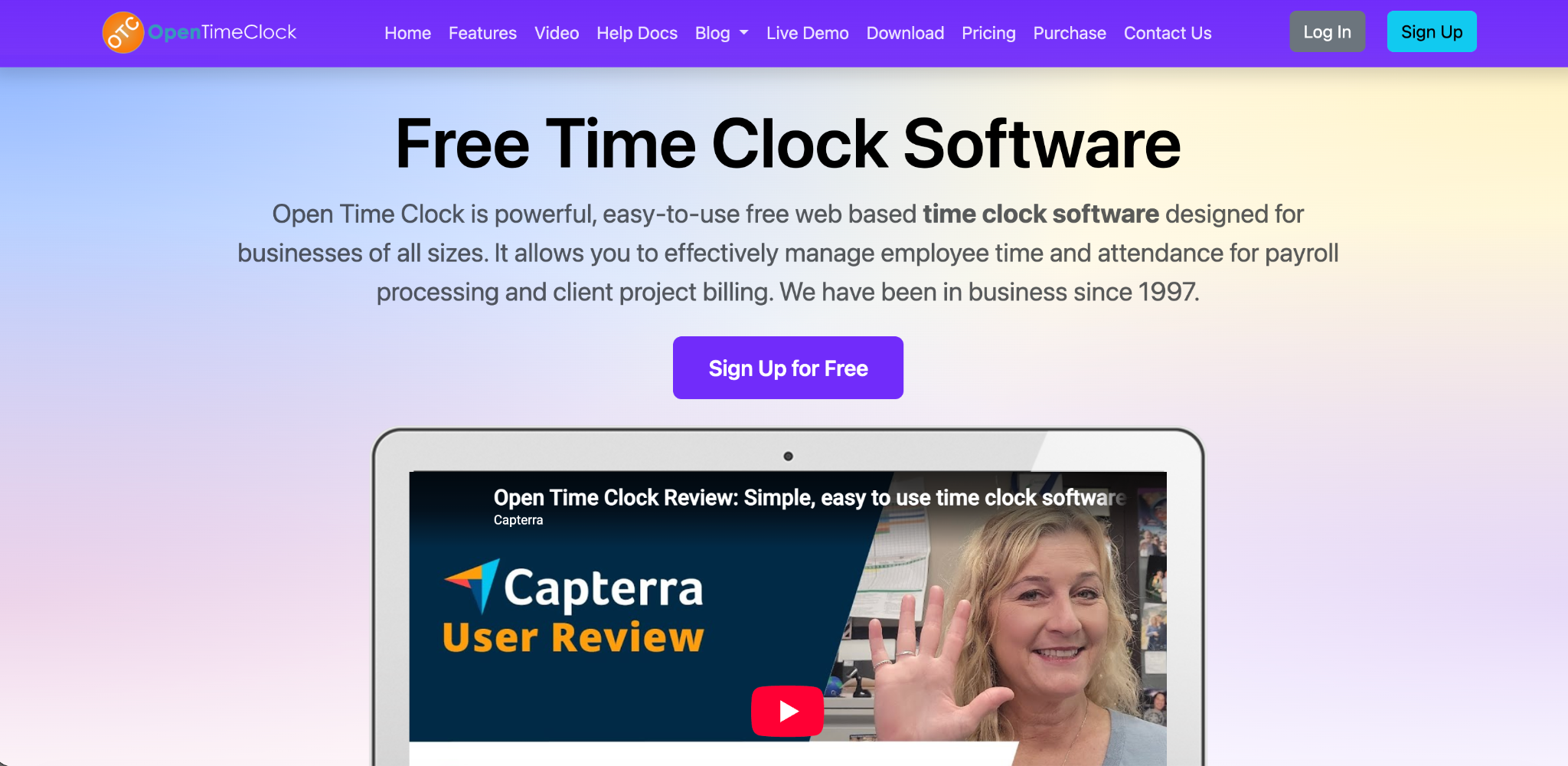
If your priority is accurate employee attendance tracking rather than remote productivity monitoring, OpenTimeClock is a stronger, simpler, and more affordable option.
OpenTimeClock is a cloud-based time and attendance platform built specifically for workforce attendance management. It covers everything from clock-in to payroll export without the complexity or cost of monitoring-heavy tools like Hubstaff or Time Doctor.
Here is what OpenTimeClock offers that neither Hubstaff nor Time Doctor can match on its own.
Biometric Clock-In Options
OpenTimeClock supports facial recognition as a built-in feature. Employees simply look at the camera and the system verifies their identity in under a second. No PINs, no cards, no shared passwords. This completely eliminates buddy punching and time fraud at the point of entry.
It also supports RFID and NFC card readers, QR code scanning, PIN entry, and barcode scanning. No other single platform in this comparison offers this range of contactless clock-in options natively.
GPS Tracking and Geofencing
OpenTimeClock's geofencing feature allows administrators to create location boundaries around each work site. Employees can only clock in when they are physically within the approved area. Every clock-in is recorded with a GPS address and an optional timestamped photo. This creates a detailed, verifiable attendance record without any monitoring of screen activity or keystrokes.
Real-Time Alerts and Payroll Integration
OpenTimeClock sends real-time alerts for missed punches, late arrivals, and unapproved overtime. Managers get instant visibility into attendance without having to monitor screens or productivity scores.
The platform integrates with payroll, accounting, and HR systems and exports data in PDF, Excel, CSV, and other formats. It also generates over 80 predefined attendance reports that give payroll teams everything they need to process accurate payments.
Free Plan with Unlimited Users
This is where OpenTimeClock stands clearly apart from both Hubstaff and Time Doctor. OpenTimeClock offers a completely free plan with unlimited managers and unlimited employees. All core attendance features are included at no cost.
Hubstaff starts at $7 per seat per month. Time Doctor starts at $7 per user per month. For a team of 50 employees, that is at least $350 per month before add-ons. OpenTimeClock delivers comparable attendance tracking for free.
Which Tool Should You Choose?
The right choice depends entirely on what your business actually needs. If you manage a remote or hybrid team and you need deep productivity analytics, screenshot monitoring, and project cost tracking, Time Doctor is built for that use case. It gives you the most detailed insight into how your remote employees spend their time.
If you need a broader workforce management platform that combines time tracking, GPS field tracking, payroll automation, and invoicing, Hubstaff is the stronger operational tool. It is especially good for businesses with field teams or project-based billing needs.
If your core need is accurate, reliable attendance tracking for on-site or distributed employees with minimal complexity and cost, OpenTimeClock is the best option. It offers biometric clock-ins, GPS tracking, geofencing, payroll integration, and automated reports on a free plan that neither Hubstaff nor Time Doctor can come close to matching on price. Visit OpenTimeClock today to explore all features and get started for free.
Conclusion
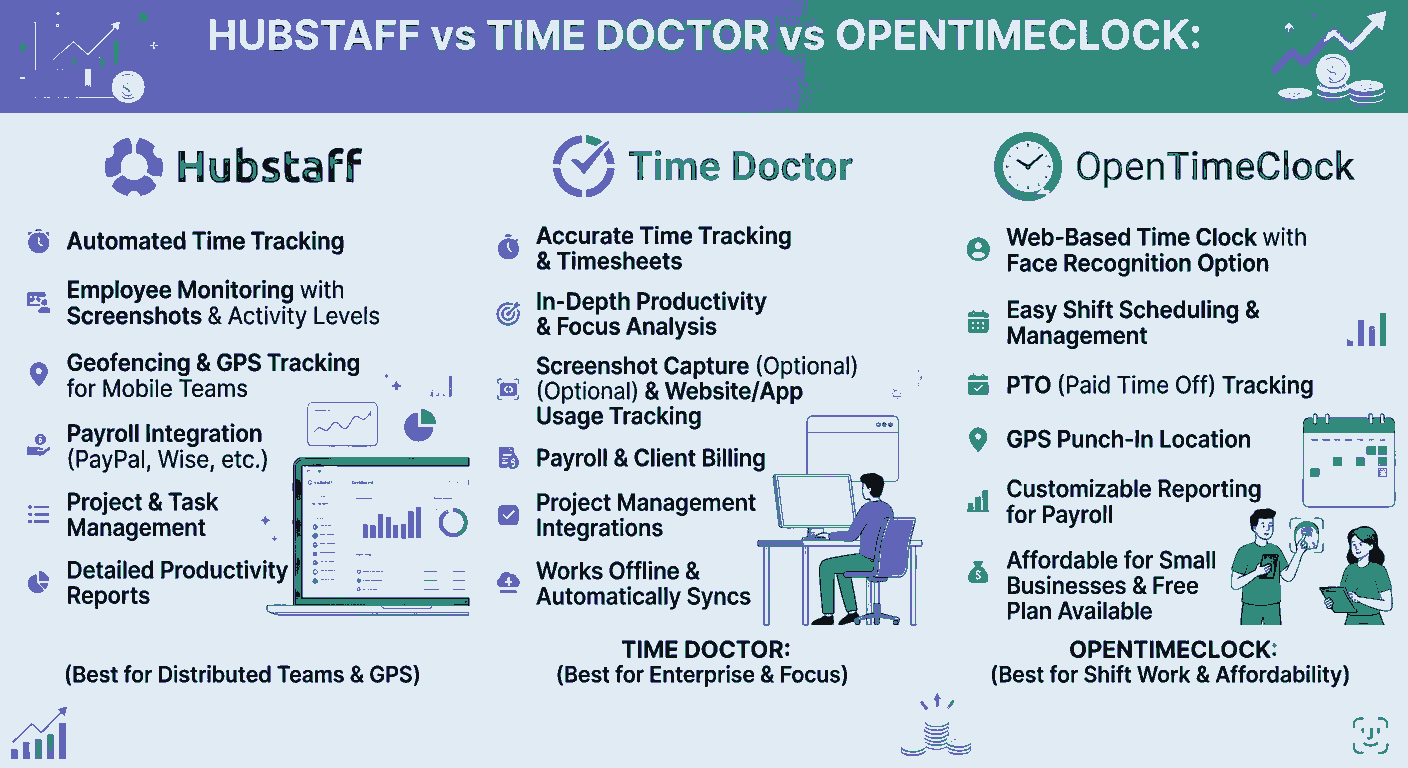
The Hubstaff vs Time Doctor comparison shows two solid but narrow tools. Hubstaff wins for field team management and operational workflows. Time Doctor wins for remote productivity monitoring and analytics. Both come with costs that add up quickly once you go beyond the base plan.
For the majority of businesses that simply need accurate attendance tracking, payroll-ready reports, and fraud-free clock-ins, neither platform is the ideal fit. OpenTimeClock delivers all of this at a fraction of the cost. It is purpose-built for attendance management and designed to work for teams of any size, in any industry.
If you are still comparing Hubstaff vs Time Doctor and feeling like neither quite fits what you need, OpenTimeClock is worth a serious look. Try it free at opentimeclock.com.
FAQ’s
1. What is the main difference between Hubstaff and Time Doctor?
Hubstaff is a workforce management platform built for operational needs like GPS tracking, project budgeting, scheduling, and payroll automation. Time Doctor is a productivity monitoring tool built for remote and hybrid teams that need detailed visibility into how employees spend their time.
2. Which is better for remote teams, Hubstaff or Time Doctor?
Both tools are well-suited for remote teams, but they serve different goals. Time Doctor is better if you want detailed monitoring including screenshots, distraction alerts, and productivity ratings. Hubstaff is better if you need to manage project costs, automate payroll, and track field workers using GPS. For purely attendance-based remote tracking.
3. Are Hubstaff and Time Doctor good for on-site employees with shift-based schedules?
Neither tool is specifically designed for on-site, shift-based workforces. Both are primarily built for remote and hybrid teams. They do not support biometric clock-ins like facial recognition or RFID card scanning, which are standard features in dedicated attendance systems.
4. How does OpenTimeClock compare to Hubstaff and Time Doctor on pricing?
Hubstaff starts at $7 per seat per month and Time Doctor starts at $7 per user per month, with costs rising significantly when add-ons are included. OpenTimeClock offers a completely free plan with unlimited managers and employees that includes all core attendance tracking features.
5. Does OpenTimeClock offer the same accuracy as Hubstaff or Time Doctor?
Yes. OpenTimeClock captures attendance data with precise timestamps at every clock-in event. It uses facial recognition, GPS coordinates, and optional photo verification to create a detailed, verifiable record of who clocked in, when, and from where. For attendance accuracy, OpenTimeClock is comparable to or better than both Hubstaff and Time Doctor.