How Trucking Companies Track Driver Hours and Stay Compliant
Learn how trucking companies track driver hours for HOS compliance, payroll accuracy, and DOT regulations using digital time tracking and GPS verification tools.
The trucking industry operates under some of the most detailed and strictly enforced workforce compliance requirements of any sector in the economy. Commercial truck drivers are subject to federal Hours of Service regulations that limit how long they can drive and how long they must rest before driving again. These rules exist for public safety reasons and are enforced by the Federal Motor Carrier Safety Administration with fines, out-of-service orders, and in serious cases, carrier license suspension.
At the same time, trucking companies track driver hours not just for HOS compliance but also for payroll accuracy, labor law compliance, fuel cost management, and fleet efficiency analysis. The hours data that a trucking company needs for regulatory compliance overlaps significantly with the hours data it needs for accurate payroll, but the two systems are not always the same and not always connected.
In this article we will explain the regulatory landscape for driver hours, the challenges of accurate tracking in a mobile workforce, and how Open Time Clock provides the GPS-verified, identity-confirmed time tracking tools that support both compliance and payroll accuracy for trucking operations.
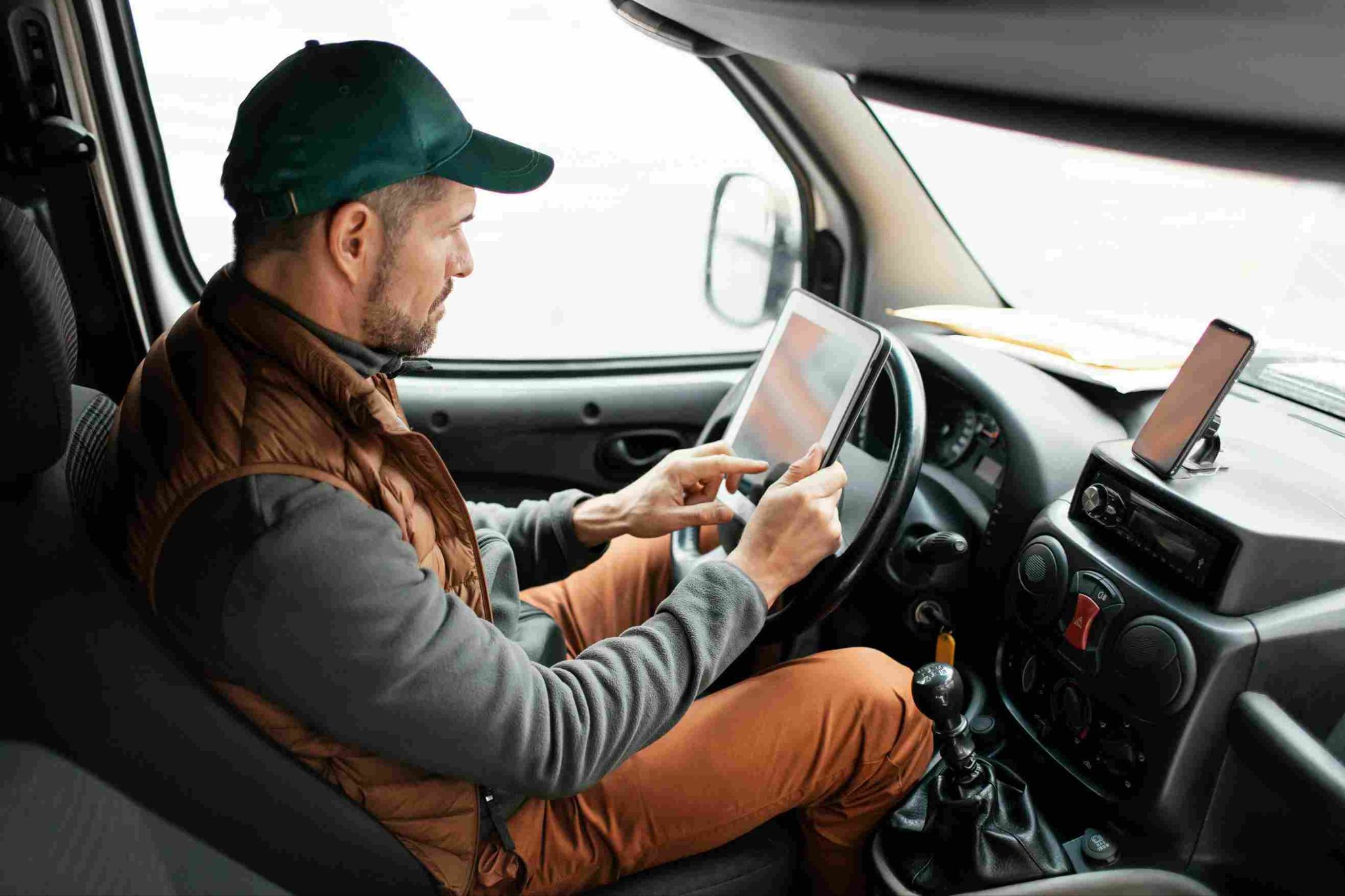
The Regulatory Framework: Hours of Service Rules
The federal Hours of Service regulations set maximum limits on driving time and minimum requirements for rest periods for commercial motor vehicle drivers. The core rules for property-carrying drivers include a limit of 11 hours of driving following 10 consecutive hours off duty, a 14-hour window from the start of the workday within which all driving must occur, a 30-minute break requirement after 8 hours of driving without a break, and a 60/70 hour limit on driving within 7/8 consecutive days.
These rules apply specifically to driving time, not to all hours on duty. A driver who spends time at a loading dock waiting to be loaded, completing paperwork, or performing pre-trip vehicle inspections is on duty but not driving. The distinction between on-duty time, driving time, and off-duty time must be tracked separately and accurately.
The FMCSA's Electronic Logging Device mandate requires most commercial motor vehicle drivers to use an ELD to automatically record driving time. ELDs capture driving activity by connecting directly to the vehicle's engine and recording motion. This eliminates the possibility of falsifying driving time records, which was a significant compliance problem under the previous paper log system.
However, ELDs record driving time. They do not necessarily record all on-duty non-driving time accurately, and they are not designed to serve as general workforce time tracking systems for payroll purposes. The gap between what the ELD captures and what the payroll system needs is where many trucking companies track compliance challenges arise.
The Difference Between HOS Compliance Tracking and Payroll Time Tracking
Many trucking operators assume that their ELD data covers all of their time tracking needs. This assumption leads to payroll errors and compliance gaps.
ELD data captures engine-on driving time and certain on-duty statuses that drivers must log manually through the ELD interface. It does not automatically capture non-driving work activities such as time spent at shipper or receiver facilities waiting for loads, fueling time, administrative tasks performed at the terminal, pre-trip and post-trip inspection time not recorded through the ELD, and time spent on safety training or meetings.
All of these non-driving work activities are compensable under wage and hour law for non-exempt drivers. When they are not captured accurately, drivers are underpaid and the company has a wage liability that accumulates with every missed entry.
Additionally, ELD data is organized around federal HOS categories, not around the payroll period and pay rate categories that a payroll system needs. Converting ELD data into payroll inputs typically requires significant manual processing that introduces errors.
The most effective approach is for trucking companies track all hours using both an ELD for HOS compliance and a supplementary time tracking system for complete on-duty time capture and payroll preparation.
The Challenges of Time Tracking in a Trucking Operation
Time tracking for truck drivers is more complex than time tracking for employees who work at a fixed location. The specific challenges that trucking operations face include the following.
Drivers Work Across Multiple States and Time Zones
A driver who starts a trip in Texas, delivers in Tennessee, and returns through Georgia may be subject to different state wage and hour laws during different legs of the journey. Multi-state hour tracking requires not just recording total hours but capturing when and where hours were worked so that the correct state rules can be applied to each portion of the week.
On-Duty Non-Driving Time Is Often Underreported
Waiting time at shipper and receiver facilities is one of the most commonly underreported categories of driver work time. Drivers who wait two hours to be loaded or unloaded may not think to record that waiting time, or may round it down informally when completing their records. Over the course of a week, unreported waiting time can add up to several hours of uncompensated work.
Drivers Are Not at a Fixed Location
Unlike office workers who walk to a fixed time clock device at the start and end of their shift, truck drivers clock in from wherever their truck is parked. This mobility requires clock in methods that work from any location without dedicated hardware at a fixed site.
Multiple Trips and Multiple Stops in a Single Day
A local delivery driver may make dozens of stops in a single day, with potential time recording needs at each stop for delivery time, customer contact time, and waiting time. Capturing all of this detail accurately requires a system that is simple enough to use at every stop without taking significant time away from the driving and delivery work.
How Open Time Clock Supports Trucking Time Tracking
Open Time Clock is designed for mobile workforces and provides the GPS-verified, identity-confirmed time tracking that trucking operations need to capture all compensable hours accurately and efficiently.
GPS Verified Clock In From Any Location
Open Time Clock's GPS tracking and geofencing features allow drivers to clock in and out from anywhere using the mobile app on their smartphone. Every clock in event captures the driver's exact GPS coordinates at that moment, creating a location-verified record of where the driver was when they began or ended a work period.
This GPS verification serves multiple purposes. It confirms that the hours being claimed were genuinely worked at the locations where the driver was supposed to be. It provides documentation of service times at shipper and receiver facilities that can be used to resolve disputes about detention time. And it creates a geographic record that supports multi-state wage compliance calculations by showing when the driver crossed state lines.
For trucking companies track that have terminal locations where drivers begin and end their day, geofences around the terminal ensure that the driver's on-duty clock in is recorded the moment they arrive at the terminal and their off-duty clock out is recorded when they leave. This eliminates the manual recording of terminal time that drivers often underreport.

Facial Recognition for Driver Identity Verification
Open Time Clock's facial recognition feature verifies the identity of the person clocking in through AI-powered biometric matching. For trucking companies that need to ensure that the hours records associated with a specific driver genuinely reflect that driver's work pattern, facial recognition provides the identity confirmation that manual systems cannot.
This is particularly relevant when multiple drivers may share access to the same device or when owner-operators logging hours on behalf of their own operation need clear documentation linking their hours to their identity for compliance purposes.
Department and Job Code Tracking for Multiple Activity Types
Trucking companies need to distinguish between different types of on-duty time for both payroll and reporting purposes. Open Time Clock's department and job code features allow drivers to clock in to different categories such as driving, loading or unloading, waiting, fueling, pre-trip inspection, and administrative tasks.
This category-level tracking produces the detailed breakdown of on-duty time that payroll calculations require when different activities are compensated at different rates, and it creates the documentation of non-driving on-duty time that wage and hour compliance requires.
QR Code Clock In for Terminal and Facility Check-Ins
Open Time Clock's QR code time tracking feature allows trucking companies to place QR codes at terminal locations, loading docks, fuel stations, and other fixed points where recording time is important. Drivers scan the code when they arrive and leave, creating an instant, timestamped record tied to that specific location.
For company terminals where multiple drivers begin and end their shifts, a QR code posted at the terminal entrance creates a consistent and accurate check-in record without requiring each driver to navigate a time tracking app during the busy shift start period.
Comprehensive Payroll Reporting for All Compensable Hours
Open Time Clock generates over 80 report formats covering total hours, hours by category, hours by location, overtime, and individual driver attendance histories. For trucking payroll, reports that show each driver's total compensable hours by category and by day provide the complete input needed for payroll processing without manual compilation from multiple sources.
Reports export in Excel and PDF formats. For trucking companies that bill clients for driver time or detention time at facilities, the location-verified time records provide documentation that supports invoicing and dispute resolution.
Overtime and Wage Compliance for Truck Drivers
The relationship between HOS regulations and wage and hour law creates a compliance complexity that many trucking companies track inadequately. HOS rules limit how much drivers can work for safety reasons. Wage and hour laws require payment for all hours worked regardless of HOS limits.
Non-exempt truck drivers who work more than 40 hours in a workweek are entitled to overtime pay at one and a half times their regular rate for the excess hours under federal law. Some states have daily overtime thresholds that apply to drivers working within those states.
When driver hours include a significant component of non-driving on-duty time that is not captured in ELD data, the actual number of compensable hours for the week may significantly exceed what the company believes it is paying for. This gap between ELD hours and actual compensable hours is a common source of wage claims in the trucking industry.
Complete time tracking through Open Time Clock captures all compensable time including non-driving on-duty periods, ensuring that overtime calculations are based on total actual hours rather than just the driving hours that ELD systems capture automatically.

Conclusion
The way trucking companies track driver hours determines both their regulatory compliance and their payroll accuracy. ELD systems handle the HOS compliance side of the equation for driving time. But the full picture of compensable driver time, including all on-duty non-driving activities, requires a supplementary time tracking system that works in mobile environments and captures hours by activity category with GPS location verification.
Open Time Clock provides exactly this capability, completely free. GPS-verified mobile clock in, facial recognition, QR code facility check-ins, job code tracking for activity categories, and comprehensive payroll reporting give trucking companies the complete driver hours record they need for both compliance and payroll.
FAQ’s
Q1. How do trucking companies track driver hours for both HOS compliance and payroll purposes?
Most trucking companies track driving hours through FMCSA-mandated Electronic Logging Devices that automatically capture driving time by connecting to the vehicle engine. For payroll purposes, a supplementary time tracking system is needed to capture all compensable non-driving on-duty time that ELDs do not automatically record, including waiting time, loading and unloading assistance, pre-trip inspections, and terminal time.
Q2. Are truck drivers entitled to overtime pay?
Non-exempt commercial truck drivers are entitled to overtime pay under the FLSA for hours worked beyond 40 in a workweek. However, a limited exemption exists for certain drivers engaged in interstate commerce whose driving hours are regulated by the Secretary of Transportation, commonly known as the Motor Carrier Exemption.
Q3. How does GPS tracking help trucking companies prove driver location for compliance purposes?
GPS location data recorded at every clock in event confirms where the driver was at the moment they began or ended a work period. For multi-state compliance, GPS records can establish which state the driver was in during which hours, supporting the application of the correct state wage rules. For detention time disputes with shippers or receivers, GPS timestamps at facility locations document arrival and departure times objectively. Open Time Clock's GPS geofencing creates automatic location boundaries around terminals and key facilities for consistent time capture.
Q4. What is detention time and how should trucking companies track it?
Detention time is the period a driver spends waiting at a shipper or receiver facility beyond the free time allocated for loading or unloading. It is compensable work time and is also a billable event for many carriers who charge customers for excessive detention.
Q5. Is Open Time Clock free for trucking companies tracking driver hours?
Yes. Open Time Clock is completely free with no credit card required, no per user fees, and no feature restrictions. GPS tracking and geofencing, facial recognition, QR code clock in, department and job code tracking for multiple activity categories, real-time overtime alerts, and over 80 payroll report formats are all available at no cost.