Flexible working has become one of the most important things employees look for in a job. The ability to start work at a time that suits their life, take breaks when needed, and manage their own schedule within agreed boundaries is no longer seen as a luxury. For many workers, it is a basic expectation.
Businesses that offer flexible working attract better talent, retain employees longer, and often see higher productivity because people work better when they have control over their time. But flexibility creates a real challenge for managers. If employees are working different hours every day, starting at different times, finishing at different times, and taking breaks whenever they choose, how do you know that the work is actually getting done? How do you ensure fairness across the team? How do you process payroll accurately when everyone's hours are different?
The answer is a flexible work hour tracker. This is a system that records exactly when each employee starts and stops working, without requiring them to follow a fixed schedule and without a manager watching over their shoulder every minute of the day.
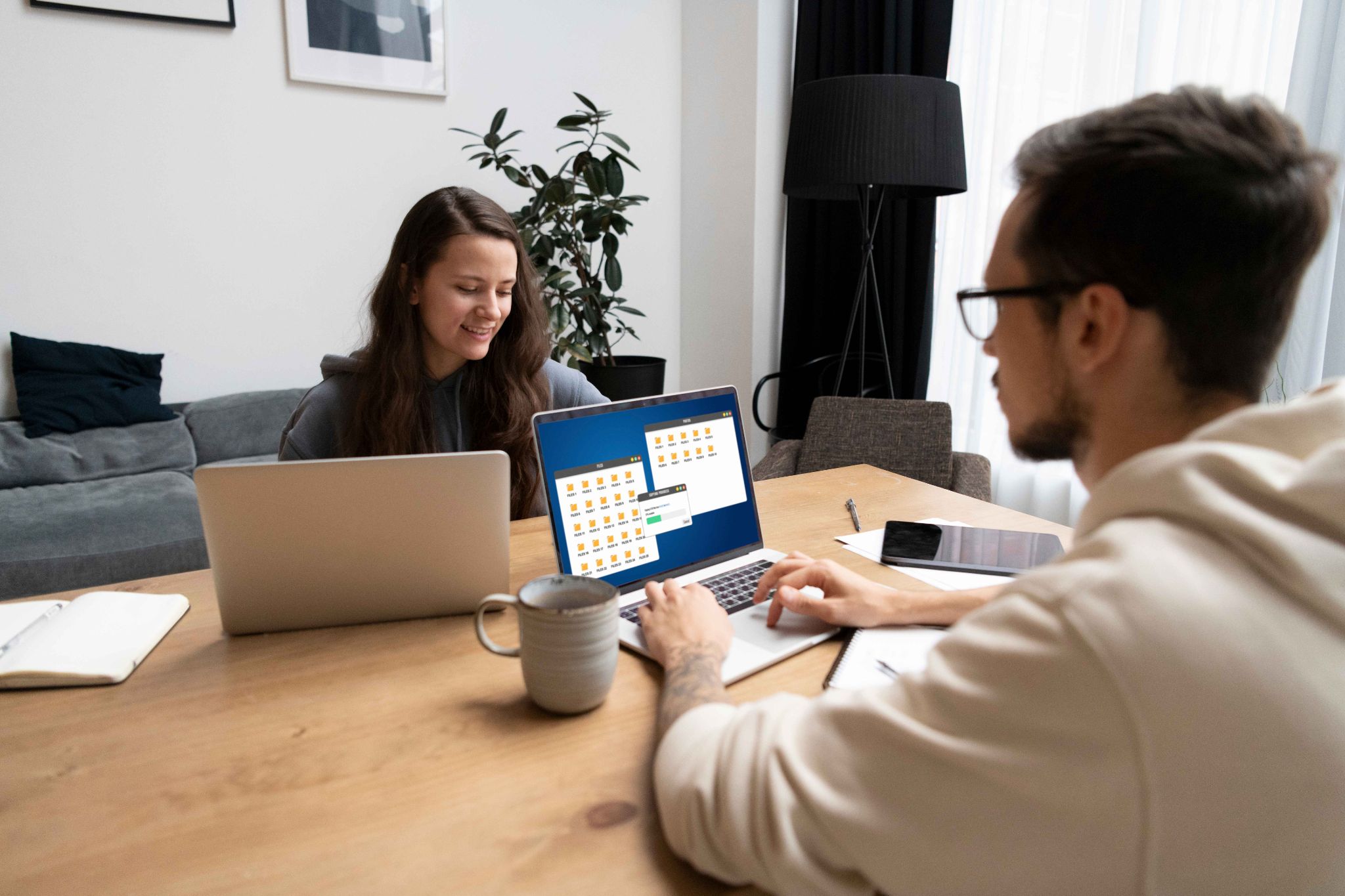
What Is a Flexible Work Hour Tracker
A flexible work hour tracker is a digital time tracking tool that records when employees start and end their working day without requiring them to follow a fixed schedule. Instead of clocking in at exactly nine and clocking out at exactly five every day, employees clock in when they start working and clock out when they stop. The system records the actual hours worked and calculates totals automatically.
The key difference between a flexible tracker and a standard time clock is that the flexible tracker does not enforce fixed start and end times. It simply records what actually happened. A manager can then review the total hours worked over the week or pay period to ensure that each employee has met their contractual obligation, whether that is thirty, thirty-seven and a half, or forty hours per week.
This approach respects the employee's autonomy over how they arrange their time while still maintaining an accurate record that management and payroll can rely on. The employee is trusted to manage their own schedule. The system provides the data to verify that the trust is well placed.
Why Flexible Working Needs Proper Tracking
Some managers assume that if they offer flexible working, tracking hours is less important. The employee is trusted to do their job, so why count the minutes? This thinking sounds good in principle but creates real problems in practice.
Without tracking, fairness breaks down quickly. One employee might work forty-five hours a week while another works thirty, both claiming to be working flexibly. Without data, neither the manager nor the employees themselves have a clear picture of whether the arrangement is working equitably.
Payroll becomes unreliable. If employees are paid for contracted hours but actually work varying amounts, inaccuracies pile up. Overtime goes unrecorded. Some employees are underpaid for extra hours. Others may be overpaid for hours they did not work. Without a record, it is impossible to know which situation applies.
Legal compliance becomes difficult. In many regions, employers are legally required to keep records of hours worked regardless of whether those hours are flexible. An employment dispute that asks how many hours a particular employee worked in a specific week requires a documented answer. Without a tracking system, you may not have one.
The Difference Between Tracking and Micromanaging
This is the point that matters most to employees who are worried about having their hours tracked. Micromanaging means a manager is watching what you are doing at every moment, questioning your decisions, checking in constantly, and making you feel like you are not trusted to do your job independently. It is stressful, demoralizing, and counterproductive.
Tracking hours is fundamentally different. A time tracking system records when you started working and when you stopped. It does not watch what you are doing during those hours. It does not check which websites you visited, which tasks you worked on in which order, or how many times you got up to make a coffee. It simply captures the boundaries of your working time.
The distinction is important to communicate clearly when introducing a flexible work hour tracker to your team. The system is not there to supervise. It is there to create an accurate record that protects both the employee and the employer.
For the employee, accurate time records mean accurate pay. They mean that overtime is captured and compensated correctly. They mean that if there is ever a dispute about whether someone worked a particular day, the record speaks for itself. These are protections for the employee, not surveillance tools against them.
OpenTimeClock is designed to make this distinction clear in practice. Employees clock in and out themselves through their personal account. They can see their own records at any time. Managers see the data and review it periodically rather than monitoring each employee's every move. The system creates transparency without surveillance.
Key Features a Flexible Work Hour Tracker Must Have
Not every time tracking system works well in a flexible working environment. Some systems are built around fixed schedules and create friction when employees do not follow a rigid timetable. A genuinely flexible tracker needs specific features to work effectively.
No fixed shift enforcement. The system should allow employees to clock in at any time without rejecting the clock-in because it does not match a scheduled start time. Managers can still set core hours or minimum hour requirements, but the clock-in itself should be unrestricted.
Total hours calculation by period. For flexible workers, the most important metric is not whether they started at exactly the right time but whether they worked the required number of hours over the week or month. The system must calculate and display total hours by period so both employees and managers can see whether the contracted hours are being met.
Access from any device. Flexible workers often work from different locations, including home, the office, client sites, and coffee shops. The tracking system must work from any device and any location so employees can record their time wherever they are working.

Employee self-service. Flexible workers need to be able to view their own hours, check their total for the week, and manage their own records without having to ask a manager for information. This self-service access supports autonomy and reduces the number of routine enquiries that managers have to handle.
Overtime visibility. When employees work flexible hours, overtime can accumulate without either the employee or the manager noticing. The system should track hours against overtime thresholds and alert the manager when an employee approaches or crosses the limit.
Project time logging. Many flexible workers are paid based on hours worked on specific projects rather than just total hours. The system should allow employees to log time against projects as they work, not just at the beginning and end of the day.
Setting Up a Flexible Work Hour Tracker Without Losing Control
The biggest fear managers have about flexible working is losing control of the team. If people can work whenever they want, what stops them from doing very little and claiming they worked a full week? How do you manage performance when everyone is on a different schedule?
A well-configured flexible work hour tracker addresses these concerns without reverting to rigid time controls. Here is how to set it up in a way that preserves flexibility for employees while maintaining appropriate oversight for managers.
Start by defining clear expectations. Every employee on a flexible arrangement should know their weekly or monthly hour commitment. They should know whether there are any core hours when they are expected to be available. And they should know how their hours will be reviewed and what happens if they consistently fall short.
Set up weekly hour summaries. Rather than reviewing individual clock-in times, configure your system to show you total hours worked by each employee each week. This gives you the overview you need without requiring you to scrutinize each individual start and finish time.
OpenTimeClock's reporting features make this kind of pattern analysis straightforward. Managers can generate weekly and monthly hour summaries for every employee, view overtime reports, and compare hours across team members to spot inconsistencies quickly.
How to Communicate Time Tracking to Your Flexible Team
Introducing a time tracking system to a team that already has flexible working requires careful communication. If employees feel that the tracker is a sign that their flexibility is being taken away or that they are no longer trusted, resistance will be strong.
The most important thing to communicate is the purpose. Be direct and honest. Tell your team that accurate time records benefit everyone. They ensure that overtime is captured and paid correctly. They provide a factual basis for performance conversations. They protect employees in any dispute about hours worked. And they help the business manage costs and workload fairly.
Emphasize what the system does not do. It does not restrict when employees can clock in. It does not tell them what to work on or how to organize their time. It does not send constant notifications to the manager about what each employee is doing at every moment. It simply records when work starts and when it ends.
Give employees access to their own data from day one. When employees can see their own records immediately and verify that they are accurate, they feel more ownership of the system rather than feeling like it is being used against them. OpenTimeClock gives every employee a personal portal where they can view their hours, check their PTO balance, submit leave requests, and see their schedule from any device.
Managing Core Hours Alongside Flexible Time
Many businesses that offer flexible working still require employees to be available during certain core hours. A business might say that employees can work any eight hours they choose but must be available between ten in the morning and three in the afternoon for meetings, collaboration, and client contact.
A flexible work hour tracker can support this model without being overly restrictive. The system records when employees are clocked in, which means a manager can easily see whether someone was working during the core hours without having to contact them directly.
OpenTimeClock's shift scheduling feature allows managers to create core hour windows that are visible to employees without being enforced as mandatory clock-in times. Employees can see the core hours in their schedule and plan their flexible hours around them. Managers can review clock-in records to confirm that employees were working during the core window when collaboration was expected.

Conclusion
Flexible working and accurate time tracking are not in conflict. They work together when the right system is in place. A flexible work hour tracker respects employee autonomy by recording what they actually do rather than enforcing what they must do at every moment. It protects both the employee and the employer with accurate, objective records. And it gives managers the data they need to manage fairly without micromanaging constantly.
OpenTimeClock makes this balance easy to achieve. It is flexible enough to accommodate any working arrangement, powerful enough to give managers complete visibility, and simple enough that every employee can use it from day one without training.
FAQ’s
Q1. What is a flexible work hour tracker and how is it different from a standard time clock?
A flexible work hour tracker records when employees start and stop working without enforcing fixed clock-in and clock-out times. Unlike a standard time clock that rejects clock-ins outside a scheduled window, a flexible tracker accepts clock-ins at any time and calculates total hours worked over the week or pay period.
Q2. How does time tracking work without feeling like micromanagement?
Time tracking feels like micromanagement when managers watch every individual clock-in and react to minor variations. A better approach is to review weekly hour totals and patterns rather than scrutinizing each individual start time.
Q3. Can employees access their own hour records in OpenTimeClock?
Yes. Every employee has their own personal portal in OpenTimeClock where they can view their clock-in and clock-out records, check their total hours for the current week and pay period, review their PTO balance, and submit leave requests.
Q4. How does OpenTimeClock handle overtime for flexible workers?
OpenTimeClock allows managers to configure custom overtime rules for individual employees or groups. The system tracks hours continuously against these thresholds and sends automated alerts when an employee approaches or crosses their overtime limit.
Q5. Is OpenTimeClock free for businesses managing flexible working arrangements?
Yes. OpenTimeClock is completely free to use with no credit card required. The free plan includes flexible clock-in from any device, automatic hour calculation, employee self-service portal, shift scheduling with core hour support, PTO management, overtime alerts, project time tracking, payroll exports, and built-in messaging.