How to Track Employee Hours, PTO, and Overtime in a Childcare Center
Learn how to track employee hours, PTO, and overtime accurately in a childcare center. Stay compliant and save time for free with OpenTimeClock today.
Running a childcare center means balancing two very different kinds of responsibility at the same time. On one side, you are responsible for the safety, development, and wellbeing of the children in your care. On the other, you are running a business with employees who need to be scheduled, paid, and managed fairly according to employment law.
The workforce management side of childcare is more complex than many center directors expect when they start. Childcare centers often run multiple shifts covering early morning drop-offs through late afternoon pickups. Staffing ratios are legally mandated in most states and directly affect how many children a center can serve on any given day. Staff turnover is high. Many employees work part-time. And there are specific compliance requirements around the documentation of who is in the building and when.
This article explains exactly how childcare centers should track employee hours, manage PTO, control overtime, and stay compliant, and how OpenTimeClock makes all of this practical and free.
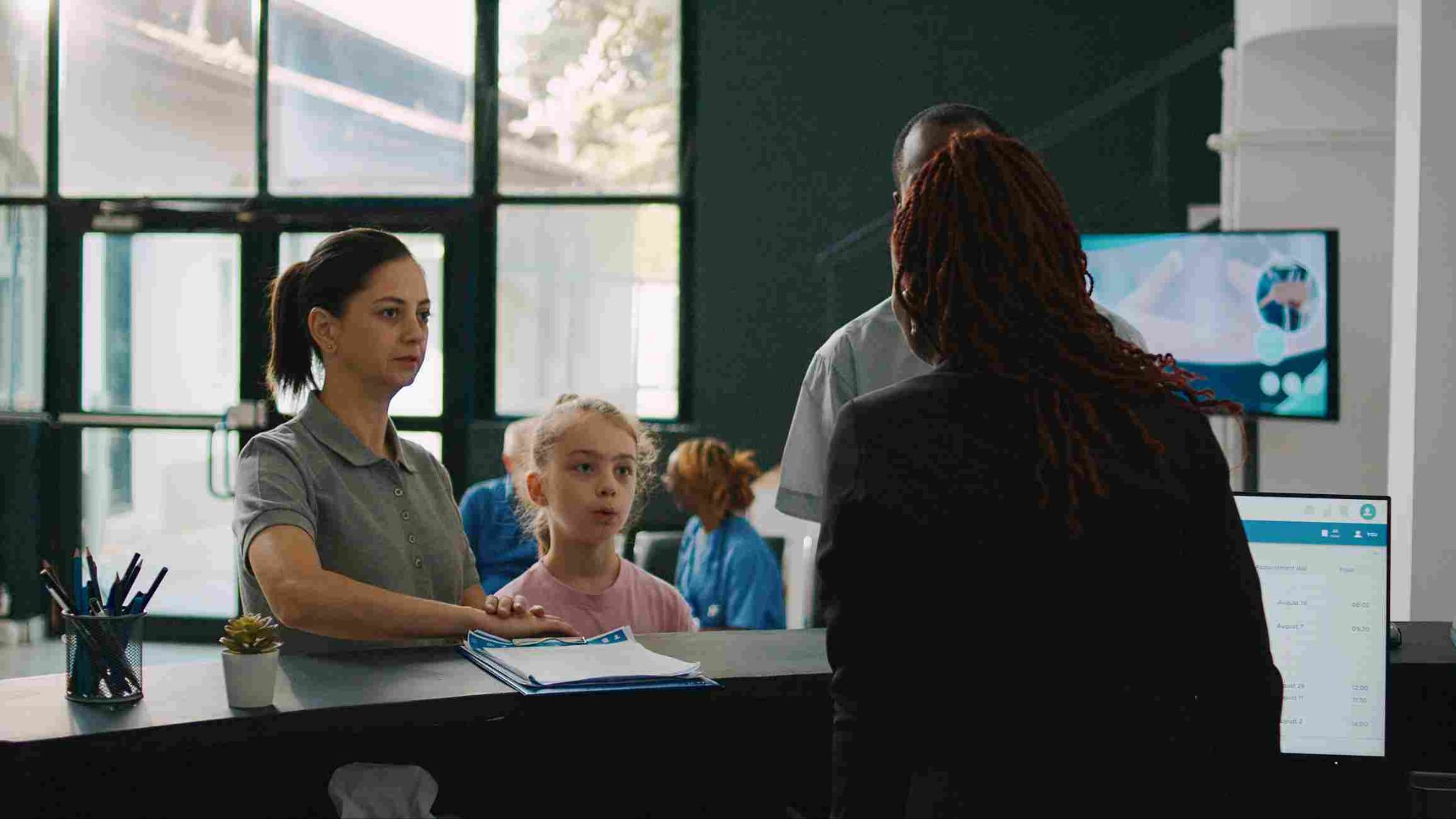
Why Childcare Centers Have Unique Workforce Management Challenges
Before looking at solutions, it is worth being specific about why childcare centers face workforce management challenges that are distinct from most other small businesses.
Legally mandated staff-to-child ratios. Most states set specific ratios of caregivers to children that must be maintained at all times. For infants, the ratio may be one caregiver to four children. For toddlers, one to six or one to eight. For preschoolers, one to ten or twelve. If a staff member is late, leaves early, or calls in sick without coverage, the center may not be able to legally serve its full enrollment until coverage is arranged. This makes real-time attendance visibility critically important in a way that few other small businesses experience.
Complex part-time scheduling. Many childcare employees work part-time, covering specific hours of the day. Some work morning shifts. Others cover the mid-day period. A few may work afternoons and cover after-school care. Building a schedule that ensures the right ratio coverage throughout the entire operating day while managing employee availability, preferences, and contractual hours is genuinely complex.
High turnover with frequent new hires. The childcare industry has significant staff turnover. New employees join regularly and need to be set up for attendance tracking quickly. The time between hiring and their first shift is often very short. A cumbersome onboarding process for the time tracking system creates delays that are impractical in this environment.
Documentation for licensing and compliance. Childcare licensing authorities often require documentation that the center maintains required staffing ratios throughout its operating hours. Having accurate, timestamped records of when each staff member was present supports these compliance requirements in a way that paper sign-in sheets do not.
How to Track Employee Hours in a Childcare Center
The foundation of all other workforce management functions is accurate attendance data. When you track employee hours correctly, everything else, payroll, PTO management, overtime monitoring, ratio compliance, builds on a reliable base. When the foundation is unreliable, every function built on top of it is compromised.
For a childcare center, the ideal time tracking setup has a few specific characteristics.
A fixed clock-in station near the staff entrance. A tablet mounted near the staff entrance to the building serves as the clock-in point for all employees. Every staff member clocks in when they arrive and clocks out when they leave. The system records the exact time automatically. OpenTimeClock turns any tablet into a professional clock-in station using facial recognition, PIN, or QR code, depending on what works best for your staff.
Quick clock-in that does not disrupt the start of the shift. Childcare staff often need to be at their station within moments of arriving to maintain ratios during shift handovers. The clock-in process needs to be fast. Facial recognition that takes one to two seconds per person is ideal. PIN entry takes five to ten seconds. Either works in this environment as long as the process is simple and reliable.
Real-time visibility for the center director. The director needs to know at all times whether the ratio coverage is in place. A dashboard showing exactly who is currently clocked in, which rooms are covered, and whether any expected staff have not yet arrived gives the director the information needed to act on coverage gaps before they create a ratio problem.
OpenTimeClock provides exactly this real-time view. The director can open the dashboard on their computer or phone and see at a glance who is clocked in, how long each person has been working, and whether anyone scheduled for the current period has not yet arrived. Automated alerts fire immediately when a scheduled employee does not clock in on time.

Managing PTO for Childcare Staff
Paid time off management in a childcare center has some specific characteristics that general PTO policies may not adequately address.
Many childcare employees accrue PTO based on hours worked rather than receiving a fixed annual allocation. Part-time staff who work different numbers of hours each week have accrual rates that vary with their actual hours. A system that calculates accrual automatically based on hours recorded in the time tracking system is far more accurate and less labor-intensive than manual PTO tracking.
OpenTimeClock supports configurable PTO accrual rules. The system can be set to accrue a specified number of PTO hours for every hour worked, automatically applying the calculation to each employee's running balance as their hours are recorded. Different rules can be applied to different employee groups so that full-time and part-time staff accrue at appropriate rates.
For childcare centers that close for specific holidays or scheduled closure days, the PTO policy needs to specify how those days are handled. Are they paid to all employees? Only full-time staff? Are they deducted from PTO balances or provided separately? Whatever the policy, the system needs to be configured to reflect it consistently.
Employee self-service access to PTO balances is particularly valuable in childcare because staff who know their available balance can plan time off requests without repeatedly asking the director or administrator. OpenTimeClock gives every employee a personal portal where they can check their current PTO balance, review their usage history, and submit leave requests without calling the office.
Controlling Overtime in a Childcare Setting
Overtime in childcare is a constant management challenge. When a staff member calls in sick, someone needs to cover their hours. If the person covering already has a full week's hours, that coverage becomes overtime. If the director does not know which staff members are approaching their weekly limit when arranging emergency coverage, they may unknowingly commit to significant overtime costs.
This is where track employee hours functionality connects directly to cost control. When a director can see each employee's current weekly hours before calling to arrange coverage, they can make coverage decisions that avoid or minimize overtime by prioritizing staff who have available hours in their week.
OpenTimeClock sends automated alerts when employees approach their configured overtime threshold. The director receives the notification immediately, allowing them to adjust coverage arrangements proactively. For staff who do reach overtime because emergency coverage is unavoidable, the system calculates the overtime hours and rate automatically, ensuring accurate payroll without manual calculation.
For childcare centers operating in states with daily overtime rules, such as California where overtime is triggered after eight hours in a single day, the system can be configured to apply those state-specific rules to relevant employees. This is particularly important for staff who work extended hours on busy days or during special events.
Staff-to-Child Ratio Monitoring Through Attendance Data
One of the most important compliance functions in childcare is demonstrating that required staff-to-child ratios were maintained throughout operating hours. In the event of a licensing inspection, the inspector may request attendance records showing who was on the premises and when.
When you track employee hours through a digital system with precise timestamps, these records are available immediately in a format that is far more credible than paper sign-in sheets. The director can pull a report showing every staff member who was clocked in during any specific time period, providing the documentation that licensing compliance requires.
OpenTimeClock stores all attendance records in secure cloud storage. Reports showing attendance for any date range can be generated in minutes. For centers that need to provide attendance data to licensing authorities, these reports can be exported in PDF or Excel format and shared immediately.
Beyond compliance documentation, the real-time dashboard helps directors manage ratio compliance during the operating day. If a room is about to go below ratio because a staff member's shift is ending and the replacement has not yet arrived, the director can see this developing situation and act before the ratio is violated.
Scheduling for Childcare Coverage
Effective scheduling in a childcare center requires matching staff availability to enrollment patterns throughout the day. Enrollment is typically highest in the morning and afternoon with a dip during the middle of the day when some families pick up for naps at home. The schedule needs to reflect these patterns while ensuring ratio coverage is maintained throughout.
OpenTimeClock's shift scheduling feature allows directors to build schedules that specify which staff members are working in which rooms at which times. Employees can see their upcoming schedule from their personal portal on their phone, reducing the volume of scheduling questions directed to the director.
When a staff member is unavailable due to illness or personal circumstances, the director can use the scheduling system alongside the real-time dashboard to identify who is available to cover and who has the hours available to do so without hitting overtime. The leave management features make it easy to record and track absences correctly.
Reusable weekly schedule templates save significant time for centers that run a consistent base schedule week after week. The template can be applied with minor modifications rather than rebuilding from scratch each week.
Payroll Processing for Childcare Staff
Payroll for childcare centers typically involves multiple pay rates, mixed full-time and part-time employees, and the specific complexities of tipped or non-tipped distinctions that do not apply in this industry. The main payroll challenges are accuracy, timeliness, and connecting time data to the payroll system efficiently.
OpenTimeClock generates payroll-ready exports at the end of each pay period in formats including CSV, XLSX, PDF, and IIF. These files include total regular hours, overtime hours, PTO days used, and any other data elements the payroll system requires. For childcare centers that outsource payroll to an accountant or payroll service, the export file provides everything they need without any manual hour compilation.
The accuracy of the payroll data depends directly on the accuracy of the underlying time records. When every clock-in is verified and timestamped automatically, and when PTO and overtime are calculated by the system rather than manually, the payroll export reflects actual compensable hours rather than estimated ones.

Conclusion
The ability to accurately track employee hours, manage PTO correctly, and control overtime is not separate from the mission of running a great childcare center. It is what makes that mission sustainable. When workforce management is done well, directors spend less time on administrative problems and more time supporting their staff and serving the families who depend on them.
OpenTimeClock makes professional workforce management accessible to childcare centers of every size, completely free.
FAQ’s
Q1. Why is it important for childcare centers to accurately track employee hours?
Childcare centers must track employee hours accurately for payroll compliance, overtime management, PTO calculation, and staff-to-child ratio documentation for licensing authorities. Without accurate records, centers face payroll errors, unplanned overtime costs, and potential ratio compliance violations.
Q2. How does OpenTimeClock help childcare directors monitor staff-to-child ratios?
OpenTimeClock provides a real-time attendance dashboard showing exactly which staff members are currently clocked in at any moment. Directors can see coverage levels in real time and receive automated alerts when scheduled staff do not arrive on time.
Q3. Can OpenTimeClock handle PTO accrual for part-time childcare employees?
Yes. OpenTimeClock supports configurable PTO accrual rules that calculate leave balances based on actual hours worked. Different rules can be applied to full-time and part-time staff separately. Part-time employees who work varying hours each week accrue PTO proportionally based on hours recorded in the system rather than requiring manual calculation.
Q4. How does the system help childcare centers avoid unexpected overtime?
OpenTimeClock sends automated alerts when employees approach their configured overtime threshold, giving directors advance warning before overtime is incurred. When emergency coverage is needed, the director can check current weekly hours for available staff to identify who can cover without triggering overtime.
Q5. Is OpenTimeClock free for childcare centers?
Yes. OpenTimeClock is completely free with no credit card required. The free plan includes facial recognition and PIN clock-in, real-time attendance dashboard, automated overtime alerts, configurable PTO accrual, shift scheduling with employee self-service portal, attendance reports for licensing compliance, and payroll exports in multiple formats.