How to Track Employee Attendance Online Without Spreadsheets
Learn how to track employee attendance online without spreadsheets and how OpenTimeClock makes it free, fast, and accurate for any business.
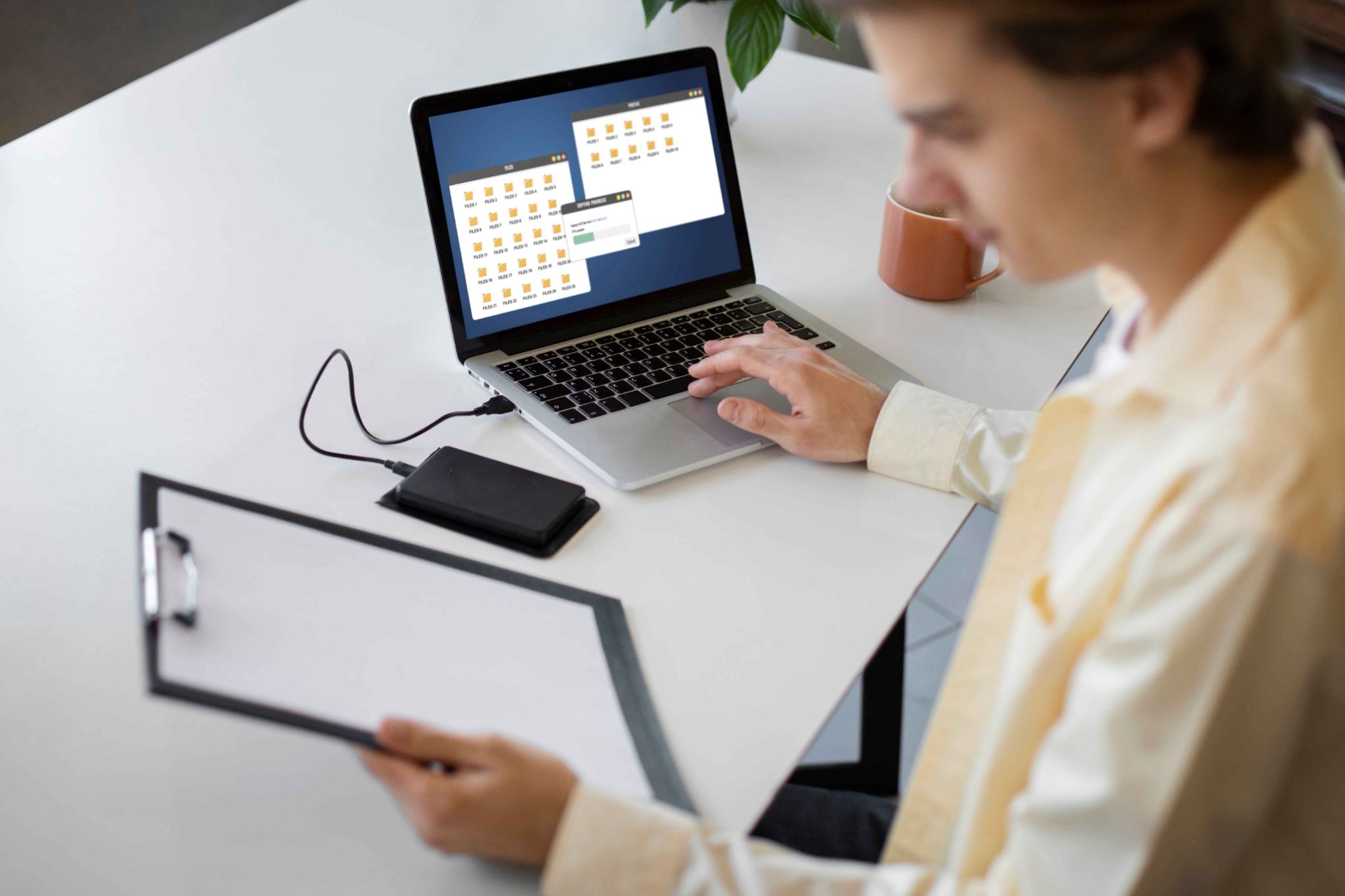
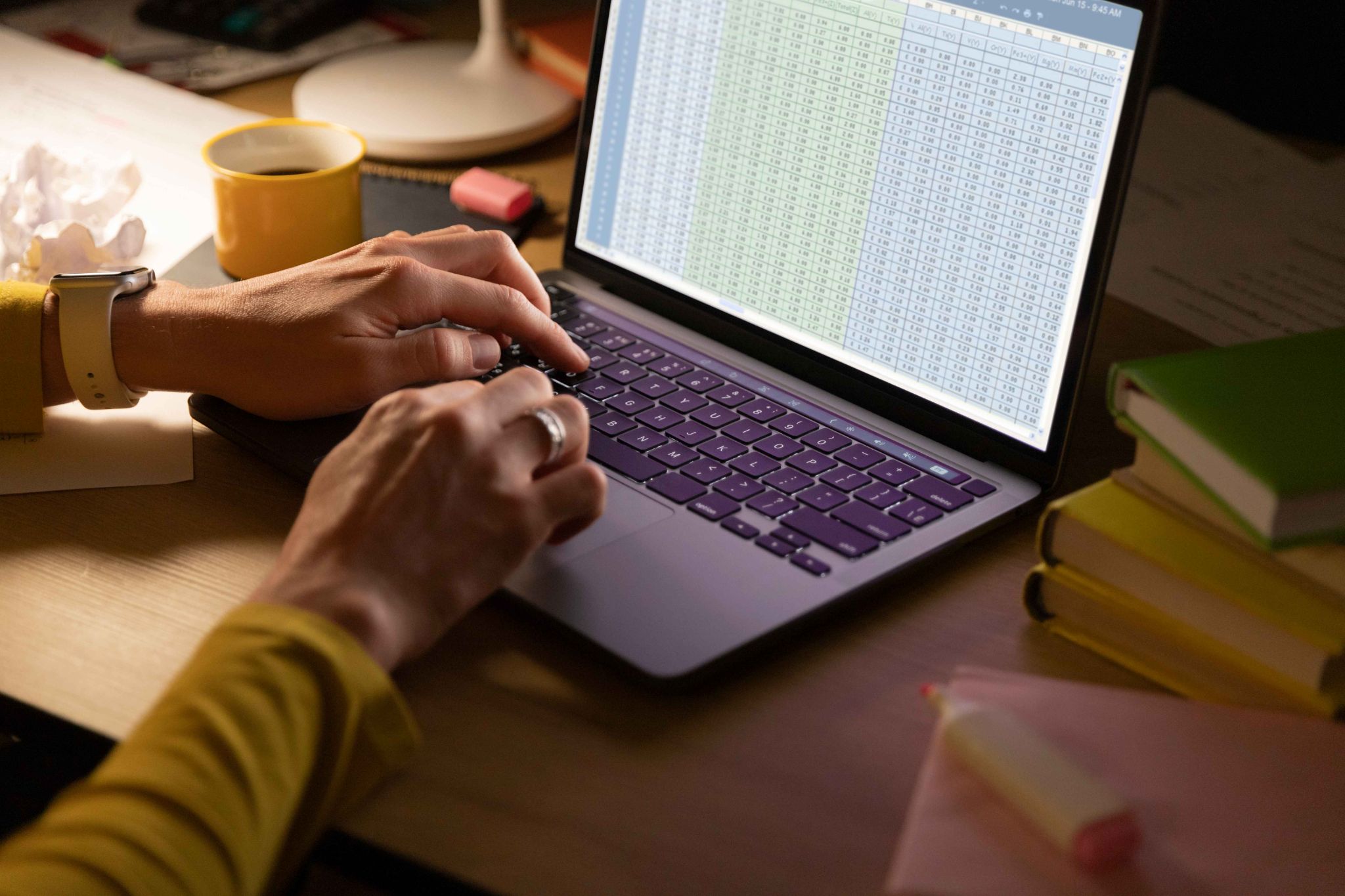
Spreadsheets were never really built for tracking employee attendance. They work for small, simple tasks. But when you have a team of people clocking in at different times, taking different types of leave, and working different shift patterns, spreadsheets quickly become a mess.
Data gets entered incorrectly. Formulas break. Files get saved in the wrong place. Two people edit the same document and the changes clash. Someone forgets to update a row. And at the end of the pay period, the manager has to spend hours checking everything manually before payroll can be processed.
There is a better way. Tracking employee attendance online using a dedicated digital platform removes almost every one of these problems. Data is collected automatically. Hours are calculated in real time. Reports are ready at the click of a button.
In this article, we will explain why spreadsheets fall short, what good employee attendance online tracking looks like, and how a free tool like OpenTimeClock makes the whole process fast, accurate, and easy for businesses of any size.
Why Spreadsheets Do Not Work for Attendance Tracking
Many businesses start with spreadsheets because they are free and familiar. But there are very real reasons why they do not work well for attendance management.
Manual Entry Creates Errors
Every time someone types a number or a time into a spreadsheet, there is a chance of a mistake. A wrong digit. A missed cell. A formula that references the wrong row. These errors happen constantly.
In payroll, errors are costly. An employee paid too much costs the business money. An employee paid too little damages trust and creates disputes. Manual entry makes both outcomes more likely.
Spreadsheets Do Not Update in Real Time
A spreadsheet sitting on one person's computer does not tell a manager anything about who is at work right now. There is no live view. There is no notification when someone fails to show up. By the time attendance data is reviewed, hours may have passed.
They Are Hard to Scale
A spreadsheet for three employees is manageable. A spreadsheet for 30 employees is chaotic. Add multiple locations, different shift types, varied leave categories, and overtime rules, and the spreadsheet becomes almost impossible to maintain accurately.
Access Is Limited
Shared spreadsheets stored on a company server or email chain are difficult to access from different locations or devices. Remote workers and field staff often cannot update them at all. This leads to gaps in the data.
There Is No Audit Trail
Spreadsheets do not record who changed what and when. If a row is edited or deleted, there is no log of who did it or why. This makes dispute resolution and compliance documentation very difficult.
What Good Employee Attendance Online Tracking Looks Like
When you move to a dedicated employee attendance online platform, the entire process works differently. Here is what changes.
Employees clock in using their phone, a tablet, or a browser. The system records the exact time automatically. Managers see a live dashboard showing who is at work right now. Hours are calculated as employees work. Overtime is flagged automatically. Leave requests are submitted and approved digitally. And at the end of the pay period, a complete payroll report is ready with one click.
There is no manual entry involved. No spreadsheet to maintain. No formula to check. The system does the work automatically in the background while you focus on running your business. This is what employee attendance online tracking looks like when it is done properly.
Key Features to Look for in an Online Attendance Tracking Tool
Not every online attendance tool is the same. Here are the features that matter most when choosing a platform to replace your spreadsheets.
Automatic Clock-In Recording
The tool should record clock-in and clock-out times automatically the moment an employee uses it. No manual entry. The timestamp is captured instantly and stored securely.
OpenTimeClock records every clock-in event with a precise timestamp. The data is stored in the cloud and available to managers in real time. There is nothing to enter manually.
Multiple Clock-In Methods
Different employees work in different environments. Some work at a desk. Some work from home. Some are on a construction site or in a care home. A good platform supports multiple ways to clock in.
Common methods include browser login from any computer, a mobile app with GPS tracking, QR code scanning at a physical location, facial recognition on a tablet, and RFID card tap. All methods should feed into the same central system.
Real-Time Attendance Dashboard
Managers should be able to see who is at work right now without calling anyone. A live dashboard that updates automatically is essential.
This real-time view allows managers to spot problems immediately. If someone was expected to arrive and has not clocked in, the manager knows instantly and can act.
Leave and Absence Management
Good employee attendance online tracking includes more than just clock-ins. It also handles leave requests. Employees submit requests through the system. Managers approve or deny with one click. Leave balances update automatically. This keeps everything in one place.
Overtime Tracking and Alerts
The system should track how many hours each employee has worked each day and each week. When an employee approaches their overtime limit, the manager should receive an automatic alert. This allows adjustments to be made before overtime costs are locked in.
OpenTimeClock tracks overtime in real time and sends automatic alerts to managers. This is one of the most valuable features for controlling labor costs.
Payroll-Ready Reports
At the end of each pay period, the system should generate a complete, accurate report showing every employee's hours, overtime, and attendance record. This report should be exportable to PDF or Excel so it can be shared with a payroll team or accountant.
Employee Self-Service Access
Employees should be able to log in and see their own records. Their hours. Their leave balance. Their upcoming shifts. This transparency reduces questions to HR and builds trust with the team.
How OpenTimeClock Makes Employee Attendance Online Tracking Simple
OpenTimeClock is one of the most complete and most affordable platforms for tracking employee attendance online. It is completely free for unlimited users. There are no subscription fees and no hidden charges.
Here is what it offers.
Employees can clock in using facial recognition, GPS mobile app, QR code, browser login, or RFID card. Every method is available in the same platform. Managers see real-time attendance data from any device. Overtime is tracked automatically and alerts are sent before thresholds are crossed. Leave requests are managed within the same system. And over 80 types of attendance and payroll reports are available with a single click.
The platform works on phones, tablets, and computers. It does not require any special hardware for most clock-in methods. And it can be set up in under an hour. For a business that is still using spreadsheets for attendance tracking, switching to OpenTimeClock is a significant upgrade that delivers immediate benefits at zero cost.

Step-by-Step Guide to Moving From Spreadsheets to Online Attendance Tracking
Making the switch from spreadsheets to a digital attendance system is straightforward. Here is how to do it.
Step 1: List What You Need
Before you set up any tool, think about your specific needs. How many employees do you have? Where do they work? Do they need to clock in from multiple locations? Do you have remote workers? What types of leave do you need to track? Do you have different overtime rules for different roles?
Knowing the answers to these questions helps you configure the system correctly from the start.
Step 2: Create Your Account
Visit OpenTimeClock and create a free account. The sign-up process is simple and takes just a few minutes.
Step 3: Add Your Employees
Add each employee to the system. Enter their name, role, department, and any other relevant details. You can also assign leave balances and overtime rules at this stage.
For larger teams, most platforms allow you to import employee details from a spreadsheet or CSV file, which saves time during setup.
Step 4: Choose Your Clock-In Methods
Decide which clock-in methods suit your team. If all your employees work in one office, a shared tablet with facial recognition or QR code scanning may be the simplest option. If you have remote workers, enable GPS mobile clock-ins. If you have a warehouse team, RFID cards might work best.
You can enable multiple methods at once so different employees can use the approach that works for their role.
Step 5: Set Up Leave Types and Overtime Rules
Configure the types of leave your business offers. Vacation days, sick days, personal days, unpaid leave. Set the correct balances for each employee. And enter your overtime rules so the system calculates them correctly from day one.
Step 6: Communicate the Change to Your Team
Tell your employees that the business is moving to a new attendance system. Explain how it works. Show them how to clock in. Tell them they can view their own records through the platform. Address any questions or concerns.
Keep the message simple. The new system is easier than the old one. It is more accurate. And it gives everyone better visibility into their working time.
Step 7: Train Your Managers
Make sure your managers understand how to use the dashboard. Show them how to see who is currently clocked in. Show them how to approve leave requests. Explain the overtime alerts and how to respond when they receive one. Walk them through how to generate a payroll report at the end of the period.
Step 8: Stop Using the Spreadsheet
Set a clear date when the spreadsheet stops being used. From that date, all attendance tracking happens through the new system. Do not allow both systems to run in parallel for longer than necessary.
Running two systems at the same time creates confusion and means your data is split between two places. Make the transition clean and definitive.
Step 9: Review After Your First Pay Cycle
After completing your first full pay period using the new system, review how it went. Was the payroll report accurate? Did employees clock in consistently? Were there any technical issues that need to be resolved?
Use this review to fine-tune the system. Most businesses find that things run smoothly from the start. But occasional small adjustments may be needed in the first few weeks.
Conclusion
Spreadsheets have served their purpose. But for tracking employee attendance online, they are simply not the right tool. They create errors. They take too much time. They provide no real-time visibility. And they become increasingly unmanageable as teams grow.
Moving to a dedicated employee attendance online platform is one of the most straightforward improvements a business can make. It saves time. It improves accuracy. It makes payroll easier. And it gives employees and managers better visibility into how time is being spent.
OpenTimeClock is the easiest and most affordable way to make this move. It is free for unlimited users, works on any device, supports every major clock-in method, and handles everything from GPS tracking and facial recognition to leave management and payroll reporting.
FAQ’s
Q1: What is employee attendance online tracking and why is it better than spreadsheets?
Employee attendance online tracking is the use of a digital platform to record, store, and manage employee working hours through the internet. It is better than spreadsheets because it records attendance automatically with no manual entry, calculates hours and overtime in real time, provides live visibility for managers, stores records securely in the cloud, and generates payroll reports instantly.
Q2: Can I track employee attendance online for free?
Yes. OpenTimeClock is completely free for unlimited users. It includes real-time attendance tracking, GPS and facial recognition clock-ins, leave management, overtime alerts, and over 80 payroll report types.
Q3: How does GPS tracking improve employee attendance online accuracy?
GPS tracking records the physical location of an employee at the time of each clock-in and clock-out. This confirms that the employee was actually at the correct work location when they recorded their attendance. For remote workers and field-based staff, GPS verification provides the same level of accountability as a physical time clock at a fixed office location.
Q4: How long does it take to switch from spreadsheets to an online attendance system?
Most businesses can complete the switch in a few days. Setting up an account, adding employees, and configuring clock-in settings takes a few hours. Employee training is quick because modern platforms are designed to be simple to use.
Q5: Can employees see their own attendance records with an online system?
Yes. Most online attendance platforms, including OpenTimeClock, give employees self-service access to their own records. Employees can log in from any device and see their clock-in history, total hours for the current period, leave balance, and upcoming schedule.