How to Manage Remote Employee Time: Tools and Best Practices
Learn the best tools and practices to manage remote employee time accurately, prevent time fraud, and keep your distributed team productive.
Managing remote employee time is one of the biggest challenges for modern businesses. When team members work from different locations, managers need a reliable way to track work hours, monitor attendance, and ensure accurate payroll without micromanaging employees. Traditional paper timesheets and manual spreadsheets often lead to errors, missed hours, and administrative headaches.
The good news is that modern time tracking software makes remote workforce management much easier. Tools like Open Time Clock allow employees to clock in and out from any location while giving managers real-time visibility into attendance, work hours, and overtime.
In this guide, we'll explore the best tools and practical strategies for managing remote employee time effectively. You'll learn how to improve productivity, reduce time-tracking errors, streamline payroll processing, and build a transparent system that benefits both managers and employees.
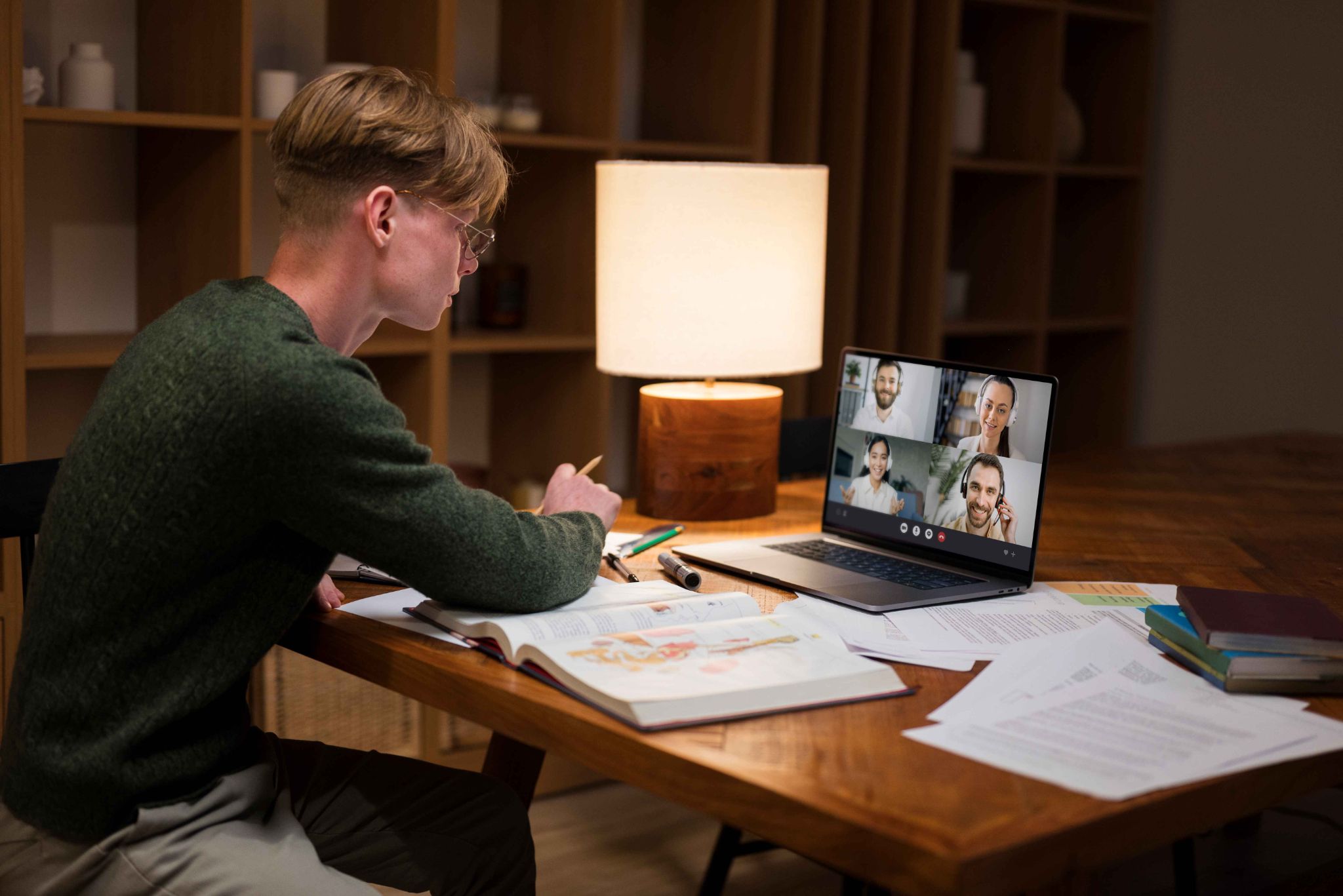
Why Managing Remote Employee Time Is Different
Tracking hours for an office team is relatively straightforward. Everyone works in the same place. Managers can see who is present. A shared time clock at the door handles clock-ins and clock-outs.
Remote work removes all of that structure. Employees are in different locations. There is no shared device. There is no manager watching the room. And in some cases, there is not even a reliable internet connection.
This makes remote employee time management more complex. You need tools that work anywhere, on any device, with or without internet access. You also need policies that are clear and fair so employees know exactly what is expected.
The Main Challenges of Remote Time Tracking
Understanding the challenges helps you choose the right solutions. Here are the four most common problems businesses face when tracking remote employee hours.
No Fixed Location for Clock-In
In an office, employees clock in from a shared kiosk or device. Remote workers do not have that. They need to clock in from wherever they are, using their own phone or computer.
This means your time tracking system must work on all devices and operating systems. It should not require special hardware. It should be easy for employees to use from any location without technical support.
Verifying Identity Without Being Present
In an office, a manager can see who is clocking in. With remote workers, there is no visual confirmation. This creates a risk of buddy punching or employees logging hours when they are not actually working.
Identity verification tools like photo capture and facial recognition solve this problem. They confirm who is clocking in without requiring a manager to be physically present.
Managing Employees Across Different Time Zones
If your remote team is spread across different time zones, managing schedules and hours becomes more complex. One employee's end of day is another's start of day. Payroll must account for different work schedules.
Your time tracking system should allow you to set different workweeks and schedules per employee. It should also display timestamps accurately regardless of where each employee is located.
Keeping Accountability Without Micromanaging
Tracking remote employee hours is important, but employees also need to feel trusted. Overly invasive monitoring tools create resentment and reduce morale.
The goal is to track hours accurately without making employees feel constantly watched. A good system records what is needed for payroll and compliance, and nothing more. It gives managers clear reports without requiring them to check in every hour.
Best Tools for Tracking Remote Employee Time
The right tools make remote time management much easier. Here are the five most important ones.
Mobile Time Clock Apps
A mobile time clock app is the foundation of any remote time tracking system. It lets employees clock in and out from their smartphone or tablet, no matter where they are.
The app should be simple to use. Employees should be able to log their hours in seconds without needing any training. It should also support multiple clock-in methods including username and password, PIN, and facial recognition.
Open Time Clock offers a free mobile app for both Android and iOS. Employees can clock in from their phone using several verification methods. All data syncs to the cloud instantly. Managers can see who is clocked in and when from any device.
For a detailed breakdown of what to look for in a mobile time clock for distributed teams, the Open Time Clock mobile time clock guide covers the key features that field and remote teams rely on most.
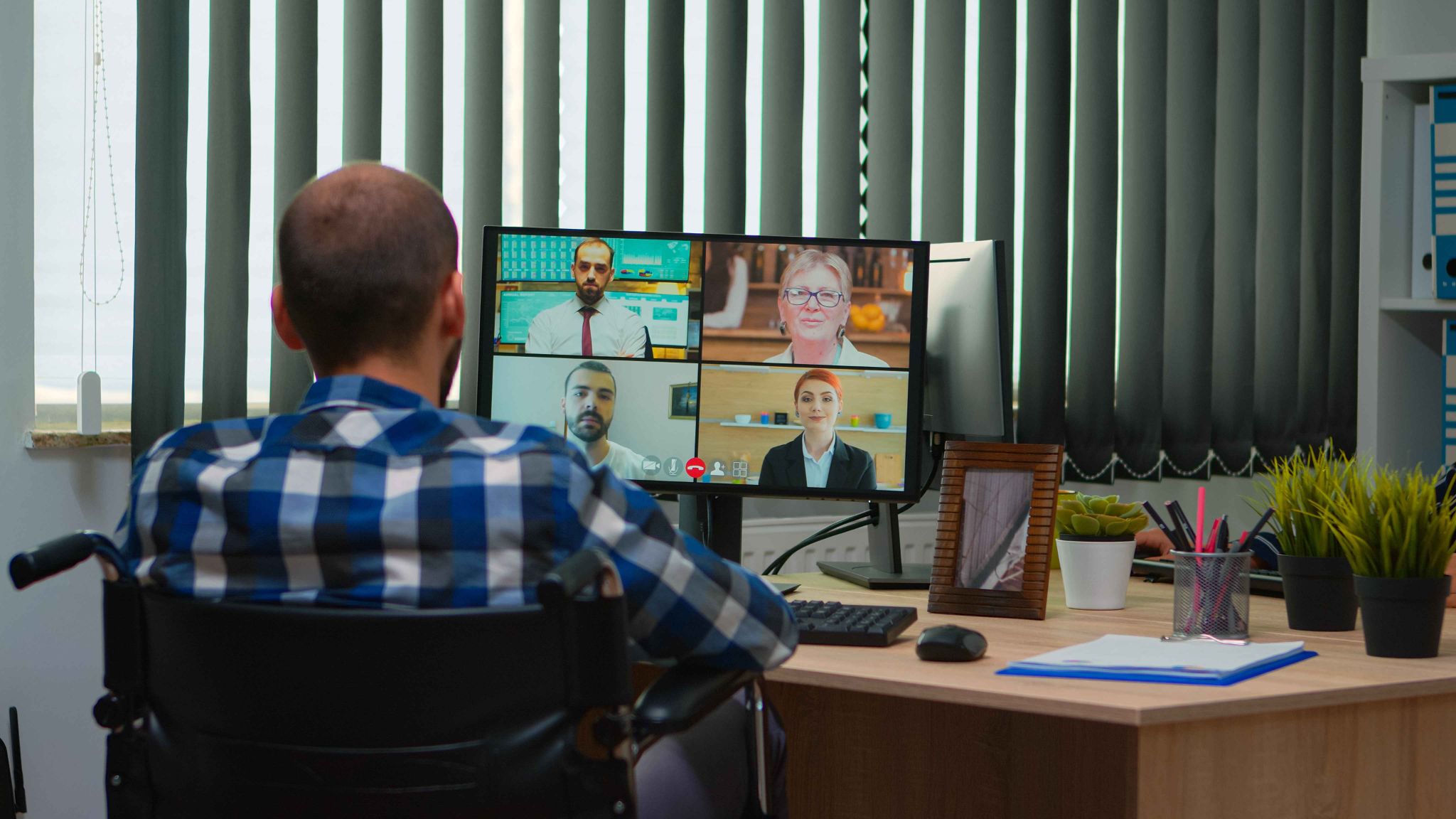
GPS Tracking and Geofencing
GPS tracking adds a location layer to every clock-in. When an employee logs their time, the system records their GPS coordinates. Managers can see exactly where each clock-in happened on a map.
Geofencing goes one step further. It sets a virtual boundary around an approved location. If an employee tries to clock in from outside that area, the system blocks them.
Open Time Clock GPS and geofencing lets managers set custom location zones for each job site, home address, or client location. Employees can only log their hours when they are within the approved area. This adds accountability without requiring a manager to be on-site.
GPS tracking is especially useful for field teams, delivery workers, home care staff, and any team working across multiple locations.
Offline Mode for Low-Connectivity Areas
Some remote employees work in areas with poor or no internet connection. A construction worker in a remote area. A delivery driver in a low-signal zone. A field technician in a basement or rural site.
Without offline mode, these employees cannot log their hours at all. That creates gaps in records and makes payroll difficult.
Open Time Clock offline clock-in lets employees clock in and out without an internet connection. The data is stored locally on their device. When the internet becomes available again, the records sync automatically to the cloud. Managers can then see the full attendance history including offline punches.
This feature is essential for any remote or field team that works in areas where connectivity is not guaranteed.
Project-Based Time Tracking
Many remote workers split their day across multiple tasks, clients, or projects. Basic attendance tracking does not capture this level of detail. It only shows when someone started and ended their day.
Project-based time tracking lets employees log time against specific tasks or jobs. A marketing employee can track time spent on one client separately from another. A developer can log hours for each project they work on.
This gives managers better visibility into how remote employee time is being spent. It also helps with client billing and resource planning. If a project is taking much longer than expected, the data shows it clearly.
Real-Time Dashboards and Reports
Managers of remote teams cannot walk the floor to see who is working. They need a dashboard that shows them at a glance who is clocked in, who is not, and what hours each team member has logged.
Real-time dashboards update instantly when an employee clocks in or out. Managers can check from their phone or computer at any time. Reports can be generated at any interval, daily, weekly, or monthly.
Open Time Clock provides managers with a live attendance view and access to over 80 report types. These include clock-in logs, daily summaries, payroll reports, overtime reports, and absence records. All reports can be exported in PDF, Excel, or CSV format.
You can learn more about managing remote teams with location-verified time tracking in the Open Time Clock remote teams GPS guide, which explains how GPS data and time logs work together to simplify remote workforce oversight.
Best Practices for Managing Remote Employee Time
Having the right tools is important. But how you use them matters just as much. Here are the best practices that work for remote teams in 2026.
Set Clear Expectations From Day One
Every remote employee should know your expectations from the start. Define core working hours clearly. Let employees know whether they must be available during set times or can work flexible hours.
Put these expectations in writing. Include them in the employment contract or onboarding documents. A clear written policy removes ambiguity and reduces disputes later.
Use Scheduled Shifts Where Possible
Scheduled shifts help structure the workday for remote employees. When employees know exactly when their shift starts and ends, they are less likely to miss hours or clock in late.
Set up shifts in your time tracking system. The system will then flag late clock-ins, missed punches, and early departures automatically.
Approve Timecards Before Payroll
Before processing payroll, require managers to review and approve all timecards. This catches errors before they reach payroll. It also creates a clear record showing that every timecard was reviewed by a responsible person.
Check Attendance Reports Weekly
Do not wait until the end of the month to review attendance data. Check reports every week. Look for employees who are consistently late, missing shifts, or logging irregular hours. Early detection lets you address issues before they become patterns.
Communicate Openly About Monitoring
Be transparent with your remote team about how their time is tracked. Tell employees what data is collected and why. When employees understand the purpose of time tracking, they are more likely to accept it. Transparency builds trust and reduces resentment.
Why Open Time Clock Is the Right Tool for Remote Teams
Open Time Clock handles the full complexity of managing remote employee time. It supports mobile clock-in, GPS tracking, offline mode, facial recognition, project tracking, and real-time reporting all in one free platform.
There is no per-user fee. You can add as many remote employees as needed without paying extra. The system works on Android, iOS, Windows, and Mac. Employees can clock in using their phone, a browser, or a shared tablet.
Setup takes only a few minutes with no technical knowledge required. Add your employees, configure GPS zones and shifts, and your remote team is ready to track time from anywhere.

Conclusion
Managing remote employee time is one of the most important operational challenges for modern businesses. Without the right tools, hours go untracked, payroll becomes inaccurate, and accountability breaks down.
The solution is not to micromanage your team. It is to use smart, easy-to-use tools that capture accurate data automatically. Mobile apps, GPS tracking, offline mode, and real-time reports give you everything you need to manage a remote team with confidence.
Start with a free platform like Open Time Clock and build your remote time management system from the ground up. Your team will adapt quickly, and your payroll will be more accurate than ever.
FAQ’s
Q1. What is the best way to track remote employee time?
The best way is to use a mobile time clock app with GPS tracking, photo verification, and offline mode. These tools let employees log hours from anywhere while giving managers verified, accurate records they can trust.
Q2. How do you prevent time fraud in a remote team?
Use GPS geofencing to restrict clock-ins to approved locations, photo capture to verify who is clocking in, and device restrictions to ensure only authorized phones can be used. These three layers together make time fraud very difficult.
Q3. Can remote employees clock in without internet access?
Yes. Tools like Open Time Clock include an offline mode that lets employees clock in without an internet connection. The data is stored on their device and synced to the cloud automatically when the connection is restored.
Q4. How do you manage remote employees in different time zones?
Use a time tracking system that supports multiple shift schedules and records timestamps based on each employee's local time. Set clear working hours expectations for each time zone and use real-time dashboards to monitor who is clocked in globally.
Q5. Is Open Time Clock free for remote teams?
Yes. Open Time Clock offers a free plan for unlimited users. All core remote time tracking features including GPS tracking, mobile app, offline mode, and payroll reports are included at no cost.