How Schools Can Use Free Time Clock Software to Improve Attendance Tracking
Learn how free time clock software for schools improves staff attendance, compliance, and payroll. Get started today for free with OpenTimeClock.
Schools are complex organizations. They manage large numbers of staff members with varied roles, different working patterns, and specific contractual obligations that differ between teachers, support staff, administrators, and part-time employees. They operate within tight budgets, are subject to regulatory oversight, and are accountable to governing bodies, parents, and education authorities for how they manage their resources.
Attendance management in schools is not just an administrative convenience. It is a legal obligation. Accurate records of staff working hours matter for payroll compliance, for substitute and supply staff management, for safeguarding documentation, and for the kinds of reports that inspection bodies and governing boards expect.
In this article we will explain exactly how schools can implement and benefit from free time clock software for schools, what features matter most in an educational context, and why OpenTimeClock is the right platform for schools of any size.
Why Schools Need Better Staff Attendance Tracking
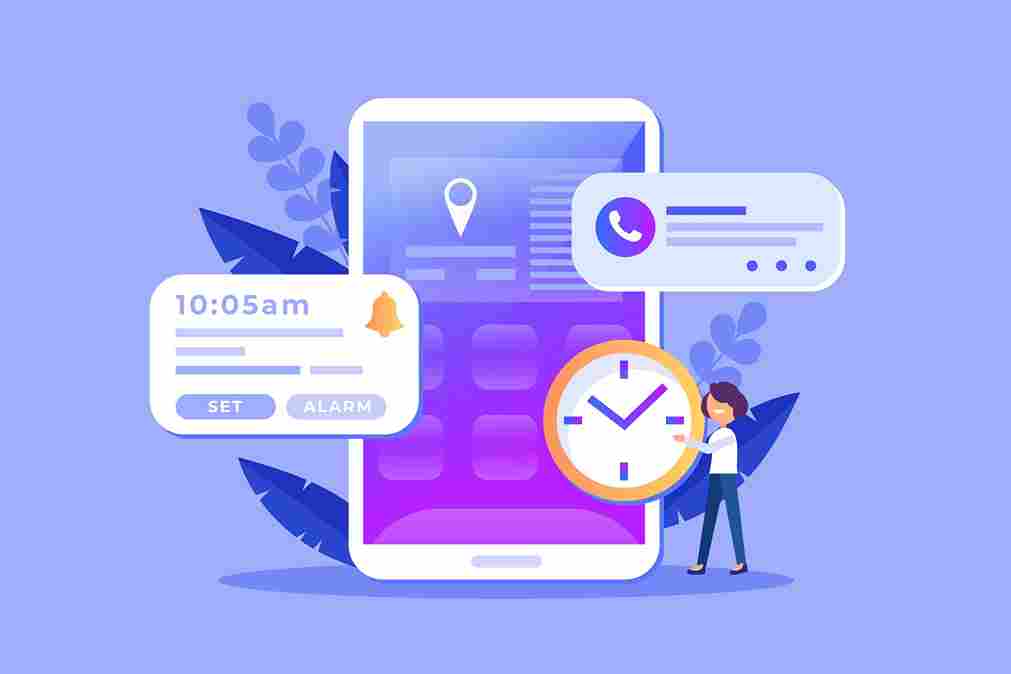
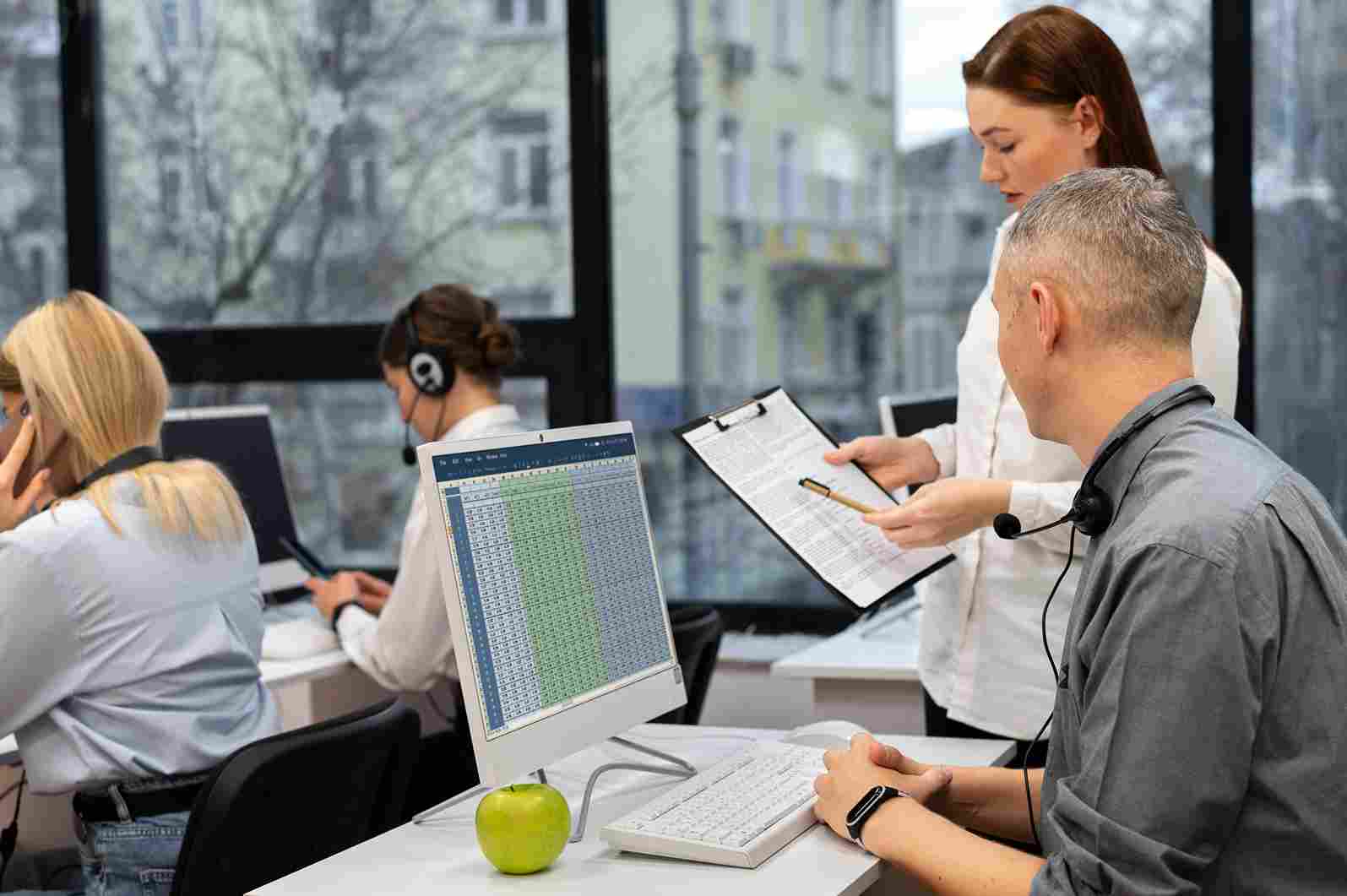
Schools need accurate staff attendance tracking to keep daily operations organized. Teachers, office staff, and support workers all need to arrive on time and follow their scheduled hours. Manual attendance sheets can lead to errors, missing records, and time disputes. A digital attendance system makes it easier to record clock-ins, clock-outs, breaks, and absences in one place.
School administrators can quickly check attendance records and identify repeated lateness or missed shifts. Better tracking also helps with payroll accuracy and reduces administrative work. With reliable attendance data, schools can manage staff schedules more efficiently, improve accountability, and ensure classrooms and other school services remain properly staffed.
What Free Time Clock Software for Schools Should Include
Not every free time clock solution is suitable for the specific needs of a school. Here are the features that matter most in an educational context.
Ease of use for all staff types. Schools employ people across a very wide range of ages, technical backgrounds, and roles. The clock-in system needs to be intuitive enough for a sixty-year-old caretaker to use confidently without any technical support. Complex interfaces or systems that require significant training create adoption problems that undermine the whole attendance management effort.
Multiple clock-in methods. Different types of school staff have different needs. Administrative and support staff who work fixed locations can use a wall-mounted tablet kiosk with PIN or facial recognition. Teachers who move between different rooms may prefer a mobile app. Supply staff who are unfamiliar with the system need a simple, quick option like QR code scanning. A good platform supports all of these within the same system.
Leave and absence management. Free time clock software for schools should handle more than just clock-in and clock-out. It needs to manage planned leave requests, track sickness absence, record different types of absence with appropriate categorization, and maintain accurate leave balances for each staff member.
Real-time visibility for administrators. School administrators need to know at any moment who is currently on site, which roles are filled, and whether any expected staff members have not arrived. A real-time dashboard that provides this information without requiring administrators to check individual records is essential.
Reporting for payroll and compliance. The system should generate reports covering hours worked by each staff member over any time period, absence records, leave usage, and overtime. These reports need to be exportable in formats compatible with the school's payroll processes.
Setting Up Free Time Clock Software for a School
Implementing free time clock software for schools with OpenTimeClock is designed to be straightforward enough that a school administrator without IT expertise can manage the entire setup. Here is how the process works.
Creating the account. The school administrator creates a free account at OpenTimeClock. No credit card is required. The account creation takes less than ten minutes and immediately provides access to the full platform.
Configuring school-specific settings. In the company settings section, the administrator sets the school's time zone, configures the school's working hours, and establishes the overtime and leave rules that apply to different staff categories. Schools typically need different configurations for teachers and support staff, which the system accommodates through staff group settings.
Adding staff members. Each member of staff is added to the system with their name, role, department, and employment type. For support staff who are paid hourly, time tracking is configured for precise hours calculation. For salaried teachers, the configuration can focus more on attendance verification and leave management than on precise time calculation.
Setting up clock-in stations. For a wall-mounted kiosk approach, the administrator installs the OpenTimeClock app on a tablet and mounts it near the staff entrance. For schools that also want to support mobile clock-in for staff working across the site, the mobile app is configured on staff smartphones. OpenTimeClock's shift scheduling feature allows the administrator to define expected working hours for each staff type so the system knows what a normal attendance record looks like and can flag deviations automatically.
How Different Types of School Staff Use the System
The diversity of staff roles in a school is one of the unique challenges of attendance management in an educational setting. Here is how different staff types interact with free time clock software for schools.
Teaching assistants and support staff. These are often the most time-sensitive staff members in terms of attendance recording because their pay is calculated from hours worked. Teaching assistants, special educational needs support workers, and intervention specialists typically have defined start and end times for each day. They use the kiosk or mobile app to clock in at the start of their working day and clock out when they finish. If they work in different locations across the school, the mobile clock-in option allows them to record their attendance from wherever they are starting their work that day.
Administrative staff. Office administrators, finance officers, and reception staff generally work regular hours in fixed locations. A wall-mounted kiosk near the school office serves this group well. Their attendance patterns are typically straightforward and consistent, making automated payroll calculation particularly easy.
Caretakers and facilities staff. Caretaking staff often start before the main school day and may finish after it ends. They may also work irregular hours depending on the school's event schedule. Accurate tracking of their actual hours is particularly important because their schedule variation makes manual timekeeping especially prone to error. The digital clock-in system captures their actual arrival and departure times precisely, regardless of the day's schedule.
Supply and substitute teachers. When a supply teacher is engaged to cover for an absent colleague, their attendance record needs to be captured accurately for the day. The simplest approach for supply staff is a QR code or PIN-based clock-in that does not require biometric enrollment. OpenTimeClock allows administrators to quickly add a supply teacher to the system and issue a temporary PIN that gives them access to the clock-in system for their engagement.
Managing Leave and Absence in a School Context
Leave management is one of the areas where free time clock software for schools delivers particularly significant value because the complexity of school staff leave arrangements makes manual management especially burdensome.
Schools typically need to manage several distinct categories of leave for their staff. Annual leave is relevant for administrative and support staff who do not receive school holiday as rest in the same way teachers do. Sickness absence needs to be documented separately from other types of absence because it affects both payroll and reporting obligations. Personal leave, compassionate leave, and other categories of paid and unpaid absence all require different handling.
OpenTimeClock supports multiple leave types with different accrual rules and pay treatments. Each leave category can be configured separately so that the system handles the diverse leave landscape of school employment correctly. Employees submit leave requests through their personal portal, managers receive instant notifications and approve or decline, and balances update automatically.
For sickness absence specifically, the system records every unplanned absence against the relevant employee's record. This creates the ongoing documentation that schools need to identify patterns, fulfil reporting obligations, and manage return-to-work processes.

Reporting and Compliance Benefits for Schools
Educational institutions face specific reporting obligations around staff management that make good record-keeping more important than in many other sectors. Free time clock software for schools that generates clear, accurate, and readily available reports directly supports these obligations.
Payroll reporting. At the end of each pay period, the school's payroll team needs accurate records of hours worked by every hourly employee. OpenTimeClock generates payroll-ready exports that cover all employees, with hours calculated automatically and overtime rules applied based on each employee's configuration. These exports can be sent directly to the school's payroll provider or local authority payroll service.
Absence reporting. Many education authorities require schools to report on staff absence rates. The cumulative absence records maintained by the attendance system provide exactly the data needed for these reports without any additional manual compilation.
Safeguarding documentation. The real-time site presence record maintained by the clock-in system contributes to safeguarding compliance by ensuring there is always an accurate record of who is currently on the premises.
Inspection preparation. When preparing for an inspection, having well-organized, easily accessible staff attendance records demonstrates good governance. The reporting features of OpenTimeClock allow administrators to generate comprehensive attendance reports for any period with a few clicks rather than assembling data from multiple sources.
Why Free Time Clock Software for Schools Makes Sense Financially
Schools operate under significant budget constraints and must justify every administrative expenditure. The case for investing time in setting up free time clock software for schools when it costs nothing financially is strong, but it is worth being explicit about the financial benefits that justify the setup effort.
Payroll accuracy savings. For schools with significant numbers of hourly support staff, payroll errors are a real cost. Both overpayments that need to be recovered and underpayments that require correction consume administrative time and create staff relations problems. Accurate automated time tracking eliminates most of these errors.
Administrative time savings. Manual timesheet collection and processing consumes office staff time every pay period. A digital system that automates this process recovers capacity for other work without any ongoing cost.
Reduced payroll error disputes. When employees question their pay, investigating and resolving the dispute takes time from HR and payroll staff. Accurate, verifiable digital records reduce disputes by giving employees access to their own records and managers access to the objective data needed to resolve disagreements quickly.
Why OpenTimeClock Is the Right Choice for Schools
OpenTimeClock is a comprehensive, free workforce management platform that addresses every aspect of staff attendance management that schools need. It handles multiple staff types with different pay and leave arrangements. It supports a range of clock-in methods suitable for different school staff. It provides real-time site visibility for administrators. It manages leave requests and absence records. It generates payroll-ready reports. And it stores all records securely in the cloud for as long as they need to be retained.
The platform is intuitive enough for staff of all ages and technical backgrounds to use from their first day. Setup is simple enough that an administrator without specialized IT knowledge can have the system fully operational within a single day. And the entire platform is completely free with no credit card required and no hidden costs.
For schools looking to modernize their staff attendance management without budget approval processes or procurement requirements, OpenTimeClock is the most practical and accessible option available.
Conclusion
Free time clock software for schools is not a compromise on quality. With platforms like OpenTimeClock, schools can access professional-grade attendance management that handles the full complexity of school staffing, without paying anything for the software. The benefits in payroll accuracy, administrative efficiency, compliance documentation, and operational visibility are immediate and ongoing.
The investment is time, not money. A few hours to set up the system, a brief enrollment session for staff, and a short transition period is all it takes to move from manual timekeeping to a digital system that works reliably every day.
FAQ’s
Q1. Can free time clock software for schools handle both teachers and support staff?
Yes. Free time clock software for schools like OpenTimeClock supports different configurations for different staff types within the same platform. Support staff paid hourly can have precise time tracking with automatic overtime calculation.
Q2. How does OpenTimeClock handle supply and substitute teacher attendance?
OpenTimeClock allows administrators to quickly add temporary staff to the system and assign them a PIN or QR code for clock-in. Supply teachers who are not enrolled for facial recognition can use PIN-based clock-in on the same kiosk device used by permanent staff.
Q3. What reports does free time clock software for schools generate for payroll and compliance?
OpenTimeClock generates detailed attendance reports showing hours worked by each staff member for any date range, absence records by staff member and absence type, leave balances and usage history, and overtime calculations based on configured rules.
Q4. How does the system support safeguarding requirements for schools?
The real-time attendance dashboard in OpenTimeClock shows exactly which staff members are currently clocked in and present on site at any moment. This live site presence record supports safeguarding compliance by maintaining an accurate and continuously updated record of who is in the building.
Q5. Is OpenTimeClock genuinely free for schools with no hidden costs?
Yes. OpenTimeClock is completely free with no credit card required. The free plan includes all clock-in methods, facial recognition, photo capture, real-time attendance dashboard, shift scheduling, leave management with multiple leave types, absence tracking, overtime calculation, detailed reporting, and payroll exports.