Every business that employs people needs to track attendance. It sounds simple, but in practice, it is one of the most challenging parts of workforce management. Employees work in different places, some at a desk in the office, some at a job site, some from home, and some from multiple locations throughout the day. Expecting all of them to clock in using a single method or a single device is no longer realistic.
Multi-device attendance is the answer to this challenge. When employees can clock in and out using whatever device is most accessible to them, a desktop computer, a smartphone, a tablet, a QR code scanner, or an RFID card attendance data becomes more complete, more accurate, and easier to collect without friction.
In this article, we will explain what multi-device attendance means, why it matters for accuracy and accountability, how it works in practice, and how OpenTimeClock delivers one of the most flexible and complete multi-device attendance systems available today for free.
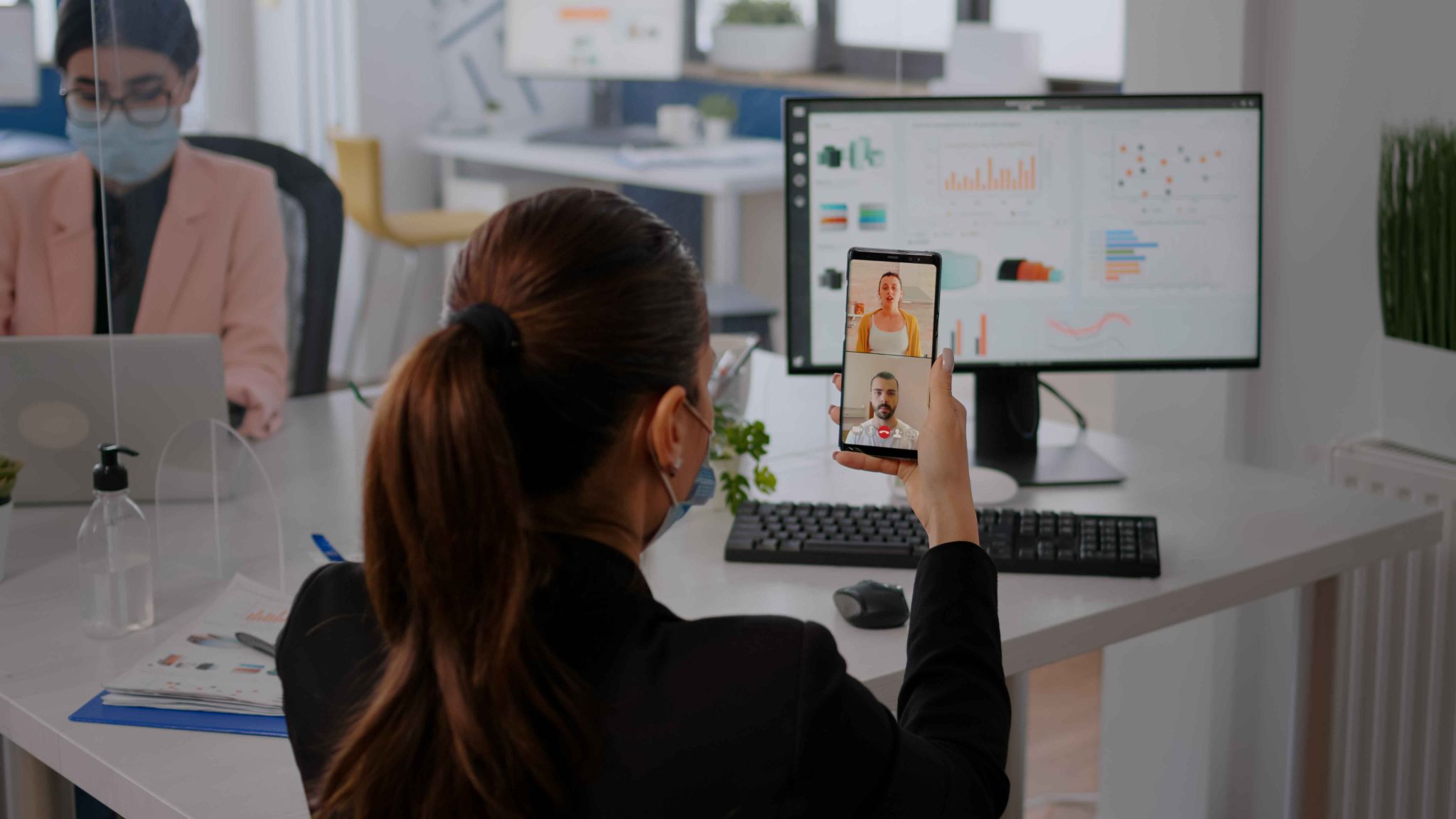
What Is Multi-Device Attendance?
Multi-device attendance refers to a system that allows employees to record their attendance using more than one type of device or method. Instead of being limited to a single punch card machine or a single kiosk, employees can use the device that is most convenient and appropriate for their work environment.
For example, an office worker might clock in through a web browser on their desktop computer. A field worker might use the mobile app on their smartphone. A warehouse employee might tap an RFID card at a scanner. A retail staff member might clock in at a shared tablet kiosk. A remote contractor might use facial recognition on their laptop.
All of these clock-ins flow into the same central system in real time, creating a unified and accurate attendance record for every employee regardless of where they are working or what device they used.
This flexibility is what makes multi-device attendance so powerful. It removes the barriers to accurate time tracking, ensures every employee can participate without difficulty, and gives managers a complete picture of workforce attendance without gaps or guesswork.
Why Single-Device Systems Fall Short
Many businesses start with a single attendance method usually a shared kiosk, a biometric fingerprint scanner, or a paper sign-in sheet. For a small team working in one location, this might work reasonably well at first. But as the team grows or the workforce becomes more distributed, the limitations of a single-device approach become clear.
When only one clock-in method is available, some employees simply cannot use it. A field worker cannot clock in at an office kiosk when they are 30 miles away at a client site. A remote employee cannot use a fingerprint scanner that is installed in the company's head office. An employee whose phone battery died cannot use the mobile app. When the system does not accommodate these situations, employees miss clock-ins, managers have to fill in gaps manually, and the attendance record becomes unreliable.
Single-device systems also create bottlenecks. When an entire shift of workers has to queue at one kiosk to clock in, it slows things down and creates friction at the start and end of every workday. Some employees clock in late simply because they were waiting in line and the data then suggests they started work later than they actually did.
Multi-device attendance eliminates all of these problems by giving every employee multiple ways to record their attendance, no matter where they are or what device they have available.
How Multi-Device Attendance Improves Accuracy
Every Employee Can Always Clock In
The most basic requirement for accurate attendance data is that employees can actually record their clock-in and clock-out. When only one method is available, there are always situations where that method does not work poor internet connection, a device that is out of charge, a scanner that malfunctions, or a worker in a remote location without access to the main system.
With a multi-device attendance approach, if one method is not available, another one is. An employee whose mobile app does not load can use a browser on any device. A worker without the internet can use the offline clock-in feature that syncs when connectivity is restored. This redundancy ensures that no attendance record is lost because of a technical limitation.
OpenTimeClock supports clock-ins through desktop software on Windows and Mac, web browsers on any device, mobile apps for both Android and iOS, and offline mode that stores the clock-in locally and syncs it automatically once the internet connection is restored. This means employees can always record their time, no matter what situation they are in.
Data Is Consistent and Centralized
When different groups of employees use different systems some on paper timesheets, others on a shared kiosk, others sending text messages to a manager the data ends up scattered and inconsistent. Someone has to manually collect it all, try to reconcile it, and enter it into a single system. This process is slow, error-prone, and often results in gaps or duplicates.
With a multi-device attendance system, all clock-ins from all devices flow into the same central database automatically. There is nothing to reconcile. A clock-in made from a smartphone in the field and a clock-in made from a desktop in the office both appear in the same dashboard, with the same format, updated in real time.
Managers looking at the OpenTimeClock dashboard see attendance from every device in one place. They can filter by employee, department, device, or date range. Every record includes the time of the event, the method used, a photo of the employee, and the GPS location where the clock-in occurred. Nothing is missing and nothing needs to be manually combined.
Verification Happens at Every Clock-In
Accuracy is not just about collecting data it is about making sure the data is honest. When employees can clock in from any device, there is a risk that they might try to abuse that flexibility by clocking in from unauthorized locations, using another person's credentials, or marking attendance before they actually start working.
A well-designed multi-device attendance system addresses these risks with security layers at every clock-in event. OpenTimeClock captures a photo of the employee at every single clock-in, regardless of the device used. Facial recognition technology verifies the employee's identity automatically. GPS tracking records the exact location of every clock-in. Managers can restrict clock-ins to specific devices, IP addresses, WiFi networks, or GPS zones.
This means that even though employees have flexibility in choosing which device to use, the system maintains strict verification at every step. The attendance data is not just collected it is verified, timestamped, location-tagged, and fraud-resistant.

How Multi-Device Attendance Builds Employee Accountability
Transparency Creates Responsibility
When employees know that every clock-in is recorded with a photo and a GPS location, regardless of the device they use, they behave more responsibly. They arrive on time because they know their late arrival will be visible to their manager. They clock out when they finish because they know the system records when they leave. They do not attempt to clock in from unauthorized locations because they know GPS tracking will catch it.
This transparency does not require constant surveillance or micromanagement. The mere fact that the system is accurate and consistent is enough to create a culture of accountability. Employees understand that the data is reliable, that it is fair, and that everyone is held to the same standard regardless of which device they use or where they work.
Managers Can Spot Problems Immediately
With a single-device system, problems in attendance data often go unnoticed until payroll processing time. A manager might not know that an employee was consistently late until they look at the weekly timesheet. By then, the issue has already happened multiple times and the opportunity for early intervention is gone.
With multi-device attendance connected to a live dashboard, managers can see attendance issues as they happen. They receive automated alerts when an employee fails to clock in at their scheduled time, approaches overtime limits, or makes a clock-in attempt from an unauthorized location. This real-time visibility allows managers to respond immediately by calling the employee, adjusting coverage, or addressing a policy violation before it becomes a pattern.
Employees Can Review Their Own Records
One of the most powerful ways that multi-device attendance builds accountability is by giving employees access to their own records. When employees can see exactly what the system has recorded for them every clock-in time, every clock-out, every break — they feel more confident that the system is fair. And when something looks wrong, they can flag it for correction immediately.
Which Devices and Methods Does a Good Multi-Device System Support?
A complete multi-device attendance system should support a wide range of clock-in methods so that every type of employee in every type of work environment can participate without friction.
Web Browser
Any employee with access to a computer, tablet, or smartphone with internet access can clock in through a standard web browser. This is the most universal method and requires no software installation. It works on any operating system and any device.
Desktop Software
For employees working on office computers, dedicated desktop software installed on Windows or Mac provides a reliable and fast clock-in experience that does not depend on a browser.
Mobile App for Android and iOS
Remote workers, field employees, and those who are frequently on the move need a mobile app that lets them clock in from their smartphone. The app should support all the same features as the desktop version, including GPS tracking and facial recognition.
Offline Mode
Connectivity is not always reliable. In remote locations, construction sites, or areas with poor signal, employees need to be able to clock in without an internet connection. The data should be stored locally and synced automatically when connectivity returns.
Facial Recognition
Using the front camera of a smartphone, laptop, or tablet, facial recognition verifies the employee's identity at the moment of clock-in. This is one of the most secure methods and completely eliminates buddy punching.
QR Codes and Barcodes
Employees can scan a QR code or barcode using a camera or dedicated scanner. This is fast, contactless, and works well for shared kiosk environments where employees need to clock in quickly.
Conclusion
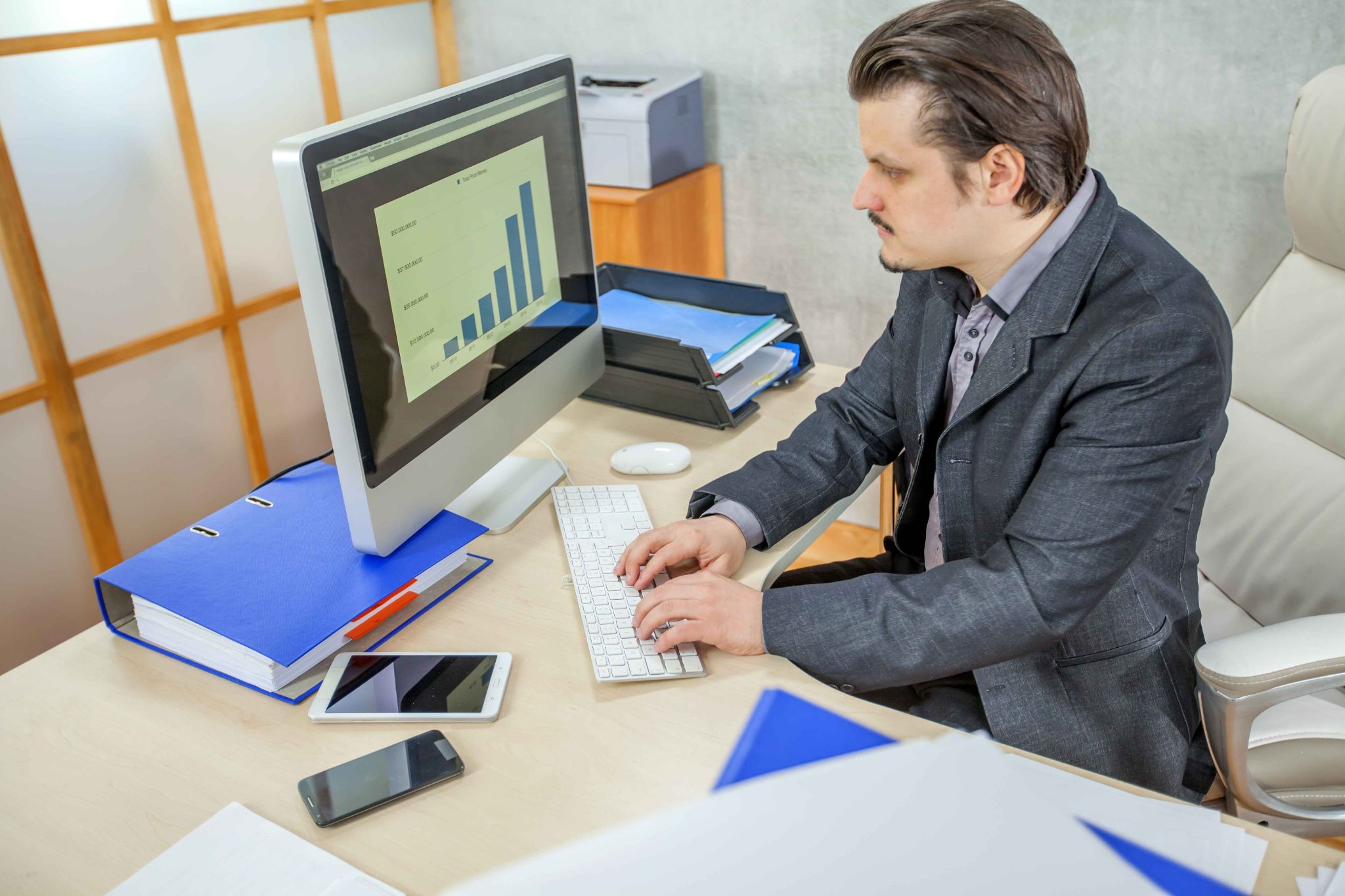
Multi-device attendance is not a luxury feature for large enterprises. It is a practical necessity for any business that has employees working from more than one location, using more than one type of device, or operating in environments where a single clock-in method simply cannot cover every situation.
When employees have multiple ways to record their attendance, the data becomes more complete and more accurate. When every clock-in is verified and location-tracked regardless of the device used, accountability improves across the whole team. And when all of that data flows into a single centralized dashboard in real time, managers have the information they need to run their workforce efficiently and fairly.
OpenTimeClock makes all of this possible for free. Sign up today with no credit card required and give your team the flexible, secure, and accountable attendance tracking system they deserve.
FAQ’s
-
What is multi-device attendance and how does it work?
Multi-device attendance is a system that allows employees to record their attendance using multiple types of devices and clock-in methods including web browsers, mobile apps, desktop software, facial recognition, QR codes, RFID cards, and PIN entry. -
How does multi-device attendance improve accuracy?
It improves accuracy by ensuring that every employee always has a way to clock in, regardless of their location or what device is available. It also applies the same verification standards photo capture, GPS recording, and identity checks across all devices, so the data is not just complete but also trustworthy and fraud-resistant. -
Can employees clock in without an internet connection?
Yes. OpenTimeClock supports offline clock-in through the mobile app. When an employee is in an area with no internet connectivity, they can still clock in and out normally. The data is stored on the device and automatically synced to the central system as soon as a connection is available. -
How does multi-device attendance prevent buddy punching?
Every clock-in through OpenTimeClock, regardless of the device used, triggers a photo capture and optional facial recognition verification. The system compares the employee's face to their stored profile and only accepts the clock-in if there is a match. -
Is OpenTimeClock's multi-device attendance system free to
use?
Yes. OpenTimeClock offers a permanently free plan with no credit card required and no user limit. The free plan includes all core multi-device attendance features browser clock-in, mobile app, facial recognition, GPS tracking, offline mode, QR code support, and more. The paid plan, which adds full PDF and Excel reporting, is just $39 per month for unlimited users.