How Biometric Authentication Is Changing the Future of Tablet Security
Discover how biometric login for tablets is transforming security, preventing fraud, and improving workforce management with OpenTimeClock.
Passwords have been the standard way to secure devices for decades. But they come with serious problems. People forget them, share them, write them down in unsafe places, or choose ones that are too simple to guess. For businesses using tablets to manage operations, a weak password is a serious security risk.
Biometric authentication is changing all of this. Instead of typing a password or entering a PIN, users verify their identity using something unique to their body: their fingerprint, their face, or even their eyes. This technology is faster, more secure, and much harder to fake than any password.
In this article, we will explain how biometric authentication works, why it matters for tablet security, how it is being used in workforce management, and how a platform like OpenTimeClock is using this technology to help businesses run more securely and efficiently.
What Is Biometric Authentication?
Biometric authentication is a method of verifying a person's identity using their unique biological characteristics. Unlike passwords or PINs which are something you know, biometrics are something you are. This makes them fundamentally more secure, because they cannot be forgotten, guessed, or shared.
The most common types of biometric authentication used in tablet security today include the following.
Facial Recognition
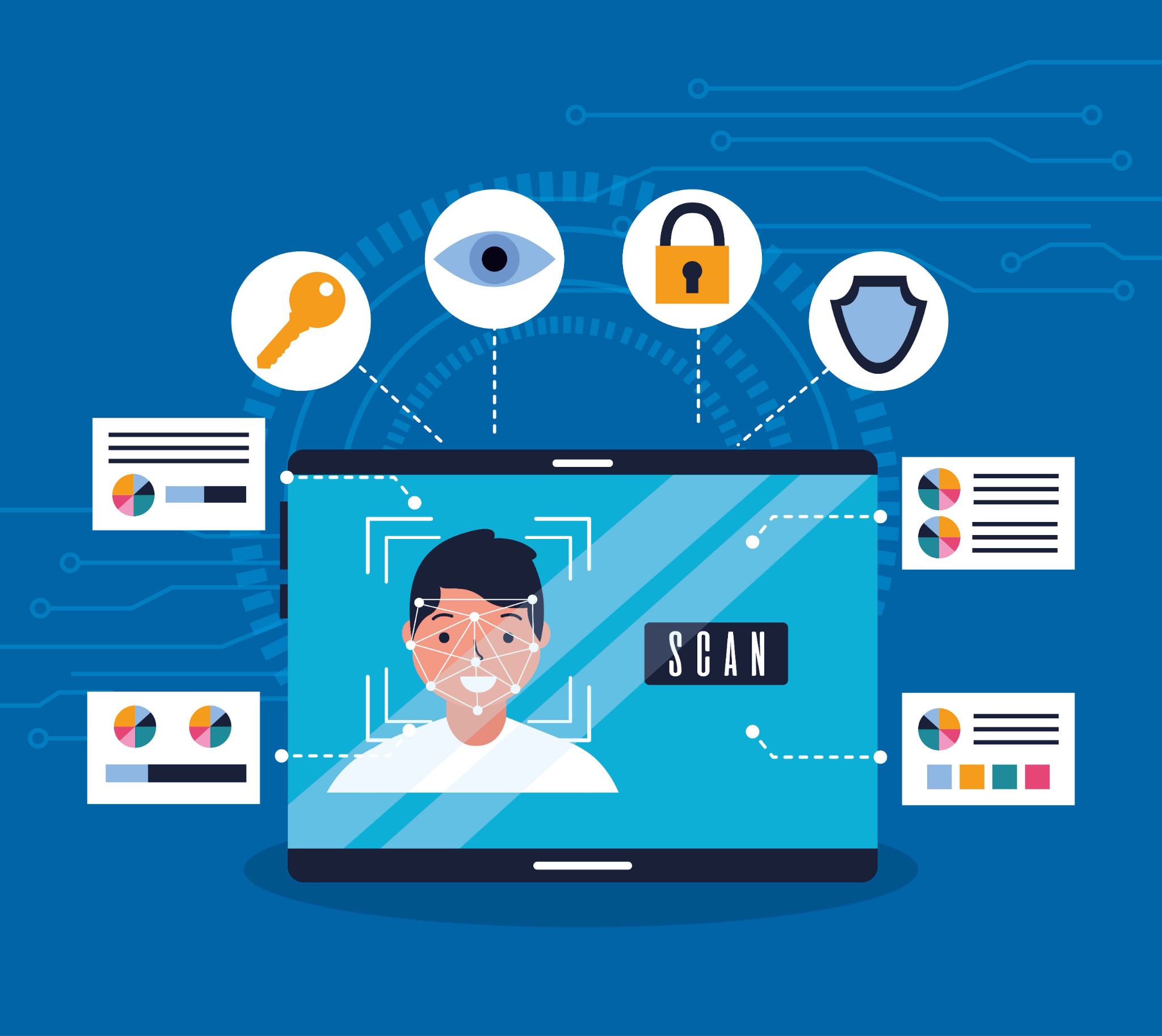
Facial recognition uses a camera to scan the unique structure of a person's face. Advanced systems map dozens of individual data points, the distance between the eyes, the shape of the jawline, the contours of the nose and compare them to a stored profile. Even identical twins have measurable facial differences that good facial recognition systems can detect.
Fingerprint Scanning
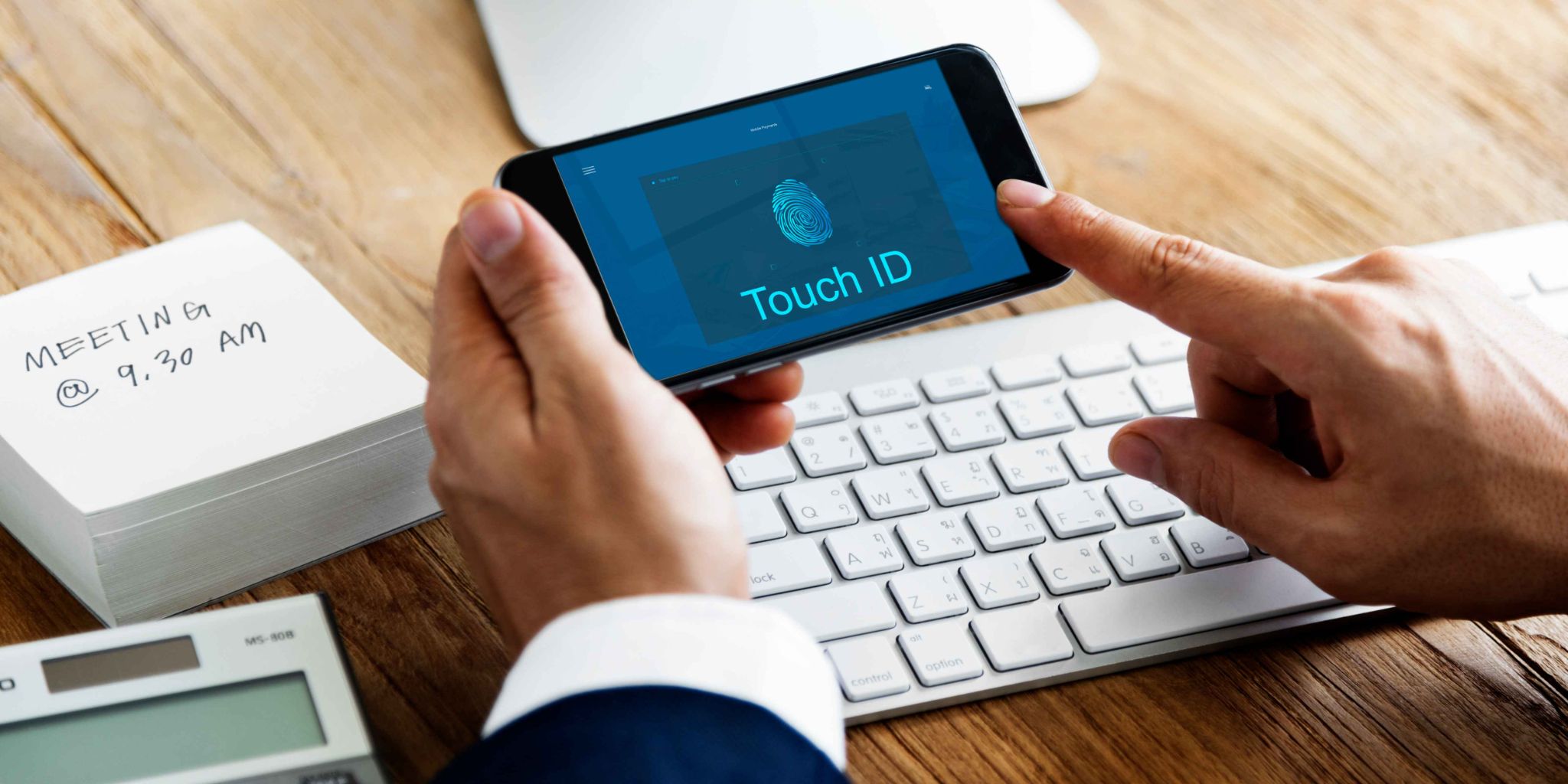
Fingerprint scanning reads the unique patterns of ridges and grooves on a person's fingertip. It is one of the oldest and most widely adopted forms of biometric authentication. Modern fingerprint sensors are fast, accurate, and built into most tablets and smartphones.
Iris and Retina Scanning
Iris scanning captures the unique patterns in the colored part of the eye. It is one of the most accurate forms of biometric identification available. While less common in consumer tablets, it is increasingly used in high-security business environments.
Voice Recognition
Voice recognition identifies a person based on the unique characteristics of their voice: its pitch, tone, cadence, and rhythm. It is particularly useful in hands-free environments where touching a screen is not practical. Each of these methods provides a level of security that passwords simply cannot match.
Why Tablet Security Matters More Than Ever for Businesses
Tablets have become central tools in many businesses. They are used at reception desks, on shop floors, in warehouses, at job sites, and in healthcare facilities. They hold sensitive employee data, customer information, financial records, and operational systems.
When a tablet is used as a shared device accessed by multiple employees throughout the day the security challenge is even greater. A shared PIN or password is quickly known by everyone. If one employee shares it with someone outside the organization, the entire system is compromised.
Biometric login for tablets solves this problem by tying access to the identity of the individual user. Even if multiple employees use the same tablet throughout the day, each one is verified individually through their own biometric data before they can access the system. No shared passwords. No unauthorized access.
This level of security is especially important for businesses that use tablets as time clocks, point-of-sale terminals, or access control systems all of which hold data that needs to be protected.
How Biometric Login for Tablets Is Being Used in the Workplace
The most impactful applications of biometric login for tablets in the business world are in workforce management. Here are the key ways it is being used.
Employee Time and Attendance Tracking
One of the most widespread uses of biometric authentication in the workplace is verifying employee identities at the time of clocking in and out. Traditional time clocks relied on PIN numbers or swipe cards, both of which are vulnerable to buddy punching where one employee clocks in on behalf of a coworker who has not arrived yet.
Biometric verification makes buddy punching impossible. When an employee must have their face scanned or their fingerprint read to clock in, no one else can do it for them. Every clock-in represents a real, verified person who is physically present at the time of the record.
OpenTimeClock supports facial recognition clock-ins through any tablet or device with a camera. Employees simply look at the camera, and the system verifies their identity and records their attendance instantly. The process takes seconds and requires no physical contact making it fast, hygienic, and completely fraud-proof.
Access Control for Secure Areas
In businesses with restricted areas server rooms, pharmacies, stockrooms, or executive offices biometric authentication controls who can enter. A tablet mounted at the entrance scans the employee's face or fingerprint before granting access. Every entry is logged with a timestamp and the identity of the person who entered.
This creates a detailed access history that is invaluable for security audits, compliance reviews, and incident investigations.
Visitor and Contractor Verification
Many businesses use tablets at reception to manage visitor check-ins. Biometric verification adds a powerful layer of security to this process. Visitors or contractors who have been pre-registered in the system can be verified against their stored profile when they arrive, ensuring that only authorized individuals gain access to the building.
Secure Access to Business Applications
Beyond physical access control, biometric login for tablets is also used to secure access to software applications. Rather than entering a password to open a business management system, a payroll platform, or an HR database, employees verify their identity biometrically. This reduces the risk of unauthorized access even when a device is left unattended.
OpenTimeClock integrates biometric verification directly into the clock-in process, ensuring that every time record is tied to a verified employee identity. This integration makes the system both more secure and more convenient. Employees do not need to remember passwords, and managers can trust that every record is accurate.
The Key Benefits of Biometric Login for Tablets
The shift to biometric login for tablets delivers concrete benefits for businesses across industries. Here are the most important ones.
Elimination of Time Fraud and Buddy Punching
As mentioned earlier, buddy punching is a significant source of financial loss for businesses. Research estimates that buddy punching costs employers billions of dollars globally every year. Biometric verification makes it structurally impossible, not just discouraged. This directly protects payroll accuracy and reduces labor costs.
Faster and More Convenient Authentication
Typing a PIN or password takes time. Biometric verification typically takes less than a second. For employees clocking in at the start of a shift, this speed makes a real difference particularly in environments where many employees are clocking in within a short time window.
The convenience factor also improves compliance. When the process is fast and easy, employees are more likely to follow it consistently. When it is slow or frustrating, people look for shortcuts.
Improved Data Security
Business tablets often contain sensitive data. If a tablet is lost, stolen, or left unattended, biometric authentication ensures that the data remains inaccessible to anyone who does not have the registered user's biometric credentials. This is a much stronger protection than a PIN or password, which can be guessed, observed, or obtained through social engineering.
Accurate, Auditable Records
Every biometric clock-in creates a record that is tied to a specific, verified individual. This produces an audit trail that is far more reliable than paper timesheets or PIN-based records. When payroll disputes arise, when labor law compliance is reviewed, or when a security incident needs to be investigated, biometric records provide clear, unambiguous documentation.
OpenTimeClock stores every attendance record with a timestamp, location data, and the identity of the verified employee. These records can be accessed and exported at any time, giving businesses a complete and reliable attendance history.
Challenges and Considerations With Biometric Authentication
Like any technology, biometric authentication comes with considerations that businesses need to address thoughtfully.
Privacy and Data Protection
Biometric data is highly personal and sensitive. Employees have a reasonable expectation that their facial features or fingerprint data will be stored and used responsibly. Businesses must comply with applicable data protection laws such as GDPR in Europe or BIPA in the United States and be transparent with employees about what data is collected, how it is stored, and who has access to it.
Always choose tools that store biometric data securely, use encryption, and comply with relevant regulations in your region.
Employee Consent and Communication
Introducing biometric authentication in the workplace requires clear communication with employees. Explain what the technology does, why it is being introduced, what data is collected, and how it is protected. Give employees the opportunity to ask questions and address any concerns before the system goes live.
When employees understand the purpose of the technology and trust that their data is being handled responsibly, adoption is much smoother.
Hardware and Compatibility Requirements
Biometric features require compatible hardware. Facial recognition needs a front-facing camera of sufficient quality. Fingerprint scanning needs a dedicated sensor. Before rolling out biometric login for tablets, check that your devices support the required hardware and that your software is compatible with those features.
Most modern tablets including iPads, Android tablets, and Surface devices have built-in cameras and sensors that support facial recognition and fingerprint authentication.
Fallback Authentication Methods
No biometric system is perfect. Cameras can struggle in poor lighting. Sensors may not work correctly for employees with certain skin conditions or injuries. Always ensure there is a secure fallback authentication method available such as a manager-supervised override so that legitimate employees are never locked out of the system.
The Future of Biometric Login for Tablets
The technology behind biometric login for tablets is advancing rapidly. Here is where things are heading in the coming years.
Multi-Factor Biometric Authentication
Future systems will combine multiple biometric methods for even stronger security. Rather than just scanning a face or a fingerprint, a system might require both or combine a biometric with a location check before granting access. This layered approach makes unauthorized access virtually impossible.
Passive Biometric Verification
Emerging technology is moving toward continuous, passive verification where the system continuously confirms the identity of the user during a session without requiring them to actively authenticate. If the system detects that a different person is now using the device, it automatically locks the session.
Integration With Broader Workforce Systems
Biometric data will increasingly be integrated with broader HR and workforce management platforms. A single biometric verification at clock-in will simultaneously confirm identity, record attendance, verify location, and unlock the employee's work applications all in one seamless action.
Conclusion
Biometric authentication is not a distant future technology it is here now, and it is already transforming how businesses secure their tablets and manage their workforces. From eliminating buddy punching to protecting sensitive business data, the benefits of biometric login for tablets are concrete, measurable, and growing more accessible every year.
For businesses looking to improve the accuracy of their attendance records, reduce time fraud, strengthen data security, and deliver a faster, more convenient experience for their employees, biometric tablet authentication is the clear next step.
OpenTimeClock supports facial recognition clock-ins as part of a free, comprehensive workforce management platform that works on any tablet or device. It gives businesses of every size access to biometric security technology without the high cost of enterprise systems helping you protect your data, your payroll, and your people.
FAQ’s
Q1: What is biometric login for tablets?
Biometric login for tablets is a method of verifying a user's identity using unique biological characteristics most commonly their face, fingerprint, or iris instead of a password or PIN.
Q2: How does facial recognition prevent buddy punching in the workplace?
Buddy punching happens when one employee clocks in on behalf of a coworker who is not present. Facial recognition prevents this by requiring the actual employee to be physically in front of the camera at the time of clock-in.
Q3: Is biometric data stored securely in OpenTimeClock?
OpenTimeClock takes data security seriously and is designed to handle employee data responsibly. Biometric verification through the platform uses encrypted data storage to protect sensitive information.
Q4: Can biometric login for tablets work for businesses with multiple locations?
Yes. A cloud-based platform like OpenTimeClock allows biometric clock-ins to be managed across multiple locations from a single central dashboard. Each location can have its own tablet kiosk for employee check-ins, and all attendance data is synced to the same system in real time.
Q5: What happens if an employee cannot be verified by the biometric system?
Most biometric systems include a fallback authentication method for situations where the primary biometric check fails such as poor lighting for facial recognition or a minor injury affecting fingerprint scanning. This typically involves a manager-supervised override or an alternative verification method.