How Biometric and GPS Features Are Changing Modern Punch Clock Software
Learn how biometric identity verification and GPS tracking are transforming punch clock software and why these features matter for your business.
The original punch clock was a mechanical machine. Employees inserted a paper card. A stamp marked the time. The card went in a file drawer. That was the whole system.
Today, punch clock software does far more than stamp a time on a card. It verifies who is clocking in, confirms where they are standing when they do it, flags late arrivals in real time, and sends verified hours directly to payroll. The technology that makes all of this possible is biometric verification and GPS location tracking.
This article explains how these two features are changing what punch clock software can do and why businesses of every size are adopting them in 2026.
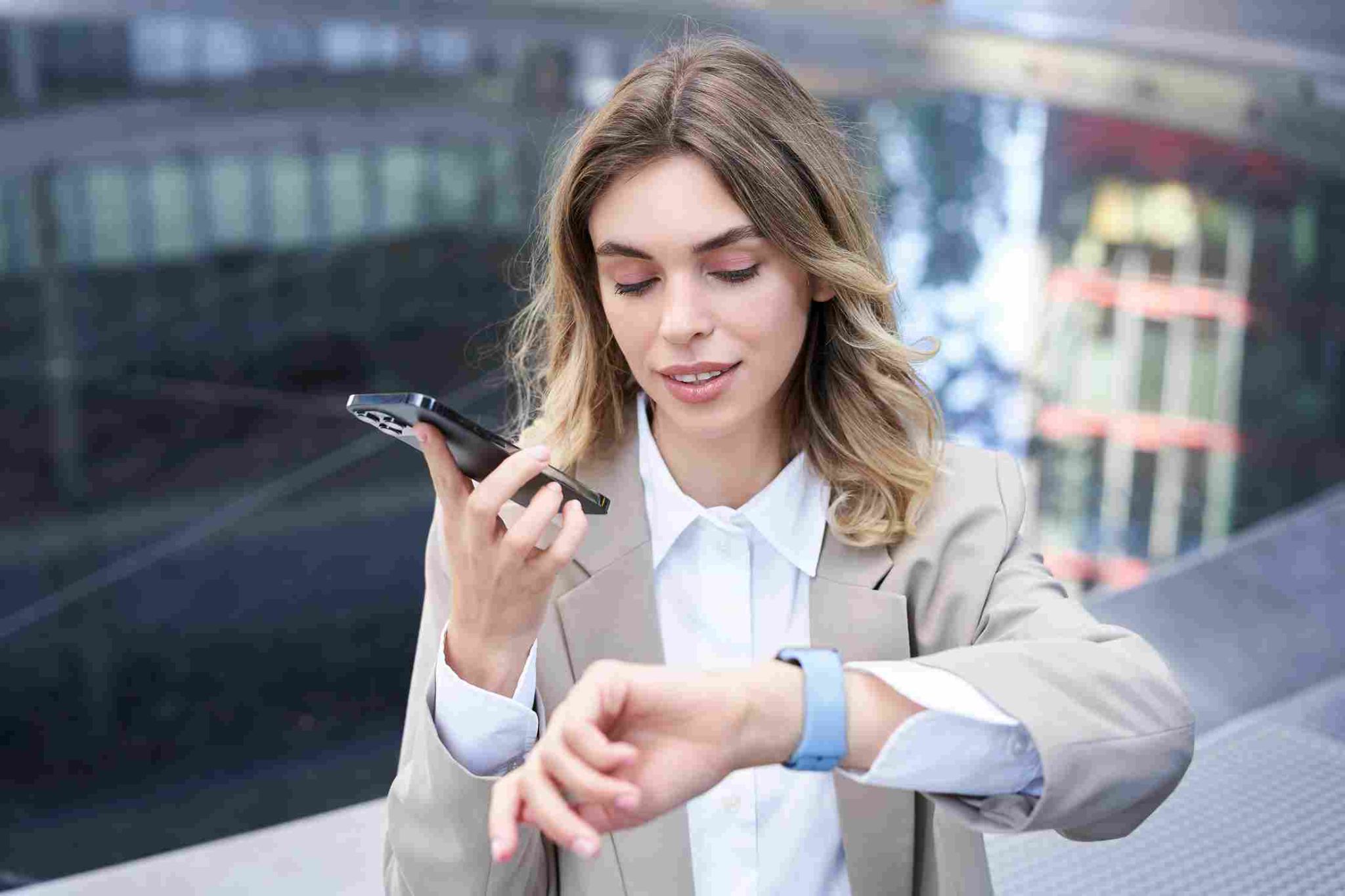
What Is Modern Punch Clock Software
Modern punch clock software is a cloud-based system that replaces physical time clocks and paper timecards with digital clock-in and clock-out events. Employees punch in using a smartphone app, a web browser, a shared kiosk tablet, or a dedicated device. The software captures the exact timestamp and stores it automatically.
From there, the software builds on that data. It calculates total hours, applies break deductions, flags overtime, and generates payroll-ready reports. All without any manual calculation or data entry.
The shift to mobile devices and cloud storage opened the door for two additional capabilities that the old mechanical systems could never offer: biometric identity verification and GPS location tracking. These two features have transformed what it means to record a clock-in, and they are now the main reason businesses upgrade their attendance systems.
What Biometric Verification Adds to Punch Clock Software
The biggest weakness of traditional time clocks was that they could not verify identity. A shared PIN, a swipe card, or a paper timesheet tells you that a number was entered or a card was used. It does not tell you who actually showed up.
Buddy punching, where one employee clocks in for another who is not present, has been a documented source of payroll fraud for decades. The American Payroll Association estimates that buddy punching accounts for hundreds of millions of dollars in losses annually across U.S. employers.
Biometric features solve this by tying the clock-in to a physical characteristic that cannot be shared. The two most common biometric methods used in punch clock software are fingerprint scanning and facial recognition.
Fingerprint Scanning
Fingerprint scanners read the unique ridge patterns on an employee's fingertip and match them to a stored digital template. The match happens in under two seconds. If the print does not match, the clock-in is rejected.
Fingerprint scanning requires dedicated hardware, which means the company needs to purchase and maintain a physical scanner at every clock-in location. This is practical for office-based teams with a fixed location but becomes costly when employees work across multiple sites.
Facial Recognition
Facial recognition is the more flexible option for most modern businesses. Instead of dedicated hardware, it uses the camera already built into a smartphone, tablet, or laptop. The software scans the employee's face, maps key facial features, and matches them against the stored profile.
Open Time Clock facial recognition works on any device with a front-facing camera. There is no hardware to purchase and no hardware to maintain. Managers upload a clear photo for each employee during setup. The system verifies identity at every clock-in automatically.
Facial recognition also captures a photo at every clock-in event. That photo is stored with the attendance record. Managers can review it at any time, which adds a visual audit trail on top of the automated identity matching.
What GPS Tracking Adds to Punch Clock Software
Biometric verification confirms who is clocking in. GPS tracking confirms where they are when they do it. Together, the two features address every major form of attendance fraud: wrong identity, wrong location, and wrong time.
GPS tracking records the latitude and longitude coordinates of the employee's device at the exact moment they punch in. The software converts these coordinates into a readable street address. Managers can see exactly where each clock-in happened on a map.
This is especially valuable for businesses with field employees, construction crews, delivery drivers, home care workers, and anyone who works outside a fixed office. A paper timesheet or a PIN-based time clock cannot tell you whether a worker was at the job site or at home when they clocked in. GPS can.
Geofencing Takes GPS One Step Further
Geofencing uses GPS coordinates to create a virtual boundary around an approved location. When an employee tries to clock in, the software checks whether their device is inside that boundary. If it is, the clock-in goes through. If it is not, the system blocks the punch and records the attempt.
Open Time Clock GPS and geofencing lets managers set custom geofence boundaries for each job site or office location using a Google Maps interface. The boundary radius can be adjusted to fit the size of the work area. Multiple zones can be active at the same time for businesses with teams across several locations.
Geofencing removes the possibility of clocking in from the parking lot, from home, or from any location outside the designated area. For field businesses, this is one of the most impactful features available in any modern punch clock platform.
How Biometric and GPS Features Work Together
The real power of these features comes from using them together. Each one addresses a different dimension of attendance verification. GPS confirms location: the employee was physically within the approved zone when they punched in.
Biometric verification confirms identity: the person who actually clocked in matches the employee profile. Photo capture confirms both at once visually: a stored image shows who was in front of the camera at that exact location and time.
When all three layers are active, the resulting clock-in record is highly resistant to manipulation. To commit time fraud, an employee would need to be at the right location, appear to be the right person, and do both at the exact right moment. The combination of GPS and biometric features makes this effectively impossible for the vast majority of fraud attempts.

Real-Time Alerts Make the System Active, Not Just Passive
One of the changes modern punch clock software has introduced is the shift from passive record-keeping to active workforce monitoring. Old punch systems recorded what happened. Modern systems alert managers in real time when something unusual occurs.
Open Time Clock real-time notifications send managers an immediate email when an employee clocks in late for their scheduled shift, when a punch is detected outside a geofence boundary, when an employee does not clock in at all during their scheduled window, or when overtime thresholds are approached.
These alerts change the manager's role from someone who reviews records at the end of the week to someone who can respond to attendance issues while there is still time to do something about them. A late crew member can be called. An uncovered shift can be reassigned. An unauthorized location punch can be investigated and addressed before it affects the pay record.
Privacy Considerations for Biometric Punch Clock Features
As biometric and GPS features become more common, privacy laws have expanded to regulate how employers collect and use this kind of data.
Several U.S. states have enacted biometric privacy laws. Illinois has the strictest, under the Biometric Information Privacy Act. It requires written employee consent before collecting fingerprint or facial recognition data, a public retention and destruction policy, and strict limits on sharing that data with third parties. Texas and Washington have similar laws, and other states are in the process of introducing their own.
The safest approach for any employer using biometric punch clock features is to obtain written consent from every employee before enrollment, provide employees with a clear explanation of what data is collected and why, and establish a documented policy for how long the data is retained and how it is deleted when an employee leaves.
GPS tracking during work hours is generally permissible in most states as long as employees are informed that location is being recorded. Tracking employees outside of work hours without consent is not acceptable and may be illegal in many jurisdictions. A system that only records GPS at clock-in and clock-out events, rather than continuous tracking throughout the day, is the most common and most defensible implementation.
Why More Businesses Are Upgrading Their Punch Clock Software
The adoption of biometric and GPS-enabled punch clock software has accelerated significantly over the past few years. Several factors are driving this shift.
Remote and hybrid work created new attendance verification challenges. When employees work from home or from multiple locations, a traditional office-based time clock simply does not work. A mobile punch clock app with GPS verification solves the location problem in a way that a physical device never could.
Rising awareness of time theft costs has motivated many employers to look at more secure verification options. When business owners understand that buddy punching can cost a 20-person team tens of thousands of dollars per year, the case for facial recognition becomes easy to make.
Smartphone penetration means every employee already carries the hardware required for GPS tracking and facial recognition. There is no additional device to purchase or maintain. The software runs on the device in every worker's pocket.
And falling costs have made enterprise-grade features accessible to small businesses. The same biometric and GPS tools that large companies have used for years are now available on free platforms with no per-user fees.
How Open Time Clock Brings All of This Together
Open Time Clock includes biometric verification, GPS tracking, geofencing, photo capture, and real-time alerts in a single platform that is free for unlimited users. There is no additional hardware required for facial recognition. There is no premium tier required to unlock GPS or geofencing. Every feature is included from day one at no cost.
Open Time Clock's full features page lists every capability available in the free plan. Overtime management, shift scheduling, payroll export, and absence tracking are all included alongside the biometric and GPS tools covered in this article.
For businesses switching from a basic PIN-based system or paper timesheets, the upgrade to a platform with biometric and GPS verification is one of the most meaningful improvements they can make. The cost of doing it is zero. The value of accurate, verified attendance records is immediate and ongoing.

Conclusion
Punch clock software has come a long way from the mechanical stamp machines of the 20th century. Biometric verification and GPS tracking have transformed what a clock-in record can contain and how much it can be trusted.
The businesses that benefit most from these features are those that have been dealing with buddy punching, inaccurate location data, or manual time records that do not hold up during payroll review or a labor audit. For these businesses, the upgrade to modern punch clock software with biometric and GPS features does not just improve convenience. It removes a category of risk entirely.
FAQ’s
Q1. What is punch clock software?
Punch clock software is a digital system that records when employees start and stop working. Modern versions include biometric identity verification, GPS location tracking, geofencing, and payroll-ready report export, replacing physical time clocks and paper timecards.
Q2. How does facial recognition work in punch clock software?
Facial recognition uses the camera on a phone, tablet, or laptop to scan the employee's face at clock-in. The software maps key facial features and matches them against a stored profile. If the match succeeds, the clock-in is recorded. If not, it is rejected.
Q3. What is GPS geofencing in a time clock app?
GPS geofencing creates a virtual boundary around an approved work location. When an employee tries to clock in, the system checks whether their device is inside that boundary. If they are outside it, the clock-in is blocked automatically.
Q4. Are biometric time clocks legal?
Yes, but employers must comply with applicable state biometric privacy laws. Illinois, Texas, and Washington have specific requirements around consent, data retention, and destruction policies. Employers should obtain written employee consent before collecting any biometric data.
Q5. Does Open Time Clock include GPS and facial recognition for free?
Yes. Open Time Clock includes GPS tracking, geofencing, and facial recognition at no cost for unlimited users. There is no premium tier required to access these features, and no additional hardware is needed for facial recognition.