Homebase vs When I Work: A Complete Comparison for Small Businesses
A full Homebase vs When I Work comparison covering pricing, scheduling, time tracking, and which fits small businesses best.
Choosing scheduling software can feel confusing when there are so many similar options on the market. Two of the most popular choices for small businesses are Homebase and When I Work. Both tools help manage shifts, time tracking, and team communication, but they work in different ways and fit different types of businesses.
This Homebase vs When I Work comparison breaks down the key differences so you can decide which tool fits your business best, or whether a simpler alternative makes more sense for your needs.
What Homebase Offers Small Businesses
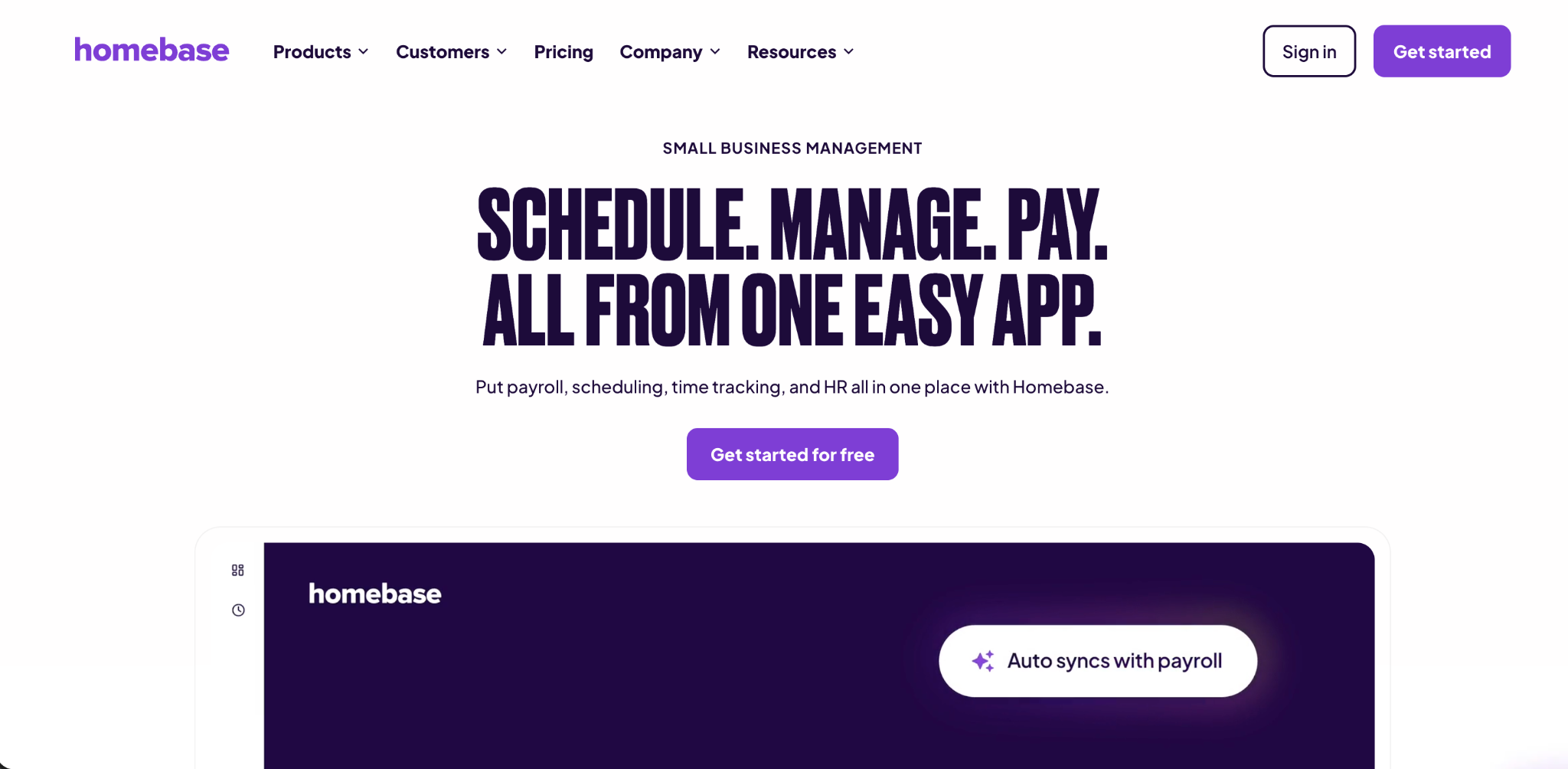
Homebase is built as an all in one platform for small businesses with hourly staff. It combines scheduling, time tracking, hiring tools, onboarding, and team messaging into one system. This makes it appealing for businesses that want most of their workforce tools in a single place, without needing several separate systems.
One standout feature of Homebase is its hiring support. Job postings can be pushed out to popular job boards, along with basic applicant tracking. This can save time for small business owners who handle hiring on their own without a dedicated HR team.
Homebase offers a free plan, though it is limited to one location and a small number of employees. Paid plans expand these limits, but pricing is based per location, which can add up quickly for businesses with several stores or offices.
What When I Work Offers Small Businesses
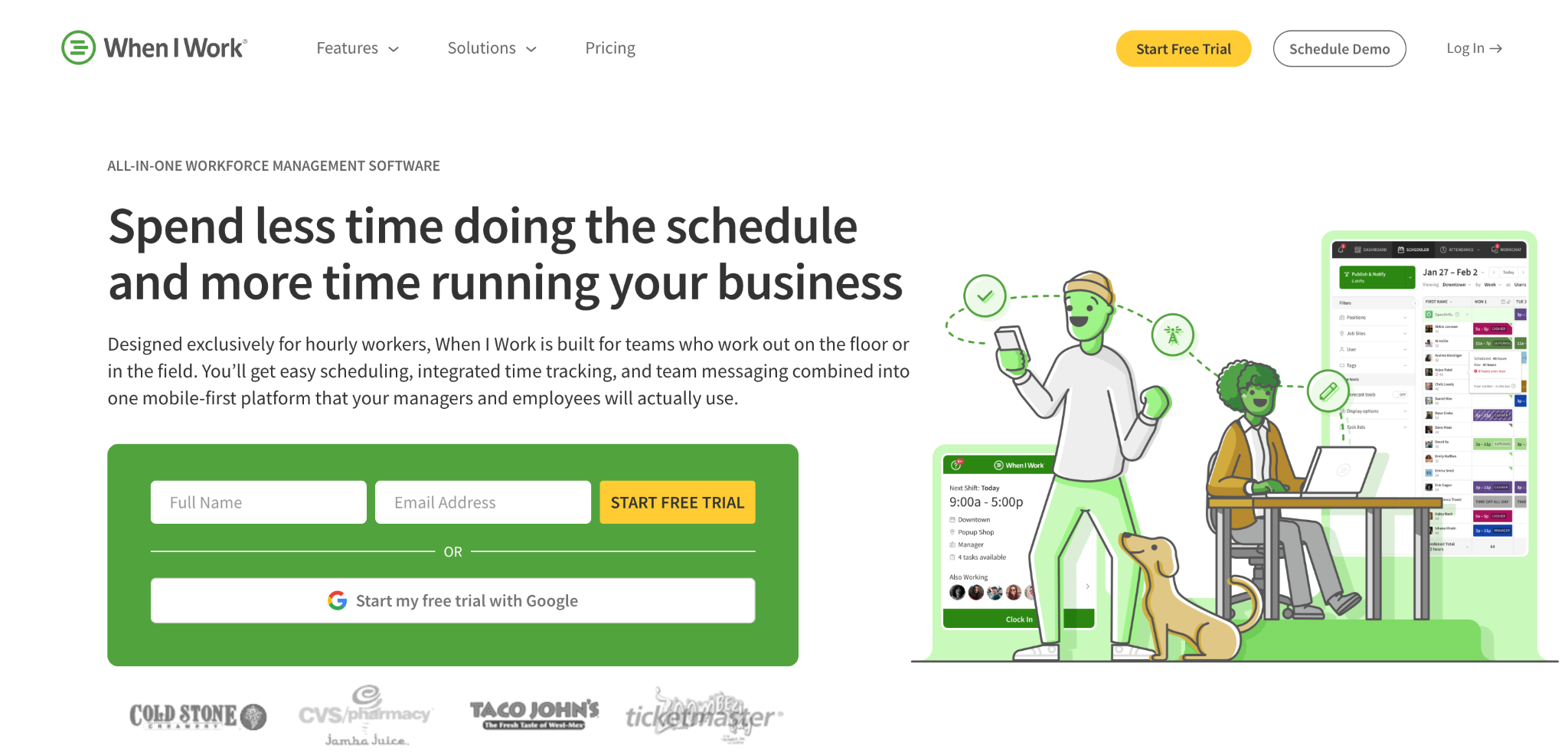
When I Work takes a more focused approach, centering on scheduling, time tracking, and team communication. Instead of bundling in hiring tools, it puts more effort into building strong scheduling features, such as shift templates, open shift management, and detailed availability tracking.
A key part of When I Work is its built in messaging tool. This gives managers and employees a direct way to communicate about shifts without relying on personal phone numbers or scattered text messages. Read receipts let managers confirm that shift updates were actually seen by their team.
Pricing for When I Work is based per user rather than per location. This structure can work out cheaper for businesses with multiple locations but smaller staff counts at each site, while it may cost more for a single location with many employees.
Homebase vs When I Work: Comparing Pricing Structures
Pricing is often the biggest factor in choosing between these two platforms. Homebase charges based on location, while Homebase vs When I Work pricing models work in nearly opposite directions when it comes to how costs scale.
For a single store with around fifteen employees, Homebase often comes out cheaper since its pricing is tied to the location rather than the headcount. For businesses with several smaller locations, When I Work can become more cost effective, since its per user pricing does not increase simply because a business operates in more than one place.
This means the right choice often depends on your specific business structure. A single busy store with many employees may lean toward Homebase, while a business with several smaller locations may find When I Work more predictable and affordable overall.
Comparing Scheduling Features
Scheduling is at the heart of both platforms, but they take slightly different approaches. Homebase offers solid basic scheduling tools that work well for simple, single location businesses. It supports shift building, availability tracking, and basic shift swapping.
When I Work tends to offer deeper scheduling controls, especially for businesses with rotating roles, multiple departments, or more complex shift patterns. Its shift templates and open shift tools are often highlighted as stronger for businesses managing more complicated scheduling needs across a growing team.
In this part of the Homebase vs When I Work debate, the right choice depends on how complex your scheduling truly is. Simple, single location businesses may not need the extra depth that When I Work offers, while growing businesses with more moving parts may benefit from it.
Comparing Time Tracking Capabilities
Both platforms include time tracking as part of their core offering, but user reviews point to some common issues with each. Homebase users have reported occasional clock management glitches and geolocation issues affecting accurate location based clock-ins. When I Work users have mentioned some inconsistency with clocking reliability and delayed notifications in certain situations.
These kinds of issues are worth considering carefully if accurate time tracking is your top priority. Reliable attendance data affects payroll accuracy directly, so even small glitches can create bigger problems during busy pay periods.
For businesses that want a dedicated time tracking tool without relying entirely on a bundled scheduling platform, a system like Open Time Clock offers a strong alternative. You can review its full time tracking capabilities on the Open Time Clock homepage, which focuses specifically on accurate attendance and payroll support.
Comparing Payroll Support
Homebase offers integrated payroll as an add-on feature, giving businesses the option to run payroll directly within the platform. However, multiple user reviews from the past year have pointed to payroll accuracy concerns, including issues with tax calculations that some businesses had to correct manually.
When I Work does not focus as heavily on built in payroll processing, instead relying more on integrations with other payroll providers. This means businesses using When I Work may need to connect a separate payroll system rather than handling everything within one platform.
If payroll accuracy is a top concern, it may be worth looking at dedicated time tracking tools that connect cleanly with established payroll software. Open Time Clock supports this kind of integration through tools like its payroll summary reports feature, which organizes attendance data clearly before it moves into payroll processing.
Comparing Team Communication Tools
Team communication is another area where these platforms differ. When I Work includes its messaging tool across all of its plans, giving every user access to direct communication features without needing to upgrade to a higher tier. This built in messaging avoids the need for personal phone numbers, which can help maintain privacy between managers and staff.
Homebase also includes messaging features, but some of the more advanced tools, like read receipts or manager controlled channels, are often limited to paid plans. This means smaller businesses using the free version may have a more limited communication experience compared to When I Work's approach.
For businesses where team communication is a top priority, this difference in the Homebase vs When I Work comparison could be a deciding factor, especially for teams that rely heavily on quick shift updates and reliable notifications.
Which Business Types Fit Each Platform
Homebase tends to fit well for small businesses in food service or retail with a single location and a fairly stable team. Its combination of scheduling, basic time tracking, and hiring tools works well for business owners who want to avoid juggling several different systems.
When I Work tends to fit well for businesses that need stronger scheduling depth, especially those managing rotating shifts, multiple departments, or several smaller locations. Restaurants and service teams that need fast, flexible coordination often lean toward this platform for its scheduling strengths.
Neither platform is universally better. The right choice depends on your specific business size, structure, and which features matter most for your daily operations.
Common Complaints Shared by Users of Both Platforms
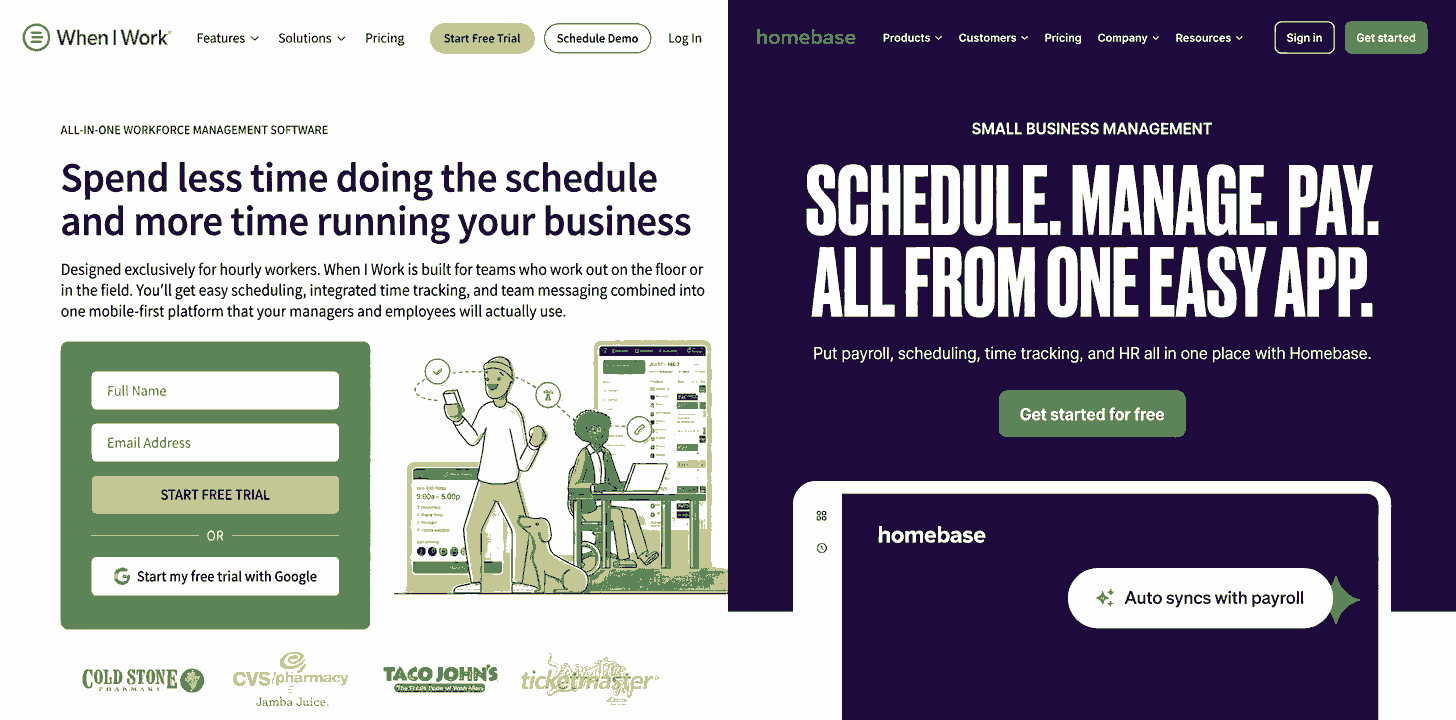
Looking across various reviews, both platforms share a few common complaint themes. Mobile app stability and occasional glitches with clock-in features come up for both tools. Some users have also mentioned inconsistent notifications, which can create confusion around shift updates or important announcements.
These kinds of issues are common across many bundled scheduling and time tracking platforms, since they try to handle many different functions within one system. Businesses that prioritize accuracy above bundled convenience sometimes choose to separate their time tracking from their scheduling tool entirely.
Considering a Simpler Alternative for Time Tracking
While Homebase and When I Work both bundle scheduling and time tracking together, some small businesses prefer to keep these functions separate. This can reduce the risk of glitches affecting both systems at once and allows a business to choose a dedicated time tracking tool built specifically for accuracy.
Open Time Clock offers this kind of focused approach. Instead of bundling in hiring tools or complex scheduling features, it concentrates on reliable attendance tracking, payroll reporting, and job costing. You can explore its full feature set on the Open Time Clock features page, which includes GPS tracking, biometric verification, and detailed reporting.
This kind of focused tool can work well alongside a separate scheduling app, or as a standalone system for businesses that do not need the hiring and messaging features found in Homebase or When I Work.
Weighing Cost Against Feature Depth
When comparing Homebase vs When I Work, cost should not be the only factor. A slightly higher price for stronger scheduling depth or more reliable time tracking may save money in the long run by reducing payroll errors or scheduling conflicts.
On the other hand, a smaller business with simple needs may find that paying for extra features they do not use is not a good use of their budget. Taking time to map out your actual daily needs, rather than just comparing price tags, leads to a better long term decision.
Open Time Clock offers a free plan with strong core time tracking features, which can be a practical starting point for businesses trying to control costs while still getting reliable attendance data. You can review this option on the Open Time Clock homepage before deciding whether a bundled platform like Homebase or When I Work fits your business better.
Testing Before You Commit
Both Homebase and When I Work offer free trial periods, which give businesses a chance to test the software before committing to a paid plan. Taking advantage of this trial period is a smart step before making a final decision.
During a trial, pay close attention to how the mobile app performs, how reliable the clock-in process feels, and whether the scheduling tools match how your business actually operates day to day. Small issues that seem minor during a trial can become much more frustrating once a system is fully rolled out across your team.
Making the Right Choice for Your Business
There is no single winner in the Homebase vs When I Work comparison. Each platform brings different strengths depending on your business size, location structure, and which features matter most to your daily operations. Homebase tends to work well for single location businesses wanting an all in one solution. When I Work tends to work well for businesses needing deeper scheduling tools or operating across multiple smaller locations.
If time tracking accuracy and simple, focused functionality matter more to your business than bundled hiring or messaging tools, it may be worth considering a dedicated system like Open Time Clock alongside whichever scheduling tool you choose.

Conclusion
Choosing between Homebase and When I Work depends on understanding your specific business needs rather than just comparing price tags. Homebase offers a strong all in one package for simple, single location businesses, while When I Work offers deeper scheduling tools that fit more complex or multi location operations.
Whichever platform you choose, it is worth testing thoroughly during a free trial period and considering whether a dedicated time tracking tool might serve your business better for accuracy and simplicity. Taking the time to compare these options carefully will help you build a stronger, more organized workforce management system for your business.
Frequently Asked Questions
1. Which is cheaper, Homebase or When I Work?
It depends on your business structure. Homebase often costs less for a single location with many employees, while When I Work can be cheaper for businesses with several smaller locations, since it charges per user rather than per location.
2. Does Homebase include payroll?
Yes, Homebase offers payroll as an add-on feature. However, some users have reported tax calculation issues, so it is worth double checking your first few pay periods carefully.
3. Is When I Work better for scheduling complexity?
Many users find that When I Work offers deeper scheduling tools, especially for businesses with rotating shifts or multiple departments, compared to Homebase's more basic scheduling features.
4. Do both platforms offer free trials?
Yes. Both Homebase and When I Work offer free trial periods, giving businesses a chance to test the software before committing to a paid plan.
5. Is there a simpler alternative for just time tracking?
Yes. Tools like Open Time Clock focus specifically on accurate time tracking and payroll reporting, without bundling in hiring or messaging features found in Homebase or When I Work.