Gain Insights with a Workforce Analytics Dashboard
Learn how a workforce analytics dashboard helps managers track attendance, cut costs, and make smarter decisions using free tools like OpenTimeClock.
Every business generates workforce data every single day. Clock-in times. Absence records. Overtime hours. Shift coverage. Leave balances. Payroll figures.
Most businesses collect this data. Very few actually use it.
The data sits in spreadsheets, paper files, or disconnected systems. Managers make decisions based on memory and gut feeling. Problems go unnoticed until they become expensive. And opportunities to improve efficiency are missed because no one is looking at the numbers clearly.
A workforce analytics dashboard changes this completely. It takes all of that raw workforce data and turns it into a clear, visual, real-time picture that managers can understand and act on immediately.
In this article, we will explain exactly what a workforce analytics dashboard is, what insights it provides, why it matters for businesses of every size, and how OpenTimeClock delivers this capability completely free for unlimited users.

What Is a Workforce Analytics Dashboard?
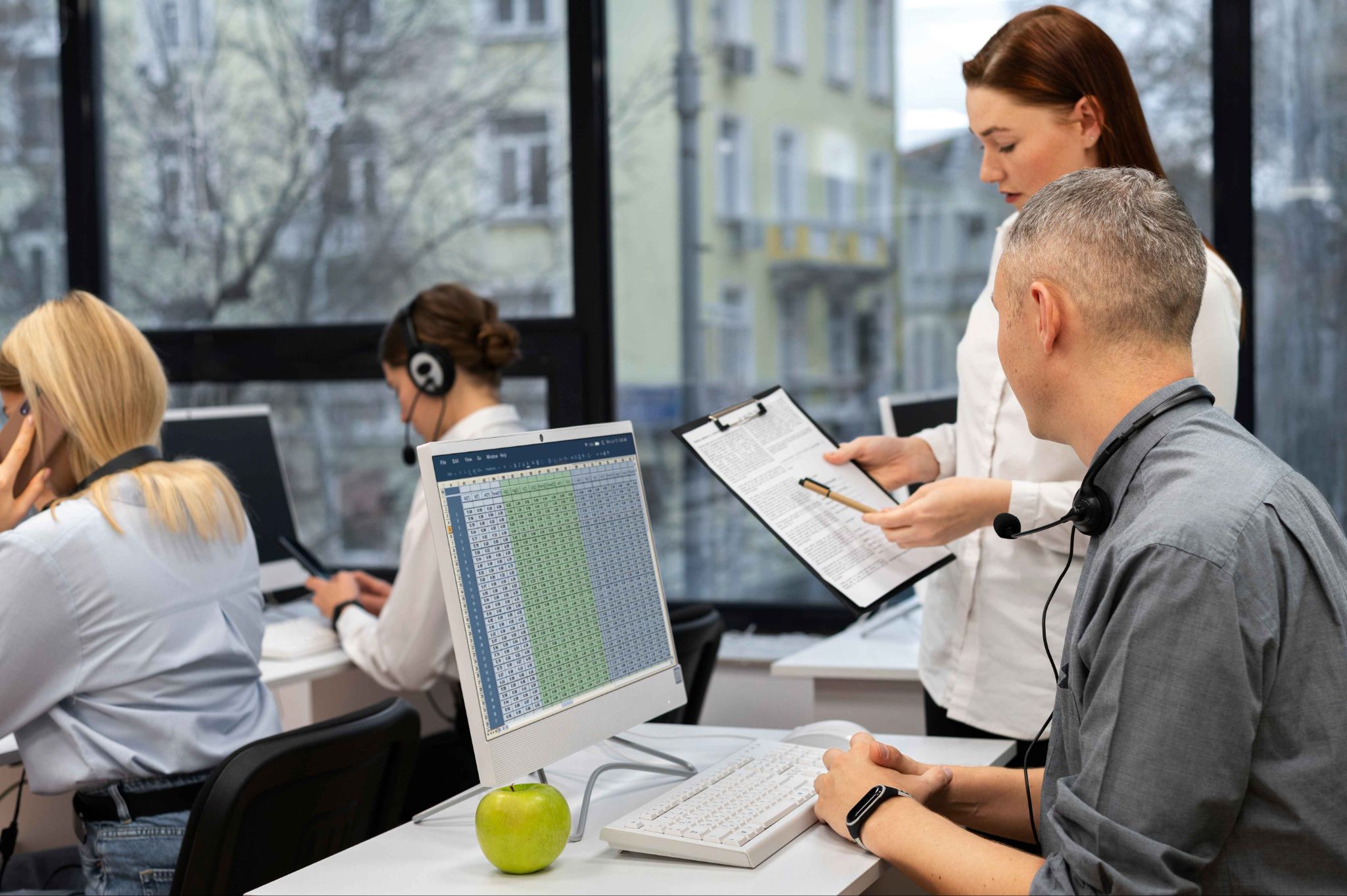
A workforce analytics dashboard is a centralized, visual interface that displays key workforce metrics in real time. Instead of searching through multiple systems or manually compiling data from spreadsheets, managers see all their most important workforce information in one place, updated automatically as events occur.
Think of it as the control panel for your workforce. At a glance, you can see attendance status, overtime levels, staffing coverage, absence trends, and labor cost distribution. Each metric is displayed clearly. Changes are reflected immediately. No manual work required.
A good dashboard is more than just a display. It is an action tool. When the data highlights a problem, the manager can respond immediately. When it reveals a trend, the manager can plan ahead. The dashboard turns data into decisions.
Why Workforce Data Matters More Than Most Managers Realize
Many managers believe they have a good sense of how their team is performing without needing a formal dashboard. They trust their experience and their instincts.
But human memory is selective. Recency bias means we remember the last few weeks more clearly than the last six months. We notice the employees who are visibly struggling and overlook those who are quietly burning out. We feel confident about our staffing levels without checking whether the numbers actually support that confidence.
A workforce analytics dashboard removes bias from management decisions. It replaces impressions with data. It surfaces patterns that are invisible to the naked eye. And it holds the entire organization accountable to objective facts rather than subjective judgments.
The businesses that use workforce data well consistently outperform those that rely on intuition alone. They catch problems earlier. They make faster decisions. And they spend less time firefighting because they saw the warning signs before the fire started.
Key Metrics Every Workforce Analytics Dashboard Should Show
Not all dashboards display the same information. The best ones focus on the metrics that actually drive business outcomes. Here are the most important ones.
Real-Time Attendance Status
The most immediate metric any workforce dashboard should show is who is at work right now. Which employees have clocked in? Who is late? Who has not arrived when expected?
This real-time attendance view means managers never have to call a supervisor or walk the floor to find out who is present. The information is there instantly. And when someone is missing, the manager knows immediately and can act before the absence affects operations.
OpenTimeClock provides a live attendance dashboard that updates the moment each employee clocks in or out. Managers see current status for every team member in real time from any device.
Daily and Weekly Hours Per Employee
Knowing total hours worked per employee for the current day and week is essential for managing workload balance and overtime.
When one employee has worked 38 hours by Thursday afternoon, the manager knows that any additional hours will push them into overtime. When another employee has only worked 25 hours by the same point, there may be an opportunity to redistribute.
Without this visibility, overtime happens by accident. Workload imbalances go unaddressed. And both employee wellbeing and payroll costs suffer as a result.
Overtime Tracking and Alerts
Overtime is one of the most controllable labor costs available to managers. It is only controllable when managers know about it before it happens.
A workforce analytics dashboard should display current overtime accumulation for each employee and send automatic alerts when thresholds are being approached.
OpenTimeClock tracks overtime in real time and sends automated alerts to managers before thresholds are crossed. This proactive visibility is one of the most valuable features of the platform for cost-conscious businesses.
Absence and Late Arrival Patterns
A single absence is not a signal. A pattern of absences is. The same is true for late arrivals.
A dashboard that tracks these patterns over time allows managers to see when an employee's attendance is deteriorating. Rising absence rates and increasing tardiness are early warning signs of disengagement, personal difficulties, or health issues.
Catching these signals early allows managers to have supportive conversations before a minor issue becomes a significant performance or retention problem.
Shift Coverage and Staffing Levels
Are you properly staffed for today's shifts? Is any department below minimum coverage requirements? Is a specific time window consistently under-resourced?
A workforce analytics dashboard answers these questions visually. Color-coded coverage indicators, headcount by shift, and real-time gaps show managers exactly where they need to take action.
This information is particularly valuable for industries like healthcare, retail, and food service where minimum staffing levels directly affect service quality and safety.
Labor Cost Distribution
How are your labor costs distributed across departments, shifts, and locations? Are certain teams consistently running over budget? Is overtime concentrated in specific areas?
Labor cost distribution data helps finance and operations teams understand where money is being spent and where efficiencies can be found. It supports budget planning and helps managers make staffing decisions that are financially informed.
OpenTimeClock generates over 80 types of attendance and payroll reports. These reports give managers detailed visibility into labor cost distribution and support the kind of data-driven financial management that drives business efficiency.

How a Workforce Analytics Dashboard Improves Decision Making
The true value of a workforce analytics dashboard is not in the data itself. It is in the decisions it enables. Here is how it changes the quality of management decisions across multiple areas.
Scheduling Decisions Become Proactive
When managers can see historical attendance patterns alongside current staffing levels, they can build schedules based on what has actually happened rather than what they think might happen.
If data shows that Monday mornings consistently see more absences, the schedule can account for this with additional cover. If certain shifts regularly generate overtime while others are under-resourced, the scheduling model can be adjusted to balance the load.
Data-driven scheduling reduces gaps, reduces overtime, and improves coverage reliability.
Hiring Decisions Are Better Timed
A workforce analytics dashboard that tracks hours trends over several months shows clearly when a team is consistently operating at or above capacity. This data provides the evidence needed to justify a new hire before the team reaches burnout level rather than after.
Reactive hiring, where businesses bring in new staff after the existing team is already exhausted, is more expensive and less effective than proactive hiring based on trend data.
Payroll Processing Becomes Faster and More Accurate
When attendance data is captured automatically and displayed on a dashboard in real time, payroll preparation is significantly faster. There is no manual data assembly. No chasing missing timesheets. No manual calculations.
Managers generate a report. The figures are already accurate. Payroll is processed in a fraction of the time it would take with manual systems.
Performance Reviews Are Grounded in Fact
Attendance data from a workforce analytics platform gives managers objective, specific evidence for performance conversations. Instead of relying on impressions, they can show an employee their exact attendance record, overtime history, or absence pattern.
Fact-based performance conversations are more credible, more productive, and less likely to result in dispute.
Industries That Benefit Most From a Workforce Analytics Dashboard
While virtually every business with employees benefits from better workforce data, some industries see particularly strong returns.
Healthcare
Patient safety depends on minimum staffing levels being maintained at all times. A real-time dashboard showing coverage status across all wards, shifts, and roles is not just a management convenience. It is a patient safety tool.
Construction and Field Services
Project timelines depend on having the right number of workers at the right site on the right day. A dashboard that tracks attendance and hours across multiple sites gives project managers the oversight they need to keep projects on schedule and within budget.
Retail
Customer experience in retail is directly linked to staffing levels. A dashboard that shows real-time attendance status and flags understaffed periods allows retail managers to respond before service quality is affected.
Manufacturing
Production targets depend on full shift coverage. Unplanned absences create bottlenecks that ripple through the entire production process. Real-time visibility into attendance status helps factory managers respond to gaps immediately.
Hospitality
Restaurants, hotels, and event venues operate with precise staffing models. Too few staff and service quality drops. Too many and labor costs exceed the budget. A workforce analytics dashboard helps hospitality managers find and maintain the optimal staffing balance for each service period.
Conclusion
Data-driven management is not a trend reserved for large corporations with dedicated analytics teams. It is a practical capability that any business can access through the right tools.
A workforce analytics dashboard puts the most important information about your workforce in front of your managers in real time, without manual work, without delay, and without complexity. It transforms raw attendance data into actionable insights that improve scheduling decisions, reduce costs, support employee wellbeing, and drive better business outcomes.
OpenTimeClock gives businesses of every size access to a complete workforce analytics dashboard for free. Real-time attendance tracking. Automated overtime alerts. Over 80 report types. Mobile access from any device. Unlimited users at no cost.
Stop managing your workforce from memory and guesswork. Start using a workforce analytics dashboard and make every management decision a better one.
FAQ’s
Q1: What is a workforce analytics dashboard?
A workforce analytics dashboard is a centralized, visual interface that displays key workforce metrics in real time. It shows attendance status, hours worked, overtime levels, absence patterns, staffing coverage, and labor cost data in one place.
Q2: How does a workforce analytics dashboard help reduce costs?
A workforce analytics dashboard reduces costs in several ways. Real-time overtime tracking with automated alerts allows managers to prevent unauthorized overtime before it accumulates. Attendance pattern analysis reveals absences that are increasing before they become a retention problem. Labor cost distribution data identifies departments or shifts that are consistently over budget. Accurate payroll reports reduce the cost of payroll errors.
Q3: How does OpenTimeClock provide workforce analytics capabilities?
OpenTimeClock provides a live attendance dashboard that updates in real time as employees clock in and out. It sends automated overtime alerts before thresholds are crossed. It generates over 80 types of detailed attendance and payroll reports. Managers can access all of this from any device.
Q4: Can a small business benefit from a workforce analytics dashboard?
Absolutely. Small businesses often have less margin for error than large corporations. A payroll mistake, a persistent absence problem, or uncontrolled overtime has a proportionally larger impact on a small business. A workforce analytics dashboard helps small business owners and managers catch these problems early, make better scheduling decisions, and process payroll accurately, all with tools that are free and easy to use.
Q5: How quickly can a workforce analytics dashboard be set up?
With a platform like OpenTimeClock, setup can be completed in under an hour. The process involves creating an account, adding employee profiles, configuring clock-in settings, and accessing the dashboard. Employees can be onboarded quickly using a simple orientation to the clock-in process.