Free Payroll and Time Clock Software for Restaurants and Hospitality Businesses
Learn how restaurants can use free time clock software to track shifts, tips, and overtime, and prepare accurate hours for payroll.
Restaurants, cafes, bars, hotels, and catering businesses run on tight margins and busy schedules. Staff work early mornings, late nights, double shifts, and weekends. Servers earn tips, cooks may stay late to close the kitchen, and new hires come and go throughout the year.
All of this makes tracking hours and preparing payroll a real challenge. Paper timecards and handwritten schedules lead to mistakes, buddy punching, and long hours spent on payroll every pay period. At the same time, many small hospitality businesses cannot afford expensive software.
That is why many owners look for free or low-cost Payroll and Time Clock Software. In this guide, we will explain what free tools can and cannot do, the special pay rules restaurants must follow, the features to look for, and how to build a simple system that saves time and money.
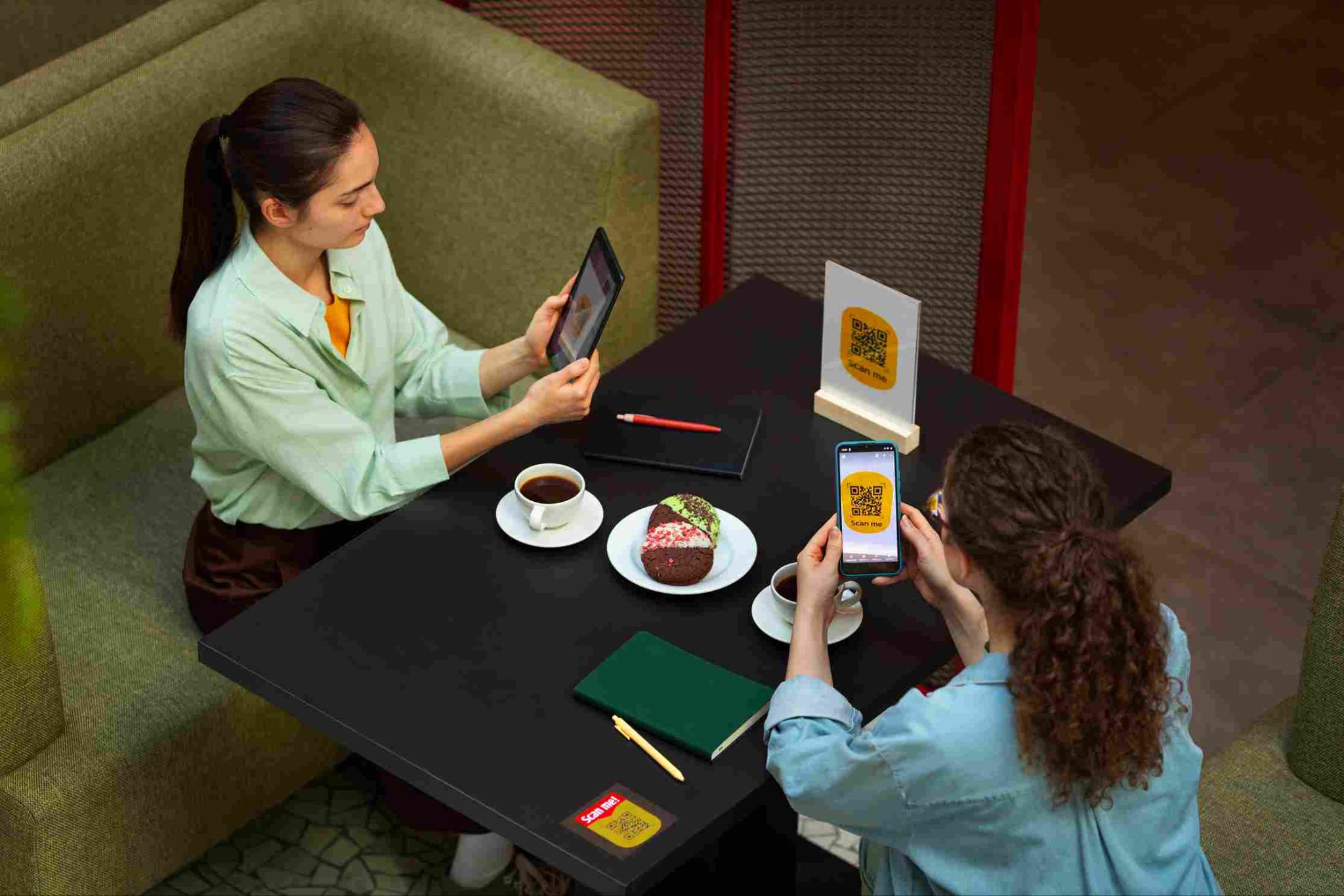
Why Restaurants Need Better Time Tracking
Hospitality businesses face challenges that make accurate time tracking especially important.
Changing Schedules
Shifts change week to week based on reservations, events, and seasons.
Many Part-Time Workers
Most restaurant staff work part-time, often with other jobs or school schedules.
High Turnover
New employees are hired often and must learn how to clock in quickly.
Tipped Employees
Servers, bartenders, and bussers earn tips, which bring special pay and record rules.
Busy Shift Changes
Many employees arrive or leave at the same time, especially between lunch and dinner service.
Tight Labor Budgets
Labor is one of the largest costs for restaurants, so every extra minute matters.
What Does Free Payroll and Time Clock Software Include?
It is important to understand what free tools usually offer, so you can plan the right setup.
Free Time Clock Software
Many free time clock tools let employees clock in and out, track breaks, manage schedules, and create reports of hours worked. Some offer free plans with unlimited users, which is helpful for restaurants with large or changing teams.
Payroll Processing
Running payroll means calculating wages, withholding taxes, paying employees, and filing payroll tax forms. Fully free payroll processing is rare. Most restaurants use a paid payroll provider, accountant, or bookkeeper for this step.
How They Work Together
A common and affordable approach is to use a free time clock to record accurate hours and then send payroll-ready reports to your payroll provider. This way, you save money on time tracking while making payroll faster and more accurate.
OpenTimeClock, for example, offers a free plan with unlimited users. You can see all options on the OpenTimeClock pricing page.
Special Pay Rules for Restaurants
Hospitality businesses must follow several pay rules that do not apply to many other industries. Here is a simple overview of key U.S. federal rules. State and local laws may be stricter.
Tipped Minimum Wage and Tip Credit
Under federal law, employers may pay tipped employees a cash wage of at least $2.13 per hour and count tips toward the rest of the federal minimum wage of $7.25. This is called a tip credit. If an employee's tips plus cash wage do not reach minimum wage for the workweek, the employer must make up the difference.
Employers must inform tipped employees about the tip credit before using it. Many states set higher minimum wages, and some states, such as California, Washington, and Oregon, do not allow tip credits at all.
Tip Pooling
Tip pools let tipped employees share tips. Federal rules say employers, managers, and supervisors cannot keep employees' tips. Rules about who can join a tip pool depend on whether the employer takes a tip credit.
Tip Reporting
Employees must report their tips to their employer for tax purposes. Employers need accurate tip records to calculate taxes and confirm minimum wage is met.
Overtime
Non-exempt employees, including tipped employees, must generally be paid overtime for hours over 40 in a workweek. For tipped employees, overtime is based on the full minimum wage, not just the cash wage. Some states also have daily overtime rules.
Multiple Roles and Pay Rates
Some employees work different roles, such as server and host, at different pay rates. When this happens, overtime is usually based on a weighted average of those rates.
Breaks
Federal law does not require breaks for adult workers, but many states do. Short breaks of about 5 to 20 minutes are generally paid under federal law.
Split Shifts and Spread of Hours
Some states have special pay rules for split shifts or very long workdays. For example, some states require extra pay when an employee's workday is split by a long unpaid break or spans many hours.
Fair Workweek Laws
Some cities and states, such as New York City, Chicago, Seattle, and others, have scheduling laws for certain restaurant and hospitality employers. These may require advance schedules and extra pay for last-minute changes.
Minors
Many restaurants hire teens. Federal and state child labor laws limit their hours, especially on school nights.

Key Features to Look For
When choosing Payroll and Time Clock Software for a restaurant or hospitality business, look for these features.
Fast Clock-In at a Shared Station
A tablet near the kitchen or back office works well as a time clock. A PIN code time clock lets staff clock in within seconds by entering a short code, which keeps lines short at shift change.
Buddy Punching Prevention
Photo capture and facial recognition confirm that each employee clocks in for themselves.
Location Controls
Limiting clock-ins to the restaurant's WiFi network or location prevents employees from clocking in before they arrive.
Shift Scheduling
Building and sharing schedules in the same system helps managers compare planned shifts with actual hours. Digital shift scheduling makes it easy to create, change, and share schedules as business needs change.
Role and Department Tracking
Employees should be able to clock in to the right role, such as server, cook, host, or bartender, so hours are paid at the right rate.
Overtime Tracking
Restaurants can see overtime grow quickly during busy weeks. Overtime management applies daily and weekly overtime rules automatically and helps managers spot employees close to overtime.
Break Tracking
The system should record meal and rest breaks, especially in states with strict break laws.
Paid Time Off Tracking
Some restaurants offer paid time off or must provide sick leave under state or local laws. The system should track balances and requests.
Payroll-Ready Reports
Reports should show regular hours, overtime, paid time off, and hours by role. Payroll and attendance reports can be exported in formats such as PDF, Excel, and CSV on eligible plans and sent to your payroll provider.
Multi-Location Support
Restaurant groups and hotels with several locations need to track staff across all sites.
How Free Time Tracking Saves Restaurants Money
Using free or low-cost Payroll and Time Clock Software can save restaurants money in several ways.
No Software Fees
A free time clock plan removes one monthly expense entirely.
Less Time Theft
Stopping buddy punching and early clock-ins reduces paid time that was not worked.
Better Overtime Control
Seeing hours in real time helps managers adjust schedules before overtime happens.
Faster Payroll
Automatic hour totals and exportable reports cut hours of manual work each pay period.
Fewer Costly Mistakes
Accurate records reduce the risk of underpaying staff, which can lead to wage claims and penalties.
How to Set Up a Simple Restaurant Payroll Workflow
Here is a simple process that many small restaurants follow.
Step One: Set Up Your Time Clock
Sign up for a time clock system, add your locations, and create roles such as server, cook, host, and bartender with their pay rates.
Step Two: Add Employees
Enter each employee's name, role, and clock-in method, such as a PIN code.
Step Three: Configure Rules
Set up overtime rules, break rules, grace periods, and any state-specific requirements.
Step Four: Build Schedules
Create weekly schedules and share them with staff.
Step Five: Track Time Daily
Employees clock in and out for each shift and break, and select the correct role.
Step Six: Record Tips
Use your point-of-sale system or tip reports to record tips for each employee.
Step Seven: Review and Approve Hours
Before each payroll, managers review hours, fix missed punches, and approve timesheets.
Step Eight: Export Reports to Payroll
Send hour reports and tip information to your payroll provider or accountant to calculate pay and taxes.
Common Payroll Mistakes in Restaurants
Here are mistakes restaurant owners should watch out for.
Not Making Up Tip Shortfalls
If tips plus cash wages do not reach minimum wage, the employer must pay the difference.
Wrong Overtime for Tipped Employees
Overtime for tipped employees must be based on the full minimum wage, not just the cash wage.
Managers Taking Tips
Managers and supervisors generally cannot keep employees' tips or share in tip pools.
Missing Breaks
In states with strict break laws, missed or short breaks can lead to penalties.
Paying for Scheduled Hours Instead of Actual Hours
Always pay based on actual time worked, not the schedule.
Ignoring Local Scheduling Laws
Fair workweek rules in some cities can require extra pay for schedule changes.
Not Training New Staff
New employees who do not know how to clock in correctly can create payroll errors.
Best Practices for Restaurant Time Tracking
Here are some habits that help keep payroll accurate.
Place the time clock where employees enter, such as near the back door or kitchen. Use PIN codes with photo capture to stop buddy punching. Make sure employees select the right role when they clock in. Review hours weekly, not just at the end of the pay period. Set clear rules for clocking in early and staying late. Keep accurate tip records every shift. Train new hires on the time clock on their first day. Keep time and payroll records for as long as required by law.
Which Hospitality Businesses Benefit Most?
Many types of hospitality businesses can benefit from free time tracking tools.
Full-service restaurants with servers, cooks, and hosts. Quick-service and fast-casual restaurants with large part-time teams. Cafes and coffee shops with early morning shifts. Bars and nightclubs with late-night staff. Hotels with front desk, housekeeping, and kitchen teams. Catering companies with event-based schedules.
Conclusion
Restaurants and hospitality businesses face some of the most complex payroll rules of any industry, from tip credits and tip pools to overtime, breaks, and local scheduling laws. Paper timecards and manual payroll make these rules even harder to follow.
Free or low-cost Payroll and Time Clock Software gives restaurants a simple way to track every shift accurately, prevent time theft, control overtime, and send payroll-ready reports to their payroll provider. While full payroll processing usually still requires a paid provider or accountant, a free time clock can remove one major cost and make payroll faster and more accurate. With clear policies, good training, and the right Payroll and Time Clock Software, hospitality businesses can save time, reduce errors, and keep their teams happy.
FAQ’s
Is there free payroll software for restaurants?
Free time clock software is common, but fully free payroll processing is rare. Many restaurants use a free time clock and send reports to a paid payroll provider or accountant.
What is a tip credit?
Under federal law, employers may pay tipped employees at least $2.13 per hour and count tips toward the federal minimum wage. Some states do not allow tip credits.
How is overtime calculated for tipped employees?
Overtime for tipped employees is based on the full minimum wage, not just the cash wage. The employer can still apply the tip credit, but the overtime premium must be calculated correctly.
Can managers share in tip pools?
Under federal rules, employers, managers, and supervisors cannot keep employees' tips, including through tip pools.
What is the best way for restaurant staff to clock in?
A tablet near the kitchen or back door with PIN codes and photo capture is fast and helps prevent buddy punching.