Fingerprint, Face Recognition, or Iris Scan: Which Biometric Time Clock Technology Is Best?
Compare fingerprint, face recognition, and iris scan biometric time clock tech. Find out which is best for your business and how OpenTimeClock can help.
Businesses today need accurate and reliable ways to track employee attendance. Old methods like punch cards and PIN-based systems are easy to cheat. They often lead to time theft, payroll errors, and compliance problems.
A biometric time clock solves all of these issues. It uses the unique physical features of each employee to verify their identity. No two people share the same fingerprint, face structure, or iris pattern. This makes biometric systems one of the most secure attendance tracking solutions available today.
But not all biometric methods work the same way. Fingerprint scanning, facial recognition, and iris scanning each have their own strengths and limitations. Choosing the right one for your business depends on your team size, budget, industry, and work environment.
This article compares all three technologies side by side so you can make the best decision for your workplace.
What Is a Biometric Time Clock?
A biometric time clock is a system that records employee attendance using biological data. Instead of entering a PIN or swiping a card, the employee uses their fingerprint, face, or eye to clock in and out.
The system captures the biometric data during enrollment, converts it into an encrypted digital format, and stores it securely. Every time the employee clocks in, the system compares the new scan against the stored data. If there is a match, the clock-in is approved and recorded.
Because biometric data is unique to each person, it cannot be shared or transferred. This completely eliminates buddy punching, which is when one employee clocks in on behalf of another. It also removes the need for ID cards, PINs, or paper timesheets, which are all vulnerable to human error and fraud.
Why More Businesses Are Switching to Biometric Time Clocks
Traditional attendance systems have serious weaknesses. Employees forget to clock in. PINs get shared. Time cards get lost or falsified. These small issues add up to large payroll losses over time.
Research from the American Payroll Association shows that time theft affects up to 75 percent of businesses. Buddy punching alone costs U.S. employers hundreds of millions of dollars each year.
A biometric time clock removes these vulnerabilities entirely. The employee must be physically present to clock in. There is no way to delegate the task to someone else. This creates a reliable, tamper-proof attendance record that managers and payroll teams can trust.
Biometric systems also save time. Manual attendance tracking requires someone to review, correct, and approve records. With biometrics, the data is captured automatically and accurately. Managers can focus on more important tasks instead of chasing down timesheet errors.
Fingerprint Scanning: The Most Common Biometric Method
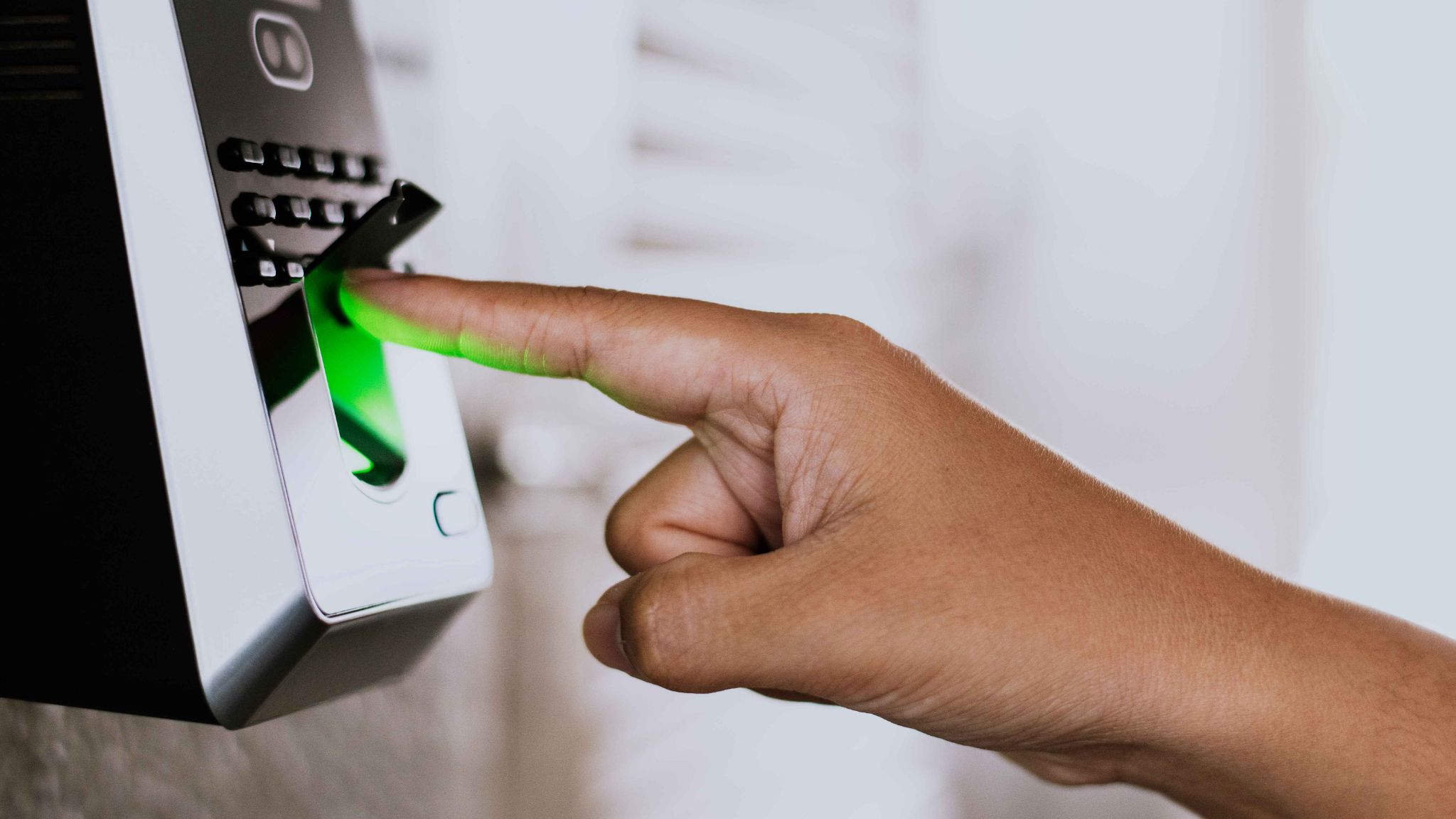
Fingerprint scanning is the oldest and most widely used form of biometric attendance tracking. The employee places their finger on a small sensor, and the system reads the unique ridge patterns on the fingertip.
How It Works
The scanner captures the fingerprint image and converts it into a mathematical template. This template is stored in the system. Each time the employee clocks in, the scanner reads their finger again and compares it to the stored template. The whole process takes just a few seconds.
Advantages of Fingerprint Scanning
Fingerprint scanners are affordable and widely available. Most hardware costs less than comparable facial recognition or iris scan systems. This makes fingerprint-based biometric time clocks a popular choice for small and medium-sized businesses.
Setup is straightforward. Enrolling an employee takes about two to three minutes. The system is simple to use and requires minimal training.
Fingerprint scanning is also very accurate under controlled conditions. In a clean office environment, false acceptance rates are extremely low.
Limitations of Fingerprint Scanning
Fingerprint scanners do not work well in all environments. Employees who work with their hands, such as construction workers, mechanics, or factory staff, often have worn or damaged fingertips. Dirt, grease, moisture, and cuts can all interfere with the scan.
Fingerprint systems also require physical contact with the scanner. This raises hygiene concerns, especially in healthcare settings or in any environment where infection control is important.
Cold weather can also affect scanner performance. In outdoor or unheated workspaces, fingerprint accuracy can drop noticeably during winter months.
Facial Recognition: The Modern and Contactless Option
Facial recognition has grown rapidly in recent years. It is now one of the most popular features in modern attendance management software. The system uses a camera to capture the employee's face and match it against stored facial data.
How It Works
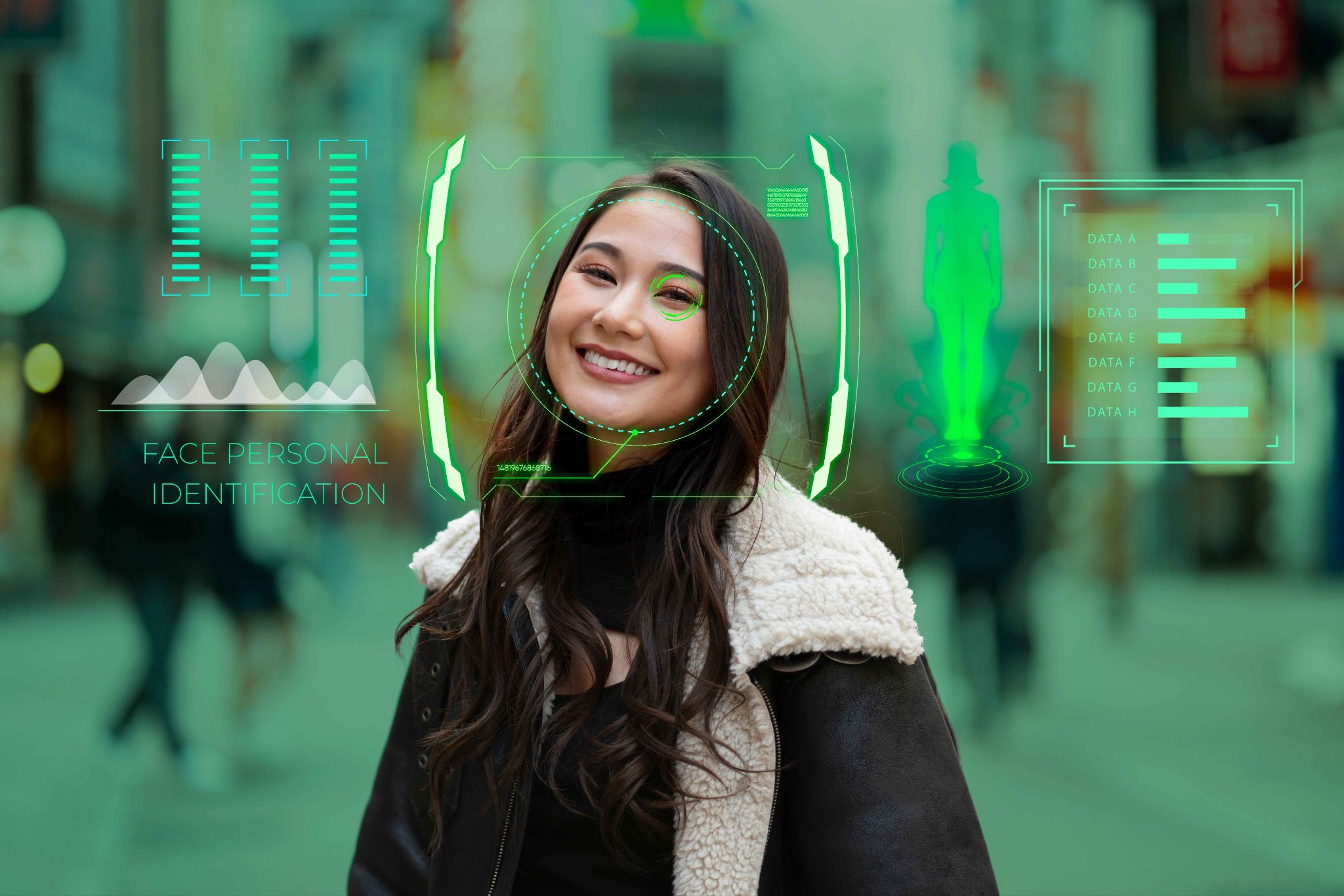
When an employee enrolls, the system takes a series of photos and maps key facial features. These include the distance between the eyes, the shape of the jawline, and the contours of the nose and forehead. This data is converted into a unique facial template.
At clock-in, the employee faces the camera and the system compares the live image against the stored template in real time. If the match is confirmed, the clock-in is recorded instantly.
Advantages of Facial Recognition
Facial recognition is completely contactless. Employees do not need to touch anything. This makes it ideal for healthcare facilities, food service businesses, and any workplace where hygiene is a priority.
It is also fast. Recognition typically takes less than one second. Employees can walk up to the clock, glance at the camera, and move on without stopping. This reduces queues and speeds up shift start times.
Facial recognition works well across a wide range of environments and does not degrade with physical wear the way fingerprints do. Employees with dirty hands, cuts, or skin conditions will not have any trouble clocking in.
OpenTimeClock offers a powerful Face Clock feature built into its platform. It works across desktop, web browser, and mobile apps for both Android and iOS. The system captures a timestamped photo at every clock-in event, giving managers a visual record they can review at any time.
Limitations of Facial Recognition
Facial recognition can be affected by changes in appearance. Significant weight changes, new glasses, heavy makeup, or facial hair growth can sometimes reduce accuracy.
Poor lighting is another factor. Cameras need adequate light to capture clear facial data. In very dim or brightly backlit environments, accuracy can drop.
Some employees also have privacy concerns about facial recognition. Clear communication about how data is stored and used can help address this.
Iris Scanning: The Most Accurate Biometric Method
Iris scanning is the most precise biometric technology available today. The iris is the colored ring around the pupil of the eye. Every person has a unique iris pattern, and it remains stable throughout a person's lifetime.
How It Works
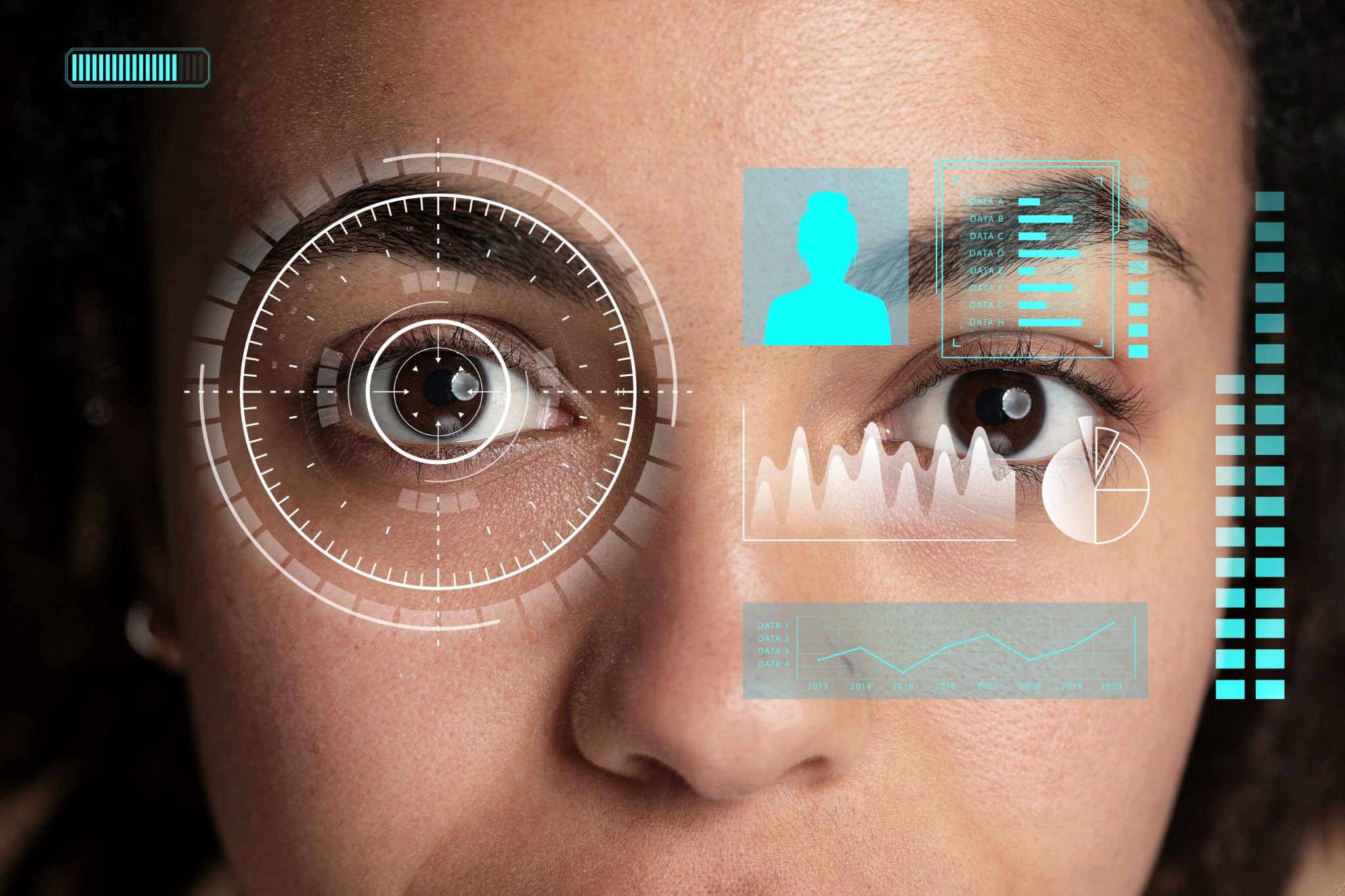
An iris scanner uses a near-infrared camera to capture the detailed pattern of the iris. The system maps hundreds of unique features in the iris and creates an encrypted template. At clock-in, the camera scans the employee's eye and compares the pattern to the stored data.
The process is contactless and takes only a second or two.
Advantages of Iris Scanning
Iris scanning has the highest accuracy rate of any biometric method. The iris contains more unique data points than a fingerprint. False acceptance rates are extremely low, even in large organizations with thousands of employees.
The iris does not change with age, weight loss, illness, or physical work. It is not affected by dirty hands or skin conditions. This makes it a reliable choice for almost any work environment.
Iris scanning is also very fast. Employees do not need to position themselves carefully. Modern scanners can read the iris from a distance of up to a few feet.
Limitations of Iris Scanning
The main drawback of iris scanning is cost. Hardware is significantly more expensive than fingerprint or facial recognition systems. This puts it out of reach for many small businesses.
Some employees find iris scanning uncomfortable or intrusive. The idea of having their eye scanned can raise privacy concerns that need to be addressed through clear HR communication.
Iris scanning also requires that employees remove certain types of glasses or colored contacts, which can slow down the clock-in process in some cases.
Side-by-Side Comparison: Which Technology Is Best for Your Business?
Here is a direct comparison of all three methods to help you decide which type of biometric time clock fits your needs.
Best for Budget-Conscious Businesses
Fingerprint scanning is the most affordable option. Hardware costs are low, and the technology is mature and reliable in clean environments. If you run a small business with office-based employees and a tight budget, fingerprint is a strong choice.
Best for Hygiene-Sensitive Workplaces
Facial recognition is the clear winner for healthcare facilities, restaurants, kitchens, clinics, and any environment where employees cannot touch shared surfaces. It is fully contactless and works quickly without interrupting workflow.
Best for High-Security and High-Accuracy Needs
Iris scanning delivers the highest accuracy and is the hardest to fool. If you manage a large workforce, a high-security facility, or a government organization where precision matters most, iris scanning is worth the investment.
Best for Remote and Mobile Workers
Facial recognition is also the best fit for remote teams. Employees can use the front camera on their smartphones to clock in from anywhere. GPS tracking can be added to verify their location at the same time.
OpenTimeClock's facial recognition feature supports mobile clock-ins through its iOS and Android apps. Remote workers can clock in securely without needing any additional hardware.
Choosing the Right Biometric Time Clock for Your Business
The right choice depends on your specific situation. Here are some simple guidelines.
If your employees work in a clean office environment and you have a limited budget, fingerprint scanning is a practical and reliable solution.
If hygiene is a concern, you manage remote workers, or you want a fully contactless system, facial recognition is the best fit. It offers the best balance of convenience, accuracy, and affordability for most modern businesses.
If you manage a large, high-security workforce and accuracy is the top priority above all else, iris scanning delivers the most reliable results.
For most small and medium-sized businesses, a facial recognition-based biometric time clock like the one offered by OpenTimeClock provides the best combination of features, ease of use, and value. You get accurate attendance tracking, anti-fraud protection, GPS verification, and payroll integration all in one platform.
Conclusion
All three biometric technologies, fingerprint, facial recognition, and iris scanning, are far more reliable than traditional attendance methods. Each one eliminates buddy punching and reduces payroll fraud. The key is choosing the one that fits your environment, budget, and workforce.
A biometric time clock is not just a security upgrade. It is an investment in accuracy, fairness, and efficiency across your entire organization. When employees know that attendance is tracked reliably, it creates a more honest and accountable workplace culture.
If you are ready to move away from outdated attendance methods, OpenTimeClock gives you a modern, cloud-based solution that is easy to deploy and free to start.
FAQ’s
1. What is a biometric time clock and how does it work?
A biometric time clock is a system that records employee attendance using unique biological data such as fingerprints, facial features, or iris patterns. During enrollment, the system captures and stores an encrypted template of the employee's biometric data.
2. Which biometric time clock method is the most accurate?
Iris scanning is the most accurate biometric method available. It maps hundreds of unique data points in the iris and has extremely low error rates. However, facial recognition is also highly accurate for most business environments and is more affordable and easier to deploy.
3. Is biometric attendance data safe and private?
Yes. Modern biometric systems do not store actual fingerprint images or photos. They convert biometric data into encrypted mathematical templates that cannot be reversed. Platforms like OpenTimeClock use secure, cloud-based storage with multi-level authentication to protect all employee data.
4. Can a biometric time clock work for remote employees?
Yes. Facial recognition-based systems work very well for remote employees. Workers can use the camera on their smartphone or tablet to clock in from any location. When combined with GPS tracking, as offered by OpenTimeClock, managers can also verify that the employee is clocking in from an approved location.
5. Is OpenTimeClock free to use as a biometric time clock?
Yes. OpenTimeClock offers a free plan that includes access to facial recognition, GPS tracking, and attendance management features for unlimited managers and employees. Businesses can get started without any upfront cost and upgrade to a paid plan if they need advanced reporting features.