How Mobile Facial Recognition Time Clock Software Supports Remote Employees
See how a mobile Facial Recognition Time Clock supports remote employees with accurate, secure, and simple attendance tracking.
Remote work has changed how businesses track employee hours. Workers are no longer sitting in one office with a shared punch card machine. They may be working from home, a client site, or a different city altogether. This makes attendance tracking harder to manage. A Facial Recognition Time Clock offers a simple answer to this problem.
It confirms identity through a phone camera, without needing extra hardware. Employees can clock in and out from approved locations using their mobile devices, while managers receive accurate attendance records in real time. This reduces manual tracking, prevents common timekeeping mistakes, and helps ensure payroll is based on actual hours worked.
It also gives businesses greater confidence that attendance records are accurate, even when employees are working remotely. This article explains how a Facial Recognition Time Clock works and why it fits so well with remote teams.
What Is a Facial Recognition Time Clock
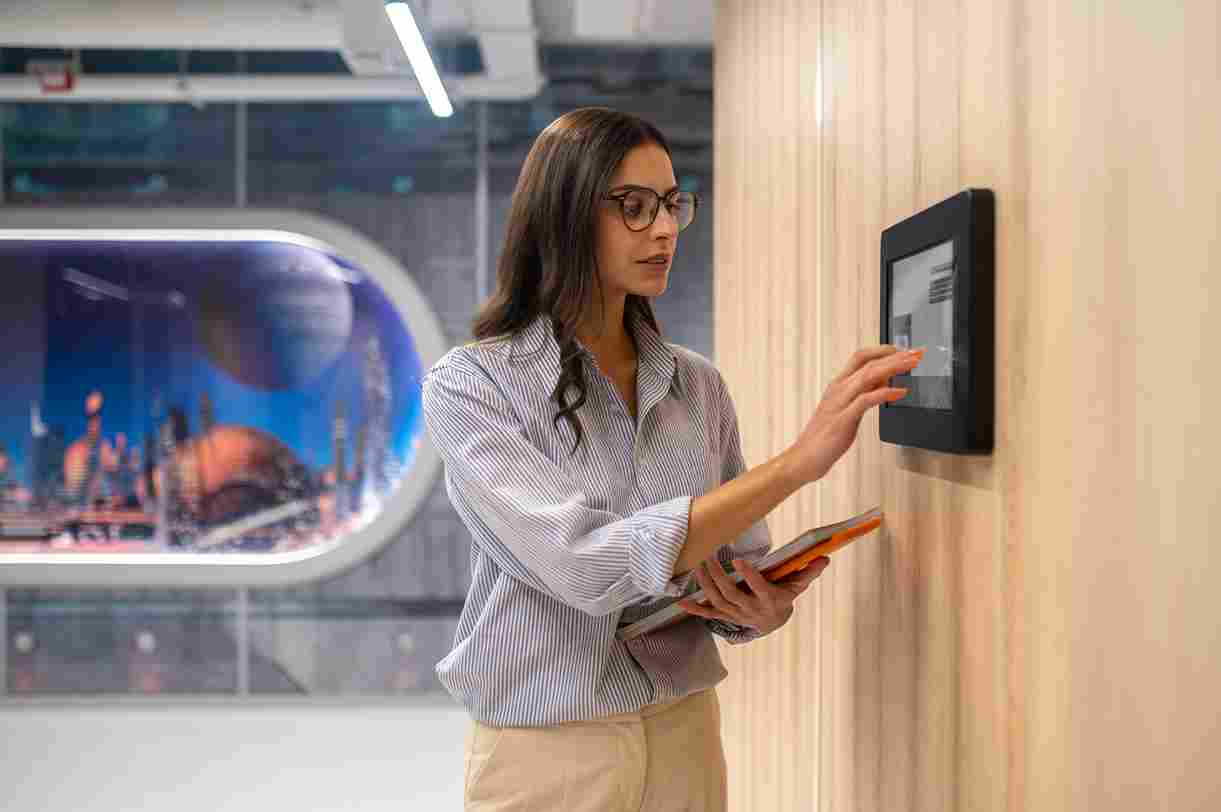
A Facial Recognition Time Clock is a tool that uses a camera to confirm an employee's identity before recording their clock-in. Instead of typing a password or using an ID card, the worker simply looks at the camera. The system checks their face against a saved profile and records the time automatically.
This method removes many of the problems found in older systems. There are no cards to lose, no passwords to forget, and no shared logins that could be misused. For remote teams, this creates a fast and reliable way to confirm attendance from any location.
Open Time Clock offers this feature through its Face Clock tool, which works on both Android and iOS phones. This makes it easy for remote staff to clock in without needing special equipment.
Why Remote Work Needs Stronger Attendance Tools
Managing attendance for an office team is fairly simple. Everyone works from one place, and a manager can see who is present. Remote work removes this kind of direct oversight. Employees may work from home, travel for client visits, or move between different job sites.
This creates a gap in trust and verification. Without a strong system, a business has no clear way to confirm that a remote worker is actually logged in during their claimed hours. This is where a Facial Recognition Time Clock becomes valuable. It gives businesses a way to confirm identity no matter where the employee is working.
Since the process only takes a few seconds, it does not slow down a remote worker's day. It simply adds a layer of proof that supports fair and accurate attendance records. Managers can also view attendance in real time, making it easier to know who has started work and who is currently on the clock. This reduces manual check-ins and helps prevent payroll errors caused by incorrect time entries.
How Mobile Facial Recognition Works in Daily Use
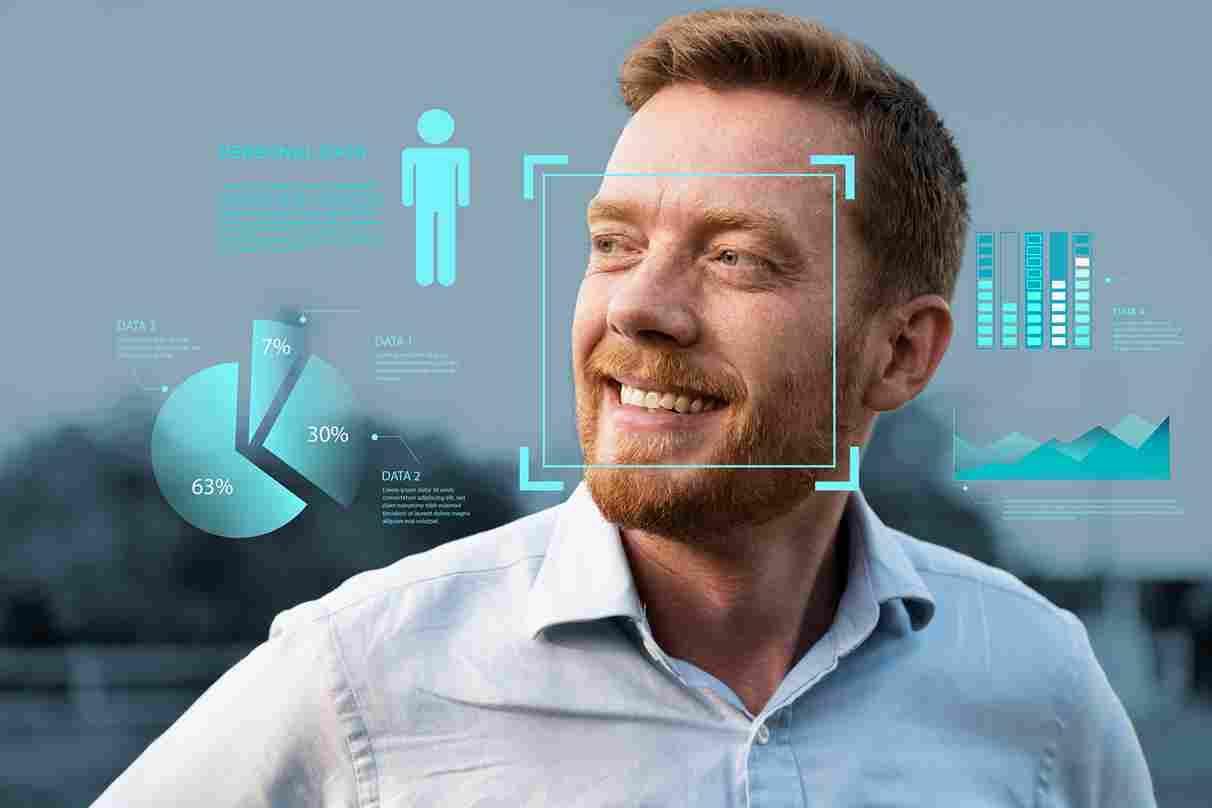
Using a Facial Recognition Time Clock on a phone is a simple process. The employee opens the app, selects the clock-in option, and positions their face within the camera frame. The system checks the image against their saved profile and records the time within seconds.
This process works the same whether the employee is at home, in a client's office, or traveling between job sites. There is no need for a physical clock or badge system. As long as the worker has their phone, they can complete the process quickly and accurately.
Open Time Clock explains this process in more detail on its facial recognition feature page. Employees can view their attendance directly after clocking in, giving them full visibility into their own hours worked.
Preventing Buddy Punching in Remote Teams
Buddy punching is a common problem in traditional workplaces. This happens when one employee clocks in for another, often to hide a late arrival or an absence. In an office setting, this is already hard to manage. For remote teams, the risk becomes even greater, since there is no manager nearby to confirm who is actually present.
A Facial Recognition Time Clock removes this risk almost completely. Since the system checks a unique facial match, one employee cannot clock in for someone else. This creates a fair system where every hour recorded actually reflects the person who worked it.
Open Time Clock discusses this benefit in detail in its article on eliminating buddy punching with face recognition attendance. The article shares real examples of businesses reducing payroll waste after switching to facial verification.
Supporting Accurate Payroll for Remote Workers
Payroll accuracy depends on trustworthy attendance data. When remote workers self report their hours without any verification, mistakes and disputes can happen more easily. A worker might round their hours, forget to log a break, or make a simple entry error.
A Facial Recognition Time Clock reduces these problems by recording exact clock-in and clock-out times automatically. Since the system confirms identity at each entry, there is less room for manual mistakes or intentional misreporting.
This creates stronger trust between remote employees and their employers. Workers know their hours are recorded accurately, and managers can trust the data without needing extra verification steps.
Improving Security Without Extra Hardware
Traditional biometric systems, like fingerprint scanners, often require special hardware installed at a job site. This does not work well for remote teams, since employees are not all working from the same physical location.
A mobile Facial Recognition Time Clock solves this problem by using a feature most phones already have, the camera. This means businesses do not need to buy or maintain extra devices for each remote worker. The security benefit remains strong, without adding cost or complexity.
This approach also makes it easier to scale. As a business adds more remote employees, there is no need to install new hardware at every new location. The system works the same way for every user, regardless of where they are working.
Building Trust With Remote Teams
Remote work depends heavily on trust between employers and employees. Workers want fair treatment and clear expectations. Employers want confidence that hours reported match hours actually worked. A Facial Recognition Time Clock supports both sides of this relationship.
For employees, the process is fast and simple, without feeling invasive. For employers, it offers strong proof of attendance without requiring constant check-ins or manual monitoring. This balance helps remote teams feel both trusted and accountable at the same time.
Open Time Clock highlights this balance in its broader biometric attendance resources, showing how identity verification tools can support fairness across many types of remote and in office teams.
Supporting Compliance and Recordkeeping
Some industries require strict recordkeeping for employee attendance. This is especially true for healthcare, government contracts, and businesses that must pass regular audits. Remote work can make this harder, since there is no in person supervisor confirming attendance each day.
A Facial Recognition Time Clock provides clear, timestamped records that can support compliance requirements. Since each entry includes a verified identity, businesses can present strong evidence during audits or reviews.
Open Time Clock explains how detailed attendance records support compliance in its article on cloud based biometric attendance systems. This kind of documentation becomes especially valuable for remote teams working across different locations.
Reducing Manual Oversight for Managers
Managing a remote team often means less direct oversight. Managers cannot walk by a desk to confirm someone is working. This can create extra stress, especially for teams with many remote employees spread across different time zones.
A Facial Recognition Time Clock reduces the need for constant check-ins. Instead of manually confirming attendance through messages or calls, managers can review clear digital records at any time. This saves time and allows managers to focus on more important tasks, such as supporting their team's actual work.
This kind of automated oversight becomes especially helpful for businesses managing large remote teams, where manual tracking would otherwise take up many hours each week.
Making Attendance Easy for Employees
While security matters, ease of use is just as important. Remote employees do not want a complicated system that slows down their day. A Facial Recognition Time Clock is designed to be quick and simple. Most clock-ins take only a few seconds from start to finish.
This simplicity encourages employees to use the system correctly every time. Complicated tools often lead to missed clock-ins or frustration, which can create more problems than they solve. A fast and easy process supports better daily habits and more accurate records overall.
Combining Facial Recognition With Other Features
While facial recognition offers strong identity verification, many businesses combine it with other tools for even better results. For example, GPS tracking can confirm the location of a remote clock-in, while facial recognition confirms the identity of the person clocking in.
This combination gives businesses a complete picture of remote attendance. It confirms both who is working and where they are working from. For businesses with strict attendance policies, this layered approach offers stronger protection than using just one method alone.
You can explore this full range of tools on the Open Time Clock homepage, which combines facial recognition, GPS tracking, scheduling, and payroll reporting in one platform.
Choosing the Right System for Remote Teams
Not every attendance tool is built with remote work in mind. Businesses should look for a system that works well on mobile devices, since most remote workers rely on phones rather than desktop computers. The system should also offer fast processing, so employees are not stuck waiting during clock-in.
Ease of setup matters too. A good system should allow managers to add remote employees quickly, without needing complicated installation steps. Open Time Clock offers this kind of simple setup, making it a practical option for growing remote teams.
Cost is also worth considering. Since a Facial Recognition Time Clock works through a phone camera, businesses avoid the added cost of physical scanners or badge systems, which can add up quickly across a large remote workforce.
The Growing Role of Facial Recognition in Remote Work
As more businesses shift toward remote and hybrid work, tools like facial recognition are becoming a bigger part of daily operations. Traditional systems built for in office use often do not translate well to remote environments. Mobile based verification solves this gap directly.
Over time, more industries are expected to adopt this kind of technology as remote work continues to grow. Businesses that adopt these tools early can build stronger habits and trust with their teams before attendance problems become larger issues.
Conclusion
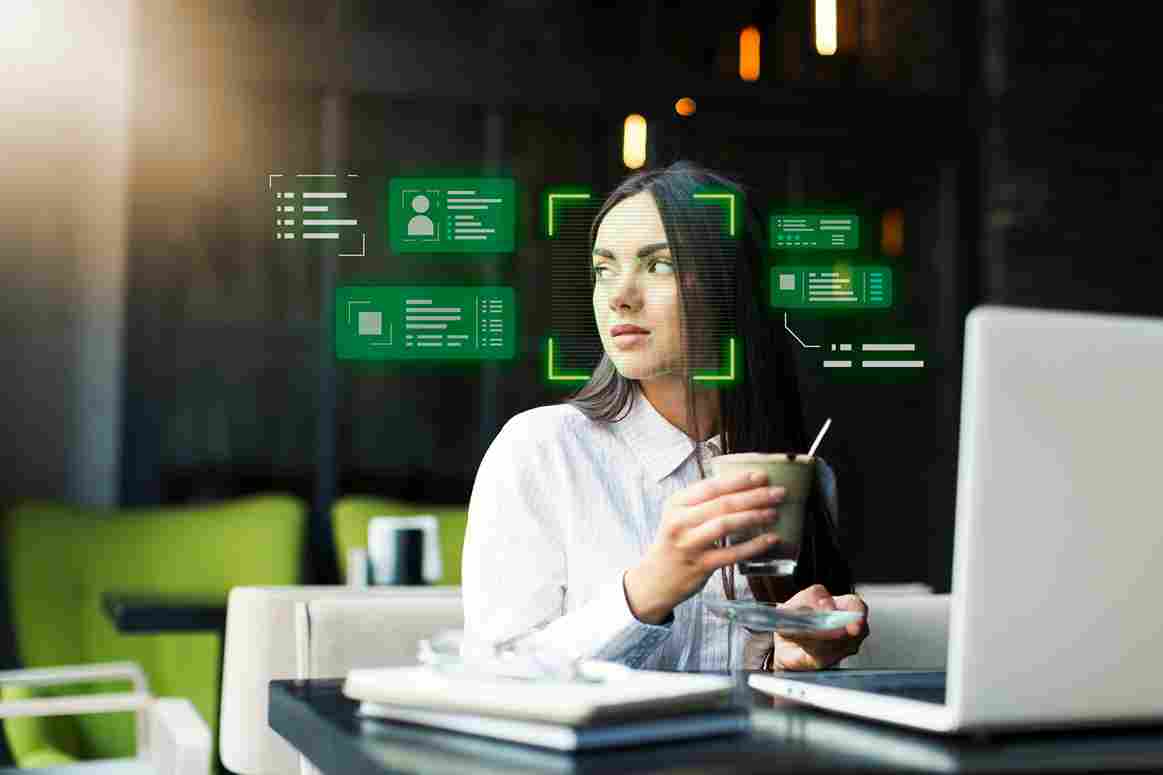
Remote work creates real challenges for tracking employee attendance. Without in person oversight, businesses need a reliable way to confirm that hours reported match hours actually worked. A Facial Recognition Time Clock solves this problem directly, using a phone camera to confirm identity in just a few seconds.
This tool supports accurate payroll, prevents buddy punching, and builds trust between remote employees and their employers. As remote work continues to grow, solutions like this will remain an important part of managing a fair and organized workforce.
FAQ’s
1. What is a Facial Recognition Time Clock?
It is a time tracking tool that uses a camera to confirm an employee's identity before recording their clock-in or clock-out time.
2. Can remote employees use facial recognition without special equipment?
Yes. Most systems work through a smartphone camera, so remote workers do not need extra hardware to use the feature.
3. Does facial recognition help prevent buddy punching?
Yes. Since the system checks a unique facial match, one employee cannot clock in on behalf of another person.
4. Is facial recognition time tracking secure?
Yes. Facial data is matched against a saved profile during each clock-in, making it very difficult for someone to fake or bypass the system.
5. Can facial recognition be combined with GPS tracking?
Yes. Many businesses use both together. Facial recognition confirms identity, while GPS tracking confirms the location of the clock-in.