Walk into almost any modern workplace today and you will notice something different about how employees record their attendance. Gone are the days of paper sign-in sheets, shared PIN pads, and punch cards that get lost or damaged. In their place is something faster, smarter, and far more secure.
An employee walks up to a screen, glances at the camera for a second, and their attendance is recorded instantly. No touching. No sharing. No possibility of someone else clocking in on their behalf.
This is what Face ID Clocking Machines have brought to workplace attendance management. They use facial recognition technology to identify each employee uniquely at the moment they start and end their shift. The result is a system that is both more convenient for employees and more reliable for employers than any previous method of recording attendance.
In 2026, Face ID Clocking Machines are no longer limited to large corporations with big technology budgets. They are accessible to businesses of every size, in every industry, and in many cases they are available at no cost through cloud-based platforms that use the camera built into any standard tablet or smartphone.
What Are Face ID Clocking Machines and How Do They Work
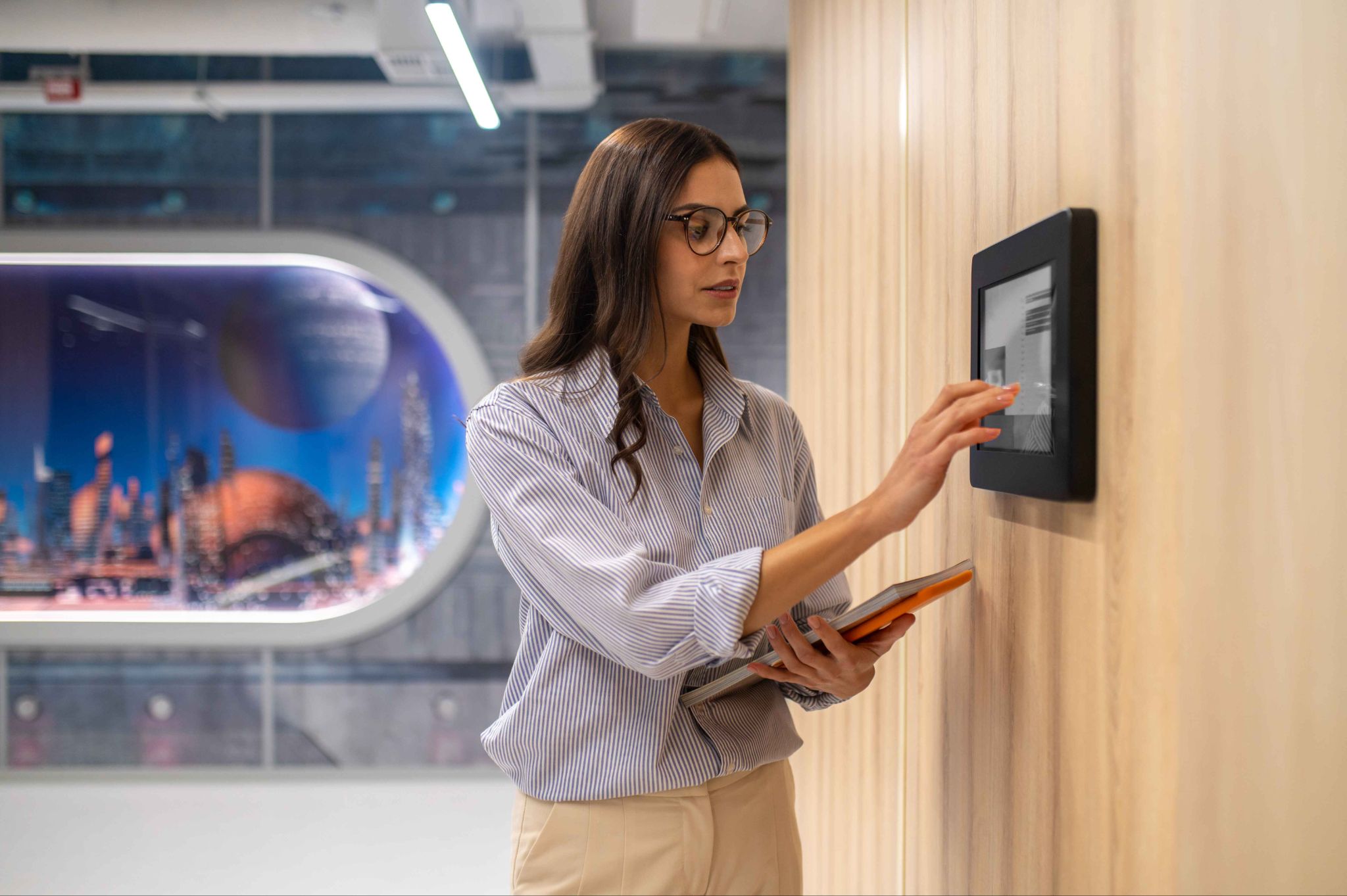
Face ID Clocking Machines are time and attendance devices that use facial recognition technology to verify the identity of employees at the point of clocking in or out. Instead of requiring an employee to enter a PIN, swipe a card, or sign a sheet, the machine uses its camera to capture the employee's face, compare it to stored facial data, and record the attendance if a match is confirmed.
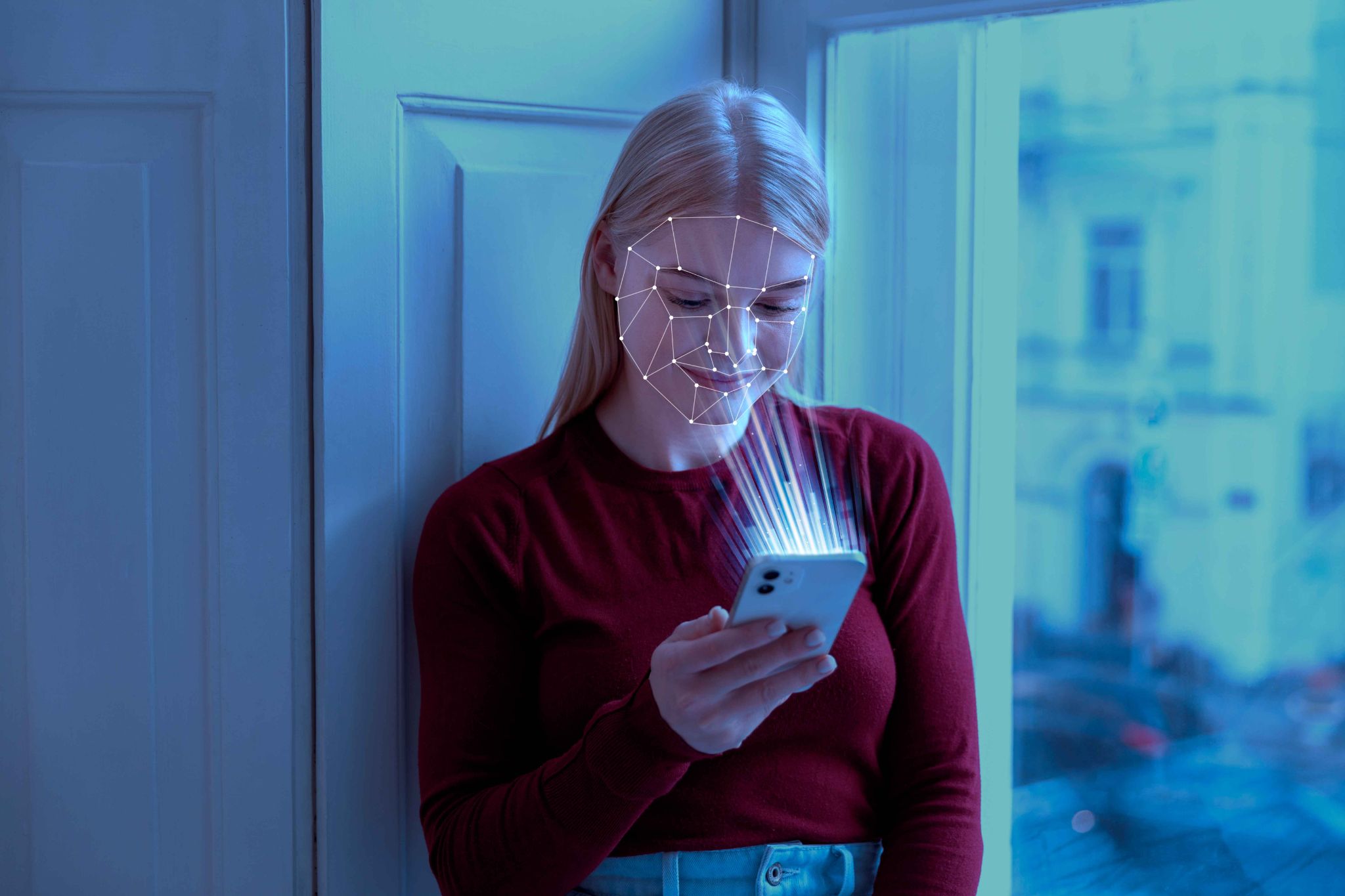
The process works in three stages. First, each employee is enrolled in the system. During enrollment, the camera captures multiple images of the employee's face from slightly different angles and in different lighting conditions. The system converts these images into a mathematical model, a unique digital representation of that person's facial geometry.
This model is stored securely in the system. No recognizable photograph is stored, just the mathematical data that the recognition algorithm uses for matching.
Second, when the employee arrives at work and approaches the clocking machine, the camera captures a live image of their face in real time. The system converts this image into the same type of mathematical model and compares it to all the stored employee models.
OpenTimeClock delivers this entire process using the built-in camera of any modern tablet, iPad, or computer. There is no need to purchase dedicated biometric hardware. Any device with a front-facing camera becomes a facial recognition clocking station the moment the OpenTimeClock app or browser platform is set up on it.
The Problems With Traditional Attendance Methods
To appreciate how much Face ID Clocking Machines have changed attendance management, it helps to look at the specific problems with the methods they are replacing.
Paper sign-in sheets are the simplest and most obvious problem. They require someone to physically collect, check, and process the sheets. They can be filled out incorrectly, lost, damaged, or manipulated. They provide no verification that the person who signed in was actually who they claimed to be. And they create hours of administrative work every pay period just to process payroll from handwritten records.
PIN-based digital time clocks solved the paper problem but created a new one. When every employee's identity is represented by a four or six digit number, that number can be shared, overheard, or guessed. Buddy punching, where one employee enters another person's PIN to clock them in when they are absent or late, became one of the most common and costly forms of time theft in PIN-based systems.
Card-based systems have similar vulnerabilities. A card can be passed from one employee to another. Cards get lost, damaged, or forgotten at home. And the cost of replacing cards regularly adds up for businesses with high staff turnover.
Fingerprint scanners addressed the identity verification problem but introduced hygiene concerns, particularly relevant since the COVID-19 period, and technical challenges with employees whose fingerprints are difficult to read due to age, manual labor, or skin conditions.
How Face ID Clocking Machines Stop Buddy Punching
Buddy punching is one of the most expensive forms of employee time theft, and it is also one of the most common. When employees cover for each other by clocking in or out on behalf of a colleague who is absent, late, or has already left, the business pays for hours that were never actually worked.
The financial impact is significant. Research into time theft consistently shows that buddy punching and related attendance fraud can cost businesses between two and eight percent of their total payroll. For a small business with a weekly payroll of five thousand dollars, even the lower end of that range represents hundreds of dollars of preventable loss every week.
Face ID Clocking Machines eliminate buddy punching entirely. The reason is simple. You cannot lend your face to a colleague. When the system requires a biometric facial match to record a clock-in, the only way to clock in is for the actual registered employee to stand in front of the camera. There is no workaround, no loophole, and no way to beat the system by sharing credentials.
Contactless Attendance in a Post-Pandemic Workplace
The COVID-19 pandemic fundamentally changed how people think about shared surfaces and physical contact in the workplace. Fingerprint scanners, shared keypads, and touch screens that dozens of employees use every day became a source of concern for many organizations. The hygiene implications of shared touchpoints in high-density workplaces led many businesses to look for contactless alternatives.
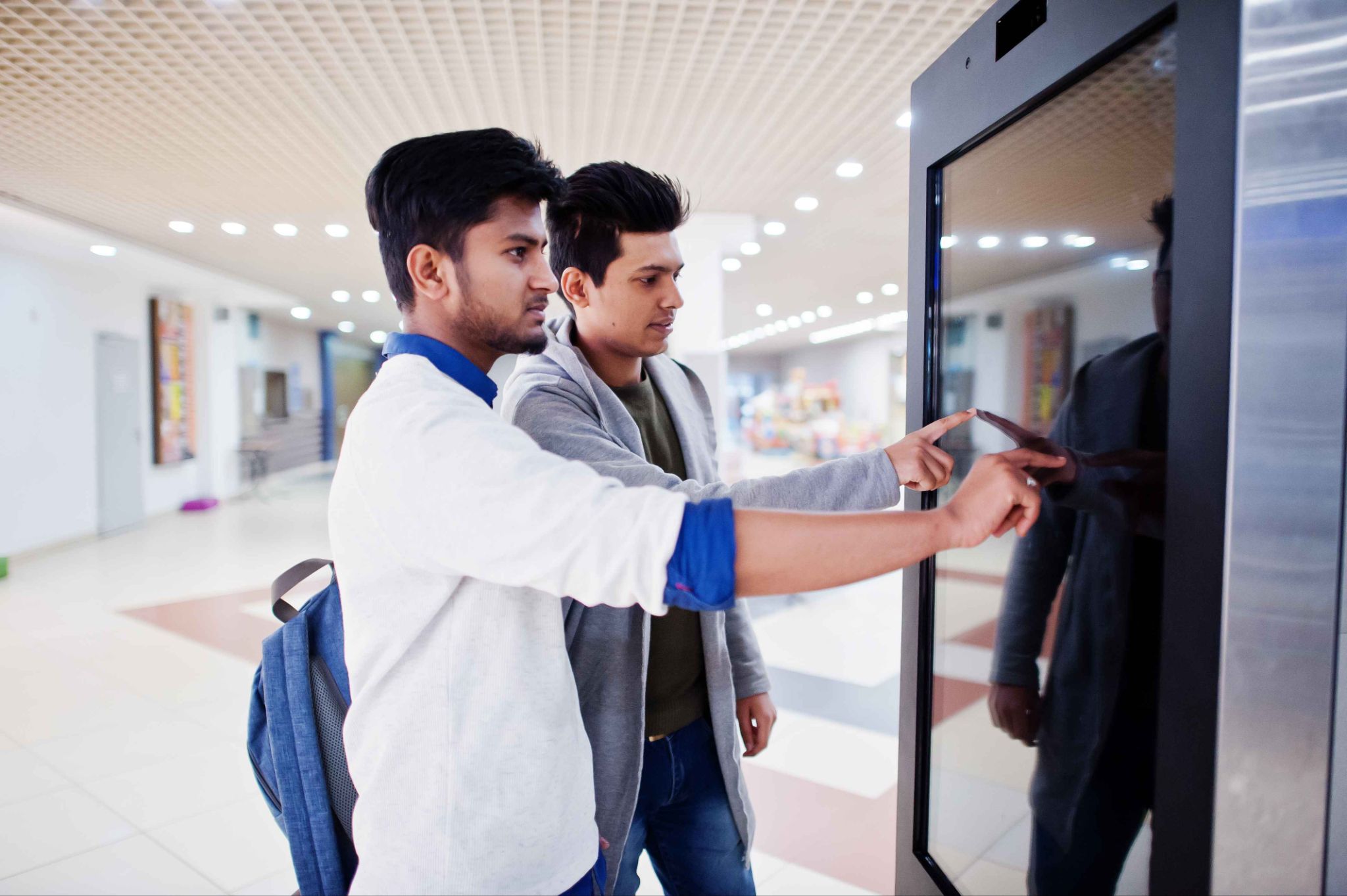
Face ID Clocking Machines are inherently contactless. The employee simply looks at the camera. There is no touching required at any point in the process. This makes facial recognition clocking not just technologically superior to older methods but also more hygienic, which matters particularly in healthcare, food service, education, and any other environment where cleanliness standards are important.
OpenTimeClock supports this contactless approach through its facial recognition clock-in feature. Employees can clock in without touching any shared surface. In kiosk setups where a tablet is mounted near the entrance, the entire clock-in process happens without the employee touching the device at all.
Industries Being Transformed by Face ID Clocking Machines
The impact of Face ID Clocking Machines is being felt across virtually every industry, but some sectors are experiencing particularly dramatic improvements in their attendance management.
Healthcare organizations were among the earliest adopters of facial recognition clocking because their specific needs aligned perfectly with what the technology offers. Clinical staff cannot always stop what they are doing to enter a PIN. Hygiene standards make shared touchpoints undesirable. And the compliance requirements around accurate shift documentation make the reliability and audit trail of facial recognition extremely valuable.
OpenTimeClock serves healthcare organizations with a secure, encrypted platform that provides both the accuracy and the data protection that clinical environments require.
Manufacturing and warehouse operations benefit from the speed and reliability of facial recognition in environments where large numbers of workers are clocking in and out at the same time. At shift changes, dozens or even hundreds of workers need to record their attendance within a short window. A system that processes each clock-in in one to two seconds keeps queues short and shifts start on schedule.
Group clock-in features in OpenTimeClock can also allow supervisors to clock in an entire crew at once when individual facial recognition is not practical.
Construction and field service companies face the specific challenge of managing attendance at job sites where there is no permanent infrastructure. A tablet mounted temporarily at a site entrance serves as a fully functional facial recognition clocking station. Workers clock in as they arrive on site, the data syncs to the cloud in real time, and the site manager has an accurate record of who is present without needing to be physically at the entrance all day.
Setting Up a Face ID Clocking Machine With OpenTimeClock
One of the most important things to understand about modern Face ID Clocking Machines is how simple they are to set up when the right software is used. Many business owners assume that facial recognition attendance requires expensive specialized hardware, professional installation, and complex software configuration. In reality, with OpenTimeClock, the setup process is straightforward and can be completed in a matter of hours.
The first step is creating a free OpenTimeClock account. No credit card is needed and the process takes only a few minutes. Once the account is active, the manager configures the company settings including time zones, overtime rules, and leave policies.
The second step is adding employees to the system. Each employee's profile is created with their name, department, and role. The system then generates enrollment instructions that the employee uses to register their face through the camera of any device.
The third step is setting up the clocking device. Any tablet, iPad, or computer with a front-facing camera can serve as the clocking machine. The manager opens the OpenTimeClock platform on the device, puts it in kiosk mode, and mounts or positions it in a suitable location near the workplace entrance.
Real-Time Attendance Visibility Through Face ID Clocking
One of the most significant operational benefits of Face ID Clocking Machines is the real-time visibility they provide to managers. Because every clock-in is recorded instantly and synced to the cloud, managers can see exactly who is currently at work from any device, at any moment, from any location.
OpenTimeClock provides a live attendance dashboard that shows which employees are currently clocked in, which departments are fully staffed, and which employees have not yet arrived for their scheduled shift. Automated alerts notify managers the moment a clock-in is missed, so coverage problems can be addressed before they affect operations.
For multi-location businesses, this real-time visibility covers all locations from a single dashboard. A regional manager overseeing five retail stores can see the current attendance status at all five stores from their phone without visiting any of them. This level of oversight was simply not possible with paper-based or PIN-based systems.
The attendance data captured through facial recognition clocking also connects directly to OpenTimeClock's shift scheduling feature, overtime tracking, PTO management, and payroll exports. This means the biometric clock-in is not just a secure way to record attendance. It is the starting point for a complete, connected workforce management process.
Conclusion
Face ID Clocking Machines represent a genuine transformation in how workplaces manage attendance. They are faster, more accurate, more secure, and more hygienic than every previous method. They eliminate buddy punching entirely.
They provide managers with real-time visibility into who is present. And they create a verified, timestamped record of every attendance event that flows directly into payroll and compliance reporting.
The technology is now accessible to every business regardless of size or budget. With OpenTimeClock, any device with a camera becomes a professional facial recognition clocking station at no cost. The transformation that large enterprises have been benefiting from for years is now available to every business that is ready to move beyond the limitations of older attendance systems.
FAQ’s
Q1. What are Face ID Clocking Machines and how are they different from traditional time clocks?
Face ID Clocking Machines are attendance devices that use facial recognition to verify employee identity at the point of clocking in or out. Unlike traditional time clocks that require a PIN, card, or fingerprint, facial recognition is contactless and cannot be shared between employees.
Q2. Do Face ID Clocking Machines require expensive dedicated hardware?
No. Modern facial recognition clocking systems like OpenTimeClock use the built-in camera of any existing tablet, iPad, smartphone, or computer. There is no need to purchase proprietary biometric hardware or dedicated clocking terminals.
Q3. How do Face ID Clocking Machines prevent buddy punching?
Buddy punching requires one employee to clock in on behalf of another. Face ID Clocking Machines make this impossible because the system only accepts a clock-in when the face of the registered employee is matched by the camera. You cannot lend your face to a colleague.
Q4. Is facial recognition data stored securely in OpenTimeClock?
Yes. OpenTimeClock converts facial images into encrypted mathematical models rather than storing recognizable photographs. All data is held in secure cloud servers with encryption and is accessible only to authorized managers through role-based access controls.
Q5. Is OpenTimeClock free for businesses that want to use Face ID Clocking Machines?
Yes. OpenTimeClock is completely free to use with no credit card required. The free plan includes full facial recognition clock-in functionality, photo capture at every clock-in, GPS location recording, real-time attendance dashboard, automated alerts, shift scheduling, PTO management, overtime calculation, and payroll exports.
Start Using Free Face ID Clocking Today
Turn any tablet, iPad, smartphone, or computer into a facial recognition clocking station with OpenTimeClock.