Everhour vs TMetric: How to Choose the Right Time Tracking Software for Your Team
Compare Everhour and TMetric on pricing, integrations, invoicing, and team features to pick the right project time tracker for your team.
Time tracking software helps teams understand where their hours go, bill clients accurately, and keep projects on budget. For agencies, consultants, software teams, and freelancers, choosing the right tool can make a big difference in profitability and productivity.
Everhour and TMetric are two popular time tracking tools for project-based teams. Both offer timers, project tracking, reports, and billing features, and both connect with other apps teams use every day. But they have different strengths, pricing, and approaches.
In this guide, we will compare Everhour vs TMetric in simple terms. We will look at pricing, time tracking methods, integrations, billing, reports, team features, and which type of team each tool fits best. We will also explain when a different kind of tool, an employee time clock, may be the better choice.
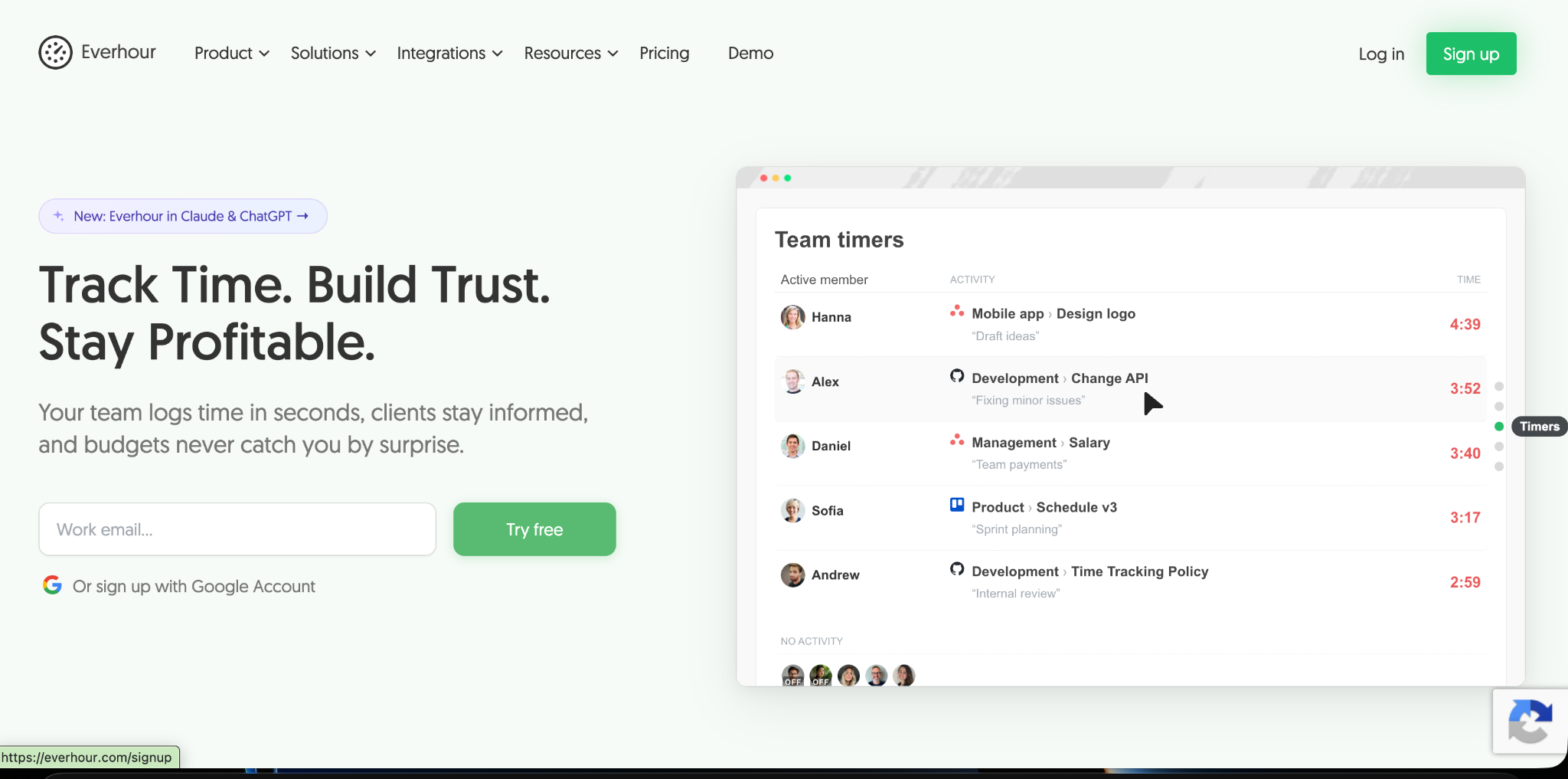
Quick Overview of Everhour
Everhour is a project time tracking tool built for agencies, consultants, and software teams. Its biggest strength is its deep integration with project management tools such as Asana, ClickUp, Jira, Trello, Basecamp, Monday, Notion, Linear, and GitHub. Team members can start a timer directly inside their tasks.
Everhour also offers project budgets with alerts, detailed reports, invoicing from tracked time, expense tracking, time off tracking, resource planning, and built-in task management. It has a desktop app, mobile app, and browser extension.
The platform helps managers understand how much time teams spend on individual tasks and projects. This information can improve workload planning, identify budget overruns, and support more accurate client billing. Everhour is particularly useful for teams that want to connect time tracking with their existing project management workflows rather than manage employee hours through a separate system.
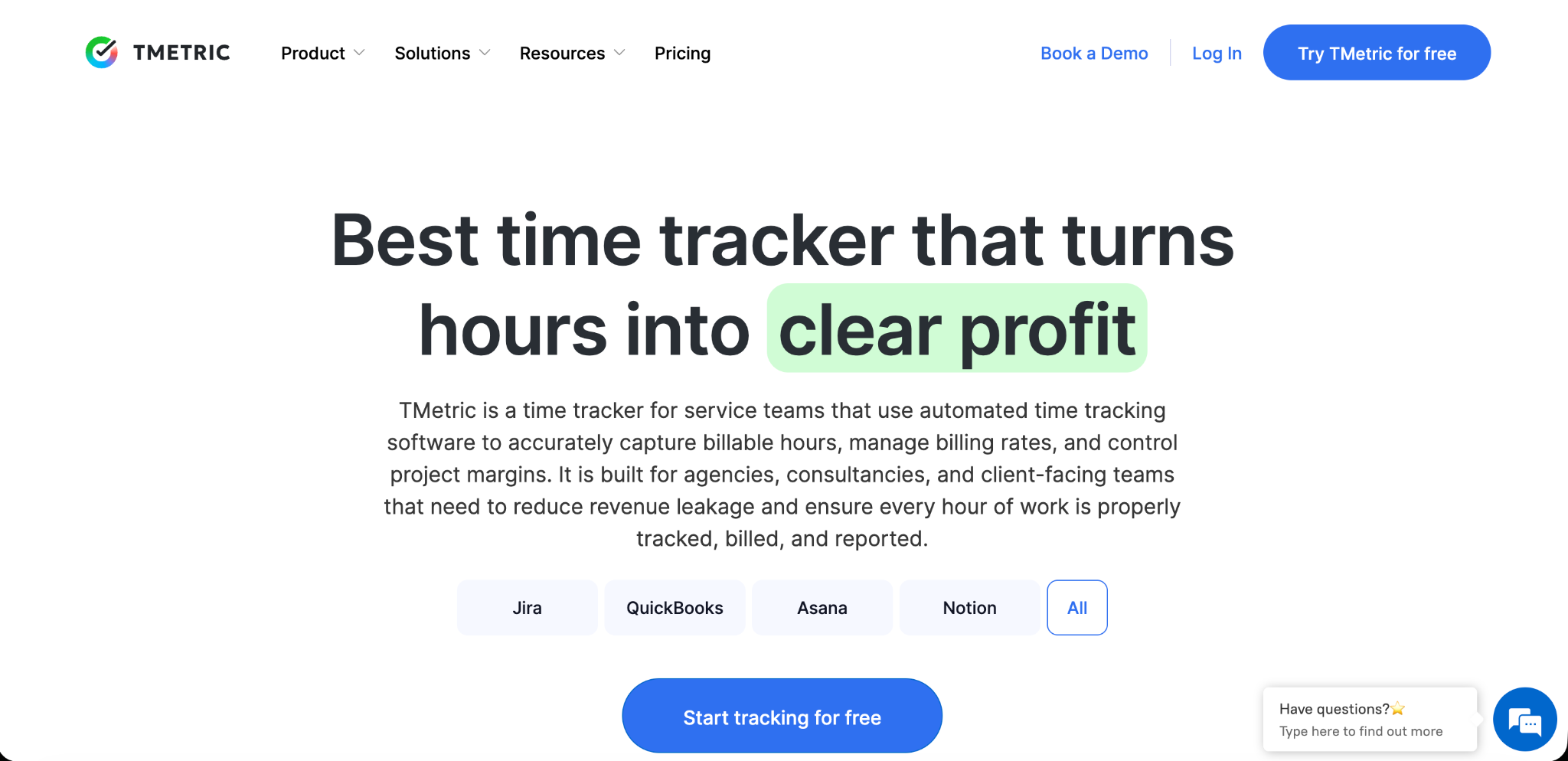
Quick Overview of TMetric
TMetric is a time tracking tool for freelancers, small businesses, and teams that bill by the hour. It offers simple timers, a browser extension that works with many web apps, project and client tracking, billable rates, budgets, invoicing, and time off tracking.
TMetric also includes work activity monitoring on higher plans, such as tracking apps and websites used during work time and optional screenshots. This can be useful for remote teams that want more insight into how time is spent.
The platform provides detailed reports that help businesses review employee productivity, manage project costs, and prepare accurate client invoices. Its project management integrations also help teams connect tracked hours with their daily workflows. TMetric is a practical option for businesses looking for a flexible time tracking solution without the complexity of larger workforce management systems.
The Key Difference
The simplest way to understand Everhour vs TMetric is to look at their main focus. Everhour is built around deep project management integrations. It works best for teams that live inside tools like Asana or Jira and want time tracking that feels like part of those tools.
TMetric is built around flexible, affordable time tracking with billing and optional activity monitoring. It works well for freelancers and small teams that want a lower-cost tool with billing features and more insight into work activity.
Pricing Comparison
Everhour Pricing
Everhour offers a Free plan for up to 5 seats with limited features, including basic time tracking, projects and tasks, reports, and data export. Integrations are not included in the free plan.
The Team plan costs $8.50 per seat per month when billed yearly, with a minimum of 5 seats. Monthly billing costs more. This plan includes all features, such as native integrations, budgeting, invoicing, and advanced permissions. A Custom plan is available for organizations with at least 50 seats. Everhour offers a 14-day free trial.
TMetric Pricing
TMetric offers a free version with basic time tracking. Its paid plans include a Professional plan starting around $5.83 per user per month and a Business plan starting around $7.50 per user per month, based on annual billing listed on third-party review sites. Monthly billing usually costs more. The Business plan adds features such as payroll tracking, screenshots, and client access.
Cost Example
Let us look at a team of 10 people.
On Everhour's Team plan billed yearly, the cost would be about $85 per month.
On TMetric's Professional plan billed yearly, the cost would be about $58 per month, and on the Business plan about $75 per month.
For small teams on a budget, TMetric is usually cheaper. However, teams that rely on deep project management integrations may find Everhour worth the extra cost.
Time Tracking Methods
Everhour
Everhour lets users track time with timers inside their project management tools, through a browser extension, with desktop and mobile apps, or by entering time manually in a weekly timesheet. The timer inside tools like Asana and Jira is one of its most popular features.
TMetric
TMetric offers a web timer, desktop apps, mobile apps, and a browser extension that adds timer buttons to many web apps. Users can also add time manually. Its desktop app can track activity levels and apps used during work time on higher plans.
Which Is Better?
Both tools make tracking time easy. Everhour feels more native inside project management tools. TMetric offers more options for monitoring work activity.
Integrations
Everhour Integrations
Everhour is known for deep, native integrations with project management and development tools, including Asana, ClickUp, Jira, Trello, Basecamp, Monday, Notion, Linear, and GitHub. These integrations are included in its paid plan and allow time, estimates, and budgets to sync with tasks.
TMetric Integrations
TMetric's browser extension adds timer buttons to many popular web apps, such as project management, issue tracking, and help desk tools. It also offers an API for custom connections.
Which Is Better?
If your team works mainly inside one project management tool and wants time data to sync with tasks and estimates, Everhour usually offers a deeper experience. If your team uses many different web apps and wants a simple timer in each, TMetric's broad extension support may be enough.
Billing and Invoicing
Both tools help teams bill clients for their time.
Everhour lets teams set billable rates, track project budgets, and create invoices from tracked time. It also supports expense tracking.
TMetric also supports billable rates, budgets, and invoicing from tracked time. Many freelancers and small agencies choose it because it combines billing features with a lower price.
For simple client billing, both tools work well. Everhour offers stronger budget tracking tied to project management tools, while TMetric offers solid billing at a lower cost.
Reports
Everhour offers detailed reports by project, task, client, and team member, with filters and customizable views. Reports can show billable and non-billable time, budgets, and team workload.
TMetric offers reports on time, projects, clients, billable amounts, and work activity. Higher plans include activity and productivity reports.
Both tools provide useful reports for managers and clients. TMetric adds more activity-based insights, while Everhour focuses on project and budget reporting.
Team Management Features
Time Off
Both tools include time off tracking, so managers can see who is away when planning work.
Resource Planning
Everhour includes resource planning to help managers balance workloads across team members and projects.
Activity Monitoring
TMetric offers activity tracking and optional screenshots on higher plans, which some remote teams find useful. Teams should use these features carefully and tell employees what is tracked.
Permissions and Approvals
Both tools offer roles and permissions. Larger teams should check how each tool handles timesheet approvals and access levels.
Ease of Use
Everhour is easy to use for teams already working in supported project management tools, since time tracking appears right inside their tasks.
TMetric is simple and clean, with a quick setup that suits freelancers and small teams. Its browser extension makes it easy to start timers in many apps.
Pros and Cons Summary
Everhour Strengths
Deep integrations with popular project management tools. Project budgets, estimates, and alerts. Invoicing and expense tracking. Resource planning and time off tracking. All features included on the Team plan.
Everhour Limitations
Higher per-seat price than some alternatives. Minimum of 5 seats on the paid plan. Free plan limited to 5 seats and excludes integrations.
TMetric Strengths
Lower starting price for paid plans. Free version for basic tracking. Browser extension that works with many web apps. Billing, budgets, and invoicing. Activity monitoring and screenshots on higher plans.
TMetric Limitations
Integrations may not be as deep as Everhour's native project tool connections. Some advanced features require the Business plan. Activity monitoring may not suit every team's culture.
Which Should You Choose?
The right choice in Everhour vs TMetric depends on how your team works and what you need most.
Choose Everhour If
Your team works mainly in Asana, Jira, ClickUp, Trello, or similar tools. You want time tracking, estimates, and budgets to sync with tasks. You run an agency or software team with many client projects. You need resource planning to balance workloads.
Choose TMetric If
You are a freelancer or small team looking for a lower-cost tool. You use many different web apps and want a simple timer in each. You want built-in billing at an affordable price. You want optional activity tracking for remote work.
When You Need an Employee Time Clock Instead
Everhour and TMetric are both project time trackers. They are designed for people who work on tasks at a computer. But some teams have different needs, such as hourly employees who work shifts, staff at retail stores or warehouses, or workers who clock in at a shared kiosk.
For these teams, an employee time clock may be a better fit. OpenTimeClock, for example, focuses on attendance and payroll-ready hours, with clock-in methods such as PIN codes, QR codes, RFID cards, and facial recognition, along with overtime rules and approvals. It offers a free plan with unlimited users and flat company pricing, which you can review on the OpenTimeClock pricing page.
It also includes project time tracking and job time tracking, so teams can see time by project or job while still managing shifts and attendance. Managers can use approval of time records to review hours before payroll and export payroll and attendance reports for their payroll provider.
Some businesses even use both types of tools: a project tracker for their creative or development team and an employee time clock for hourly staff.

Conclusion
Everhour and TMetric are both strong project time tracking tools, but they shine in different ways. Everhour stands out for its deep integrations with project management tools, project budgets, and resource planning, making it a great fit for agencies and software teams. TMetric stands out for its affordable pricing, flexible browser extension, billing features, and optional activity monitoring, making it a good choice for freelancers and small teams.
When comparing Everhour vs TMetric, think about where your team works, how you bill clients, and how much you want to spend as your team grows. And if your main need is tracking hourly employee attendance rather than project time, consider an employee time clock instead. Understanding Everhour vs TMetric this way helps you choose the tool that truly fits your team.
FAQ’s
What is the main difference between Everhour and TMetric?
Everhour focuses on deep integrations with project management tools and budgets. TMetric focuses on affordable time tracking with billing and optional activity monitoring.
Which is cheaper, Everhour or TMetric?
TMetric's paid plans usually start at a lower per-user price than Everhour's Team plan, which also requires a minimum of 5 seats.
Do both tools offer free plans?
Yes. Everhour offers a free plan for up to 5 seats with limited features, and TMetric offers a free version with basic time tracking.
Which is better for Asana or Jira users?
Everhour is often preferred by teams that work mainly in Asana, Jira, or similar tools because of its deep native integrations.
What if I need to track hourly employee shifts?
Project time trackers are built for task-based work. For hourly shifts and attendance, an employee time clock with kiosks, overtime rules, and approvals may be a better fit.