Easy Time Clock vs TimeClock Plus: Which Offers Better Mobile Time Tracking?
Compare Easy Time Clock and TimeClock Plus on mobile apps, GPS, pricing, hardware, and features to find the best fit for your team.
More employees than ever clock in from their phones. Field workers, home care staff, cleaners, delivery drivers, and remote teams all need a simple way to record their hours without a wall-mounted time clock. For employers, mobile time tracking must also be accurate, secure, and easy to manage.
Easy Time Clock and TimeClock Plus are two well-known time and attendance tools that both offer mobile clock-in. But they are built for different types of organizations. Easy Time Clock is a simple, low-cost system popular with small businesses. TimeClock Plus is a more advanced workforce management platform used by mid-sized organizations, schools, and public sector employers.
In this guide, we will compare Easy Time Clock vs TimeClock Plus with a focus on mobile time tracking. We will look at mobile apps, GPS and geofencing, other clock-in options, pricing, scheduling, reporting, and which type of organization each tool fits best. We will also share another option for teams that want flexible mobile clock-in at a low cost.
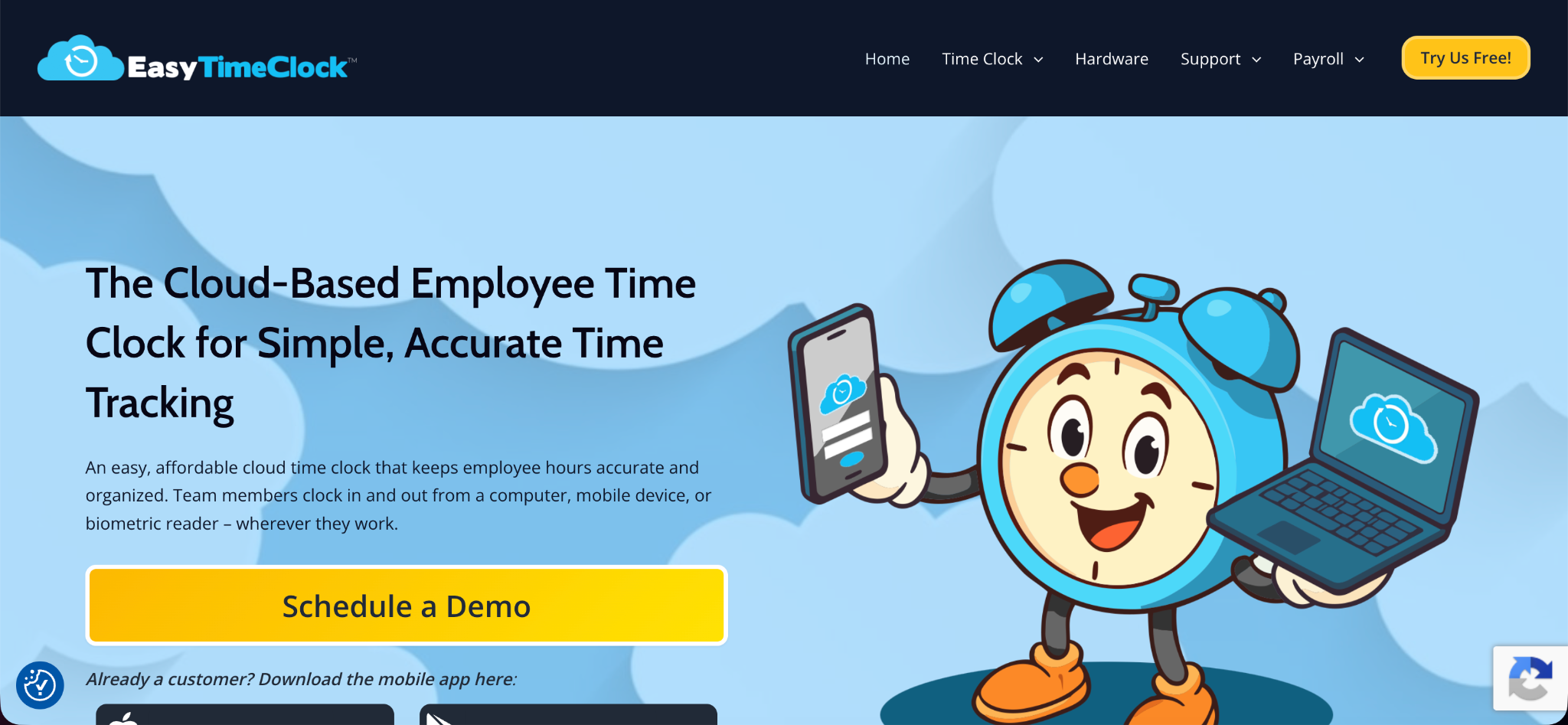
Quick Overview of Easy Time Clock
Easy Time Clock is a cloud-based time and attendance system that has been around since the early 2000s. It offers employee clock-in and clock-out, timecard editing, scheduling, time off tracking, overtime calculations, and reports.
Employees can clock in from desktop computers, a mobile app with GPS, or physical time clocks such as badge readers and biometric devices. For employees without smartphones or internet, Easy Time Clock also offers clock-in by text message for a small extra fee per punch. It is known for its simple per-employee pricing.
Easy Time Clock also helps managers monitor employee attendance, manage work schedules, and maintain accurate records for payroll. Its reporting tools make it easier to review working hours, identify overtime, and track attendance trends. With its straightforward interface and flexible clock-in methods, the platform can be a practical option for small businesses seeking an affordable time and attendance solution.
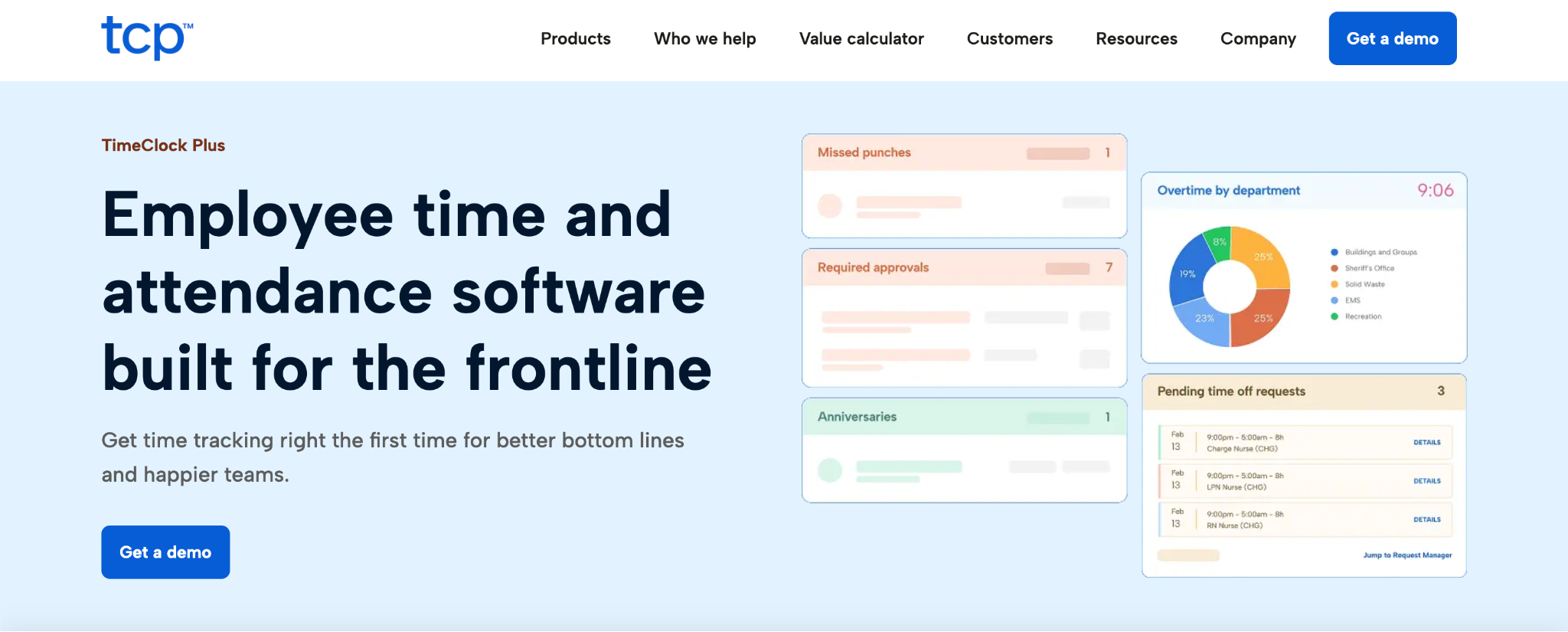
Quick Overview of TimeClock Plus
TimeClock Plus, from TCP Software, is a workforce management platform that covers time tracking, scheduling, leave management, and labor cost reporting. It is used by small businesses, but it is especially popular with mid-sized organizations, school districts, and government agencies.
TimeClock Plus offers many ways to clock in, including dedicated hardware time clocks with biometric readers, web clocks, desktop apps, and mobile apps. It also offers advanced features such as automated scheduling, substitute management for schools, and integrations with many payroll and ERP systems.
TimeClock Plus also provides customizable attendance policies, overtime tracking, and employee self-service tools. Managers can review employee hours, monitor attendance patterns, and generate reports to support payroll processing and workforce planning. Its range of configuration options makes it suitable for organizations with complex scheduling requirements, multiple locations, and different employee pay rules.
The Key Difference
The simplest way to understand Easy Time Clock vs TimeClock Plus is to look at the size and complexity of the organizations each tool serves. Easy Time Clock is built for simplicity and low cost. It suits small businesses that want basic time tracking, mobile GPS clock-in, and easy setup.
TimeClock Plus is built for larger and more complex organizations. It suits employers that need advanced scheduling, leave rules, hardware time clocks, and deep integrations, often with a custom setup.
Both platforms help businesses track employee hours and manage attendance, but they differ in flexibility and complexity. Easy Time Clock is generally a better fit for teams that prioritize affordability and straightforward timekeeping. TimeClock Plus may be more suitable for organizations with multiple departments, complex payroll requirements, and more advanced workforce management needs.
Mobile Apps Compared
Since mobile time tracking is the focus of this comparison, let us look closely at each tool's mobile experience.
Easy Time Clock Mobile App
Easy Time Clock's mobile app lets employees clock in and out from their phones, with GPS recording their location. Reviewers often describe the mobile app as more modern and simple than the desktop version. Some users have reported occasional GPS accuracy issues that can block clock-ins when the app thinks the employee is too far from work.
TimeClock Plus Mobile App
TimeClock Plus offers mobile apps that let employees clock in, view schedules, and request time off. Depending on the plan, mobile apps may be offered as an add-on. User feedback on the mobile experience is mixed. Some reviewers find it convenient, while others say the mobile app has fewer features than the desktop version and can be less reliable for teams on the go.
Which Is Better for Mobile?
For small teams that want a simple mobile clock-in app with GPS, Easy Time Clock is usually easier to start with. For larger organizations that need mobile access as part of a broader workforce system, TimeClock Plus offers more depth, though the mobile app may not include every feature of the full platform.
GPS and Geofencing
Both tools offer location features for mobile clock-in.
Easy Time Clock records GPS location at clock-in and supports geofencing, which limits clock-ins to approved areas around a work location.
TimeClock Plus also supports GPS and geofencing on its mobile clock options, helping employers confirm that employees are at the right place.
For basic location checks, both tools can meet most needs. Employers should test GPS accuracy in their own work areas, especially indoors or in rural locations where signals may be weak.
Clocking In Without a Smartphone
Not every employee has a smartphone. This matters when comparing mobile time tracking tools.
Easy Time Clock offers clock-in by text message for employees without smartphones or internet access, which is a useful option for some field workers. It also supports desktop clock-in and physical time clocks.
TimeClock Plus offers a wide range of hardware time clocks, including biometric devices, as well as web and desktop clocks. This makes it a strong choice for workplaces with shared clock-in stations.
Offline Clock-In
Field teams often work in areas with poor signal. TimeClock Plus lists offline time tracking among its features, which helps employees record time without a connection. Employers considering either tool should confirm how offline punches are handled before rolling it out to remote teams.
Pricing Comparison
Easy Time Clock Pricing
Easy Time Clock uses simple per-employee pricing. Its pricing starts at around $1 to $2 per employee per month depending on the size of the team, with lower rates for larger teams. Clock-in by text message costs a small extra fee per punch. Payroll features are available at an extra cost. Easy Time Clock offers a free trial but does not offer a permanent free plan.
TimeClock Plus Pricing
TimeClock Plus generally uses quote-based pricing. The final cost depends on the number of employees, the features and modules chosen, and any hardware time clocks or add-ons, such as mobile apps. Organizations should request a quote for accurate pricing.
What This Means for Your Budget
For small businesses, Easy Time Clock is usually the lower-cost and more predictable option. Larger organizations that need advanced scheduling, leave rules, and hardware may find that TimeClock Plus's features justify a higher, custom price.
Scheduling and Leave Management
Easy Time Clock offers scheduling and time off tracking suitable for small businesses.
TimeClock Plus offers more advanced scheduling, including automated scheduling based on availability and skills, shift swapping, leave policy management, and substitute management, which is especially helpful for school districts.
For complex scheduling needs, TimeClock Plus has the advantage.
Reporting and Integrations
Easy Time Clock offers standard reports for hours, overtime, and attendance, and integrates with several payroll and HR systems.
TimeClock Plus offers more detailed labor cost reporting, forecasting, and integrations with many payroll and ERP systems, which is useful for larger organizations.
Ease of Setup
Easy Time Clock is generally quick to set up, making it a good fit for small businesses that want to start right away.
TimeClock Plus may take longer to set up, especially for organizations using hardware clocks, complex scheduling, or system integrations. Larger rollouts may involve working with the vendor's implementation team.
Pros and Cons Summary
Easy Time Clock Strengths
Low, simple per-employee pricing. Easy setup for small businesses. Mobile app with GPS and geofencing. Text message clock-in for employees without smartphones. Physical time clock options.
Easy Time Clock Limitations
No permanent free plan. Some users report GPS accuracy issues. Fewer advanced scheduling and workforce features.
TimeClock Plus Strengths
Advanced scheduling and leave management. Many clock-in options, including biometric hardware. Strong fit for schools and public sector employers. Detailed labor cost reporting and integrations.
TimeClock Plus Limitations
Quote-based pricing. Mobile apps may be an add-on and have fewer features than the full platform. Setup can be more complex.
Which Should You Choose?
The right choice in Easy Time Clock vs TimeClock Plus depends on your organization's size, needs, and budget.
Choose Easy Time Clock If
You run a small business. You want simple mobile clock-in with GPS. You want low, predictable per-employee pricing. Some employees need to clock in by text message.
Choose TimeClock Plus If
You are a mid-sized organization, school district, or public employer. You need advanced scheduling, leave policies, or substitute management. You want biometric hardware clocks. You need deep integrations with payroll or ERP systems.
Another Option: A Free Mobile Time Clock
Some teams want flexible mobile clock-in without per-employee fees or a sales process. OpenTimeClock is another option to consider. It offers a free plan with unlimited users, and its paid plan uses flat company pricing. You can compare plans on the OpenTimeClock pricing page.
Employees can clock in using apps for Android and iOS, as well as desktop and browser versions, available on the download page. Mobile clock-ins can use GPS geolocation and geofencing to confirm employees are at the right location, and offline mode lets employees clock in without internet. For identity checks, facial recognition uses the phone or tablet camera to confirm who is clocking in.
This can be a good fit for small and mid-sized teams, nonprofits, and schools that want strong mobile features at a low cost.
Conclusion
Easy Time Clock and TimeClock Plus both offer mobile time tracking, but they are built for different organizations. Easy Time Clock is a simple, affordable option for small businesses, with a mobile GPS app, geofencing, and text message clock-in. TimeClock Plus is a more advanced workforce management platform with hardware clocks, advanced scheduling, leave management, and integrations, priced through custom quotes.
When comparing Easy Time Clock vs TimeClock Plus, think about your team size, how complex your scheduling needs are, and how your employees will clock in. Test each mobile app in your real work environment before deciding. And if you want flexible mobile clock-in without per-user fees, a free option like OpenTimeClock is worth considering. Understanding Easy Time Clock vs TimeClock Plus this way helps you choose the tool that fits your team and your budget.
FAQ’s
Which has a better mobile app, Easy Time Clock or TimeClock Plus?
Easy Time Clock's mobile app is often described as simple and modern for small teams. TimeClock Plus offers mobile apps as part of a larger platform, though some users find them less complete than the desktop version.
How much does Easy Time Clock cost?
As of October 2026, Easy Time Clock pricing starts at around $1 to $2 per employee per month depending on team size, with extra fees for text clock-in and payroll.
How much does TimeClock Plus cost?
TimeClock Plus uses quote-based pricing that depends on employee count, features, hardware, and add-ons such as mobile apps.
Can employees clock in without a smartphone?
Easy Time Clock offers text message clock-in, and TimeClock Plus offers hardware time clocks and web clocks for employees without smartphones.
Is there a free mobile time clock option?
Yes. OpenTimeClock offers a free plan with unlimited users, including mobile apps, GPS, geofencing, offline mode, and facial recognition.