The Complete Guide to Choosing the Best Employee Monitoring Software
A complete guide to choosing the best Employee Monitoring Software, with key features to look for and mistakes to avoid.
Running a business is easier when you know how work gets done. But managing remote, hybrid, or in-office teams without the right tools can make it difficult to track productivity, improve accountability, and protect company data. That is where employee monitoring software can help. It gives managers a clear view of work activity while helping employees stay organized and focused.
However, not every solution offers the same features, security, or level of transparency. Choosing the wrong software can create frustration instead of improving performance. This complete guide explains what employee monitoring software is, the features that matter most, and how to choose a solution that fits your business. By the end, you will be ready to make a confident and informed decision.
What Is Employee Monitoring Software
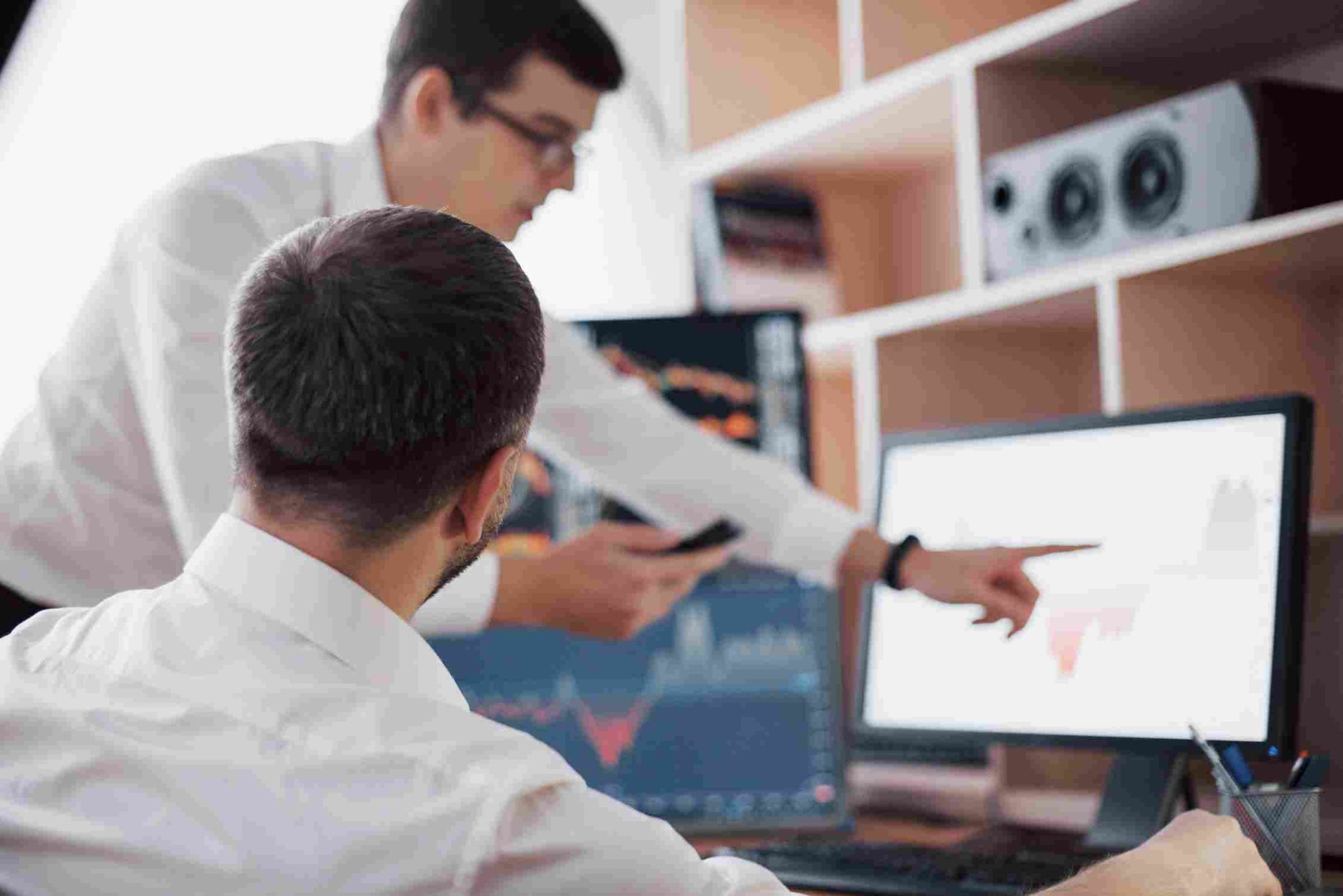
Employee Monitoring Software is a digital tool used to track how employees spend their time at work. This can include recording clock-in and clock-out times, tracking hours spent on specific tasks or projects, and generating reports for payroll and productivity review.
Some systems focus mainly on attendance tracking, while others include broader features like activity tracking or location monitoring for field employees. The right choice depends heavily on the specific needs of a business and its workforce.
Open Time Clock offers a strong foundation for this kind of monitoring through its attendance and reporting tools. You can explore the full set of features on the Open Time Clock homepage, which supports many types of businesses across different industries.
Why Businesses Use Employee Monitoring Software
Businesses use monitoring tools for several important reasons. The most common goal is accurate attendance tracking, which supports fair and correct payroll processing. Without a reliable system, manual errors can lead to underpayment, overpayment, or disputes between staff and management.
Beyond payroll, Employee Monitoring Software also helps businesses understand how time is being used across different projects or departments. This kind of visibility supports better planning and can highlight areas where processes may need improvement.
For businesses managing remote or field based teams, monitoring tools also provide a way to confirm attendance without needing direct supervision. This becomes especially important as more companies adopt flexible or hybrid work arrangements.
Understanding the Difference Between Monitoring and Surveillance
There is an important difference between fair monitoring and excessive surveillance. Good Employee Monitoring Software focuses on clear, work related data, such as attendance, location during clock-in, and time spent on specific tasks. This kind of tracking supports fairness and accuracy without feeling invasive.
Surveillance, on the other hand, often involves tracking personal activity that goes beyond what is necessary for work related purposes. Businesses should be careful to choose tools that respect employee privacy while still gathering the data needed for accurate payroll and performance review.
Choosing a system with clear, transparent features helps maintain trust between employees and management, rather than creating a feeling of constant, unnecessary observation.
Key Feature One: Accurate Time Tracking
At its core, Employee Monitoring Software should provide accurate and reliable time tracking. This means recording exact clock-in and clock-out times automatically, rather than relying on manual entry or rough estimates.
A strong system should support multiple clock-in methods, such as web browser access, mobile apps, or kiosk stations. This flexibility allows businesses to choose the option that best fits their specific workplace, whether that is an office, a retail store, or a field based team.
Open Time Clock offers several clock-in options through its platform, giving businesses the flexibility to choose what works best for their team size and work environment.
Key Feature Two: Location Tracking for Field Employees
For businesses with field based or remote employees, location tracking becomes an important feature to consider. This confirms that workers are at the correct job site when they clock in, which supports accountability without requiring direct supervision.
Employee Monitoring Software with GPS support can also include geofencing, which creates a virtual boundary around a specific work location. If an employee tries to clock in outside this boundary, the system can flag or block the attempt.
Open Time Clock offers this kind of location tracking through its GPS and geofencing feature, which is especially useful for construction, delivery, and home service businesses.
Key Feature Three: Identity Verification
Buddy punching is a common problem in many workplaces. This happens when one employee clocks in on behalf of another, often to hide a late arrival or absence. Strong Employee Monitoring Software should include identity verification tools to prevent this kind of issue.
Facial recognition and photo verification are two common methods used to confirm that the correct person is clocking in. Open Time Clock supports this through its facial recognition time clock feature, which checks a worker's face against a saved profile during each clock-in.
This kind of verification creates a fairer system, since honest employees are not put at a disadvantage compared to those who might try to misreport their hours.
Key Feature Four: Department and Project Tracking
Many businesses need more than a simple total of hours worked. They need to know how time is being spent across different departments, tasks, or client projects. This kind of detailed tracking supports better budgeting and cost control.
Employee Monitoring Software with department or job based tracking allows employees to log time under specific categories. Open Time Clock supports this through its department time tracking feature, which lets workers switch between roles during a single shift while keeping accurate records for each one.
This kind of detail becomes especially valuable for businesses that bill clients based on hours worked or need to track labor costs across multiple ongoing projects.
Key Feature Five: Reporting and Analytics
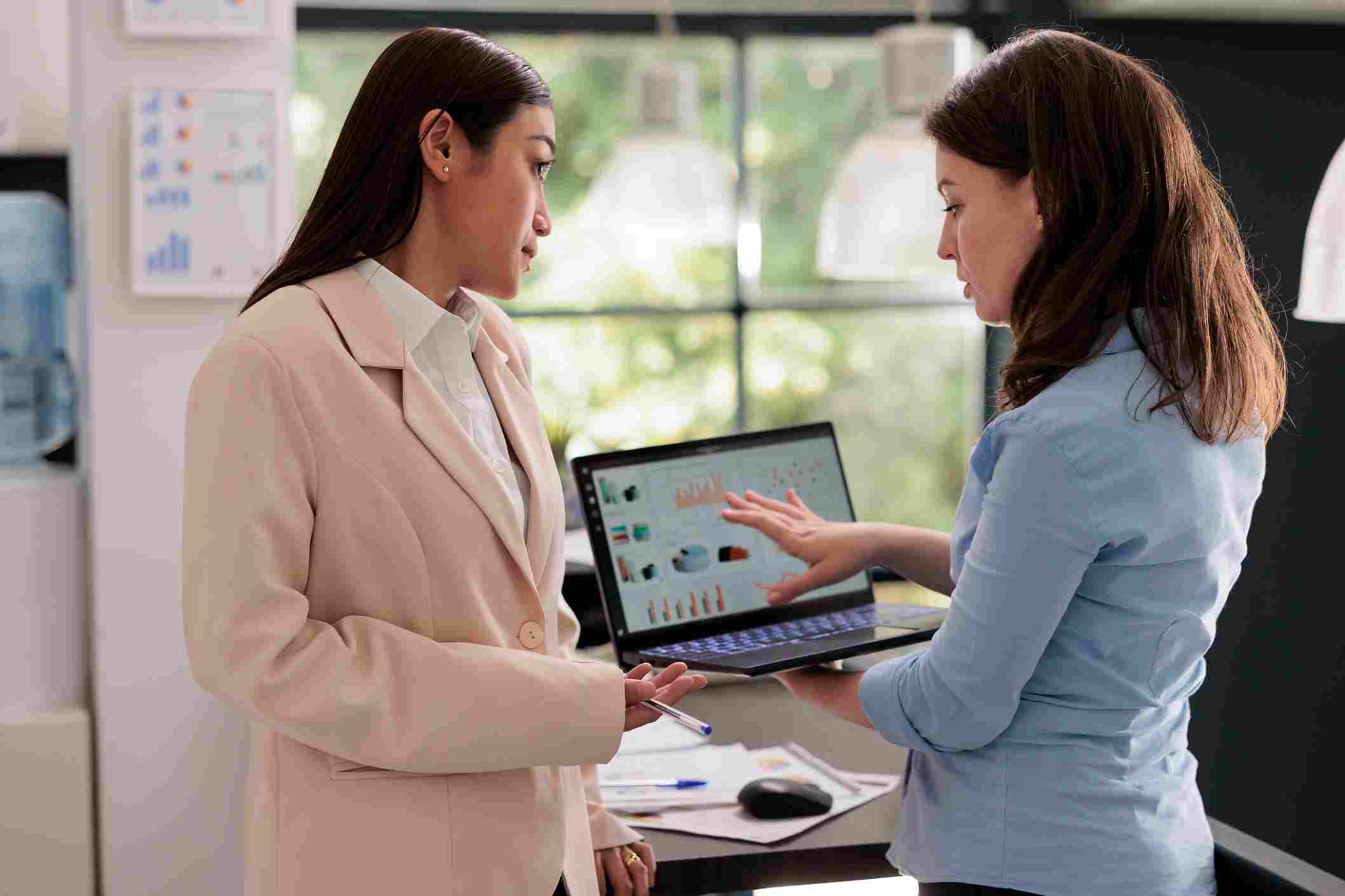
Raw attendance data is only useful if it can be turned into clear, understandable reports. Employee Monitoring Software should include strong reporting tools that summarize hours worked, overtime trends, and attendance patterns without requiring manual calculations.
Good reporting also supports better decision making. Managers can identify departments with consistent overtime issues or spot attendance patterns that may need further attention. Without this kind of reporting, raw data often goes unused, missing out on valuable insights that could improve business operations.
Open Time Clock offers a wide range of report types, giving businesses flexible options for reviewing their workforce data in a format that suits their specific needs.
Key Feature Six: Payroll Integration
Time tracking becomes even more valuable when it connects directly with payroll processing. If these systems remain separate, businesses often need to manually transfer data, which increases the risk of costly mistakes.
Employee Monitoring Software that integrates with payroll tools removes this extra step. Once attendance data is recorded, it can flow directly into payroll calculations without manual re-entry. This creates a smoother process and reduces the administrative burden on HR or accounting teams.
Open Time Clock supports integration with popular accounting tools like QuickBooks, helping businesses streamline their entire payroll workflow from attendance tracking through final paycheck processing.
Key Feature Seven: Mobile Accessibility
Many businesses today manage employees who are not tied to a single desk or office. Mobile accessibility has become an essential feature for modern Employee Monitoring Software. Employees should be able to clock in and check their schedules directly from a smartphone, no matter where they are working.
This is especially important for field service teams, remote workers, and businesses with multiple locations. A system that only works from a desktop computer creates unnecessary limitations for a mobile or spread out workforce.
Open Time Clock offers mobile access through its app, allowing employees to clock in, view schedules, and check their attendance history from their phone at any time.
Common Mistakes When Choosing Monitoring Software
Many businesses make mistakes during the selection process that lead to frustration later. One common mistake is choosing a system based only on price, without considering whether it truly fits the specific needs of the business. A cheap system that lacks important features can end up costing more time and money in the long run.
Another common mistake is failing to involve employees in the transition process. If workers do not understand why a new system is being introduced, they may resist using it correctly, leading to inconsistent or inaccurate data.
Choosing Employee Monitoring Software without testing it first is another risk. Businesses should always try a system with a small group before rolling it out company wide, to confirm that it works well for their specific workflow.
Balancing Accountability With Employee Trust
While monitoring tools support accountability, it is important to balance this with maintaining trust among employees. Overly aggressive monitoring, especially tools that track unrelated personal activity, can create resentment and lower morale.
The best Employee Monitoring Software focuses on clear, work related data, such as attendance and task tracking, rather than excessive personal surveillance. Businesses should communicate clearly with employees about what is being tracked and why, which helps build understanding rather than suspicion.
This balance between accountability and trust is key to successfully implementing any monitoring system without damaging the relationship between staff and management.
Considering Industry Specific Needs
Different industries have different monitoring needs. A construction company may prioritize GPS tracking and offline clock-in support, while an office based business may focus more on department tracking and payroll integration. A healthcare facility may need strong compliance features and biometric verification due to strict industry regulations.
When choosing Employee Monitoring Software, businesses should think carefully about their specific industry requirements rather than choosing a generic, one size fits all solution. This helps ensure that the system actually solves the problems most relevant to daily operations.
Evaluating Cost and Scalability
Cost is always an important factor when choosing new software. Some monitoring tools charge based on the number of employees, which can become expensive as a business grows. Others, like Open Time Clock, offer a free plan with strong core features, making it accessible for smaller businesses without a large software budget.
Scalability also matters. A good system should be able to grow alongside a business, allowing additional features to be added as needs increase, without requiring a complete switch to a new platform later on.
Testing Before Full Implementation
Before fully committing to a new system, it is wise to test it with a small group of employees first. This allows businesses to confirm that the software works well in practice, rather than just looking good on paper. Testing also provides an opportunity to gather feedback directly from employees who will be using the system daily.
This step can help catch potential issues early, such as confusing clock-in processes or missing features that are important for a specific team's workflow. Making adjustments before a full company wide rollout saves time and reduces frustration later.

Conclusion
Choosing the right Employee Monitoring Software requires careful thought about a business's specific needs, industry requirements, and overall goals. The best systems balance accurate tracking and accountability with fairness and transparency for employees.
By focusing on key features like accurate time tracking, identity verification, mobile access, and payroll integration, businesses can select a system that truly supports their workforce rather than creating unnecessary friction. Testing the software before a full rollout, and communicating clearly with employees, helps ensure a smooth and successful transition to a more organized and accurate way of managing attendance and productivity.
Frequently Asked Questions
1. What is Employee Monitoring Software?
It is a tool used to track employee attendance, task time, and overall work activity. It often includes reporting features that support payroll and productivity review.
2. Is employee monitoring the same as employee surveillance?
Not exactly. Good monitoring software focuses on work related data like attendance and task tracking, while surveillance often involves tracking unrelated personal activity, which can feel invasive.
3. Can Employee Monitoring Software help prevent time theft?
Yes. Features like facial recognition and GPS tracking help confirm identity and location during clock-in, making it harder for employees to misreport their hours.
4. Does this kind of software work well for remote or field teams?
Yes, especially when it includes mobile access and GPS tracking. These features help confirm attendance and location for employees who are not working from a fixed office.
5. How much should a business expect to pay for good monitoring software?
Costs vary widely. Some systems, like Open Time Clock, offer strong core features for free, making it possible for smaller businesses to access reliable monitoring tools without a large budget.