Clockify vs Toggl vs Harvest: Which Time Tracker Is Best for Teams?
Compare Clockify vs Toggl vs Harvest on price, features, and team size to find the right time tracking tool for your business in 2026.
Picking a time tracking tool is harder than it should be. Most platforms look similar on the surface. They all let you start a timer, log hours, and run a report. But once you dig into pricing, team features, and reporting depth, real differences show up fast.
Clockify, Toggl Track, and Harvest are three of the most popular time tracking tools on the market. Each one is built with a slightly different type of user in mind. This Clockify vs Toggl vs Harvest comparison breaks down pricing, features, and team fit so you can choose the right one without wasting time on trial and error.
Quick Overview of Each Tool
What Is Clockify
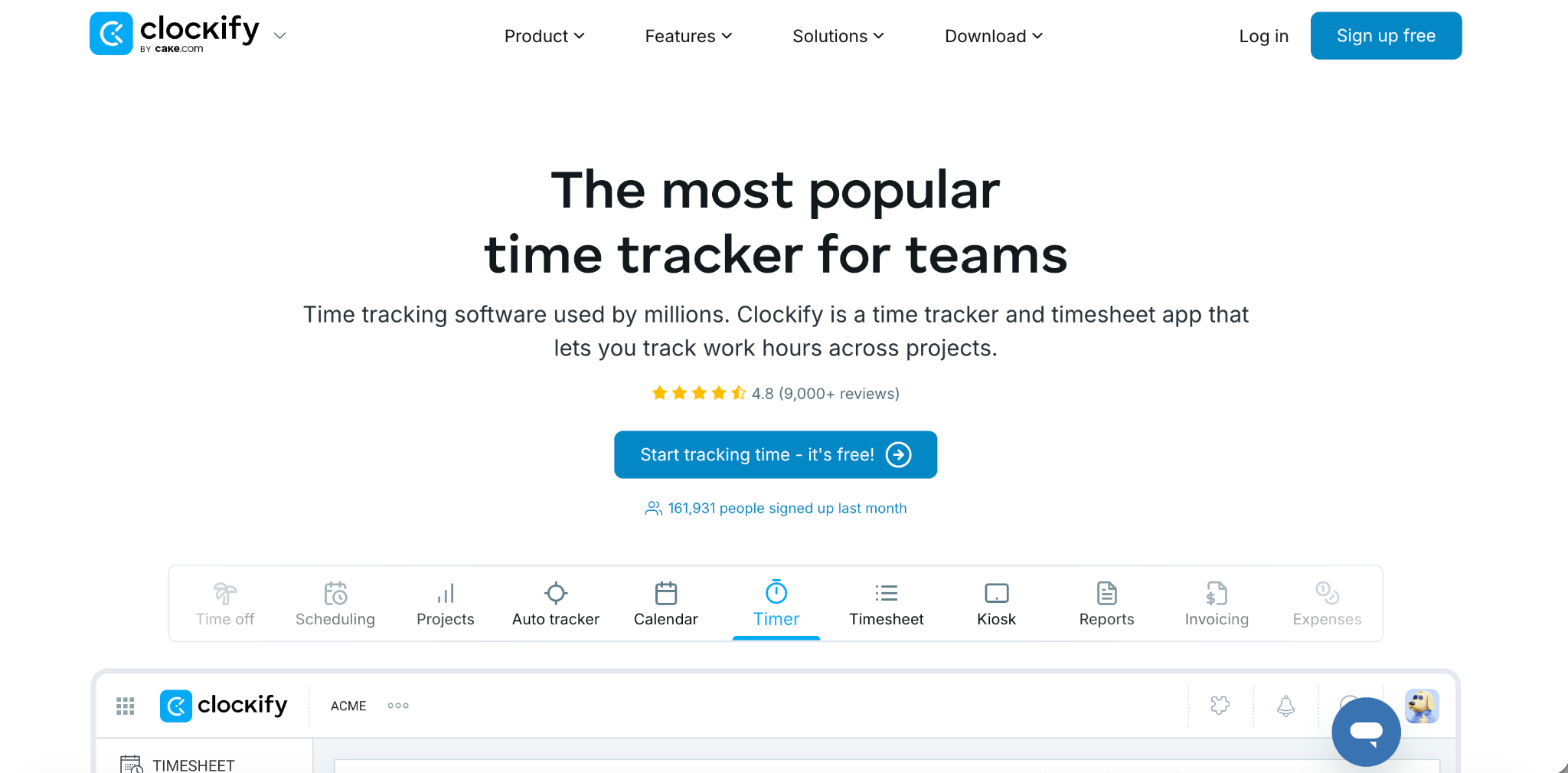
Clockify covers the widest range of time tracking features at the lowest price point of the three. It includes time tracking, scheduling, kiosk mode for shared devices, GPS tracking, and a screenshot recorder. As of April 2026, Clockify's free plan was changed from unlimited users to a 5-user cap, with paid plans starting at a low monthly per-user rate.
What Is Toggl Track
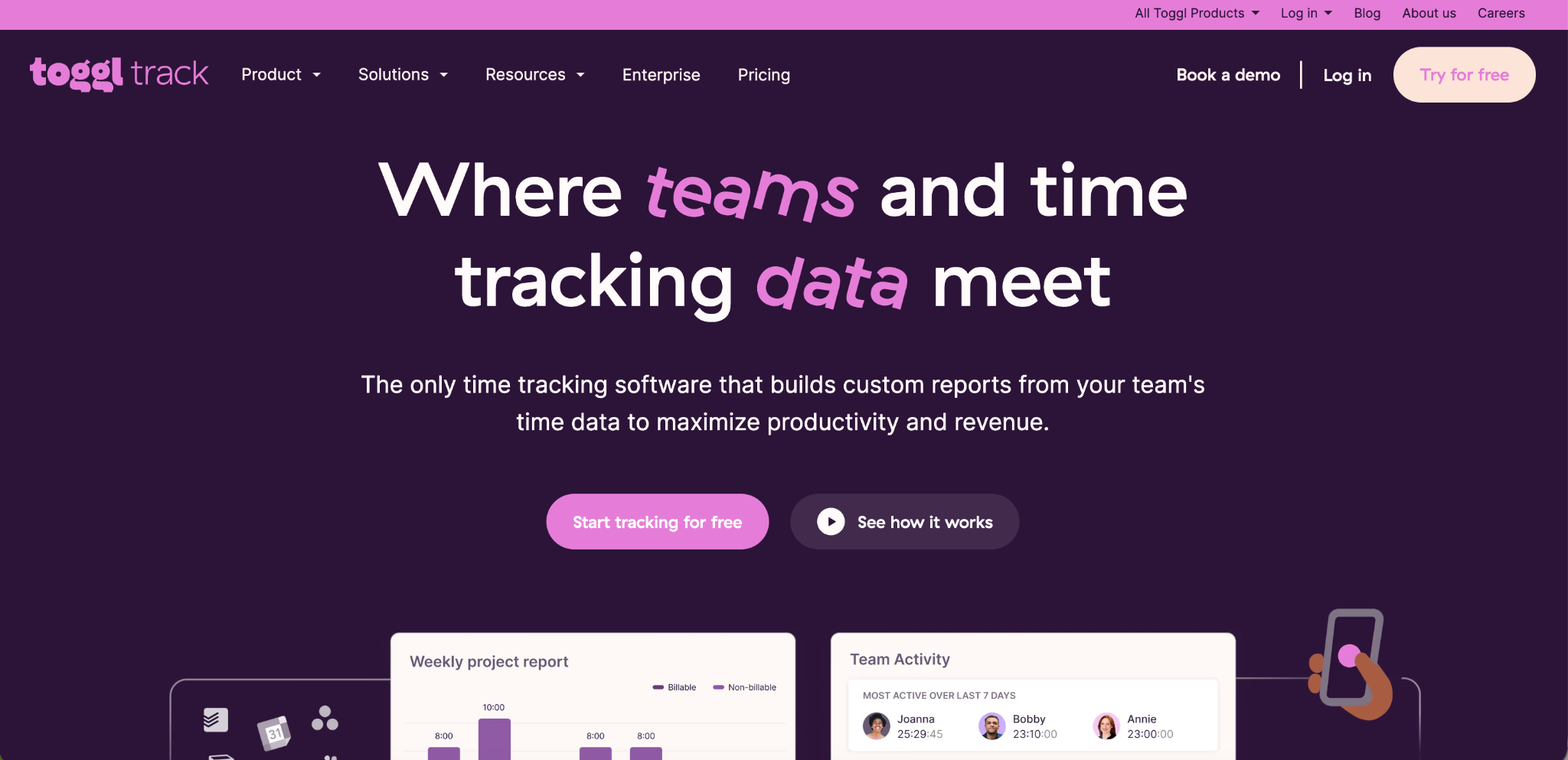
Toggl Track is known for its clean interface and simple, fast time tracking experience. Its free plan supports up to 5 users with no time limit, but billable rates, custom reports, and time rounding are locked behind paid tiers. Pricing ranges from a Starter plan around $9 per user per month up to a Premium plan at $18 per user per month for deeper reporting and profitability insights.
What Is Harvest
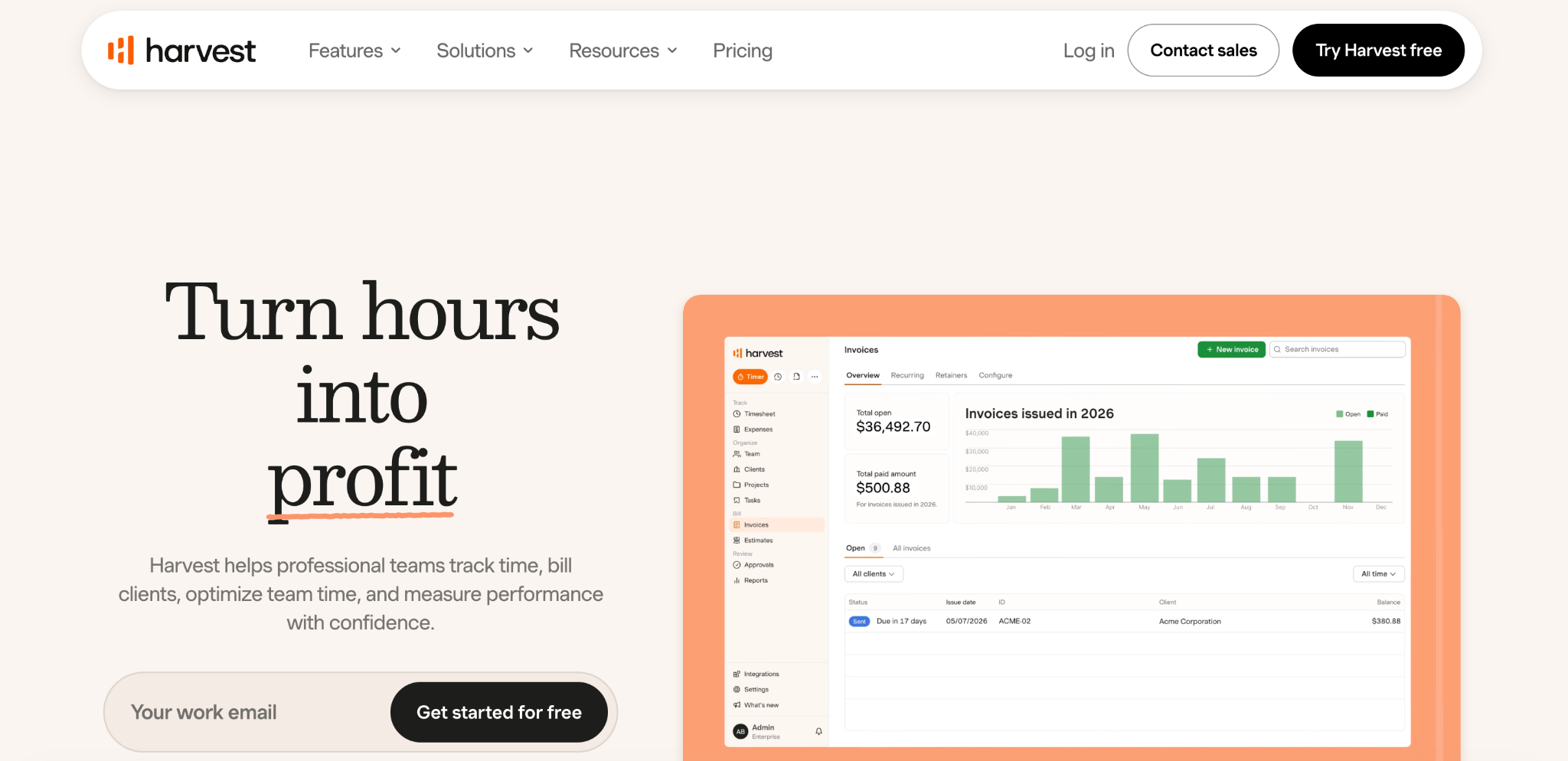
Harvest is built around invoicing. It combines time tracking with built-in client billing and payment collection through Stripe and PayPal. Its free plan is the most limited of the three, supporting only 1 user and 2 projects. Paid plans run roughly $11 to $14 per user per month depending on the tier.
Clockify vs Toggl vs Harvest: Pricing Comparison
Pricing is usually the first thing teams compare, and it is where the three tools differ the most.
Clockify is the most budget-friendly option for teams that have outgrown the 5-user free cap. Paid tiers start at roughly $3.99 per user per month, which is meaningfully cheaper than the other two platforms at a similar feature level.
Toggl Track's free plan works well for very small teams, but once you need billable rates or detailed reporting, you move to Starter at $9 per user per month or Premium at $18 per user per month. For a 10-person team on Premium, that is $180 per month, which adds up quickly for agencies that need the profitability features.
Harvest's free plan is the weakest of the three since it caps out at 1 user and 2 projects almost immediately. Its paid plans cost more per seat than Clockify, generally landing in the $11 to $14 per user per month range.
In this Clockify vs Toggl vs Harvest pricing matchup, Clockify wins on raw affordability for growing teams, while Toggl's free tier is the best fit for a true solo user or a very small team of up to 5 people.
Clockify vs Toggl vs Harvest: Time Tracking Features
All three tools handle the basic job of starting and stopping a timer. The differences show up in the extra features layered on top.
Clockify includes the broadest feature set of the three. It supports kiosk mode, which lets a shared device act as a clock-in station for a team, along with GPS tracking and a screenshot recorder for monitoring activity during tracked time.
Toggl Track is intentionally simple. It does not offer automatic time tracking out of the box and has no built-in employee monitoring features like screenshots or GPS. Its strength is a fast, low-friction experience that makes starting and stopping a timer feel effortless, which is why freelancers and small teams often prefer it.
Harvest's time tracking is straightforward and reliable but does not include automatic tracking either. Its real strength lies in turning tracked hours directly into a client invoice without needing a separate billing tool.
If your team needs GPS verification or a shared kiosk clock-in option, Clockify is the stronger fit among these three. If your priority is a frictionless personal timer, Toggl wins. If billing clients directly from tracked hours matters most, Harvest is built for that.
Clockify vs Toggl vs Harvest: Reporting and Analytics
Reporting depth is one of the clearest differentiators in this comparison.
Toggl Track's reporting is genuinely strong, including an Insights feature that shows trends across teams, projects, and clients, along with the ability to build charts and pivot tables. The catch is that most of this is locked behind the $18 per user per month Premium plan.
Clockify offers a functional but less customizable reporting dashboard for users, managers, and admins. It does not match Toggl's reporting depth feature for feature, but it delivers comparable visibility at a much lower price point, which makes it attractive for budget-conscious teams that still want solid reports.
Harvest's reporting is centered on time and expense data that can be filtered and exported as CSV, PDF, or Excel. It works well for client billing summaries but does not offer the same depth of productivity or profitability analysis that Toggl provides at its higher tier.
For teams that need rich, visual reporting and are willing to pay for it, Toggl Premium leads. For teams that want decent reporting without the premium price tag, Clockify is the more practical choice.
Clockify vs Toggl vs Harvest: Invoicing and Client Billing
This is where Harvest clearly stands apart from the other two.
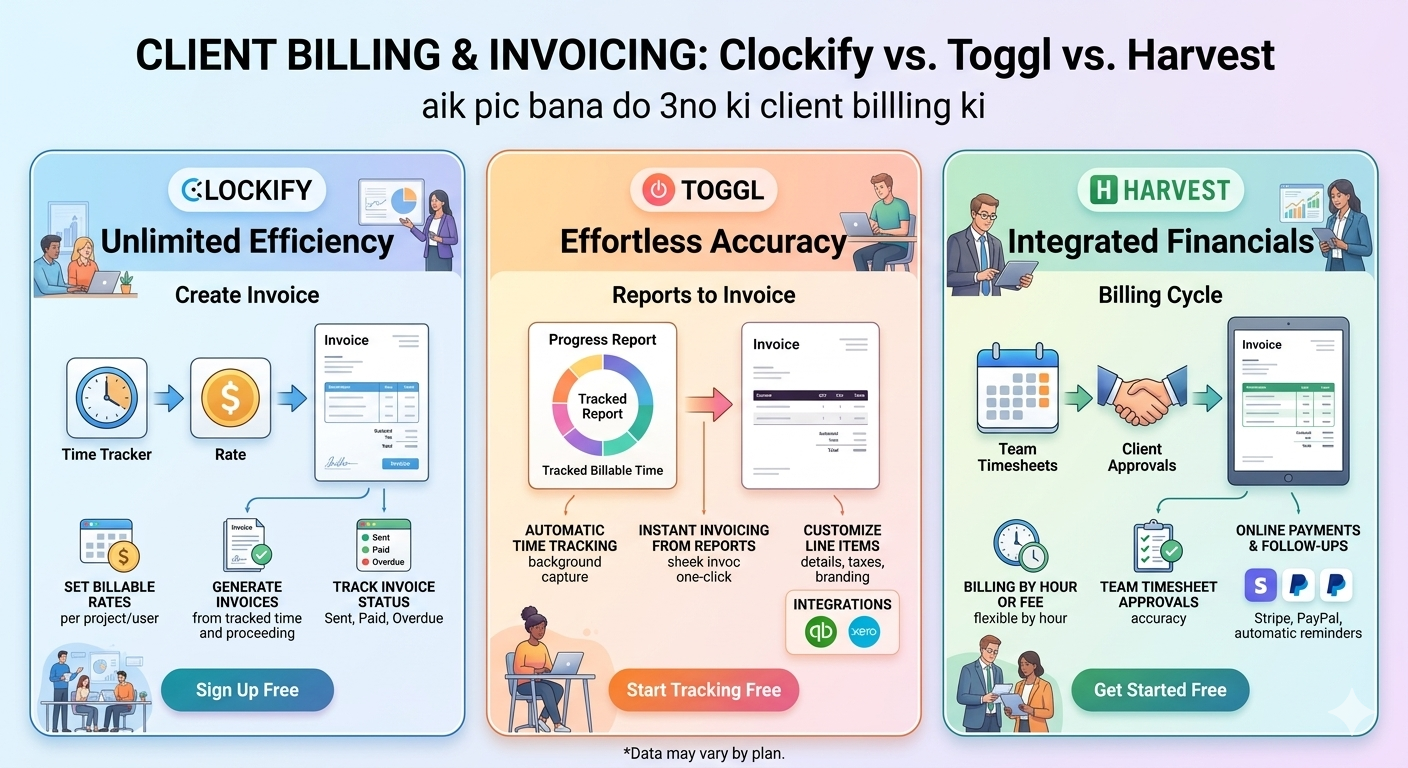
Harvest was built from the ground up around invoicing. Tracked hours convert directly into a client invoice inside the platform. Payments can be collected through Stripe or PayPal without leaving the app. It also connects with around 68 integrations, including popular project tools like Asana, Trello, and Notion.
Clockify includes basic invoicing as part of its paid tiers, but it is not the centerpiece of the product the way it is with Harvest.
Toggl Track does not include built-in invoicing at all. Teams using Toggl typically pair it with a separate billing tool like QuickBooks or FreshBooks.
For freelancers and small agencies that bill clients directly and want one tool that handles both time and money, Harvest remains the strongest option in this Clockify vs Toggl vs Harvest comparison.
Clockify vs Toggl vs Harvest: Offline and Mobile Support
Field work and unreliable internet connections are common challenges for many teams, so offline reliability matters.
Toggl Track's offline mode works well on both mobile and desktop, allowing time entries to sync once a connection is restored. Like the other tools, accuracy can still suffer if a team relies heavily on automatic tracking without a connection.
Harvest is available as a web app, desktop app, mobile app, and browser extension, but like Toggl, its accuracy can be affected without a stable connection since it is not primarily built for offline-first field work.
Clockify offers mobile and desktop apps as well, with kiosk mode adding a useful option for shared-device clock-ins in a fixed location, though it is not specifically marketed as a field-team offline tool the way some construction-focused platforms are.
None of these three tools were built specifically around field crews working in low-signal environments. Businesses with that specific need, such as construction or home service teams, often look outside this trio toward tools built around GPS-first, offline-first mobile clock-in.
Clockify vs Toggl vs Harvest: Best Use Case for Each
Best for Budget-Conscious Growing Teams
Clockify is the strongest choice once a team grows past the free tier cap of any of these tools. Its low per-user pricing and broad feature set, including GPS and kiosk mode, make it a practical option for small and mid-sized businesses watching their software budget closely.
Best for Simplicity and Solo Use
Toggl Track wins for individuals and very small teams who want the cleanest, fastest time tracking experience without extra complexity. Its free plan covers up to 5 users, which is enough for many freelance teams or small departments.
Best for Freelancers Who Bill Clients Directly
Harvest is the best fit for freelancers and lean service businesses that want time tracking and invoicing combined in a single tool. The built-in payment collection through Stripe and PayPal removes the need for a separate billing platform.
What If Your Team Needs More Than These Three Offer
These three tools are strong for project-based freelance and agency work. But teams that need stronger workforce attendance features, such as GPS-restricted clock-ins, facial recognition, shift scheduling, and payroll-ready reports, often need something built specifically for that purpose.
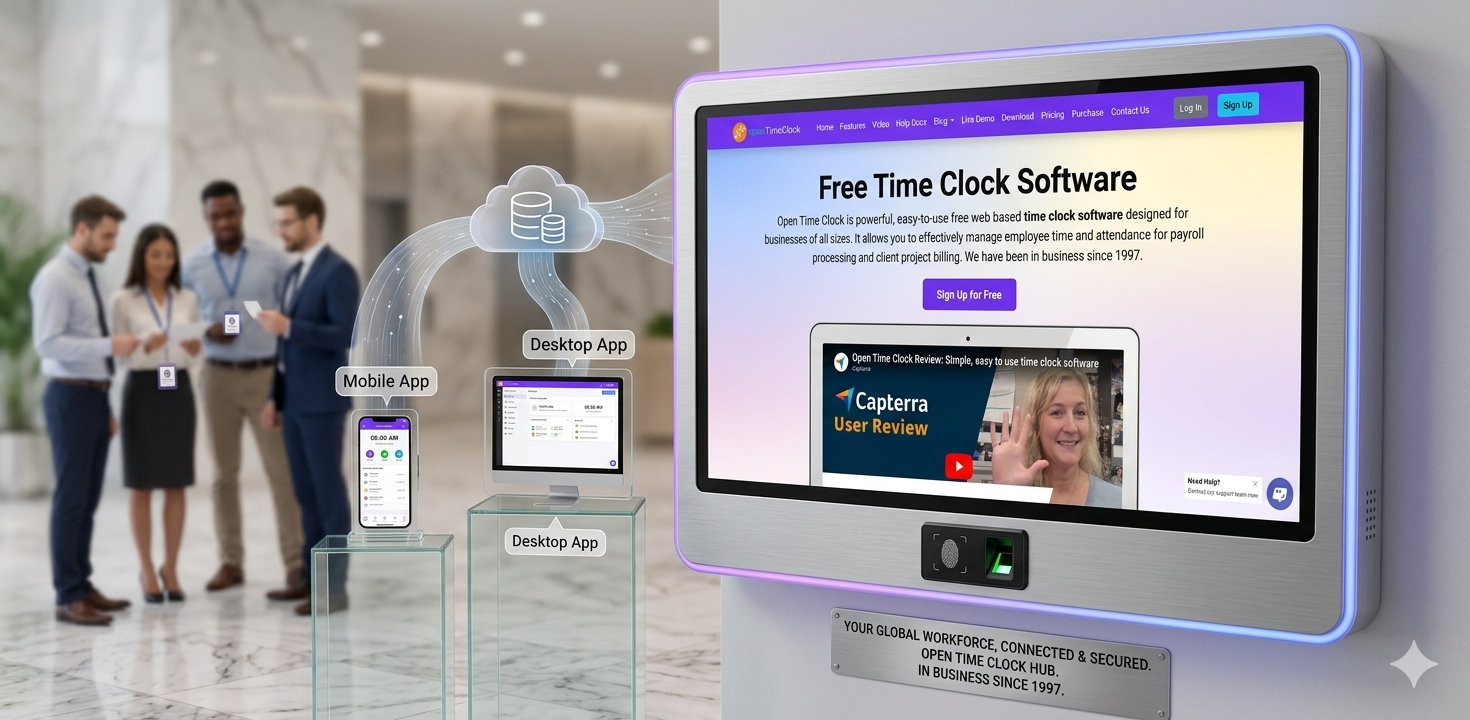
Open Time Clock is a free time tracking platform built around employee attendance and payroll rather than freelance project billing. Unlike Clockify's recent move to a 5-user free cap, Open Time Clock offers a completely free plan for unlimited managers and employees, with no per-seat pricing at any team size.
For teams that specifically need location-based attendance control, Open Time Clock GPS and geofencing restricts clock-ins to approved job sites or office locations automatically. This goes beyond simple GPS logging and actively blocks unauthorized clock-ins.
For verifying employee identity at clock-in, which none of Clockify, Toggl, or Harvest are built to handle, Open Time Clock facial recognition confirms the person clocking in matches their stored profile, helping prevent buddy punching in shift-based teams.
And for businesses that need payroll-ready output rather than client invoices, Open Time Clock payroll and attendance reports generate over 80 report types covering hours, overtime, breaks, and PTO, exportable directly to payroll software.
Conclusion
There is no single winner in the Clockify vs Toggl vs Harvest debate. Each tool was built with a different type of user in mind, and the right choice depends entirely on what your team actually needs.
Choose Clockify if you want the broadest feature set at the lowest price for a growing team. Choose Toggl Track if you want the simplest, cleanest experience for a small team or solo use, and you are willing to pay for deep reporting later. Choose Harvest if invoicing and client payment collection matter more to you than anything else.
And if your business runs on shift-based attendance rather than project billing, it is worth comparing all three against a free, unlimited-user platform like Open Time Clock before making a final decision.
FAQ’s
Q1. Which is cheaper, Clockify, Toggl, or Harvest?
Clockify is generally the cheapest option for teams past the free tier, with paid plans starting around $3.99 per user per month. Toggl's Starter plan begins at $9 per user per month, and Harvest's paid plans typically start around $11 to $12 per user per month.
Q2. Does Clockify still have an unlimited free plan?
No. As of April 2026, Clockify changed its free plan to a 5-user cap instead of unlimited users. Teams larger than 5 people now need a paid plan to continue using Clockify.
Q3. Which tool is best for freelancers who need to invoice clients?
Harvest is the strongest option for freelancers who want time tracking and invoicing in one tool. It supports direct payment collection through Stripe and PayPal and connects with around 68 third-party integrations.
Q4. Does Toggl Track offer GPS tracking or employee monitoring?
No. Toggl Track is built around simple, frictionless time tracking and does not include GPS tracking, screenshots, or other employee monitoring features. Clockify offers GPS tracking and a screenshot recorder as part of its feature set.
Q5. What should I use if none of these three tools fit my team's attendance needs?
If your business needs GPS-restricted clock-ins, facial recognition, shift scheduling, or payroll-ready reports rather than project billing, a workforce attendance platform like Open Time Clock may be a better fit. It offers a free plan for unlimited users with features built specifically for shift-based teams.