The way businesses track employee attendance has changed dramatically over the past decade. Paper timesheets gave way to punch cards. Punch cards gave way to PIN-based digital clocks. And now, in 2026, one of the fastest-growing methods for recording attendance is facial recognition.
The idea is simple. An employee walks up to a camera, the system recognizes their face, and their clock-in is recorded automatically. No card to forget. No PIN to share. No way for a colleague to clock in on their behalf. Just a fast, accurate, and fraud-resistant record of who showed up and when.
Face ID attendance software has moved from being a premium enterprise feature to something that small and medium businesses can access affordably, and in many cases, for free. But with so many options available in 2026, choosing the right system requires knowing what to look for, what to avoid, and how to match the technology to your specific needs.
How Face Recognition Attendance Technology Works
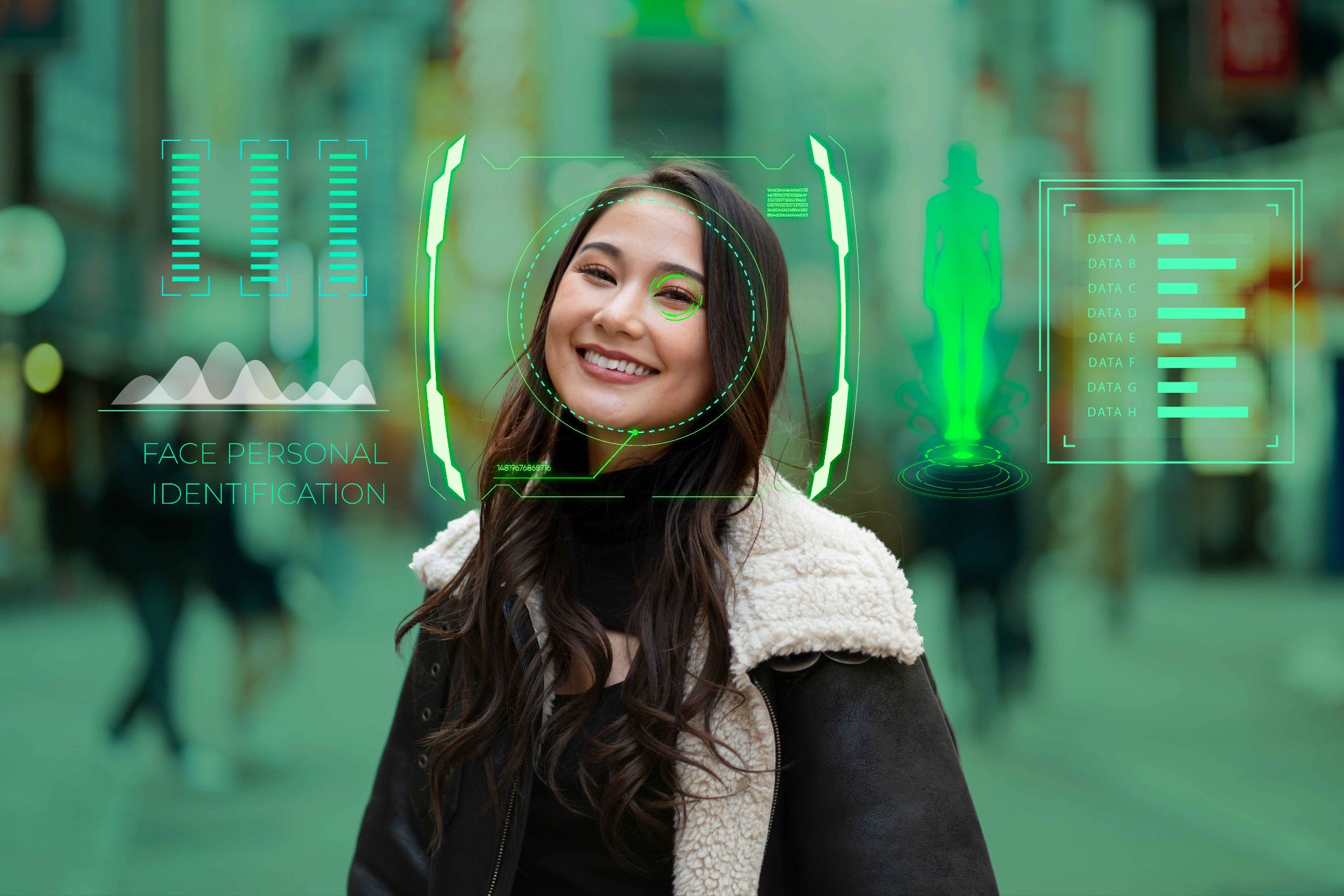
Before comparing systems, it helps to understand the basic technology behind face ID attendance software. Knowing how it works makes it easier to evaluate whether a particular system will perform reliably in your specific environment.
When an employee first joins the company, their face is registered in the system. This is done by having the employee stand in front of a camera while the software captures their facial features. The system does not store a photograph. Instead, it converts the facial data into a mathematical model, essentially a unique numerical map of the employee's face. This model is stored securely in the system.
When the employee arrives for a shift and approaches the camera, the system captures a new image of their face in real time and converts it into the same type of mathematical model. It then compares this live model to the stored models for all employees in the system. If a match is found above a certain confidence threshold, the clock-in is recorded. If no match is found, the system does not allow the clock-in.
This process happens in a matter of seconds. From the employee's perspective, they simply look at the camera and walk in. The system handles everything else.
Modern facial recognition systems are highly accurate and work in a wide range of lighting conditions. High-quality systems can handle employees wearing glasses, hats, or masks, although mask-wearing can reduce accuracy depending on how much of the face is covered. The best systems also take a photo at the time of each clock-in and store it alongside the attendance record, giving managers a visual verification layer on top of the biometric match.
OpenTimeClock uses the built-in camera of any computer, tablet, or smartphone to enable facial recognition clock-in. No dedicated biometric hardware is required. The system works through the device's existing camera, which makes it accessible and affordable for businesses of any size.
Why Businesses Are Switching to Face ID Attendance Software in 2026
The shift toward facial recognition attendance is being driven by several factors that have converged in recent years. Understanding why businesses are making this change helps you assess whether the timing is right for your own organization.
Buddy punching has become a bigger financial problem. As businesses have grown and workforces have become more dispersed, the opportunity for time theft has increased. Traditional PIN-based systems are vulnerable because PINs can be shared. Even photo ID cards can be passed between colleagues. Facial recognition is the only clock-in method that ties the record directly and uniquely to the individual. You cannot lend your face to a coworker.
The cost barrier has disappeared. In the early days of facial recognition technology, implementing it required expensive dedicated hardware, proprietary software licenses, and specialist installation. In 2026, the technology runs on any modern smartphone or tablet camera with no additional hardware cost. Free platforms like OpenTimeClock have made enterprise-grade facial recognition accessible to businesses that could not have considered it five years ago.
Remote and hybrid work needs better verification. As remote work has become standard in many industries, the challenge of verifying that the right person is recording their time has grown. Face ID attendance software solves this for remote employees by requiring a biometric match at every clock-in, regardless of where the employee is working.
Employees prefer contactless options. Following the increased awareness of hygiene that came with the COVID-19 period, many employees prefer not to touch shared surfaces like PIN keypads or fingerprint scanners. Facial recognition is completely contactless, which makes it both hygienic and employee-friendly.
What to Look for When Choosing Face ID Attendance Software
With so many options on the market in 2026, the decision can feel overwhelming. Here is a clear framework for evaluating any system you are considering.
Accuracy and reliability. The most important factor is whether the system actually works. A facial recognition system that frequently fails to recognize employees, produces false matches, or struggles in typical lighting conditions will frustrate your team and undermine trust in the whole attendance process. Look for systems that have been tested in real workplace environments and that offer fallback clock-in methods for situations where facial recognition is not possible.
No dedicated hardware required. The best modern systems run on existing hardware. If a vendor requires you to purchase proprietary cameras or biometric terminals, the upfront cost rises significantly. OpenTimeClock works with the built-in camera on any tablet, iPad, smartphone, or laptop, eliminating the need for any additional hardware investment.
Photo capture alongside biometric match. A system that stores a photo at the time of every clock-in gives managers an extra layer of verification. Even if the biometric match occasionally produces an edge case, the photo record provides a visual audit trail that managers can review. This combination of biometric and photographic verification is the strongest approach to fraud prevention.
Integration with the rest of your workforce management process. Facial recognition attendance is most valuable when it is part of a broader system that includes scheduling, PTO management, overtime calculation, and payroll. A standalone biometric clock that does not connect to anything else just creates another data silo to manage. OpenTimeClock's features integrate facial recognition clock-in directly with attendance reporting, shift scheduling, and payroll exports.
Employee self-enrollment. The process of registering employees in the facial recognition system should be simple and fast. Ideally, employees can enroll themselves through the employee portal without needing IT support. This makes the initial rollout much smoother and allows you to onboard new staff quickly.
The Role of Face ID Attendance Software in Preventing Time Theft
Time theft costs businesses money every single day. It happens when employees claim hours they did not work, when colleagues clock in for each other, or when clock-out times are manipulated to inflate total hours. Even small amounts of time theft add up to significant financial losses over a year.
Face ID attendance software is the most effective technical solution to time theft available today. Here is why.
Buddy punching becomes impossible. Because the system only accepts a clock-in when the face of the registered employee is matched by the camera, there is no way for one person to clock in on behalf of another. The employee has to be physically present in front of the camera. There is no workaround.
Disputed records become rare. When every clock-in is backed by a biometric match and a photo, there is very little room for disagreement about whether an employee was present. The record is objective and timestamped. This protects both the employer and the employee.
Off-site clock-ins are prevented. OpenTimeClock combines facial recognition with GPS location recording. Even when employees clock in via the mobile app, the system records where they were when they clocked in. If an employee is supposed to be at the warehouse but clocks in from home, the GPS data shows that discrepancy immediately.
Industries That Benefit Most From Face ID Attendance Software
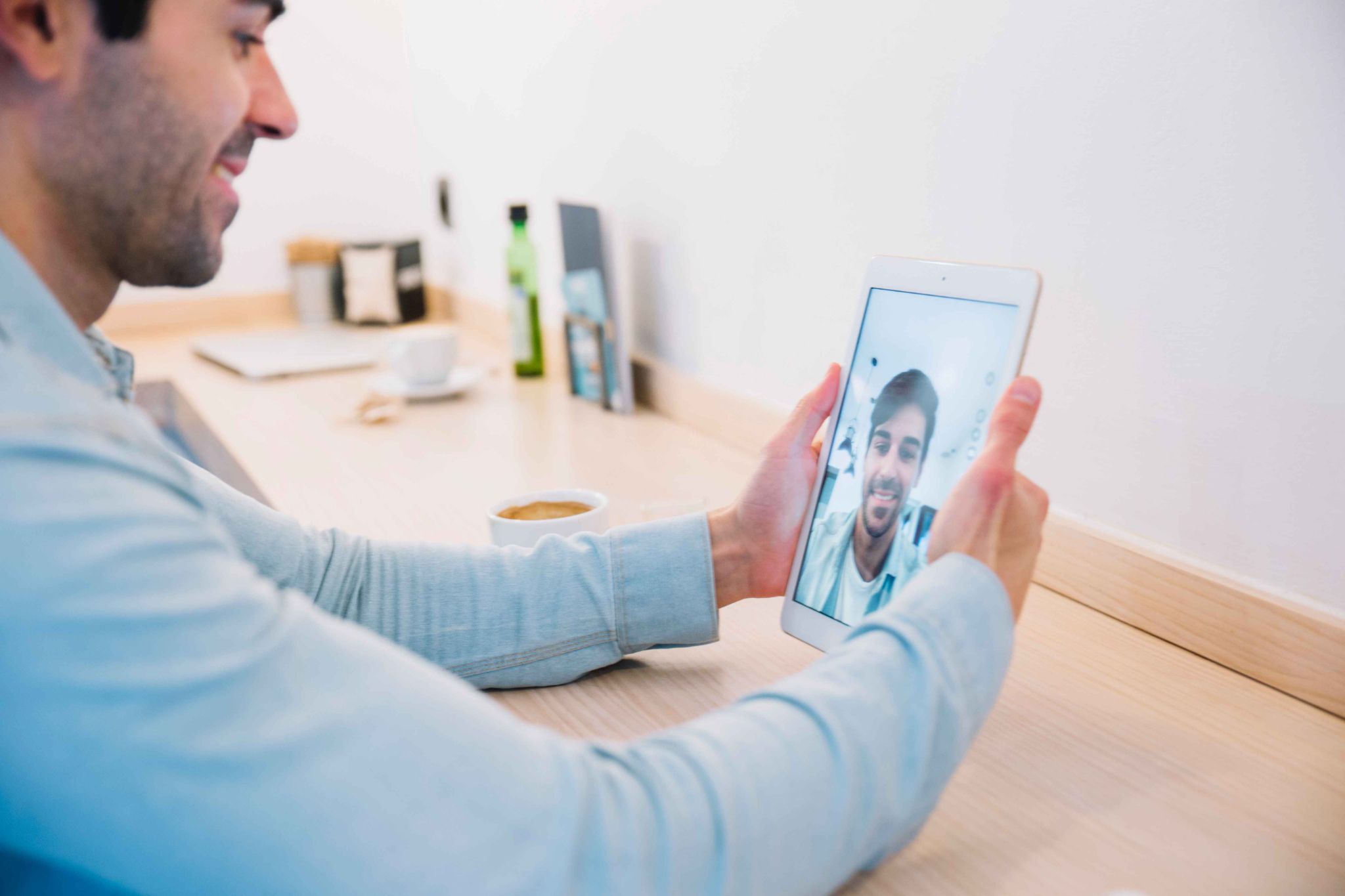
While face ID attendance software works well for any business that needs accurate attendance records, some industries benefit particularly strongly from the specific advantages of facial recognition.
Healthcare. Hospitals, clinics, and care homes operate under strict staffing regulations where accurate shift records are not just good practice but a compliance requirement. Facial recognition provides verifiable, timestamped records for every shift start and end. The contactless nature of the system is also ideal in medical environments where hygiene is a priority.
Manufacturing and logistics. Large facilities with shift-based workforces and multiple entry points benefit from the speed and accuracy of facial recognition. Employees can clock in quickly without queuing at a shared keypad, and the biometric record eliminates the risk of buddy punching that is common in environments where workers cover for each other informally.
Retail. High staff turnover and part-time employees make accurate attendance tracking challenging in retail. Facial recognition ensures that only registered employees can clock in, regardless of staff turnover, and the photo record provides an extra level of accountability in busy environments where managers cannot monitor every arrival directly.
Construction and field services. OpenTimeClock supports mobile facial recognition clock-in for field-based teams. Construction workers can clock in from the job site using the app on their phone, and the system records both the biometric match and the GPS location to confirm they are at the right place.
Common Mistakes to Avoid When Implementing Face ID Attendance Software
Getting the implementation right from the start saves time and prevents frustration. Here are the most common mistakes businesses make when rolling out facial recognition attendance and how to avoid them.
Skipping the enrollment process. Every employee needs to be registered in the system before facial recognition can work for them. Some businesses rush the rollout without properly enrolling all staff, leading to employees who cannot clock in on day one. Set aside time before the go-live date to enroll every employee in the system.
Not communicating the reason for the change. Some employees may feel uncomfortable with facial recognition technology or worried about how their biometric data is being used. Address this proactively by explaining clearly why the system is being introduced, what data is stored, and how it is protected. Employees who understand the purpose are much more likely to accept the change smoothly.
Choosing a system without a fallback method. There will always be edge cases where facial recognition does not work as expected, such as unusual lighting, temporary changes in appearance, or camera issues. The best systems include alternative clock-in methods like PIN or QR code that can be used when facial recognition is not available. OpenTimeClock supports multiple clock-in methods so employees are never left unable to record their attendance.
Ignoring mobile functionality. If your workforce includes remote or field-based employees, a system that only supports facial recognition at a fixed kiosk will not cover everyone. Make sure the system you choose supports facial recognition clock-in through a mobile app as well.
Conclusion
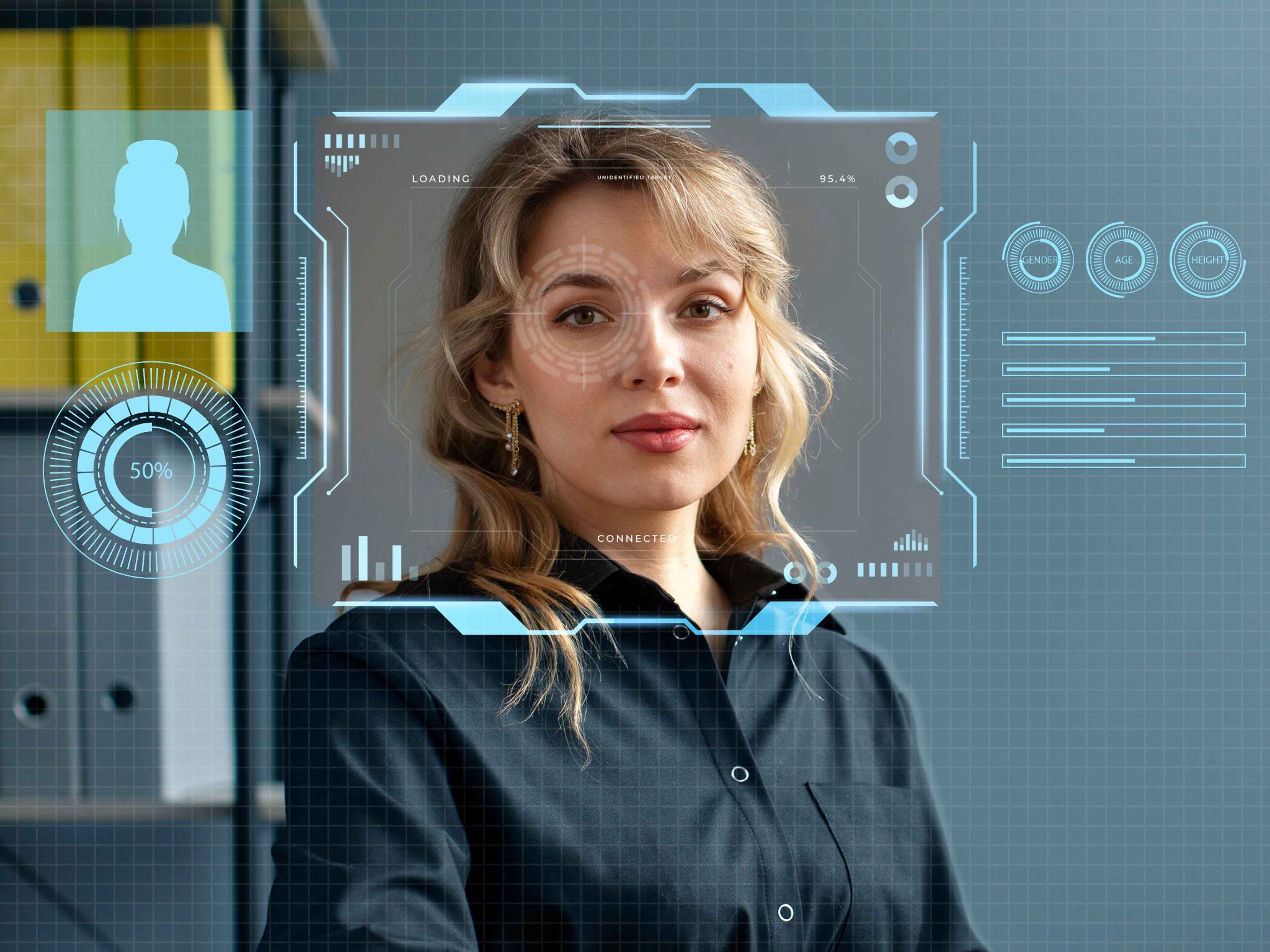
Facial recognition attendance has moved from a cutting-edge luxury to a practical, accessible standard in 2026. The technology is mature, the costs have come down dramatically, and the benefits in terms of accuracy, fraud prevention, and time savings are clear.
Choosing the right face ID attendance software comes down to finding a system that works reliably on your existing hardware, connects to your broader workforce management process, and gives both managers and employees the transparency they need.
OpenTimeClock delivers all of that for free. Whether you run a retail store, a construction site, a hospital, or a fully remote team, it gives you the tools to track attendance accurately and manage your workforce with confidence.
FAQ’s
Q1. What is face ID attendance software and how does it prevent time theft?
Face ID attendance software is a time tracking system that uses facial recognition technology to verify employee identity at the point of clock-in. Instead of entering a PIN or scanning a card, the employee looks at a camera and the system matches their face to their registered profile.
Q2. Does OpenTimeClock require special hardware for facial recognition?
No. OpenTimeClock uses the built-in camera of any existing device including tablets, iPads, smartphones, and computers. There is no need to purchase dedicated biometric hardware or proprietary cameras.
Q3. Is facial recognition attendance suitable for remote employees?
Yes. OpenTimeClock supports facial recognition clock-in through its mobile app for iOS and Android devices. Remote employees can clock in from wherever they are working, and the system records both the biometric facial match and the GPS location at the time of clock-in.
Q4. How does OpenTimeClock handle employee data privacy with facial recognition?
OpenTimeClock stores biometric data securely in the cloud with encryption. The system does not store raw photographs for facial recognition. Instead, it converts facial features into a mathematical model that cannot be reverse-engineered into a recognizable image.
Q5. Is OpenTimeClock free to use as a face ID attendance software solution?
Yes. OpenTimeClock is completely free with no credit card required to sign up. The free plan includes facial recognition clock-in, photo capture at every clock-in, GPS location recording, real-time attendance dashboard, shift scheduling, PTO management, overtime calculation, and payroll exports.