Building a Fair Hybrid Work Attendance System for Remote and In-Office Teams
Learn how to build a fair hybrid work attendance system that works equally well for remote and in-office employees.
The way people work has changed permanently. Millions of employees now split their time between working from home and coming into the office. This arrangement known as hybrid work offers real benefits for both businesses and employees. But it also creates a challenge that many companies have not fully solved yet: how do you track attendance fairly when your team is working from different places every day?
Without the right system in place, hybrid work attendance quickly becomes messy. Remote employees feel like they are being watched too closely. In-office employees feel like remote workers are getting away with doing less. Managers struggle to get an accurate picture of who worked, when, and for how long. Payroll becomes complicated. Trust breaks down.
In this article, we will walk through exactly how to build a hybrid work attendance system that is fair, effective, and easy to use. We will also show how Open Time Clock provides the tools you need to make it work for your team.

What Is a Hybrid Work Attendance System?
A hybrid work attendance system is a method supported by tools and policies that tracks when and where employees work, regardless of whether they are in the office or working remotely. It handles clock-ins and clock-outs from multiple locations, records hours accurately for all types of workers, and gives managers a unified view of the entire team.
A good system does not treat remote workers and office workers differently. It applies the same rules to both groups, uses flexible technology that works from any location, and stores all attendance data in one central place.
This is very different from the traditional approach of signing a physical attendance sheet at the office door or the ad-hoc approach of asking remote workers to self-report their hours in a spreadsheet. Both of those methods are unreliable, inconsistent, and difficult to manage at scale.
Why Hybrid Work Makes Attendance Tracking More Complicated
In a fully in-office environment, attendance is relatively simple. Everyone arrives at the same place at the same time, and a single system can track everyone together. In a fully remote environment, digital tools handle everything.
Hybrid work combines the complexity of both. Here are the specific challenges that make hybrid attendance tracking harder than most managers expect.
Employees Work From Different Locations on Different Days
A hybrid employee might be in the office on Monday and Wednesday, work from home on Tuesday and Thursday, and occasionally travel to a client site on Friday. Tracking these different locations accurately and ensuring the employee is actually where they say they are requires a flexible, location-aware system.
Schedules Are Not Always Fixed
Many hybrid workers have flexible start and end times. They may work earlier or later than a traditional 9-to-5. Without a system that captures actual clock-in and clock-out times, managers cannot know whether an employee genuinely worked their required hours or simply said they did.
Fairness Concerns Between Remote and In-Office Staff
In-office employees who can see each other working all day sometimes assume that remote workers are not as productive or committed. Remote workers, on the other hand, often feel that their work is invisible and undervalued. Without an objective, equal attendance tracking system, these perceptions can create real tension and resentment within the team.
Manual Systems Cannot Keep Up
Spreadsheets, email check-ins, and paper timesheets simply cannot handle the complexity of hybrid attendance. They are too slow, too error-prone, and too difficult to maintain consistently across a distributed team. A proper digital system is essential.
Compliance Becomes More Complex
Labor laws require accurate records of hours worked, breaks taken, and overtime accrued. In a hybrid environment, this information is harder to collect consistently. A business that cannot demonstrate accurate records for all its employees remote and in-office faces real legal risk.
The Principles of a Fair Hybrid Work Attendance System
Before choosing tools or writing policies, it helps to understand what fairness actually means in the context of hybrid attendance. A truly fair hybrid work attendance system is built on the following principles.
The Same Rules Apply to Everyone
Whether someone is sitting at a desk in the office or working from their kitchen table at home, the same attendance expectations apply. Everyone clocks in at the start of their shift, everyone clocks out at the end, and everyone is held to the same standards of punctuality and hours worked.
The System Is Easy for All Types of Workers to Use
A fair system must be accessible from anywhere. It should work on a smartphone, a laptop, a desktop computer, and a tablet. It should not require employees to be in a specific location to record their attendance. If the system only works in the office, remote workers are automatically disadvantaged.
Managers Can See the Full Picture Without Micromanaging
Good attendance tracking gives managers the information they need to manage fairly without crossing into surveillance. A real-time dashboard showing who is currently working, how many hours they have logged today, and whether anyone is absent is enough. Managers do not need to know exactly what every employee is doing at every moment.
Data Is Accurate and Tamper-Proof
For the system to be trustworthy, the data it produces must be reliable. Clock-in times should be recorded automatically, not entered manually by employees. Location should be verified where relevant. And records should be stored securely so they cannot be altered after the fact.
Employees Have Access to Their Own Data
A fair system gives employees visibility into their own attendance records. They can see their hours, check their leave balances, and review their clock-in history whenever they need to. This transparency builds trust and reduces disputes.
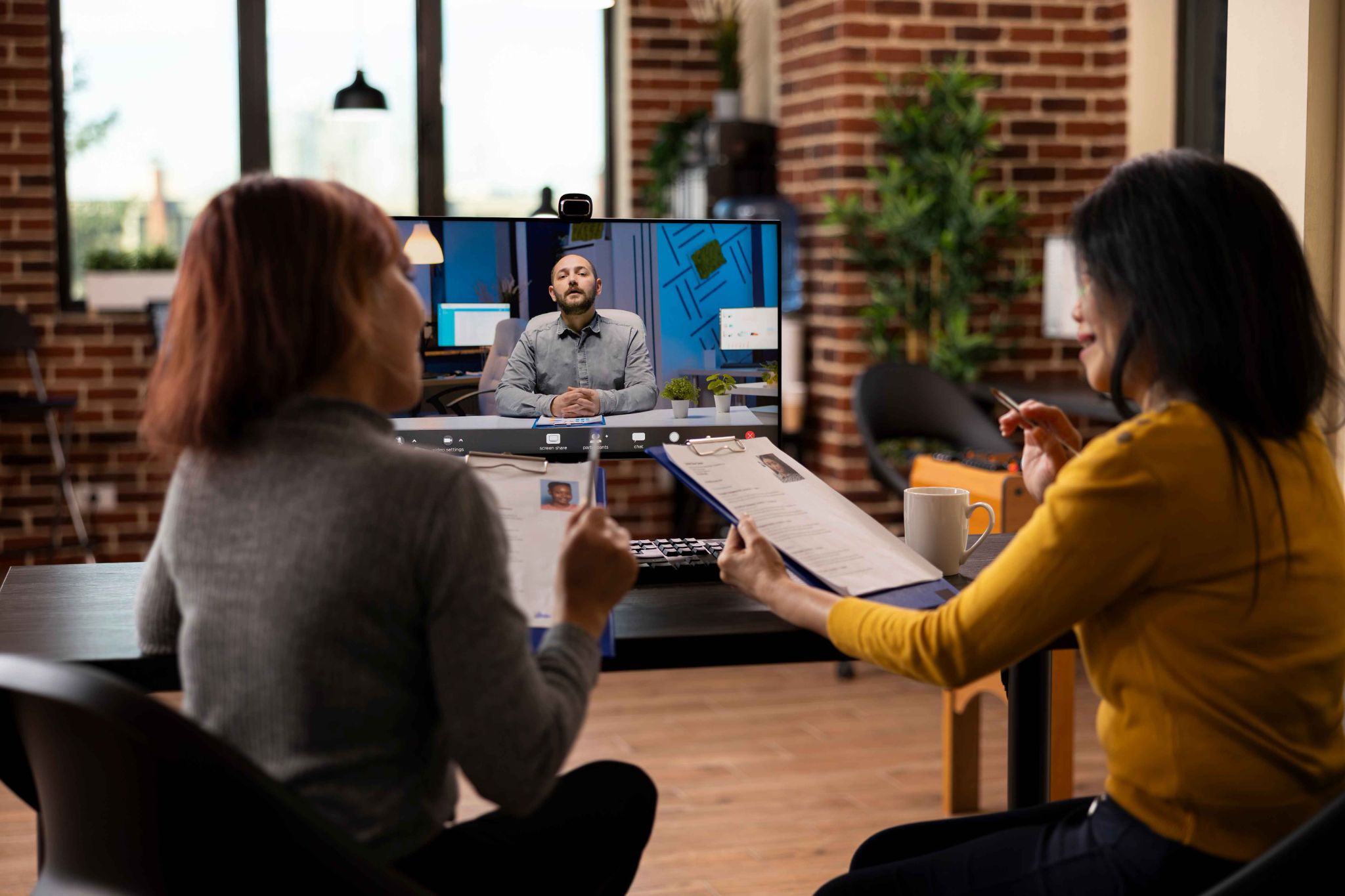
Key Features Every Hybrid Work Attendance System Needs
Not all time tracking tools are built for hybrid environments. Here are the specific features you should look for when choosing a system for your mixed remote and in-office team.
Web-Based and Mobile Clock-In
Every employee regardless of where they are working that day should be able to clock in and out using the same system. A web-based platform that also has a mobile app makes this possible. Employees in the office can use a shared tablet kiosk or their own device. Remote workers can use their phone or laptop.
Open Time Clock supports clock-in from any web browser, a dedicated mobile app, a tablet kiosk, or even a PIN code. This flexibility makes it the ideal foundation for a hybrid work attendance system.
GPS Location Verification
For hybrid teams, knowing where an employee clocked in from is often just as important as knowing when. GPS verification confirms that a remote employee clocked in from their home or an approved remote location and that an in-office employee was actually at the office when they started their shift.
Open Time Clock's GPS clock-in tracking feature records the location of every clock-in event and displays it on a map. Managers can verify attendance locations instantly, without having to ask employees where they were.
Real-Time Attendance Dashboard
Managers need a single view that shows the status of the entire team who is currently clocked in, who is absent, who is working from home today, and who is in the office. This real-time dashboard removes the need for check-in calls or email pings just to find out if someone is working.
Flexible Scheduling Tools
Hybrid workers often have different schedules on different days. A good attendance system should support flexible shift definitions, allow managers to set different expectations for office days versus remote days, and make it easy to update schedules when plans change.
Leave and Absence Management
Leave management should work the same way for remote and in-office employees. Both groups should be able to request time off through the same system, see their leave balances, and have their requests approved through a simple digital workflow.
Open Time Clock's absence management tools handle the entire leave process digitally. Employees submit requests from their device. Managers approve with one click. Balances update automatically. No emails, no forms, no confusion.
Overtime Tracking and Alerts
Hybrid employees, especially remote workers, are at higher risk of working excessive hours because the boundary between work and home life is less clear. A good system tracks total hours in real time and alerts managers when an employee is approaching their overtime limit.
Open Time Clock's overtime monitoring features give managers the visibility they need to prevent unplanned overtime before it happens for the entire team, remote and in-office alike.
How to Build Your Hybrid Work Attendance Policy
Technology alone is not enough. You also need a clear, written policy that tells employees exactly what is expected of them in a hybrid work environment. Here is how to build one.
Define Your Hybrid Work Model
Start by clearly defining how your hybrid model works. How many days per week can employees work remotely? Are there specific days that require in-office attendance? Are there roles that must always be on-site? Write this down so there is no room for misunderstanding.
Set Clear Attendance Expectations for All Locations
Define what attendance looks like for both remote and in-office work. What time should employees start? Are there core hours when everyone must be available? How should employees communicate if they are running late or need to change their location for the day?
Explain How Clocking In Works
Walk employees through the exact steps for clocking in and out — whether they are in the office or at home. Make sure they know which app to use, how GPS verification works, and what to do if they have trouble clocking in. A short training session at the start is well worth the time.
Describe the Consequences of Non-Compliance
What happens if an employee regularly fails to clock in properly? What if they repeatedly miss scheduled hours without notice? Your policy should include a clear, graduated response from a reminder conversation to formal disciplinary action so employees know what to expect.
Review the Policy Regularly
Hybrid work models are still evolving. What works today may need to be adjusted in six months. Build in a regular review of your attendance policy at least once a year to make sure it still reflects how your team actually works.
Conclusion
Hybrid work is here to stay and the businesses that manage it well will have a significant advantage. A fair, consistent, and technology-supported hybrid work attendance system is one of the most important investments you can make in your workforce right now.
When every employee remote or in-office follows the same clear rules, uses the same easy tools, and has access to their own data, the result is a team that trusts the system and trusts management. Disputes decrease. Payroll becomes more accurate. Compliance risk drops. And managers can focus on leading their team instead of chasing attendance records.
Open Time Clock provides everything you need to build and run a hybrid work attendance system that actually works. From mobile clock-in and GPS verification to real-time dashboards, leave management, and detailed reports it is a complete solution built for the way teams work today. And with a free plan for unlimited users, it is accessible for businesses of every size.
FAQ’s
Q1. What is a hybrid work attendance system and why does it matter?
A hybrid work attendance system is a tool and policy framework that tracks when and where employees work whether they are in the office or working remotely. It matters because hybrid teams need a consistent, fair way to record attendance that does not disadvantage remote workers or create confusion for managers.
Q2. How can I make sure remote and in-office employees are treated equally in attendance tracking?
The key is to use the same system and the same rules for everyone. Both remote and in-office employees should clock in and out using the same app or platform. Both groups should follow the same attendance policy. And managers should apply the same standards when reviewing attendance data for both groups.
Q3. Does Open Time Clock work for remote employees?
Yes, absolutely. Open Time Clock is designed to work from any location. Remote employees can clock in using a web browser on their laptop, a mobile app on their phone, or any internet-connected device. GPS verification confirms their location at clock-in.
Q4. How does GPS tracking support a hybrid work attendance system?
GPS tracking verifies that employees are clocking in from an approved location whether that is the office, their home, or a client site. This removes disputes about where someone was when they started work and gives managers confidence that their attendance data reflects reality.
Q5. How often should I review my hybrid attendance policy?
You should review your hybrid attendance policy at least once a year and also any time there is a significant change in your team structure, working arrangements, or local labor laws. Hybrid work models are still evolving, and your policy should evolve with them.