Buddy Punch vs Homebase: Which Time Clock Wins for Small Teams?
Compare Buddy Punch vs Homebase for small teams. See features, pricing, and why OpenTimeClock is the best free alternative for businesses in 2026.
When small business owners start looking for a time clock solution, two names come up repeatedly in online searches and peer recommendations. Buddy Punch vs Homebase is one of the most common comparisons that managers and HR professionals make when evaluating their options.
Both platforms are well-known in the small business time tracking space. Both offer scheduling, time tracking, and payroll integration features. And both market themselves as solutions designed for small and growing teams. But they differ significantly in how they are priced, what they include in their core plans, and how well they serve businesses at different stages of growth.
In this article we will break down the Buddy Punch vs Homebase comparison in a fair and detailed way. We will look at what each platform offers, where each falls short, and which types of businesses each is best suited to. We will also introduce a third option that many small businesses overlook when comparing these two platforms, one that delivers more features than either for the one price point that matters most for small teams: free.
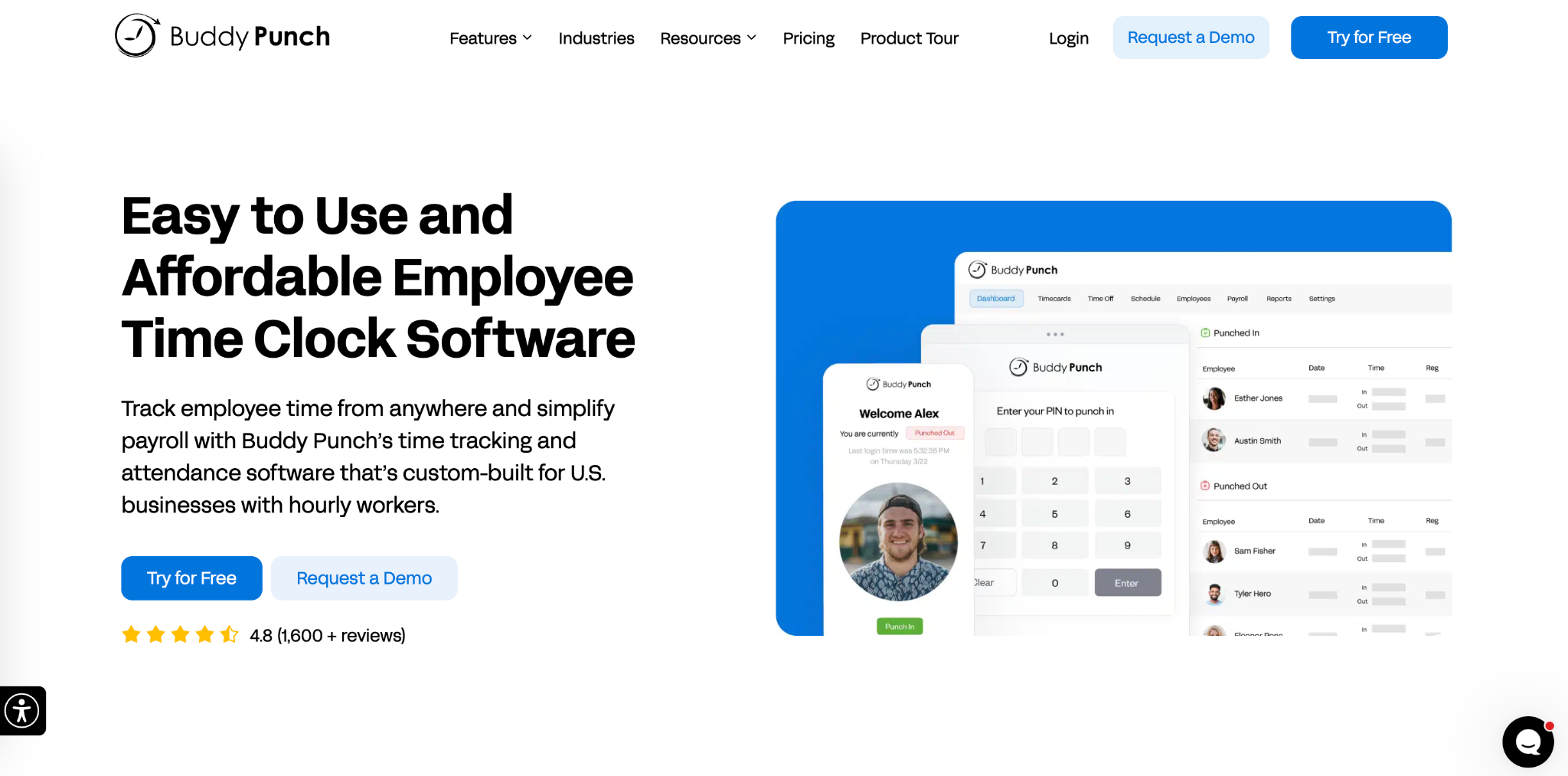
What Is Buddy Punch
Buddy Punch is a cloud-based time tracking and scheduling platform that was built primarily to address the problem its name describes: employees clocking in on behalf of absent colleagues. The platform focuses heavily on verification features including facial recognition, GPS tracking, and punch restriction controls that prevent unauthorized clock-ins.
Beyond fraud prevention, Buddy Punch offers a fairly comprehensive set of time tracking features. Employees can clock in through a web browser, iOS and Android apps, or a kiosk setup on a shared tablet. The platform tracks regular hours, overtime, and PTO. Managers can build and publish schedules. And the system integrates with several payroll platforms including QuickBooks, ADP, and Gusto.
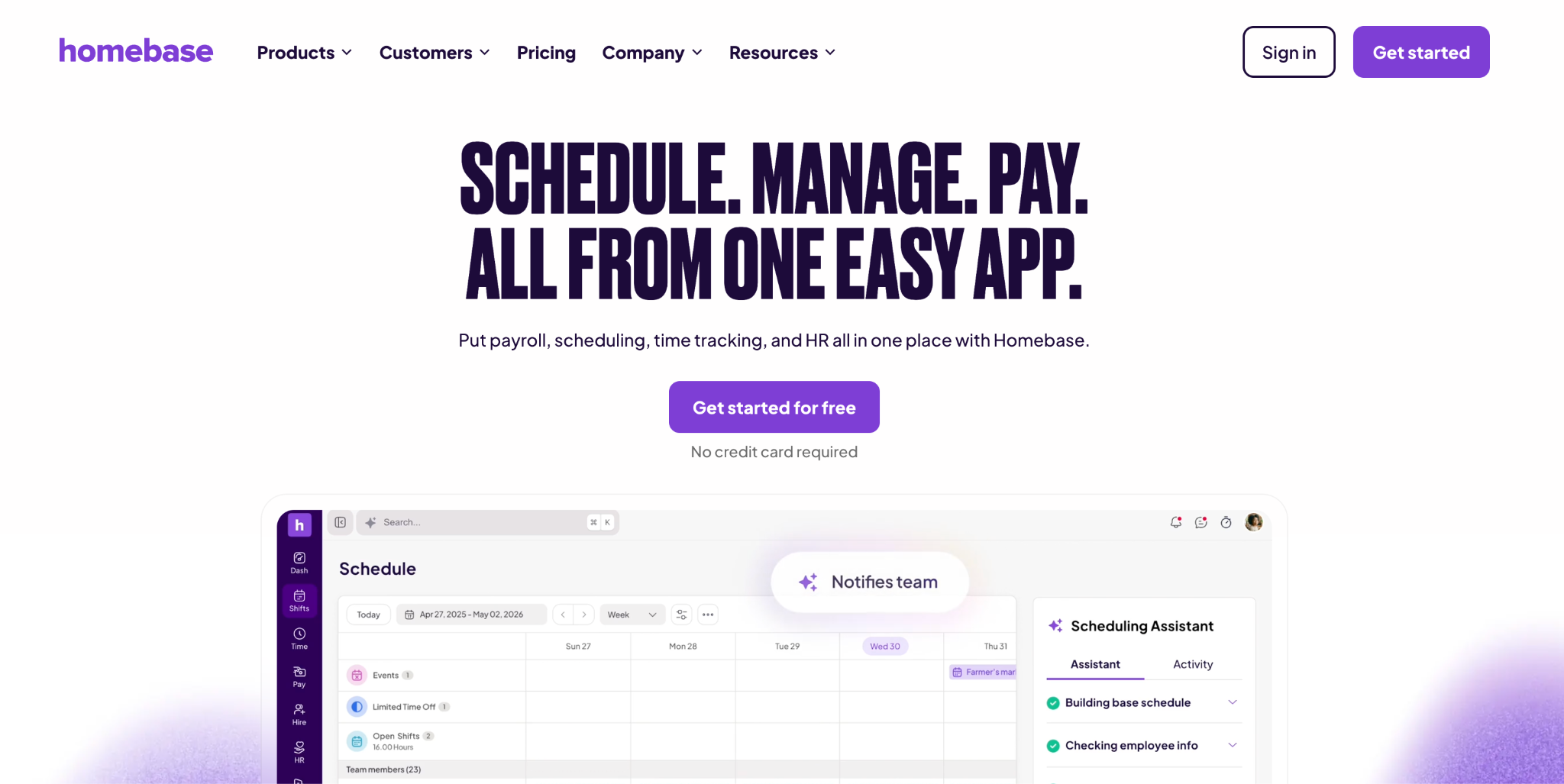
What Is Homebase
Homebase is a broader workforce management platform that positions itself as an all-in-one solution for small businesses. Beyond time tracking, it includes team communication tools, hiring features, onboarding functionality, and HR compliance tools. It is particularly popular in the retail and food service industries where shift-based staffing and high employee turnover are common.
The platform allows employees to clock in through a dedicated app on their personal phone or through a shared kiosk device. It includes scheduling with an interface that is widely considered one of the cleaner and more user-friendly in the small business space. The communication features allow managers to message employees directly within the platform, which is useful for businesses where last-minute shift communication happens frequently.
Homebase integrates with a wide range of payroll providers, point of sale systems, and other small business tools, which makes it a natural fit for retail and hospitality businesses that already use specific POS systems.
Head-to-Head: Buddy Punch vs Homebase Feature Comparison
When comparing Buddy Punch vs Homebase directly on specific features that matter to small teams, here is how the two platforms compare across the most important categories.
Time tracking accuracy and verification. Buddy Punch leads in this area. Its core identity is built around verification features, and they are well-implemented. Facial recognition, GPS tracking, QR code clock-in, and punch restriction controls are all available and work reliably. Homebase's verification features are functional but less comprehensive, which is consistent with its broader positioning as a scheduling and workforce management platform rather than a pure time tracking solution.
Scheduling. This is where Homebase shines most clearly. Its scheduling interface is widely regarded as one of the most intuitive in the small business market. Building and publishing schedules is fast, and the drag-and-drop interface makes it easy for managers who are not particularly technical. Buddy Punch's scheduling is functional and adequate but generally considered less polished than Homebase's.
Mobile experience. Both platforms offer iOS and Android apps. Homebase's mobile app is generally considered stronger for shift workers who use it primarily to check their schedule and receive communications. Buddy Punch's mobile app is stronger for GPS-based verification and clock-in accuracy, which reflects each platform's priorities.
PTO and leave management. Buddy Punch handles PTO tracking as part of its core offering. Employees accrue PTO based on hours worked, managers can view and manage balances, and requests and approvals flow through the platform. Homebase includes basic time off management but more advanced PTO tracking features are behind paid tiers.
Payroll integration. Both platforms integrate with major payroll providers. Homebase has a broader range of integrations across payroll, POS, and other small business tools, reflecting its positioning as a broader ecosystem connector. Buddy Punch focuses on the integrations most relevant to time tracking and payroll specifically.
Cost for small teams. This is where the Buddy Punch vs Homebase comparison becomes most practically relevant for small businesses with limited budgets. Buddy Punch's per-user model means a fifteen-person team pays sixty to seventy-five dollars per month on the basic plan. Homebase's free plan covers basic needs for one location but growing teams will likely need a paid plan. Neither platform is free with full functionality.
The Hidden Third Option That Many Businesses Overlook
When businesses research the Buddy Punch vs Homebase comparison, they are usually looking for the better of two options. But many overlook a third option that outperforms both in a specific and significant way: it is genuinely, fully free with no limitations.
OpenTimeClock is a comprehensive, cloud-based workforce management platform that includes everything a small team needs for time tracking, scheduling, PTO management, and payroll exports, completely free. Not a limited free trial. Not a free tier with essential features locked away. The full platform, free, for any number of employees, at any number of locations.
For small businesses evaluating Buddy Punch vs Homebase primarily because of their known names, discovering that a free alternative provides comparable or superior functionality changes the calculation entirely.
How OpenTimeClock Compares to Buddy Punch and Homebase
Let us look at how OpenTimeClock stacks up against both platforms on the features that matter most for small teams.
Time tracking and verification. OpenTimeClock matches Buddy Punch on verification features and in some respects exceeds it. Facial recognition using the device's built-in camera, GPS location recording at every clock-in, photo capture that creates a visual audit trail, QR code and barcode scanning, RFID card support, and PIN entry are all available. Device and WiFi restrictions prevent unauthorized clock-ins. The combination of biometric verification and photo capture provides strong fraud prevention that directly addresses the buddy punching problem that Buddy Punch is named after.
Scheduling. OpenTimeClock's shift scheduling feature allows managers to create fixed and rotating shifts, assign employees, set clock-in window restrictions, and publish schedules that employees can access from any device. Reusable weekly templates save time for businesses with consistent schedules. While Homebase's scheduling interface may be slightly more polished in its visual presentation, OpenTimeClock's scheduling is functionally comprehensive and more than adequate for the needs of most small teams.
PTO and leave management. OpenTimeClock includes full PTO management with configurable accrual rules, multiple leave types, employee self-service leave requests, manager approval workflows with instant notifications, and automatic balance updates. This feature set matches or exceeds what either Buddy Punch or Homebase provides in their paid plans, and it is available in OpenTimeClock at no cost.
Reporting. OpenTimeClock provides over thirty pre-built report formats covering employee hours, overtime, attendance patterns, PTO usage, project time, and more. Reports can be exported in CSV, XLSX, PDF, and IIF formats. This reporting capability is comprehensive and directly useful for payroll, compliance, and management purposes.
Payroll integration. OpenTimeClock generates payroll-ready exports at the end of each pay period in formats compatible with most major payroll software. The export process is automated and can be configured to include all the data elements that the payroll system requires.
Mobile access. iOS and Android apps allow employees to clock in from anywhere with GPS verification. This supports remote and field-based teams as well as office-based staff, all through the same platform.
Cost. This is where OpenTimeClock's advantage is most clear. The entire platform is free. No per-user fees. No location limits. No feature tiers. Everything is available to every business at no cost.
The Real Cost of Paid Time Clock Software Over Time
When evaluating Buddy Punch vs Homebase and considering costs, it is worth calculating the total cost over a meaningful time period rather than just the monthly fee.
For a team of twenty employees using Buddy Punch's standard plan at five dollars per user per month, the annual cost is twelve hundred dollars. Over three years, that is three thousand six hundred dollars. For Homebase's Essentials plan at twenty-five dollars per location per month, a single-location business pays three hundred dollars per year, but businesses with multiple locations or that need advanced features pay significantly more.
Over the same three years, OpenTimeClock costs nothing in software fees. The only costs are the time spent on initial setup, which takes a few hours, and any hardware such as tablets for kiosk setups, which are a one-time purchase.
For most small businesses, the three-year total cost difference between a paid platform and OpenTimeClock represents a significant sum that could be redirected toward growth, staff, or operational improvements.
Why OpenTimeClock Is the Best Choice for Most Small Teams
OpenTimeClock wins the practical comparison for most small teams not because it has a flashier interface or a more aggressive marketing presence than Buddy Punch vs Homebase, but because it delivers comprehensive, professional workforce management at a price point that no subscription platform can match: free.
Facial recognition, GPS tracking, photo verification, shift scheduling, PTO management, real-time attendance dashboard, automated overtime alerts, detailed reporting, and payroll exports are all included. The platform works on any device and scales to any team size without additional cost.
Sign up for free at OpenTimeClock and see for yourself why so many small businesses choose it over paid alternatives.
Conclusion
The Buddy Punch vs Homebase comparison is a useful starting point for small businesses evaluating their time clock options. Both platforms have genuine strengths and serve different needs well. But for most small teams, particularly those that are cost-conscious or that need a comprehensive solution without ongoing subscription costs, neither platform needs to be the final answer.
OpenTimeClock provides everything that most small teams need from a time tracking and workforce management platform, at zero cost. Before signing up for any paid subscription, it is worth spending an hour evaluating whether the free alternative meets your needs. In most cases, it will.
FAQ’s
Q1. What is the main difference between Buddy Punch vs Homebase?
Buddy Punch vs Homebase represents two different philosophies. Buddy Punch focuses primarily on time tracking verification and fraud prevention with strong biometric features, while Homebase is a broader workforce management platform with a strong scheduling interface and wider tool integrations.
Q2. Is Homebase really free or are there hidden costs?
Homebase has a free plan that covers basic scheduling and time tracking for one location. However, features like advanced PTO management, detailed reporting, and some payroll integrations are behind paid tiers starting at around twenty to twenty-five dollars per location per month.
Q3. Does OpenTimeClock have the same fraud prevention features as Buddy Punch?
Yes. OpenTimeClock includes facial recognition clock-in, GPS location recording at every clock-in, photo capture for visual audit trails, QR code and RFID support, and device and WiFi restrictions that prevent unauthorized clock-ins.
Q4. Which platform is better for a business with multiple locations?
For multi-location businesses, OpenTimeClock has a significant advantage over both Buddy Punch vs Homebase options. Homebase charges per location, which makes costs scale upward as you add sites. Buddy Punch charges per user, which also increases with business growth.
Q5. Why should I choose OpenTimeClock over Buddy Punch or Homebase?
For most small teams, OpenTimeClock provides everything that Buddy Punch vs Homebase offer in their paid plans, including verification features, scheduling, PTO management, real-time attendance dashboard, overtime monitoring, and payroll exports, at zero cost.