Biometric vs. PIN-Based Time Clocks: Which Is Better for Employees Without Smartphones?
Compare biometric and PIN time clocks for teams without smartphones, including security, cost, privacy laws, and ease of use.
Many time tracking tools today are built around smartphones. Employees download an app, tap a button, and clock in from anywhere. But not every worker has a smartphone, and not every employer wants workers using personal phones on the job.
In factories, warehouses, farms, schools, cleaning companies, and many other workplaces, employees need a shared time clock at the worksite. For these teams, the two most popular options are biometric time clocks and PIN-based time clocks.
Choosing between them is not always easy. Each option has strengths and weaknesses when it comes to security, cost, speed, privacy, and ease of use. In this guide, we will compare Biometric vs. PIN-Based Time Clocks in simple terms to help you decide which is better for employees without smartphones.
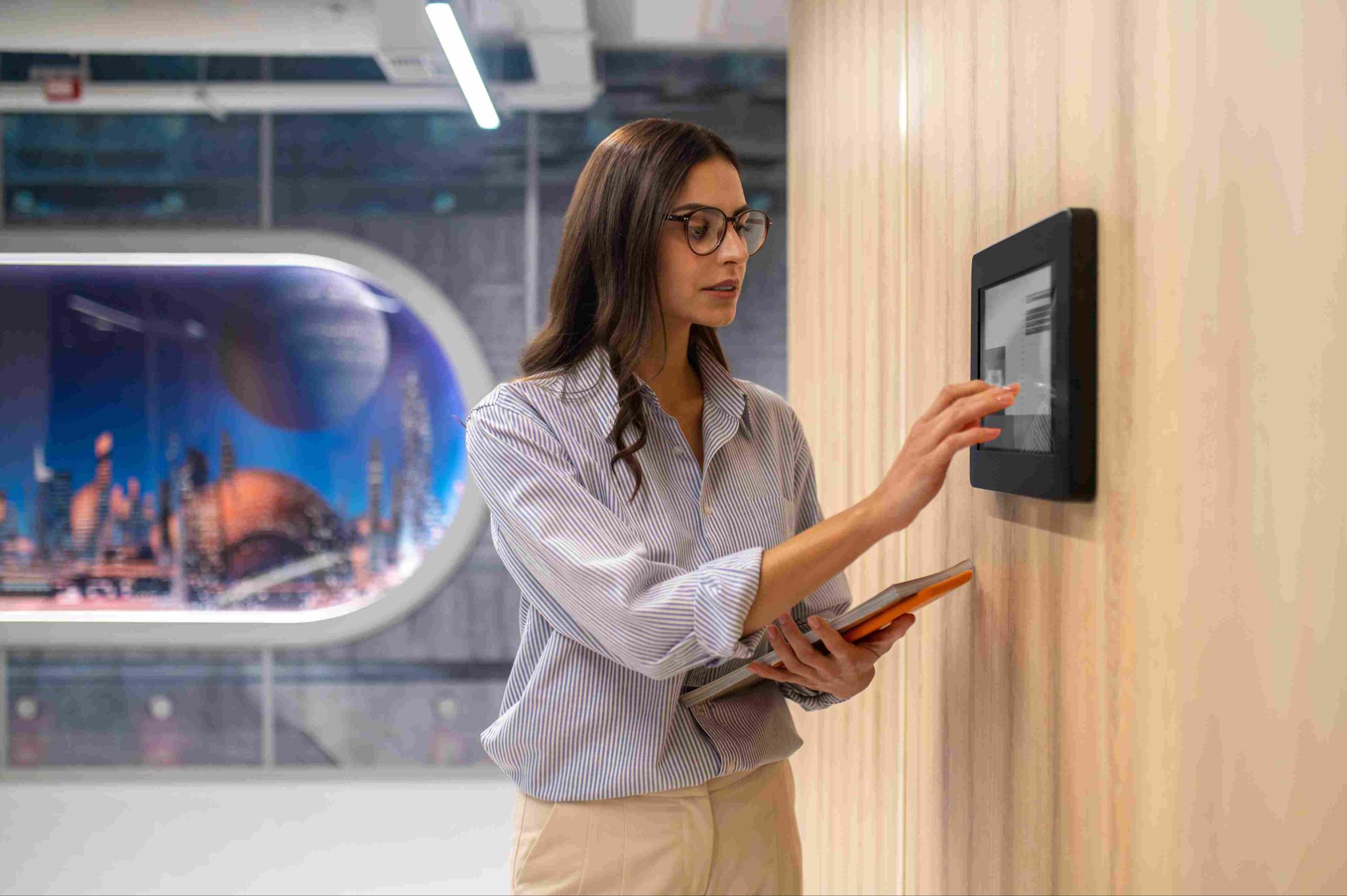
Why Some Employees Do Not Use Smartphones for Clocking In
Before comparing the two options, it helps to understand why shared time clocks are still so important.
Not Everyone Owns a Smartphone
Some employees do not own a smartphone or have a limited data plan. Asking them to use their own phone for work may not be fair or practical.
Phone Use Is Not Allowed
In some workplaces, such as food processing plants, cleanrooms, or secure facilities, personal phones are not allowed on the work floor for safety or hygiene reasons.
Privacy Concerns
Some employees do not want work apps on their personal devices, especially apps that use location data.
Simpler for Large Teams
When many employees start at the same time, a single shared clock at the entrance can be simpler to manage than dozens of personal devices.
For these reasons, many businesses use a wall-mounted time clock or a tablet set up as a kiosk. The main question then becomes how employees will identify themselves when they clock in.
What Is a PIN-Based Time Clock?
A PIN-based time clock asks each employee to enter a personal identification number, or PIN, on a keypad or touchscreen. The PIN is usually four to six digits long and is unique to each employee.
When the employee enters their PIN, the system records their name and the exact time they clocked in or out. PIN clocks can run on dedicated devices, desktop computers, or tablets set up as kiosks. A PIN code time clock turns a shared device into a simple station where employees can clock in within seconds.
What Is a Biometric Time Clock?
A biometric time clock identifies employees using a unique physical feature. Instead of typing a code, the employee is identified by who they are.
Fingerprint Scanners
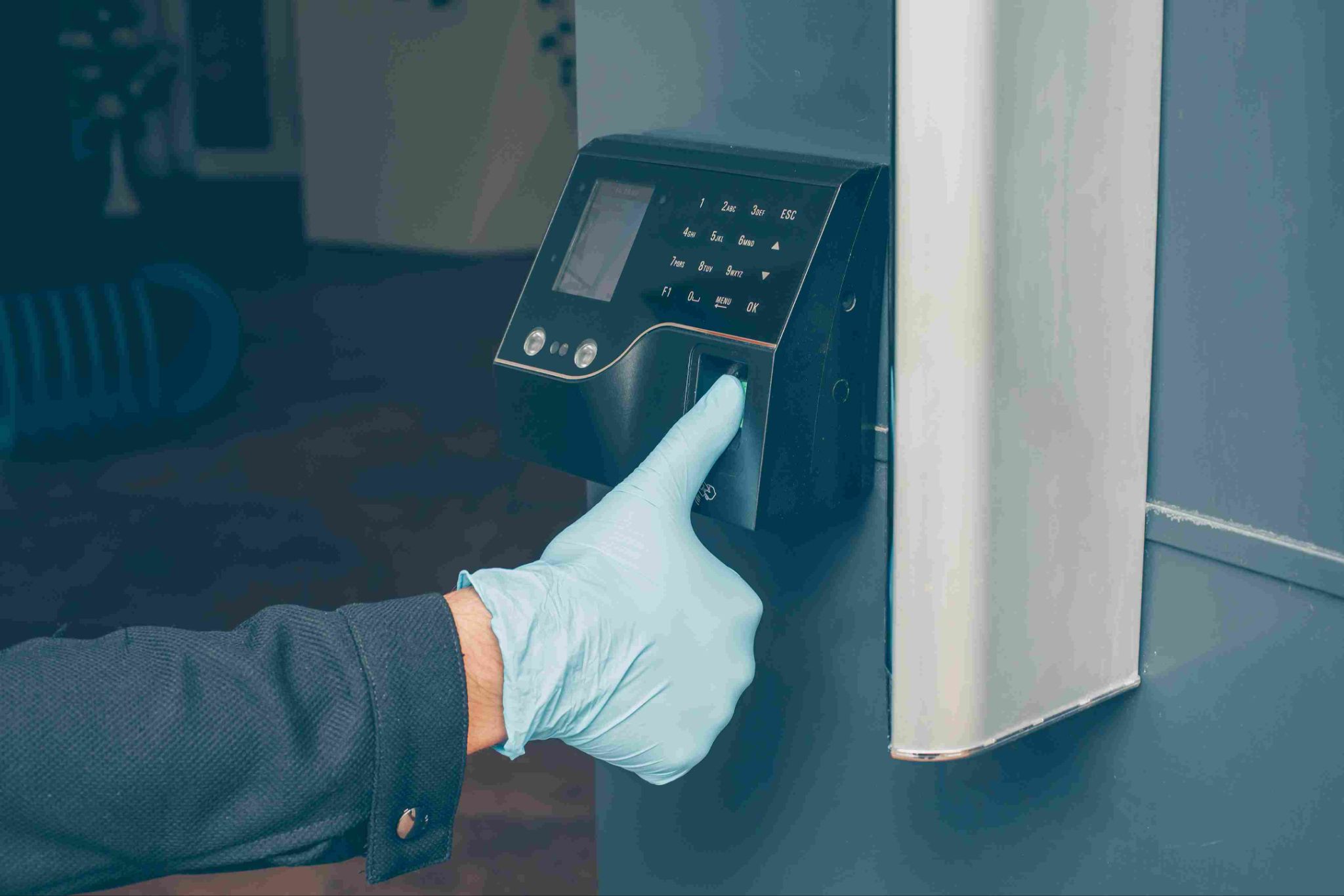
The employee places their finger on a scanner, and the system matches the fingerprint with stored data.
Facial Recognition
A camera scans the employee's face and matches it with stored data. This is a touch-free option. Facial recognition time clock software can work using the camera on a tablet or computer, so special hardware may not be needed.
Hand and Iris Scanners
Some systems scan the shape of the hand or the pattern of the eye. These are less common in small businesses because they can be more expensive.
Comparing Biometric vs. PIN-Based Time Clocks
Now let us compare the two options across the factors that matter most to employers.
Security and Buddy Punching
Buddy punching happens when one employee clocks in for another. This is one of the biggest problems with shared time clocks.
PIN clocks are easy to use, but PINs can be shared. An employee can simply give their code to a coworker and ask them to clock in when they are running late. This makes PIN clocks more open to time theft.
Biometric clocks are much harder to cheat. Since a fingerprint or face cannot be easily shared, one employee cannot clock in for another. This makes biometric clocks the stronger choice for preventing buddy punching.
Winner for security: Biometric.
Ease of Use
PIN clocks are very simple. Almost everyone knows how to enter a number on a keypad. However, employees can forget their PIN, especially if they work part-time or only a few days a month. This can slow down clock-ins and create extra work for managers.
Biometric clocks are also easy because there is nothing to remember. The employee simply shows their face or finger. However, they may need a short enrollment process at the start, and some employees may need a few tries to scan correctly.
Winner for ease of use: Mostly even, with biometric slightly ahead because there is nothing to forget.
Speed
Both options are usually fast. Entering a short PIN takes a few seconds. A good biometric scan also takes only a second or two. Fingerprint scanners can slow down if fingers are dirty, wet, or injured, while facial recognition may slow down in poor lighting.
Winner for speed: Even.
Accuracy and Reliability
PIN clocks are very reliable from a technical point of view. If the right code is entered, the system works every time.
Biometric clocks can sometimes fail to read a fingerprint or face. Workers in construction, farming, or manufacturing may have worn or damaged fingerprints. Gloves, masks, hard hats, and safety glasses can also make scanning harder. Most systems offer a backup option, such as a PIN, for these cases.
Winner for reliability: PIN.
Cost
PIN clocks are usually cheaper. Many systems can run on a basic tablet or computer you already own, with no special hardware needed.
Biometric clocks can cost more, especially fingerprint, hand, or iris scanners that require dedicated devices. However, facial recognition using a standard tablet camera can keep costs low.
Winner for cost: PIN, though facial recognition on a tablet narrows the gap.
Hygiene
Fingerprint scanners and keypads are both touched by many people every day, which can spread germs. Facial recognition is touch-free, which makes it a better choice for healthcare, food processing, and other workplaces where hygiene matters.
Winner for hygiene: Facial recognition.
Privacy
PIN clocks collect very little personal information. Employees only need a number, so privacy concerns are low.
Biometric clocks collect sensitive personal data, such as fingerprint or face data. Some employees may feel uncomfortable sharing this information, and employers have legal duties to protect it.
Winner for privacy: PIN.
Legal Rules for Biometric Time Clocks
One of the biggest differences between the two options is the legal side. Biometric data is treated as sensitive information in several places.
Illinois
Illinois has one of the strictest biometric privacy laws in the United States, known as the Biometric Information Privacy Act, or BIPA. Employers must give written notice, explain how the data will be used and how long it will be kept, and get written consent before collecting biometric data. Many businesses have faced costly lawsuits for not following these rules.
Texas and Washington
Texas and Washington also have laws about collecting and using biometric data. These laws generally require notice and consent and limit how the data can be shared.
Other Places
Other states and cities are considering or have passed similar laws. Countries in the European Union treat biometric data as special category data under data protection rules, which means strict limits apply.
What Employers Should Do
If you choose a biometric clock, give employees clear written notice, get their consent, explain how long the data will be kept, store it securely, and delete it when it is no longer needed. It is a good idea to speak with a legal expert before rolling out a biometric system.
Offering Alternatives
Some employees may object to biometric scanning for personal or religious reasons, or may have physical conditions that make scanning difficult. In these cases, employers may need to offer another clock-in method. Having a PIN or card option as a backup helps meet these needs.
Other Options for Employees Without Smartphones
Biometric and PIN clocks are not the only choices. Some businesses use other methods, either alone or as a backup.
RFID and NFC Cards
Employees tap a badge or card on a reader to clock in. This is fast and easy, but cards can be lost or shared. RFID and NFC card time clocks are popular in large workplaces with many shift changes.
Photo Capture
Some PIN or card systems take a photo each time an employee clocks in. This does not require storing biometric data in the same way, but it allows managers to check who actually clocked in. Photo verification adds an extra layer of protection against buddy punching without the cost of a full biometric system.
Manager or Team Clock-In
In some workplaces, such as farms or construction crews, a supervisor clocks in the whole team at once. Team clock-in lets managers record attendance for many employees at the same time, which works well when workers do not have their own devices.
Combining Methods for the Best Results
Many businesses find that the best solution is not choosing just one method. Instead, they combine options to get the benefits of each.
For example, a business might use a PIN clock with photo capture. This keeps costs low and privacy concerns small, while still helping prevent buddy punching. Another business might use facial recognition as the main method and offer a PIN as a backup for employees who cannot be scanned easily.
A flexible time clock system that supports several clock-in methods gives employers the freedom to choose what works best for each location and team.
Which Option Is Right for Your Business?
The right choice depends on your workplace, your team, and your goals. Here are some simple guidelines.
Choose PIN-Based Clocks If
You want a low-cost, simple solution. Privacy concerns are a priority. Buddy punching is not a major problem in your workplace. You operate in a state with strict biometric laws and want to avoid extra compliance work.
Choose Biometric Clocks If
Buddy punching or time theft is a serious problem. You have a large workforce with many shift changes. You need strong proof of who clocked in. You are ready to follow biometric privacy rules and get employee consent.
Choose Facial Recognition If
You want strong security with touch-free clock-ins. Hygiene is important in your workplace. You want to use existing tablets instead of buying special hardware.
Consider Combining Methods If
You want strong security with backup options. Some employees cannot use biometric scanning. You have different needs at different locations.
Tips for Setting Up a Shared Time Clock
Whatever method you choose, these tips will help your time clock work well.
Place the clock near the entrance or where work begins, so employees clock in before starting any tasks. Make sure the area has good lighting if you use facial recognition. Train employees on how to use the clock and what to do if it fails. Keep a backup method ready for power or network problems. Review time records regularly to catch errors and spot any signs of misuse. Write a clear policy that explains how employees should clock in and what happens if rules are broken.
Conclusion
For employees without smartphones, a shared time clock is often the best way to track attendance. The choice between Biometric vs. PIN-Based Time Clocks comes down to what matters most to your business.
PIN clocks are simple, affordable, and privacy-friendly, but they are easier to cheat. Biometric clocks offer stronger security and stop buddy punching, but they cost more in some cases and come with legal responsibilities around sensitive data. Facial recognition offers a touch-free middle ground, especially when used on existing tablets.
For many businesses, the smartest approach is to combine methods, such as a PIN with photo capture or facial recognition with a PIN backup. By understanding the strengths of Biometric vs. PIN-Based Time Clocks, you can choose a solution that keeps time records accurate, protects employee privacy, and works for every member of your team.
FAQ’s
Which is more secure, a biometric or PIN time clock?
Biometric time clocks are more secure because fingerprints and faces cannot be easily shared. PIN codes can be given to coworkers, which makes buddy punching easier.
Are biometric time clocks legal?
Yes, but some states, such as Illinois, Texas, and Washington, have laws that require notice and consent before collecting biometric data. Employers must follow these rules.
What if an employee's fingerprint cannot be scanned?
Workers with worn or damaged fingerprints may have trouble with scanners. Most systems offer a backup method, such as a PIN, card, or facial recognition.
Can I use a tablet as a time clock?
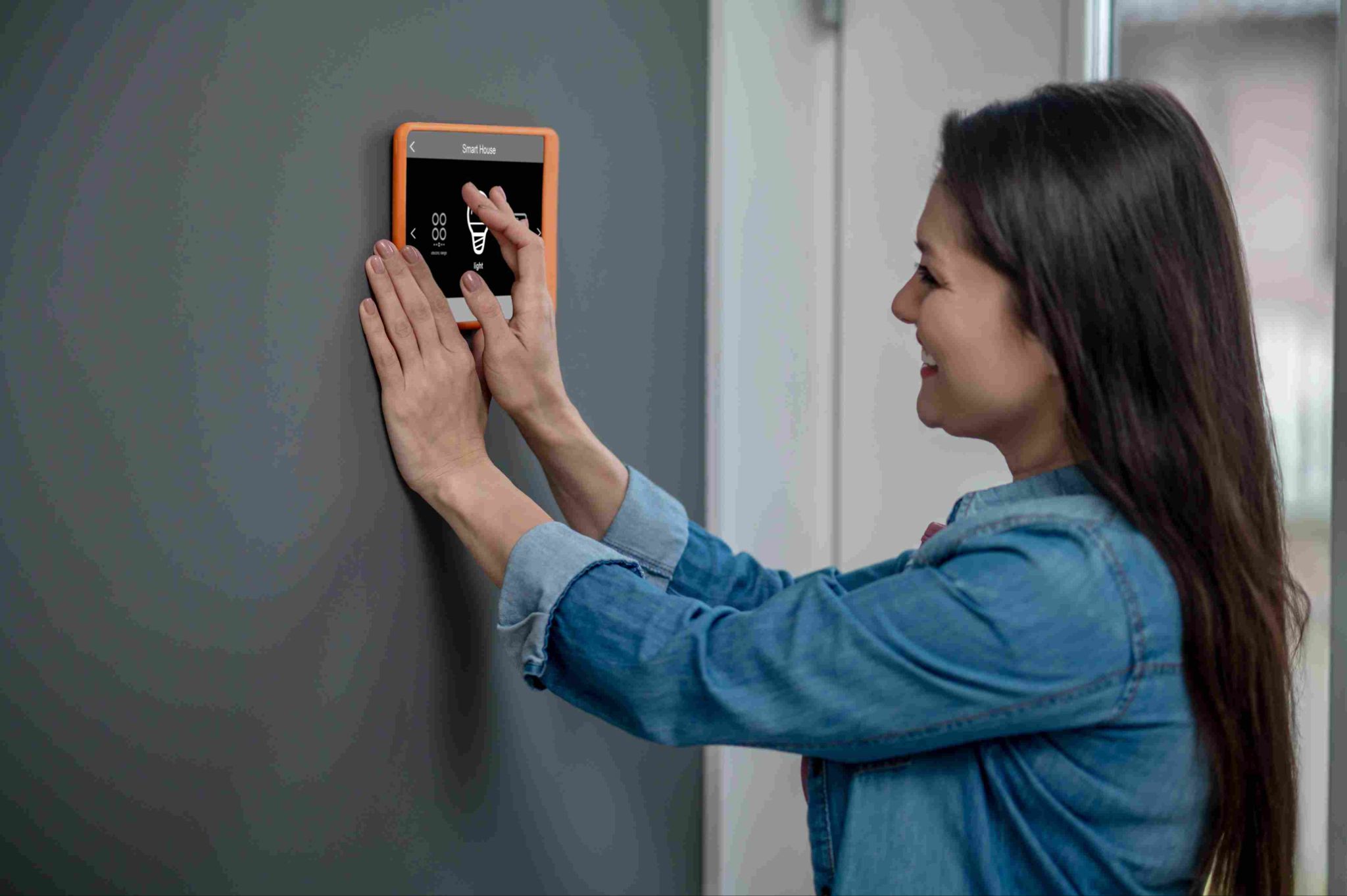
Yes. Many time clock systems can turn a tablet into a wall-mounted or desktop kiosk that supports PIN codes, facial recognition, and photo capture.
How can I stop buddy punching with a PIN clock?
Adding photo capture to a PIN clock lets managers see who actually clocked in. This helps prevent employees from sharing their PIN codes.