How Automated Biometric Time Tracking Can Simplify Employee Attendance Management
Learn how automated biometric time tracking simplifies attendance management. Eliminate fraud, reduce errors, and get started free with OpenTimeClock today.
Managing employee attendance has always been one of the most time-consuming and error-prone administrative tasks in any business. Paper sign-in sheets get filled out incorrectly. PIN-based time clocks allow employees to clock in for absent colleagues. Manual timesheet reviews consume hours of management time every pay period. And even after all that effort, the data feeding payroll is often less accurate than it should be.
Automated biometric time tracking changes this entirely. Instead of asking employees to remember to sign in, enter a PIN, or swipe a card, biometric systems verify employee identity automatically using a physical characteristic that cannot be shared, forgotten, or falsified. The result is an attendance record that is more accurate, more reliable, and far easier to manage than any manual or PIN-based alternative.
This article explains exactly how automated biometric time tracking works, what problems it solves, how different biometric methods compare, what the implementation process looks like, and how OpenTimeClock delivers complete biometric attendance management completely free.
What Automated Biometric Time Tracking Actually Is
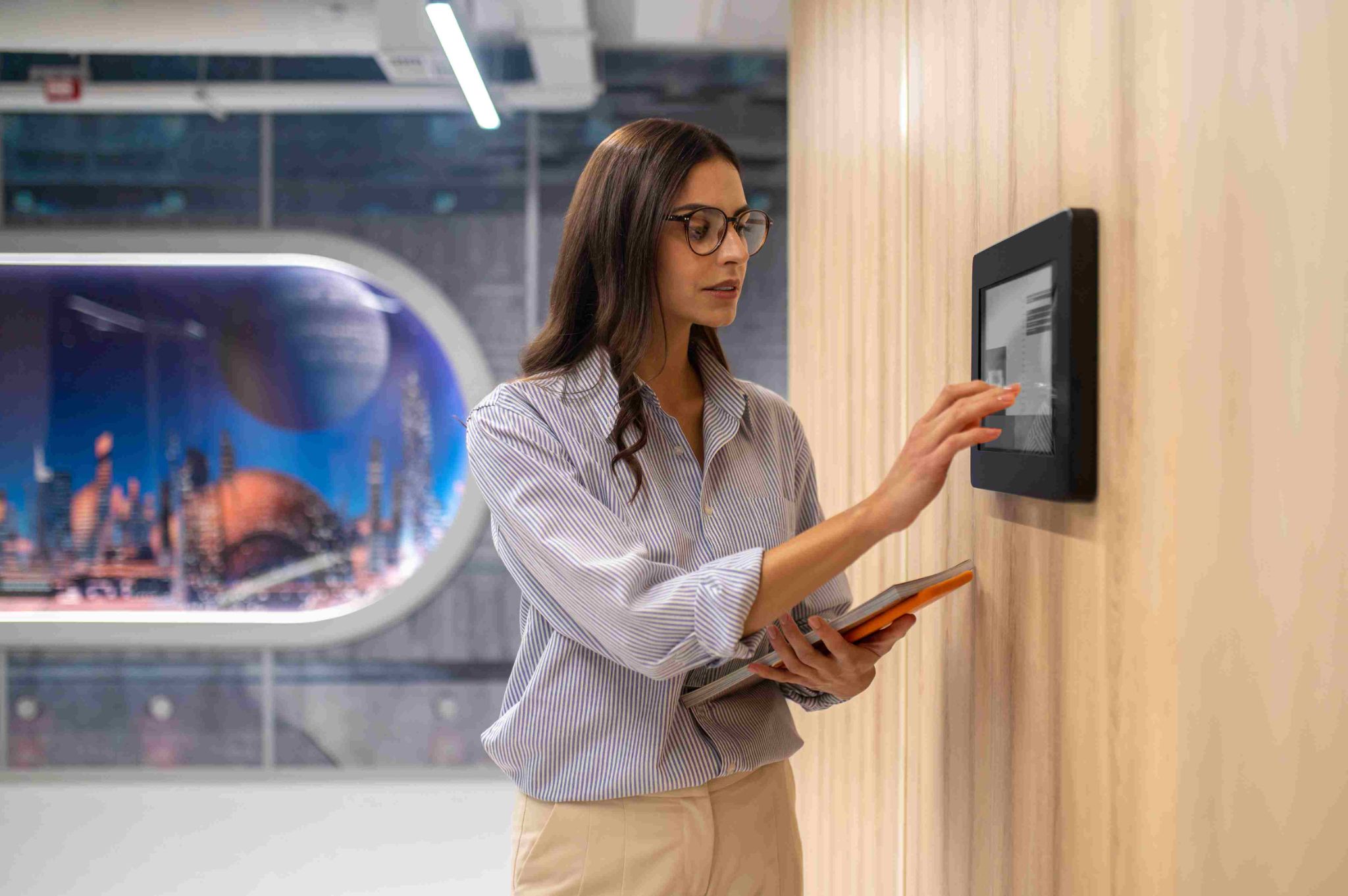
Biometric time tracking uses unique physical characteristics of each employee to verify their identity at clock-in. The most common biometric identifiers used in workplace attendance systems are facial features and fingerprints. When an employee clocks in, the system captures their biometric data, compares it against the stored profile for that employee, and records the clock-in only if a match is confirmed.
The automated aspect means this process happens without the employee having to do anything beyond presenting themselves to the camera or scanner. There is no card to carry, no PIN to remember, and no paperwork to fill out. The system handles the identification automatically and records the timestamp without human intervention.
OpenTimeClock implements automated biometric time tracking through facial recognition using the camera of any standard tablet, iPad, or smartphone. No dedicated biometric hardware is required. The system converts each employee's facial data into an encrypted mathematical model stored securely in the cloud, and uses this model to verify identity at every subsequent clock-in.
The Problems That Biometric Tracking Solves
To understand the value of automated biometric time tracking, it helps to be specific about the problems that traditional attendance methods create.
Buddy punching. This is the practice of one employee clocking in on behalf of an absent or late colleague. It is widespread in businesses that use PIN-based or card-based time clocks because PINs and cards can be shared. Research consistently estimates that buddy punching costs businesses between two and eight percent of their total payroll. For a business with a monthly payroll of one hundred thousand dollars, that represents two thousand to eight thousand dollars per month of preventable expense.
Inaccurate self-reported hours. When employees fill out paper timesheets at the end of the week, they estimate rather than recall exact times. These estimates are almost always rounded in the employee's favor. Over a workforce of twenty or thirty employees, this systematic rounding creates meaningful payroll overpayment every pay period.
Administrative burden of manual review. When attendance data is collected manually, someone has to review it, check for completeness, calculate totals, and enter it into payroll. This review process is time-consuming, introduces its own errors, and delays payroll processing.
Compliance documentation gaps. Labor law requires accurate time records for non-exempt employees. Manual records that are estimated, incomplete, or inconsistently formatted do not meet this standard and create exposure in any wage and hour audit.
Automated biometric time tracking eliminates all four of these problems simultaneously. Buddy punching becomes impossible because the employee must be physically present for the biometric match. Hours are recorded precisely rather than estimated. The automated capture reduces the administrative review burden. And the digital, timestamped records satisfy compliance documentation requirements.
Facial Recognition: The Leading Biometric Method
Among the biometric methods available for workplace time tracking, facial recognition has become the most widely adopted for several practical reasons.
It is completely contactless. The employee simply looks at the camera. There is no touching of a shared surface, which matters in workplaces where hygiene is a concern and which became particularly important following the hygiene awareness created by the COVID-19 pandemic.
It requires no additional hardware beyond a camera. Any modern tablet, iPad, or smartphone has a sufficient front-facing camera to support facial recognition for attendance purposes. This means businesses can implement biometric attendance tracking without purchasing dedicated biometric hardware, which significantly reduces the implementation cost.
It is fast. A facial recognition clock-in takes one to two seconds. For businesses where large numbers of employees need to clock in at shift start, this speed matters. A system that takes ten seconds per employee creates queues. A system that takes two seconds does not.
OpenTimeClock implements facial recognition as a core feature using any device camera. Employees enroll by looking at the camera for one to two minutes during a brief setup process. After enrollment, each clock-in takes seconds. The facial data is stored as an encrypted mathematical model rather than a recognizable photograph, protecting employee privacy while providing reliable identification.
Fingerprint Scanning: An Alternative Biometric Method
Fingerprint scanning is the other commonly used biometric method in workplace time tracking. It involves an employee placing their fingertip on a dedicated scanning device that reads the fingerprint pattern and matches it against the stored template.
Fingerprint scanning has been used in workplace security and time tracking for longer than facial recognition and is familiar to many employees who use fingerprint authentication on their smartphones. It is highly accurate under normal conditions.
The main limitations of fingerprint scanning for workplace time tracking are the requirement for dedicated scanner hardware, which adds to implementation cost, and the contact requirement, which creates hygiene concerns in some workplace environments. Employees who work with chemicals, construction materials, or other substances that affect fingerprint texture may also experience recognition difficulties.
For most businesses implementing automated biometric time tracking today, facial recognition is the more practical choice because it requires no dedicated hardware and is contactless. OpenTimeClock focuses on facial recognition for these reasons while also supporting PIN, QR code, RFID, and barcode as alternative or supplementary methods.
Photo Capture as a Complement to Biometric Verification
In addition to biometric identity verification, OpenTimeClock captures a photograph at every clock event, whether the clock-in method is facial recognition, PIN, or any other method. This photo is stored alongside the attendance record with a precise timestamp.
The photo capture serves as a visual audit trail that complements the biometric verification in several important ways. It provides visual confirmation that can be reviewed by a manager at any time. It serves as a deterrent to any attempt to circumvent the biometric system. And it provides additional documentation in any dispute about whether a specific employee was present at a specific time.
For employees who have not yet enrolled in facial recognition, such as new hires on their first day before enrollment is completed, the photo capture still provides a record of who was present at each clock event. This ensures that the visual audit trail is maintained consistently across all employees regardless of their biometric enrollment status.

Implementation: How Quick Is It to Set Up
One of the most common concerns businesses have when considering automated biometric time tracking is how difficult the implementation will be. The concern is understandable given that previous generations of biometric systems often required significant IT involvement, dedicated hardware installation, and complex software configuration.
Modern cloud-based systems have eliminated most of this complexity. Setting up OpenTimeClock for biometric attendance tracking follows a straightforward process.
The account setup takes less than thirty minutes. The administrator creates the company account, configures working hours and overtime rules, and sets up departments or locations if applicable.
Employee enrollment happens in a brief session where each employee looks at the camera while the system captures their facial profile. This takes one to two minutes per employee and can be done in a group session before the system goes live.
The clock-in device setup involves installing the OpenTimeClock app on a tablet or iPad, mounting it near the entrance, connecting power, and enabling kiosk mode. The whole device setup takes about fifteen minutes per station.
A business with fifty employees could realistically complete the entire implementation, including account setup, employee enrollment, and device installation, in a single day.
Managing Exceptions and Fallback Methods
Even the best biometric systems occasionally encounter situations where recognition is temporarily not working optimally. An employee with a temporary injury to their face, unusual lighting conditions at the clock-in station, or other edge cases may experience a recognition failure. The system needs to handle these situations without leaving the employee unable to clock in.
OpenTimeClock supports multiple clock-in methods simultaneously. Facial recognition is configured as the primary method with PIN entry available as a fallback. When facial recognition is not working for a specific employee in a specific situation, they can enter their PIN instead. The PIN fallback is available immediately without requiring any manager intervention, ensuring that no employee is ever blocked from clocking in by a biometric recognition issue.
The photo capture at every clock event applies to PIN-based fallback clock-ins as well, maintaining the visual audit trail even when the primary biometric method is not used.
The Payroll and Compliance Impact
The downstream impact of automated biometric time tracking on payroll accuracy and compliance is significant and immediate.
When every clock-in is biometrically verified and precisely timestamped, the payroll data is more accurate than any manually compiled timesheet can be. Hours are calculated automatically from verified clock events. Overtime is calculated based on exact hours rather than estimates. Break time is recorded from clock events rather than self-reported.
OpenTimeClock generates payroll-ready exports in CSV, XLSX, PDF, and IIF formats at the end of each pay period. These exports include all verified hours, overtime calculations, break time, PTO used, and project allocations. The export process takes minutes and produces data that can be sent directly to the payroll provider without manual re-entry.
For compliance purposes, the biometrically verified, timestamped records stored in cloud storage provide the quality of documentation that labor law requires. When a wage and hour investigation requests time records, those records are available immediately in a format that is credible and complete.
Conclusion
Automated biometric time tracking is the most significant improvement most businesses can make to their attendance management process. It eliminates buddy punching, removes manual data collection, creates accurate payroll input, and generates the compliance documentation that labor law requires, all automatically and without ongoing administrative effort.
OpenTimeClock delivers all of this for free, making professional biometric attendance management accessible to businesses of any size without a software budget.
FAQ’s
Q1. What is automated biometric time tracking and how does it work?
Automated biometric time tracking uses unique physical characteristics such as facial features to verify employee identity at clock-in without requiring cards, PINs, or manual entry. The employee looks at a camera, the system matches their face to their stored profile, and the clock-in is recorded automatically.
Q2. How does biometric time tracking prevent buddy punching?
Automated biometric time tracking prevents buddy punching because the system requires the physical presence of the registered employee for identity verification. A biometric match cannot be performed by a colleague entering a shared PIN or swiping a borrowed card.
Q3. Does OpenTimeClock require special biometric hardware?
No. OpenTimeClock implements facial recognition using the built-in camera of any standard tablet, iPad, or smartphone. No dedicated biometric scanner or proprietary hardware is required.
Q4. What happens if facial recognition does not work for an employee?
OpenTimeClock supports multiple clock-in methods simultaneously. When facial recognition is not working in a specific situation, employees can use PIN entry as an immediate fallback without requiring manager intervention. Photo capture continues to apply to PIN-based clock-ins, maintaining the visual audit trail.
Q5. Is OpenTimeClock free for businesses implementing automated biometric time tracking?
Yes. OpenTimeClock is completely free with no credit card required. The free plan includes facial recognition using any device camera, photo capture at every clock event, GPS mobile clock-in, PIN and QR code fallback methods, real-time attendance dashboard, automated overtime alerts, shift scheduling, PTO management, and payroll exports.