Biometric Time Clock System Reports That Help Managers Make Better Decisions
Discover how biometric time clock system reports give managers the data they need to cut costs, reduce fraud, and lead their teams more effectively.
Managing a team well requires information. No guesses. Not impressions. Real, accurate information about how your employees are working, when they are arriving, how many hours they are logging, and where labor costs are going.
Most managers do not have this information at their fingertips. They rely on memory, manual records, or end-of-month payroll summaries that arrive too late to act on. By the time they see a problem in the data, it has already been building for weeks.
A biometric time clock system changes this. It records attendance automatically using identity verification technology like facial recognition or fingerprint scanning. Every clock-in event is timestamped, verified, and stored. And from that verified data, the system generates detailed reports that give managers exactly the information they need to make better decisions.
In this article, we will walk through the most important reports that a biometric time clock system produces, what each report tells you, how managers can use that information to improve their operations, and how OpenTimeClock delivers all of this completely free.
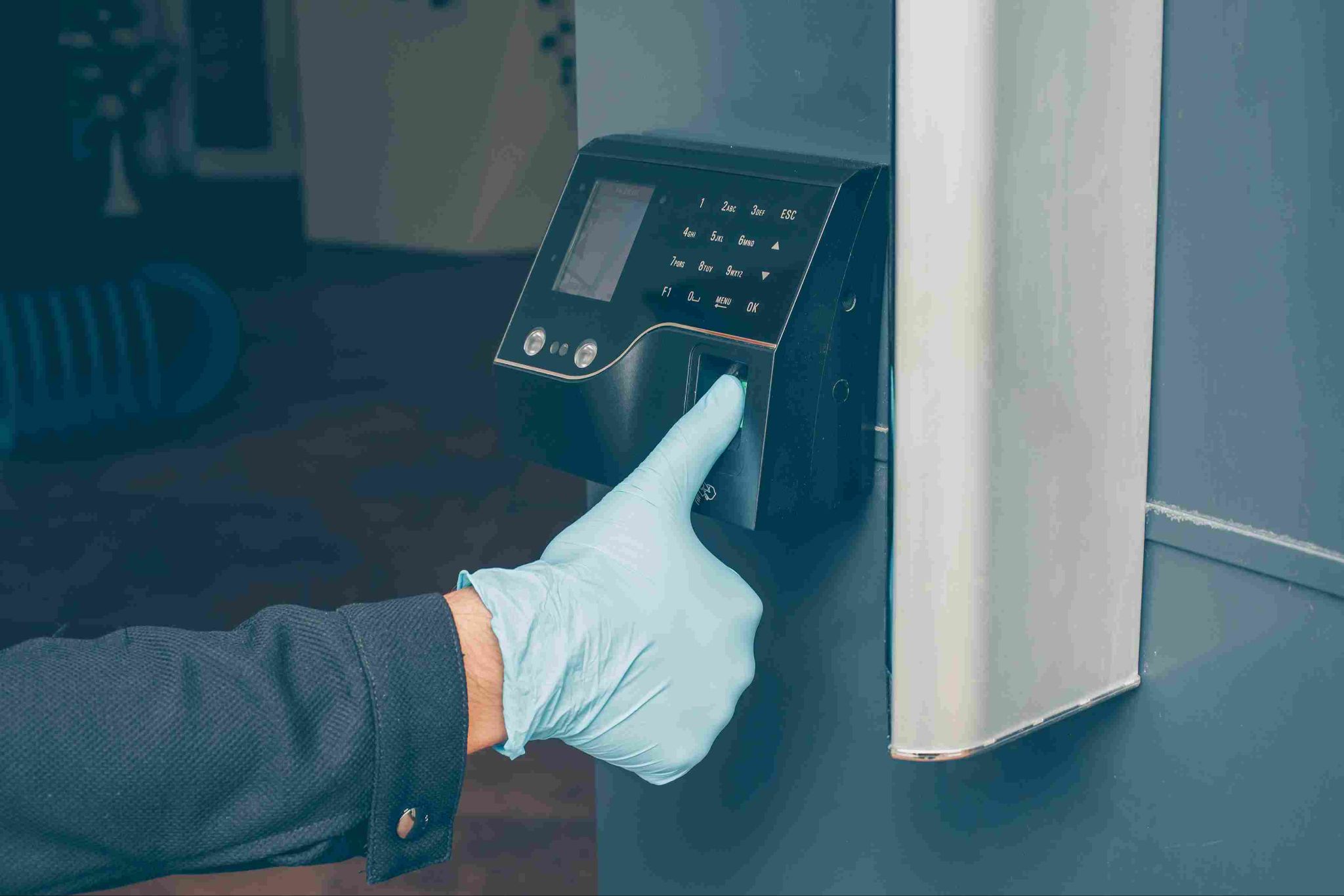
Why Biometric Data Produces Better Reports Than Manual Systems
Before we look at the specific reports, it is worth understanding why biometric attendance data is more valuable than data from traditional manual systems.
When attendance is tracked manually, through paper timesheets or self-reported digital entries, the data contains errors by design. Employees estimate their times. They round their hours. They occasionally enter incorrect information. The payroll data built on this foundation is imprecise at best.
A biometric time clock system captures attendance data at the moment it happens. The timestamp is exact. The identity is verified. The location can be confirmed through GPS. And because the recording is automatic, there is no opportunity for manual manipulation.
Reports built from this data are accurate. They reflect what actually happened. And that accuracy is what makes them genuinely useful for management decisions.
OpenTimeClock combines biometric clock-ins, including facial recognition and photo capture, with automatic data recording. Every attendance event creates a verified, timestamped record. The reports built from this data give managers a reliable, objective view of their workforce.
Report 1: Daily Attendance Summary
The daily attendance summary is the most immediate and practical report that any biometric time clock system generates. It shows who clocked in today, at what time, and how their actual arrival compares to their scheduled start time.
What It Shows
This report displays a list of every employee along with their scheduled start time, their actual clock-in time, and the difference between the two. Late arrivals are clearly visible. Absent employees are flagged. Employees who arrived on time are confirmed.
How Managers Use It
The daily attendance summary gives managers a clear picture of the start of each shift. If three employees are late and one is absent, the manager can see this immediately and take action. They can redistribute tasks, contact missing employees, or arrange cover before the shortage affects operations.
This report is most useful when reviewed at the start of each shift rather than at the end of the day. Real-time access to this summary is one of the key advantages of a biometric time clock system over paper-based or delayed reporting methods.
What OpenTimeClock Provides
OpenTimeClock updates its daily attendance summary in real time. Managers can view the current status of every employee from any device. Automatic alerts also notify managers when an employee fails to clock in by their scheduled start time, removing the need to manually check the report at the start of each shift.
Report 2: Weekly Hours Summary Per Employee
The weekly hours summary shows the total hours worked by each employee over the course of a week. It breaks this down by day, giving managers a clear view of how hours are distributed throughout the week.
What It Shows
This report displays each employee's daily and total weekly hours. It shows how many regular hours were worked and how much, if any, overtime was accumulated. It also highlights any days where no hours were recorded, indicating an absence.
How Managers Use It
The weekly hours summary is essential for payroll preparation and labor cost management. Before approving payroll, managers can review whether hours are within expected ranges for each employee. Unexpected spikes in hours for a particular employee may indicate unauthorized overtime or a scheduling error that needs to be corrected.
This report also helps with fairness. When managers can see the distribution of hours across the whole team, they can identify if some employees are consistently working more than others. Addressing these imbalances before they lead to burnout is much easier when the data is visible.
What OpenTimeClock Provides
OpenTimeClock generates detailed weekly hours summaries for every employee. These are available at any time and can be exported to PDF or Excel for payroll processing. Managers can filter by employee, department, or date range to view exactly the data they need.
Report 3: Overtime Report
Overtime is one of the most controllable labor costs in any business. But it can only be controlled when managers know about it before the pay period ends. The overtime report from a biometric time clock system provides this information.
What It Shows
The overtime report shows each employee who has worked hours beyond their regular limit during the current period. It displays the number of regular hours, the number of overtime hours, and the total combined hours. It can be filtered by employee, department, or time period.
How Managers Use It
Managers use the overtime report to identify which employees are approaching or exceeding overtime thresholds before the pay period closes. This allows them to adjust schedules proactively. If an employee has already accumulated a significant amount of overtime by Thursday, the manager can adjust Friday's schedule to keep total hours within budget.
It also helps managers identify patterns. If the same employee or department consistently generates overtime, that is a signal to review staffing levels, scheduling practices, or workload distribution.
What OpenTimeClock Provides
OpenTimeClock tracks overtime in real time and sends automatic alerts to managers before thresholds are crossed. The overtime report is available on demand and clearly separates regular hours from overtime hours. This gives managers both the summary view for planning and the detail view for payroll accuracy.
Report 4: Late Arrival and Early Departure Report
Punctuality directly affects business performance. A restaurant with servers consistently arriving ten minutes late starts every service behind schedule. A retail store that consistently has early departures ends every trading day with reduced coverage.
What It Shows
This report lists every employee who arrived late or left early during the selected period. It shows the scheduled time, the actual time, and the difference. It can be viewed for a single day or summarized across a week or month.
How Managers Use It
The late arrival and early departure report helps managers identify attendance habits that are affecting performance. A single late arrival might be a one-off issue. A consistent pattern of lateness is a management conversation that needs to happen.
When the report is built from verified biometric clock-in data, managers can be confident that the times shown are accurate. There is no ambiguity. The record reflects the actual moment the employee's identity was confirmed at the clock-in device.
This also makes the conversation easier. When a manager raises a punctuality concern with an employee, having objective timestamped data as the basis for the conversation removes defensiveness and focuses the discussion on the facts.
Report 5: Absence and Leave Report
Understanding absence patterns across your workforce is one of the most valuable things a manager can do to protect productivity and employee wellbeing.
What It Shows
The absence and leave report shows every recorded absence during a selected period. It distinguishes between approved leave, such as vacation and sick days, and unplanned absences where no clock-in was recorded and no leave request was submitted. It also shows leave balances and how much leave each employee has used.
How Managers Use It
Managers use this report to spot patterns. If a particular employee has five unplanned absences in a month, that is worth a conversation. If absences cluster around specific days of the week, that pattern may indicate a scheduling issue or a personal situation that needs support.
Absence reports also help with workforce planning. Seeing which employees have used large amounts of leave helps managers plan schedules around potential future leave requests more effectively.
What OpenTimeClock Provides
OpenTimeClock tracks both approved leave and unplanned absences within the same integrated system. Leave requests and approvals are recorded digitally. Attendance data from the biometric clock-in system is combined with leave records to give managers a complete picture of each employee's presence and availability.
Report 6: Department or Location Attendance Report
For businesses with multiple departments, teams, or locations, seeing attendance data at the group level as well as the individual level is important.
What It Shows
This report shows the total hours, attendance rate, overtime, and absence figures for each department or location during a selected period. It allows managers to compare performance across teams and identify which groups are meeting expectations and which need attention.
How Managers Use It
Department-level reports are particularly useful for multi-site businesses and organizations with separate teams or shifts. If one department consistently has higher absence rates or more overtime than others, that is a signal worth investigating.
Managers can use this report to evaluate staffing levels by department. If data shows that one team regularly accumulates overtime while another regularly has spare capacity, rebalancing the staffing allocation between teams can reduce overtime costs and improve coverage.
What OpenTimeClock Provides
OpenTimeClock supports multi-location setups. Managers can generate attendance reports filtered by location, department, or shift. All data feeds into the same central system regardless of where employees are clocking in. This unified view makes it easy to compare performance across the business.
Report 7: Payroll Summary Report
At the end of every pay period, managers and HR teams need a complete, accurate summary of hours worked by every employee. This is the payroll summary report.
What It Shows
The payroll summary report lists every employee with their total regular hours, overtime hours, and any approved leave days for the period. It provides all the figures needed to calculate gross pay for the period.
How Managers Use It
The payroll summary report is the bridge between attendance tracking and payroll processing. It contains the verified, accurate hours data that payroll teams need to calculate employee payments correctly.
When this data comes from a biometric time clock system, it is more reliable than data from manual timesheets. The hours recorded reflect actual clock-in and clock-out events, confirmed through identity verification. Payroll built on this data is accurate.
What OpenTimeClock Provides
OpenTimeClock generates payroll summary reports in seconds. Reports cover any time period and can be exported to PDF or Excel. Over 80 different report types are available, covering every aspect of attendance and hours data that payroll and compliance teams need.
Conclusion
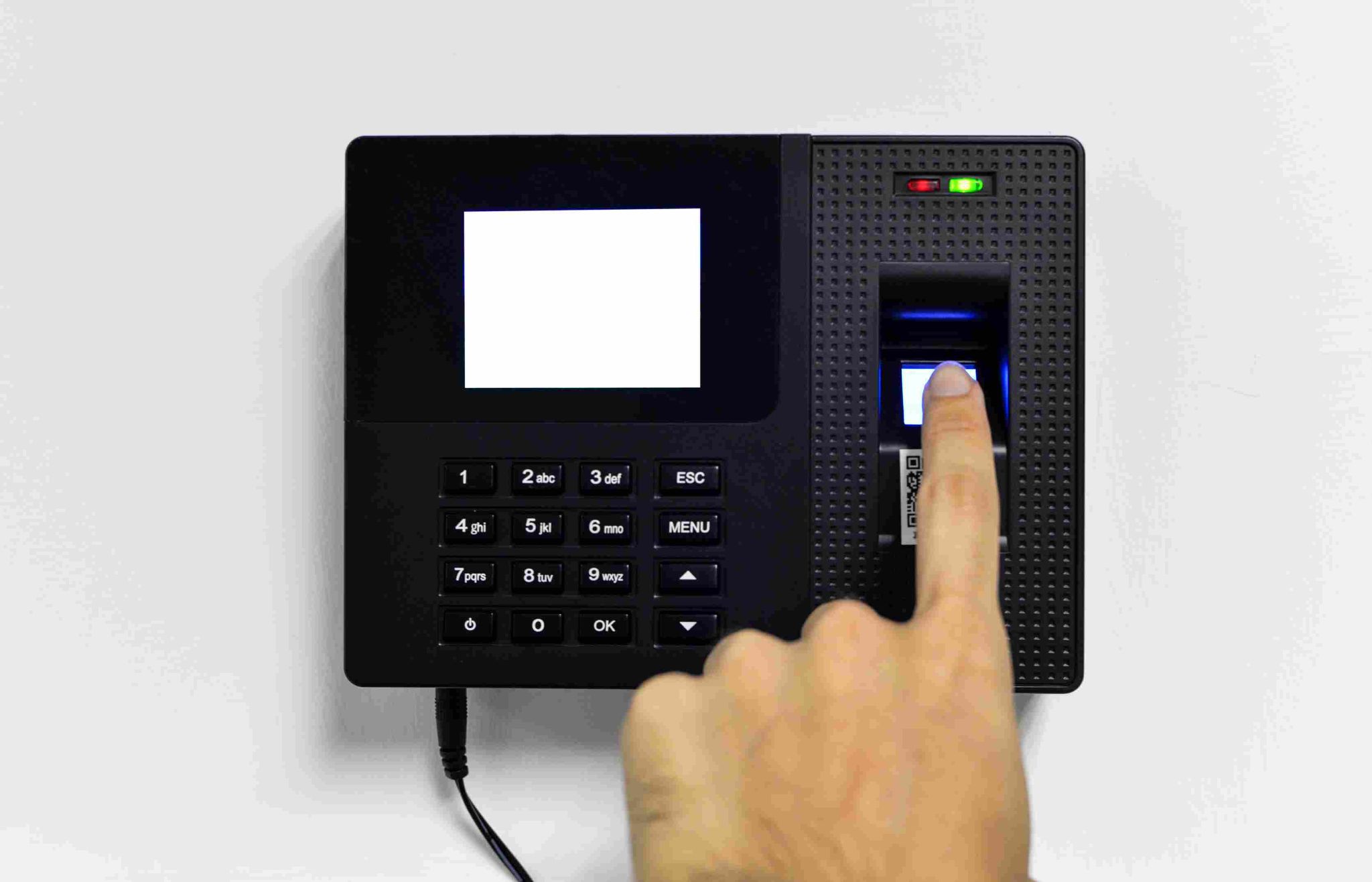
Good management decisions require good data. And good data requires a reliable, accurate, verified source. A biometric time clock system provides exactly that.
Every clock-in creates a verified, timestamped record. Every report built from that data reflects what actually happened. Managers who review these reports regularly have the information they need to control labor costs, manage scheduling effectively, catch attendance problems early, and ensure payroll accuracy.
OpenTimeClock delivers a complete biometric time clock system with over 80 report types, all at zero cost for unlimited users. Facial recognition, GPS tracking, geofencing, leave management, real-time dashboards, and automatic overtime alerts are all included.
FAQ’s
Q1: What is a biometric time clock system and what kind of reports does it generate?
A biometric time clock system is an attendance management platform that uses biometric technology, such as facial recognition or fingerprint scanning, to verify employee identity at clock-in.
Q2: How do biometric time clock system reports help with payroll accuracy?
Biometric attendance reports are built from verified, automatically recorded clock-in data. Unlike manual timesheets, biometric records reflect actual arrival and departure times without rounding or manual entry. When payroll is calculated from this accurate data, errors are significantly reduced.
Q3: How does OpenTimeClock make biometric time clock system reports available?
OpenTimeClock generates over 80 types of attendance and payroll reports from biometric clock-in data. These reports are available on demand from any device and can be exported to PDF or Excel.
Q4: Can biometric time clock system reports help with labor law compliance?
Yes. Compliance and audit reports generated by a biometric time clock system provide a complete, timestamped, tamper-resistant record of every attendance event. This documentation can be produced quickly during a labor inspection or audit.
Q5: How long does it take to get useful reports from a biometric time clock system?
Reports are available from the first clock-in event. With a platform like OpenTimeClock, setup takes under an hour and employees can start clocking in on the same day. The system generates daily attendance summaries immediately. Weekly and monthly reports become available as data accumulates.