Best TimeCamp Alternatives: More Affordable Options for 2026
Compare the best TimeCamp alternatives in 2026 on price, features, and ease of use to find a simpler or more affordable option for your team.
TimeCamp has been a useful tool for many small teams and freelancers. It includes automatic time tracking, project reporting, and integrations with tools like Asana, Jira, and QuickBooks. But not every business needs automatic computer activity logging, and for teams focused on employee attendance and payroll rather than project time analysis, paying per seat for features that go unused does not make much sense.
This guide looks at the best TimeCamp alternatives available in 2026. Whether you want a simpler free tool, better GPS and attendance tracking, or a lower per-user cost, there is a strong option for every type of team.

What Is TimeCamp and Who Uses It
TimeCamp is a cloud-based time tracking platform built primarily for freelancers, IT teams, and agencies that track billable hours across multiple projects. Its standout feature is automatic time tracking, which logs time in the background based on which apps and websites a user opens during the workday.
Pricing in 2026 starts at $3.99 per user per month on the Starter plan, with Premium at $6.99 per user per month and Ultimate at $9.99 per user per month. A free plan is available with unlimited users but limited features.
Most TimeCamp users are project managers, developers, and agency owners who need to track how hours are distributed across clients and tasks. The platform works well for this use case. But teams looking for physical attendance verification, GPS-based clock-ins, or shift-based scheduling will find that TimeCamp was not built with those needs in mind.
Why Businesses Look for TimeCamp Alternatives
A few common reasons come up when businesses start looking for TimeCamp alternatives.
Per-User Cost Adds Up at Scale
TimeCamp's per-seat pricing is reasonable at small team sizes. But once a business grows past 20 or 30 employees, the monthly bill becomes significant. Tools with flat-rate or free unlimited pricing become much more appealing at that scale.
Automatic Monitoring Can Feel Intrusive
TimeCamp's automatic tracking logs which apps and websites an employee uses during the workday. Some businesses and employees find this level of monitoring uncomfortable. If your team does not need desktop activity logging and just needs accurate clock-ins for payroll, you are paying for a level of oversight that may not fit your culture.
No GPS or Physical Attendance Features
TimeCamp is built for desk-based, computer-tracked work. It does not offer GPS tracking, geofencing, or location-based clock-in restrictions. Businesses with field workers, construction crews, or multi-site teams need something different.
Limited Scheduling Tools
TimeCamp does not include shift scheduling. Businesses that need to assign employees to specific shifts, restrict early clock-ins, or send automatic schedule reminders need a platform built around those functions.
What to Look for in a TimeCamp Alternative
The right replacement depends on what your business actually needs.
If you mainly use TimeCamp for project billing, look for an alternative with solid project tracking and invoicing support. If you want to drop the monitoring features and focus on basic hours, look for a clean timer with good reporting. If you need physical attendance, GPS verification, and payroll-ready exports, look for a platform built around employee time clocks rather than desktop time tracking.
Pricing flexibility also matters. A tool with a genuinely functional free plan, or a flat monthly rate rather than a per-user model, keeps costs predictable as your team grows.
Best TimeCamp Alternatives in 2026
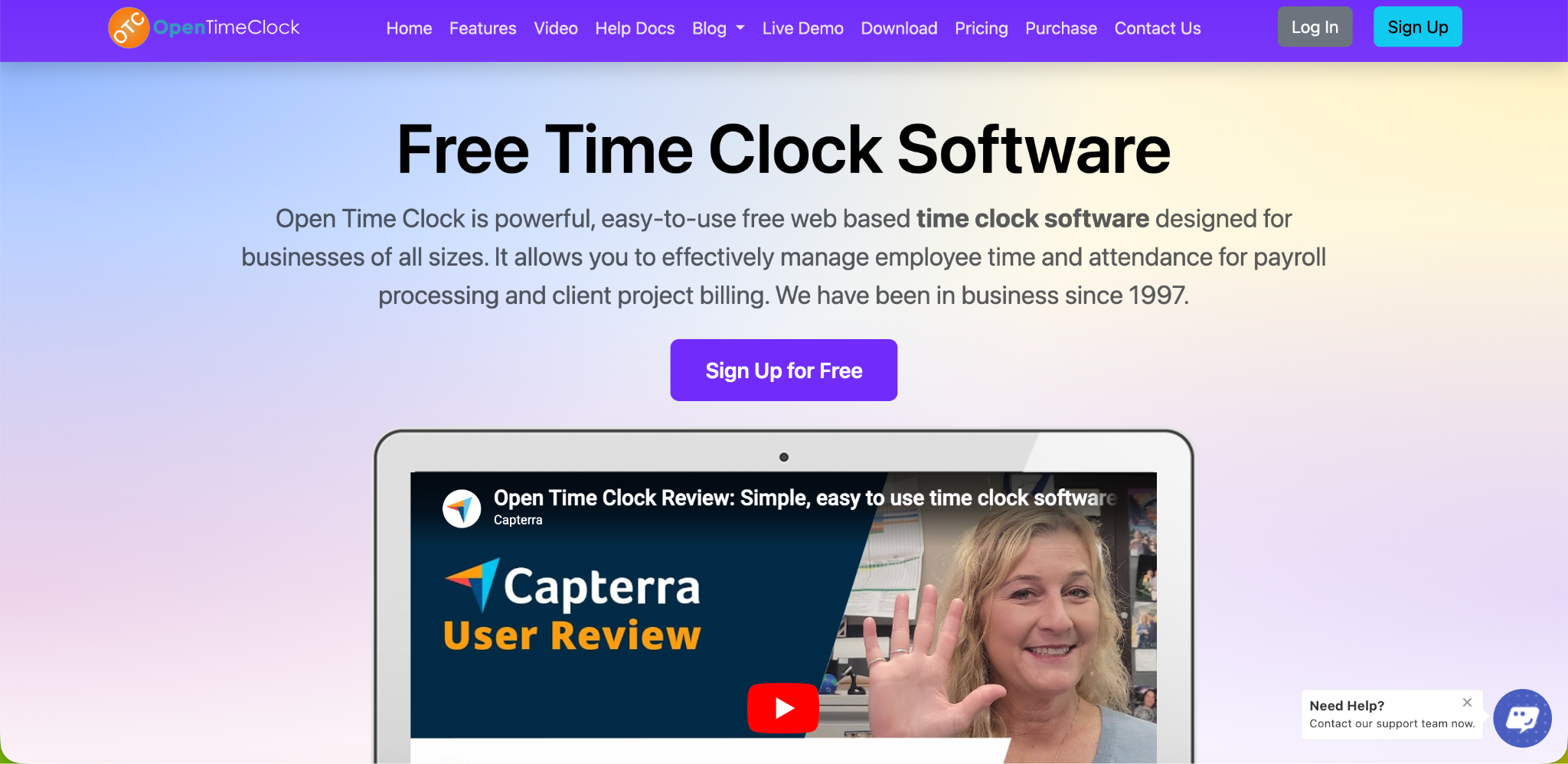
Open Time Clock: Best for Employee Attendance and Payroll
Open Time Clock is the strongest option if your team's primary need is accurate employee attendance tracking rather than desktop project time logging. It is completely free for unlimited managers and employees, with no per-seat charge and no base fee.
Where TimeCamp logs which websites and apps an employee opens on their computer, Open Time Clock tracks when employees actually start and stop working using clock-in and clock-out verification. GPS and geofencing confirm employees are at the right job site when they punch in. Facial recognition adds identity verification that no one can share with a coworker. Neither of these features exists in TimeCamp.
Open Time Clock's payroll reports generate over 80 report types covering hours, overtime, breaks, and PTO, exportable directly to QuickBooks, ADP, and other payroll systems. For businesses paying hourly employees, this is the output that matters most. TimeCamp's reports are designed around project profitability and billable hours rather than payroll processing.
Open Time Clock also includes shift scheduling, which lets managers assign employees to specific shifts, restrict clock-ins to shift windows, and share schedules with the team directly from the platform. These are features TimeCamp simply does not offer.
For businesses that have outgrown TimeCamp's project-focused model or that never needed automatic desktop monitoring in the first place, Open Time Clock covers the payroll and attendance side of time tracking more completely than TimeCamp does, and it does so for free.
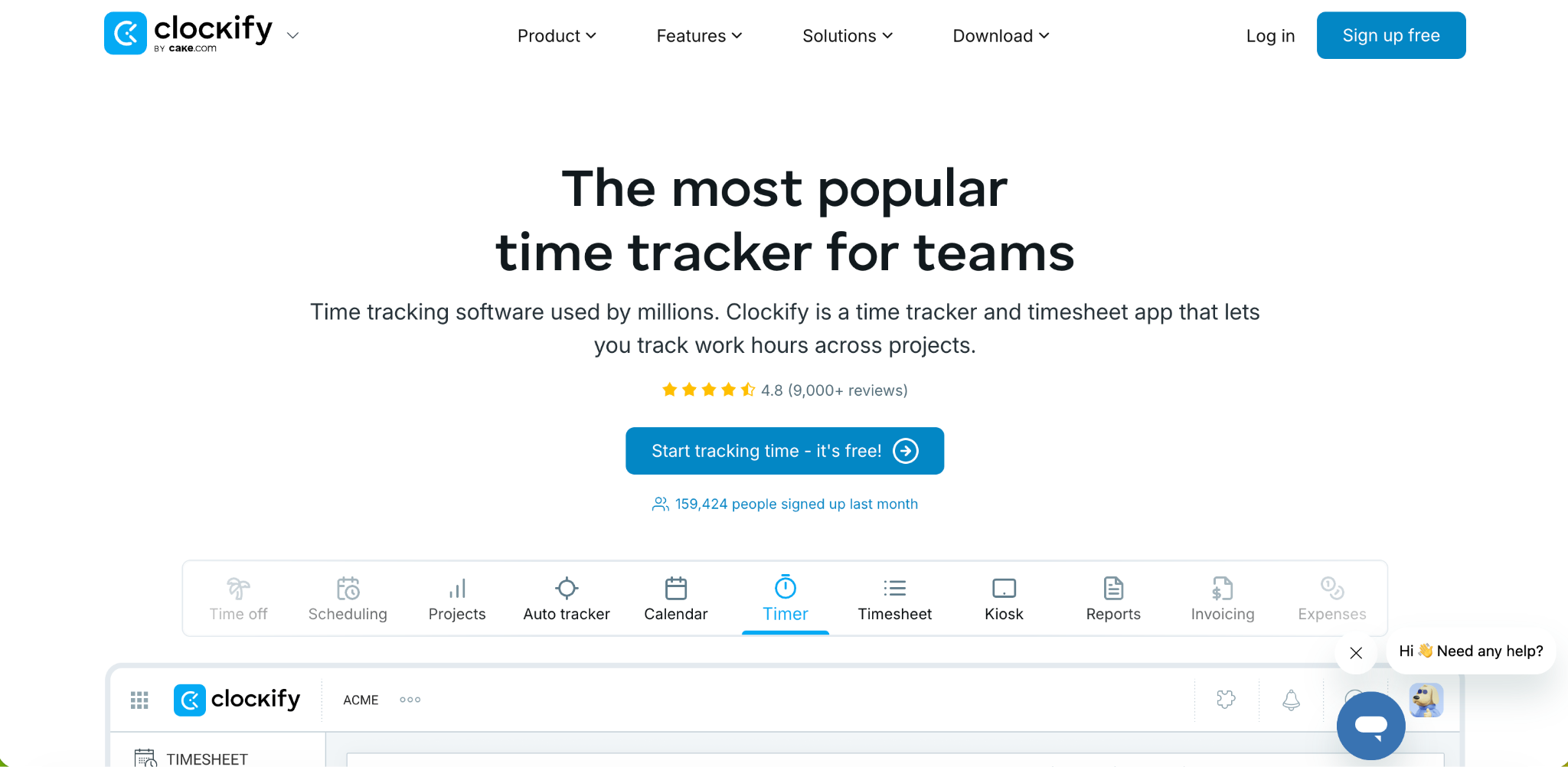
Clockify: Closest Direct Replacement for Project Time Tracking
Clockify is the most commonly recommended TimeCamp alternative for project-based tracking. It offers a free plan with unlimited users and includes manual time entry, timers, project budgets, and basic reporting. Paid plans start at around $4 per user per month, which is comparable to TimeCamp's Starter tier.
Clockify does not include automatic computer activity logging by default, which removes the monitoring concern. Screenshot capture is available as an optional feature on paid plans for teams that want some oversight without mandatory background tracking.
One gap compared to TimeCamp is the lack of geofencing. Clockify logs GPS location at clock-in but does not restrict clock-ins based on location. For businesses that only need project tracking without physical attendance enforcement, this is not a problem. For teams that need location enforcement, it is a meaningful limitation.
Clockify's free plan is more feature-rich than TimeCamp's free tier in some areas, particularly around timers, team reports, and the kiosk mode for shared-device clock-ins.
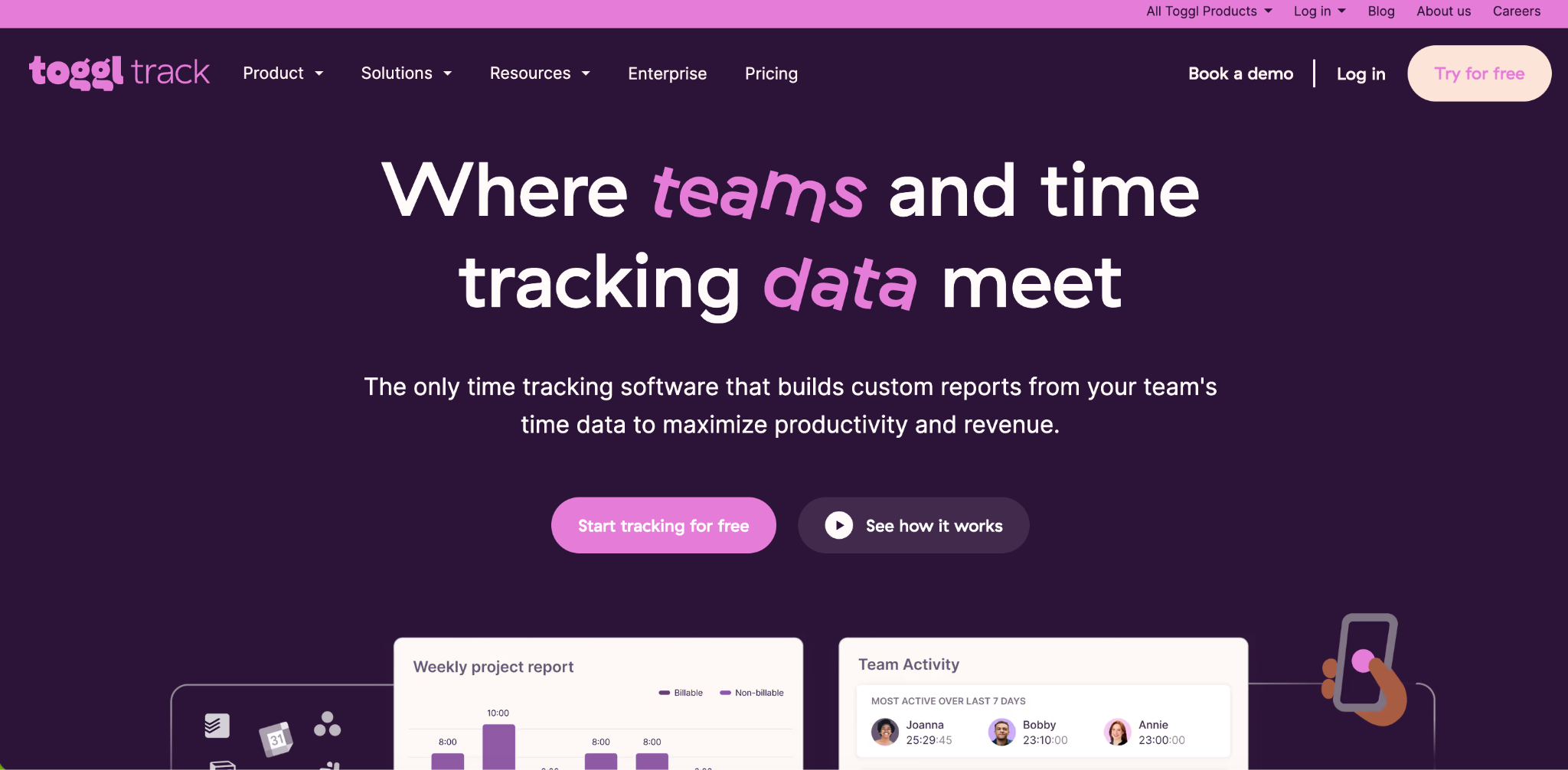
Toggl Track: Best for Simplicity
Toggl Track is built around one thing: making it as fast and easy as possible to start and stop a timer. It has one of the cleanest interfaces of any time tracking tool. The free plan covers up to five users with no time limit, and the Starter paid plan runs around $9 per user per month.
Toggl Track does not include automatic monitoring, GPS tracking, or invoicing. It is purely a timer and reporting tool. This makes it a good fit for freelancers and small project teams that want to track hours quickly without any overhead, but a weak fit for businesses that need attendance enforcement or payroll-ready outputs.
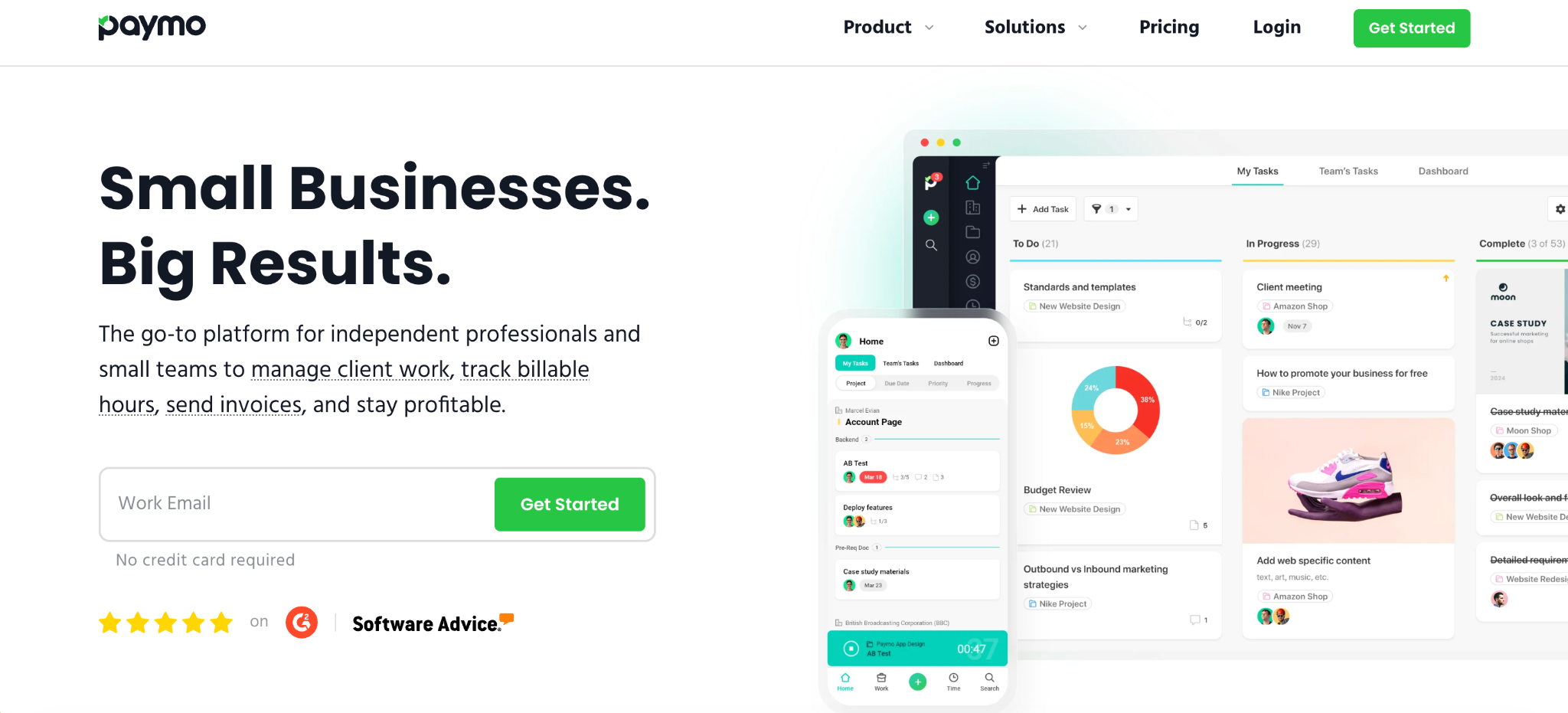
Paymo: Best If You Need Project Management Too
Paymo combines time tracking, task management, and invoicing in one platform. Its Starter plan at $5.90 per user per month includes Kanban boards, Gantt charts, and invoicing alongside time tracking, which covers the project management gap that both TimeCamp and Clockify leave.
Reviewers note that Paymo is one of the strongest picks among TimeCamp alternatives for freelancers and small agencies who want project structure alongside billable hours, without paying for two separate tools.
Paymo does not include desktop activity monitoring or GPS tracking, which keeps the tool focused on project delivery rather than employee surveillance.
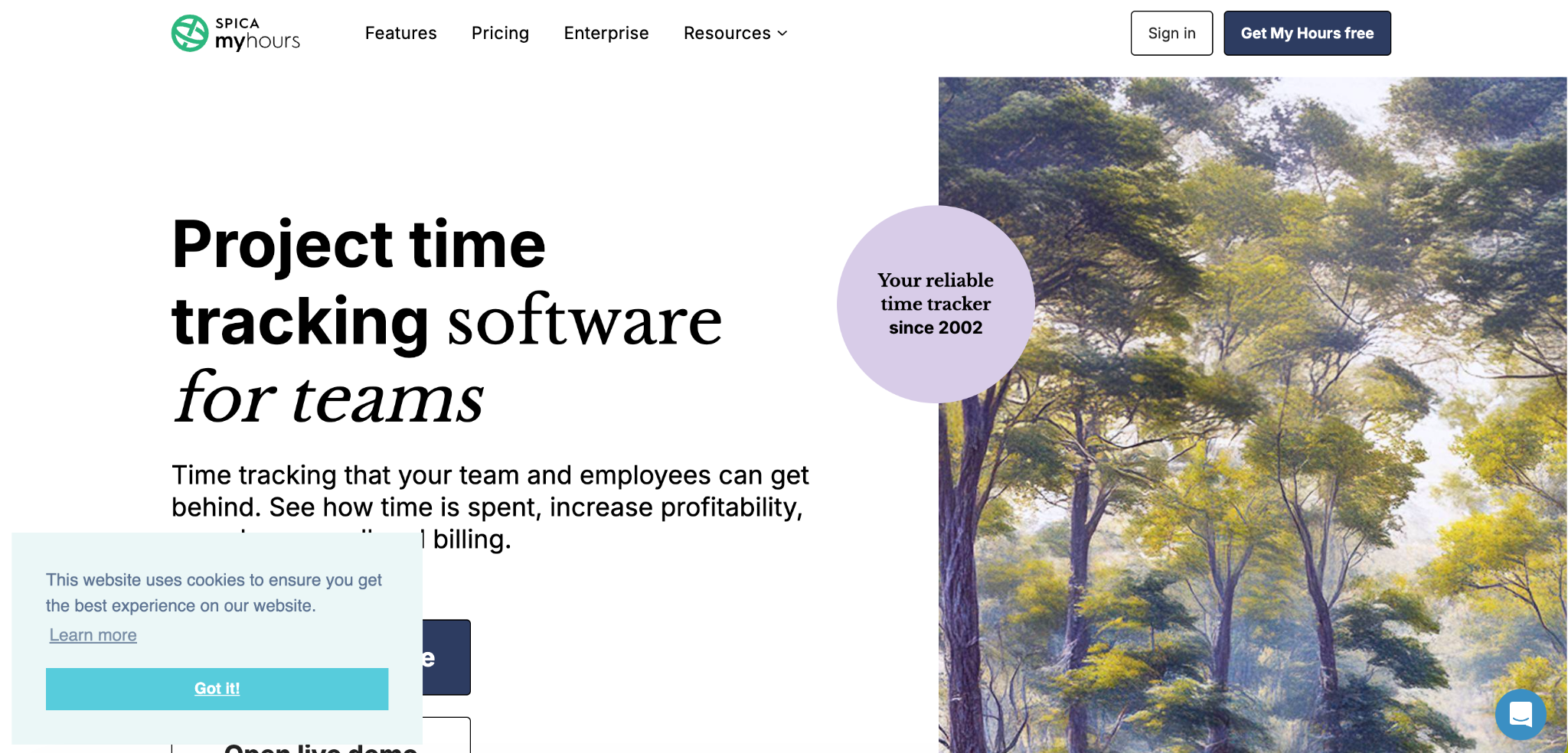
My Hours: Best for Freelancers on a Budget
My Hours is a lightweight time tracking tool designed for solo users and very small freelance teams. Its free plan covers unlimited users, projects, and clients, making it one of the more generous free tiers in this category.
Reviewers highlight My Hours for its reliability and clean mobile experience. Unlike TimeCamp, which focuses on automatic tracking and productivity analysis, My Hours focuses on accurate manual time entries and straightforward reporting that freelancers can send directly to clients.
Paid plans unlock additional features like detailed profit analysis and timesheet locking, but the free plan is enough for most freelancers who just need to track and report hours without an enterprise-level feature set.
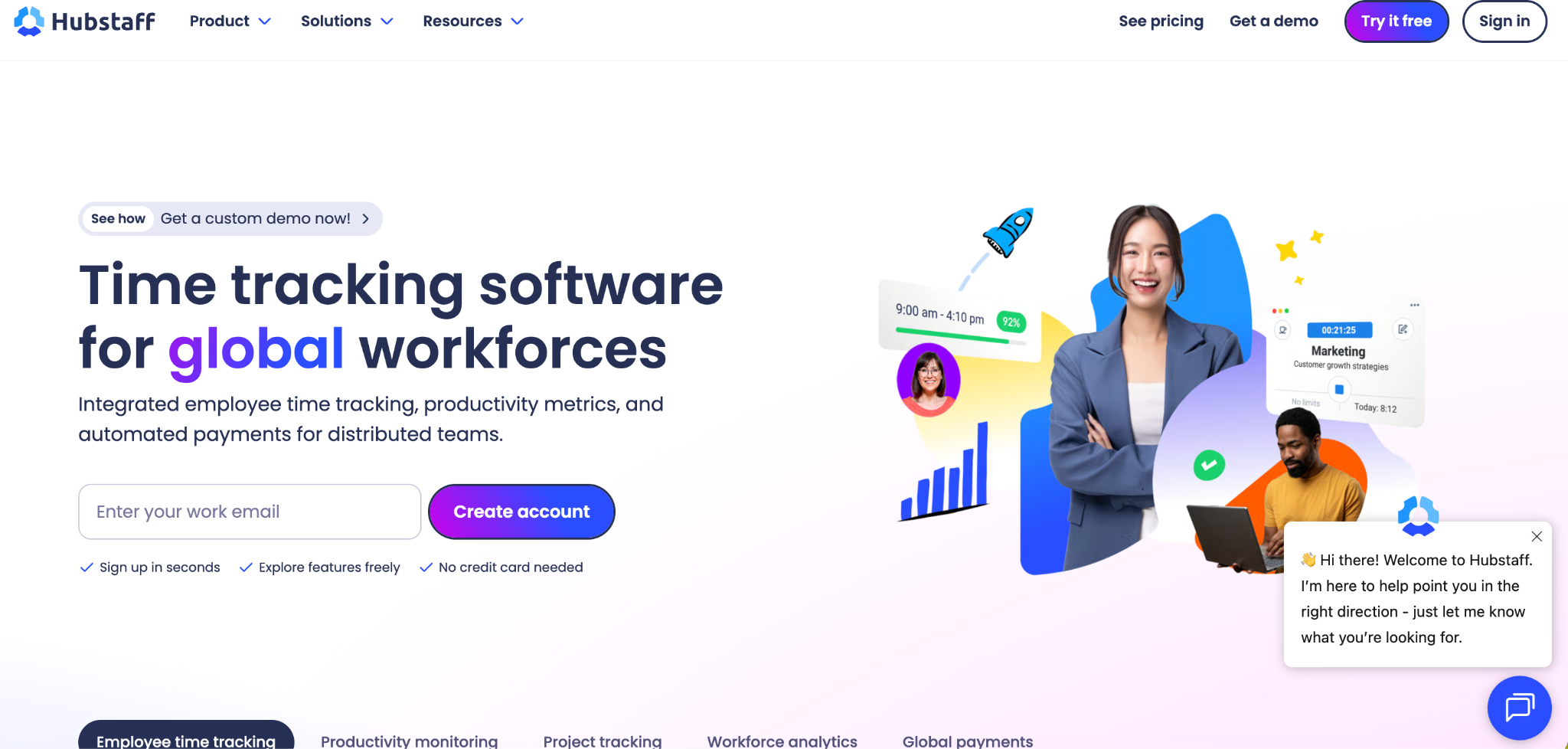
Hubstaff: Best If You Want Monitoring Plus GPS
Hubstaff combines GPS location tracking with desktop activity monitoring including screenshots and productivity scores. This makes it one of the most feature-rich options for businesses that specifically want the kind of monitoring TimeCamp provides, plus field-team GPS verification on top.
Pricing for Hubstaff starts in the $5 to $7 per user per month range, with GPS tracking available as a paid add-on. The add-on requirement means the effective cost is higher than it appears at the base rate, which is worth factoring in if GPS is a core requirement.
For businesses that want both desktop activity monitoring and GPS field tracking in one tool, Hubstaff is a stronger fit than most alternatives. For businesses that want to get away from monitoring entirely, it is not the right direction.
TimeCamp Alternatives: Side-by-Side Pricing
Cost comparison makes the differences clearer. TimeCamp Starter sits at $3.99 per user per month, which is among the lowest per-seat rates in this category. Clockify's paid plans are comparable, starting around $4 per user per month. Toggl Track costs more at $9 per user per month. Paymo's Starter plan sits at $5.90 per user per month. My Hours and Clockify both offer more generous free plans than TimeCamp.
Open Time Clock and Clockify's free plan are the only options that give unlimited users access to core time tracking features without any per-seat cost, which matters most for growing businesses where headcount is unpredictable.
Which Alternative Is Right for Your Business
If your business runs on projects and billable hours, Clockify is the most direct replacement for TimeCamp at a similar price point. If you want project management built in, Paymo adds that at a lower cost than buying TimeCamp plus a separate task manager. If your team is small and budget is tight, My Hours or the Clockify free plan both work well for basic tracking.
If you need GPS verification, shift scheduling, and payroll-ready reports rather than desktop monitoring, Open Time Clock fills that need completely for free, and covers the features TimeCamp was never designed to handle. For businesses where hourly employees, field crews, and accurate payroll are the priority, it is worth comparing TimeCamp's project-focused model against a purpose-built attendance platform before committing to a paid subscription.
Switching from TimeCamp: What to Expect
Migrating away from TimeCamp is usually straightforward. Export your historical time entries from TimeCamp as a CSV before you cancel. Most alternatives accept a CSV import or connect through Zapier for easier migration.
Set up your new platform and run it alongside TimeCamp for one pay period or billing cycle. Compare the totals to confirm the new system is capturing the right data. Once you are confident, cancel TimeCamp and stop paying for it.
Open Time Clock's full features page covers everything included in the free plan as you evaluate whether it fits your workflow.

Conclusion
TimeCamp alternatives range from simpler free tools to full workforce management platforms. The right one depends on whether you primarily need project billing, payroll accuracy, or field team attendance.
For project tracking without monitoring, Clockify and Toggl Track are the most direct replacements. For project management bundled with time tracking, Paymo offers more at a competitive price. For employee attendance, GPS verification, and payroll export, Open Time Clock delivers more than TimeCamp was built to provide, at no cost.
Review what you actually use in TimeCamp before switching. If the features you rely on most are available for less money elsewhere, the switch is worth making.
FAQ’s
Q1. What is TimeCamp used for?
TimeCamp is a project-based time tracking tool that automatically logs which apps and websites employees use during the workday. It is used primarily by IT teams, agencies, and freelancers to track billable hours across multiple projects and clients.
Q2. How much does TimeCamp cost in 2026?
TimeCamp Starter costs $3.99 per user per month. The Premium plan is $6.99 per user per month and the Ultimate plan is $9.99 per user per month. A free plan is available with unlimited users but limited reporting and export features.
Q3. What is the best free TimeCamp alternative?
Clockify and Open Time Clock both offer free plans with unlimited users. Clockify is the stronger choice for project-based tracking. Open Time Clock is the stronger choice for employee attendance, GPS verification, and payroll-ready reports.
Q4. Does TimeCamp offer GPS tracking or shift scheduling?
No. TimeCamp tracks time based on desktop app and website usage rather than physical location. It does not include GPS tracking, geofencing, or shift scheduling tools. Businesses that need these features should look at alternatives specifically built around employee attendance.
Q5. Which TimeCamp alternative is best for a small team with field workers?
Open Time Clock is the strongest option for field teams. It is free for unlimited users and includes GPS tracking, geofencing, and offline clock-in, covering the location-based attendance needs that TimeCamp does not address.